portrait to talking video
Generated on PixelDojo. Produced by PixelDojo's generation pipeline.
You can now turn any still portrait into a professional talking video that speaks, emotes, and even gestures—without ever picking up a camera. PixelDojo puts the latest portrait to talking video capabilities in your hands so you create studio-quality spokespeople, explainer hosts, social clips, and personalized messages from a single photo. Upload a headshot, an old family picture, a product mascot, or an AI-generated character and watch it deliver your script with natural lip sync, blinks, micro-expressions, and subtle head movement. Marketers launch campaigns faster, educators produce courses at scale, creators fill content calendars, and anyone can animate cherished photos. PixelDojo unites specialized tools including OmniHuman for hyper-realistic performances, Kling Avatar for longer multilingual videos, P Video Avatar for quick talking heads, and supporting options like Text to Speech and video editing. You achieve outcomes that once required film crews, actors, and days of post-production, all from your browser. Loved by thousands of creators worldwide, PixelDojo offers 40+ cutting-edge AI tools with the freedom to cancel anytime. Start today and see your portraits come alive as engaging talking videos that convert viewers into customers.
Real video examples generated on PixelDojo
Every example below was produced on PixelDojo. Hover to see the prompt.
portrait to talking video on PixelDojo
image-to-video
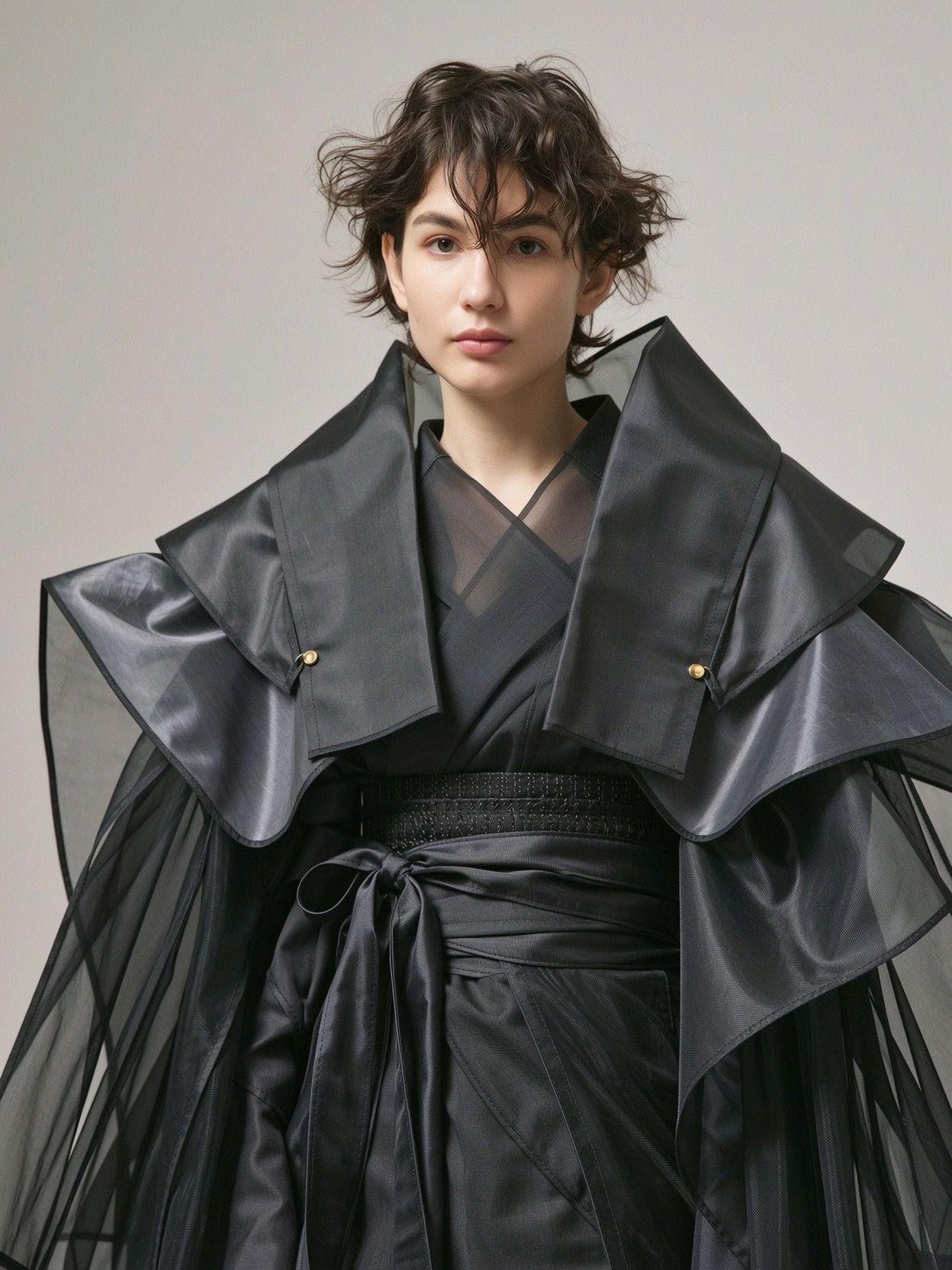
Wi-portrait
image-to-image
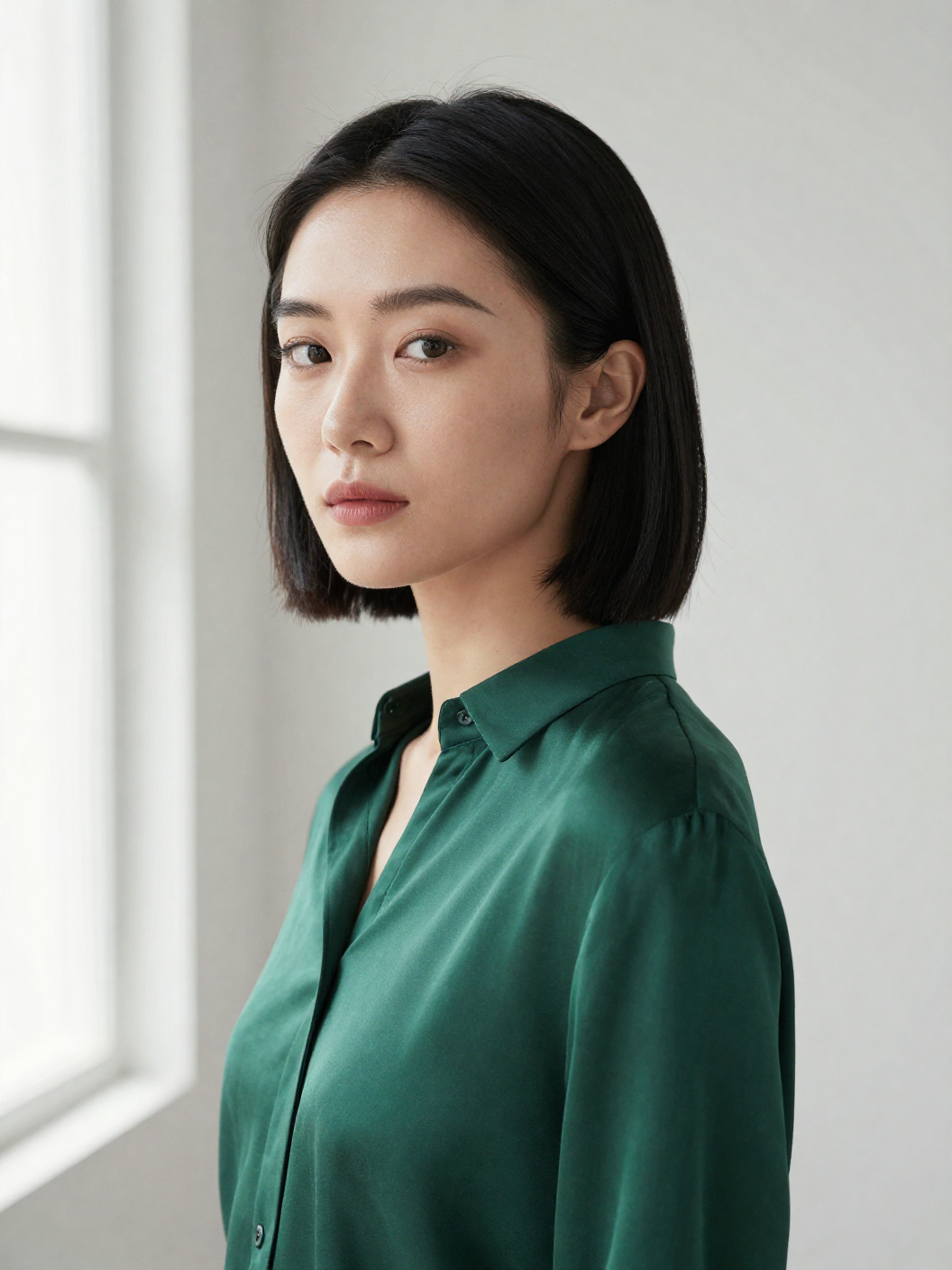
Z-portrait
image-to-image
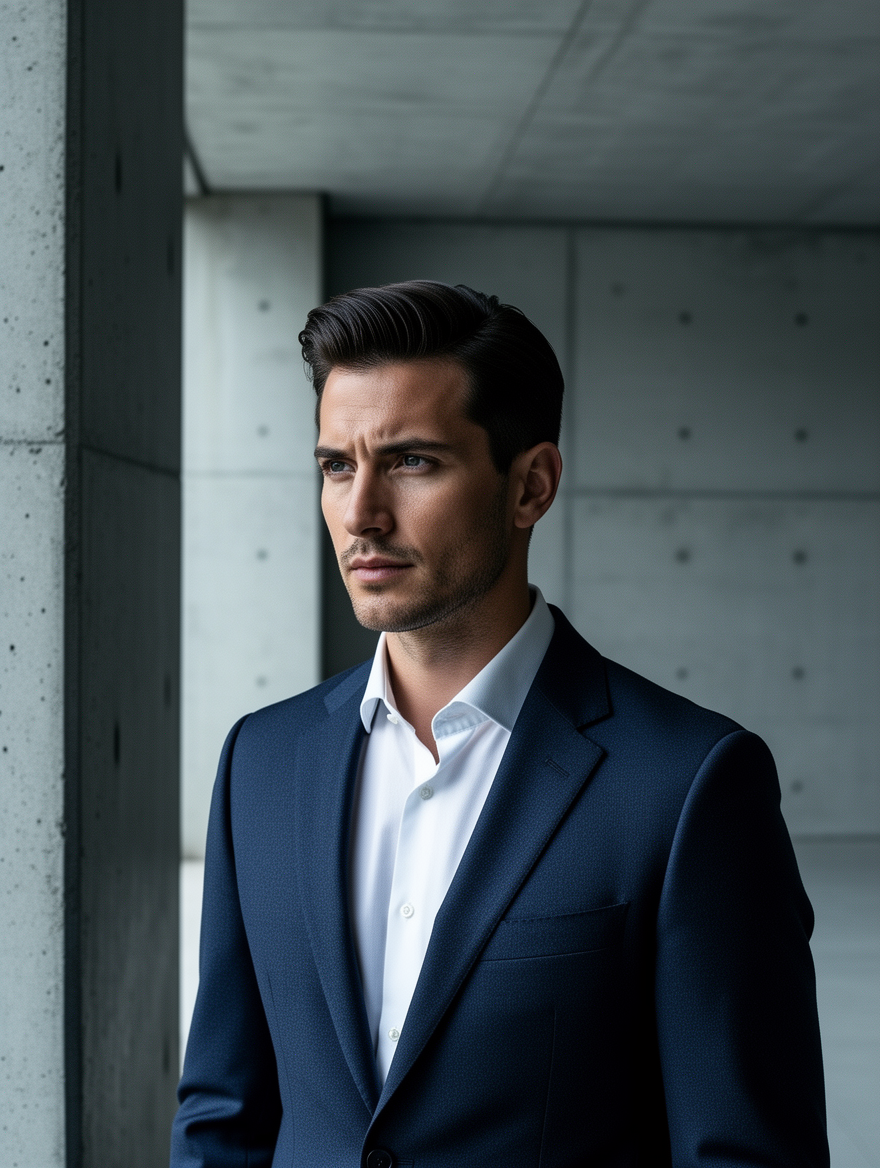
Ff-portrait
image-to-image
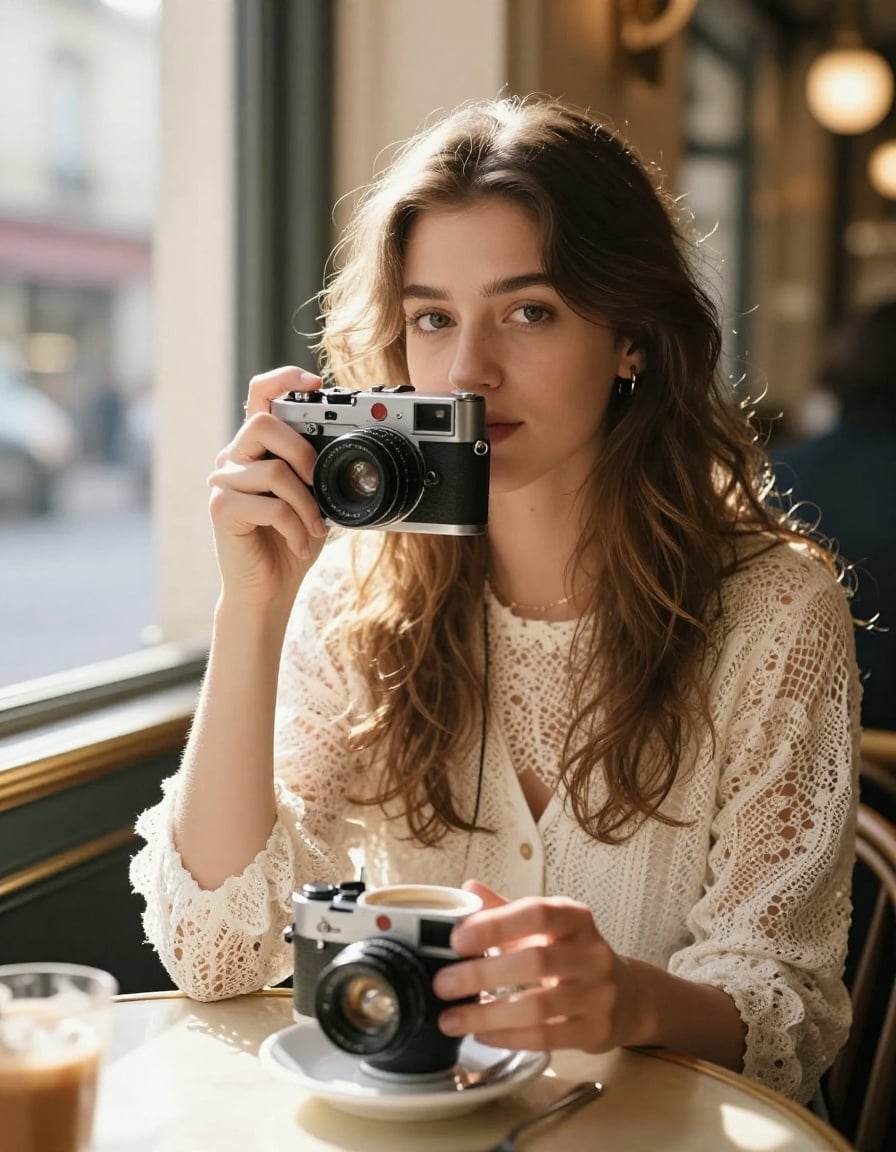
P-portrait
image-to-image
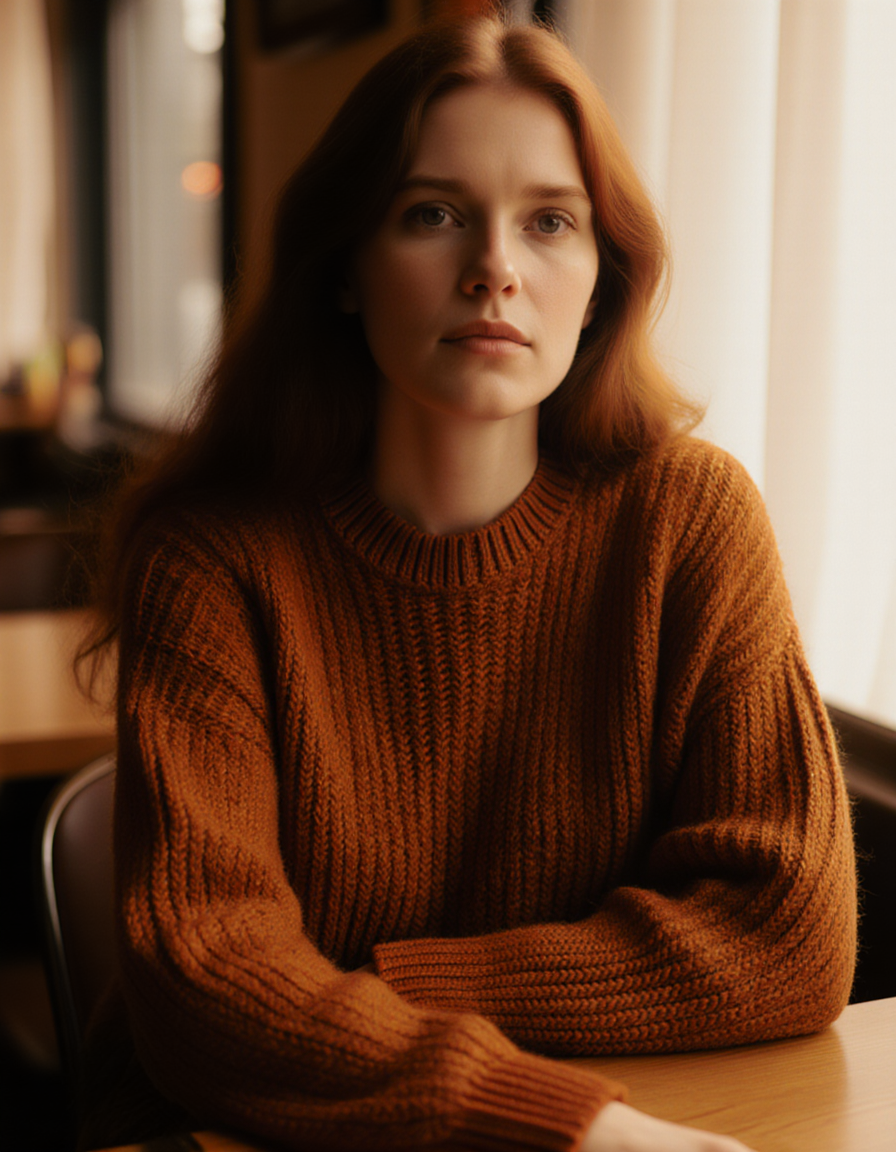
Fs-portrait
image-to-image
Models you can run on PixelDojo for portrait to talking video
Switch models without switching tools. Each one runs in the same PixelDojo studio.
What you can do with portrait to talking video on PixelDojo
Portrait to Talking Clip
Upload a still portrait and generate a video of that person speaking. We animate the face from your photo so you can produce talking-head clips without a camera crew.
Audio Matched Mouth Motion
Add a voice recording or generated speech and we time mouth movement to the audio. Creators can reuse one portrait across many scripts and messages.
Identity Preserving Animation
We keep facial identity, hair, and clothing close to the source image while the subject talks. You set length and framing so the result fits your intended use.
Export for Social Video
Download the talking video in common file formats for posts, ads, and product explainers. We keep portrait upload, animation, and export in one creator workflow.
Loved by thousands of creators worldwide. 40+ cutting-edge AI tools in one platform. Cancel anytime. Join marketers, educators, and storytellers already turning portraits into talking videos that perform.
Why Choose Pixel Dojo for portrait to talking video
Professional-quality results with cutting-edge AI technology
Launch Professional Videos Without a Camera Crew
You skip expensive shoots, lighting setups, and talent bookings. Upload one portrait and generate talking videos that look filmed in a studio. Create ads, testimonials, product demos, and training content that builds trust and drives action, all in minutes instead of days.
Scale Personalized Messages Across Audiences
You produce unique talking videos for every language, product, or customer segment from the same portrait. Kling Avatar handles longer presentations while OmniHuman adds expressive full-body motion, letting you reach more people with tailored, on-brand performances that feel personal.
Animate Any Image with Lifelike Motion and Emotion
You bring old photos, illustrations, mascots, and generated characters to life with realistic expressions, natural blinks, and gestures. Viewers stay engaged longer because the talking video feels authentic, helping you tell stories, educate, or sell without the uncanny valley.
How It Works
You create a portrait to talking video on PixelDojo in three straightforward steps. Choose the right specialized tool, add your voice or script, and generate a polished result you can enhance and download immediately.
Step 1: Choose Your Tool and Upload Your Portrait
Select OmniHuman when you want the most realistic talking video with natural body language and full-body options from a single image plus audio. Choose Kling Avatar for longer clips, multilingual delivery, and directed expressions. Use P Video Avatar or Kling Avatar for fast talking-head results. Upload a clear, front-facing portrait with even lighting, a visible unobstructed face, and decent resolution. PixelDojo preserves identity while adding authentic motion so your talking video looks like the person in the photo is actually speaking.
Step 2: Add Your Audio or Script and Set the Performance
Upload a clean audio file or generate a natural voice with PixelDojo Text to Speech from your written script. Match the voice to the portrait's appearance for believability. Add optional text guidance for emotion, gestures, or camera feel where the tool supports it. Keep scripts conversational with short sentences that animate smoothly. You control the talking style so the finished video matches your brand, whether professional, friendly, or energetic.
Step 3: Generate, Polish, and Download Your Talking Video
Click generate and PixelDojo creates your talking video with synced lips, expressions, and motion. Review the result, then refine using Kling Video Edit, WAN 2.7 Video Edit, Seedance 2.5 Video Edit, or Video Autocaption. Upscale if needed with FLUX Video Upscale or Portrait Upscaler. Download in high quality ready for ads, social, courses, or presentations. You can iterate quickly, try different tools, and cancel anytime.
The Pixel Dojo Advantage
Why PixelDojo outperforms other options for portrait to talking video generation
| Others | Pixel Dojo |
|---|---|
| Traditional video production | You create unlimited talking videos from one portrait in minutes instead of scheduling shoots, hiring talent, and spending thousands on production and editing. |
| Generic AI image or video tools | You access purpose-built portrait to talking video models like OmniHuman, Kling Avatar, and P Video Avatar together with editing, upscaling, and voice tools in one place, delivering more consistent identity, lip sync, and motion. |
| Manual animation or photo editing | You skip frame-by-frame work. PixelDojo automatically generates natural lip movements, blinks, expressions, and head motion so you focus on the message instead of technical animation. |
Loved by creators on PixelDojo
Real feedback from people using PixelDojo, pulled from our in-product surveys.
the number of options, and especially the quick response to questions on Discord
Love you guys!!
Trained my Lora super fast. Still working out how to creat content wit it, but I love it so far.
I love this app
It has all the tools I can think of...
deployment rate of splendid features is incredible. Legend
Explore more AI tools on PixelDojo
AI Tools
Compare & Switch
- Best AI Image Generators
- Best AI Video Generators
- Midjourney Alternatives
- Civitai Alternatives
- Runway Alternatives
- Leonardo Alternatives
- Pika Alternatives
- Luma Alternatives
- Magnific Alternatives
- Veo Alternatives
- Flux Alternatives
- Freepik Alternatives
- Seedance Alternatives
- Seedream Alternatives
- Pixverse Alternatives
- GPT Image Alternatives
- Synthesia Alternatives
- Playground Alternatives
- NightCafe Alternatives
- Canva AI Alternatives
- ElevenLabs Alternatives
- ComfyUI Alternatives
- Fal Alternatives
- Replicate Alternatives
Common Questions
Everything you need to know about portrait to talking video
How do I turn a still portrait into a talking video with PixelDojo?
You start by choosing OmniHuman, Kling Avatar, or P Video Avatar on PixelDojo. Upload a clear front-facing portrait with good lighting and an unobstructed face. Add your audio file or generate speech with Text to Speech from a script. Generate the video, then optionally edit with Kling Video Edit or add captions. The process takes minutes and requires no filming or animation experience. You can try different tools until the talking video matches the look and feel you want.
Which PixelDojo tools work best for portrait to talking video?
OmniHuman excels at highly realistic talking videos with natural expressions and possible full-body motion from one image and audio. Kling Avatar is ideal when you need longer videos, multilingual support, and more directed performance. P Video Avatar and related character tools deliver fast talking-head results. You can combine them with Text to Speech, Face Swap, video editing tools, and upscalers so you get exactly the talking video your project needs without leaving the platform.
What kind of portrait photo gives the best talking video results?
You get the most natural talking videos from a high-resolution, front-facing or slightly angled portrait with even lighting, a clearly visible face and mouth, and a simple background. Neutral or slightly smiling expressions give the AI more range for emotion. Avoid extreme angles, heavy shadows, covered mouths, sunglasses, or tiny faces in group shots. Phone photos often work well, and you can first enhance or generate a better portrait using PixelDojo image tools if needed.
Can I create talking videos from old family photos or illustrations?
Yes. As long as the face is reasonably clear and visible, PixelDojo tools can animate old photographs, paintings, illustrated characters, and even some mascots into talking videos. OmniHuman and Kling Avatar handle a range of styles. You may first use image editing or upscaling tools to improve lighting or resolution. This lets you bring cherished memories to life or turn brand illustrations into speaking presenters for marketing and storytelling.
Do I need video editing or animation skills to make a photo talk?
No. PixelDojo handles lip sync, expressions, blinks, and motion automatically once you provide the portrait and audio or script. After generation you can optionally polish with simple video edit tools, add captions, or upscale, but none of that is required. Thousands of creators use the platform without prior production experience. You focus on your message while the AI creates the talking video performance.
How can I try portrait to talking video generation without risk?
PixelDojo lets you try the tools today with 40+ cutting-edge AI options including OmniHuman, Kling Avatar, and P Video Avatar. The platform is loved by thousands of creators worldwide and you can cancel anytime. Start with a single portrait and a short script to see the quality of talking video you can produce, then scale to campaigns, courses, or personal projects as you like.