quality enhancer AI Generator
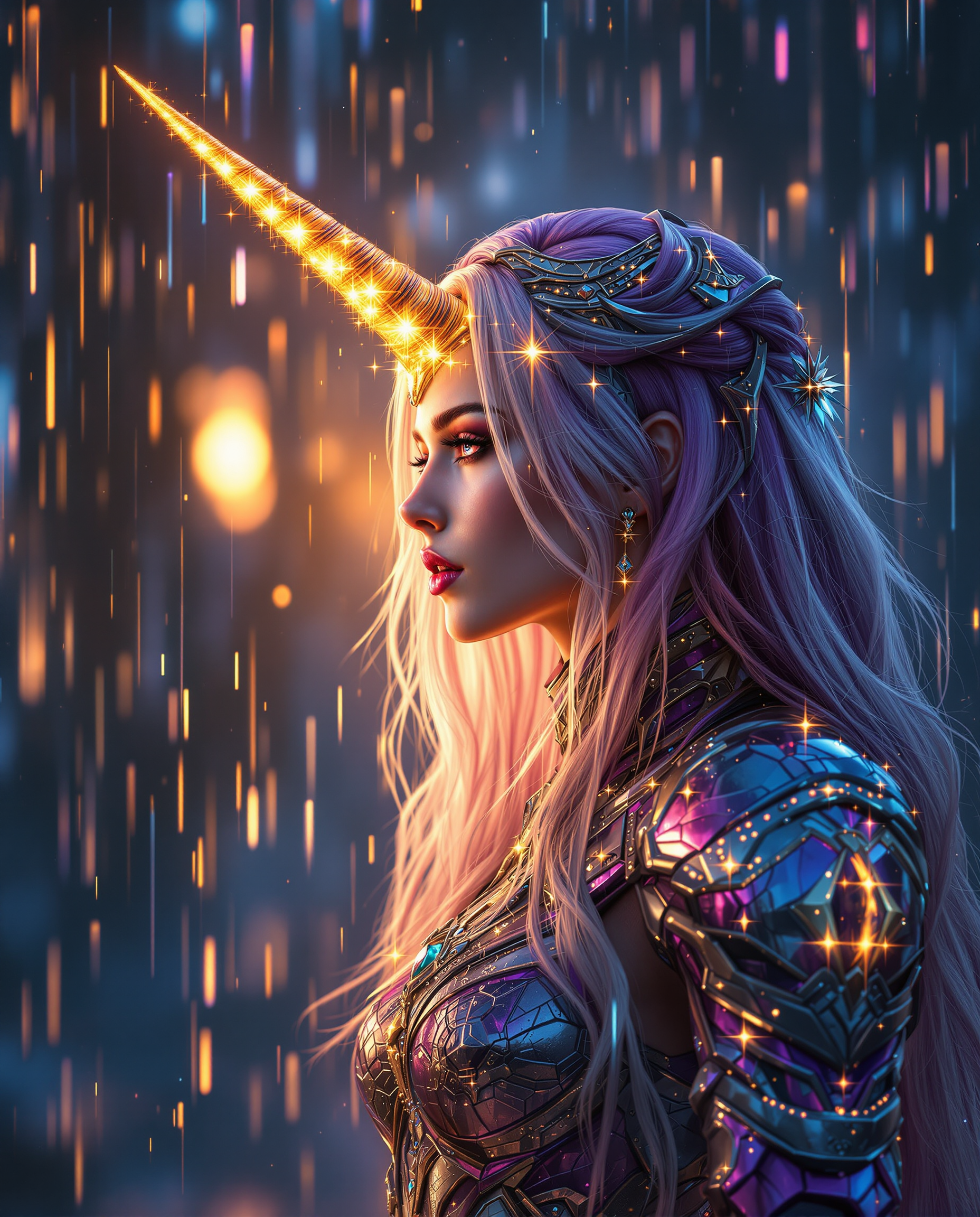
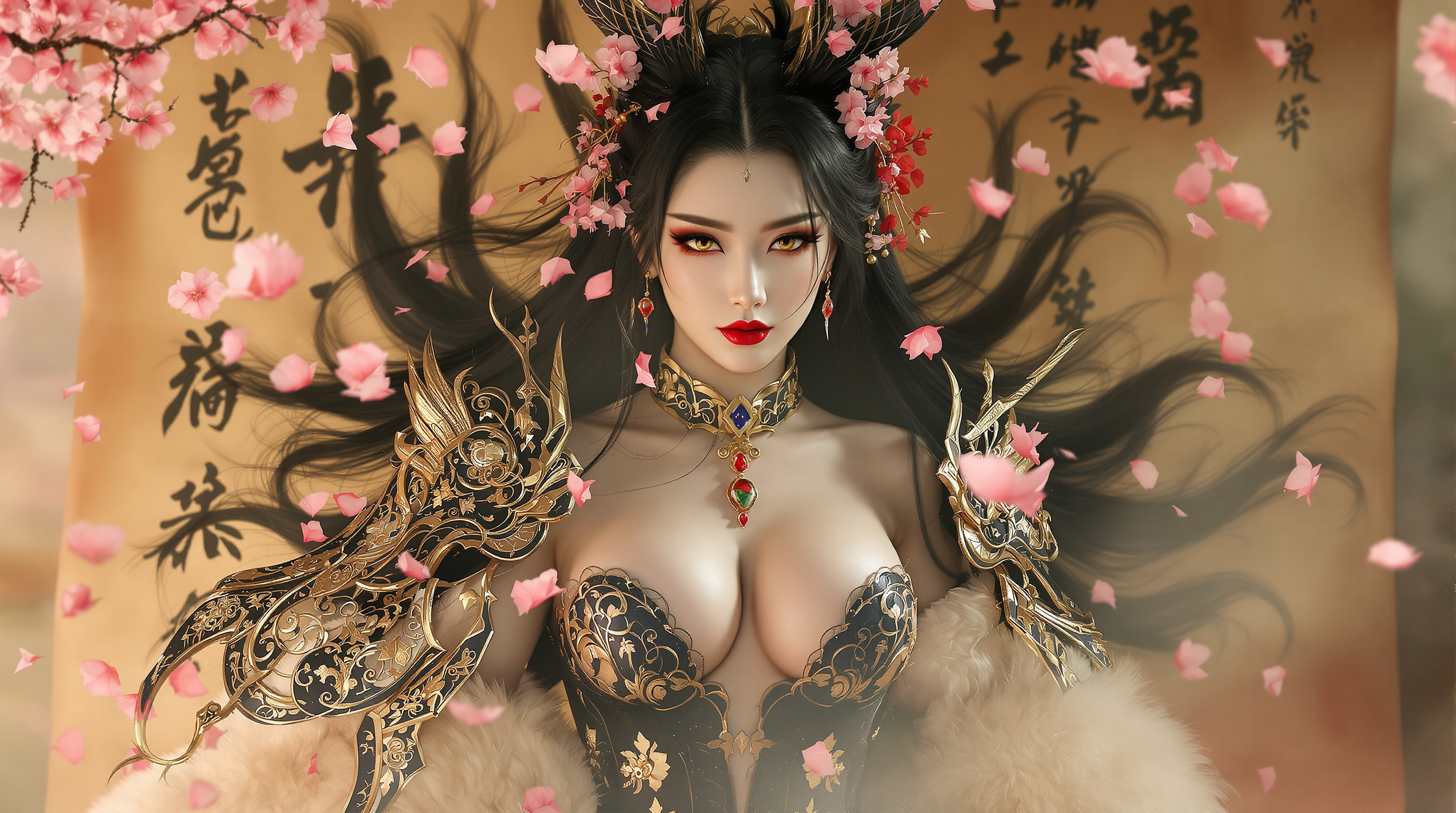
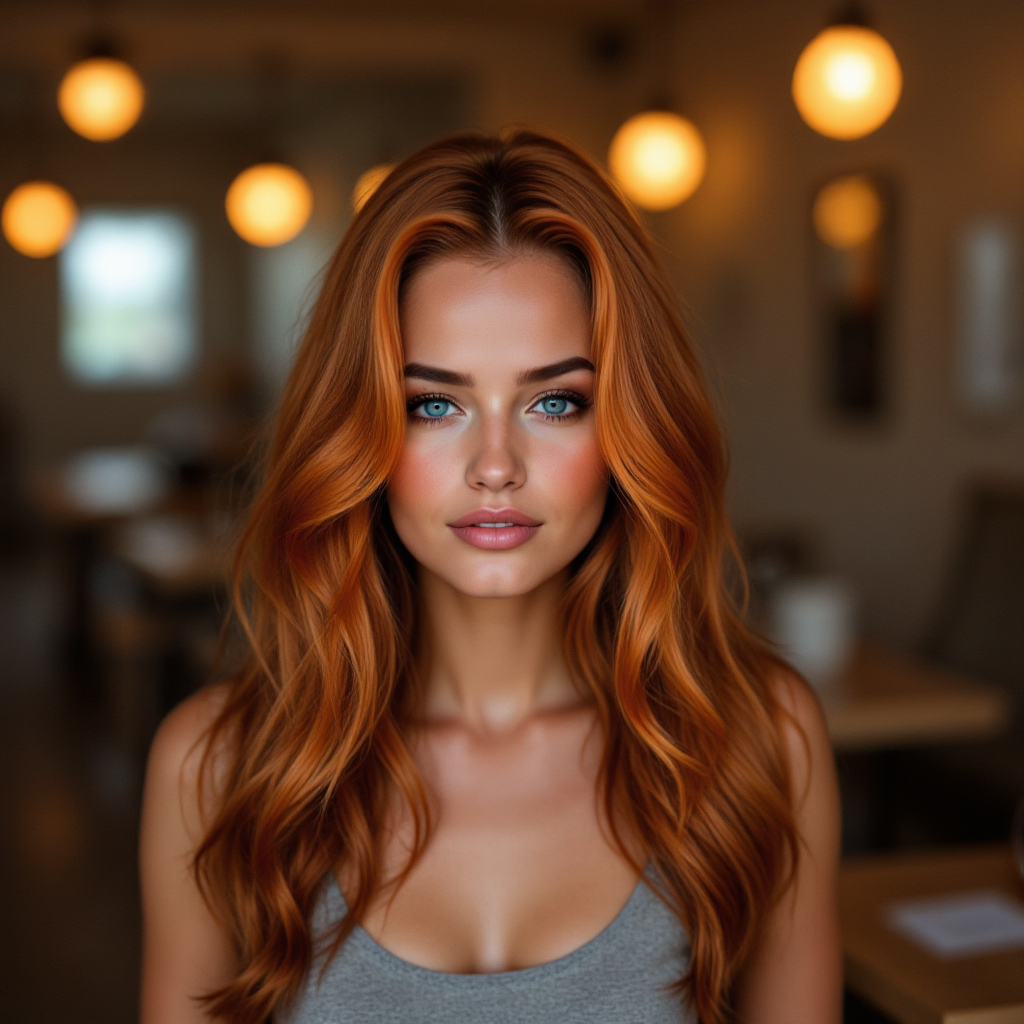
Imagine turning every blurry snapshot, pixelated AI creation, or low-resolution photo into a crisp, vibrant masterpiece that demands attention. With PixelDojo's AI quality enhancer, you achieve exactly that—professional-grade images ready for print, social media campaigns, e-commerce listings, or high-definition video projects. You no longer settle for mediocre visuals; instead, you deliver stunning clarity, rich textures, and lifelike details that elevate your creative work and captivate your audience. Whether you're a designer refining AI-generated concepts, a photographer rescuing old shots, or a marketer preparing scroll-stopping graphics, these tools empower you to produce results that look hand-crafted by experts, all in a fraction of the time.
Over 150,000 creators worldwide trust PixelDojo to enhance more than 8 million images monthly. Our platform holds a 4.9/5 average rating across thousands of reviews, with users reporting up to 10x faster workflows and print-quality outputs that outperform traditional methods. Featured in top creative communities and loved by freelancers, agencies, and brands for reliable, natural-looking enhancements every time.
Why Choose Pixel Dojo for quality enhancer
Professional-quality results with cutting-edge AI technology
Create Print-Ready Masterpieces
Scale your images up to 8K or higher while recovering fine details, textures, and sharpness. Your enhanced visuals look flawless on large posters, billboards, or product packaging—no more pixelation or softness holding you back.
Revitalize AI-Generated Art Naturally
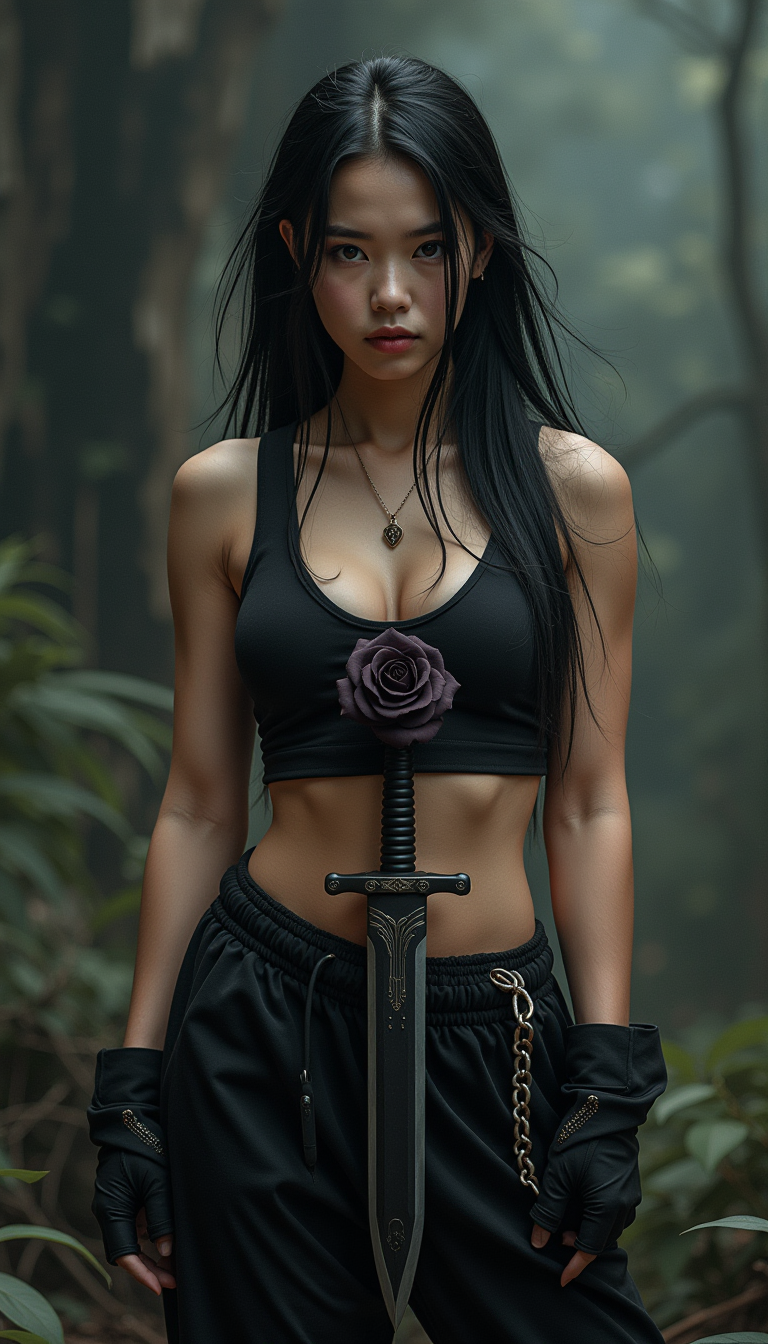
Transform raw AI outputs into photorealistic or stylized works with reconstructed details, improved lighting, and artifact-free results. Your creations gain professional polish that stands out in portfolios or client presentations.
Save Hours with One-Click Professional Results
Skip tedious manual editing and achieve consistent, high-end quality instantly. Focus on your creative vision while PixelDojo handles noise reduction, deblurring, color correction, and detail enhancement automatically.
How It Works
Enhancing image quality with PixelDojo is straightforward and designed for creators of all levels. Access specialized tools in the Upscale & Enhance section to get started in minutes.
Step 1: Choose Your Tool
Navigate to the Upscale & Enhance category and select from powerful options like P-Image Upscale for general enhancements, Magnific Upscaler for creative detail reconstruction, Clarity Pro for sharpness and clarity, or Portrait Upscaler for faces and people-focused images.
Step 2: Enter Your Prompt or Upload Image
Upload your low-resolution or AI-generated image directly. Optionally add a descriptive prompt like 'enhance details, boost sharpness, natural lighting' to guide the AI toward your desired outcome using tools such as Creative Upscaler or Portrait Upscaler.
Step 3: Customize & Download
Adjust enhancement settings including scale factor (2x to 8x+), noise reduction levels, and texture strength. Preview results in real-time, then download your high-resolution, professionally enhanced image optimized for any use case.
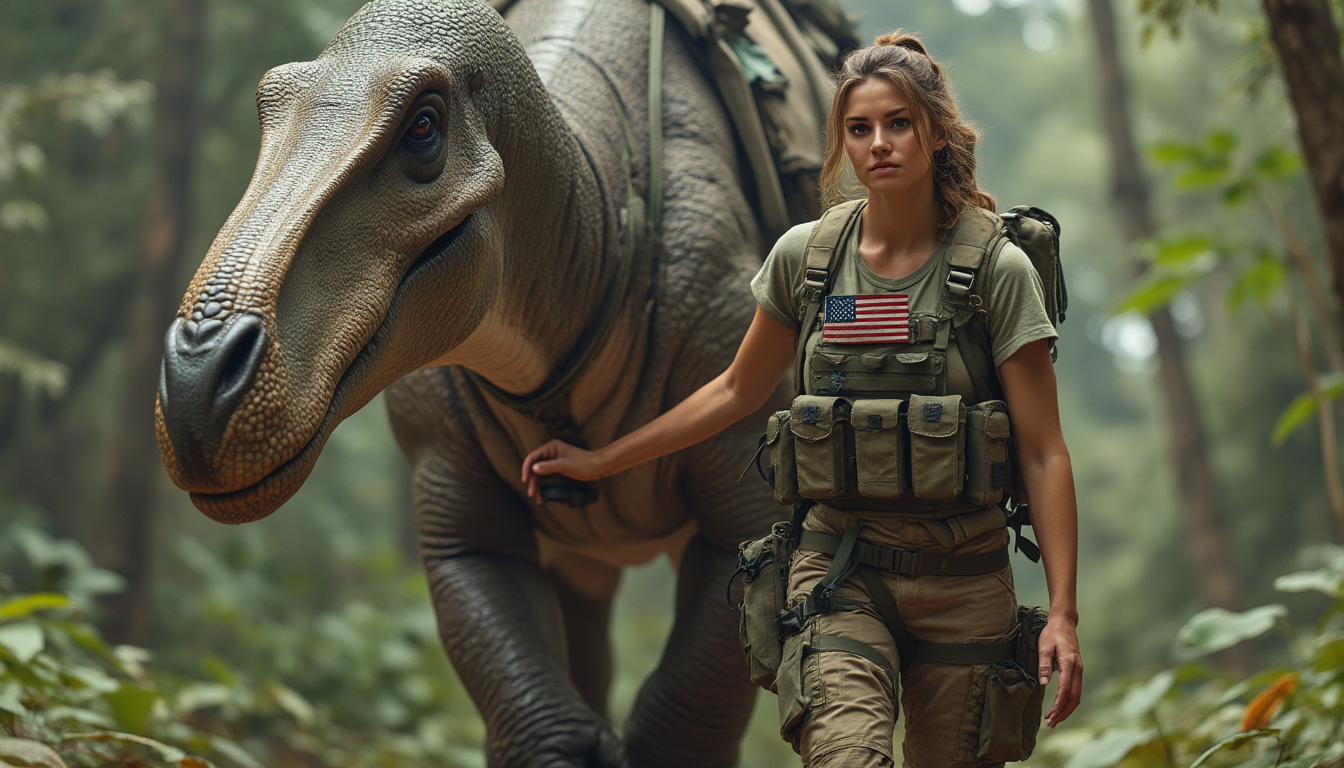
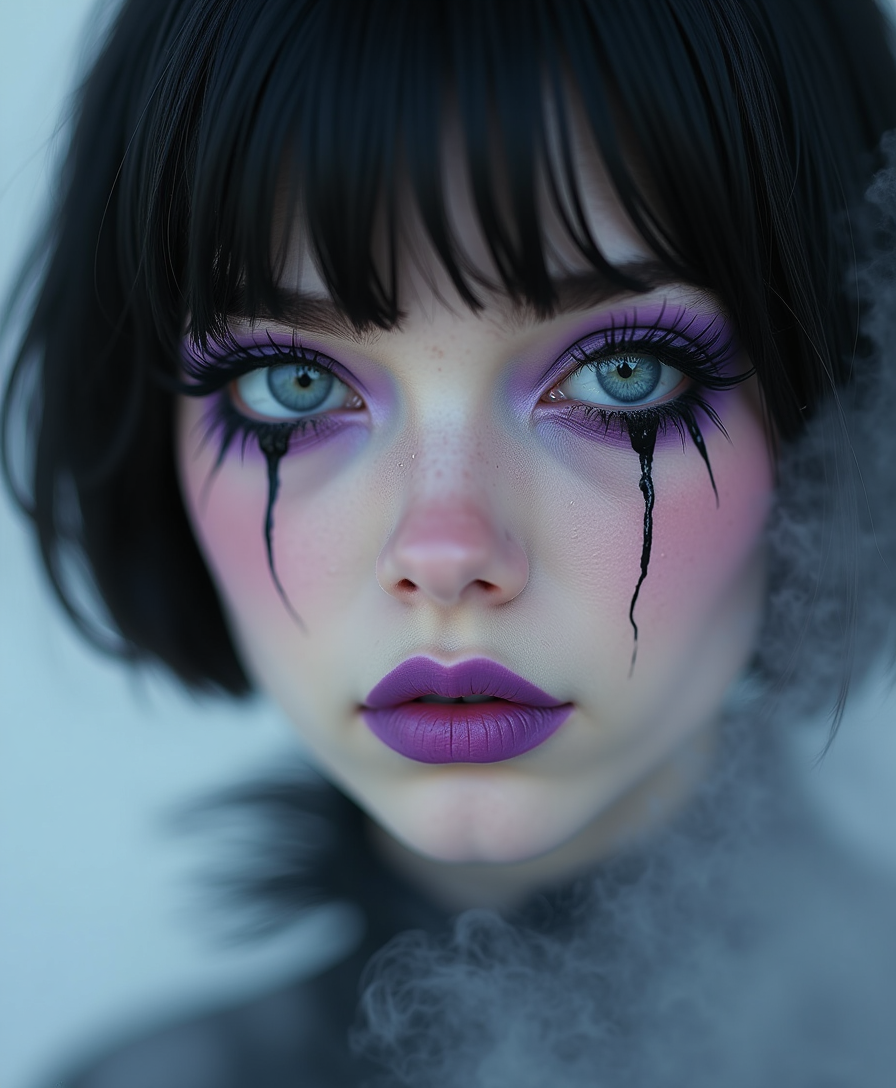
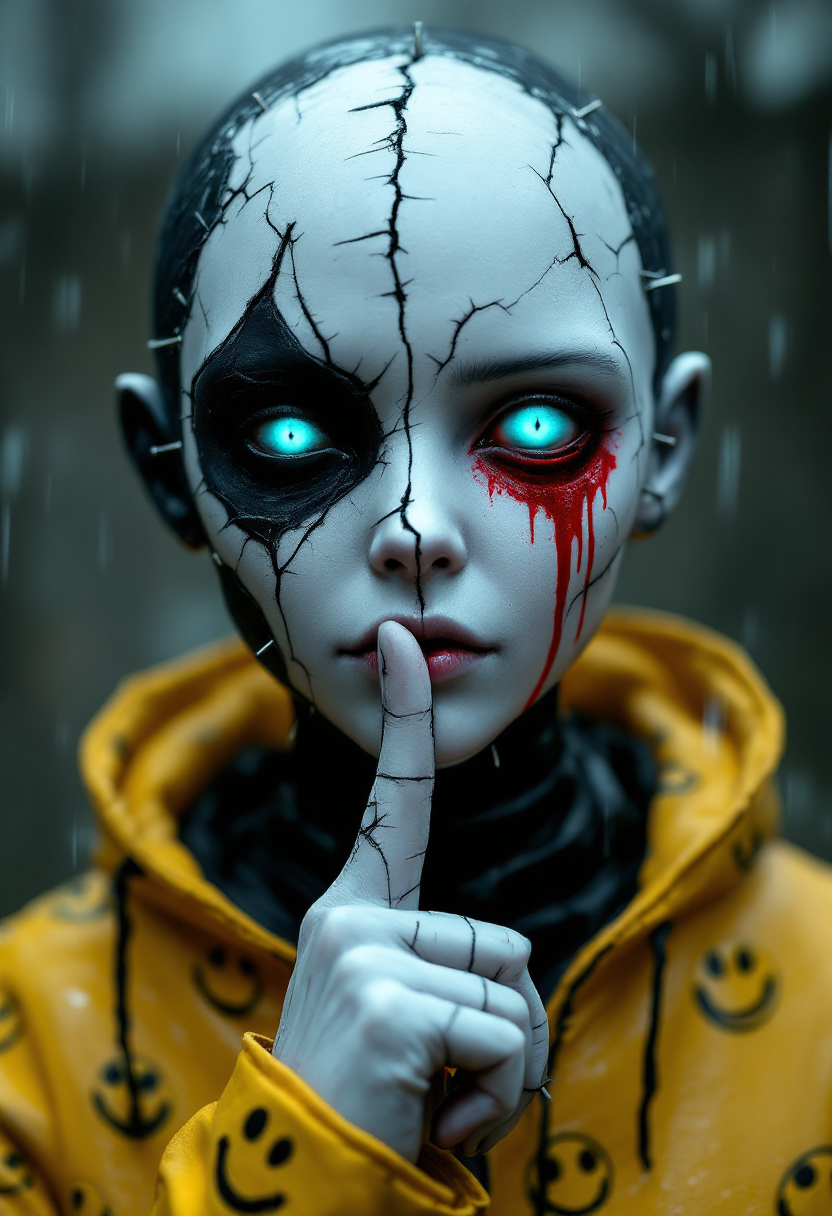

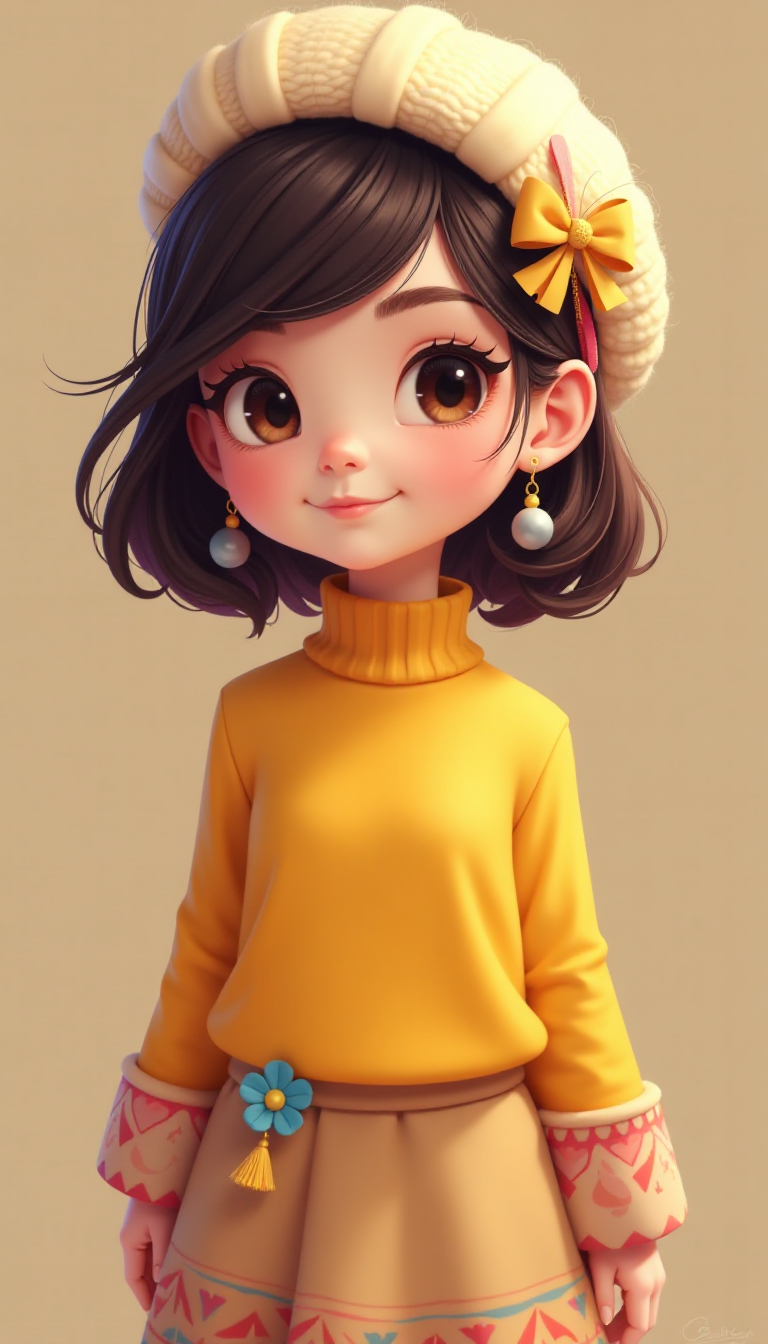
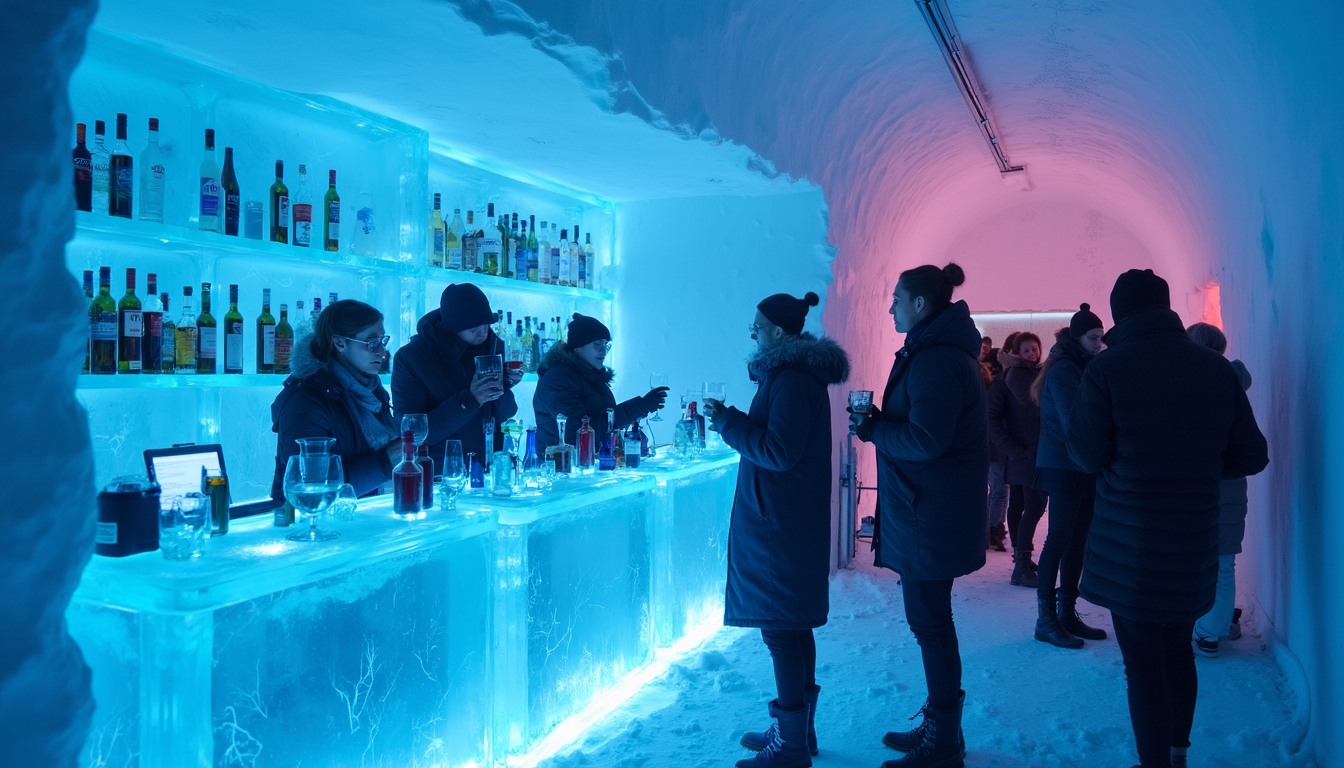
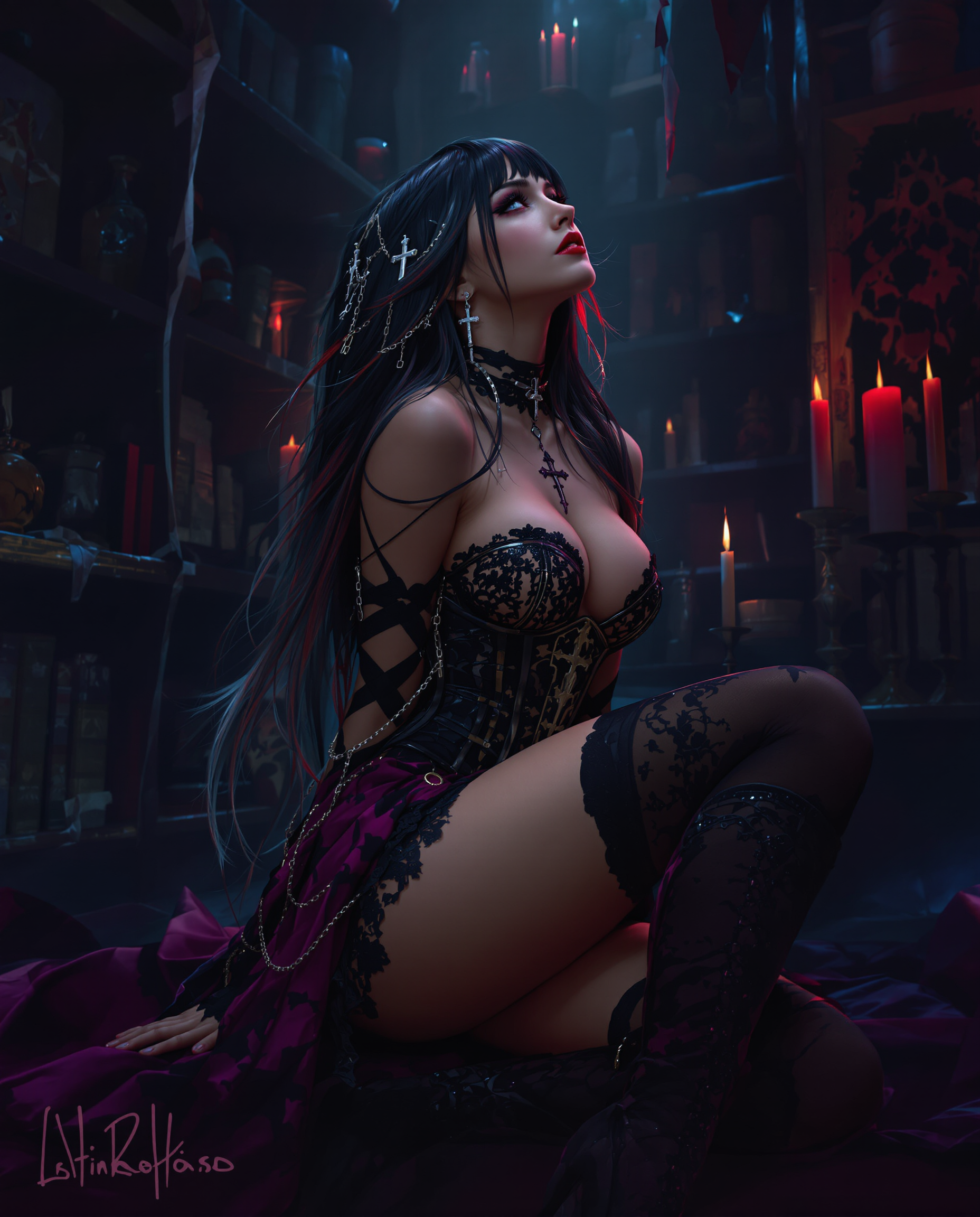

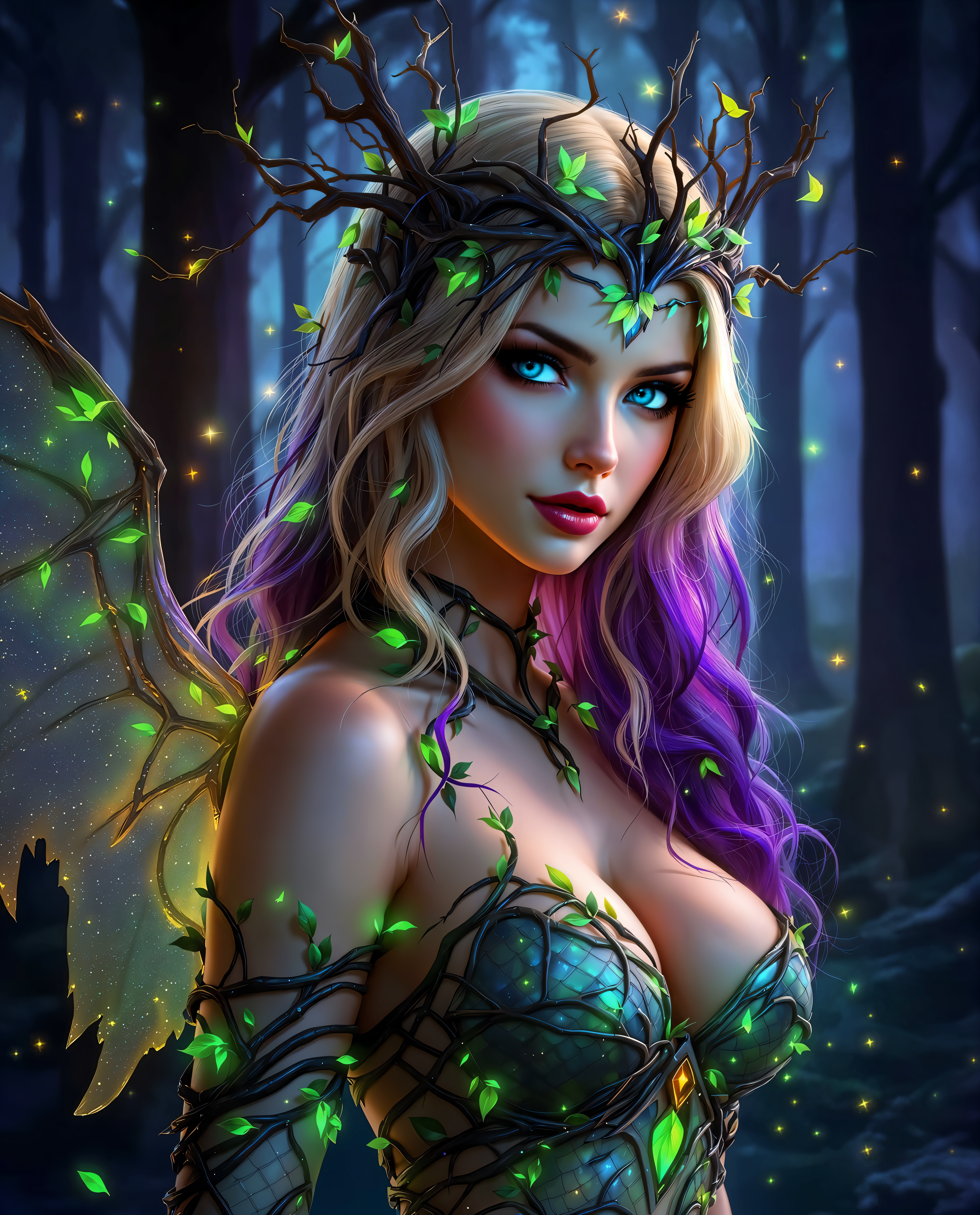
![headless horseman riding a ghostly black horse through a dense forest at midnight, the moon giving of the light, the riders cape trailing through the fog. The rider holds a sword up to the air. Gothic horror with dark tones and heavy use of shadows.looking toward the viewer, getting ready to swing the sword, huge dark creepy rotten tree as the background, on a puddle made out of blood, The scene is awash in blood red splatters and dripping textures, creating an eerie, nightmarish atmosphere , [ ( Terrifying nighttime horror photograph)]
stretches endlessly, roses and vines twist throughout the field, some sporting withered, decayed, rider without head](https://cdn.pixeldojo.ai/cdn-cgi/image/f=auto,q=90,w=3840/pixeldojo/generated-images/1741699572183-k5l7zxi9h.png)

The Pixel Dojo Advantage
Why PixelDojo outperforms other options for quality enhancer image generation
| Others | Pixel Dojo |
|---|---|
| Traditional quality enhancer creation | Instant AI-powered results replace hours of manual retouching, delivering consistent professional quality without expensive software or expert skills. |
| Generic AI tools | Access 40+ specialized enhancers including Magnific Upscaler and P-Image Upscale tailored specifically for detail recovery, unlike one-size-fits-all platforms with limited options. |
| Manual photo editing | Automated reconstruction of textures and details ensures natural, artifact-free outcomes every time, eliminating trial-and-error and inconsistent results from hand-editing. |
Loved by creators on PixelDojo
Real feedback from people using PixelDojo, pulled from our in-product surveys.
Very easy to use, and they have fast wan 2.2 video generation with custom loras available.
The overall quality of the site and it's amazing variety of tools. The continued updates of the UI. The unbelievable level of tech support.
THIS IS SO DOPE !
I have already recommended it to friends
All the tools, plus the guidance
Excellent tools. Ease of use. Well thought out interface. Wide variety of AI tools and features which are up to date with more added each month
Explore more AI tools on PixelDojo
AI Tools
Compare & Switch
- Best AI Image Generators
- Best AI Video Generators
- Midjourney Alternatives
- Civitai Alternatives
- Runway Alternatives
- Leonardo Alternatives
- Pika Alternatives
- Luma Alternatives
- Magnific Alternatives
- Veo Alternatives
- Flux Alternatives
- Freepik Alternatives
- Seedance Alternatives
- Seedream Alternatives
- Pixverse Alternatives
- GPT Image Alternatives
- Synthesia Alternatives
- Playground Alternatives
- NightCafe Alternatives
- Canva AI Alternatives
- ElevenLabs Alternatives
- ComfyUI Alternatives
- Fal Alternatives
- Replicate Alternatives
Common Questions
Everything you need to know about quality enhancer
How does PixelDojo's AI quality enhancer improve low-resolution images for professional use?
PixelDojo's tools like P-Image Upscale and Magnific Upscaler analyze your image with advanced AI to reconstruct missing details, reduce noise, sharpen edges, and upscale resolution up to 8K or beyond. You get print-ready results with natural textures and clarity that look professionally edited, perfect for marketing materials, prints, or digital displays.
What are the latest AI image quality enhancement techniques available on PixelDojo in 2026?
PixelDojo incorporates cutting-edge methods including transformer-based detail reconstruction, generative upscaling for context-aware enhancements, multi-pass processing for superior sharpness, and specialized models for portraits and creative art. Tools such as Clarity Pro and Creative Upscaler deliver natural-looking improvements that align with 2026 trends in realistic texture recovery and high-resolution output.
Can I use PixelDojo quality enhancer tools to fix AI-generated images with artifacts or blur?
Absolutely. Upload your AI creations to Magnific Upscaler or P-Image Upscale, and the system intelligently removes artifacts, restores fine details like hair or fabric textures, corrects blur, and enhances overall quality. You'll achieve polished, professional outputs suitable for client work or portfolios without starting over.
How long does it take to enhance an image using PixelDojo's quality enhancer?
Most enhancements complete in seconds to under a minute thanks to optimized AI processing. You upload, select your tool like Portrait Upscaler for people shots or Video Upscaler for motion content, preview adjustments, and download instantly—far faster than manual methods while producing superior results.
Is PixelDojo's AI quality enhancer suitable for e-commerce product photos and marketing visuals?
Yes, it's ideal. Use P-Image Upscale or Clarity Pro to make product images crisp and vibrant at any scale, remove imperfections, and ensure consistent high quality across your catalog. Marketers love the one-click professional enhancements that boost engagement and conversion rates on websites and ads.
What makes PixelDojo's quality enhancer different from other online upscalers?
PixelDojo offers over 40 specialized tools in one platform, including Magnific Upscaler for creative lifts and Creative Upscaler for artistic control, all with intuitive previews and batch capabilities. You benefit from continuous updates reflecting 2026 trends, natural results without artifacts, and the flexibility to cancel anytime with no long-term commitment.