qwen ai
Transform your creative ideas into professional-grade visuals with PixelDojo's powerful Qwen AI image generation tools. Whether you need eye-catching movie posters, detailed infographics with perfect typography, or photorealistic scenes of people, nature, and architecture, you can achieve stunning results in seconds. Qwen-powered tools on PixelDojo deliver native 2K resolution images with exceptional text rendering and semantic accuracy, letting you produce client-ready designs, marketing materials, and personal art without any prior design experience or expensive software.
Over 75,000 creators trust PixelDojo for Qwen AI images, earning a 4.9/5 average rating from 12,000+ reviews. Users report creating professional infographics 10x faster than traditional methods, with thousands sharing their Qwen-generated posters and portraits daily in our community gallery.
Why Choose Pixel Dojo for qwen ai
Professional-quality results with cutting-edge AI technology
Flawless Text & Typography in Every Image
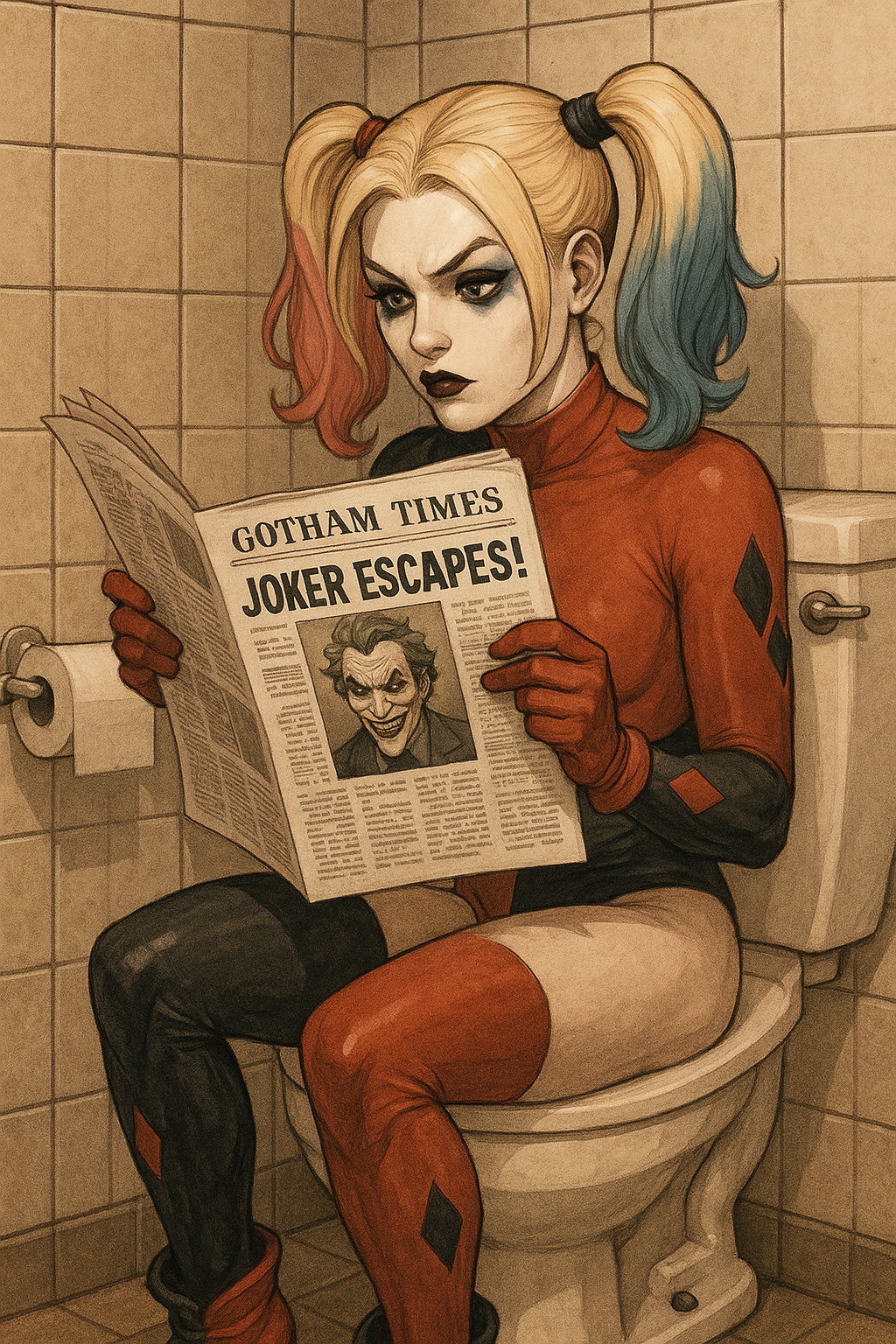
Generate professional infographics, movie posters, calendars, and bilingual slides where text integrates seamlessly into the design. Your prompts up to 1,000 tokens produce accurate, styled lettering in any language without distortion or errors.
Photorealistic Scenes with Incredible Detail
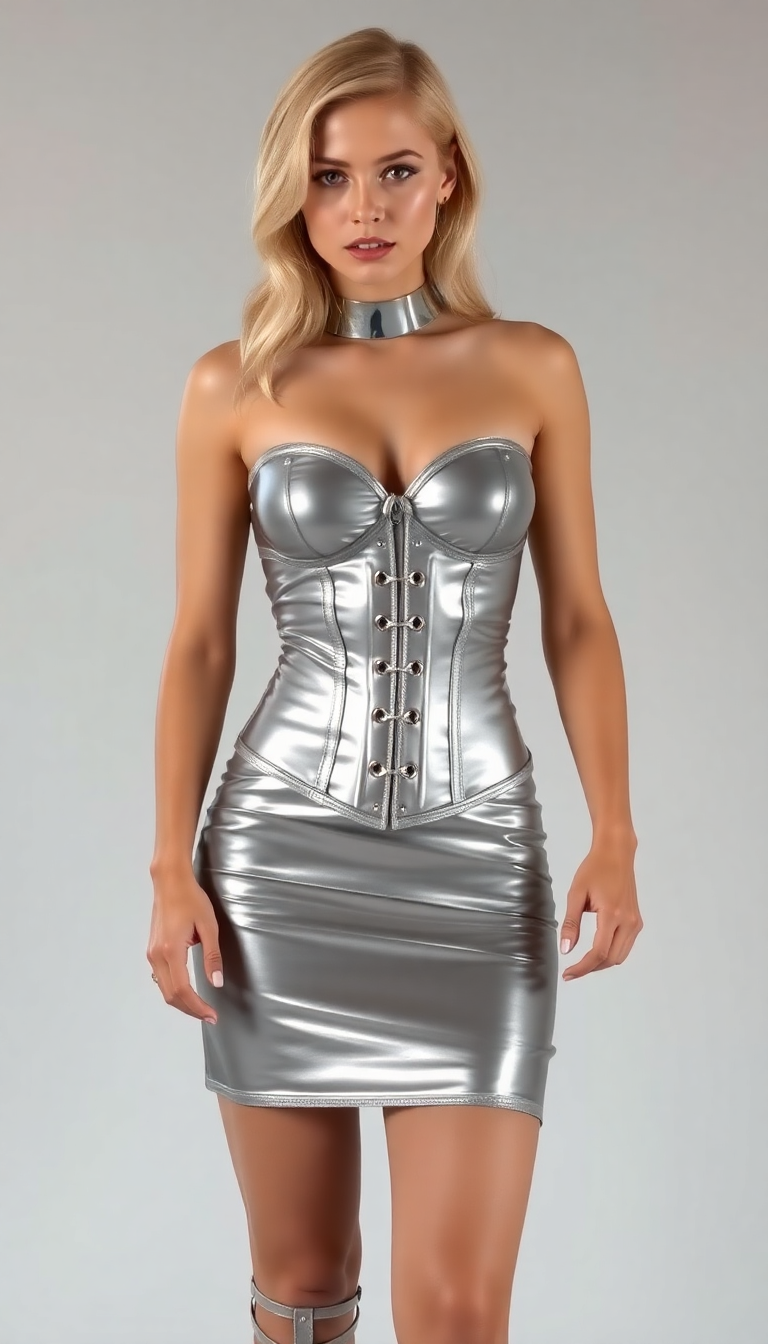
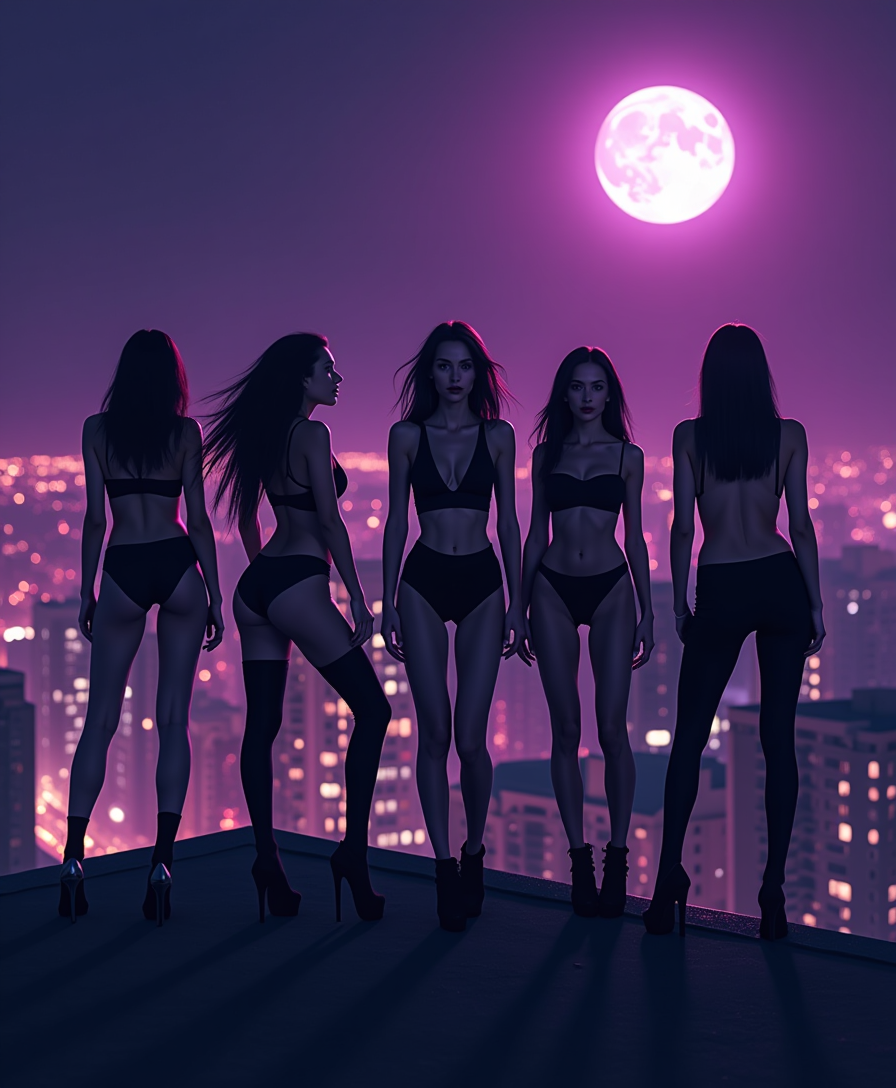
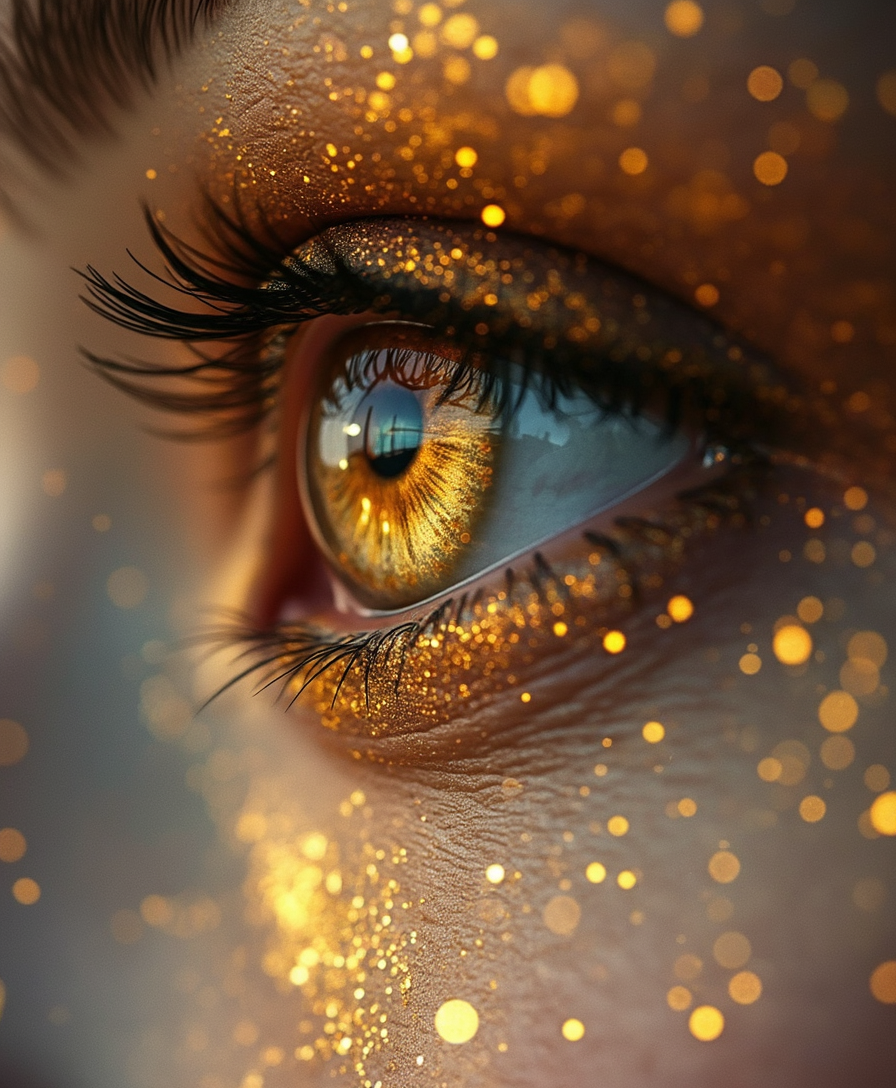
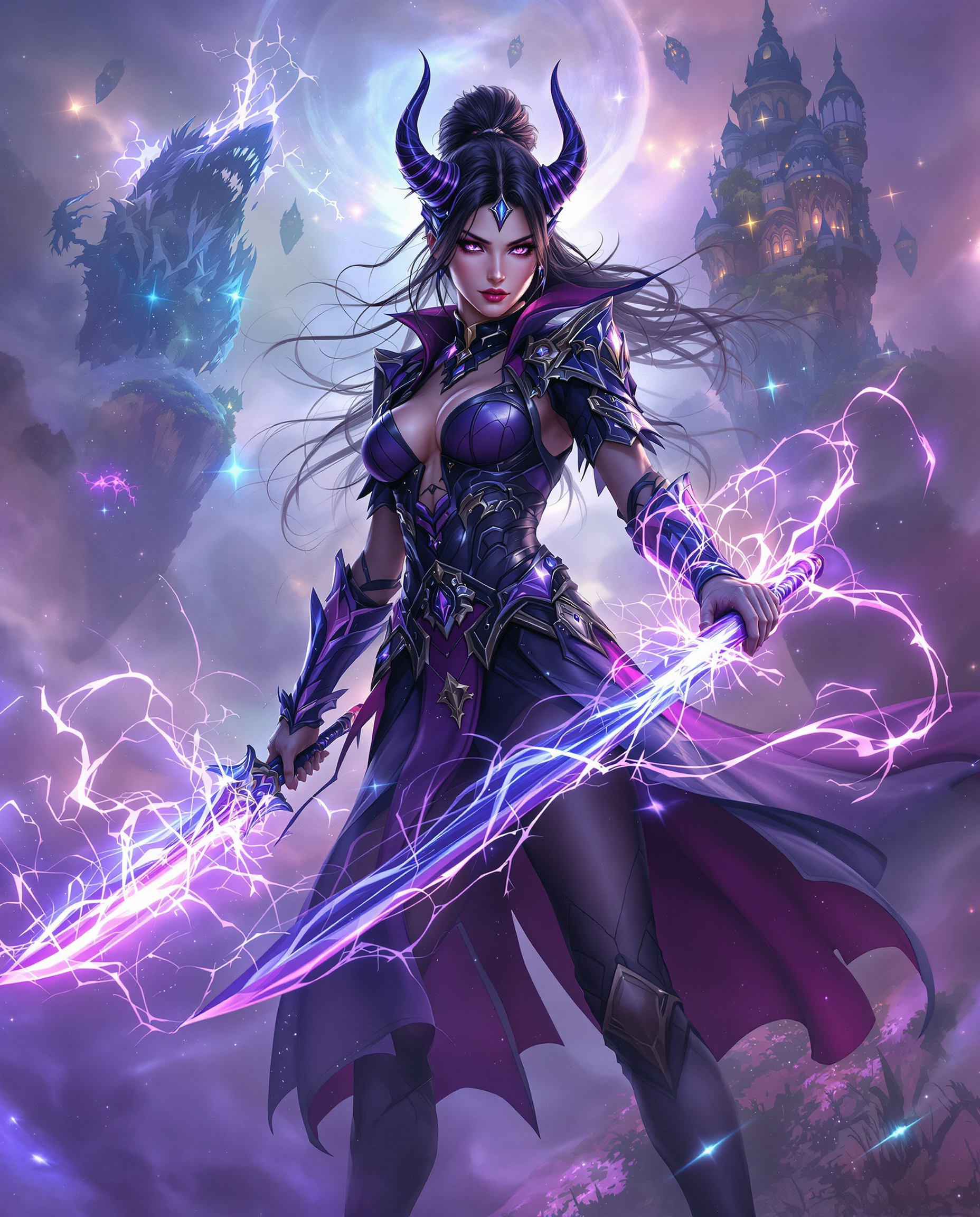
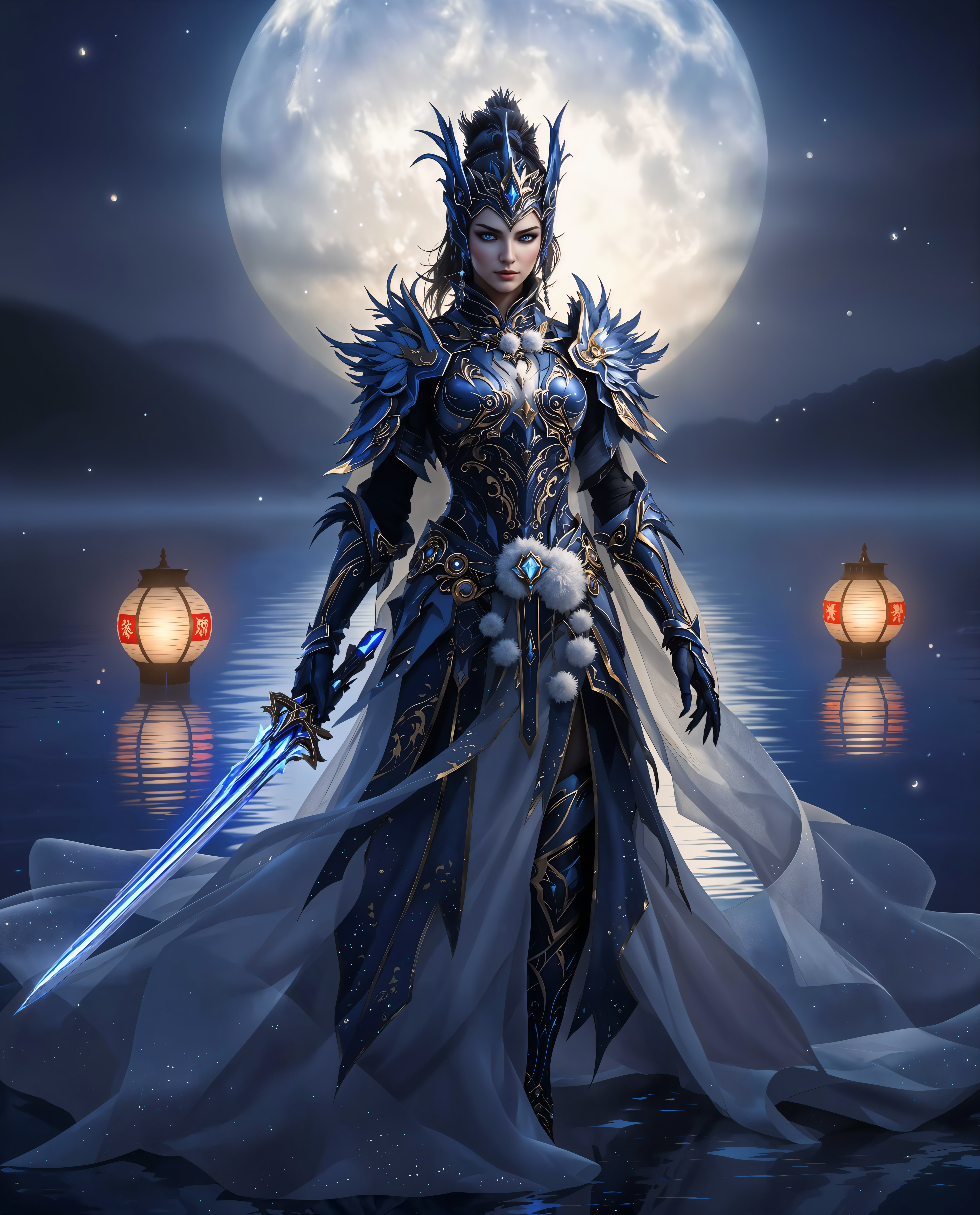
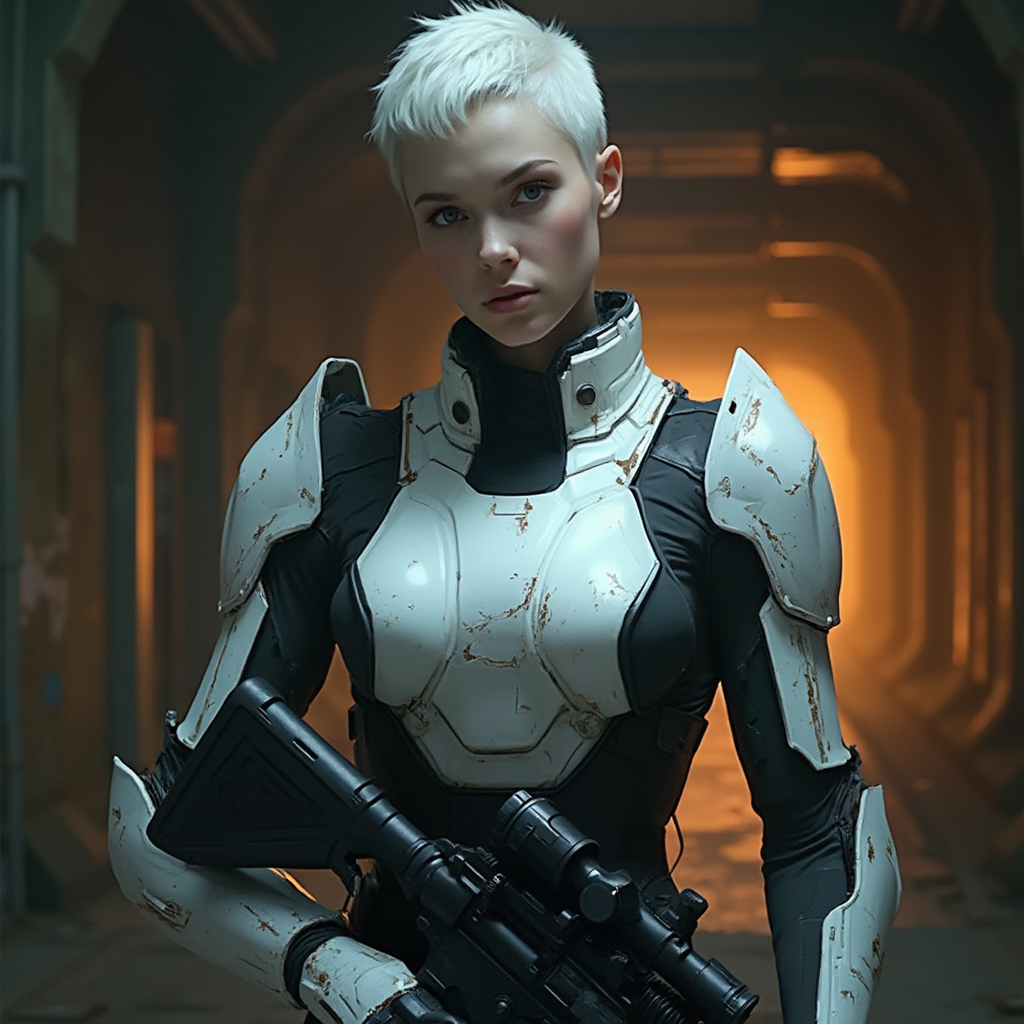
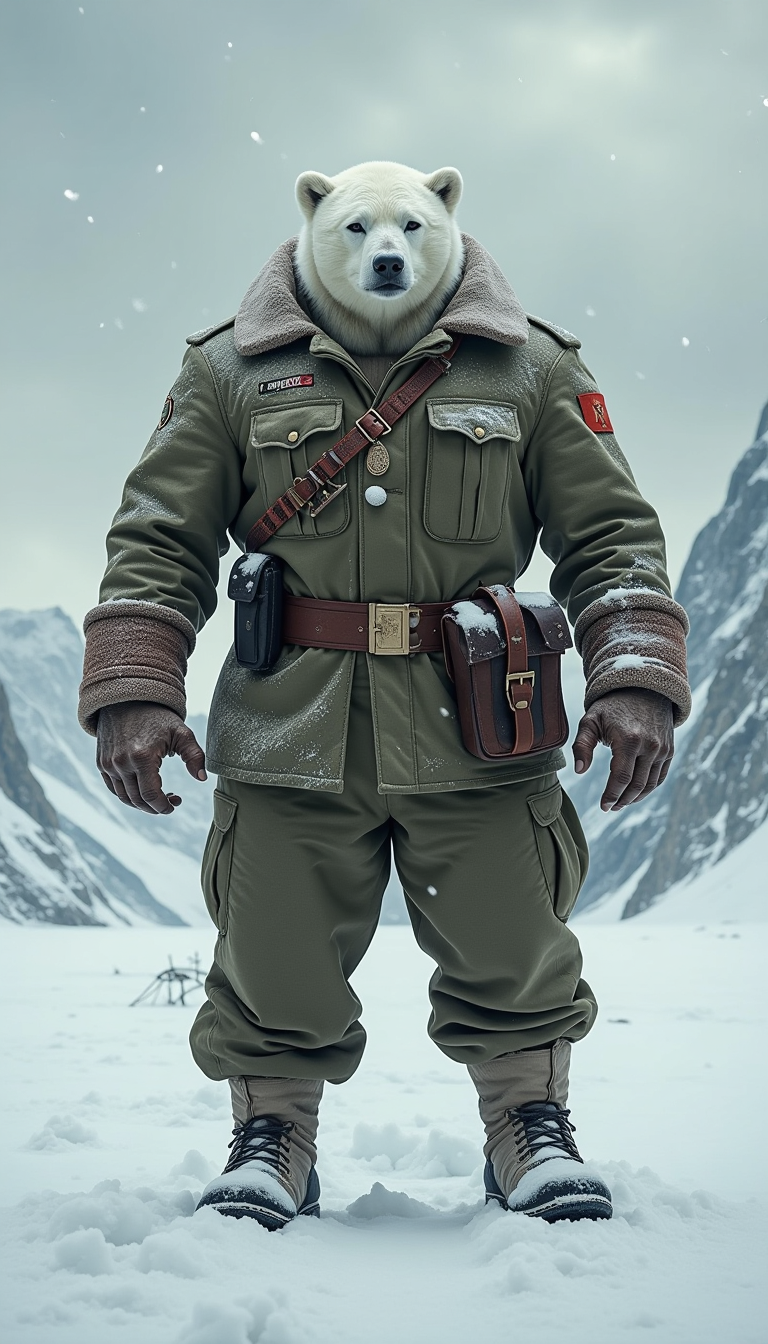
Create lifelike portraits, architectural renders, natural landscapes, and complex multi-person compositions at native 2048x2048 resolution. Enjoy rich textures, realistic lighting, and precise spatial relationships that look like professional photography.
Unified Generation and Precise Editing
Start with a text prompt and refine instantly using the same model for edits. Add or remove objects, change styles, adjust lighting, or perfect details while maintaining perfect consistency across your project.
How It Works
Creating professional Qwen AI images on PixelDojo takes just three simple steps—no technical expertise required.
Step 1: Choose Your Qwen Tool
Navigate to the Generate Images section and select QWEN Image 2 or QWEN Image for text-rich creations, or pair with Flux.2 Studio for hybrid styles. These tools are optimized for the latest Qwen capabilities including long-prompt handling and unified editing.
Step 2: Enter Your Detailed Prompt
Describe exactly what you want—include style, composition, text content, lighting, and mood. For example: 'Create a vertical A3 financial quarterly report infographic with deep blue gradient background, glowing timeline, professional typography for Qwen-Image development history, bilingual Chinese-English labels.' Qwen tools handle up to 1,000 tokens for complex instructions.
Step 3: Customize, Edit & Download
Generate your image, then use PixelDojo's Image to Image, Inpainting, Style Transfer, Magic Lighting, or Background Remover for refinements. Download in high resolution or upscale with P-Image Upscale for print-ready results. Save and iterate instantly.







The Pixel Dojo Advantage
Why PixelDojo outperforms other options for Qwen AI image generation
| Others | Pixel Dojo |
|---|---|
| Traditional graphic design | Produce professional typography-heavy infographics and posters in minutes instead of hours, with no need for design software or hiring specialists |
| Generic AI tools | Access dedicated QWEN Image 2 and QWEN Image tools with superior long-prompt adherence, native 2K output, and seamless generation-to-editing workflow in one platform |
| Manual photo editing | Achieve consistent, high-fidelity edits and text integration automatically using AI that understands complex instructions, saving countless hours of tedious work |
Loved by creators on PixelDojo
Real feedback from people using PixelDojo, pulled from our in-product surveys.
Love it make anything I can think of so far
Great for all your ideas use it encourage more people to use it
Because it is awesome
exceptional quality and great overall design of platform and interface. very intuative. love the creative freedom.
Qwen image 2 is amazing!!
Creative freedom, range of tools and options.
Explore more AI tools on PixelDojo
AI Tools
Compare & Switch
- Best AI Image Generators
- Best AI Video Generators
- Midjourney Alternatives
- Civitai Alternatives
- Runway Alternatives
- Leonardo Alternatives
- Pika Alternatives
- Luma Alternatives
- Magnific Alternatives
- Veo Alternatives
- Flux Alternatives
- Freepik Alternatives
- Seedance Alternatives
- Seedream Alternatives
- Pixverse Alternatives
- GPT Image Alternatives
- Synthesia Alternatives
- Playground Alternatives
- NightCafe Alternatives
- Canva AI Alternatives
- ElevenLabs Alternatives
- ComfyUI Alternatives
- Fal Alternatives
- Replicate Alternatives
Common Questions
Everything you need to know about qwen ai
How to generate professional infographics with Qwen AI on PixelDojo?
Simply select QWEN Image 2 from the Generate Images tools, enter a detailed prompt describing your infographic layout, colors, text content, and style. The model excels at rendering complex typography and structured designs like timelines, charts, and bilingual posters directly from your instructions. Refine with Inpainting or Style Transfer if needed, then download print-ready files.
Can I create movie posters and text-rich designs using Qwen Image 2?
Yes! PixelDojo's QWEN Image 2 is specifically strong at professional typography rendering. Craft prompts for movie posters, PPT slides, comics, and calendars with accurate text placement, fonts, and layouts. It supports up to 1,000-token prompts for highly detailed instructions, producing results that rival professional design work.
What makes Qwen AI images more photorealistic on PixelDojo?
QWEN Image 2 and QWEN Image deliver native 2048x2048 resolution with enhanced semantic adherence and fine detail in skin textures, fabrics, lighting, and environments. Use these tools on PixelDojo to generate realistic portraits, architectural scenes, and nature imagery that maintain coherence even in complex multi-subject compositions.
How does PixelDojo handle Qwen AI image editing and consistency?
PixelDojo unifies generation and editing through QWEN tools combined with features like Image to Image, Change Camera Angle, Magic Lighting, and Inpainting. Maintain character consistency across edits or generate variations while preserving original details, all powered by the same advanced Qwen model family.
Is Qwen AI image generation suitable for beginners on PixelDojo?
Absolutely. PixelDojo's intuitive interface lets anyone start with QWEN Image or QWEN Image 2—no prompt engineering expertise needed. Built-in examples, prompt suggestions, and one-click edits guide you to professional results quickly. Thousands of new users create their first stunning images within minutes of signing up.
What resolution and output quality can I expect from PixelDojo Qwen tools?
QWEN Image 2 generates native 2K (2048x2048) images with exceptional clarity. Follow up with P-Image Upscale, Magnific Upscaler, or Clarity Pro for even higher resolutions suitable for print, social media, or large-format displays. All outputs maintain the model's signature text accuracy and photorealistic quality.