qwen image edit style transfer ghibli look
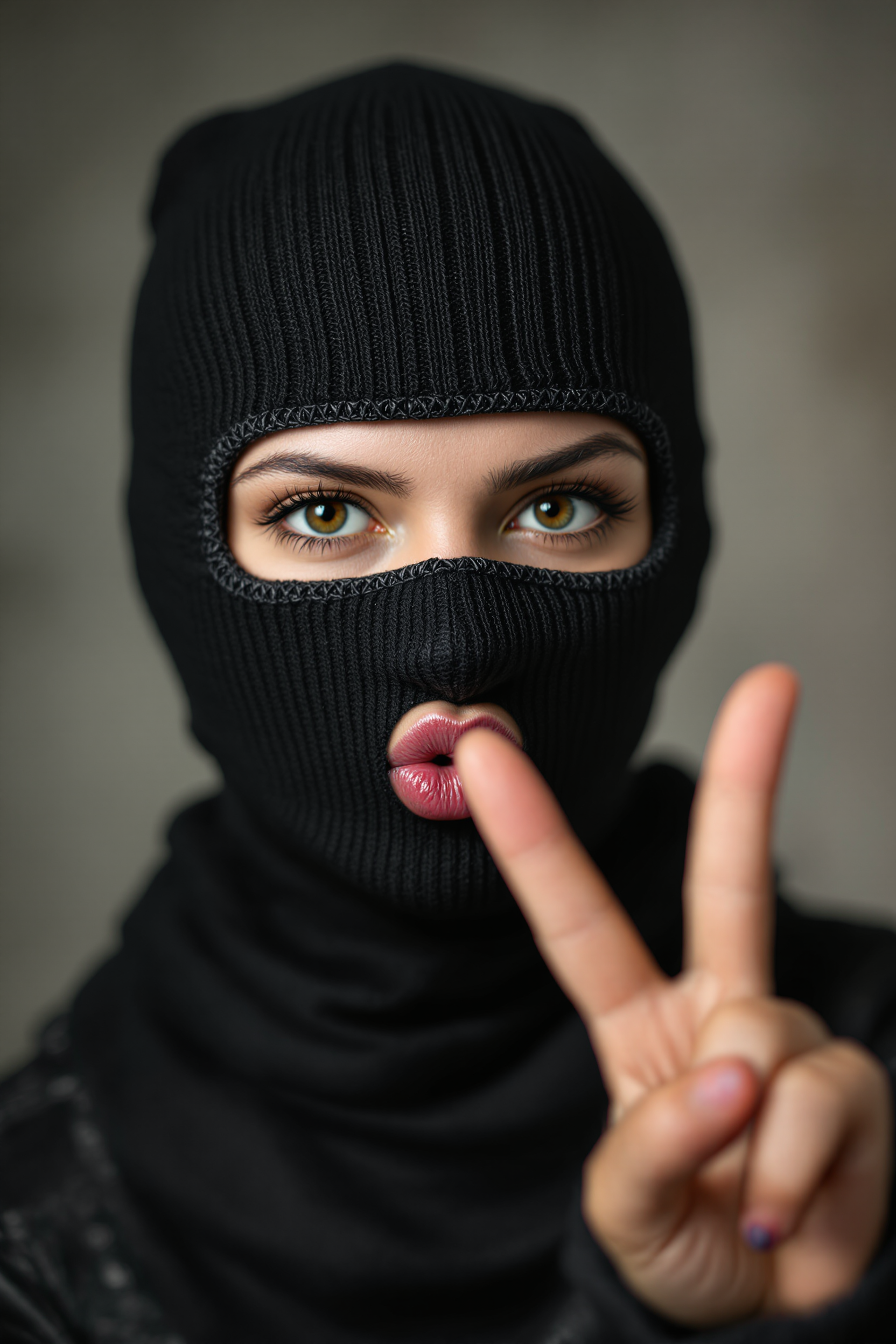
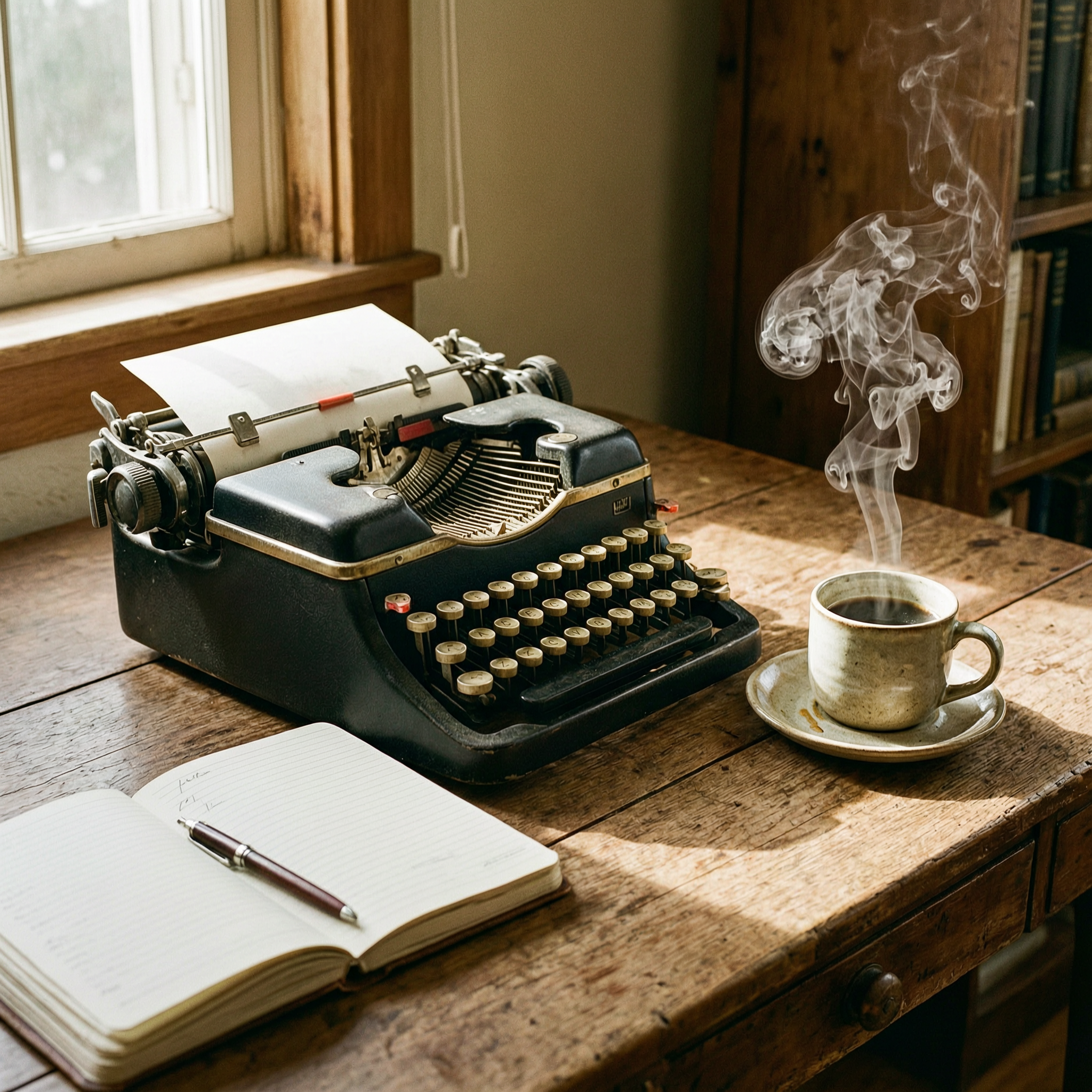
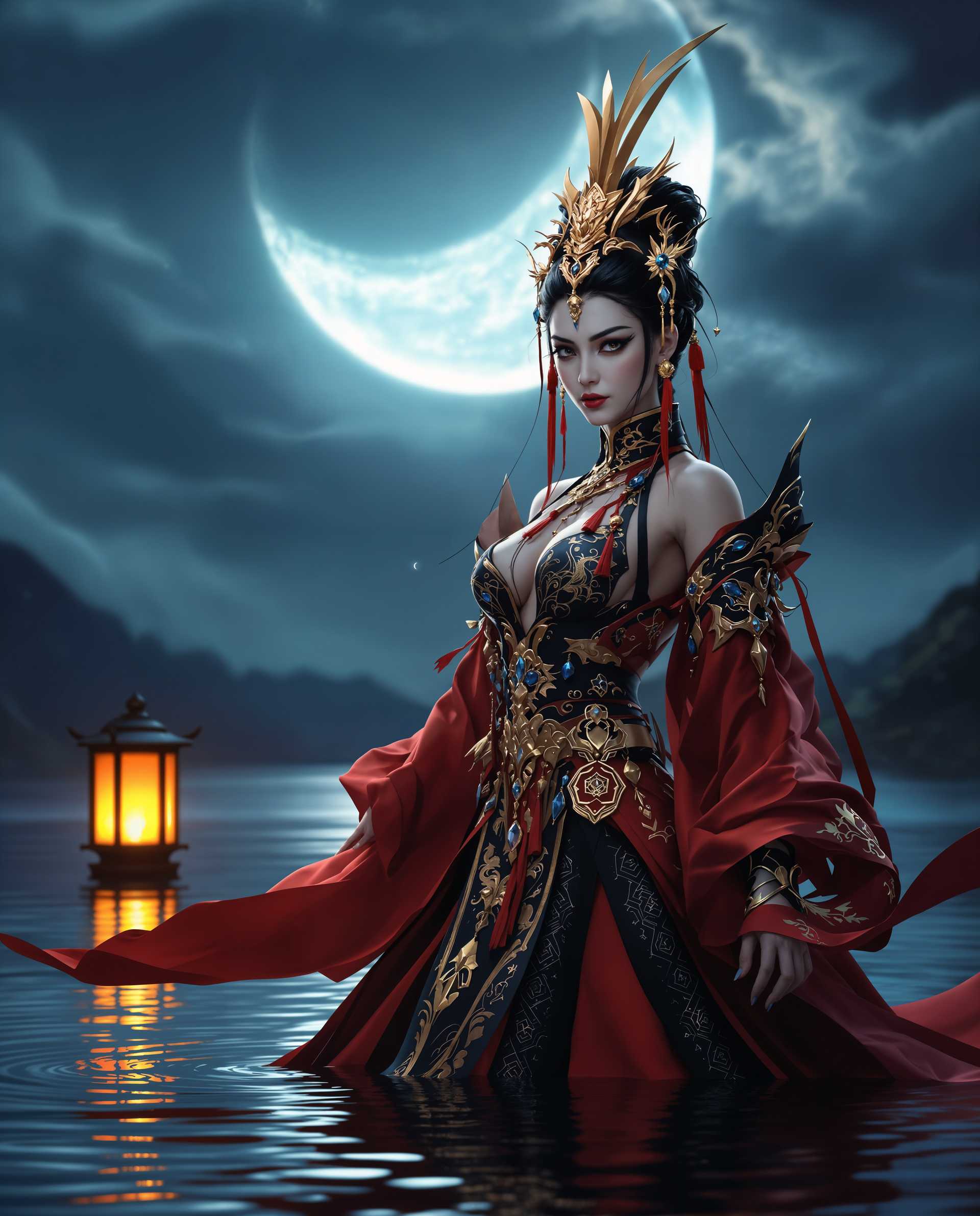
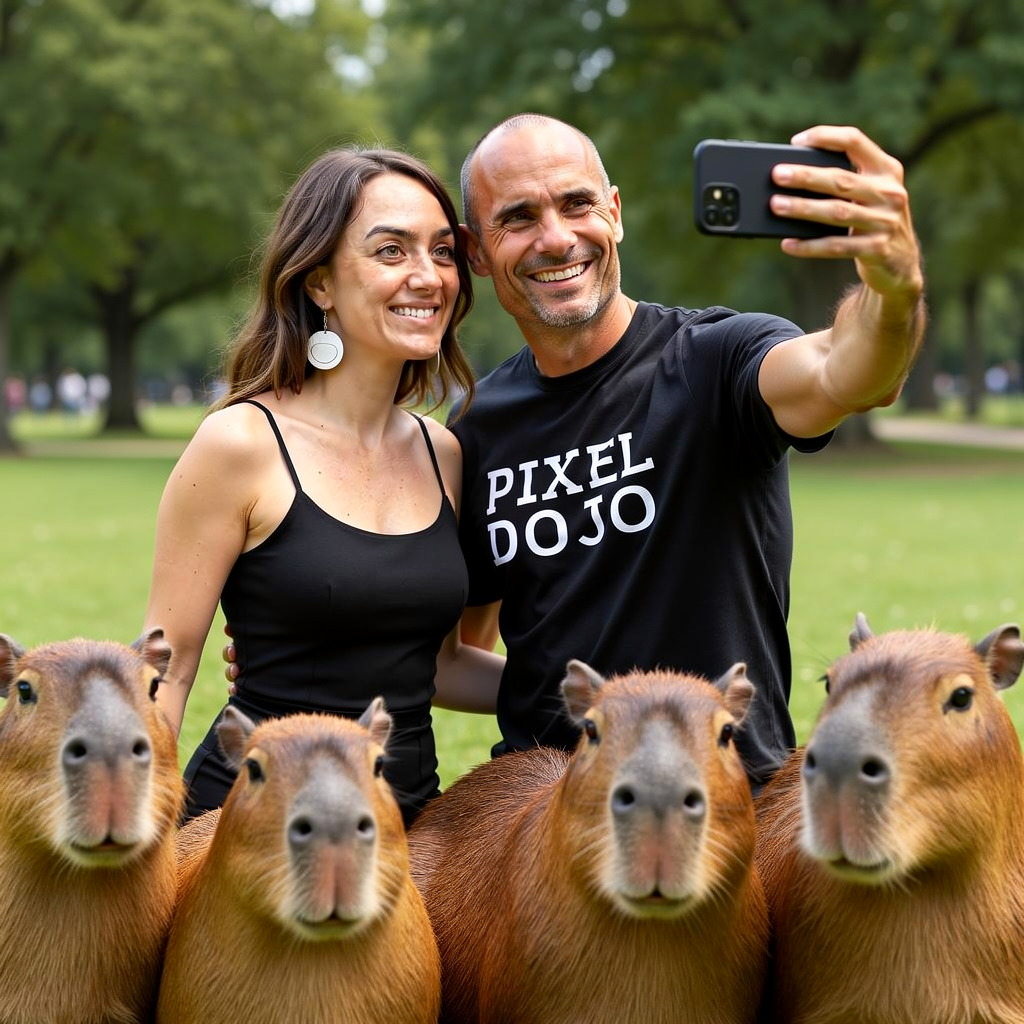
Imagine transforming your everyday photos into enchanting scenes reminiscent of Studio Ghibli's iconic films. With PixelDojo's advanced AI tools, you can effortlessly apply the whimsical and painterly Ghibli aesthetic to your images, bringing your creative visions to life.
Join over 10,000 creators who have enhanced their images with PixelDojo's AI-powered style transfer tools, achieving stunning Ghibli-inspired results.
Why Choose Pixel Dojo for qwen image edit style transfer ghibli look
Professional-quality results with cutting-edge AI technology
Effortless Transformation
Convert your photos into Ghibli-style art with just a few clicks, no artistic skills required.
High-Quality Outputs
Generate high-resolution images that capture the intricate details and soft textures characteristic of Ghibli films.
Creative Control
Customize the intensity of the style transfer to achieve the perfect balance between your original photo and the Ghibli aesthetic.
How It Works
Creating Ghibli-style images with PixelDojo is simple and intuitive. Follow these steps to transform your photos:
Step 1: Select Your Image
Upload the photo you wish to transform into a Ghibli-style masterpiece.
Step 2: Choose the 'Style Transfer' Tool
Navigate to the 'Style Transfer' feature within PixelDojo's suite of image editing tools.
Step 3: Apply the Ghibli Style
Select the 'Ghibli Look' preset and adjust the intensity slider to your preference.

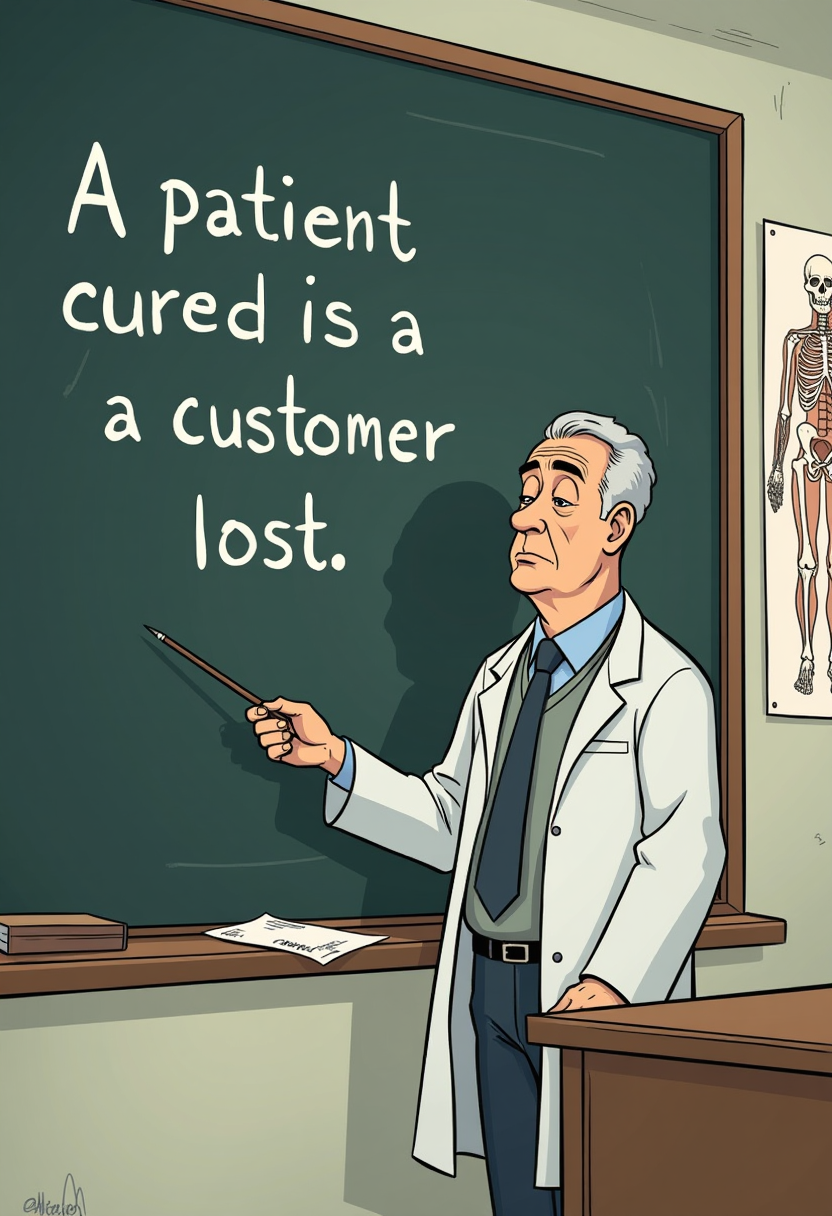
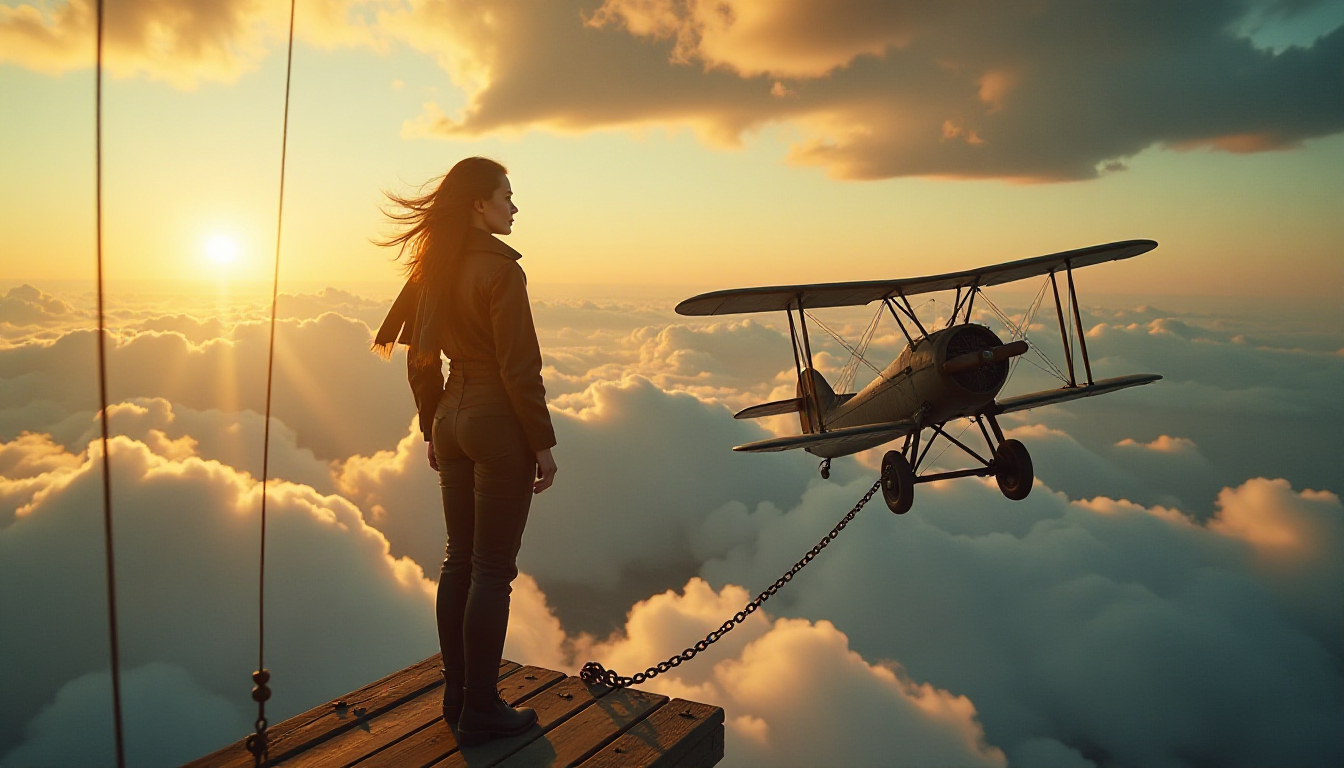
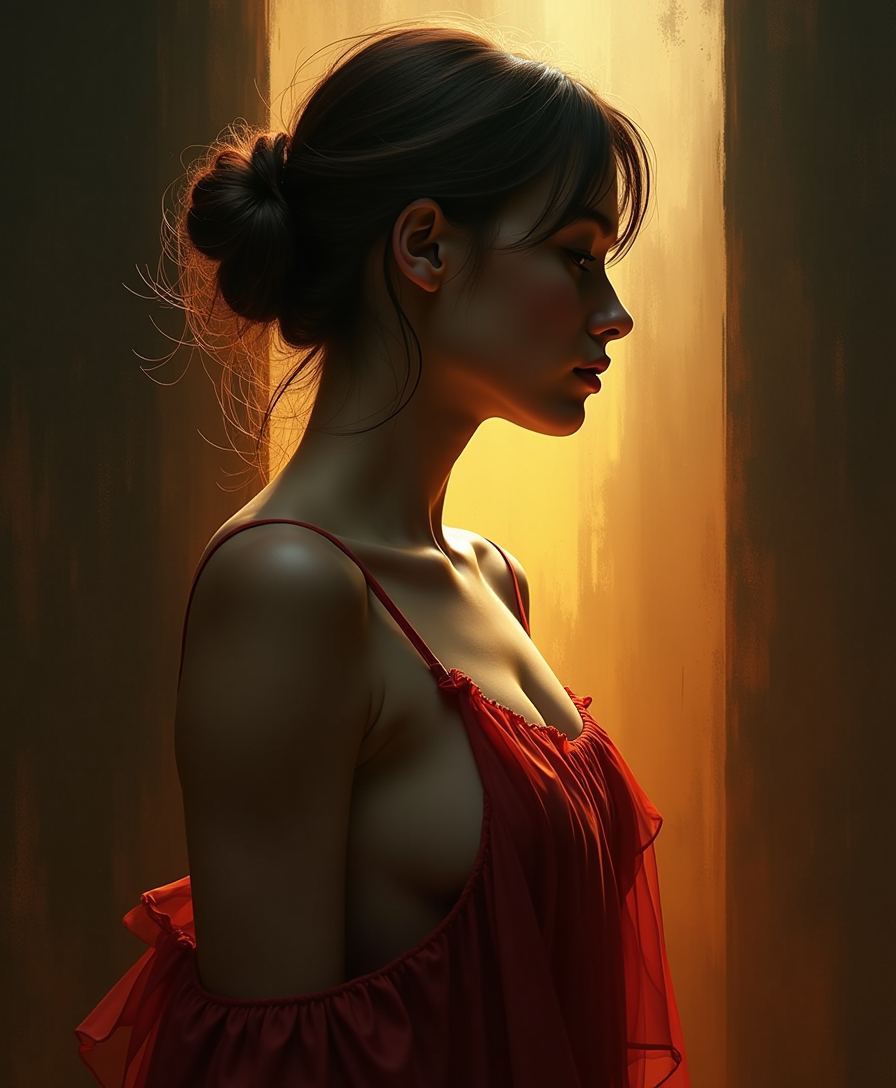
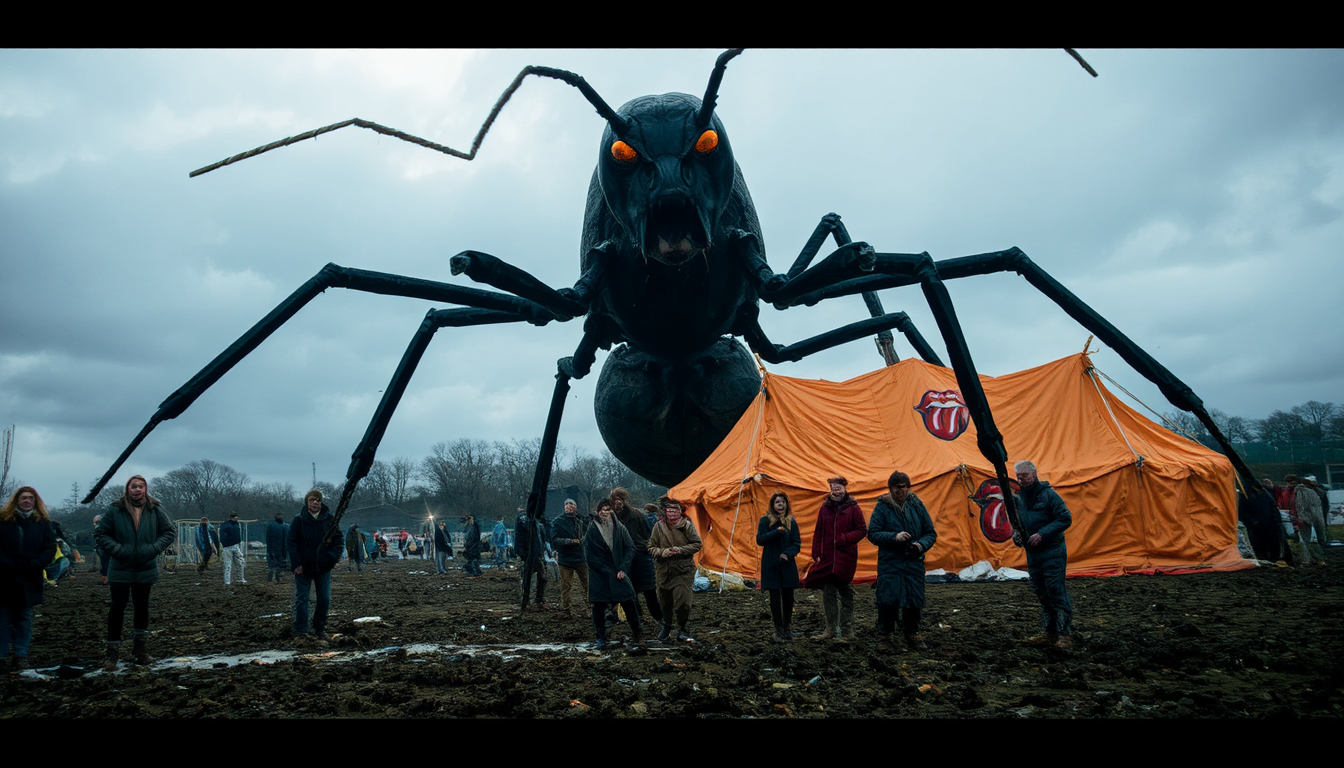
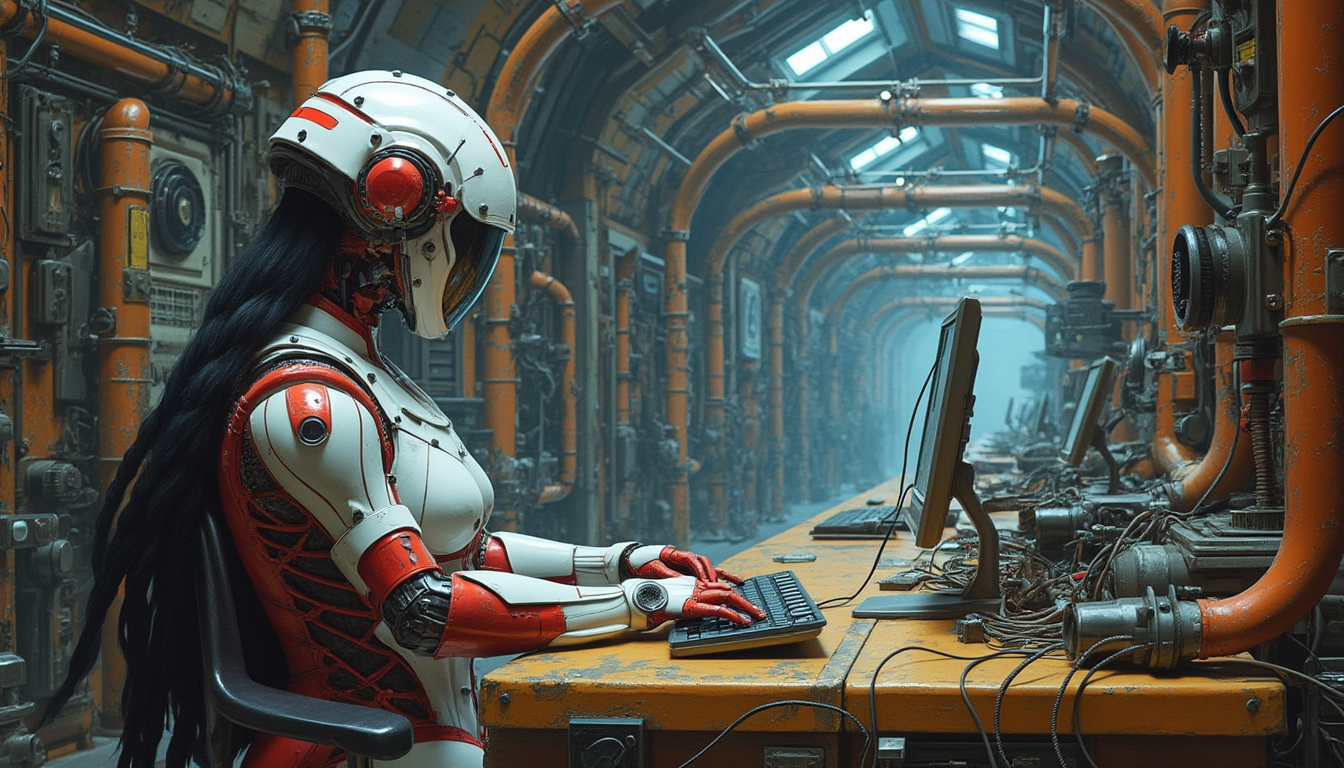
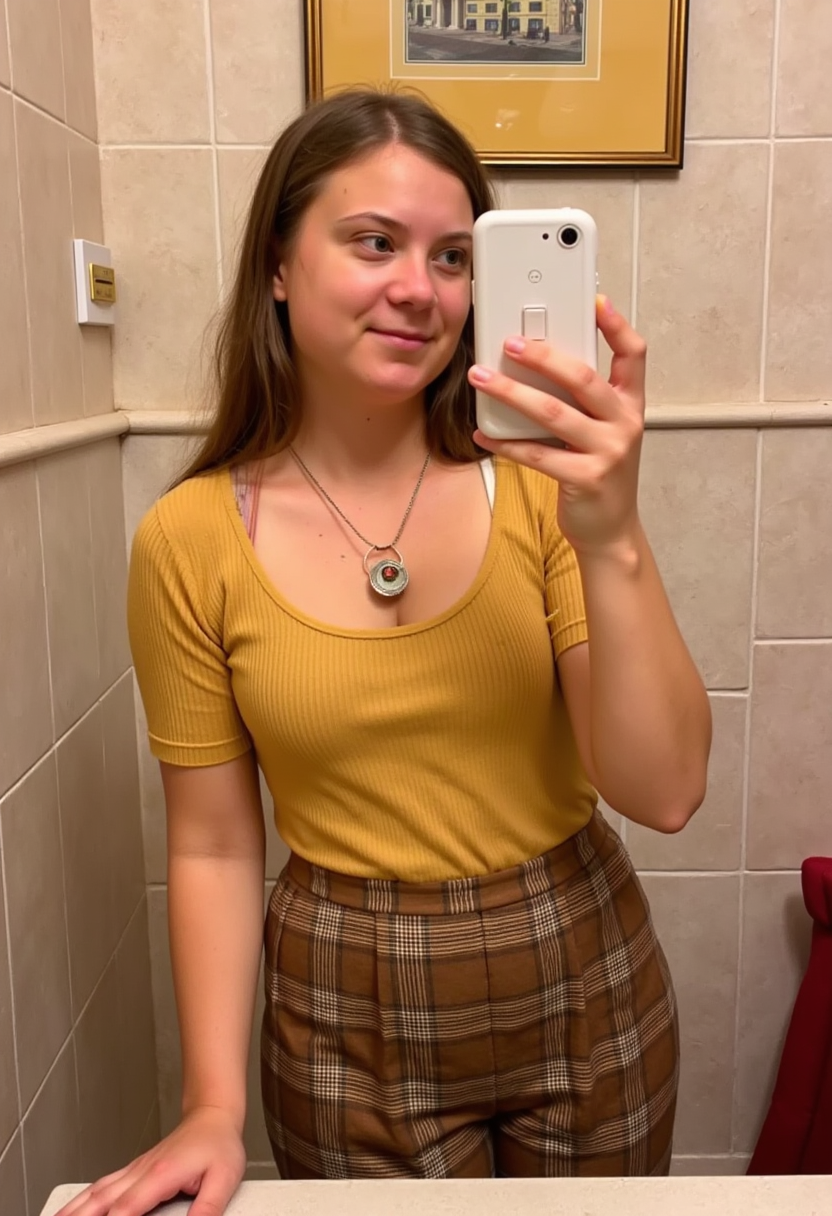
The Pixel Dojo Advantage
Why PixelDojo is the Best Choice for Ghibli-Style Image Generation
| Others | Pixel Dojo |
|---|---|
| Manual Digital Painting | Achieve professional Ghibli-style results without the need for extensive artistic skills or time-consuming manual work. |
| Generic AI Style Transfer Tools | PixelDojo's specialized 'Ghibli Look' preset ensures more accurate and authentic style replication compared to generic tools. |
| Hiring Professional Artists | Save on costs and time by using PixelDojo's AI tools to achieve similar results instantly. |
Loved by creators on PixelDojo
Real feedback from people using PixelDojo, pulled from our in-product surveys.
user friendly all in one thing
I really like the schedule of AI work performed!
The best tools for IA on the web !
The guy that operates the website is constantly updating it
I’ve been using PixelDojo for around 8 months now and it’s always worked wonderfully while constantly adding features.
The site is easy to navigate and use.
Explore more AI tools on PixelDojo
AI Tools
Compare & Switch
- Best AI Image Generators
- Best AI Video Generators
- Midjourney Alternatives
- Civitai Alternatives
- Runway Alternatives
- Leonardo Alternatives
- Pika Alternatives
- Luma Alternatives
- Magnific Alternatives
- Veo Alternatives
- Flux Alternatives
- Freepik Alternatives
- Seedance Alternatives
- Seedream Alternatives
- Pixverse Alternatives
- GPT Image Alternatives
- Synthesia Alternatives
- Playground Alternatives
- NightCafe Alternatives
- Canva AI Alternatives
- ElevenLabs Alternatives
- ComfyUI Alternatives
- Fal Alternatives
- Replicate Alternatives
Common Questions
Everything you need to know about qwen image edit style transfer ghibli look
How does PixelDojo's 'Ghibli Look' style transfer work?
PixelDojo's 'Ghibli Look' utilizes advanced AI algorithms to analyze your photo and apply the distinctive color palettes, textures, and lighting effects characteristic of Studio Ghibli films, resulting in a seamless transformation.
Can I adjust the intensity of the Ghibli style applied to my image?
Yes, PixelDojo provides an intensity slider that allows you to control the strength of the style transfer, enabling you to achieve the perfect balance between your original photo and the Ghibli aesthetic.
Is there a limit to the number of images I can transform?
PixelDojo offers various subscription plans to suit your needs, including options with unlimited image transformations. Choose the plan that best fits your creative projects.
Do I need any prior experience with image editing to use PixelDojo?
Not at all! PixelDojo is designed with user-friendliness in mind, allowing anyone to create stunning Ghibli-style images without any prior experience in image editing or digital art.
Can I use the transformed images for commercial purposes?
Yes, images created with PixelDojo can be used for both personal and commercial projects. However, it's advisable to review PixelDojo's terms of service for specific usage guidelines.
Is my original image altered during the transformation process?
No, your original image remains unchanged. PixelDojo creates a new, transformed version of your image, preserving the original file intact.