qwen-image prompt guide
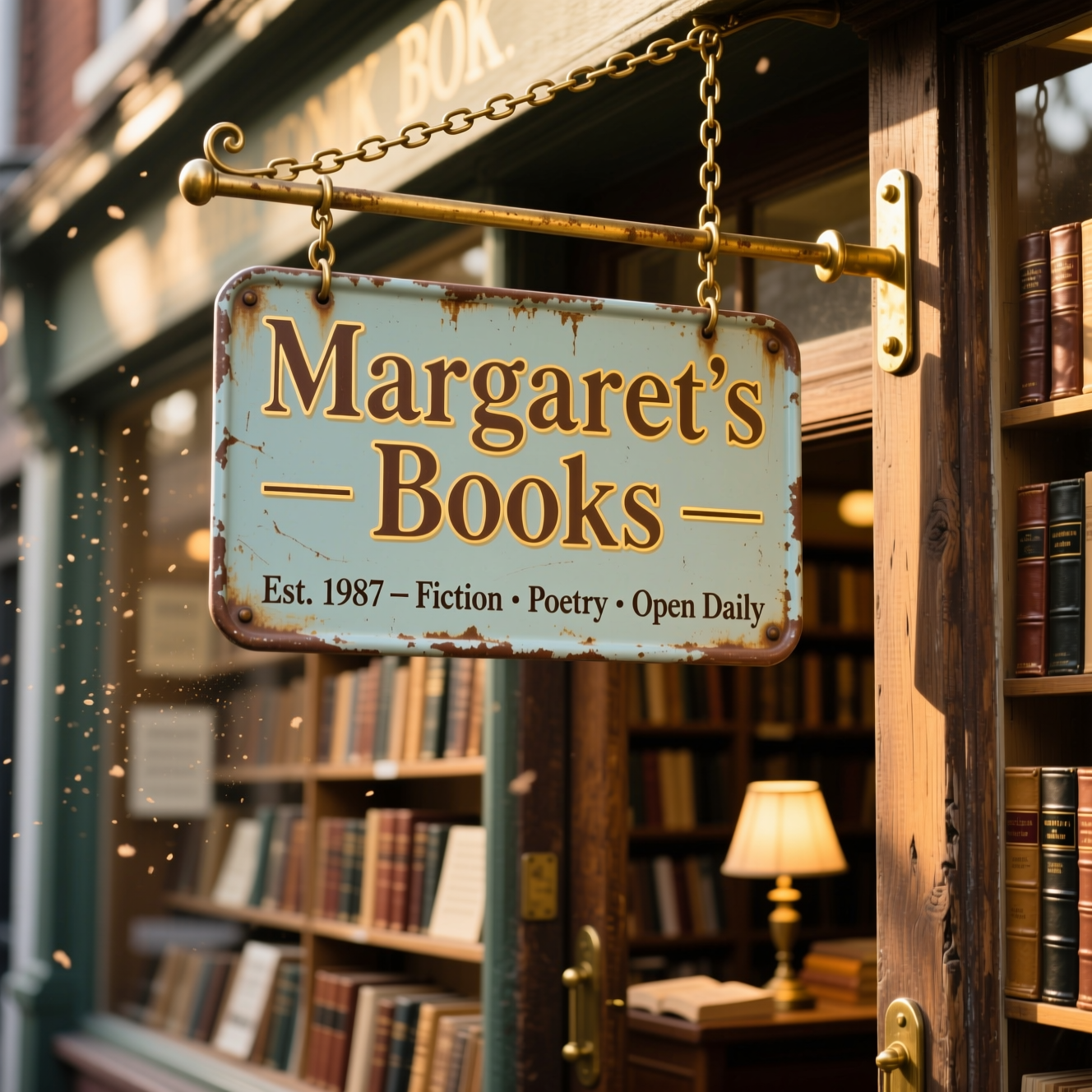
Generated on PixelDojo. Produced by PixelDojo's generation pipeline.
Transform your creative ideas into stunning visuals with Qwen-Image, the AI image generator renowned for its superior text rendering and versatile artistic styles. By mastering the art of crafting precise prompts, you can harness Qwen-Image's full potential to produce high-quality images that align perfectly with your vision.
Real image examples generated on PixelDojo
Every example below was produced on PixelDojo. Hover to see the prompt.
Qwen-text
image-to-image
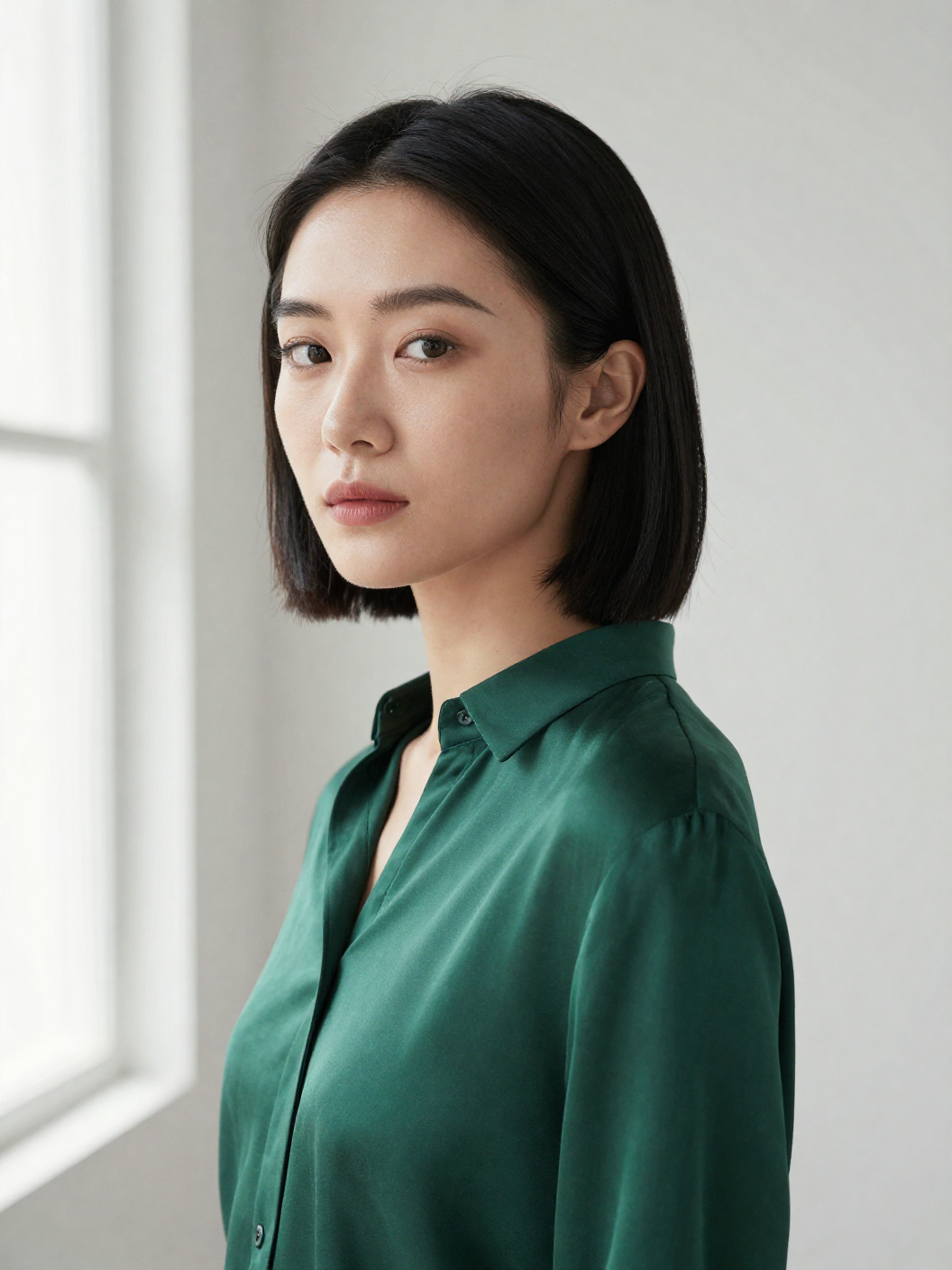
Z-portrait
image-to-image
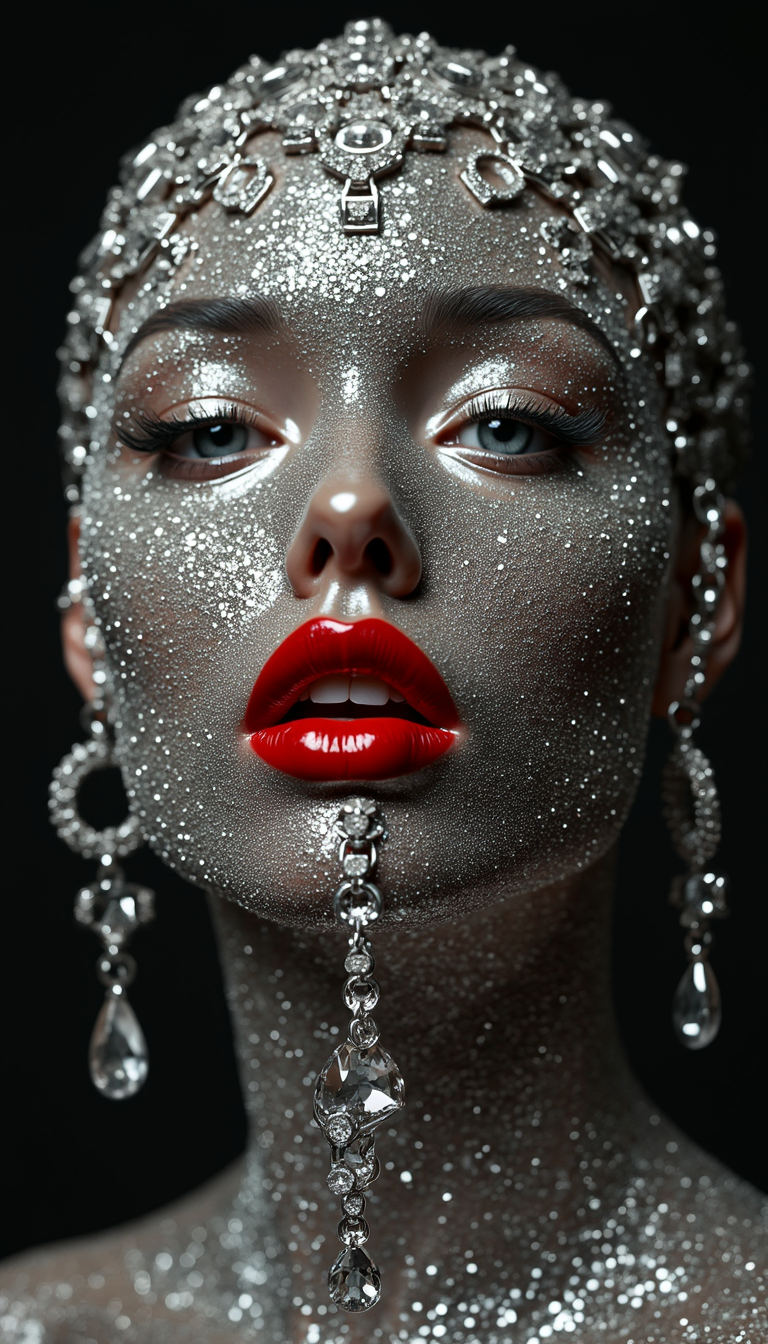
Symmetrical face with red lipstick
flux

Masterpiece
creative-upscaler
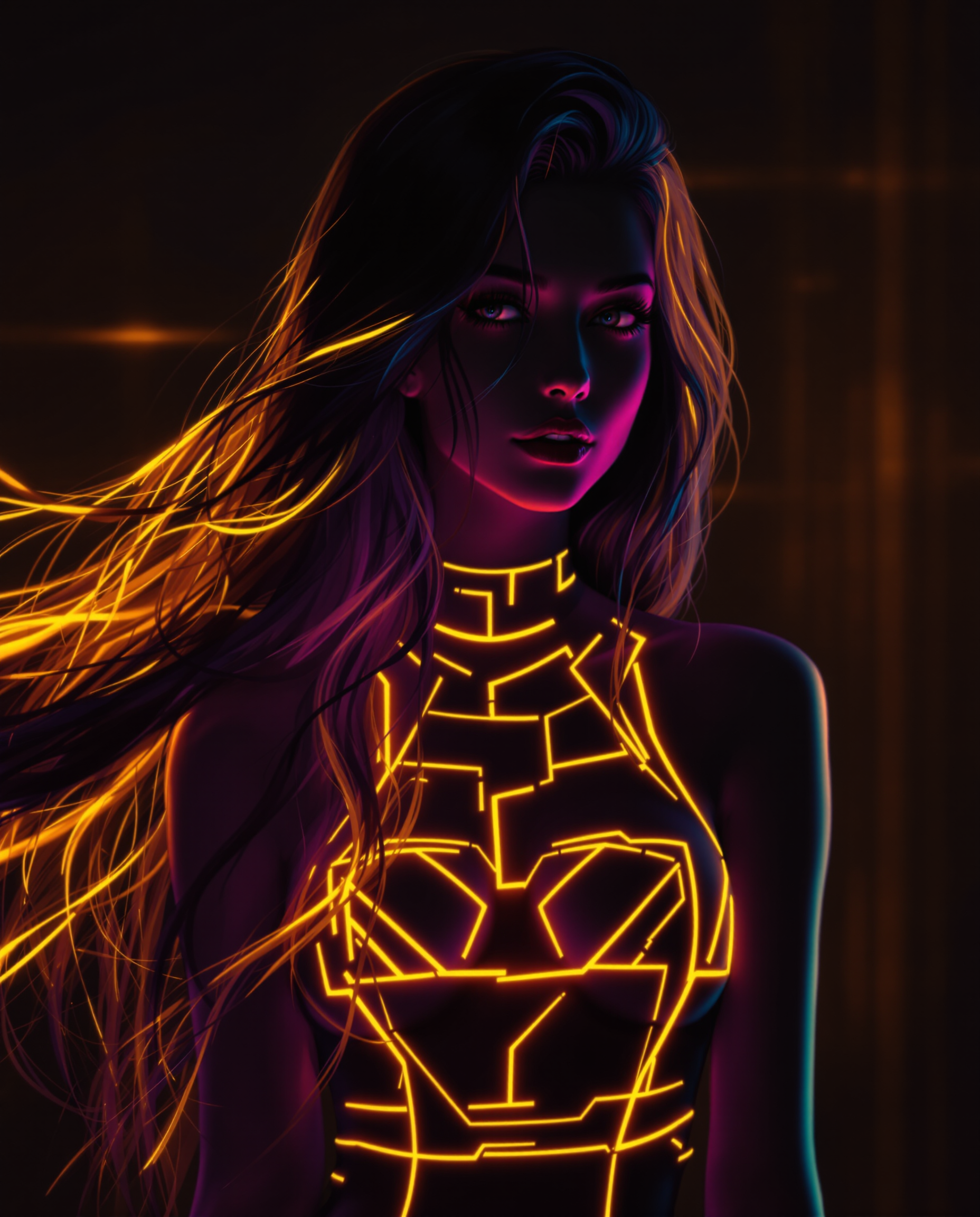
A stunning digital painting of a female character with a striking neon aesthetic
flux
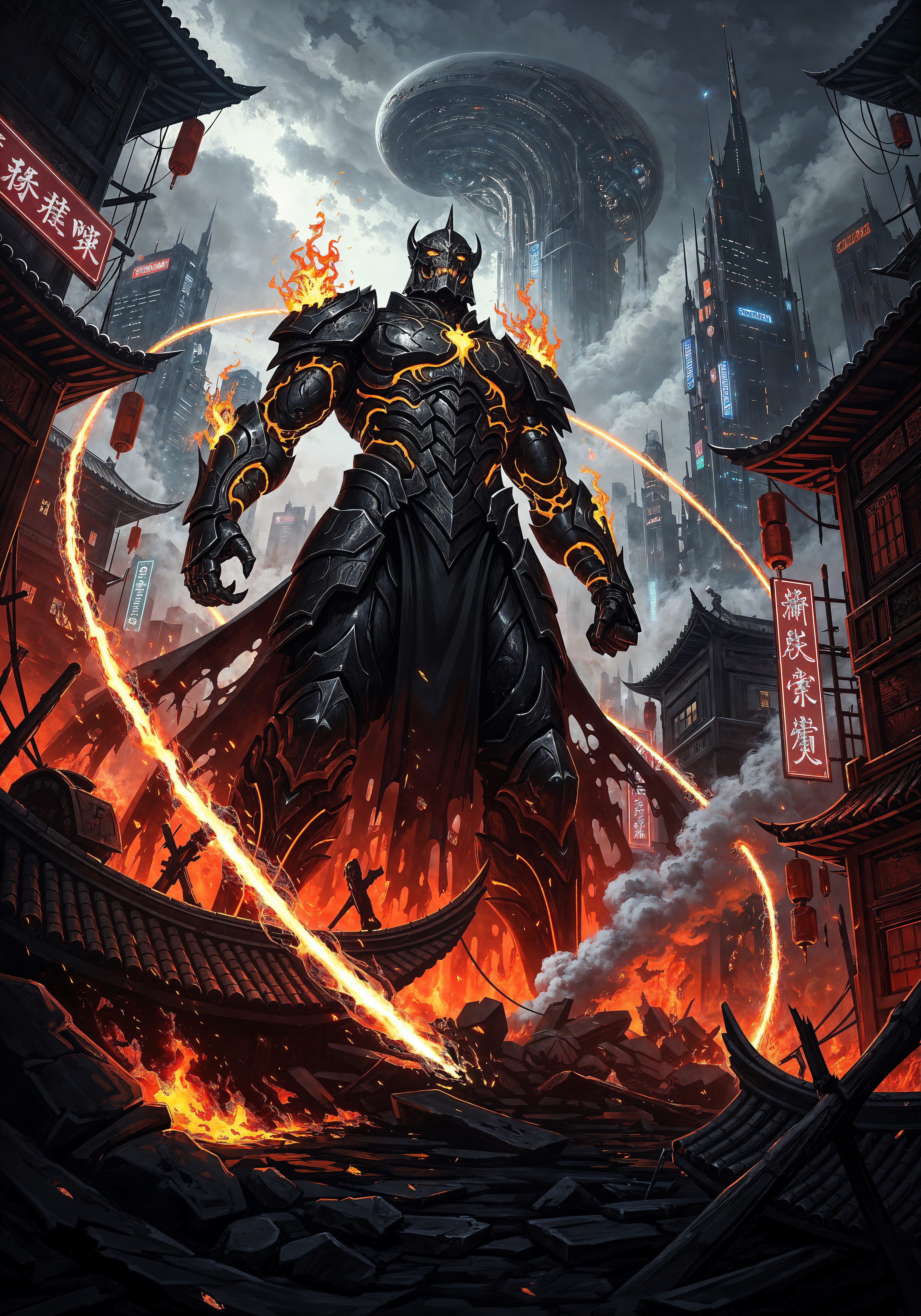
qwen-image prompt guide on PixelDojo
Models you can run on PixelDojo for qwen-image prompt guide
Switch models without switching tools. Each one runs in the same PixelDojo studio.
What you can do with qwen-image prompt guide on PixelDojo
Generate Prompts with Qwen
We provide an interface to create image prompts using Qwen models. Creators enter subjects and receive formatted prompt text.
Browse Prompt Examples
We maintain a library of Qwen compatible prompt examples. Creators review and adapt these examples for new image requests.
Adjust Prompt Parameters
We support selection of Qwen model settings for image output. Creators modify detail levels and styles within the prompt builder.
Save Prompt Workflows
We enable storage of Qwen prompt sets in user accounts. Creators retrieve and reuse saved prompts across multiple sessions.
Join thousands of creators who have elevated their visual content using Qwen-Image's advanced AI capabilities.
Why Choose Pixel Dojo for qwen-image prompt guide
Professional-quality results with cutting-edge AI technology
Achieve Perfect Text Integration
Generate images with seamlessly integrated, clear, and accurate text in multiple languages, enhancing the professionalism of your visuals.
Explore Diverse Artistic Styles
Create visuals ranging from photorealistic images to impressionist paintings, anime illustrations, and minimalist designs, catering to various creative needs.
Enhance Workflow Efficiency
Produce high-quality images in seconds, streamlining your creative process and allowing for rapid iteration and refinement.
How It Works
Creating exceptional images with Qwen-Image involves a few straightforward steps:
Step 1: Define Your Concept
Clearly articulate the image you envision, including subjects, settings, styles, and any specific text elements you want to incorporate.
Step 2: Craft a Detailed Prompt
Compose a prompt that includes all essential details, using descriptive language to guide the AI in generating the desired image.
Step 3: Generate and Refine
Input your prompt into Qwen-Image, review the generated image, and make iterative adjustments to the prompt as needed to achieve the perfect result.
The Pixel Dojo Advantage
Why Qwen-Image Stands Out in AI Image Generation
| Others | Pixel Dojo |
|---|---|
| Traditional Graphic Design | Eliminates the need for extensive manual design work, allowing for rapid creation of complex visuals. |
| Generic AI Image Generators | Offers superior text rendering capabilities, ensuring clear and accurate text integration in images. |
| Manual Photo Editing | Provides a more efficient and creative approach to image creation without the limitations of existing photos. |
Loved by creators on PixelDojo
Real feedback from people using PixelDojo, pulled from our in-product surveys.
Amazing features, easy to use, privacy
the number of options, and especially the quick response to questions on Discord
Love you guys!!
Trained my Lora super fast. Still working out how to creat content wit it, but I love it so far.
I love this app
It has all the tools I can think of...
Explore more AI tools on PixelDojo
AI Tools
Compare & Switch
- Best AI Image Generators
- Best AI Video Generators
- Midjourney Alternatives
- Civitai Alternatives
- Runway Alternatives
- Leonardo Alternatives
- Pika Alternatives
- Luma Alternatives
- Magnific Alternatives
- Veo Alternatives
- Flux Alternatives
- Freepik Alternatives
- Seedance Alternatives
- Seedream Alternatives
- Pixverse Alternatives
- GPT Image Alternatives
- Synthesia Alternatives
- Playground Alternatives
- NightCafe Alternatives
- Canva AI Alternatives
- ElevenLabs Alternatives
- ComfyUI Alternatives
- Fal Alternatives
- Replicate Alternatives
Common Questions
Everything you need to know about qwen-image prompt guide
How can I create effective prompts for Qwen-Image?
To craft effective prompts, clearly describe the desired image, including subjects, settings, styles, and any specific text elements. Use descriptive language and be as detailed as possible to guide the AI in generating accurate results.
Does Qwen-Image support multilingual text rendering?
Yes, Qwen-Image excels at rendering text in multiple languages, including complex characters and multi-line layouts, ensuring clear and accurate text integration in images.
Can I generate images in different artistic styles with Qwen-Image?
Absolutely. Qwen-Image supports a wide range of artistic styles, from photorealistic images to impressionist paintings, anime illustrations, and minimalist designs, allowing for diverse creative expression.
Is Qwen-Image suitable for professional use?
Yes, Qwen-Image offers advanced features like precise text rendering and high-quality image generation, making it ideal for professional applications such as marketing materials, content creation, and branding.
How quickly can I generate images with Qwen-Image?
Qwen-Image is optimized for speed, allowing you to generate high-quality images in seconds, which enhances workflow efficiency and enables rapid iteration.
Is Qwen-Image free to use?
Yes, Qwen-Image is available for free, providing access to its advanced AI image generation capabilities without any cost.