qwen image style transfer prompts

Unlock the full potential of your creativity with Qwen Image style transfer prompts. PixelDojo's advanced AI tools empower you to transform ordinary images into extraordinary artworks, seamlessly blending styles and enhancing visual appeal. Whether you're an artist, designer, or content creator, our platform provides the resources you need to bring your vision to life.
Join over 10,000 satisfied creators who have enhanced their projects using PixelDojo's AI-powered image generation tools.
Why Choose Pixel Dojo for qwen image style transfer prompts
Professional-quality results with cutting-edge AI technology
Effortless Style Transformation
Apply diverse artistic styles to your images with ease, achieving professional-quality results without extensive editing skills.
Time-Saving Automation
Automate the style transfer process, allowing you to focus on creativity while our AI handles the technical details.
Versatile Applications
Utilize style transfer for various projects, including marketing materials, social media content, and personal art pieces.
How It Works
Creating stunning images with Qwen Image style transfer prompts is simple and intuitive. Follow these steps to get started:
Step 1: Choose Your Tool
Select the 'QWEN Image' tool from PixelDojo's suite of AI image generation options.
Step 2: Enter Your Prompt
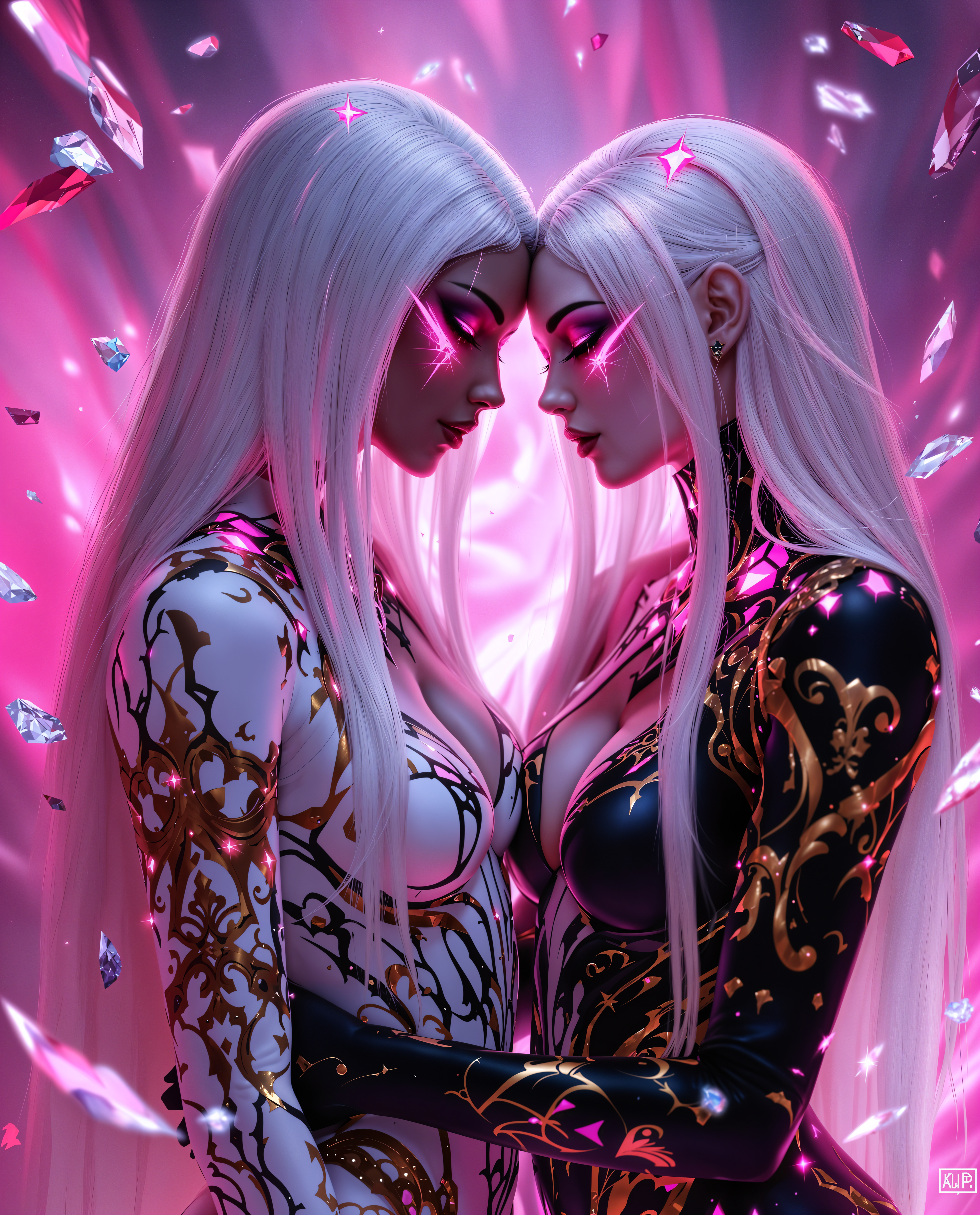
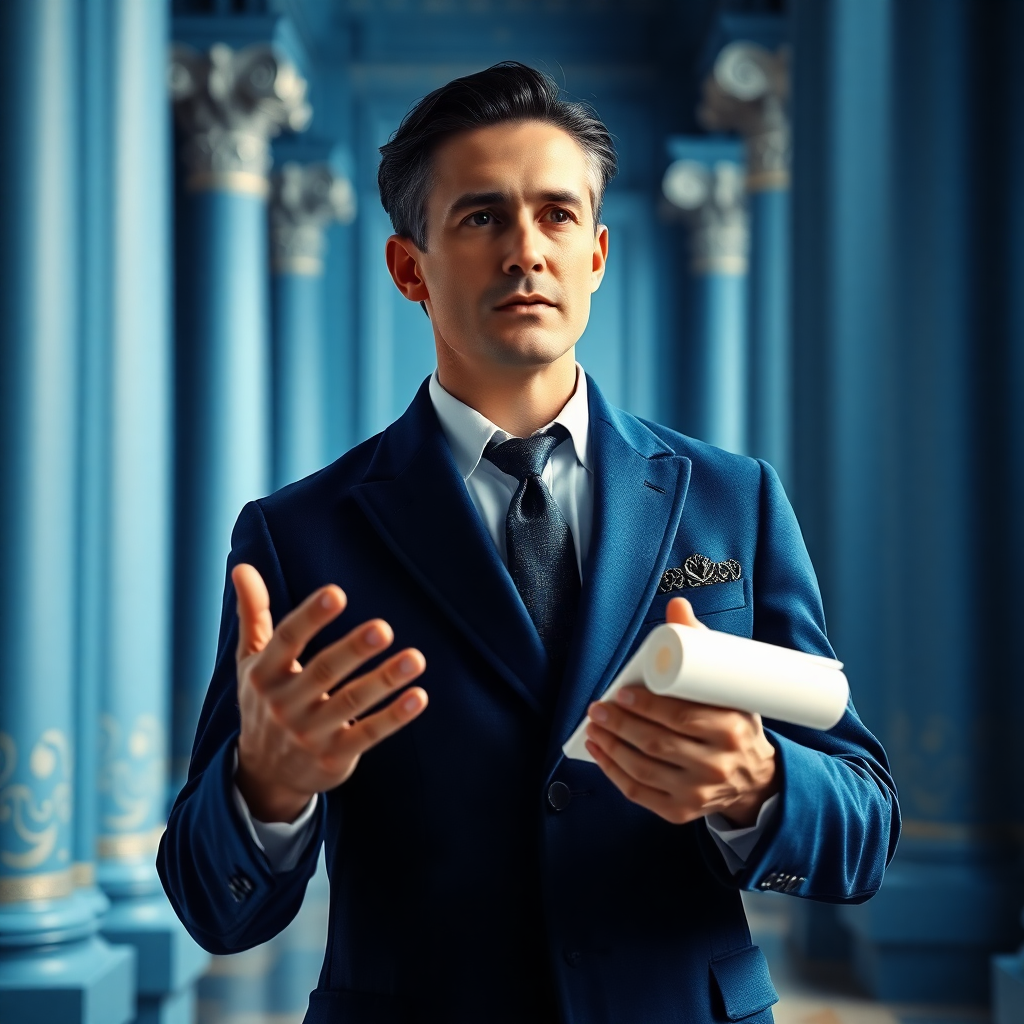
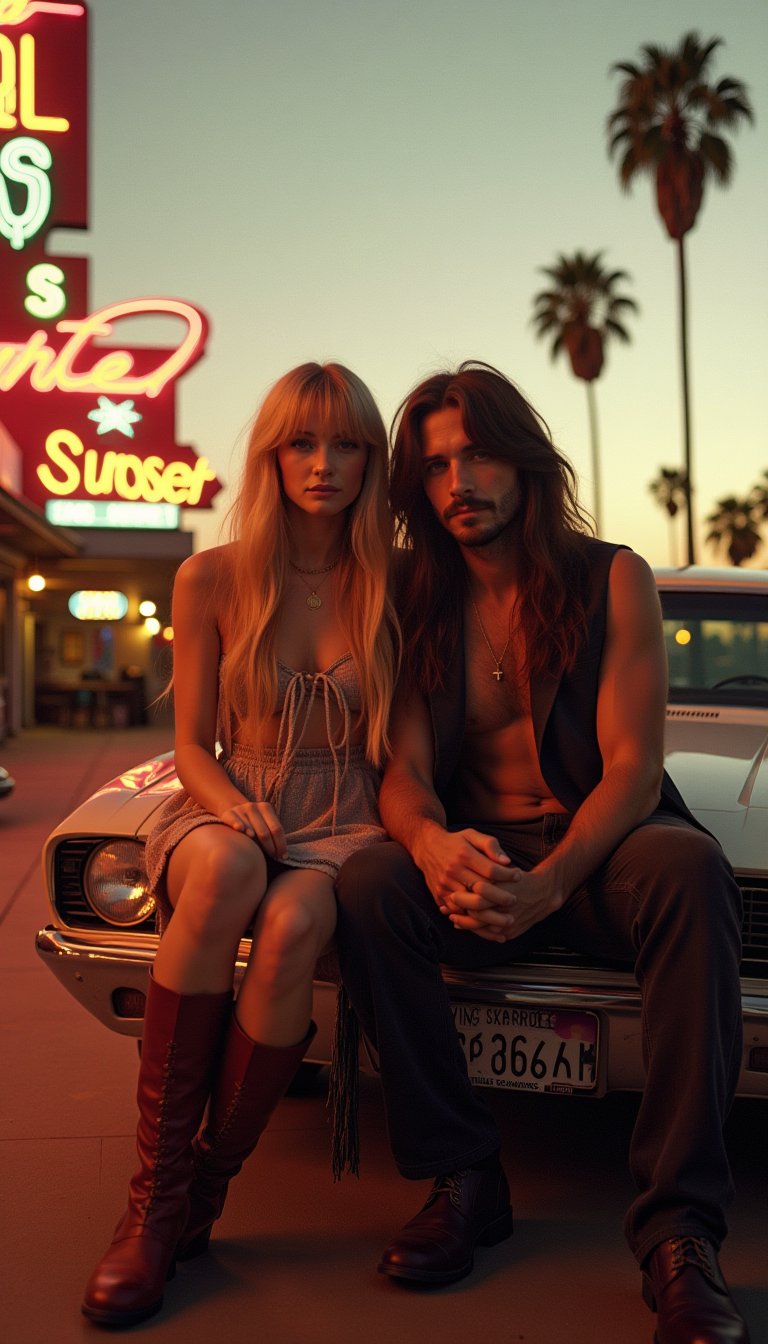
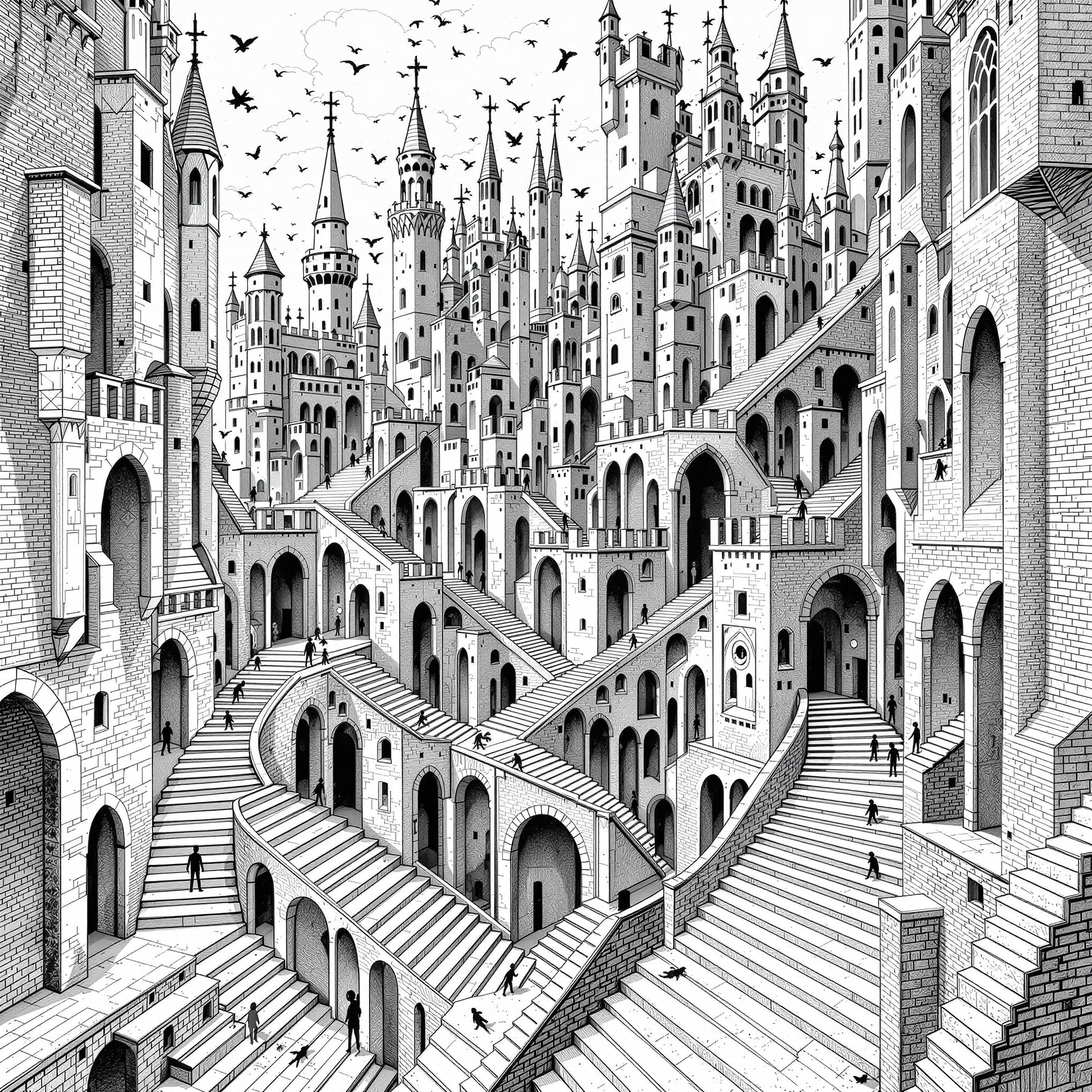
Input a detailed description of your desired image, specifying the subject, scene, and style. For example: 'A serene landscape in the style of Van Gogh's Starry Night.'
Step 3: Customize & Download
Review the generated image, make any necessary adjustments, and download the final version for your use.



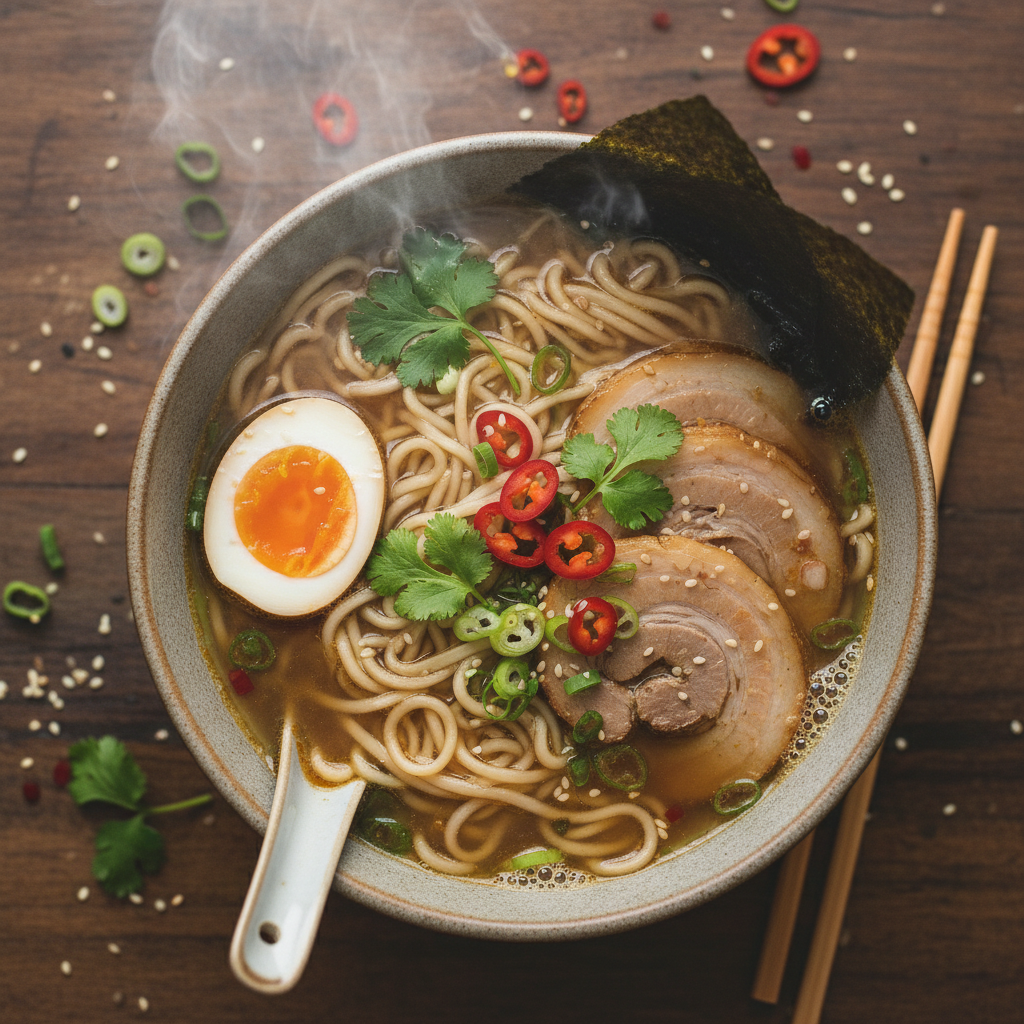
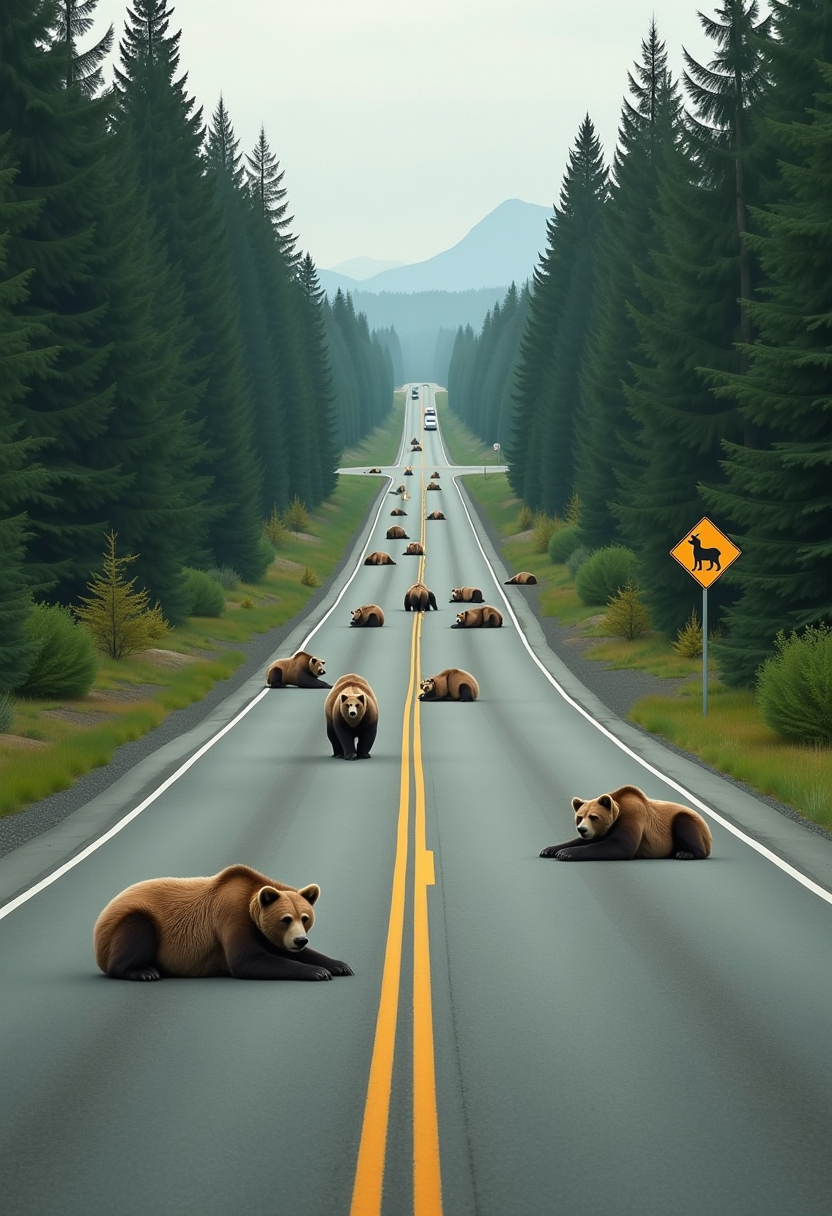
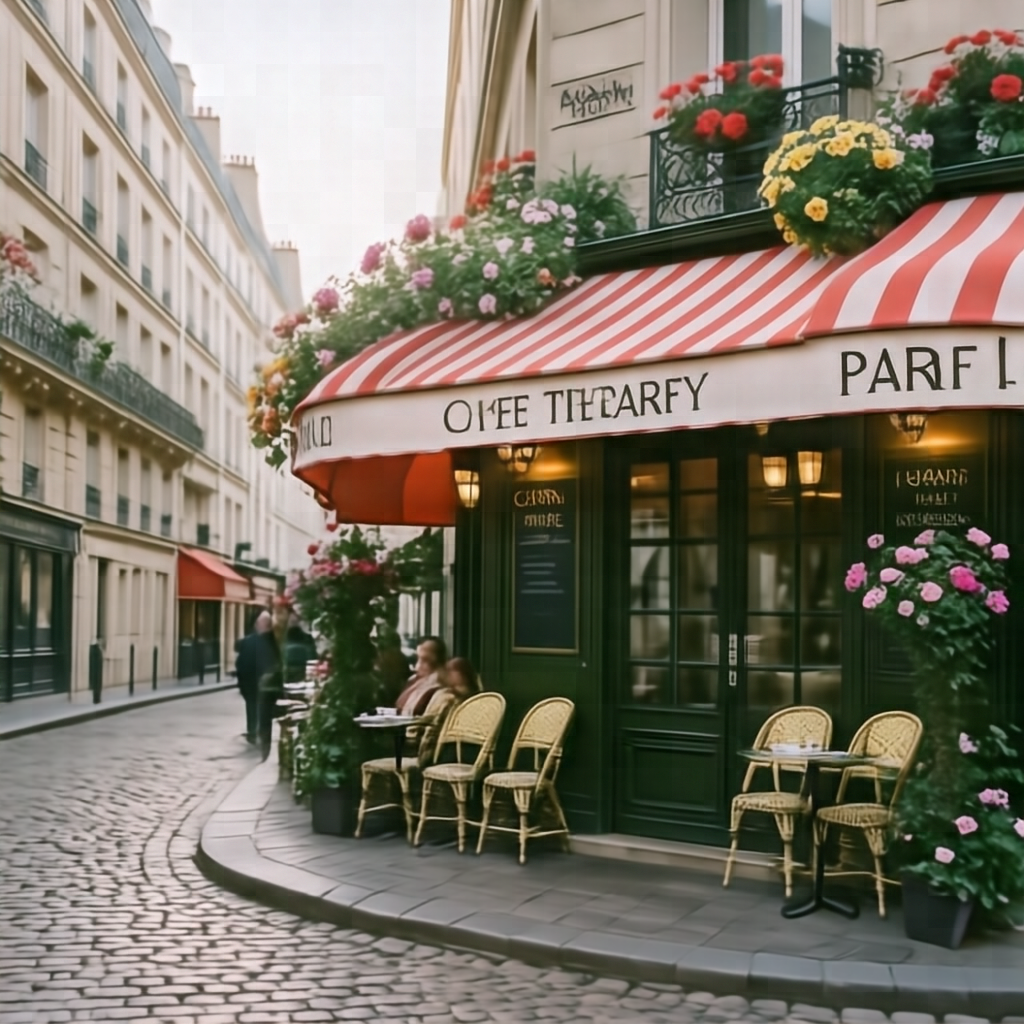
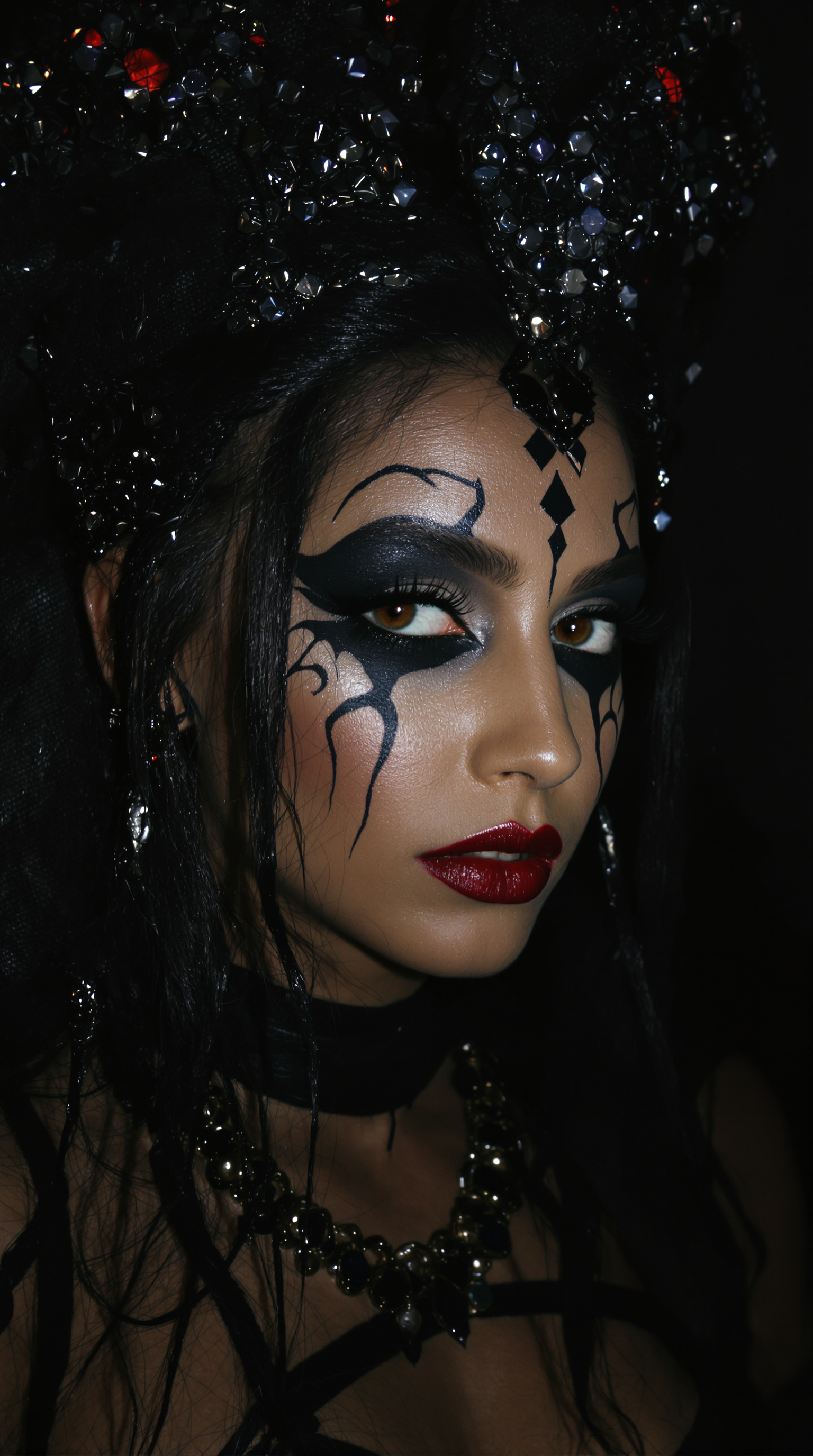
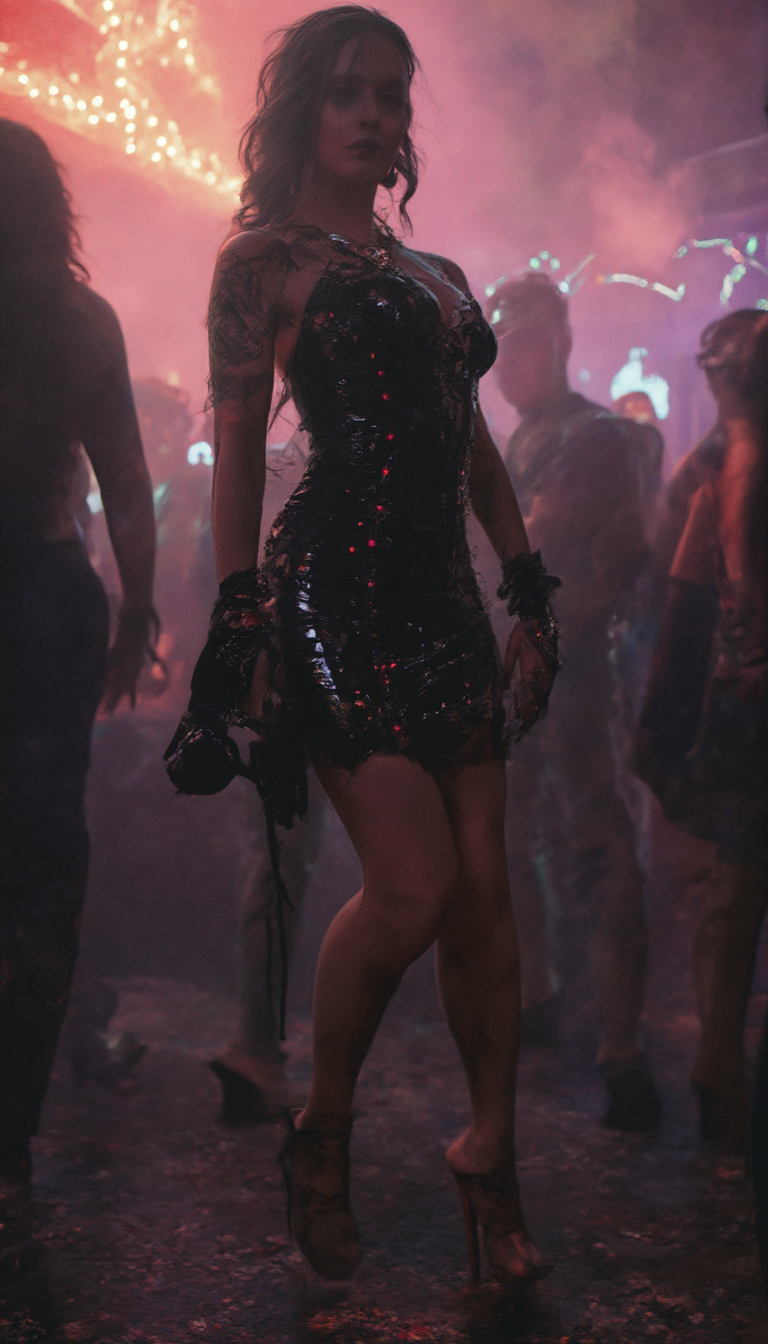
The Pixel Dojo Advantage
Why PixelDojo outperforms other options for Qwen Image style transfer:
| Others | Pixel Dojo |
|---|---|
| Traditional Image Editing | Eliminates the need for manual adjustments, saving time and effort. |
| Generic AI Tools | Offers specialized tools like 'QWEN Image' for precise style transfer, ensuring higher quality results. |
| Manual Artistic Creation | Provides a faster and more accessible way to achieve artistic effects without requiring advanced skills. |
Loved by creators on PixelDojo
Real feedback from people using PixelDojo, pulled from our in-product surveys.
it is an amazing site to create a pics and vids for those who don't have the hardware themselves
good tools in one place
Prompt updates, strong features, and a community that is always willing to help and hear/act on professional feedback. I've never had a better experience.
user friendly all in one thing
I really like the schedule of AI work performed!
The best tools for IA on the web !
Explore more AI tools on PixelDojo
AI Tools
Compare & Switch
- Best AI Image Generators
- Best AI Video Generators
- Midjourney Alternatives
- Civitai Alternatives
- Runway Alternatives
- Leonardo Alternatives
- Pika Alternatives
- Luma Alternatives
- Magnific Alternatives
- Veo Alternatives
- Flux Alternatives
- Freepik Alternatives
- Seedance Alternatives
- Seedream Alternatives
- Pixverse Alternatives
- GPT Image Alternatives
- Synthesia Alternatives
- Playground Alternatives
- NightCafe Alternatives
- Canva AI Alternatives
- ElevenLabs Alternatives
- ComfyUI Alternatives
- Fal Alternatives
- Replicate Alternatives
Common Questions
Everything you need to know about qwen image style transfer prompts
How do I create a Qwen Image style transfer prompt?
To create an effective prompt, describe the subject, scene, and desired style in detail. For example: 'A portrait of a woman in the style of Picasso's Cubism.'
Can I use Qwen Image style transfer for commercial projects?
Yes, images generated using PixelDojo's tools can be used for commercial purposes, adhering to our terms of service.
Do I need prior experience to use PixelDojo's style transfer tools?
No prior experience is necessary. Our user-friendly interface guides you through the process, making it accessible for everyone.
What file formats are supported for downloading images?
Generated images can be downloaded in common formats such as JPEG and PNG, suitable for various applications.
Is there a limit to the number of images I can generate?
PixelDojo offers various subscription plans to suit different needs, including options with unlimited image generation.
How can I ensure the best results with style transfer prompts?
Providing detailed and specific prompts, including information about the subject, scene, and style, will yield the most accurate and high-quality results.