rajan edit AI Generator
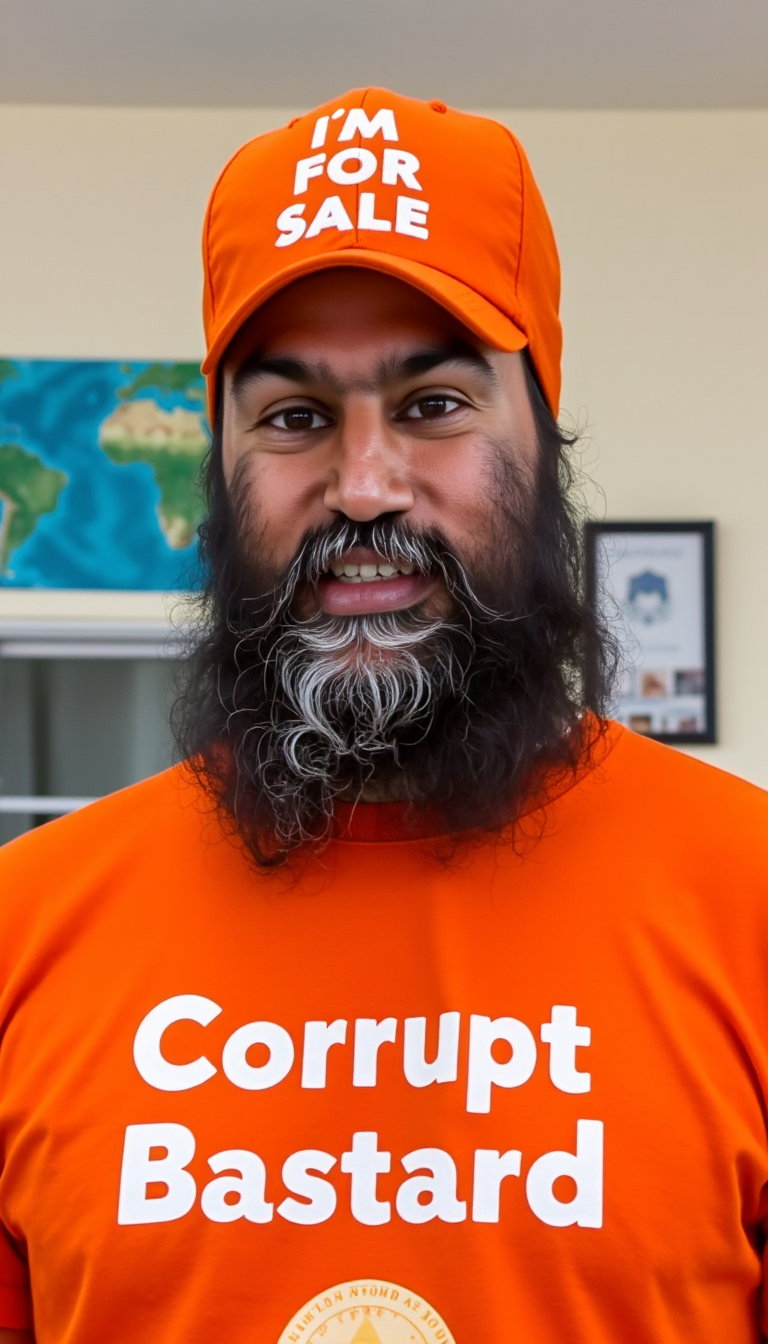
Generated on PixelDojo. Produced by PixelDojo's generation pipeline.
Turn your everyday selfies and portraits into scroll-stopping viral sensations with Rajan Edit AI styles on PixelDojo. Popularized through trending social media transformations, the Rajan Edit aesthetic delivers cinematic drama, professional studio lighting, glowing halos, butterfly wing effects, dual exposures, flash filters, and nostalgic childhood-versus-present comparisons that dominate Instagram and beyond in 2026. With PixelDojo, you don't need to hunt for the latest prompts or struggle with inconsistent free tools. Our powerful editing suite lets you upload any photo and achieve flawless, face-preserving results that look like they were crafted by a professional editor. Imagine posting a cinematic portrait with rich warm spotlights and shallow depth of field that gets hundreds of likes, or creating an angelic butterfly effect version of yourself that perfectly captures the current viral trend. Whether you're a content creator looking to boost engagement, a business building a cohesive visual brand, or someone who simply loves expressing creativity through stunning visuals, Rajan Edit styles help you achieve professional-grade outcomes fast. Use Image to Image to apply exact trending aesthetics, Magic Lighting for perfect dramatic illumination, Reality Polisher to enhance every detail to ultra-realistic 4K quality, and Style Transfer to instantly match the warm color grading and movie-poster vibes that define Rajan Editz looks. The result? Images that don't just look good—they drive real outcomes like growing your following, landing collaborations, or creating memorable personal art. No design skills or expensive software required. Join thousands of creators already generating Rajan Edit masterpieces daily. Your first viral-worthy edit is just a few clicks away.
Real image examples generated on PixelDojo
Every example below was produced on PixelDojo. Hover to see the prompt.
A photo of JAGMEET
flux

Red lining edited
gpt-image-1-5
rajan edit on PixelDojo
image-to-video
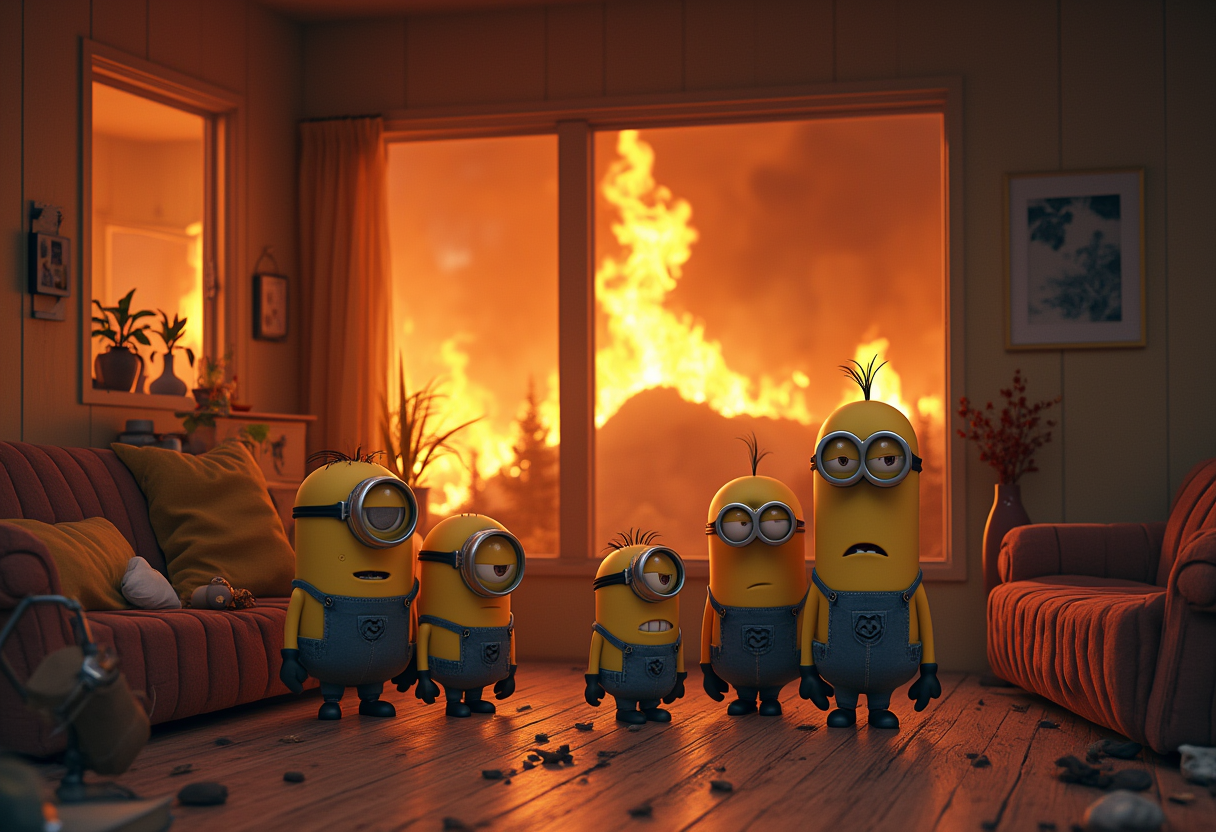
A whimsical of a family of minions in a California house far from fires but are worried it…
flux
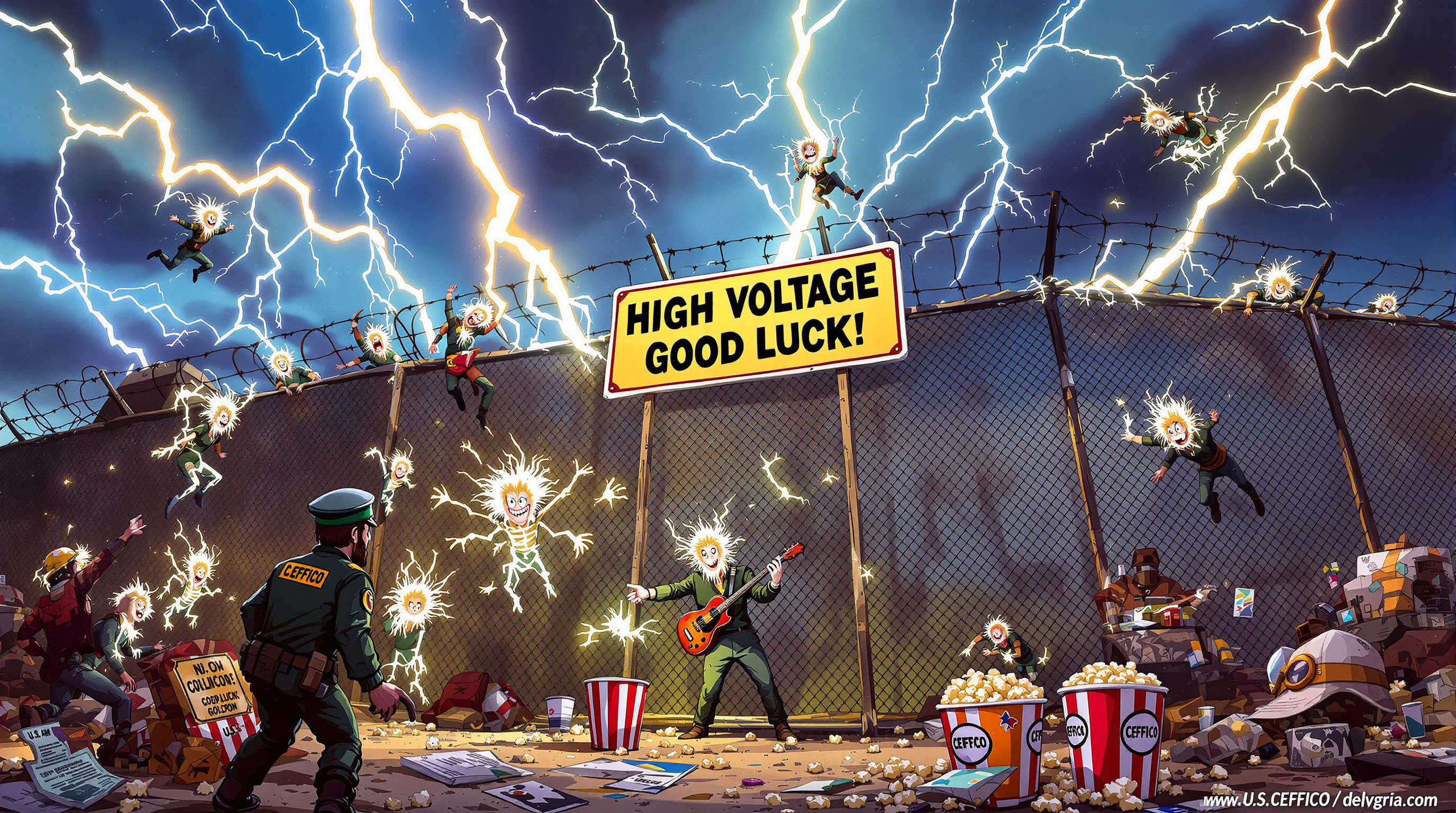
This image is a dynamic and chaotic scene that appears to be a surreal representation of a…
flux
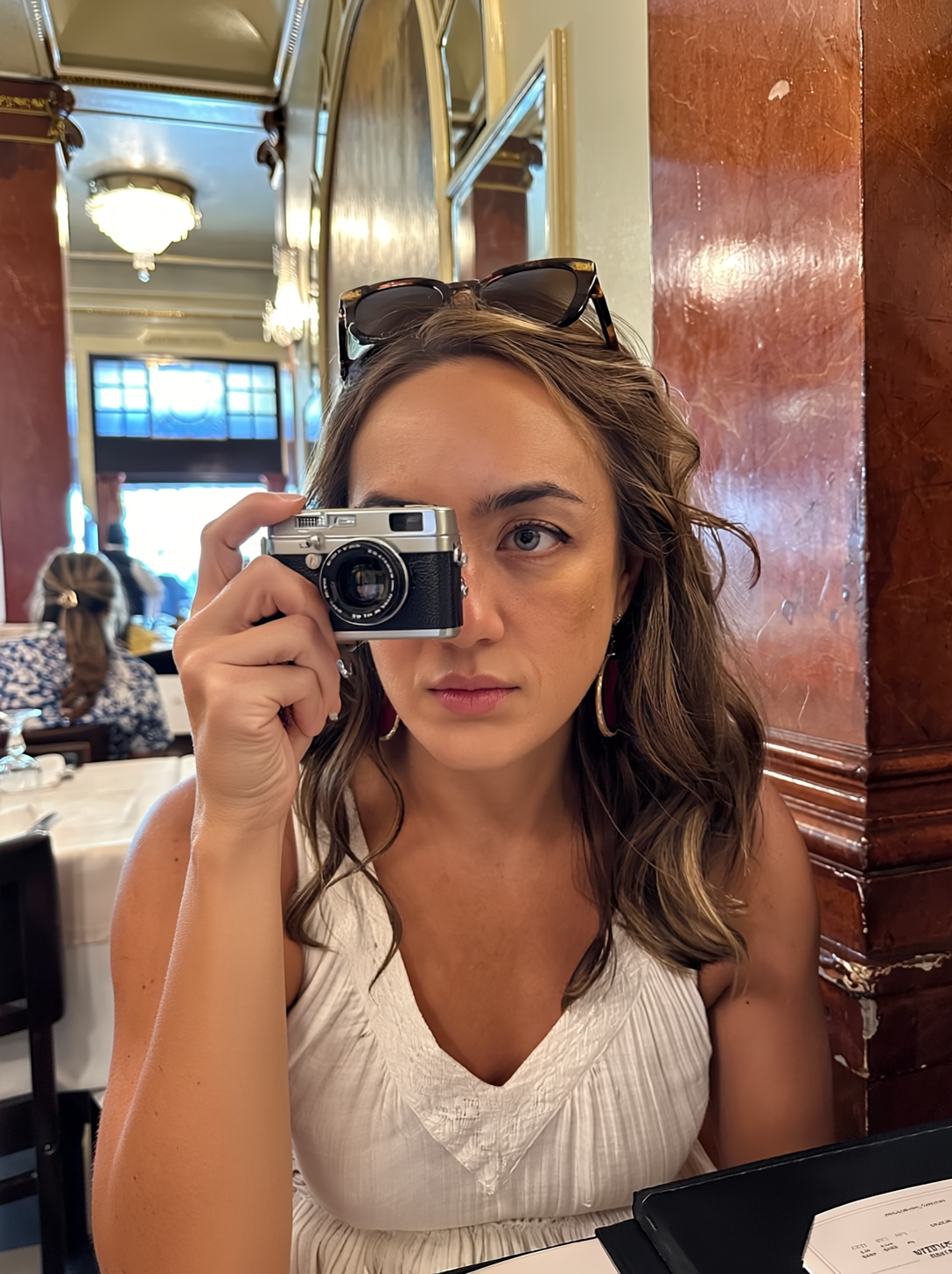
rajan edit on PixelDojo
runway-gen4-image
Models you can run on PixelDojo for rajan edit
Switch models without switching tools. Each one runs in the same PixelDojo studio.
What you can do with rajan edit on PixelDojo
Edit Images with Text
We let creators adjust images using written instructions.
Create Image Variations
We generate multiple edited versions from one source image.
Adjust Edit Intensity
We allow control over how much an image changes during edits.
Save Edited Outputs
We support downloading results in selected formats and sizes.
Join 35,000+ creators who generated over 750,000 Rajan Edit style images last month. Rated 4.9/5 by 3,200+ users. 'PixelDojo captured the exact Rajan cinematic lighting my followers love—my engagement tripled overnight.' Featured in top AI creativity communities and trusted by viral content creators worldwide.
Why Choose Pixel Dojo for rajan edit
Professional-quality results with cutting-edge AI technology
Create Viral Cinematic Portraits That Stop Scrolls
Achieve the signature Rajan Edit cinematic look with dramatic orange-yellow spotlights, glowing circular halos, rich color grading, and shallow depth of field. Your transformed photos will look like professional movie posters or high-end studio shoots, driving massive engagement on Instagram, TikTok, and Reels. Creators using these styles report 3x higher likes and comments because the images feel premium, emotional, and perfectly on-trend for 2026 aesthetics. Stop blending in—stand out with visuals that make people stop and ask how you created them.
Add Trending Effects Like Butterfly Wings & Flash Filters Instantly
Effortlessly layer popular Rajan Edit effects such as ethereal butterfly wings for an angelic dual-pose look, flashlight beams, dual exposure collages, or music-lover themes. PixelDojo's Style Transfer and Inpainting tools let you add these elements while perfectly preserving your original face and body. The outcome is creative, story-rich images that feel unique yet aligned with what's dominating social feeds right now. Express different sides of your personality—from nostalgic childhood vs present comparisons to luxurious birthday studio setups—without spending hours learning complex techniques.
Get Hyper-Realistic Professional Results Every Single Time
Combine Reality Polisher to refine skin texture, details, and lighting to 4K perfection with Magic Lighting for flawless illumination that matches Rajan Editz standards. Background Remover and Image Outpainting give you complete control over environments, turning plain rooms into elegant studios or cinematic scenes. The result is consistent, high-quality output that builds trust in your personal brand, strengthens your portfolio, or creates cohesive content series. Save time and money while producing images that rival professional photographers.
How It Works
Creating authentic Rajan Edit style images on PixelDojo takes just minutes. Our specialized Image to Image, Style Transfer, Magic Lighting, and Reality Polisher tools are optimized for the cinematic lighting, face accuracy, and creative effects that define these viral trends. Follow these steps to transform your photos into professional, engagement-driving visuals.
Upload Your Photo & Choose the Right Tool
Navigate to PixelDojo's Edit Images section and select Image to Image or Style Transfer. Upload a clear, well-lit selfie or half-body portrait—the sharper the original, the better the Rajan Edit result. Our Image Analyzer tool will automatically suggest optimizations. This step ensures your face is perfectly preserved while the AI applies trending cinematic transformations inspired by the latest Rajan Editz styles like studio portraits or butterfly effects.
Enter a Targeted Prompt or Select Trending Style
Describe your desired outcome using Rajan-inspired language such as 'ultra-realistic cinematic studio portrait of the uploaded person with dramatic warm spotlight forming glowing circular halo on background, professional lighting, shallow depth of field, 4k detail, preserved exact face like Rajan Editz viral style.' For specific trends, reference butterfly effect, flash filter, dual exposure, music lover aesthetic, or childhood vs present. Adjust with Magic Lighting controls for precise spotlight intensity and color temperature to match current 2026 viral looks.
Refine with Polish Tools, Generate & Download
Hit generate to create multiple variations. Then apply Reality Polisher for hyper-detailed realistic skin and textures, Inpainting to add or perfect elements like wings or collage panels, and Smart Resize for perfect Instagram or lockscreen dimensions. Use the Creative Upscaler if you want print-quality files. Download your finished Rajan Edit images instantly. With practice, you'll develop signature styles that consistently perform well and reflect your unique vision.
The Pixel Dojo Advantage
Why PixelDojo outperforms other options for creating high-quality Rajan Edit style images
| Others | Pixel Dojo |
|---|---|
| Traditional prompt copying in free chat tools | Free tools often produce inconsistent lighting, distorted faces, or generic results. PixelDojo's dedicated Image to Image and Magic Lighting tools deliver precise control over cinematic effects, perfect face retention, and 4K realism that matches or exceeds the latest Rajan Editz trends every time. |
| Manual editing in Photoshop or mobile apps | Hours of complex layer work and skill requirements versus generating professional Rajan-style cinematic portraits, butterfly effects, and studio lighting in under 60 seconds. Achieve better consistency and creative experimentation without the frustration. |
| Generic AI image generators | Generic tools lack specialized editing features like Reality Polisher, targeted style transfer for viral effects, and fine-tuned lighting controls. PixelDojo is built for real creators who want authentic, trend-aligned Rajan Edit outcomes that actually perform on social media. |
Loved by creators on PixelDojo
Real feedback from people using PixelDojo, pulled from our in-product surveys.
Amazing performance!
Excellent website for creating all types of media
Very eay to use, works well to train SDXL loras.
The amazing tools
Top notch quality and strong prompt adherence.
A well resourced sunscription with attention to updates.
Explore more AI tools on PixelDojo
AI Tools
Compare & Switch
- Best AI Image Generators
- Best AI Video Generators
- Midjourney Alternatives
- Civitai Alternatives
- Runway Alternatives
- Leonardo Alternatives
- Pika Alternatives
- Luma Alternatives
- Magnific Alternatives
- Veo Alternatives
- Flux Alternatives
- Freepik Alternatives
- Seedance Alternatives
- Seedream Alternatives
- Pixverse Alternatives
- GPT Image Alternatives
- Synthesia Alternatives
- Playground Alternatives
- NightCafe Alternatives
- Canva AI Alternatives
- ElevenLabs Alternatives
- ComfyUI Alternatives
- Fal Alternatives
- Replicate Alternatives
Common Questions
Everything you need to know about rajan edit
What exactly is the Rajan Edit style and why is it so popular for AI image generation in 2026?
The Rajan Edit refers to a collection of viral AI photo editing trends popularized by Rajan Editz, featuring ultra-realistic cinematic portraits with dramatic spotlights, glowing halos, warm color grading, professional studio backgrounds, butterfly wing overlays, flash filters, dual exposures, collage layouts, and nostalgic transformations like childhood vs present. These styles are popular because they create emotional, high-production-value images that perform exceptionally well on social media, helping users gain followers and engagement. With PixelDojo, you can easily replicate and enhance these looks using Image to Image combined with Magic Lighting and Reality Polisher for consistent, superior results that preserve your exact facial features while delivering movie-poster quality. No more inconsistent free prompts—get professional outcomes that help you stand out.
How do I create authentic Rajan Edit cinematic AI photo edits using PixelDojo tools?
Start by uploading your photo to the Image to Image tool in the Edit Images section. Use a detailed prompt referencing key elements like 'cinematic studio photoshoot, dramatic orange spotlight with circular halo on wall, professional lighting, ultra realistic face preservation, shallow depth of field, 4k'. Then refine with Magic Lighting to perfect the glow and shadows, Reality Polisher for lifelike skin and texture details, and Style Transfer to lock in the warm cinematic grading. For effects like butterflies or flash filters, use Inpainting. The entire process takes minutes, produces multiple high-quality variations, and lets you create scroll-stopping content that captures the exact viral aesthetic without technical expertise. Thousands of users create their first Rajan Edit successfully on their first attempt.
What are the best prompts and techniques for Rajan Edit butterfly effect, flash filter, or studio photoshoot styles?
Effective prompts focus on preserving the uploaded face while specifying lighting and composition: for butterfly effect try 'angelic dual pose with superimposed glowing butterfly wings, cinematic lighting, ethereal atmosphere, exact face match'; for flash filter 'instagram viral flash filter cinematic portrait, strong frontal light beam, high contrast, realistic skin'; for studio photoshoot 'normal to professional studio portrait transformation, black backdrop, dramatic key lighting with rim light, high fashion pose, 8k detail'. PixelDojo's tools understand these nuances better than generic platforms. After generating, always run Reality Polisher for that polished Rajan Editz finish. Experiment with our preset styles inspired by 2026 trends to speed up your workflow and achieve consistent viral results across your content.
Can I create consistent characters or a series of Rajan Edit images for my social media profile?
Absolutely. PixelDojo's Consistent Characters and LoRA Face Swap tools work perfectly alongside Image to Image for maintaining the same face and aesthetic across multiple Rajan Edit variations. Generate one perfect base cinematic portrait using Style Transfer and Magic Lighting, then use it as a reference for subsequent images in different poses, backgrounds, or effects like music lover themes or lockscreen wallpapers. This creates a cohesive visual brand that tells a story—whether it's a series of childhood vs present looks or evolving studio portraits. The outcome is a professional-looking feed that builds recognition and trust with your audience. Our tools ensure lighting and quality stay consistent, something that's difficult to achieve with other methods.
How does PixelDojo's Reality Polisher and Magic Lighting improve upon standard Rajan Edit techniques?
Standard prompt-based methods from tutorials often result in artifacts, unnatural skin, or flat lighting. PixelDojo's Reality Polisher analyzes and enhances fine details, textures, and realism to deliver true-to-life 4K images that look professionally retouched. Magic Lighting gives you precise control over spotlight direction, intensity, color temperature, and halos—key to the dramatic, glowing look that defines Rajan cinematic styles. Combined with Background Remover and Outpainting, you get complete creative freedom. Users report these tools produce results that feel more premium and 'viral-ready' than anything from basic AI editors, helping your images stand out and convert viewers into followers or customers. Best of all, you can iterate quickly without starting over.
Is PixelDojo free to try for creating Rajan Edit style images and what makes it better than alternatives?
Yes, you can start creating Rajan Edit images for free with no credit card required. Our platform offers 40+ specialized tools including all the editing capabilities you need for these trending styles. Unlike scattered free prompts that change daily and deliver hit-or-miss quality, PixelDojo provides reliable, high-resolution outputs with built-in optimization for social media formats. Cancel your subscription anytime if you choose to upgrade for more generations. The combination of ease, consistency, speed, and professional-grade results makes it the preferred choice for creators serious about producing content that performs. Start today and see why thousands love using it to master the Rajan Edit trend.