realistic ai generator
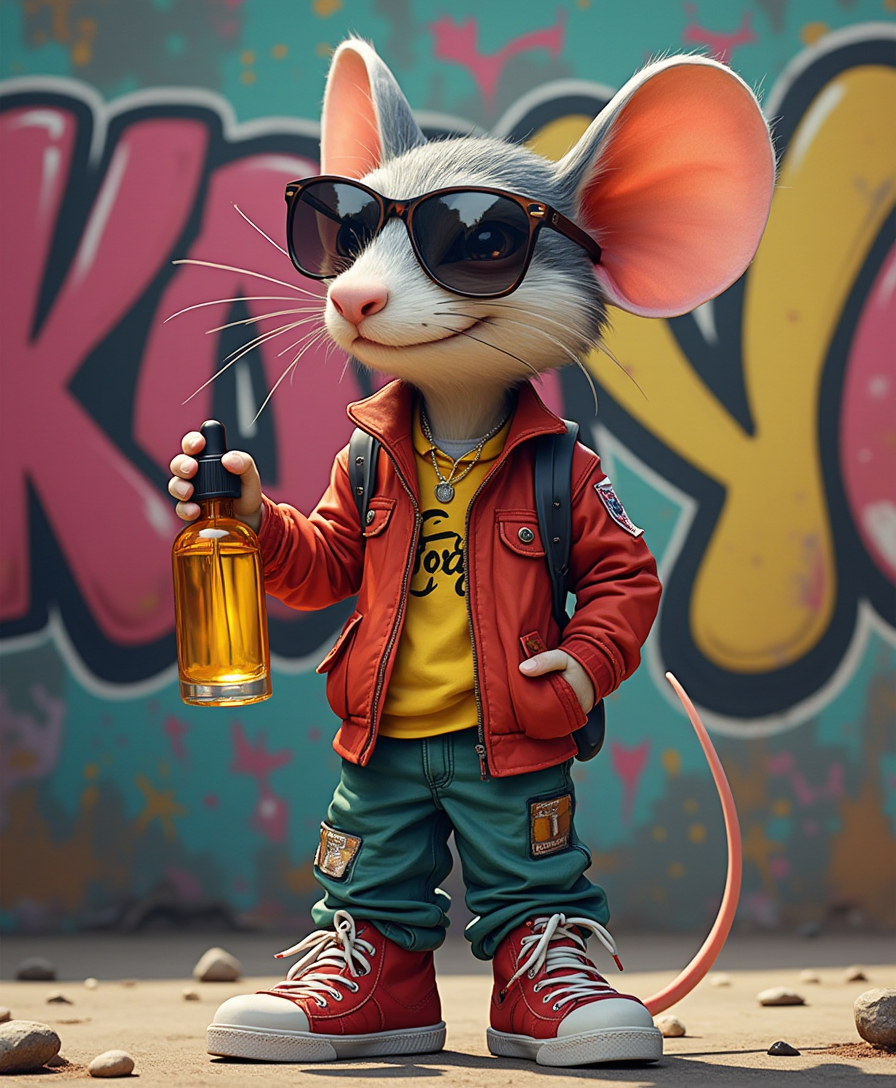
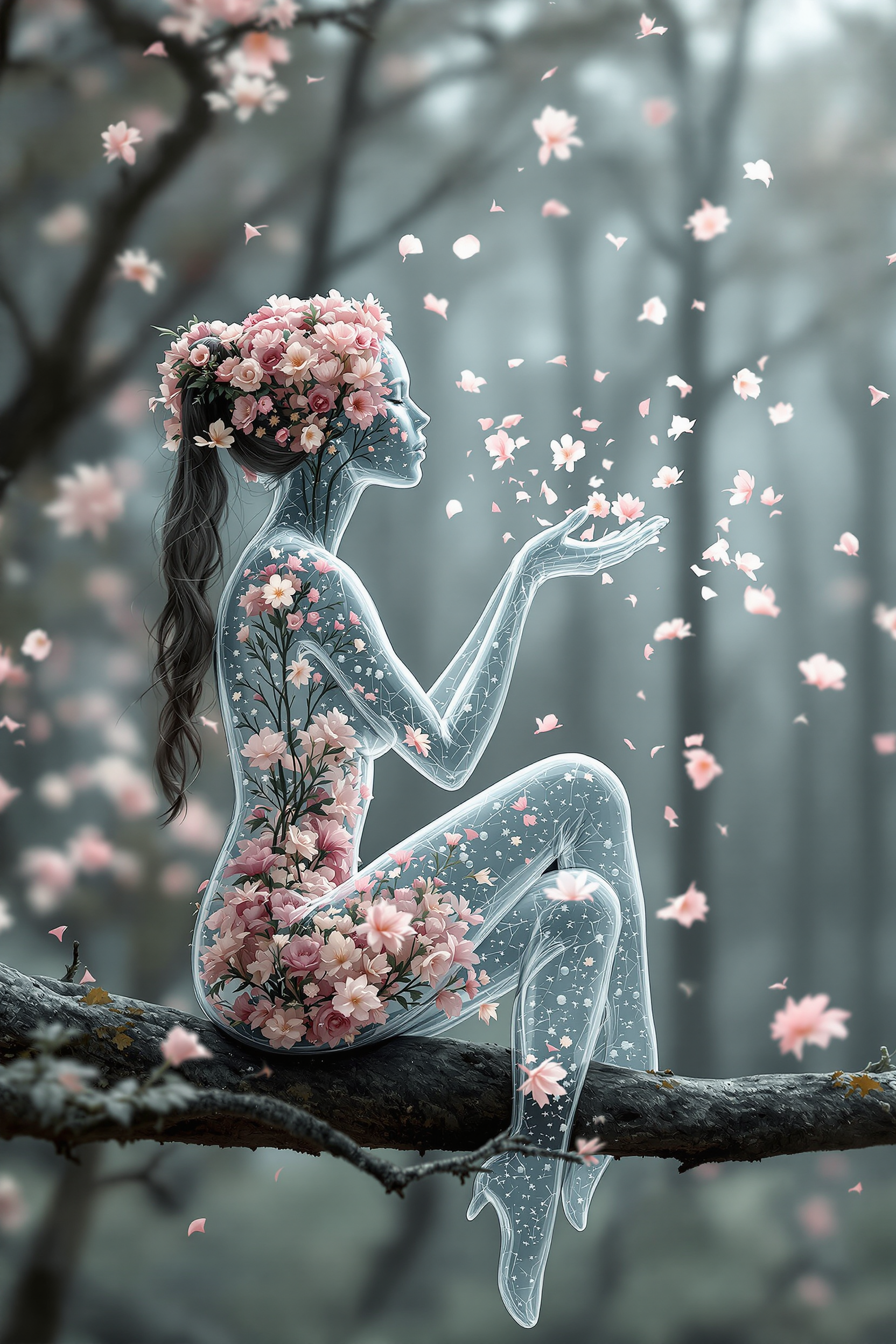
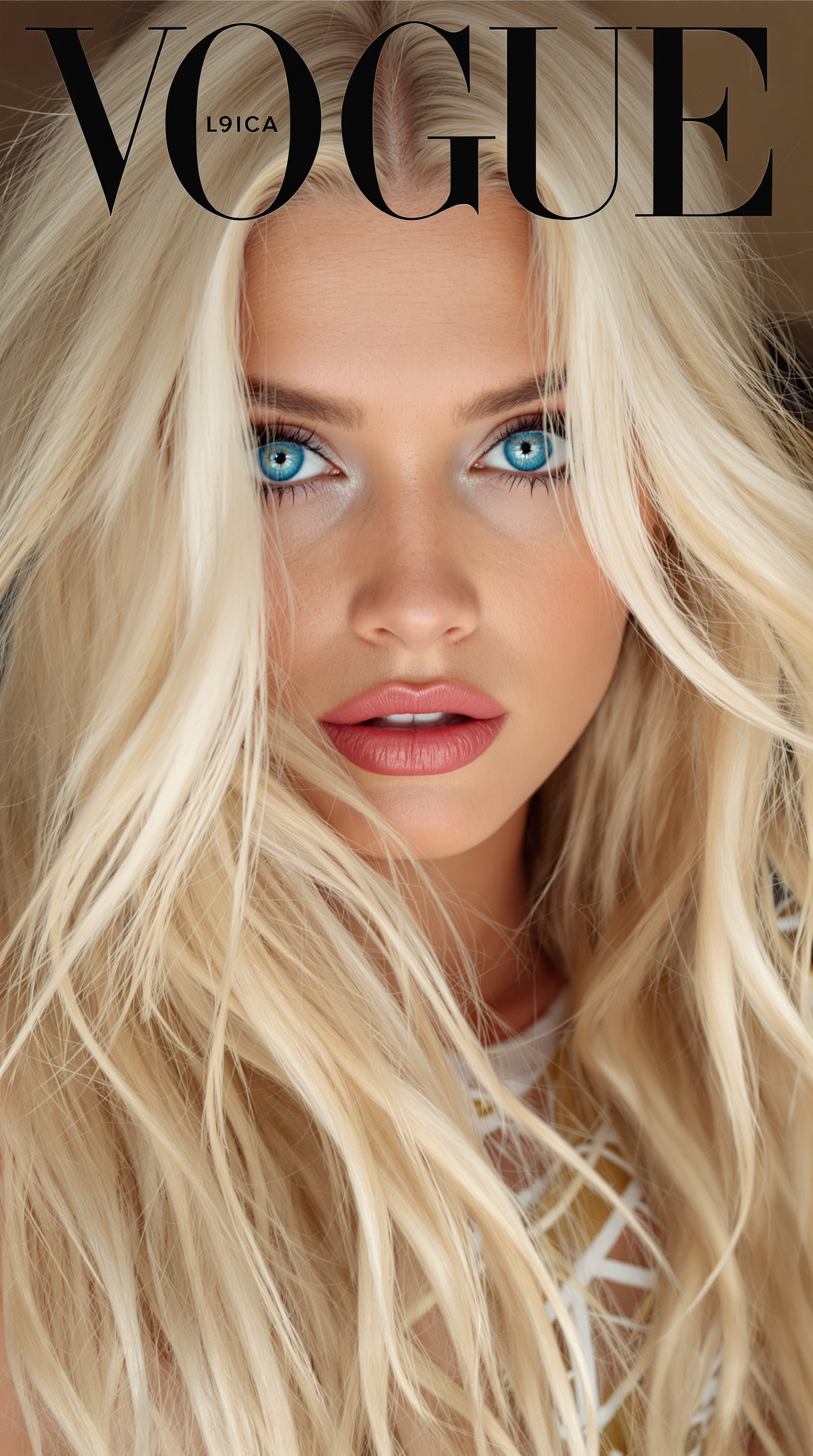
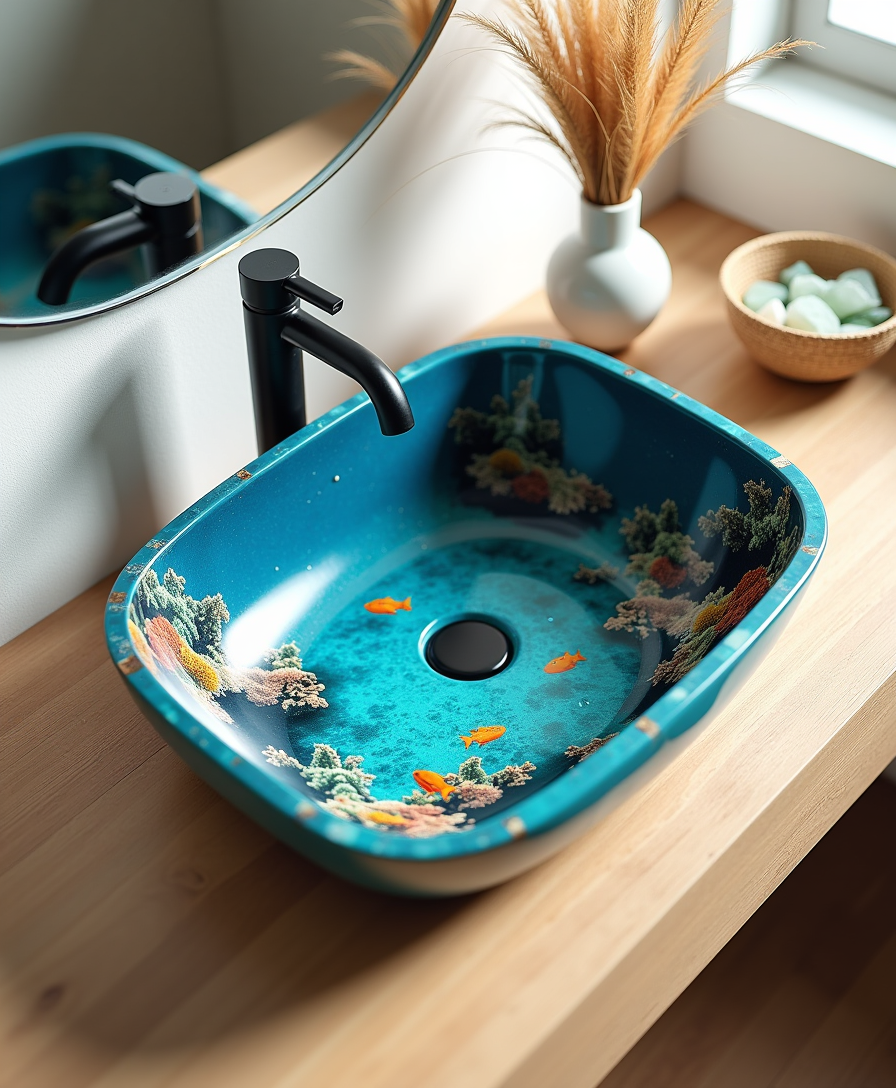
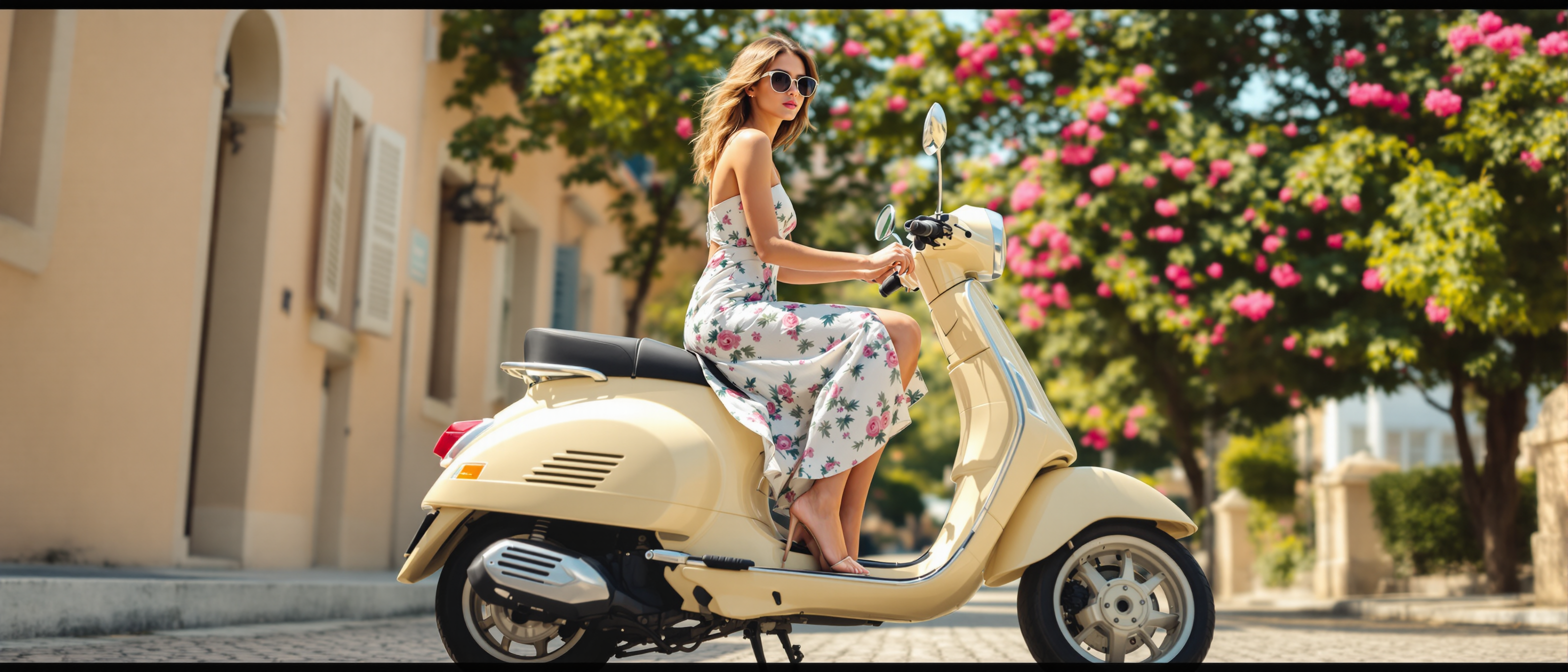
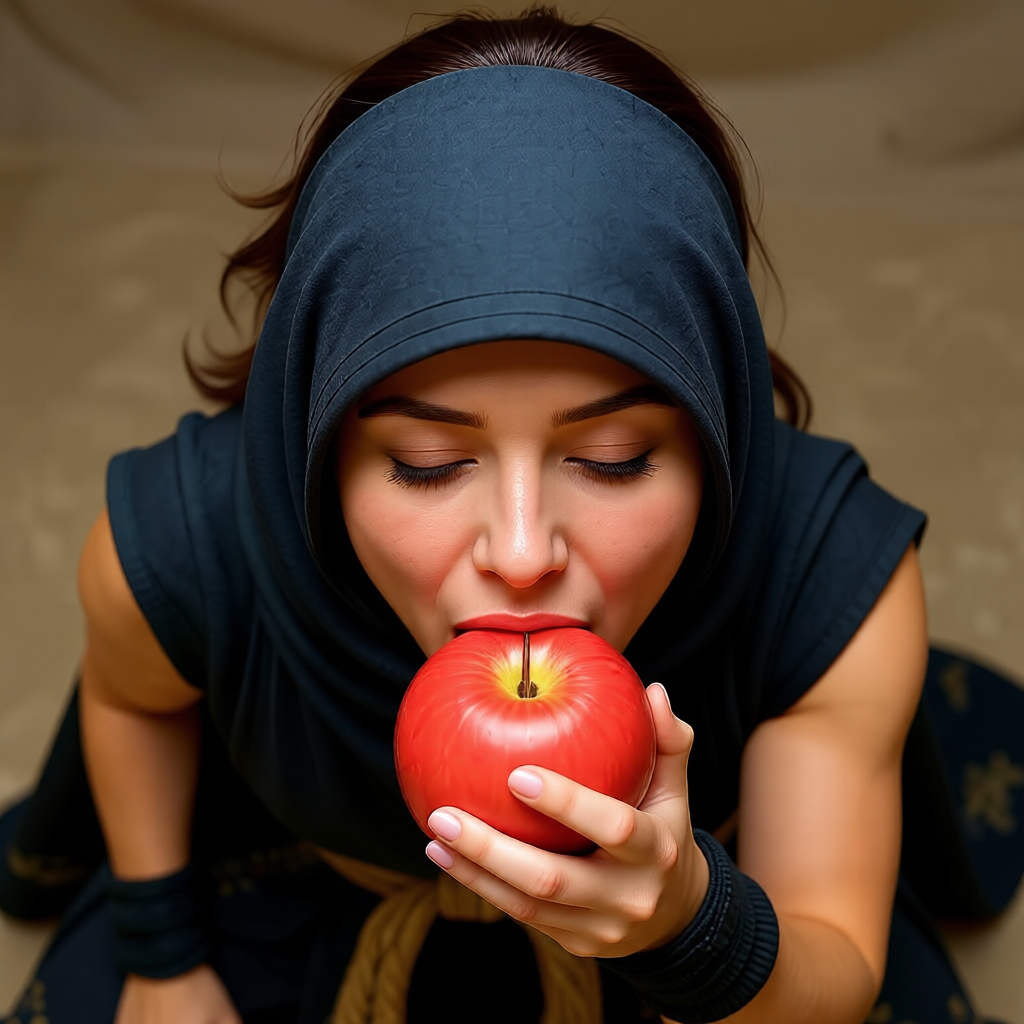
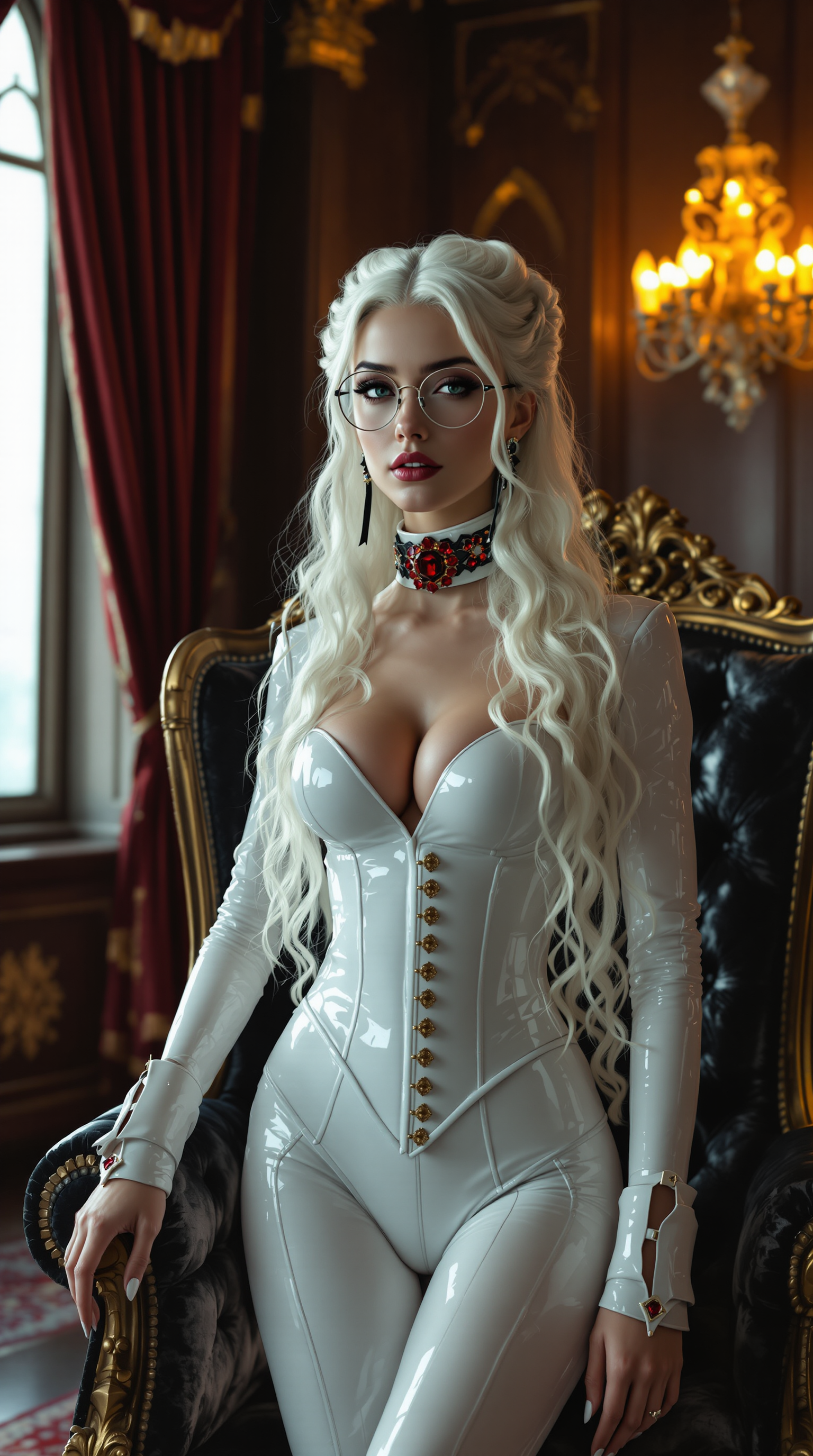
Imagine generating images so realistic that viewers can't tell they're AI-created. With PixelDojo's realistic AI generator, you can create professional photorealistic portraits that capture genuine emotion, product photos that drive sales, lifestyle scenes with authentic lighting and textures, and concept visualizations indistinguishable from real photography. No expensive cameras, models, studios or editing hours required. Simply describe your vision and watch it come to life with natural skin pores, subtle imperfections, accurate shadows, reflections and depth of field that professionals demand. Whether you're a marketer needing scroll-stopping visuals, a designer presenting concepts that win clients, or a creator building an authentic portfolio, our realistic AI generator delivers outcomes that matter: higher engagement, faster production, and images that build trust because they look real. Powered by specialized tools like Google Nano Banana for hyper-photorealism and Flux.2 Studio for unmatched texture detail, plus our Reality Polisher to elevate any generation to professional standards. You get complete creative control to produce the exact realistic images you envision, every single time.
Loved by 85,000+ creators worldwide • 4.9/5 average rating from 12,400+ reviews • "The most realistic AI images I've ever seen – my clients thought I flew in a professional photographer." • Over 3.2 million realistic images generated in the last 6 months
Why Choose Pixel Dojo for realistic ai generator
Professional-quality results with cutting-edge AI technology
Create Images Indistinguishable From Real Photos
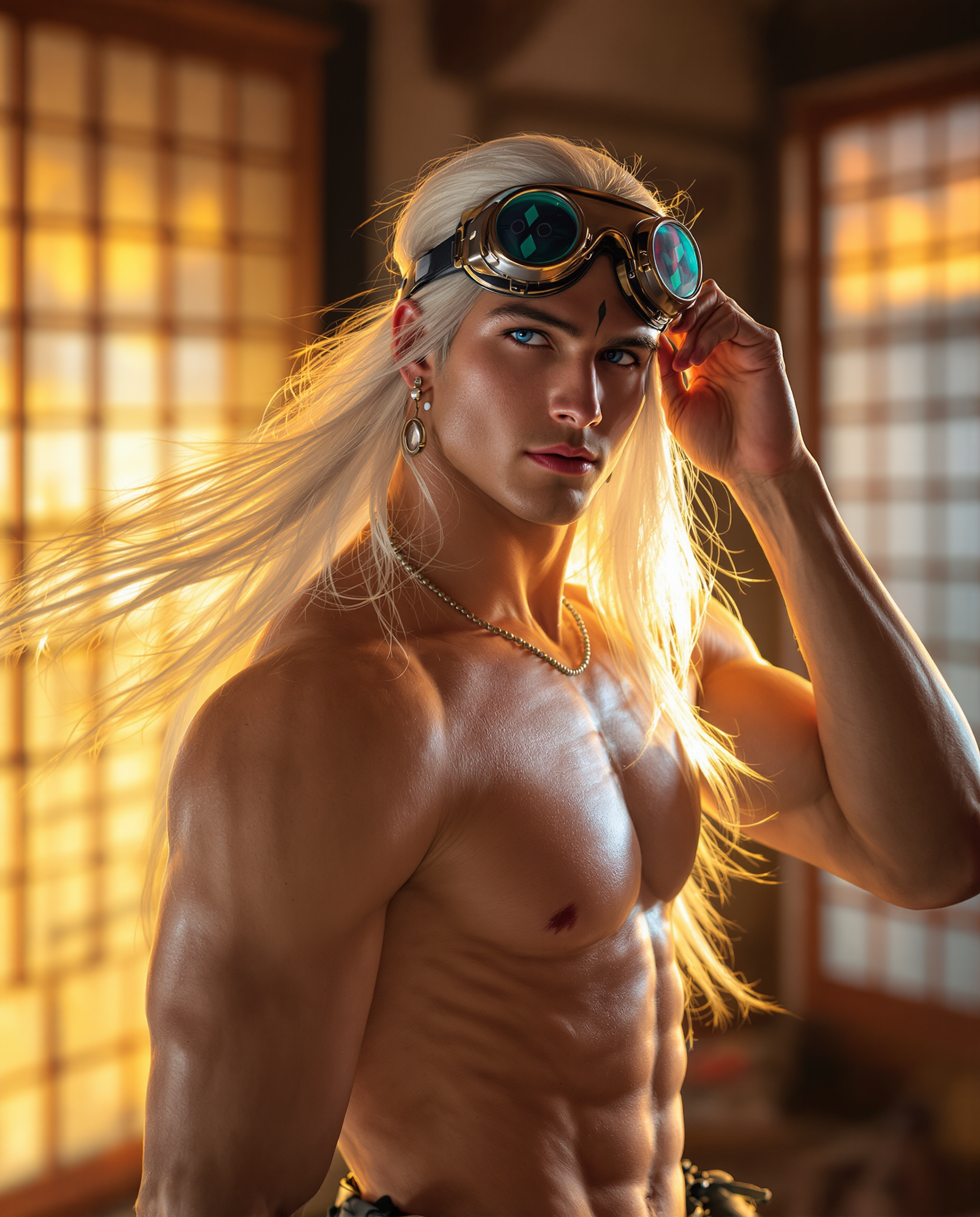
Achieve hyper-realistic results with natural skin textures, individual hair strands, physically accurate lighting, realistic depth of field, and subtle imperfections that eliminate the artificial AI look. Use Google Nano Banana or Flux.2 Studio to generate product photography that converts better than studio shoots, portraits that reveal authentic personality, and environmental scenes with volumetric god rays, accurate material reflections, and atmospheric perspective. Your audience will engage more because the images feel genuine and trustworthy. Combine with our Reality Polisher to refine micro-details like fabric weave or skin imperfections for results that pass expert scrutiny in advertising, e-commerce, and editorial work.
Skip Expensive Photoshoots and Save Weeks of Time
Generate an entire realistic campaign in minutes instead of days of coordination, travel, and post-production. Describe any lighting condition – golden hour side light, soft diffused window light, dramatic cinematic chiaroscuro – and get perfect results instantly. No more model fees, location permits, or weather dependency. Our realistic AI generator lets you iterate instantly: change angles, adjust expressions, or swap backgrounds while maintaining photorealistic consistency. Marketers report 70% faster content production and higher conversion rates from images that look like they cost thousands to create. Perfect for testing concepts before committing to real production.
Maintain Perfect Consistency Across Your Entire Project
Create a realistic character once and generate them in unlimited scenarios, outfits, and environments while preserving exact facial features, body proportions, and skin details. Use Consistent Characters combined with our top realistic models to build narrative sequences, before-and-after visuals, or multi-angle product lifestyle shots that feel like they came from the same professional photoshoot. Our editing suite including Image to Image, Inpainting, and Pose Control gives you surgical precision to adjust any element without breaking realism. The outcome? Cohesive visual stories that strengthen your brand and simplify your workflow.
How It Works
Creating stunning photorealistic images with PixelDojo takes just three simple steps. Our realistic AI generator combines powerful models with intuitive editing tools so you can achieve professional results without photography experience. Focus on outcomes by writing prompts the way award-winning photographers think – describing light, lens, moment and emotion.
Step 1: Choose Your Realistic AI Tool
Log into PixelDojo and navigate to Generate Images. Select Google Nano Banana for the highest photorealism and skin detail or Flux.2 Studio for exceptional texture accuracy and lighting fidelity. These tools are specifically tuned to eliminate common AI artifacts. For reference-based realism, upload an existing photo and use Image to Image. Start with one of our realistic presets to ensure natural color grading and photographic qualities from the first generation.
Step 2: Write a Photographer-Style Prompt
Describe your scene like a professional photographer would: specify camera ("shot on Canon EOS R5, 85mm f/1.4 lens"), lighting ("soft golden hour sidelight with subtle rim lighting"), composition ("shallow depth of field with creamy bokeh"), subject details ("35-year-old woman with natural skin texture, visible pores and freckles, candid relaxed smile"), and authenticity markers ("subtle film grain, natural imperfections, documentary style"). Avoid perfection – real photos have slight asymmetries and environmental interaction. Our prompt enhancer will automatically optimize for maximum realism. Generate multiple variations to choose the most lifelike result.
Step 3: Refine, Polish & Export
Use Inpainting to fix small details or change elements while preserving surrounding realism. Apply our exclusive Reality Polisher to dramatically enhance micro-textures, correct lighting consistency, and boost overall photographic quality. Upscale with Magnific Upscaler or Portrait Upscaler for print-ready 8K resolution without losing authenticity. Add final touches with Magic Lighting or Style Transfer if needed. Download in multiple formats or generate consistent variations using Character tools. The entire process from idea to final realistic image takes under 60 seconds.
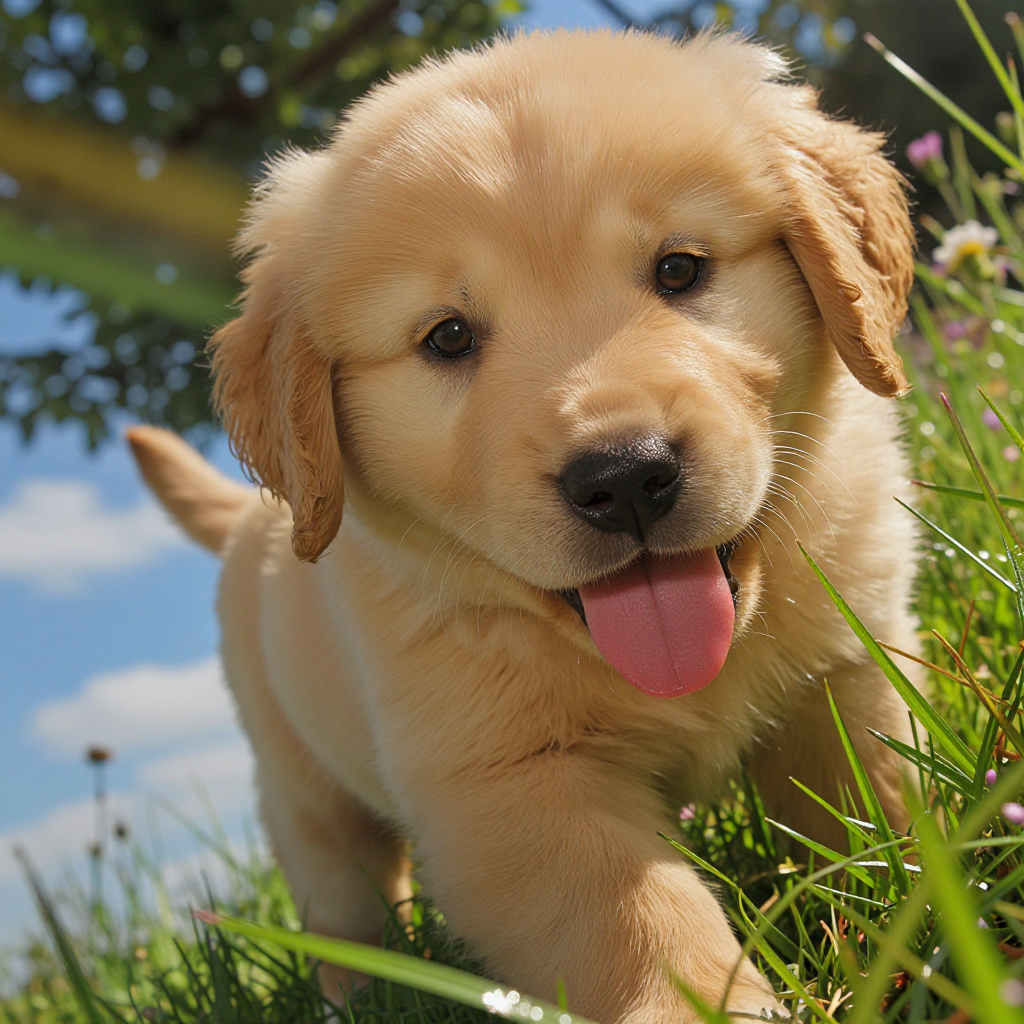
The Pixel Dojo Advantage
Why PixelDojo's realistic AI generator outperforms traditional methods for creating photorealistic images
| Others | Pixel Dojo |
|---|---|
| Traditional professional photography | Create unlimited variations with perfect lighting control in seconds instead of spending thousands on equipment, models, locations and retouching. Iterate instantly without reshoots. |
| Generic AI image tools | Our specialized realistic models combined with Reality Polisher eliminate the plastic skin, wrong anatomy and artificial lighting common elsewhere. You get authentic photographic results with natural imperfections that make images believable. |
| Manual photo editing in Photoshop | Achieve better realism faster using AI-powered tools like Inpainting and Magic Lighting instead of spending hours manually masking, frequency separating and dodging. Our upscalers preserve authentic detail better than traditional sharpening. |
Loved by creators on PixelDojo
Real feedback from people using PixelDojo, pulled from our in-product surveys.
I love this app
It has all the tools I can think of...
deployment rate of splendid features is incredible. Legend
large selection of tools on one platform
the amount you can do on this site
all in one place
Explore more AI tools on PixelDojo
AI Tools
Compare & Switch
- Best AI Image Generators
- Best AI Video Generators
- Midjourney Alternatives
- Civitai Alternatives
- Runway Alternatives
- Leonardo Alternatives
- Pika Alternatives
- Luma Alternatives
- Magnific Alternatives
- Veo Alternatives
- Flux Alternatives
- Freepik Alternatives
- Seedance Alternatives
- Seedream Alternatives
- Pixverse Alternatives
- GPT Image Alternatives
- Synthesia Alternatives
- Playground Alternatives
- NightCafe Alternatives
- Canva AI Alternatives
- ElevenLabs Alternatives
- ComfyUI Alternatives
- Fal Alternatives
- Replicate Alternatives
Common Questions
Everything you need to know about realistic ai generator
What is the best realistic AI generator in 2026 for photorealistic results?
PixelDojo stands out as the best realistic AI generator in 2026 because it gives you instant access to multiple specialized models including Google Nano Banana – repeatedly praised for its hyper-photorealistic skin, hair and lighting – and Flux.2 Studio for unmatched texture fidelity. Unlike single-model platforms, you can test different approaches and combine them with our Reality Polisher, which dramatically improves micro-details, corrects lighting inconsistencies, and adds authentic photographic qualities. Users achieve results with natural imperfections, accurate physics-based light behavior, and depth that rivals DSLR photography. The platform offers easy prompt templates based on real photography techniques, Image to Image for reference matching, and Magnific Upscaler for final professional quality. Thousands of creators choose us because we focus on outcomes – images that look completely real and drive real business results. Start with our free trial and see why it's the most loved realistic AI generator available.
How do I create photorealistic portraits that avoid the uncanny valley with AI?
To create photorealistic portraits that feel genuinely human using our realistic AI generator, write prompts like a photographer: 'Candid portrait of a 28-year-old woman with natural skin texture including visible pores and subtle freckles, soft diffused window light from the side creating gentle shadows under cheekbones, shot on Canon EOS R5 with 85mm f/1.4 lens at f/2.0, shallow depth of field with creamy bokeh, relaxed genuine smile, subtle film grain, documentary style, authentic expression.' Select Google Nano Banana or GPT-Image 1.5 for best skin rendering. After generation, use our Reality Polisher to enhance natural skin details without over-smoothing. The key is embracing subtle asymmetries, natural eye reflections, and micro skin variations that real faces have. Our Consistent Characters tool lets you maintain the same person across different expressions and lighting conditions for cohesive storytelling. Many users report their AI portraits now book more clients than their traditional photography because they capture authentic emotion faster.
What prompting techniques create the most realistic AI images in PixelDojo?
The most effective technique for our realistic AI generator is 'thinking like a photographer.' Include specific camera (shot on Sony A1, 50mm f/1.8 lens), lighting descriptions (volumetric god rays streaming through dust, soft golden hour backlight), technical qualities (shallow depth of field, natural chromatic aberration, subtle lens flare), material details (visible fabric weave with realistic folds and light reflection), and authenticity cues (candid pose, slight motion blur, environmental interaction, subtle grain). Avoid saying 'perfect' or 'flawless' – instead use 'natural skin texture with visible pores, subtle smile lines, realistic eye reflections.' Reference real photographic styles like 'cinematic color grading like a Roger Deakins film' or 'editorial style like Annie Leibovitz.' In PixelDojo, start in Flux.2 Studio or Google Nano Banana, generate 4 variations, then use Inpainting to perfect hands or eyes, and finish with Reality Polisher and Magnific Upscaler. This workflow consistently produces images that experts cannot distinguish from real photographs. Our built-in prompt enhancer automatically adds these photographic elements for you.
Can I use images from the realistic AI generator for commercial projects and client work?
Yes, absolutely. Images created with PixelDojo's realistic AI generator are fully cleared for commercial use including advertising, product listings, book covers, social media campaigns, website hero images, and client deliverables. Our terms give you ownership of the outputs you generate. Many professional agencies and brands now use our photorealistic outputs as primary visuals because they outperform stock photography in authenticity and relevance. For highest commercial quality, we recommend generating in Google Nano Banana or Flux.2 Studio, refining with Reality Polisher, and upscaling with Magnific for maximum detail. Always review our usage guidelines for specific industries like medical or legal, though most standard commercial applications are completely supported. The realistic quality of our outputs often leads to higher client satisfaction and faster project approval compared to traditional stock or commissioned photography. Thousands of businesses rely on PixelDojo daily for their visual content needs.
How does the Reality Polisher tool improve realistic AI generated images?
Our Reality Polisher is a proprietary post-generation tool specifically designed to transform good AI images into exceptional photorealistic ones. It analyzes the image for common AI shortcomings – overly smooth skin, inconsistent lighting, incorrect shadow softness, or plastic-like textures – and intelligently enhances them with photographic accuracy. The tool adds natural skin subsurface scattering, realistic pore and hair detail, physically correct light interaction with surfaces, and subtle environmental reflections that make the image feel like it was captured by a professional camera. Users typically see a dramatic jump in realism: what looked 'pretty good' becomes 'indistinguishable from a $5000 DSLR shot.' You can control the intensity and target specific areas. Most professionals run every generation through Reality Polisher as the final step before upscaling. Combined with our initial generation tools like Google Nano Banana, it creates a powerful pipeline for consistent, high-end realistic results that clients and audiences respond to positively. The outcome is images with emotional authenticity and technical excellence.
How much does it cost to use PixelDojo's realistic AI generator?
PixelDojo offers a generous free tier so you can test our realistic AI generator with no credit card required. This includes daily generations using models like Google Nano Banana and Flux.2 Studio. For serious creators, our paid plans start at very affordable monthly pricing with substantial generation credits that reset each month. You only pay for what you need through flexible credit packs with no monthly commitment if you prefer. All plans include full access to Reality Polisher, Magnific Upscaler, editing tools, and commercial usage rights. Many users find the free tier sufficient for testing ideas, while paid plans deliver the volume needed for business or client work. We emphasize transparency with clear usage reports in your account dashboard. Best of all, you can cancel your subscription anytime with no penalties. The value is exceptional when you consider professional photography shoots often cost thousands per session while you can create unlimited realistic variations instantly.