Realistic AI video generation

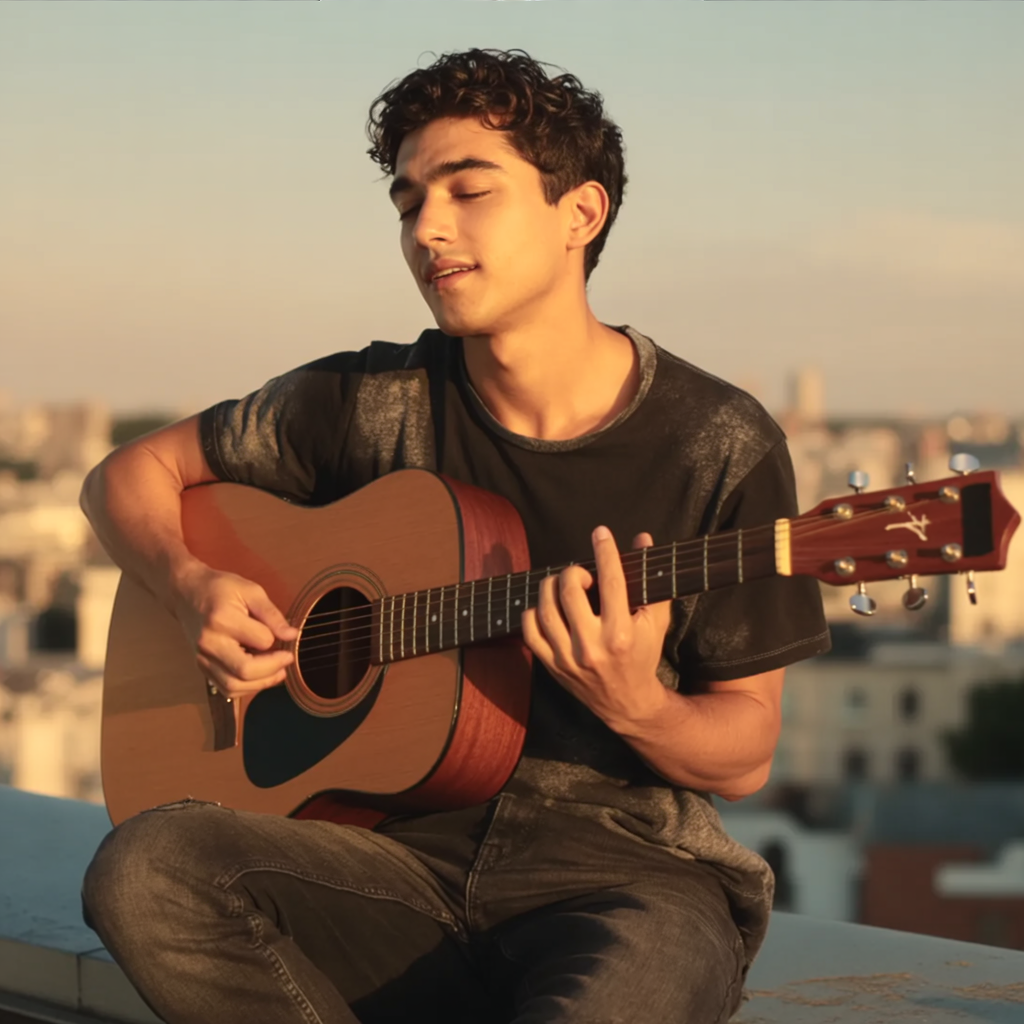
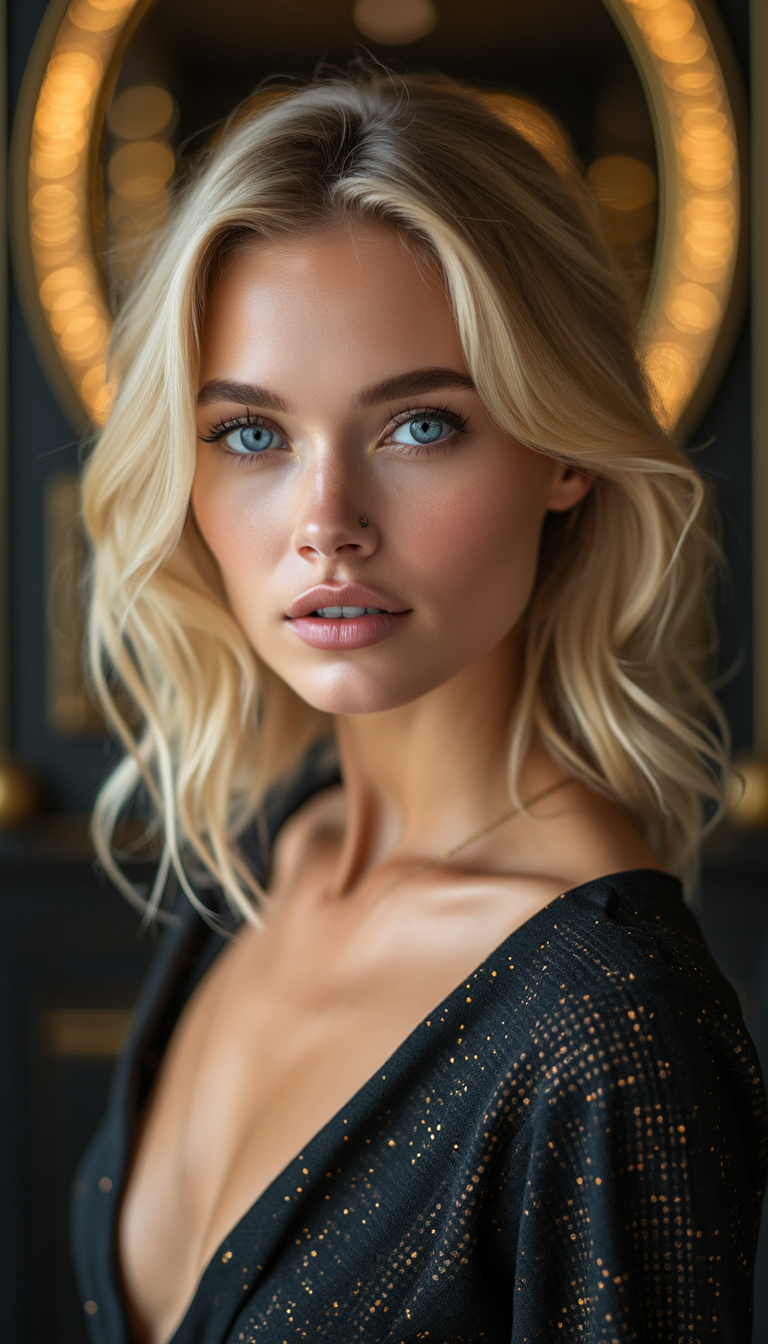
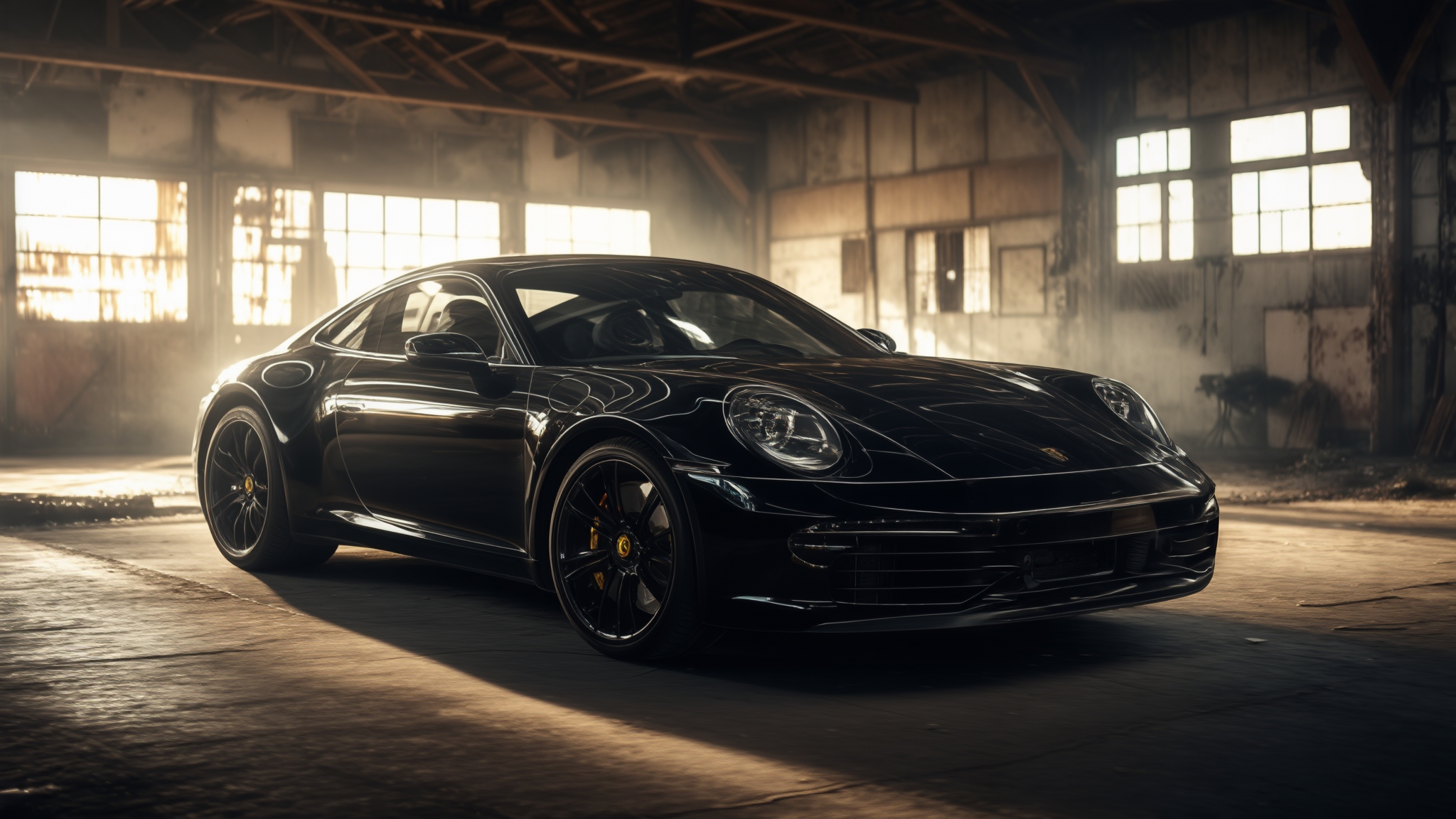
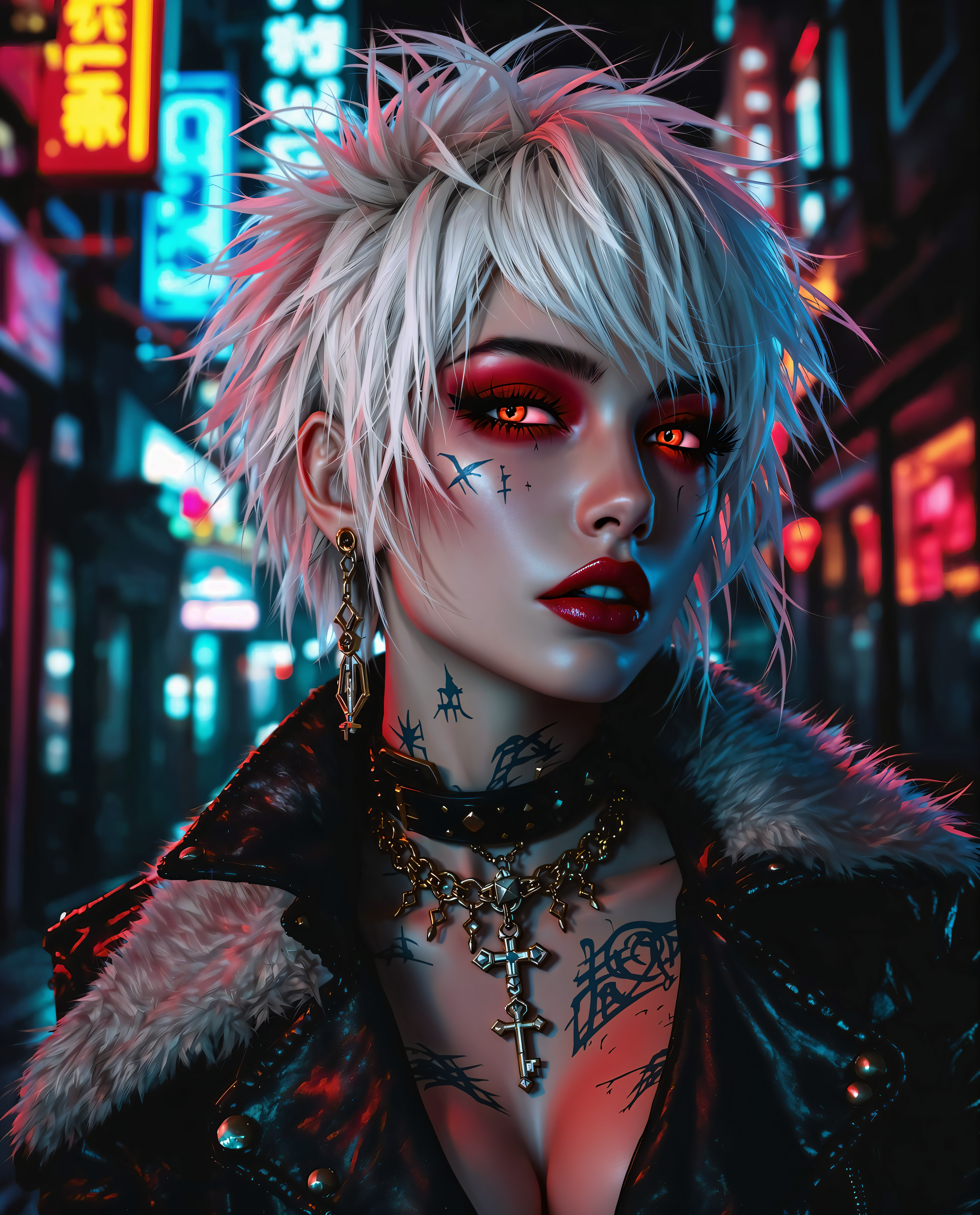
Imagine captivating your audience with videos so realistic they blur the line between digital and reality. With PixelDojo's suite of AI-powered tools, you can effortlessly create high-quality, lifelike videos tailored to your needs. Whether you're a marketer aiming to boost engagement, an educator enhancing learning materials, or a content creator exploring new horizons, PixelDojo empowers you to bring your vision to life without the need for extensive technical skills.
Join over 10,000 satisfied creators who have transformed their content with PixelDojo's AI video generation tools. Rated 4.8/5 based on 2,500+ reviews.
Why Choose Pixel Dojo for Realistic AI video generation
Professional-quality results with cutting-edge AI technology
Effortless Video Creation
Generate high-quality, realistic videos without prior experience, saving time and resources.
Versatile Applications
Create videos for marketing, education, entertainment, and more, tailored to your specific needs.
Cost-Effective Solutions
Reduce production costs by leveraging AI, eliminating the need for expensive equipment and large teams.
How It Works
Creating realistic AI videos with PixelDojo is a straightforward process. Follow these simple steps to bring your ideas to life:
Step 1: Choose Your Tool
Select the appropriate AI video generation tool from PixelDojo's suite, such as 'Text to Video' for converting scripts into videos or 'Image to Video' for animating static images.
Step 2: Enter Your Prompt
Input a detailed description of the scene or action you want to create. For example, 'A serene beach at sunset with gentle waves and a distant lighthouse.'
Step 3: Customize & Download
Review the generated video, make any necessary adjustments using the customization options, and download the final product in your preferred format.





![Full image view", highly detailed 3d digital clipart caricature of an anthropomorphic [female eagle] wearing [violet and gold sparkling] fur coat, high heeled boots, with framed sunglasses and looped earings. In her colored pursed lips there is a cigarette. She is holding the leash of a small [bear]](https://cdn.pixeldojo.ai/cdn-cgi/image/f=auto,q=90,w=3840/pixeldojo/generated-images/1734091713672-zyrmpikv4.png)






The Pixel Dojo Advantage
Why PixelDojo outperforms other options for realistic AI video generation:
| Others | Pixel Dojo |
|---|---|
| Traditional Video Production | Eliminates the need for expensive equipment and large crews, making video creation accessible and affordable. |
| Generic AI Tools | Offers specialized tools designed specifically for realistic video generation, ensuring higher quality outputs. |
| Manual Animation | Significantly reduces the time and effort required to create animations, allowing for rapid content development. |
Loved by creators on PixelDojo
Real feedback from people using PixelDojo, pulled from our in-product surveys.
Tons of variety. Ease of use. Tools for beginners and advance users.
easiest workflow to get best output image or video
awesome functionality, UX, constant flood of improvements, discord interactivity
Awesome site with so many features
Love how I can almost create anything
The Flux Pro Ultra is just amazing!
Explore more AI tools on PixelDojo
AI Tools
Compare & Switch
- Best AI Image Generators
- Best AI Video Generators
- Midjourney Alternatives
- Civitai Alternatives
- Runway Alternatives
- Leonardo Alternatives
- Pika Alternatives
- Luma Alternatives
- Magnific Alternatives
- Veo Alternatives
- Flux Alternatives
- Freepik Alternatives
- Seedance Alternatives
- Seedream Alternatives
- Pixverse Alternatives
- GPT Image Alternatives
- Synthesia Alternatives
- Playground Alternatives
- NightCafe Alternatives
- Canva AI Alternatives
- ElevenLabs Alternatives
- ComfyUI Alternatives
- Fal Alternatives
- Replicate Alternatives
Common Questions
Everything you need to know about Realistic AI video generation
How does PixelDojo ensure the realism of AI-generated videos?
PixelDojo utilizes advanced AI models trained on diverse datasets to produce videos with lifelike visuals and natural motion, ensuring high realism in the generated content.
Can I use PixelDojo's AI video generation tools for commercial purposes?
Yes, videos created with PixelDojo can be used for commercial purposes, including marketing campaigns, advertisements, and product showcases.
Do I need any prior experience in video editing to use PixelDojo?
No prior experience is necessary. PixelDojo's user-friendly interface and intuitive tools make it accessible for users of all skill levels.
What file formats are supported for downloading the generated videos?
PixelDojo supports various file formats, including MP4 and MOV, allowing you to choose the format that best suits your needs.
Is there a limit to the length of videos I can create with PixelDojo?
While there are some limitations based on the specific tool and subscription plan, PixelDojo offers options for creating videos of varying lengths to accommodate different project requirements.
How can I ensure my prompts lead to the best video outputs?
Providing detailed and specific prompts, including descriptions of the scene, lighting, and motion, will help the AI generate more accurate and realistic videos.