relight photo
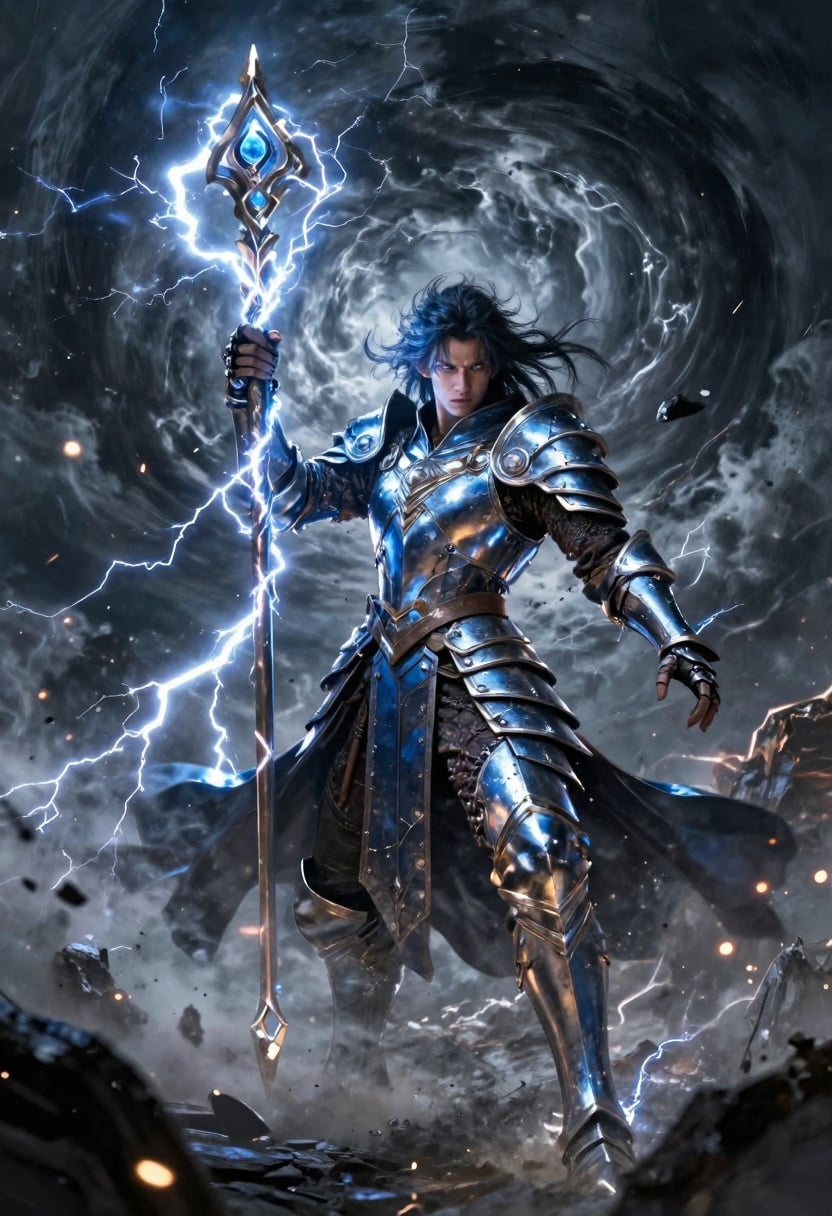
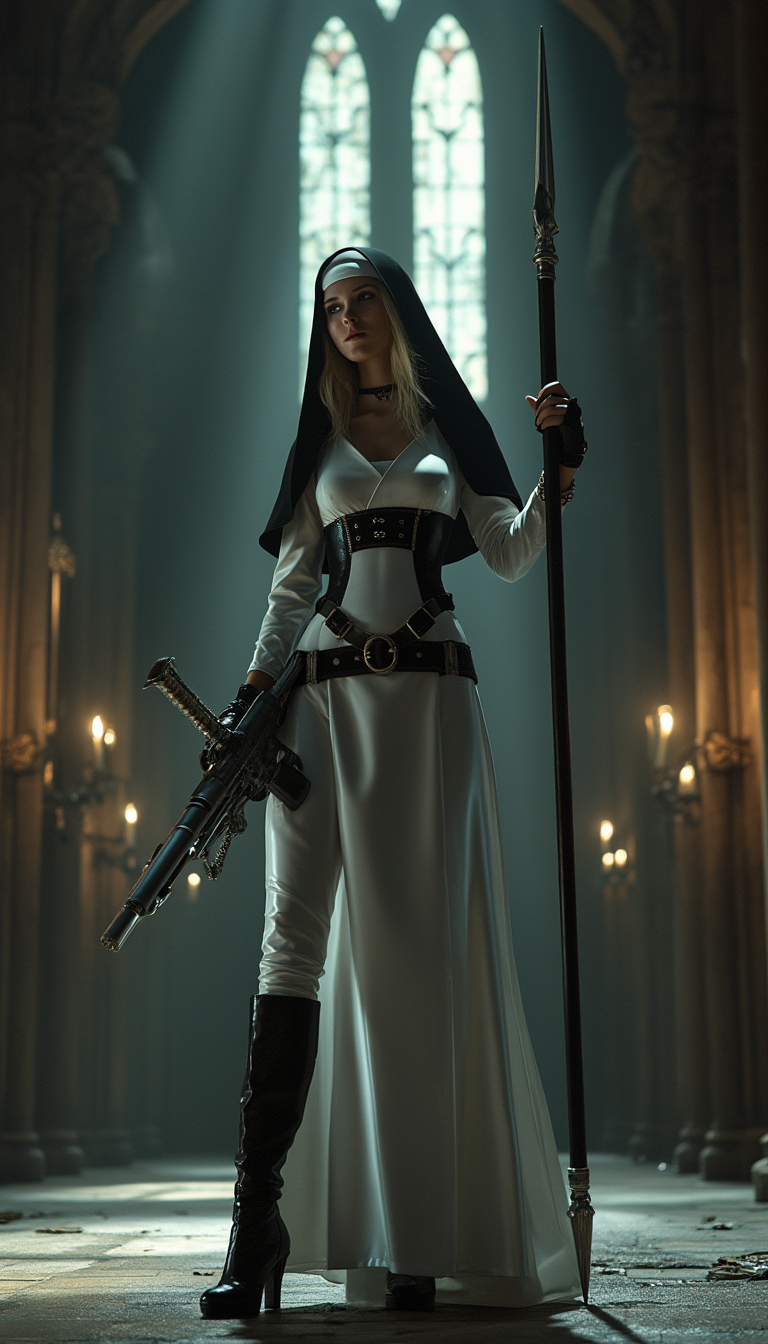
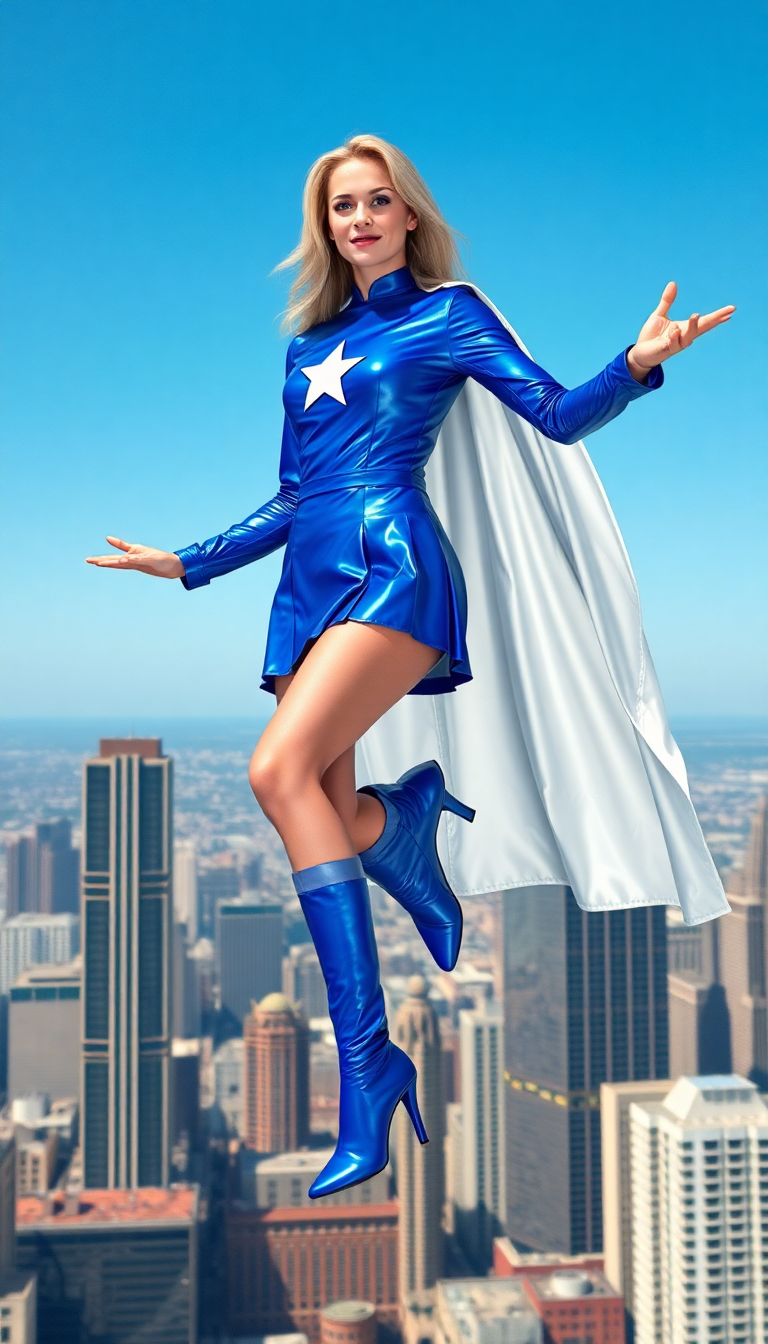
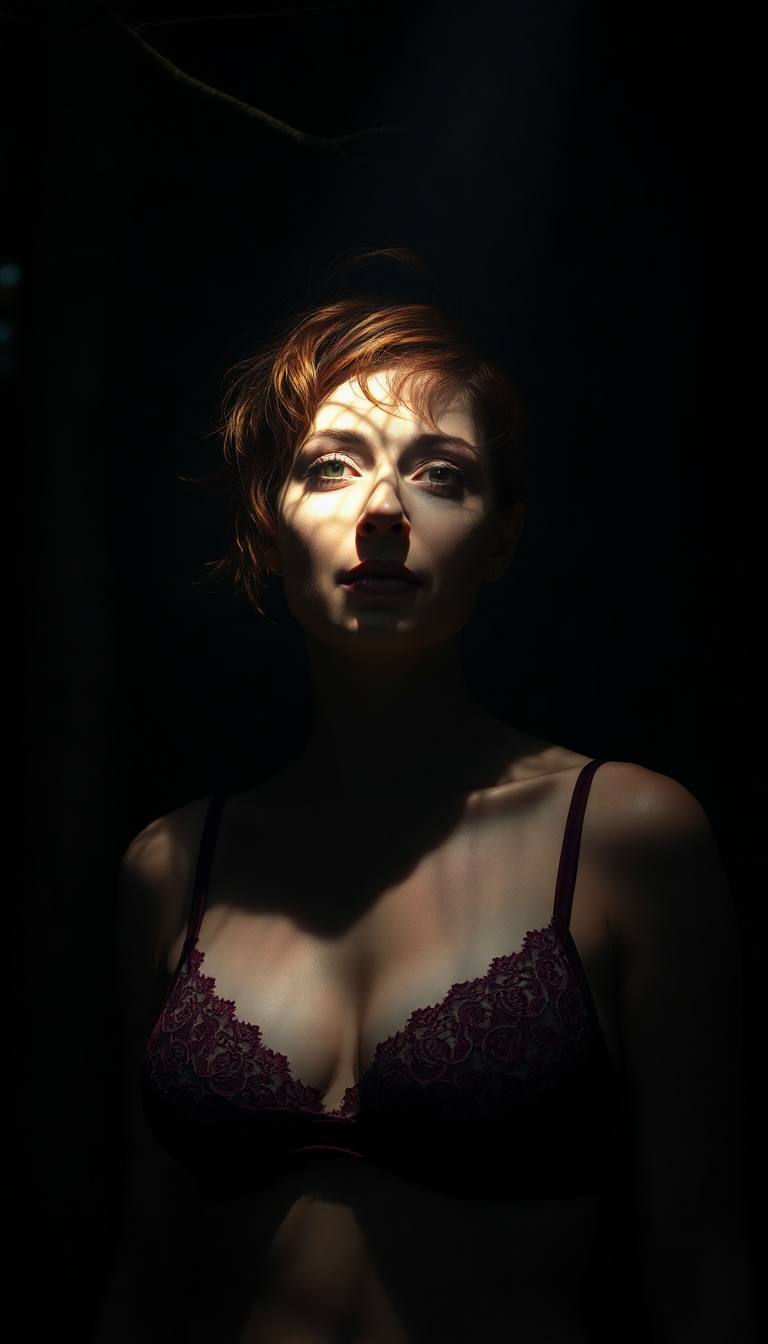
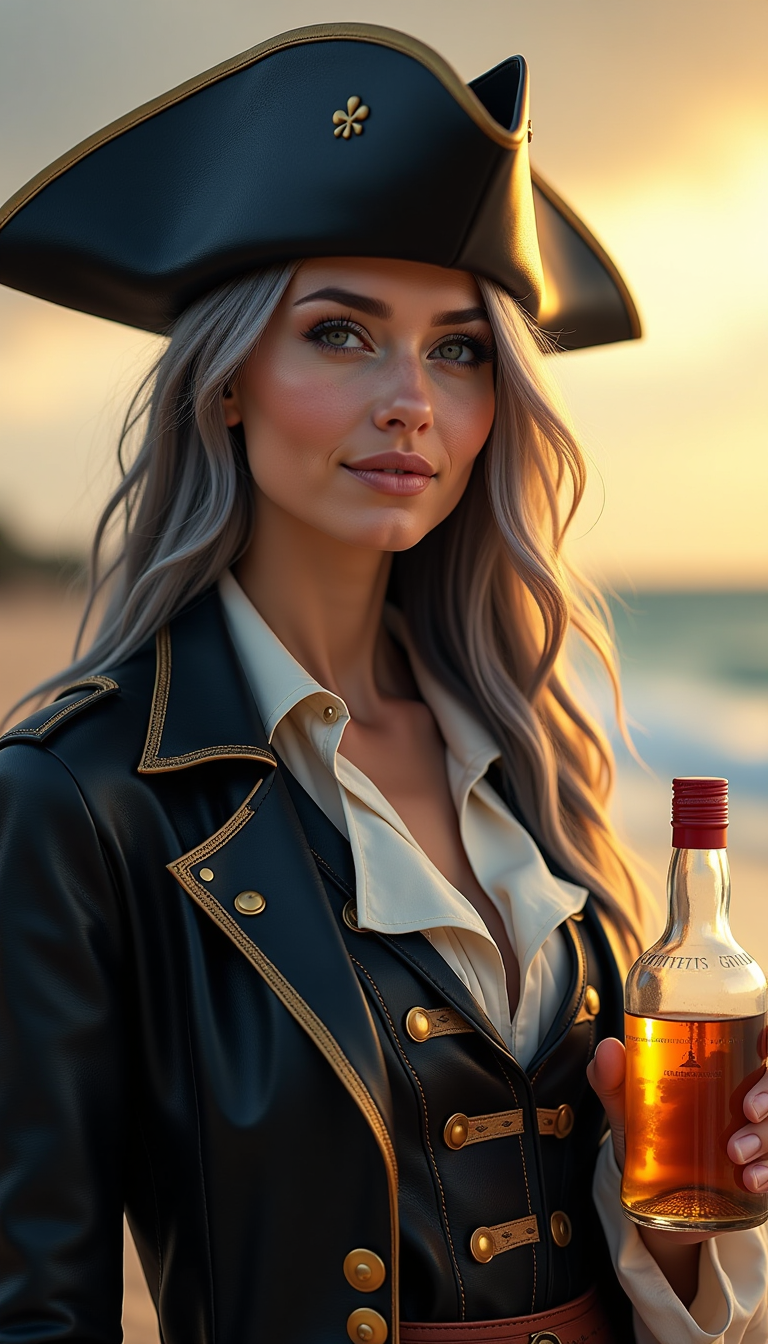
Lighting can make or break a photograph. With PixelDojo's AI-powered relighting tools, you can effortlessly adjust and enhance the lighting in your photos, transforming ordinary images into professional-quality visuals. Whether you're looking to correct poor lighting conditions or add creative effects, our suite of tools empowers you to achieve stunning results without the need for complex editing software.
Join over 10,000 satisfied users who have transformed their photos using PixelDojo's AI tools. Rated 4.8/5 based on 2,000+ reviews.
Why Choose Pixel Dojo for relight photo
Professional-quality results with cutting-edge AI technology
Achieve Professional Lighting Effortlessly
Correct underexposed or overexposed photos and add creative lighting effects with just a few clicks.
Save Time and Resources
Eliminate the need for reshoots or complex editing by adjusting lighting post-capture.
Enhance Visual Appeal
Create mood and atmosphere by customizing lighting to suit your creative vision.
How It Works
Transforming your photos with PixelDojo's AI relighting tools is simple and intuitive. Follow these steps to achieve your desired lighting effects:
Step 1: Upload Your Photo
Select the 'Magic Lighting' tool from our 'Transform' category and upload the image you wish to enhance.
Step 2: Choose Lighting Adjustments
Use the intuitive controls to adjust light direction, intensity, and color to achieve the desired effect.
Step 3: Preview and Download
Preview the changes in real-time and, once satisfied, download the enhanced image.
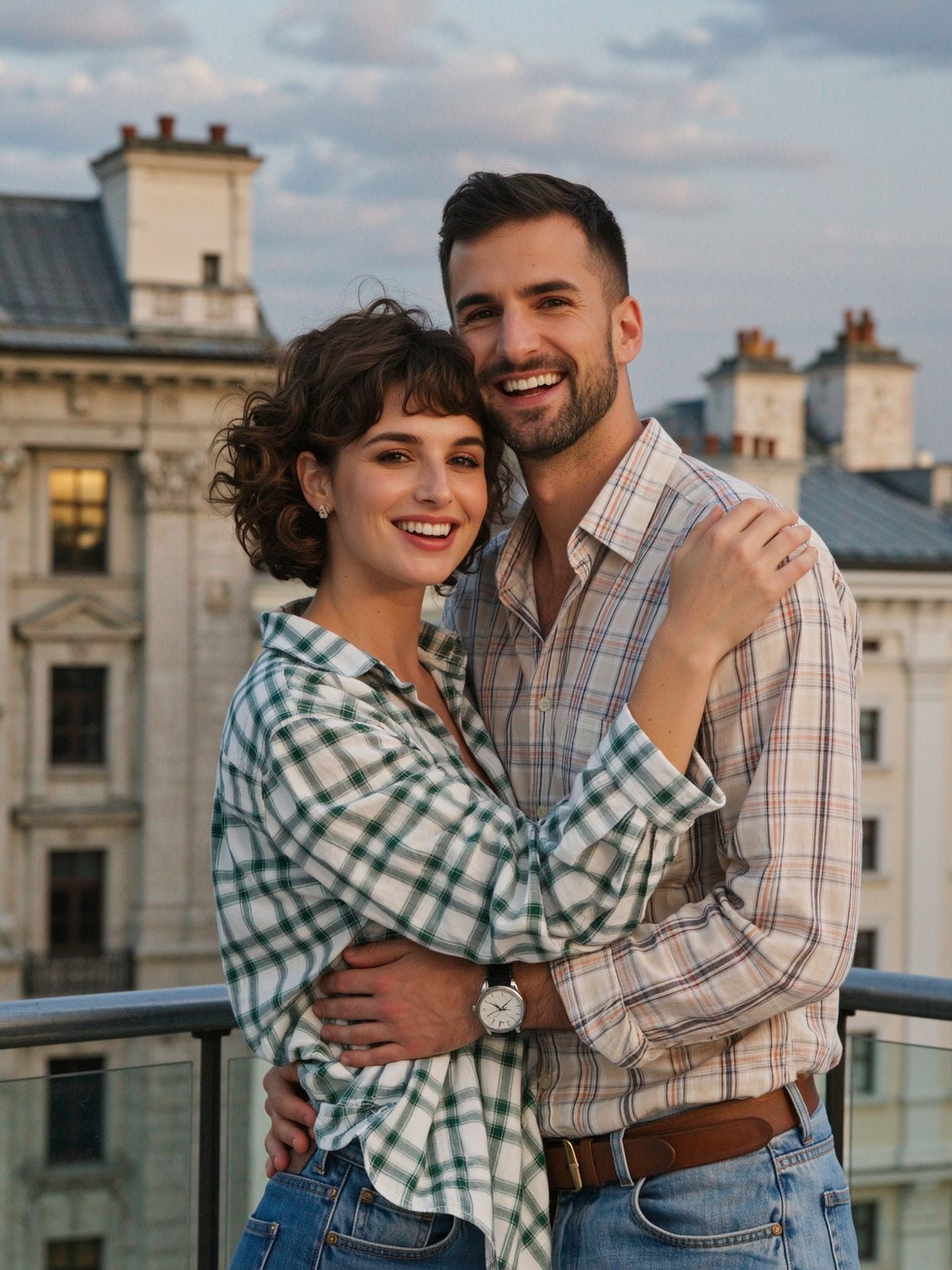
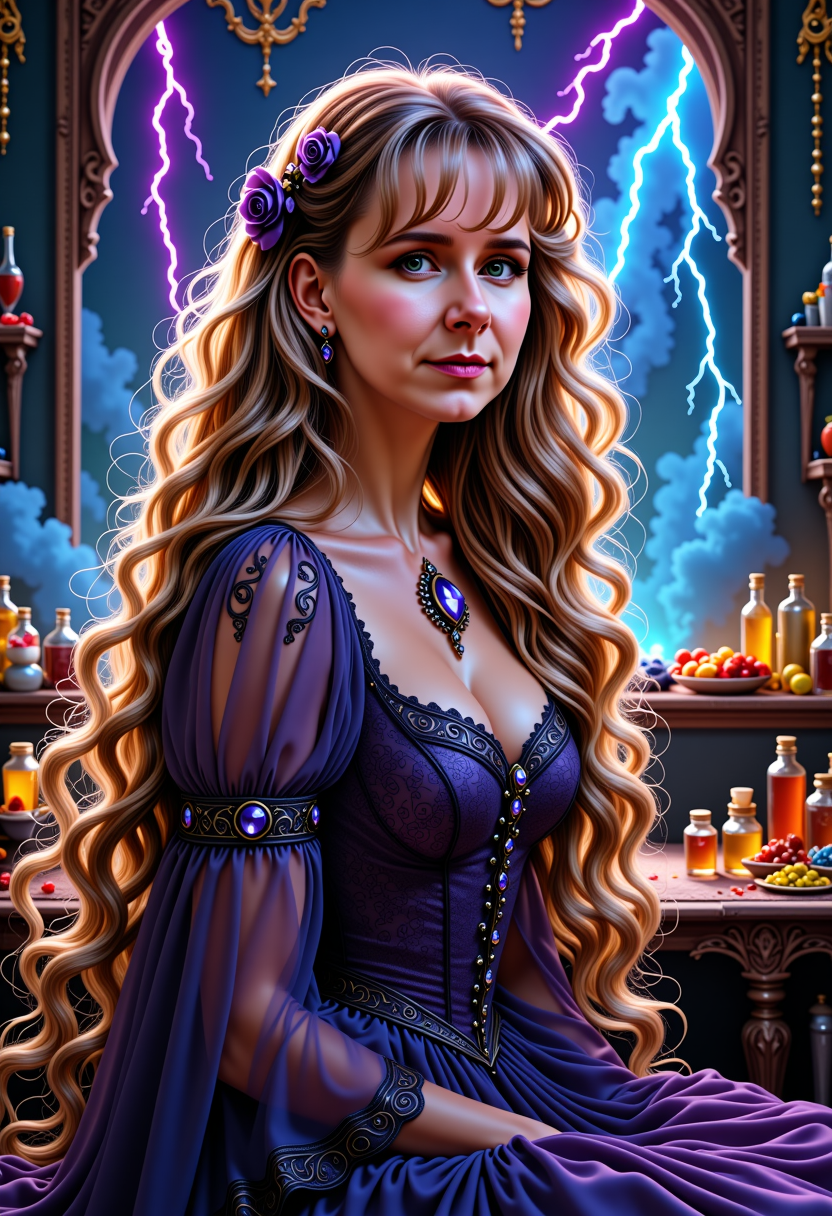



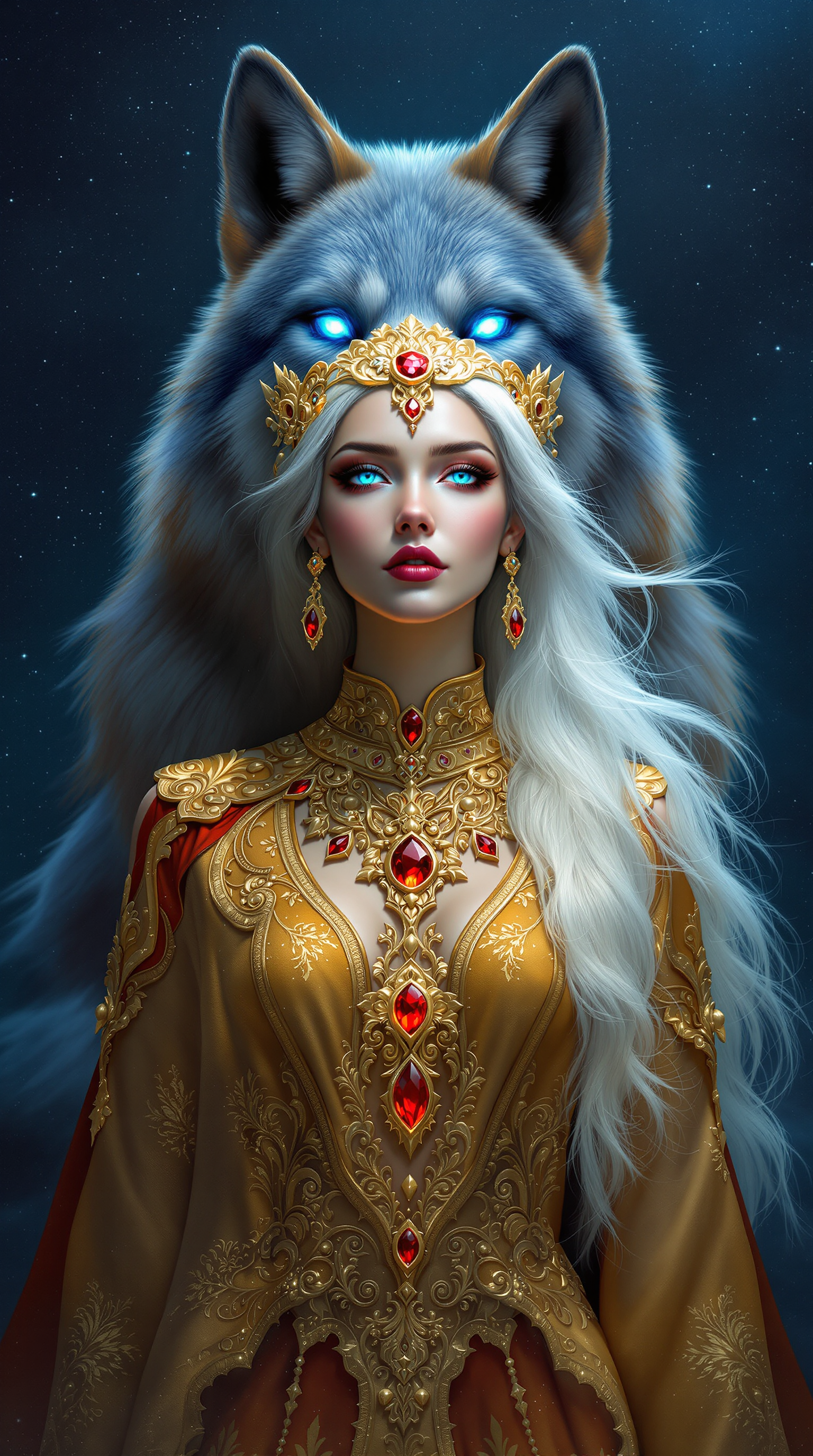

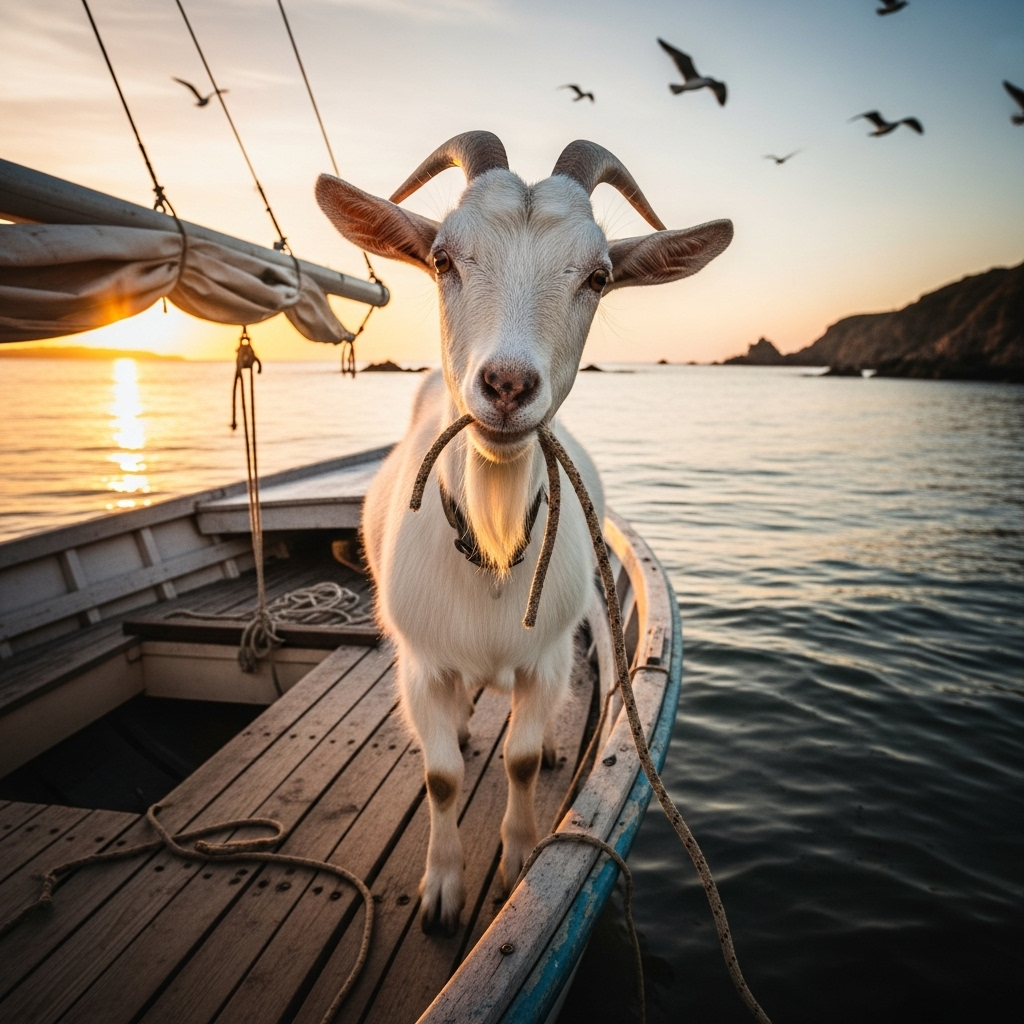

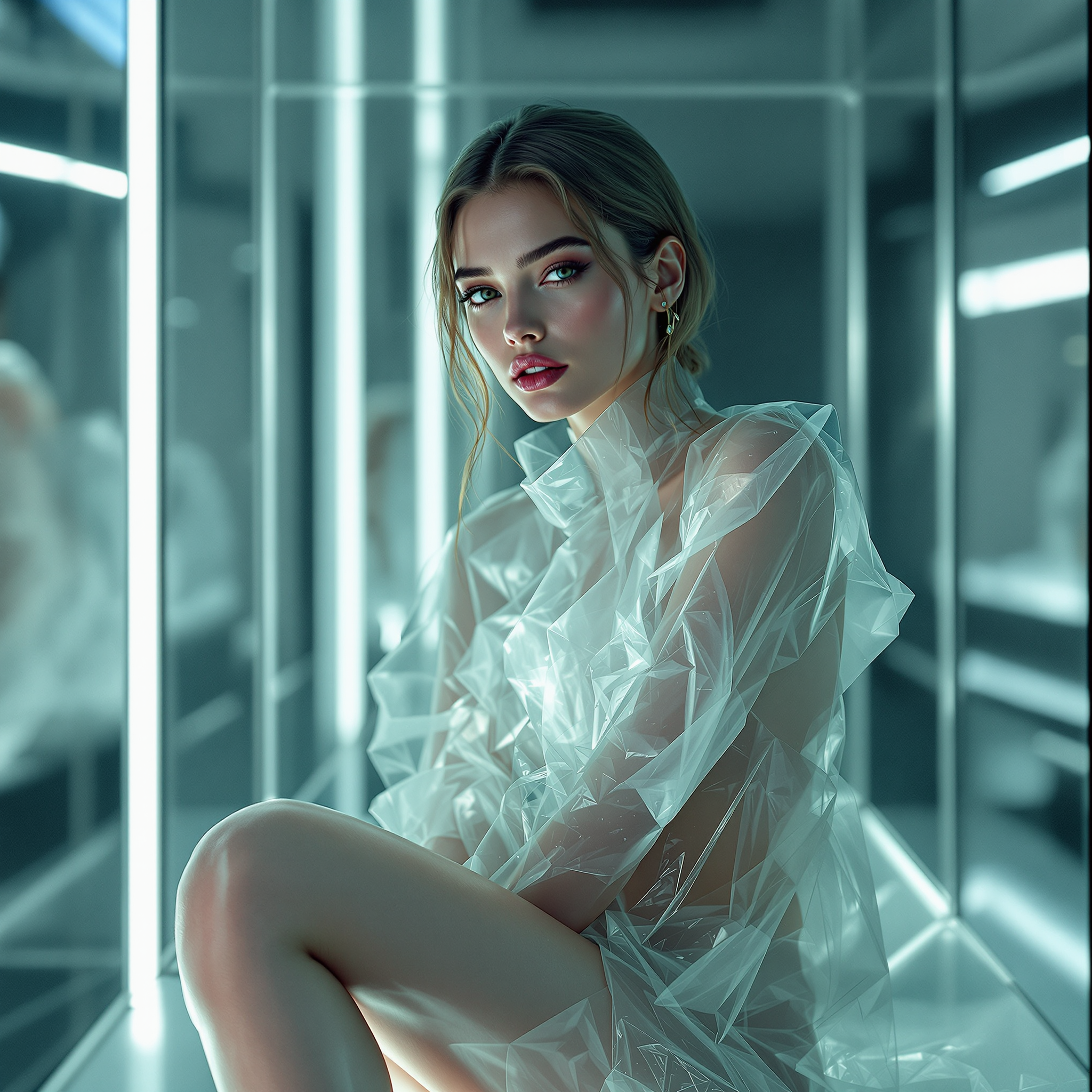
The Pixel Dojo Advantage
Why PixelDojo outperforms other options for photo relighting:
| Others | Pixel Dojo |
|---|---|
| Traditional Photo Editing Software | No need for extensive editing skills; achieve professional results with AI-powered simplicity. |
| Generic AI Tools | Specifically designed for relighting, offering precise control over lighting adjustments. |
| Manual Photo Reshoots | Save time and resources by adjusting lighting post-capture without the need for reshoots. |
Loved by creators on PixelDojo
Real feedback from people using PixelDojo, pulled from our in-product surveys.
All the tools, plus the guidance
Excellent tools. Ease of use. Well thought out interface. Wide variety of AI tools and features which are up to date with more added each month
I really like how the site is kept up to date, and the leaderboard (where I'm currently #11 most popular artist)
This is the best image generator I've used so far. Well done!
es facil de comprender asi uno no sea programador
amazing web site
Explore more AI tools on PixelDojo
AI Tools
Compare & Switch
- Best AI Image Generators
- Best AI Video Generators
- Midjourney Alternatives
- Civitai Alternatives
- Runway Alternatives
- Leonardo Alternatives
- Pika Alternatives
- Luma Alternatives
- Magnific Alternatives
- Veo Alternatives
- Flux Alternatives
- Freepik Alternatives
- Seedance Alternatives
- Seedream Alternatives
- Pixverse Alternatives
- GPT Image Alternatives
- Synthesia Alternatives
- Playground Alternatives
- NightCafe Alternatives
- Canva AI Alternatives
- ElevenLabs Alternatives
- ComfyUI Alternatives
- Fal Alternatives
- Replicate Alternatives
Common Questions
Everything you need to know about relight photo
How does PixelDojo's Magic Lighting tool adjust photo lighting?
Our Magic Lighting tool uses advanced AI algorithms to analyze your photo and apply realistic lighting adjustments, allowing you to control light direction, intensity, and color to achieve your desired effect.
Can I use PixelDojo's relighting tools on any type of photo?
Yes, our tools are versatile and can be used on various types of photos, including portraits, landscapes, and product images, to enhance lighting and overall visual appeal.
Do I need prior photo editing experience to use PixelDojo's tools?
No, our tools are designed with user-friendliness in mind. Even without prior editing experience, you can achieve professional-quality results with ease.
Is there a limit to the number of photos I can relight with PixelDojo?
Our subscription plans offer generous usage limits, allowing you to relight multiple photos. For specific details, please refer to our subscription page.
Can I preview the changes before finalizing the relighting adjustments?
Absolutely! Our tools provide real-time previews, so you can see the effects of your adjustments before downloading the final image.
What file formats are supported for uploading and downloading images?
We support common image formats such as JPEG and PNG for both uploading and downloading, ensuring compatibility with your workflow.