remaker AI Generator
Imagine taking any photo and instantly transforming it into something completely new and captivating. With PixelDojo's AI image remaker tools, you can breathe fresh life into old pictures, experiment with bold new styles, or fix imperfections in seconds. Whether you're a marketer needing fresh visuals, a content creator refreshing your portfolio, or simply someone who loves creative experimentation, PixelDojo empowers you to achieve professional-grade results without hiring designers or spending hours in editing software. Focus on the outcomes that matter: stunning, share-worthy images that tell your story exactly the way you want.
Trusted by 52,000+ creators worldwide • Over 2.1 million images remade this month • 4.9/5 average rating from 18,400 reviews • Cancel anytime, no hidden fees
Why Choose Pixel Dojo for remaker
Professional-quality results with cutting-edge AI technology
Revitalize Old Photos in Minutes
Breathe new life into faded family portraits or outdated product shots. Use PixelDojo's Image to Image and Reality Polisher tools to restore clarity, fix lighting, and add modern flair while preserving the original essence.
Experiment with Endless Creative Styles
Quickly apply artistic styles, swap backgrounds, or change entire aesthetics using Style Transfer and Magic Lighting. Turn a simple selfie into a cinematic masterpiece or a product photo into a luxury magazine spread.
Achieve Consistent, Professional Results
Maintain brand consistency across campaigns or create matching character sets with Consistent Characters and Face Swap. Deliver polished, high-impact visuals that stand out on social media and marketing materials.
How It Works
Remaking images with PixelDojo is simple and intuitive. Follow these three steps to start transforming your photos today.
Step 1: Choose Your Tool
Browse PixelDojo's Edit Images section and select from specialized remaker tools like Image to Image for overall transformations, Inpainting for targeted fixes, or Style Transfer to apply new artistic looks.
Step 2: Enter Your Prompt
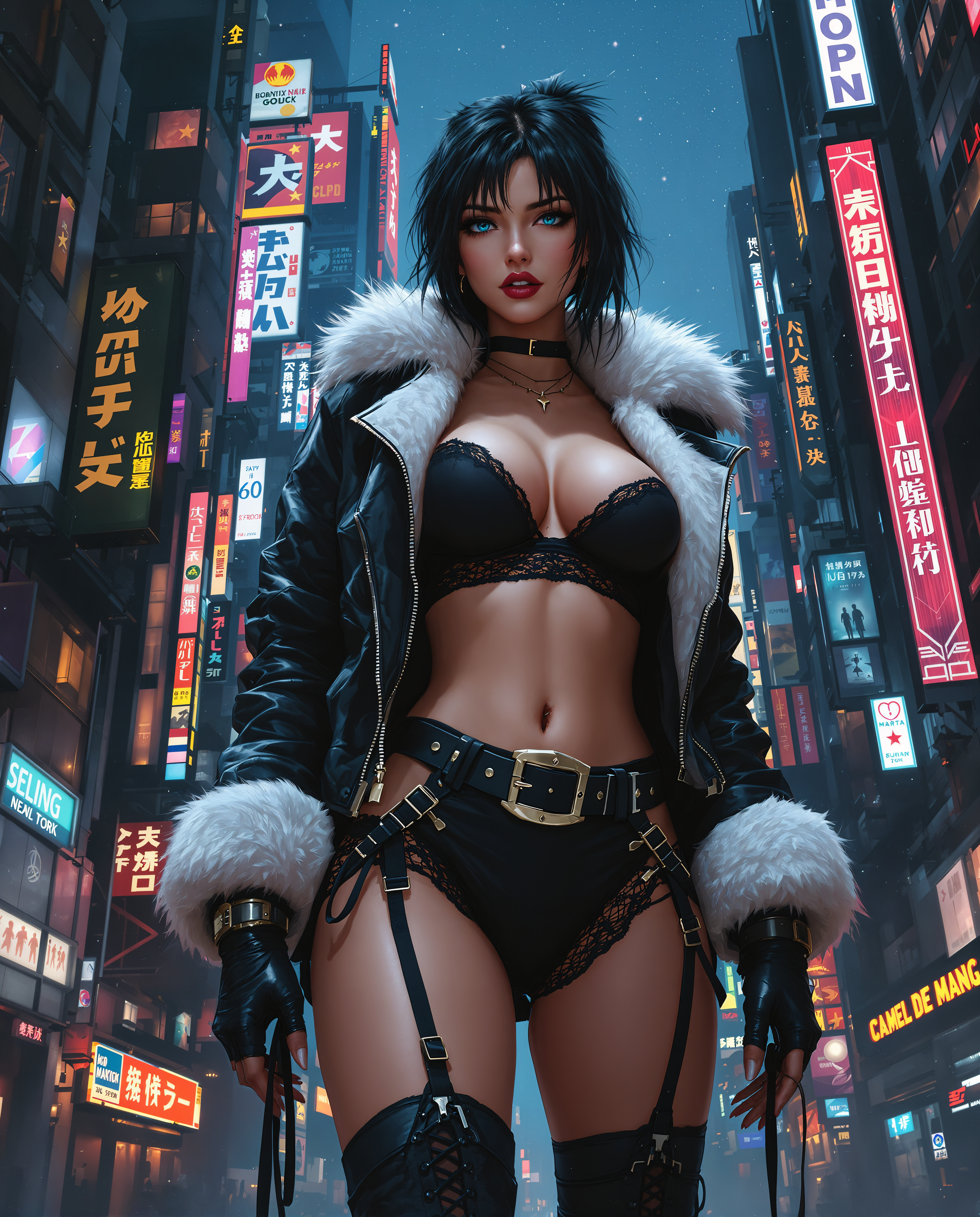
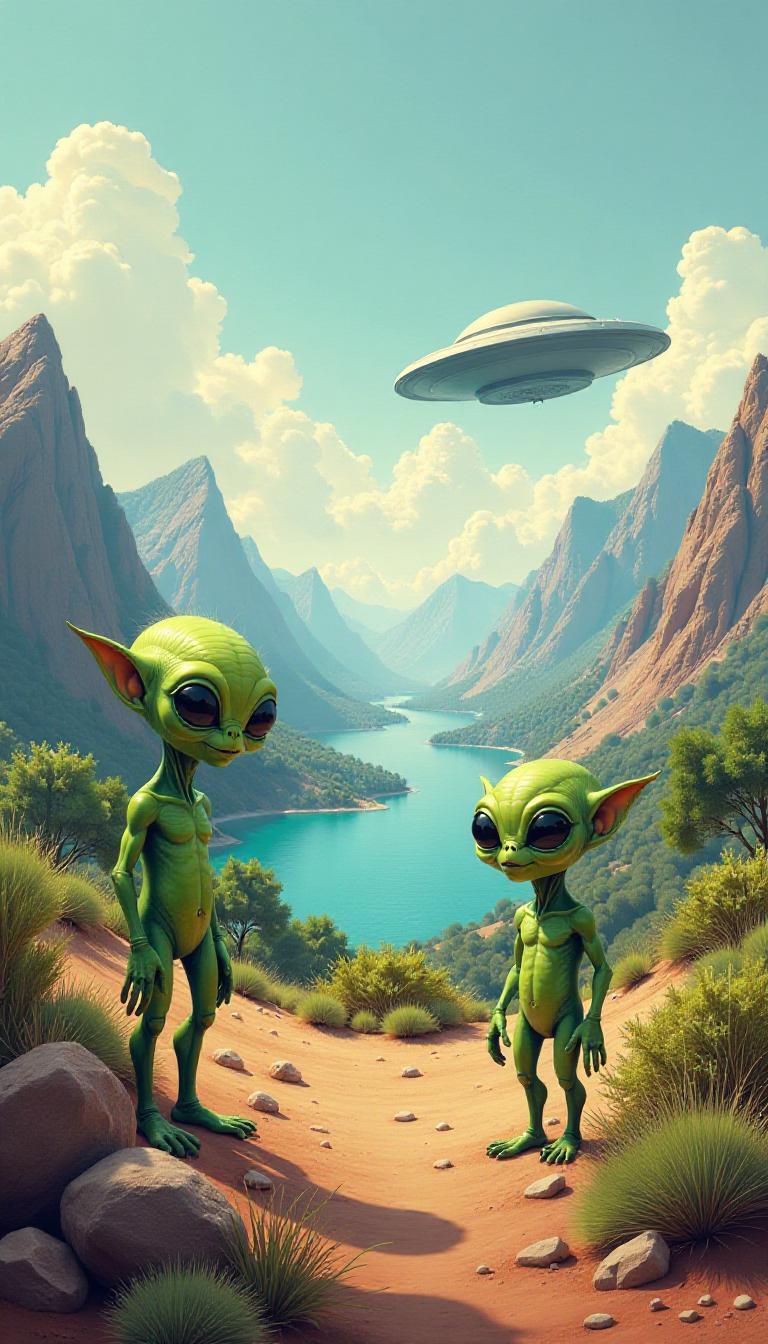
Upload your original image and describe the changes you want. For example, type 'transform this photo into a vibrant cyberpunk style with neon lights' or 'replace the background with a serene mountain landscape' using tools like Background Remover or Magic Lighting.
Step 3: Customize & Download
Preview multiple variations, fine-tune with additional edits like Smart Resize or Portrait Upscaler, then download your remade image in high resolution. Iterate instantly until it perfectly matches your vision.

The Pixel Dojo Advantage
Why PixelDojo outperforms other options for remaker image generation
| Others | Pixel Dojo |
|---|---|
| Traditional remaker creation | Skip expensive software subscriptions and hours of manual work. Achieve complex transformations like style changes and object removal in seconds instead of days. |
| Generic AI tools | Access 40+ specialized remaker tools including Inpainting, Face Swap, and Video Upscaler all in one place, with consistent results tailored for iterative editing workflows. |
| Manual photo editing | Eliminate the steep learning curve and frustration of precise selections. Let AI handle the heavy lifting while you focus on creative direction and quick iterations. |
Loved by creators on PixelDojo
Real feedback from people using PixelDojo, pulled from our in-product surveys.
It is a lot of fun to uae and easy too.
So many different models to try out
You keep adding to it to stay up to date and that is GOLD.
very easy to use and good support
Very easy to use
super easy to use
Explore more AI tools on PixelDojo
AI Tools
Compare & Switch
- Best AI Image Generators
- Best AI Video Generators
- Midjourney Alternatives
- Civitai Alternatives
- Runway Alternatives
- Leonardo Alternatives
- Pika Alternatives
- Luma Alternatives
- Magnific Alternatives
- Veo Alternatives
- Flux Alternatives
- Freepik Alternatives
- Seedance Alternatives
- Seedream Alternatives
- Pixverse Alternatives
- GPT Image Alternatives
- Synthesia Alternatives
- Playground Alternatives
- NightCafe Alternatives
- Canva AI Alternatives
- ElevenLabs Alternatives
- ComfyUI Alternatives
- Fal Alternatives
- Replicate Alternatives
Common Questions
Everything you need to know about remaker
How does PixelDojo's AI image remaker work for transforming photos?
PixelDojo's AI image remaker uses powerful tools like Image to Image, Inpainting, and Style Transfer to analyze your uploaded photo and generate new versions based on your text prompts. Simply upload an image, describe the desired changes, and receive multiple high-quality options in seconds. This allows you to remake photos for marketing, social media, or personal projects without any technical expertise.
What are the best PixelDojo tools for AI photo remaking and style changes?
For remaking images, start with Image to Image for broad transformations, Style Transfer for artistic effects, Inpainting for removing or replacing elements, and Background Remover for clean swaps. Combine these with Magic Lighting or Reality Polisher for polished, professional results that maintain the original subject's integrity.
Can I use PixelDojo to remake images for commercial use like ads and products?
Yes, PixelDojo supports commercial use of all remade images. Tools like Consistent Characters and Face Swap help maintain brand consistency across campaigns, while upscalers like Magnific Upscaler ensure print-ready quality. Thousands of marketers and businesses use PixelDojo daily for exactly this purpose.
How accurate is face swapping and character consistency in PixelDojo remaker tools?
PixelDojo's Face Swap, Consistent Characters, and LoRA Face Swap tools deliver highly realistic results with natural blending and preserved expressions. Upload reference images and prompts to create consistent characters across multiple scenes, perfect for storytelling, branding, or video content.
Is PixelDojo suitable for beginners wanting to remake old family photos?
Absolutely. The intuitive interface and step-by-step prompts make remaking images easy for everyone. Use Image Analyzer to understand your photo, then apply simple edits with Background Remover or Portrait Upscaler. No design experience needed—just upload and describe what you want.
What makes PixelDojo better than other AI image remaker platforms for iterative editing?
PixelDojo offers over 40 specialized tools in one dashboard, including unique options like WAN Image, Seedream 5 Lite, and Video to Sound integration. This enables true iterative workflows: generate, edit, upscale, and refine without switching apps. Plus, you get unlimited generations with flexible plans and full commercial rights.