remove text from image
Clean, professional images without distracting text overlays help you present your best work. Whether you're preparing product photos, social media graphics, or personal memories, unwanted text can ruin the impact. PixelDojo's AI-powered editing tools let you remove text from any image in seconds, leaving behind natural backgrounds that look untouched. Focus on the visuals that matter and deliver polished results that convert viewers into customers or fans.
Over 75,000 creators trust PixelDojo to clean thousands of images daily. 4.9/5 average rating from real users who achieve flawless text removal every time. Cancel anytime, no long-term commitment required.
Why Choose Pixel Dojo for remove text from image
Professional-quality results with cutting-edge AI technology
Achieve Flawless, Natural Results
Remove text, watermarks, captions, and labels while preserving textures, lighting, and details so your final image looks completely original.
Save Valuable Time on Every Project
Finish in seconds what used to take hours of manual editing. Spend more time creating and less time fixing imperfections.
Handle Any Image Type with Confidence
From e-commerce product shots and social posts to scanned documents and old photos, get consistent professional outcomes across all your content.
How It Works
PixelDojo makes text removal simple with dedicated Inpainting and Image to Image tools designed for precise, realistic edits.
Step 1: Choose Your Tool
Go to the Edit Images section and select the Inpainting tool. This powerful feature is specifically built to intelligently fill in areas after text removal.
Step 2: Enter Your Prompt
Upload your image, brush over or mask the text you want removed, then enter a simple prompt like 'remove all text seamlessly, match surrounding background perfectly'.
Step 3: Customize & Download
Review the AI-generated result, make quick adjustments with Reality Polisher if needed for extra refinement, then download your clean, text-free image.





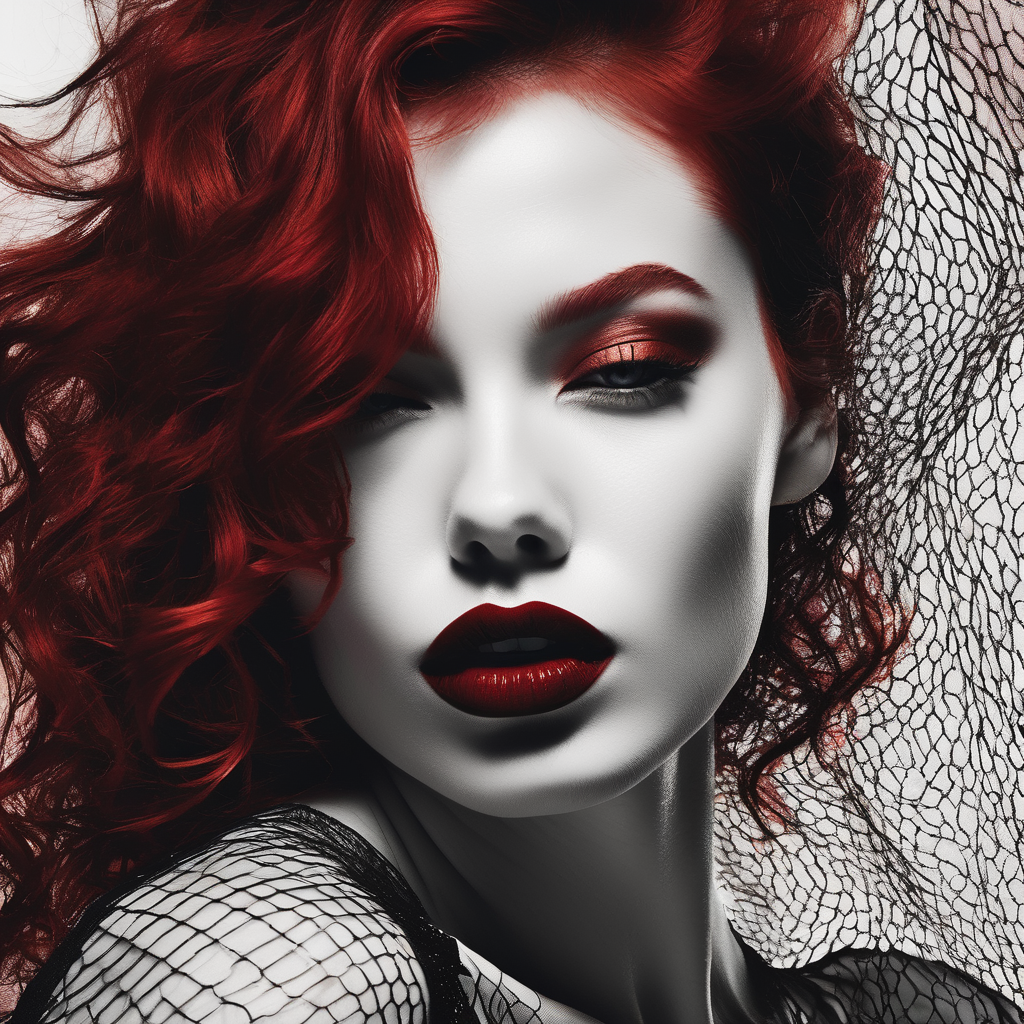
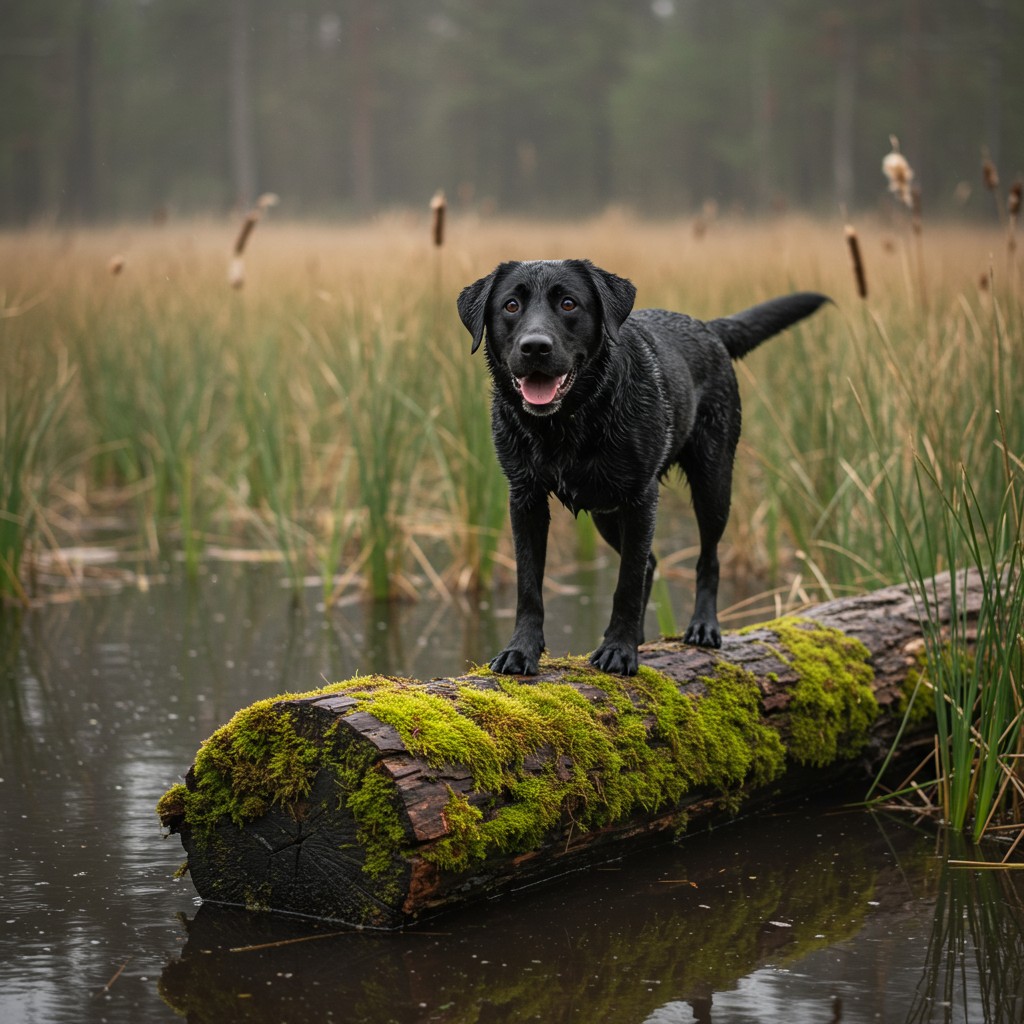
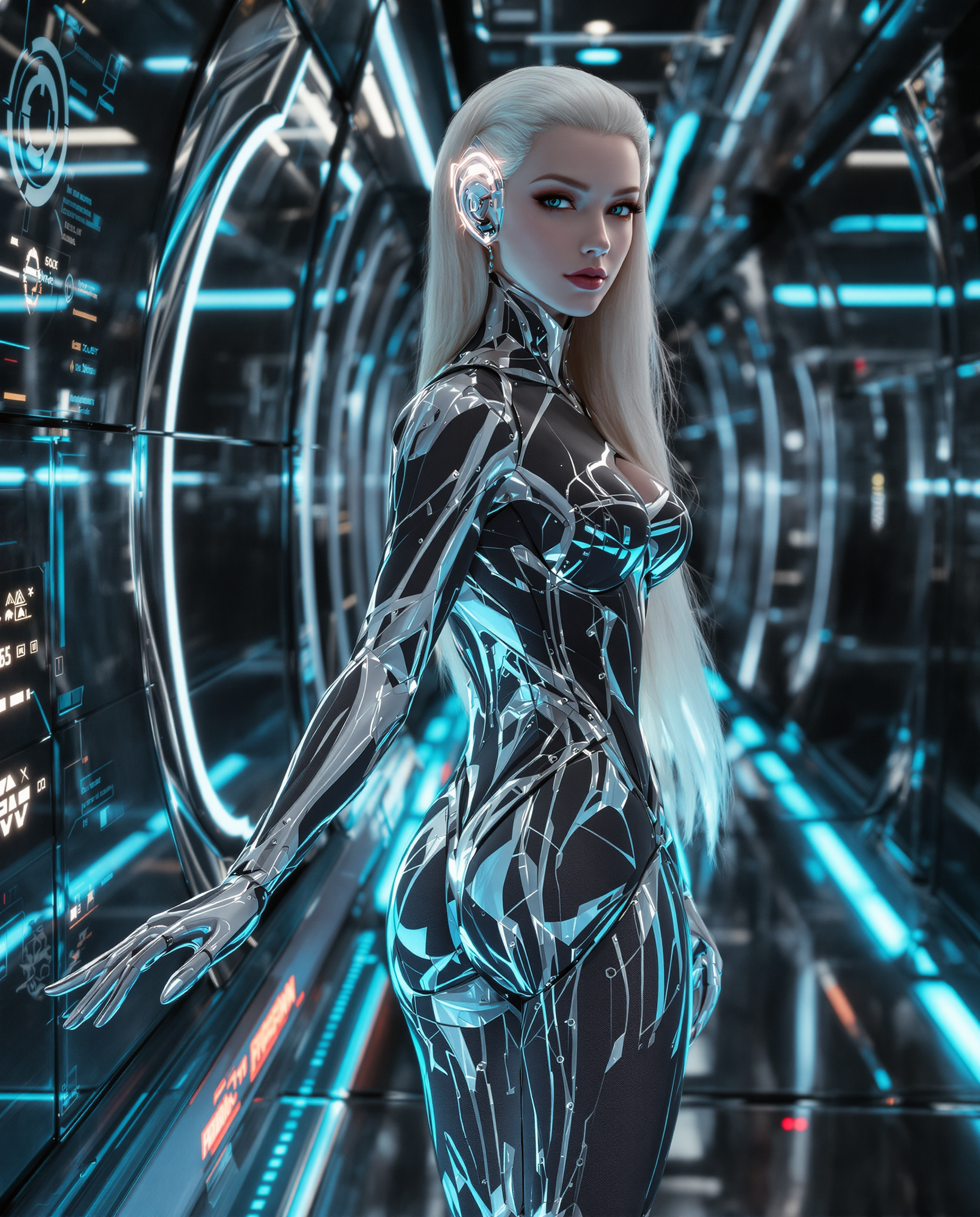
The Pixel Dojo Advantage
Why PixelDojo outperforms other options for remove text from image tasks
| Others | Pixel Dojo |
|---|---|
| Traditional photo editing software | No advanced skills or expensive subscriptions needed – our AI handles the complex inpainting automatically for perfect results every time |
| Generic AI editing apps | Access a full suite of specialized tools including Inpainting, Image to Image, and Reality Polisher all in one seamless platform with consistent high-quality output |
| Manual cloning or healing brushes | AI intelligently reconstructs backgrounds based on context instead of tedious pixel-by-pixel work, delivering faster and more natural results |
Loved by creators on PixelDojo
Real feedback from people using PixelDojo, pulled from our in-product surveys.
The guy that operates the website is constantly updating it
I’ve been using PixelDojo for around 8 months now and it’s always worked wonderfully while constantly adding features.
The site is easy to navigate and use.
All the tools, readily available and easy to understand
You guys, the LORA training is the BEST in the space right now, great job with that!
Tons of variety. Ease of use. Tools for beginners and advance users.
Explore more AI tools on PixelDojo
AI Tools
Compare & Switch
- Best AI Image Generators
- Best AI Video Generators
- Midjourney Alternatives
- Civitai Alternatives
- Runway Alternatives
- Leonardo Alternatives
- Pika Alternatives
- Luma Alternatives
- Magnific Alternatives
- Veo Alternatives
- Flux Alternatives
- Freepik Alternatives
- Seedance Alternatives
- Seedream Alternatives
- Pixverse Alternatives
- GPT Image Alternatives
- Synthesia Alternatives
- Playground Alternatives
- NightCafe Alternatives
- Canva AI Alternatives
- ElevenLabs Alternatives
- ComfyUI Alternatives
- Fal Alternatives
- Replicate Alternatives
Common Questions
Everything you need to know about remove text from image
How to remove text from image using AI without leaving traces?
PixelDojo's Inpainting tool analyzes the surrounding pixels and context to seamlessly reconstruct the area. Simply mask the text, use a prompt like 'remove text naturally', and the AI fills it in perfectly matching lighting, texture, and color for invisible results.
Can I remove text from product photos for e-commerce listings?
Yes! Upload your product image to the Inpainting tool, highlight price tags, watermarks, or labels, and generate a clean version. Many sellers use this to create professional listings that convert better without distractions.
What is the best way to remove watermarks and captions from images?
Use PixelDojo's Inpainting feature with a targeted prompt. The tool excels at removing overlaid text while preserving the original image integrity, making it ideal for cleaning up stock photos or shared content.
How does AI remove text from image while keeping quality high?
Our advanced models use context-aware inpainting to understand the scene and generate matching details. Combined with tools like Reality Polisher, you get high-resolution, artifact-free results that maintain the original photo's sharpness.
Is it possible to remove text from complex backgrounds like textures or patterns?
Absolutely. PixelDojo's Inpainting and Image to Image tools are trained to handle intricate backgrounds. Provide a clear mask and descriptive prompt, and the AI reconstructs patterns, fabrics, or landscapes naturally.
Can beginners remove text from images successfully with PixelDojo?
Yes, the interface is designed for everyone. Start with the Inpainting tool, follow the simple three-step process, and you'll achieve professional results without any prior editing experience or technical knowledge.