replace face AI Generator

Imagine turning any photo into a personalized masterpiece by seamlessly replacing faces with your own, a friend's, or a completely new character. With PixelDojo, you achieve photorealistic results in seconds, creating fun social media content, professional headshots, family portraits, or consistent characters for stories and branding without any editing expertise. Our platform empowers you to produce natural-looking images that match lighting, skin tones, and expressions perfectly every time.
Join over 75,000 creators who have swapped more than 2 million faces | 4.9/5 average rating from 32,000+ reviews | Trusted by marketers, influencers, and hobbyists worldwide for realistic AI face replacement
Why Choose Pixel Dojo for replace face
Professional-quality results with cutting-edge AI technology
Create Personalized Photos & Memes Instantly
Turn ordinary snapshots into hilarious or heartwarming images by swapping faces onto celebrities, characters, or custom scenes. Share scroll-stopping content on social media that looks completely real and captures attention.
Build Consistent Characters Across All Your Projects
Maintain the exact same face and identity in multiple images or scenes for storytelling, branding, or virtual avatars. Perfect for series of photos, marketing campaigns, or creative narratives without losing realism.
Achieve Professional-Quality Results Effortlessly
Generate headshots, product visuals, or virtual try-ons with perfect skin matching, lighting, and angles. Save hours of manual editing while producing images that look like they were shot professionally.
How It Works
Getting started with face replacement on PixelDojo is straightforward. Select from specialized tools like Face Swap or LoRA Face Swap, upload your images, and generate stunning results in moments.
Step 1: Choose Your Tool
Navigate to the Characters & Faces section and select Face Swap for quick single-image replacements or LoRA Face Swap for training custom identities. You can also explore Consistent Characters or Virtual Try-On for advanced needs.
Step 2: Enter Your Prompt & Upload Images
Upload your source face image and target photo. Add a descriptive prompt like 'replace the face with realistic skin tones and natural lighting' or use reference images. Tools like Image to Image or Inpainting help refine details.
Step 3: Customize, Generate & Download
Adjust settings for expression, angle, or style using Pose Control or Character Stylist if needed. Generate multiple variations, refine with Magic Lighting or Background Remover, then download your high-resolution results.



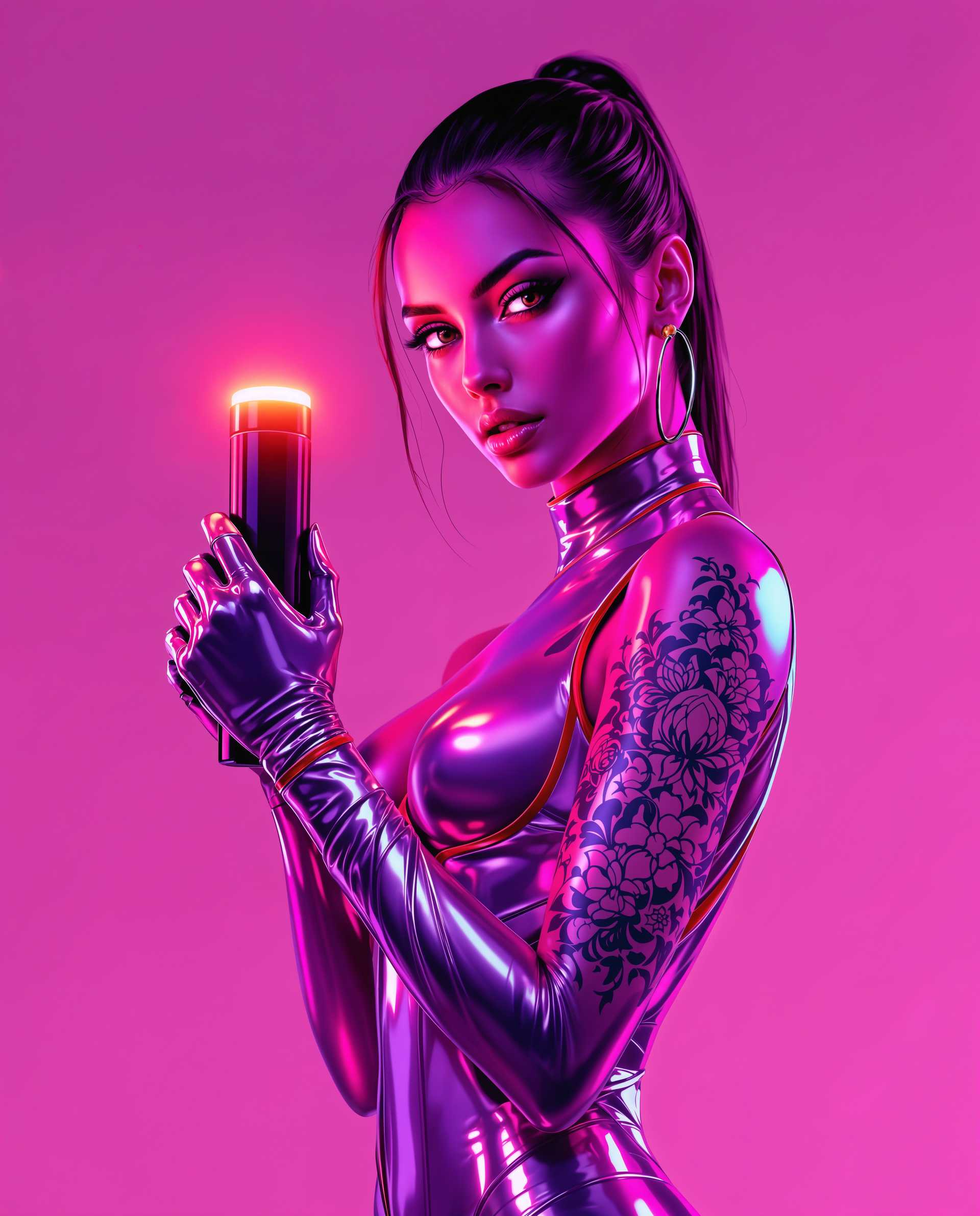

The Pixel Dojo Advantage
Why PixelDojo outperforms other options for face replacement image generation
| Others | Pixel Dojo |
|---|---|
| Traditional face replacement creation | Achieve professional results in seconds instead of hours of manual Photoshop work, with automatic lighting and skin matching built-in |
| Generic AI tools | Access specialized face swap tools like Face Swap, LoRA Face Swap, and Consistent Characters that deliver superior identity preservation and realism tailored for this exact task |
| Manual photo editing | Eliminate the steep learning curve and expensive software with intuitive AI that handles complex blending automatically while offering easy refinements |
Loved by creators on PixelDojo
Real feedback from people using PixelDojo, pulled from our in-product surveys.
user friendly all in one thing
I really like the schedule of AI work performed!
The best tools for IA on the web !
The guy that operates the website is constantly updating it
I’ve been using PixelDojo for around 8 months now and it’s always worked wonderfully while constantly adding features.
The site is easy to navigate and use.
Explore more AI tools on PixelDojo
AI Tools
Compare & Switch
- Best AI Image Generators
- Best AI Video Generators
- Midjourney Alternatives
- Civitai Alternatives
- Runway Alternatives
- Leonardo Alternatives
- Pika Alternatives
- Luma Alternatives
- Magnific Alternatives
- Veo Alternatives
- Flux Alternatives
- Freepik Alternatives
- Seedance Alternatives
- Seedream Alternatives
- Pixverse Alternatives
- GPT Image Alternatives
- Synthesia Alternatives
- Playground Alternatives
- NightCafe Alternatives
- Canva AI Alternatives
- ElevenLabs Alternatives
- ComfyUI Alternatives
- Fal Alternatives
- Replicate Alternatives
Common Questions
Everything you need to know about replace face
How to replace face in photo using AI for realistic results?
With PixelDojo's Face Swap tool, simply upload your source face and target image, add a prompt describing the desired lighting and expression, and generate. The AI automatically matches skin tones, angles, and shadows for photorealistic outcomes. For even better consistency, use LoRA Face Swap to train on multiple references or combine with Inpainting for precise edits.
What is the best way to do AI face replacement for consistent characters?
PixelDojo excels here with Consistent Characters and Character Stylist tools alongside Face Swap. Upload reference images of your character, generate variations in different poses or scenes, and maintain perfect identity across all outputs. This is ideal for storyboarding, branding, or creating series of images without losing realism.
Can I replace faces in group photos or multiple people at once?
Yes, PixelDojo's Face Swap supports multi-face detection and replacement. Upload your group photo and source faces, then selectively swap individuals. Combine with Virtual Try-On or Pose Control for group scenarios like team photos or event visuals, ensuring each swapped face blends naturally with the scene.
How does PixelDojo handle lighting and skin tone matching in face swaps?
Our advanced AI models in tools like Face Swap and Magic Lighting automatically analyze and replicate the original image's lighting, shadows, and skin tones. You can further refine with Style Transfer or Reality Polisher for hyper-realistic integration that looks completely natural, even in challenging conditions.
Is PixelDojo's face swap tool suitable for professional headshots or marketing?
Absolutely. Use Face Swap with Portrait Upscaler or Creative Upscaler to create polished headshots. For marketing, combine with Virtual Try-On and Consistent Characters to produce brand-consistent visuals at scale. Thousands of professionals rely on these tools for high-quality, editable results without hiring models or photographers.
What tips help get the most realistic AI face replacement outcomes?
Start with clear, well-lit reference images for best results. Use descriptive prompts mentioning 'photorealistic, matching lighting, natural expression.' Leverage multiple tools in sequence: Face Swap first, then Inpainting or Background Remover for tweaks, and finally Upscale & Enhance tools like Clarity Pro for crisp details. Experiment with LoRA Face Swap for custom identities.