replace face in photo online free
Imagine turning any ordinary photo into something extraordinary by seamlessly replacing faces with just a few clicks. With PixelDojo, you can instantly swap your face onto a celebrity, friend, or fictional character, creating hilarious memes, personalized gifts, or eye-catching social media posts that stand out. Whether you're a content creator looking to boost engagement, a marketer building unique campaigns, or simply someone who loves experimenting with fun transformations, our AI-powered face replacement tools deliver photorealistic results without any editing experience required. Users achieve professional-quality outcomes in seconds, saving hours of manual work while unlocking endless creative possibilities. Best of all, you can start replacing faces online for free today with generous credits and no long-term commitment.
Join over 150,000 creators who have completed 2.5 million+ face swaps this year • 4.9/5 average rating from 12,000+ reviews • Featured in top creator communities for realistic, watermark-free results
Why Choose Pixel Dojo for replace face in photo online free
Professional-quality results with cutting-edge AI technology
Produce Viral Social Content in Minutes
Replace faces to create shareable memes, reaction images, and personalized posts that drive likes, comments, and shares across Instagram, TikTok, and beyond. Many users report doubling their engagement rates with custom face swaps.
Achieve Studio-Quality Realism Effortlessly
Our advanced AI matches lighting, skin tones, expressions, and angles perfectly so your swapped faces look completely natural. No more awkward sticker-like results – enjoy seamless blends that fool even close friends.
Experiment and Create Without Any Cost Barriers
Access powerful face replacement tools completely free to start, with daily credits that let you test ideas, refine results, and produce multiple versions until you love the outcome. Cancel anytime with no hidden fees.
How It Works
Replacing a face in your photo with PixelDojo takes just three simple steps. Our intuitive interface guides you from upload to download, leveraging specialized tools designed specifically for natural face swaps.
Step 1: Choose Your Tool
Navigate to the Characters & Faces section and select the dedicated Face Swap tool or the advanced LoRA Face Swap for even greater consistency on repeated use. These tools are optimized for photo face replacement and work seamlessly with your existing images.
Step 2: Enter Your Prompt or Upload Photos
Upload your source face photo (the face you want to use) and the target photo (where the new face will appear). For precise control, add a simple text prompt like 'swap face naturally with matching lighting' or use Virtual Try-On mode for styled results. The AI handles alignment, pose, and blending automatically.
Step 3: Customize & Download
Review the generated swap and refine if needed using Inpainting for edge touch-ups, Pose Control for better alignment, or Magic Lighting to perfect shadows. Once satisfied, download your high-resolution image instantly – ready to share or print.

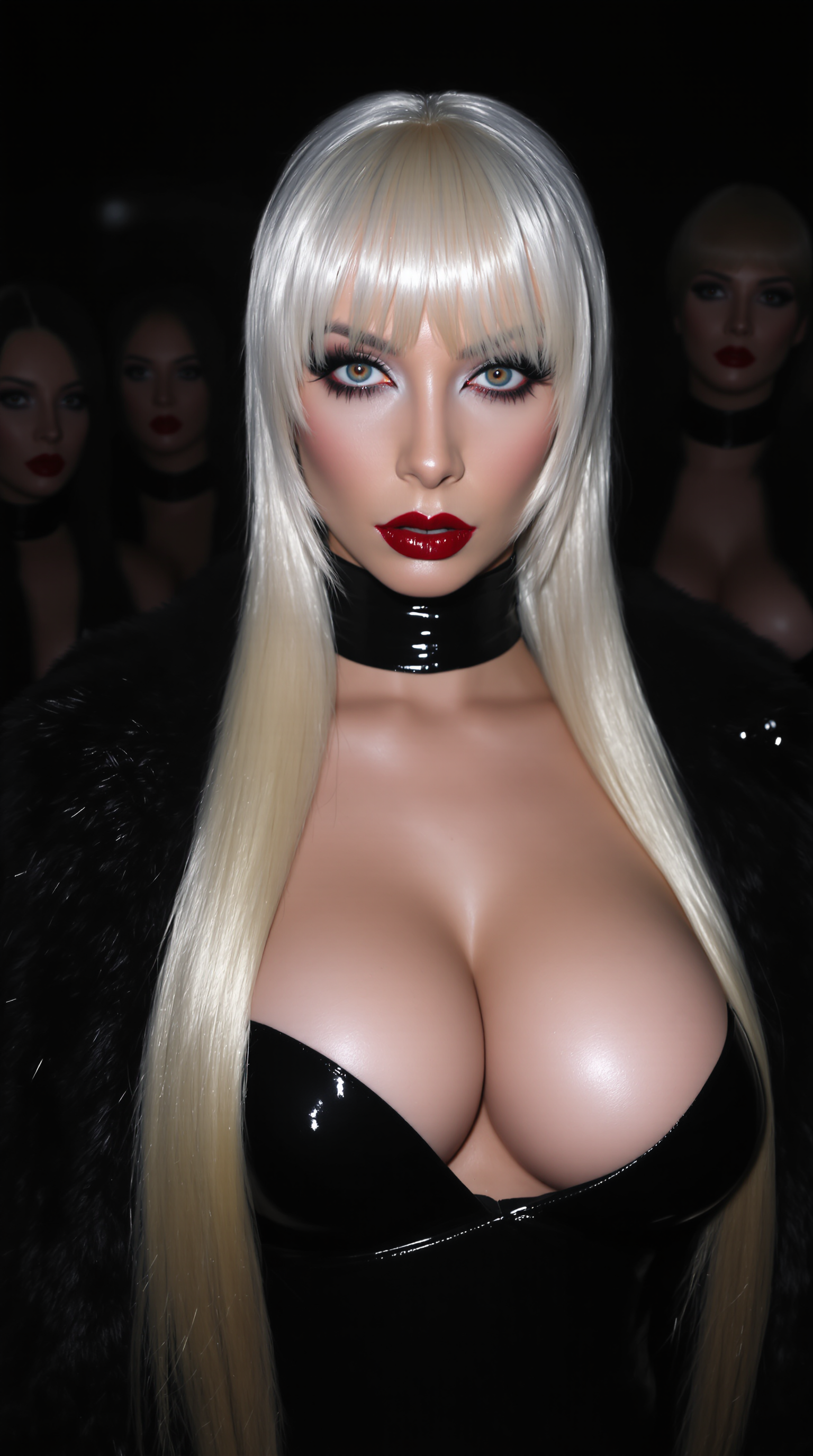


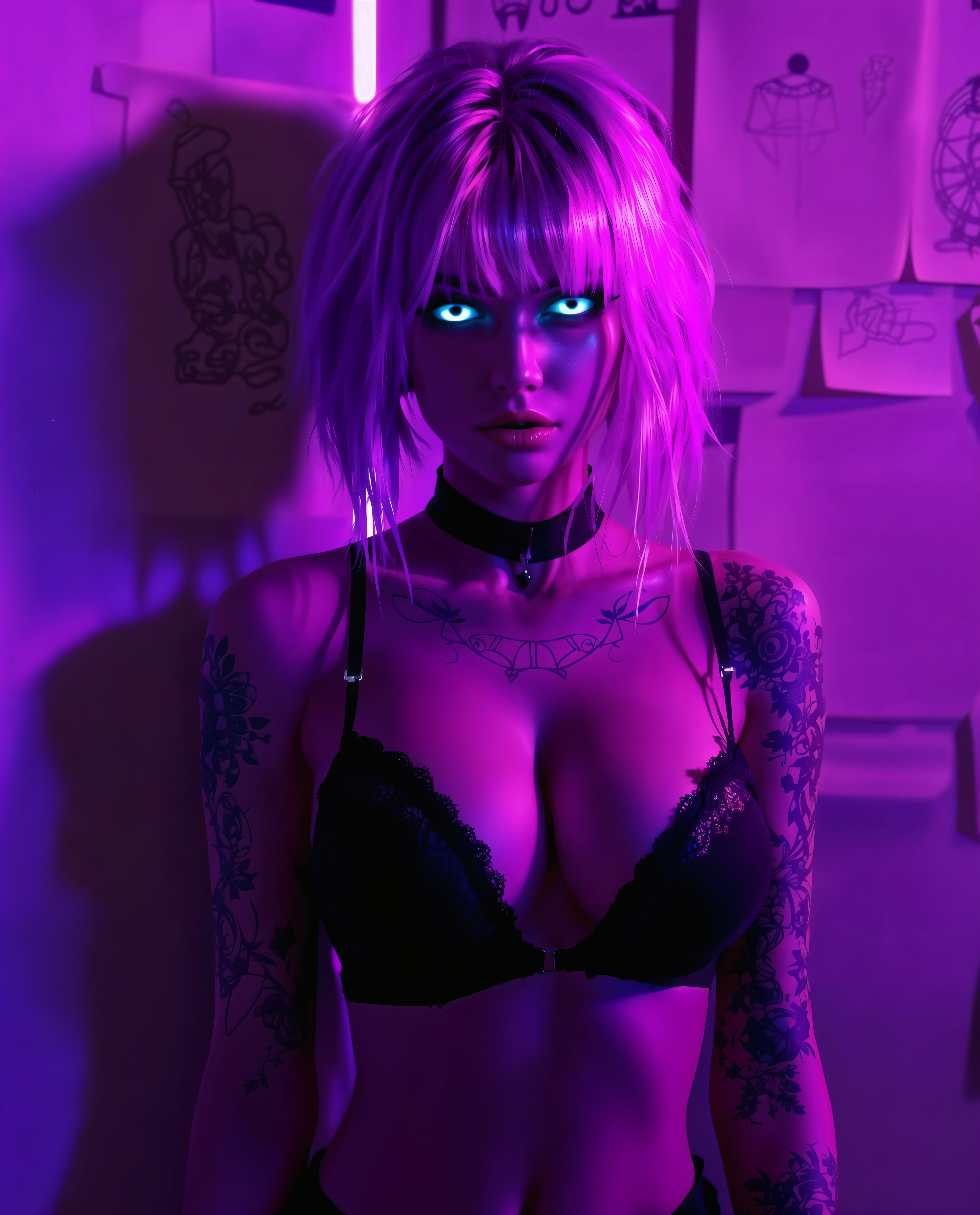
The Pixel Dojo Advantage
Why PixelDojo outperforms other options for replace face in photo online free generation
| Others | Pixel Dojo |
|---|---|
| Traditional face replacement creation | Complete professional swaps in seconds instead of spending hours learning complex software or hiring editors |
| Generic AI tools | Access 40+ specialized tools including LoRA Face Swap and Character Stylist for superior consistency and customization not found elsewhere |
| Manual photo editing | AI automatically handles lighting, skin matching, and expressions while you focus on creativity – no technical skills needed |
Loved by creators on PixelDojo
Real feedback from people using PixelDojo, pulled from our in-product surveys.
Because it is awesome
exceptional quality and great overall design of platform and interface. very intuative. love the creative freedom.
Qwen image 2 is amazing!!
Creative freedom, range of tools and options.
I love the training feature
the quality is the best
Explore more AI tools on PixelDojo
AI Tools
Compare & Switch
- Best AI Image Generators
- Best AI Video Generators
- Midjourney Alternatives
- Civitai Alternatives
- Runway Alternatives
- Leonardo Alternatives
- Pika Alternatives
- Luma Alternatives
- Magnific Alternatives
- Veo Alternatives
- Flux Alternatives
- Freepik Alternatives
- Seedance Alternatives
- Seedream Alternatives
- Pixverse Alternatives
- GPT Image Alternatives
- Synthesia Alternatives
- Playground Alternatives
- NightCafe Alternatives
- Canva AI Alternatives
- ElevenLabs Alternatives
- ComfyUI Alternatives
- Fal Alternatives
- Replicate Alternatives
Common Questions
Everything you need to know about replace face in photo online free
How to replace face in photo online free with AI tools?
Simply visit PixelDojo, head to the Characters & Faces section, and choose the Face Swap tool. Upload your source face and target photo, add an optional prompt for style, and generate. The entire process is free to start with daily credits, delivers photorealistic results, and requires no sign-up for initial swaps. For repeated high-quality results, train a custom LoRA model using our Flux 2 Trainer or similar for perfect consistency.
What is the best way to replace face in photo online free without watermarks?
PixelDojo's Face Swap and LoRA Face Swap tools produce clean, watermark-free images on all plans, including free tiers. Upload clear, well-lit photos for best results, use the Reality Polisher tool for final enhancements, and download directly. Thousands of users achieve professional outcomes daily by combining Face Swap with Inpainting for seamless edges.
Can I replace face in photo online free for multiple images or batch processing?
Yes! PixelDojo supports efficient workflows for multiple swaps. Use the Face Swap tool repeatedly or leverage our Developer API and ComfyUI integration for batch processing. For consistent characters across photos, train a custom model with our WAN 2.2 Trainer or QWEN Trainer and apply it via LoRA Face Swap – perfect for series of images or social campaigns.
How realistic are free AI face replacements compared to paid tools?
PixelDojo delivers studio-level realism even on free usage thanks to advanced models like Flux.1 Studio and specialized face tools. The AI excels at matching skin tones, lighting, and expressions using techniques refined from 2026 trends such as dynamic light mapping and multi-angle consistency. Users frequently report results indistinguishable from paid services.
Is it safe and private to replace faces in photos using online AI tools?
PixelDojo prioritizes user privacy with secure processing and options to delete uploads immediately after generation. Your photos are not stored long-term, and you maintain full ownership of created images. For extra peace of mind, process sensitive content locally via our ComfyUI support or use the API with your own keys.
What tips help get the best results when replacing face in photo online free?
Start with high-quality, front-facing source photos under good lighting. Use the Pose Control and Virtual Try-On tools for better alignment. Refine with Image to Image or Inpainting for custom tweaks. Combine with Style Transfer for artistic effects. Many creators also use Character Stylist to maintain identity across multiple swaps for consistent branding or storytelling.