run wan 3.0 AI Generator
Generated on PixelDojo. Produced by PixelDojo's generation pipeline.
Imagine turning a simple idea, a handful of reference photos, or even a document into a complete 30-second cinematic video complete with natural sound, dialogue, and flawless character consistency. That is exactly what you achieve when you run WAN 3.0 on PixelDojo. You no longer spend hours stitching clips or hunting for stock footage. Instead you describe the story you want and watch a polished, production-ready video appear in minutes. Whether you need marketing spots, social stories, instructional sequences or personal films, WAN 3.0 plus PixelDojo’s Film Studio and Marketing Studio give you the power to produce work that looks like it came from a professional crew. You keep full creative control, generate as many versions as you like, and walk away with commercially usable files you can publish immediately. Thousands of creators already rely on this workflow every day because it removes the usual barriers between vision and finished video.
Real video examples generated on PixelDojo
Every example below was produced on PixelDojo. Hover to see the prompt.
W-cinematic
image-to-video

Wan-cinematic
image-to-image

Wan-portrait
image-to-image

Wan-food
image-to-image

Wi-landscape
image-to-image
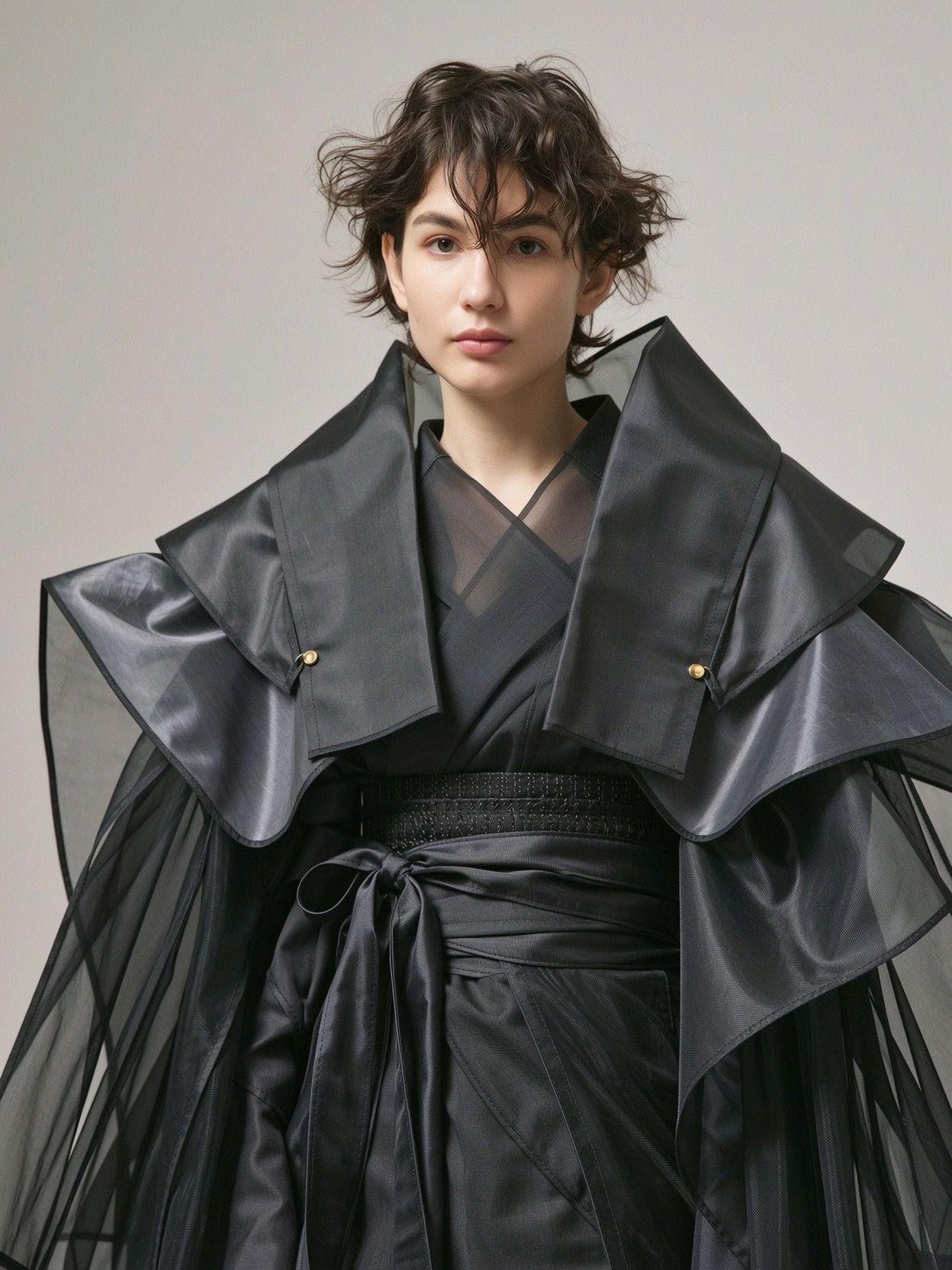
Wi-portrait
image-to-image
Models you can run on PixelDojo for run wan 3.0
Switch models without switching tools. Each one runs in the same PixelDojo studio.
What you can do with run wan 3.0 on PixelDojo
Hosted Wan 3.0 Runs
We run Wan 3.0 in the cloud so you can generate video from prompts without installing the model or managing local GPUs.
Text and Image Inputs
You can start clips from written prompts or still frames. We return video you can review, re-prompt, and download.
Cloud Queue and Export
We process jobs on our infrastructure and let you export finished clips for use in your usual editing tools.
Iterate Motion and Framing
We keep your settings available so you can adjust motion, camera feel, and look across multiple takes.
Loved by thousands of creators worldwide. 40+ cutting-edge AI tools in one workspace. Cancel anytime. Join the community already producing cinematic videos with WAN 3.0, WAN 2.7 Video and Film Studio.
Why Choose Pixel Dojo for run wan 3.0
Professional-quality results with cutting-edge AI technology
Tell Complete Stories in One Generation
You create full 30-second narratives with beginning, middle and end, native audio and consistent characters instead of piecing together short clips. Your audience stays immersed from the first frame to the last.
Keep Characters and Style Perfectly Consistent
You lock faces, clothing, lighting and environments across every shot so your videos look professionally directed rather than randomly generated. Clients and viewers notice the difference immediately.
Go From Idea to Finished Video in Minutes
You skip expensive shoots, editing suites and sound design. Type a prompt or drop in references and download a ready-to-use video you can post, present or sell the same day.
How It Works
Running WAN 3.0 on PixelDojo is straightforward. You pick the right tool, describe what you want, and refine until the video matches your vision. The entire process happens in your browser with no software to install.
Step 1: Choose Your Tool
Open Generate Videos and select WAN 3.0, or jump into Film Studio or Marketing Studio for longer projects and campaign workflows. You can also start from WAN Image or Consistent Characters if you already have stills you want to animate. The interface shows you credit cost and estimated time so you always know what to expect.
Step 2: Enter Your Prompt
Describe the subject, action, environment, camera movement and audio you want. For longer clips split the story into clear stages with visible end states. Upload up to ten reference images and name their roles so the model knows which photo defines the face and which defines the location. You can also drop in a first and last frame or even a document. PixelDojo automatically labels your images so you can say “the woman in Image 1 walks into the forest in Image 2.”
Step 3: Customize & Download
Choose duration, aspect ratio or let WAN 3.0 decide. Hit generate and watch the video appear with sound already mixed. Use Image to Image, Inpainting or Video Edit tools if you want to tweak a frame or extend the clip. Download the finished file in high resolution ready for any platform. Everything you create is yours for commercial use.
The Pixel Dojo Advantage
Why PixelDojo outperforms other options when you want to run WAN 3.0 and produce professional video
| Others | Pixel Dojo |
|---|---|
| Traditional video production | You skip location scouting, crew, equipment rental and post-production. A single prompt plus references delivers a finished 30-second video with sound in the time it used to take just to set up a shot. |
| Generic AI tools | You get the latest WAN 3.0 model plus Film Studio, Consistent Characters, WAN Image and 40 other specialized tools in one subscription. No jumping between sites or losing consistency between stills and motion. |
| Manual photo and video editing | You generate new footage instead of endlessly retouching existing clips. Native audio, automatic consistency and one-click edits save you hours of timeline work while giving you results that look freshly shot. |
Loved by creators on PixelDojo
Real feedback from people using PixelDojo, pulled from our in-product surveys.
very easy to use and good support
Very easy to use
super easy to use
it's very easy to use
Practically every Ai suite in one place? Who wouldn't?
versatile menu of tools
Explore more AI tools on PixelDojo
AI Tools
Compare & Switch
- Best AI Image Generators
- Best AI Video Generators
- Midjourney Alternatives
- Civitai Alternatives
- Runway Alternatives
- Leonardo Alternatives
- Pika Alternatives
- Luma Alternatives
- Magnific Alternatives
- Veo Alternatives
- Flux Alternatives
- Freepik Alternatives
- Seedance Alternatives
- Seedream Alternatives
- Pixverse Alternatives
- GPT Image Alternatives
- Synthesia Alternatives
- Playground Alternatives
- NightCafe Alternatives
- Canva AI Alternatives
- ElevenLabs Alternatives
- ComfyUI Alternatives
- Fal Alternatives
- Replicate Alternatives
Common Questions
Everything you need to know about run wan 3.0
How do I run WAN 3.0 for the first time on PixelDojo?
Sign up, go to Generate Videos and choose WAN 3.0. Type a simple prompt such as “a chef plating a dish in a sunlit kitchen, slow push-in, gentle kitchen sounds.” Add any reference photos you have. Click generate and your first cinematic clip with native audio appears in minutes. You can immediately try Film Studio if you want a longer story.
Can I use my own photos and documents when I run WAN 3.0?
Yes. Upload up to ten reference images and tell the model what each one should control. You can also feed documents or web pages so WAN 3.0 turns static information into a moving story. PixelDojo automatically names your images so you stay in control of every detail.
Does WAN 3.0 keep characters consistent across a 30-second video?
Absolutely. That is one of its biggest strengths. Combine WAN 3.0 with PixelDojo’s Consistent Characters and Character Sheets tools and the same person, clothing and lighting stay locked from the first frame to the last. Your videos look directed rather than randomly assembled.
What kind of audio do I get when I run WAN 3.0?
Native audio is generated in the same pass as the picture. You receive dialogue, ambient sound, music and foley already mixed into the file. No extra sound-design step is required. You can still refine the track later with PixelDojo’s audio tools if you want.
Can I edit or extend a WAN 3.0 video after it is generated?
Yes. Use WAN 2.7 Video Edit, Grok Video Edit, Video Autocaption or Extract Frame to make changes. You can also send any frame into Image to Image or Inpainting, then feed the result back into a new generation. Film Studio lets you assemble multiple clips into a longer piece.
Is everything I create with WAN 3.0 on PixelDojo commercially usable?
Yes. All images and videos you generate are ready for commercial use. You own the output and can publish, sell or license it without extra fees. Combined with 40+ tools and the ability to cancel anytime, you have a complete professional studio at a fraction of traditional cost.