run wan 3.0 online AI Generator
Generated on PixelDojo. Produced by PixelDojo's generation pipeline.
You can now produce complete 30-second cinematic stories that hold viewer attention from the first frame to the last, complete with natural motion, consistent characters and perfectly synced audio—all from a simple description or even a document you already have. PixelDojo's WAN 3.0 lets you skip filming, crews and complex editing so you launch ads, explainers, product demos and social series that look studio-made and convert viewers into customers. Marketers turn slide decks into polished campaign videos, creators lock a character's look across an entire episode, and businesses transform reports into engaging visual stories that get watched and shared. Combine WAN 3.0 with tools like Marketing Studio for campaign assets, WAN Image or Flux.2 Studio for perfect reference stills, and Film Studio for longer productions. Everything happens in your browser with commercial-use rights included. Start creating today and see how quickly your ideas become ready-to-publish videos that drive real results.
Real video examples generated on PixelDojo
Every example below was produced on PixelDojo. Hover to see the prompt.
Character3 is talking to character2 using the voice of character1 in a cozy cafe in Lisbon
image-to-video
Character3 is talking to character2 using the voice of character1 in a cozy cafe in Lisbon
image-to-video

Wi-landscape
image-to-image
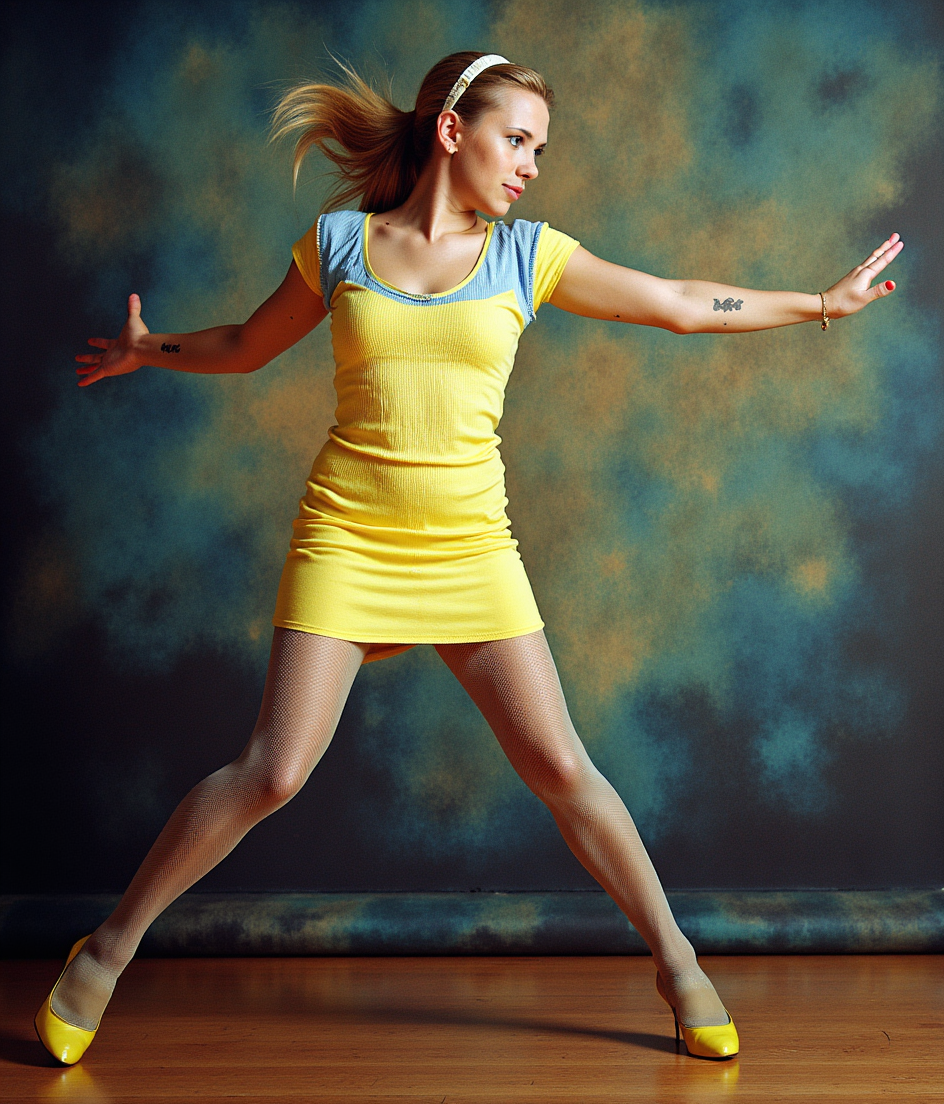
run wan 3.0 online on PixelDojo
flux-pose-control

run wan 3.0 online on PixelDojo
flux-inpainting-lora

run wan 3.0 online on PixelDojo
flux-pose-control
Models you can run on PixelDojo for run wan 3.0 online
Switch models without switching tools. Each one runs in the same PixelDojo studio.
What you can do with run wan 3.0 online on PixelDojo
Run WAN 3.0 Online
Generate video with WAN 3.0 in the browser. We host the model so you do not need a local GPU setup.
Text and Image Prompts
Start clips from a written prompt or a still. We keep inputs and outputs in one workspace for iteration.
Adjust Length and Motion
Set duration, framing, and motion strength before you generate. Review the clip and refine the same settings in a follow-up run.
Export Ready Clips
Download finished videos for editing or posting. We store recent jobs so you can compare versions without leaving the page.
Loved by thousands of creators worldwide. Access 40+ cutting-edge AI tools including WAN 3.0, Seedance 2.5 and Kling Video. Commercial license on every generation. Cancel anytime with no long-term commitment.
Why Choose Pixel Dojo for run wan 3.0 online
Professional-quality results with cutting-edge AI technology
Produce Full 30-Second Scenes in One Take
Create complete ads, stories or explainers that hold attention from start to finish with natural motion, realistic physics and perfectly synced audio—no stitching or extra editing software required. Your 30-second clip arrives ready for social, ads or presentations.
Lock Character and Product Consistency Across Every Frame
Upload photos or generate references with WAN Image, Seedream 5 or Flux.2 Studio and keep faces, outfits, products and locations identical throughout your entire 30-second video. Pixel-level hold means your brand or character never drifts.
Turn Documents, Photos and Ideas into Ready-to-Publish Videos
Feed a PDF, slide deck, webpage or simple text prompt and watch WAN 3.0 automatically build a professional video with narration, visuals, camera moves and sound. Marketers, trainers and storytellers go from existing files to finished clips in minutes.
How It Works
You create professional WAN 3.0 videos on PixelDojo in three straightforward steps that put cinematic results in your hands immediately. Pair WAN 3.0 with supporting tools like Marketing Studio, WAN Image and WAN 2.7 Video Edit for even stronger outcomes.
Step 1: Choose Your Tool
Open PixelDojo and select WAN 3.0 from the Generate Videos collection. First create or upload reference images using WAN Image, Flux.2 Studio, Seedream 5 or Image to Image so characters and products stay locked. For document-to-video simply upload your PDF, PowerPoint or webpage URL. This step sets up consistency before you write a single word and gives you access to PixelDojo’s full 40+ tool suite in one place.
Step 2: Enter Your Prompt
Write a director-style prompt using the proven formula: subject + action + scene + visual style + camera movement + audio. For 30-second clips split the story into numbered stages with clear visible end states (empty bench, wrench still in hand, door now closed). Bind each reference with @Image1 language and state any exclusions directly in the prompt. Add native audio cues for dialogue, music or sound effects. The model can even pick duration and aspect ratio for you.
Step 3: Customize & Download
Hit generate and receive your 30-second cinematic video complete with native audio in minutes. Refine timing or swap elements using WAN 2.7 Video Edit or Grok Video Edit, add captions with Video Autocaption, or upscale to higher resolution with FLUX Video Upscale. Download the finished MP4 ready for ads, social or presentations. All generations include a commercial license.
The Pixel Dojo Advantage
Why PixelDojo outperforms other options for WAN 3.0 video generation
| Others | Pixel Dojo |
|---|---|
| Traditional video production | Skip expensive crews, cameras, locations and weeks of post-production. Generate a complete 30-second cinematic video with native audio, consistent characters and professional camera work in minutes from a prompt or existing document. |
| Generic AI tools | Access the latest WAN 3.0 plus 40+ specialized tools such as Marketing Studio, Consistent Characters, WAN Image and Film Studio all in one platform. You get commercial licensing, easy reference workflows and the ability to cancel anytime. |
| Manual video editing | No timeline software, no learning curve and no hours spent cutting clips together. WAN 3.0 produces a finished 30-second take with motion, physics and sound that you can further polish using PixelDojo’s dedicated video edit and upscale tools. |
Loved by creators on PixelDojo
Real feedback from people using PixelDojo, pulled from our in-product surveys.
the number of options, and especially the quick response to questions on Discord
Love you guys!!
Trained my Lora super fast. Still working out how to creat content wit it, but I love it so far.
I love this app
It has all the tools I can think of...
deployment rate of splendid features is incredible. Legend
Explore more AI tools on PixelDojo
AI Tools
Compare & Switch
- Best AI Image Generators
- Best AI Video Generators
- Midjourney Alternatives
- Civitai Alternatives
- Runway Alternatives
- Leonardo Alternatives
- Pika Alternatives
- Luma Alternatives
- Magnific Alternatives
- Veo Alternatives
- Flux Alternatives
- Freepik Alternatives
- Seedance Alternatives
- Seedream Alternatives
- Pixverse Alternatives
- GPT Image Alternatives
- Synthesia Alternatives
- Playground Alternatives
- NightCafe Alternatives
- Canva AI Alternatives
- ElevenLabs Alternatives
- ComfyUI Alternatives
- Fal Alternatives
- Replicate Alternatives
Common Questions
Everything you need to know about run wan 3.0 online
How do I run WAN 3.0 online for 30-second videos with native audio on PixelDojo?
Simply log into PixelDojo, go to Generate Videos and select WAN 3.0. Upload up to ten reference images created with WAN Image or Flux.2 Studio, or drop in a PDF. Write a structured prompt covering subject, action, camera and audio, then generate. Your 30-second clip arrives with dialogue, music and sound effects already synced. You can refine it with WAN 2.7 Video Edit and download instantly. Thousands of creators use this exact workflow every day.
Can I generate WAN 3.0 videos from PDFs, slide decks and webpages on PixelDojo?
Yes. WAN 3.0 on PixelDojo reads documents, PowerPoint files, spreadsheets and even public webpages as input. Upload your existing sales report or product spec and the model builds a complete 30-second video with visuals, camera movement and native audio that matches the content. Pair it with Marketing Studio to turn those videos into full campaign assets. This document-to-video capability saves hours of scripting and filming.
How do I keep characters consistent across 30-second WAN 3.0 videos using PixelDojo tools?
First generate or upload clear reference photos using WAN Image, Seedream 5, Ideogram 4 or Flux.2 Studio. In your WAN 3.0 prompt name each reference with @Image1 language and describe the exact traits that must stay locked (face, hair, clothing, product shape). The model holds pixel-level identity for the entire 30-second take. You can further strengthen consistency with Consistent Characters or Character Sheets before generating the video.
What is the best way to prompt WAN 3.0 for cinematic 30-second results online?
Use a director-style structure: subject + action + scene + style + camera + audio. For long clips break the story into consecutive stages, each with a clear visible end state. Mention camera moves in observable terms (slow push-in, locked-off wide) and list the exact sounds you want. PixelDojo’s WAN 3.0 follows these instructions closely and can even choose duration and aspect ratio automatically. Tested templates are available in our prompting guide.
Does PixelDojo WAN 3.0 support first-and-last-frame video generation and reference-to-video?
Absolutely. You can pin a first frame (and optional last frame) so the model generates the exact motion between them, or use omni-reference mode with up to ten images, five videos and five audio clips. Combine this with WAN Reference to Video or Kling Video Character Swap for even tighter control. All of these modes run inside the same PixelDojo interface alongside 40+ other tools.
How much does it cost to run WAN 3.0 online on PixelDojo and can I cancel anytime?
You see the exact credit cost on the Generate button before you run. PixelDojo offers 40+ cutting-edge AI tools including WAN 3.0 with a commercial-use license on every output. There are no long-term contracts—cancel anytime. Thousands of creators already use the platform to produce ads, stories and training videos without the traditional production costs.