runway gen 2 AI Generator
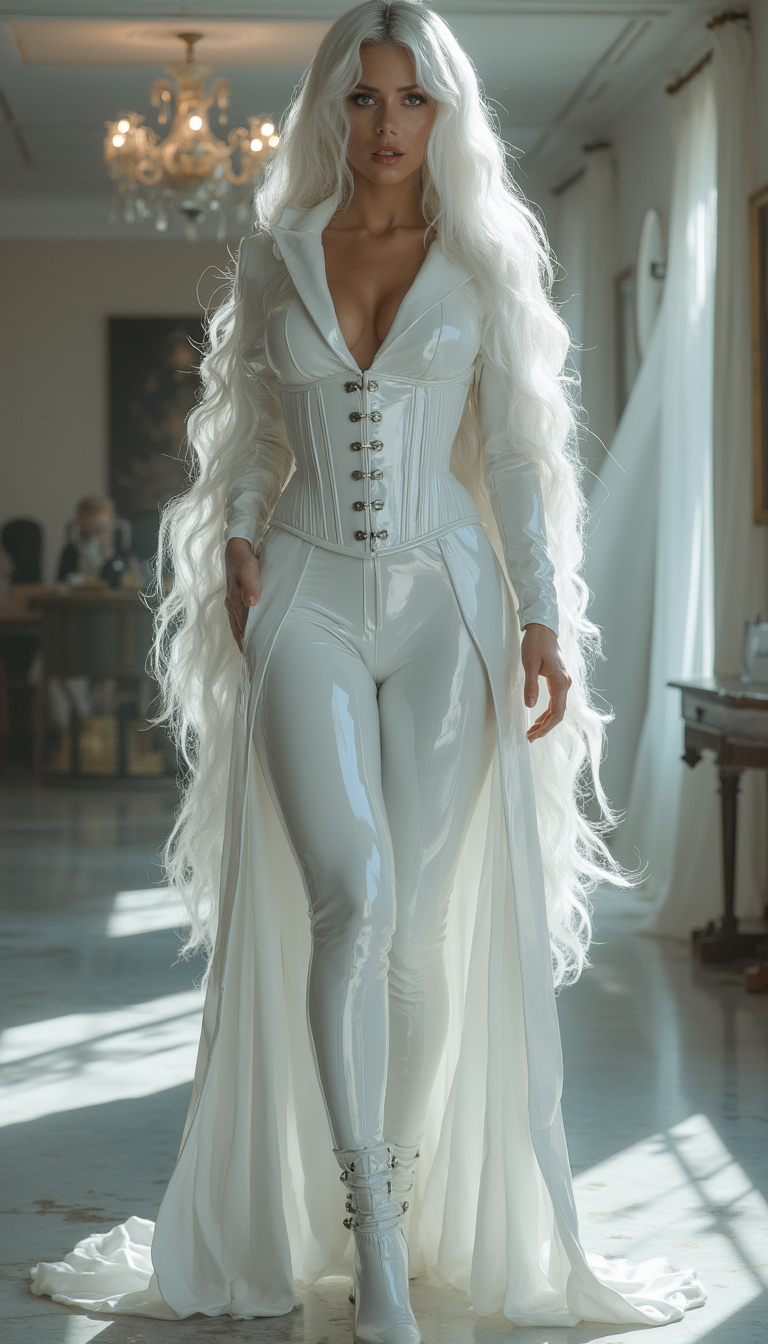
Turn your creative ideas into breathtaking cinematic videos that look like they were shot on a Hollywood set. With PixelDojo's Runway-powered tools, you can generate smooth, realistic motion from simple text prompts or still images in just seconds—no filming crew or expensive equipment required. Bring stories to life, create engaging social content, or produce professional B-roll that captivates your audience.
Loved by 75,000+ creators worldwide • 4.9/5 average rating • Over 2.5 million videos generated this month • Trusted by filmmakers, marketers & YouTubers
Why Choose Pixel Dojo for runway gen 2
Professional-quality results with cutting-edge AI technology
Bring Static Images to Life with Natural Motion
Upload any photo or AI-generated image and watch it transform into dynamic video with realistic movement, perfect for social posts, ads, or storytelling.
Control Camera Moves & Cinematic Styles Effortlessly
Apply professional camera pans, zooms, and dramatic lighting effects to achieve that signature Runway Gen-2 polished, film-like quality every time.
Generate Consistent, High-Quality Videos Fast
Produce multiple variations or extend clips seamlessly while maintaining character consistency, style, and world coherence—no technical expertise needed.
How It Works
Create Runway Gen-2 style videos in three simple steps using PixelDojo's specialized tools.
Step 1: Choose Your Tool
Select the Runway tool from Generate Videos or start with an image generator like Flux.2 Studio or Ideogram 4 to create your base image.
Step 2: Enter Your Prompt
Describe your scene in text or upload a reference image. Add details like 'cinematic lighting, slow camera pan, realistic motion' for Gen-2 style results.
Step 3: Customize & Download
Fine-tune with motion controls, camera angles, or style transfer using Runway Aleph or Image to Image tools, then download your polished video.
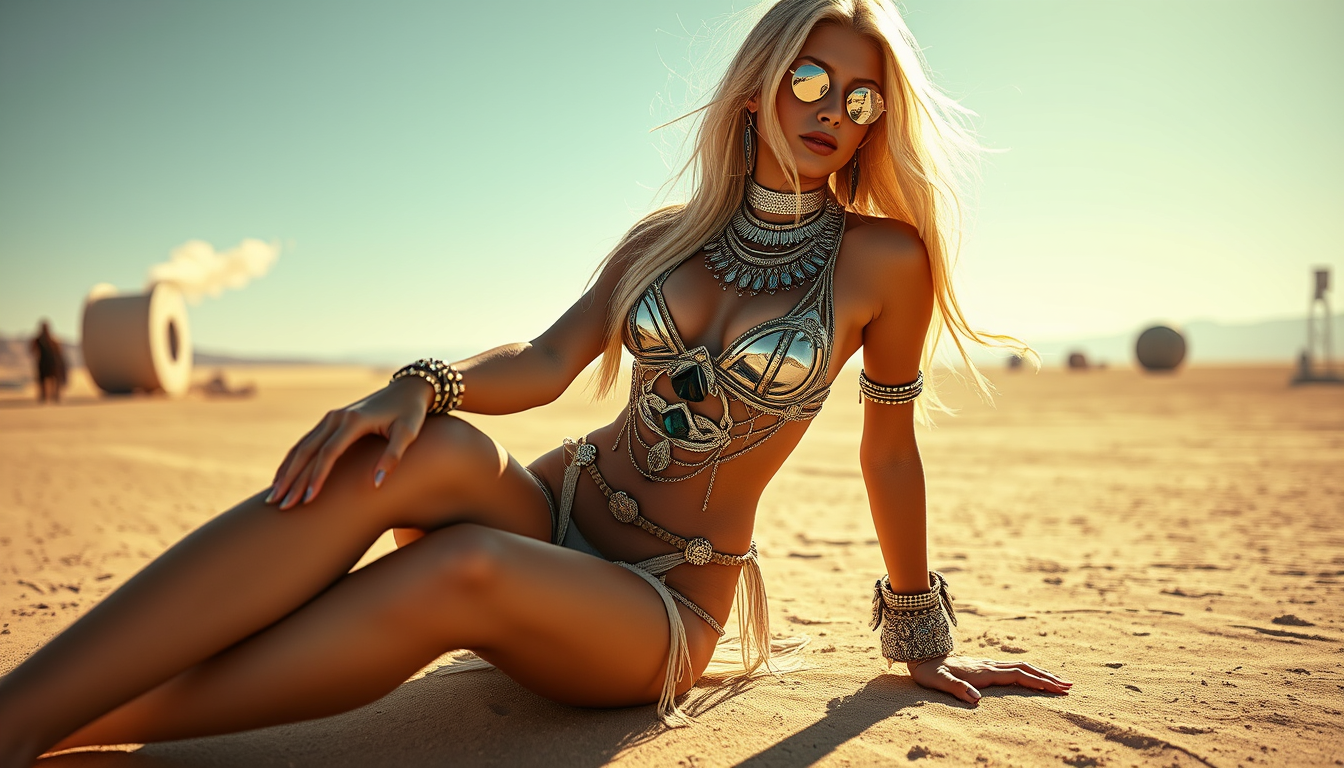
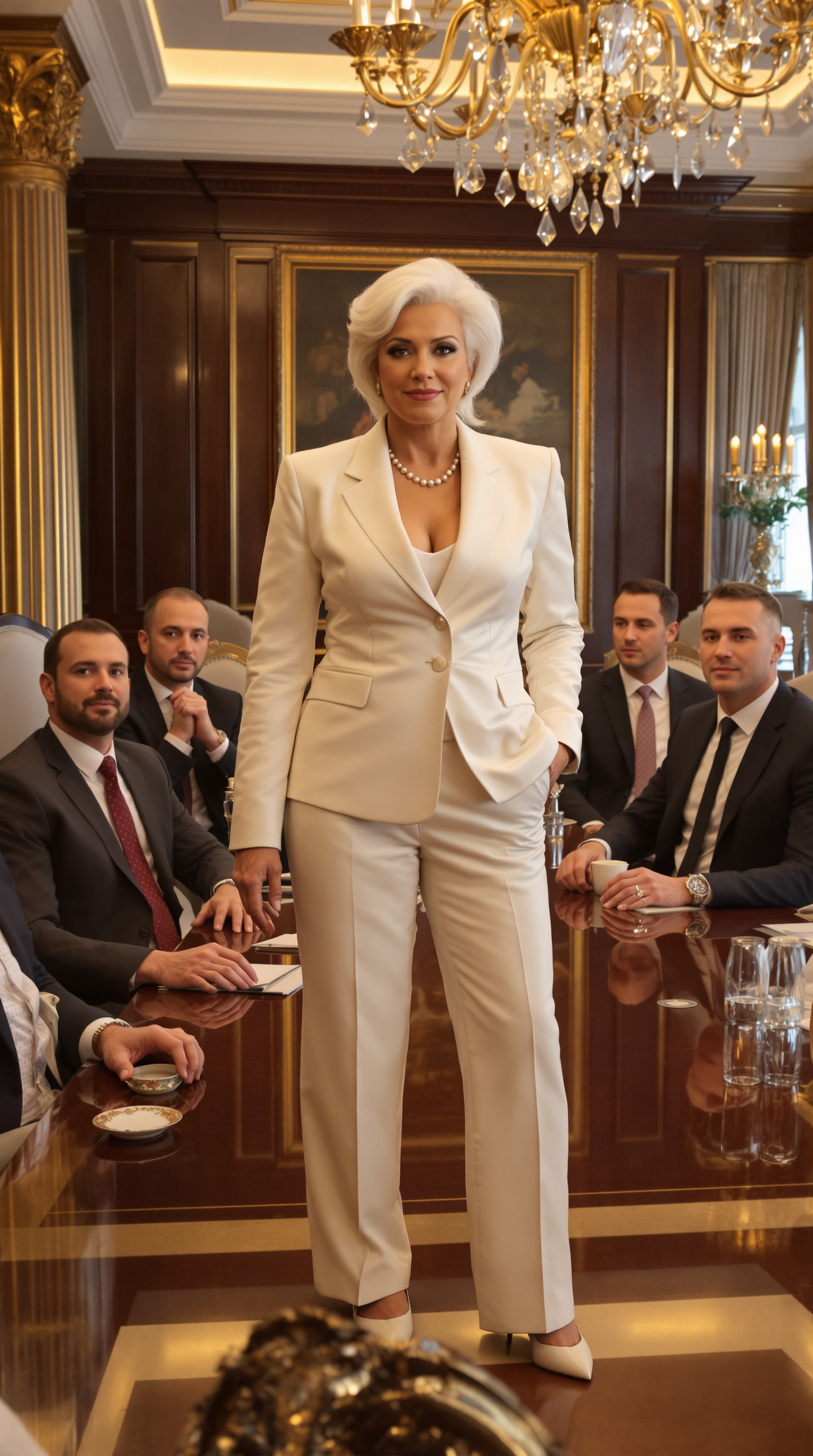

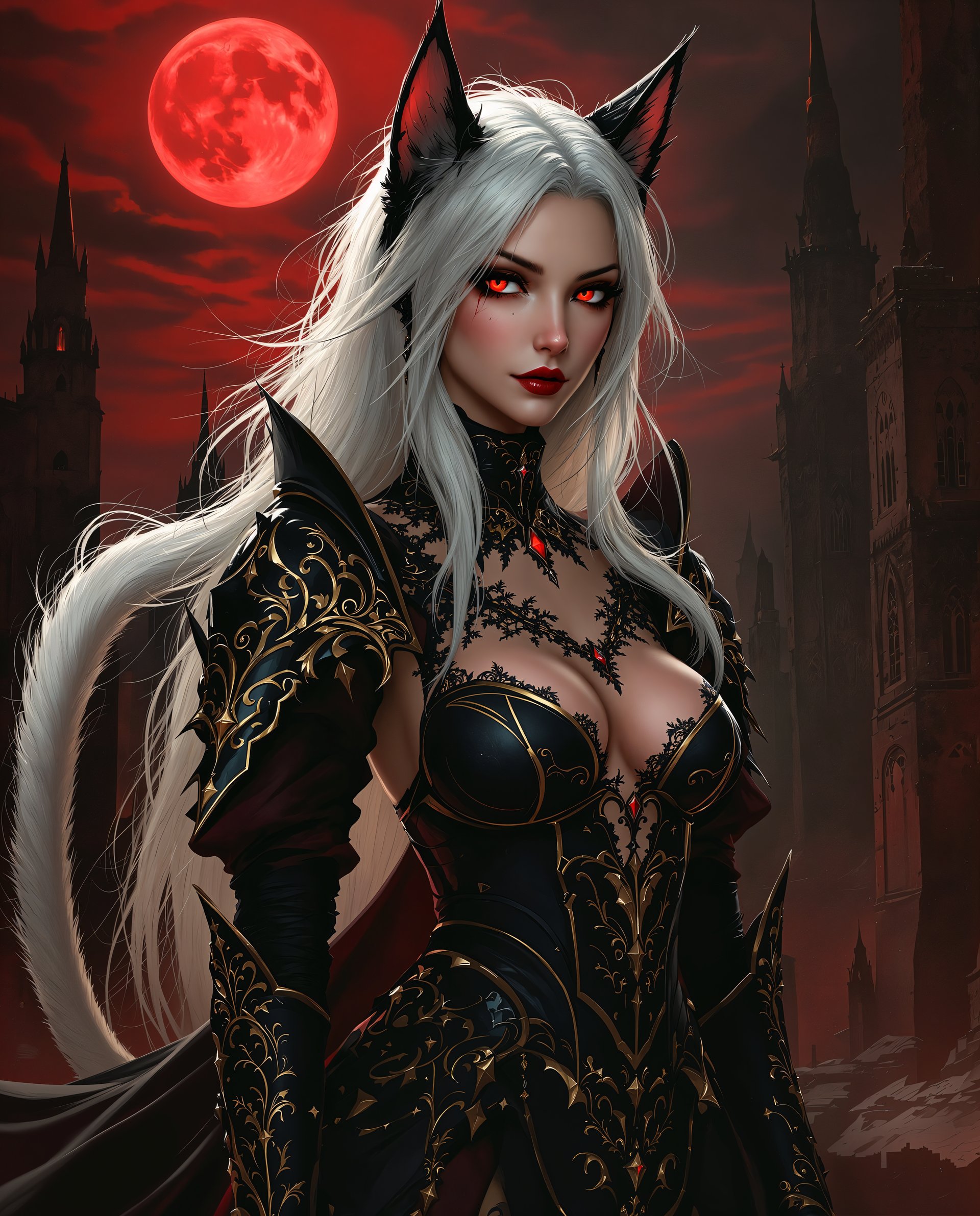
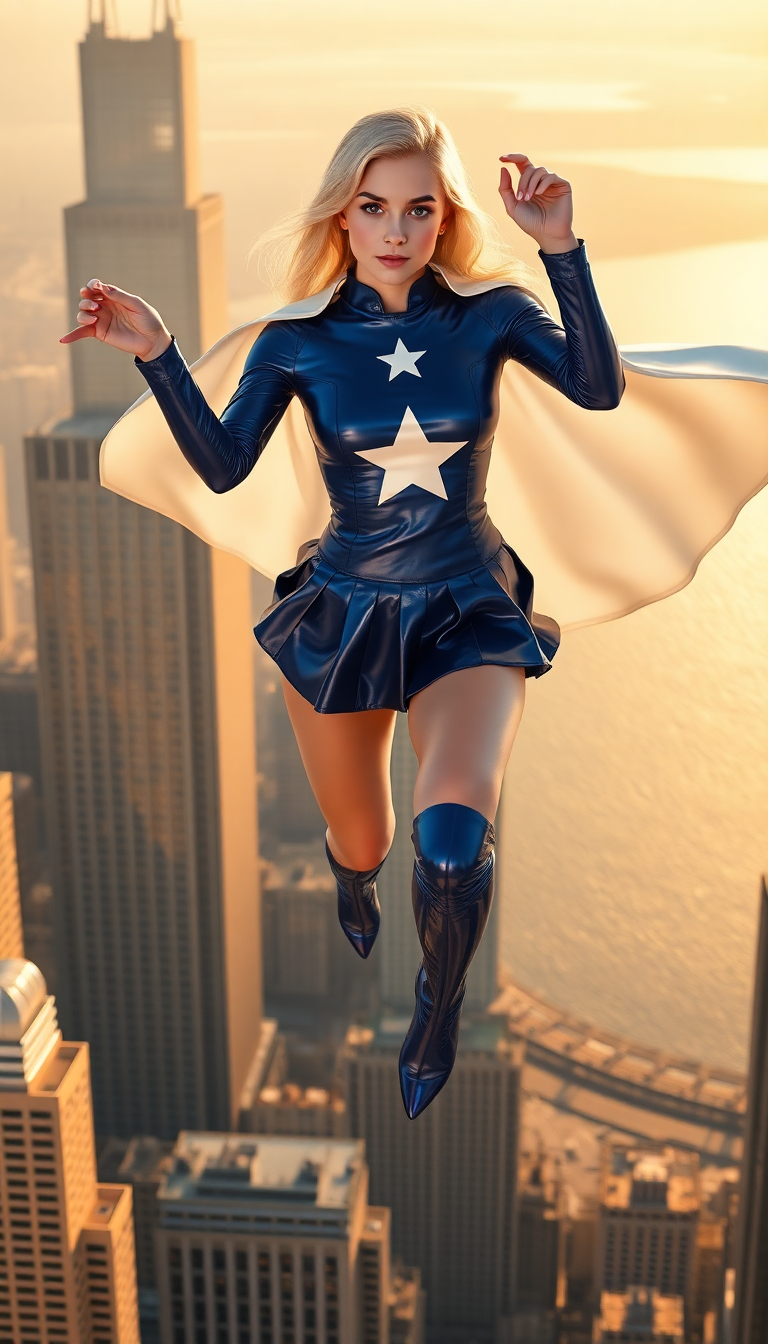
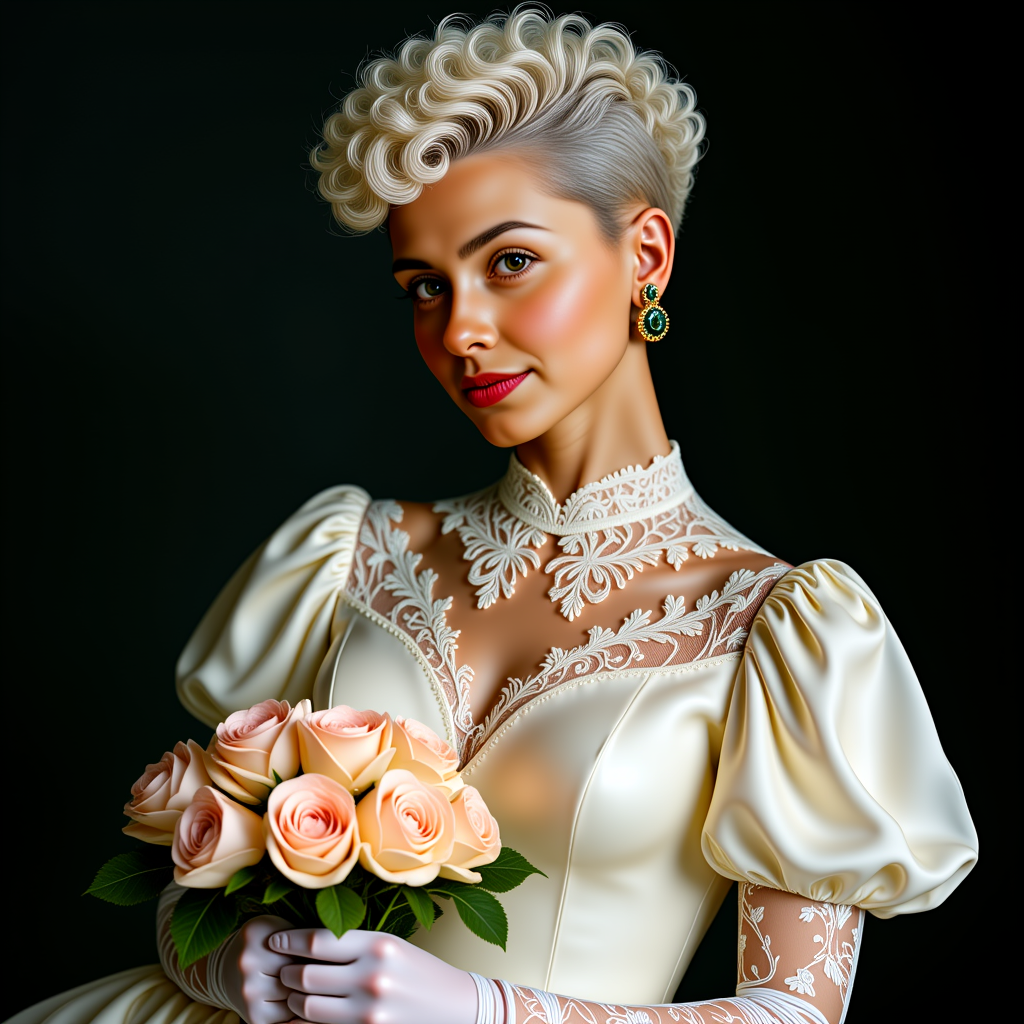
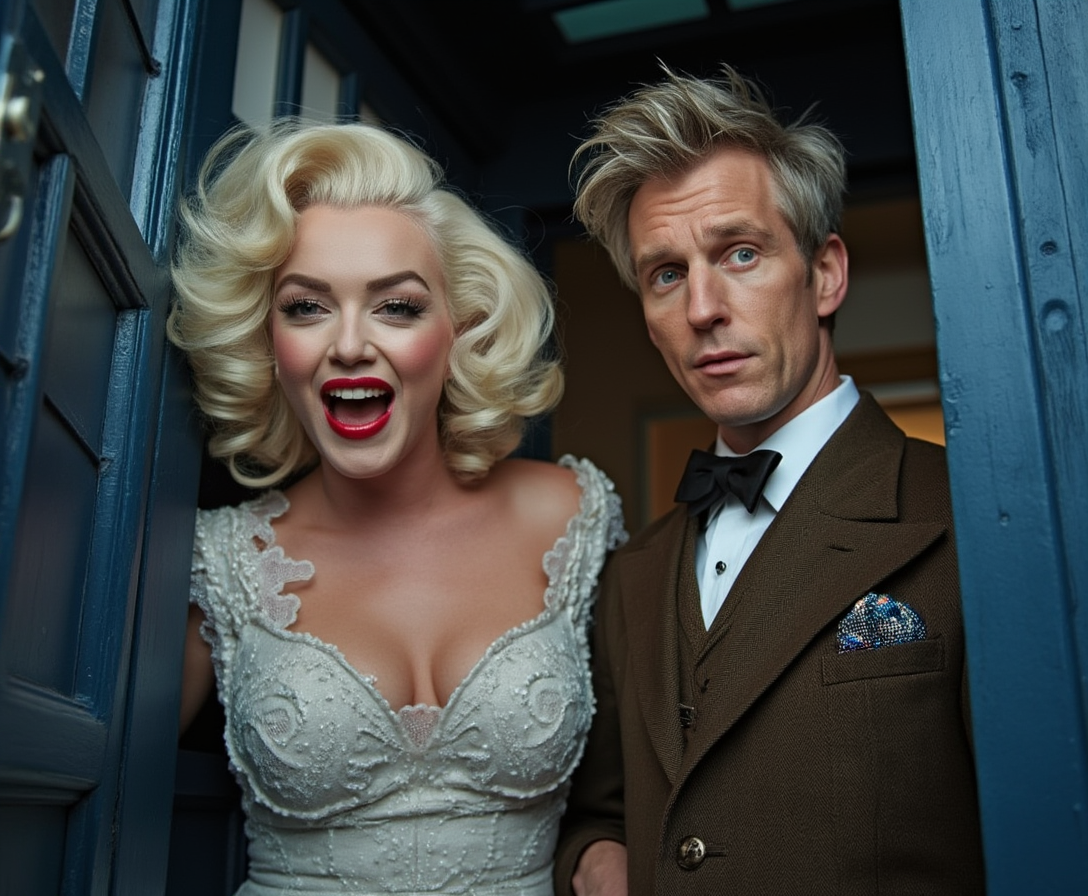
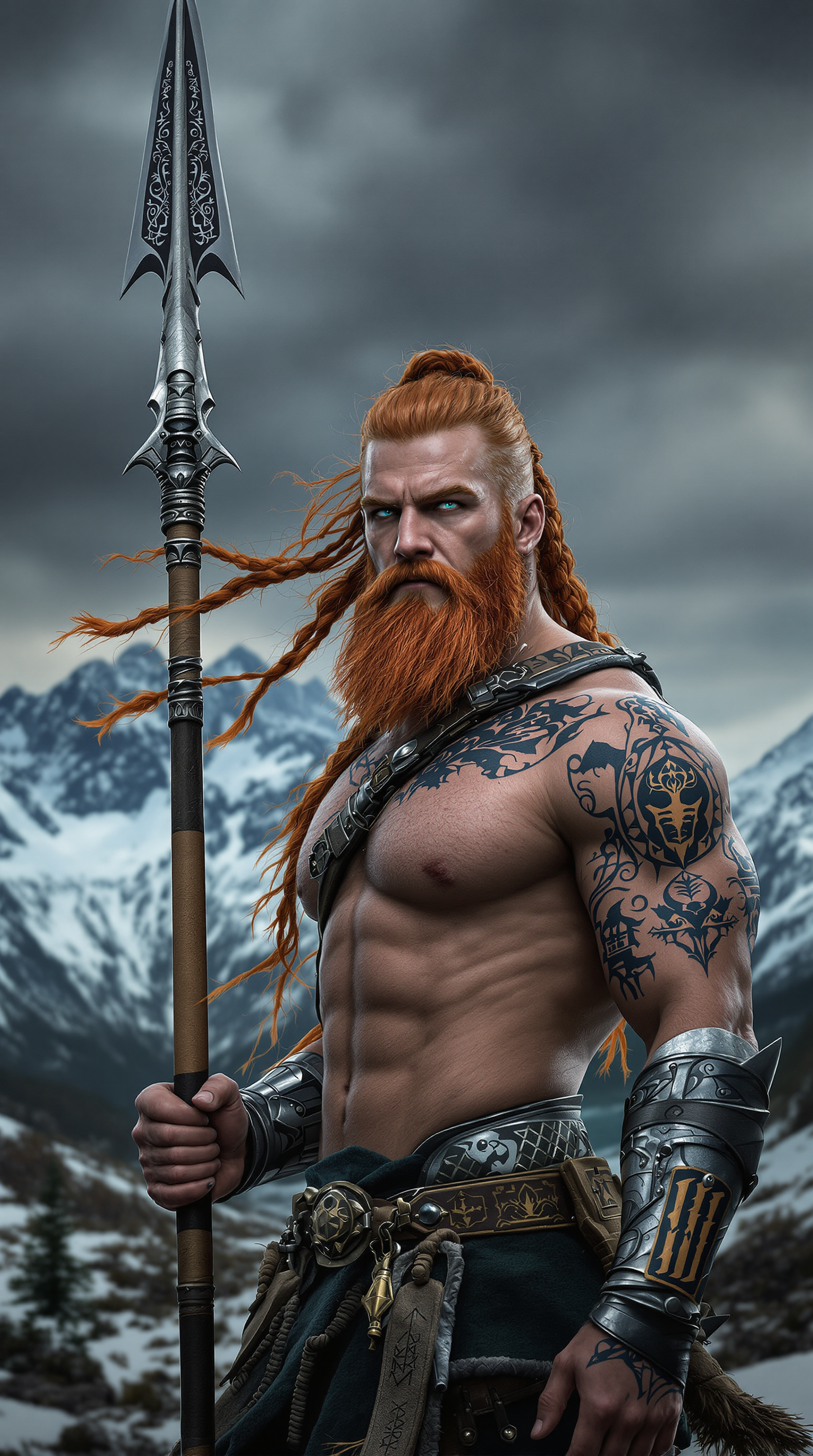
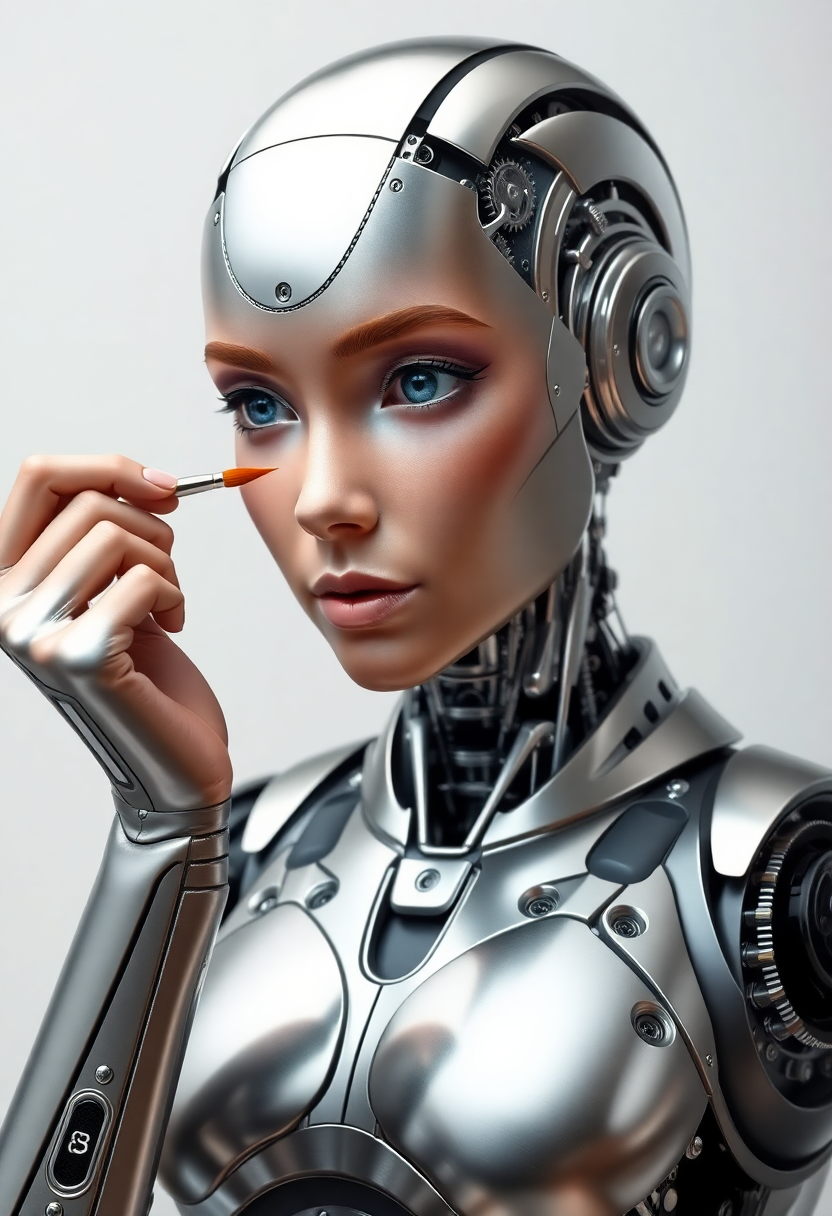
The Pixel Dojo Advantage
Why PixelDojo outperforms other options for Runway Gen-2 style video creation
| Others | Pixel Dojo |
|---|---|
| Traditional video production | Produce professional cinematic results in minutes instead of days, with zero equipment or crew costs |
| Generic AI tools | Access specialized Runway integration plus 40+ complementary tools for images, editing, and upscaling all in one place |
| Manual photo editing | Automatically add realistic motion, camera dynamics, and style consistency without hours of frame-by-frame work |
Loved by creators on PixelDojo
Real feedback from people using PixelDojo, pulled from our in-product surveys.
all in one place
It is a lot of fun to uae and easy too.
So many different models to try out
You keep adding to it to stay up to date and that is GOLD.
very easy to use and good support
Very easy to use
Explore more AI tools on PixelDojo
AI Tools
Compare & Switch
- Best AI Image Generators
- Best AI Video Generators
- Midjourney Alternatives
- Civitai Alternatives
- Runway Alternatives
- Leonardo Alternatives
- Pika Alternatives
- Luma Alternatives
- Magnific Alternatives
- Veo Alternatives
- Flux Alternatives
- Freepik Alternatives
- Seedance Alternatives
- Seedream Alternatives
- Pixverse Alternatives
- GPT Image Alternatives
- Synthesia Alternatives
- Playground Alternatives
- NightCafe Alternatives
- Canva AI Alternatives
- ElevenLabs Alternatives
- ComfyUI Alternatives
- Fal Alternatives
- Replicate Alternatives
Common Questions
Everything you need to know about runway gen 2
How do I create Runway Gen-2 style videos with PixelDojo?
Simply choose the Runway tool, enter a detailed text prompt or upload an image, and let our AI handle the cinematic motion, camera movements, and style. You can further refine results using tools like Motion Brush equivalents or Runway Aleph for editing.
Can I turn my own photos into Runway Gen-2 style videos?
Yes! Upload any image to the Runway tool or combine it with image generators like Krea V2 or Luma UNI 1 first. Our platform supports image-to-video conversion with natural, consistent motion just like Gen-2 techniques.
What makes PixelDojo's Runway Gen-2 videos look cinematic?
Our tools incorporate advanced prompt understanding for lighting, camera control, and physics simulation. Combine with Style Transfer, Magic Lighting, or Consistent Characters to achieve that high-end film quality every time.
How long does it take to generate a Runway Gen-2 style video?
Most videos generate in under 60 seconds. You can create multiple variations quickly, extend clips with video editing tools like Grok Imagine Video Extend, or upscale with Video Upscaler for broadcast-ready results.
Is there a way to maintain character consistency across multiple Runway Gen-2 videos?
Absolutely. Use Consistent Characters, Character Stylist, or LoRA Face Swap alongside the Runway tool to keep the same people, styles, and settings across your entire project.
What if I want to edit or extend my generated Runway Gen-2 videos?
Use Runway Aleph, Kling Video Edit, or Video Autocaption to refine motion, add lip sync, reframe shots, or merge clips. Everything stays within PixelDojo for a seamless workflow.