runway gen-4 AI Generator
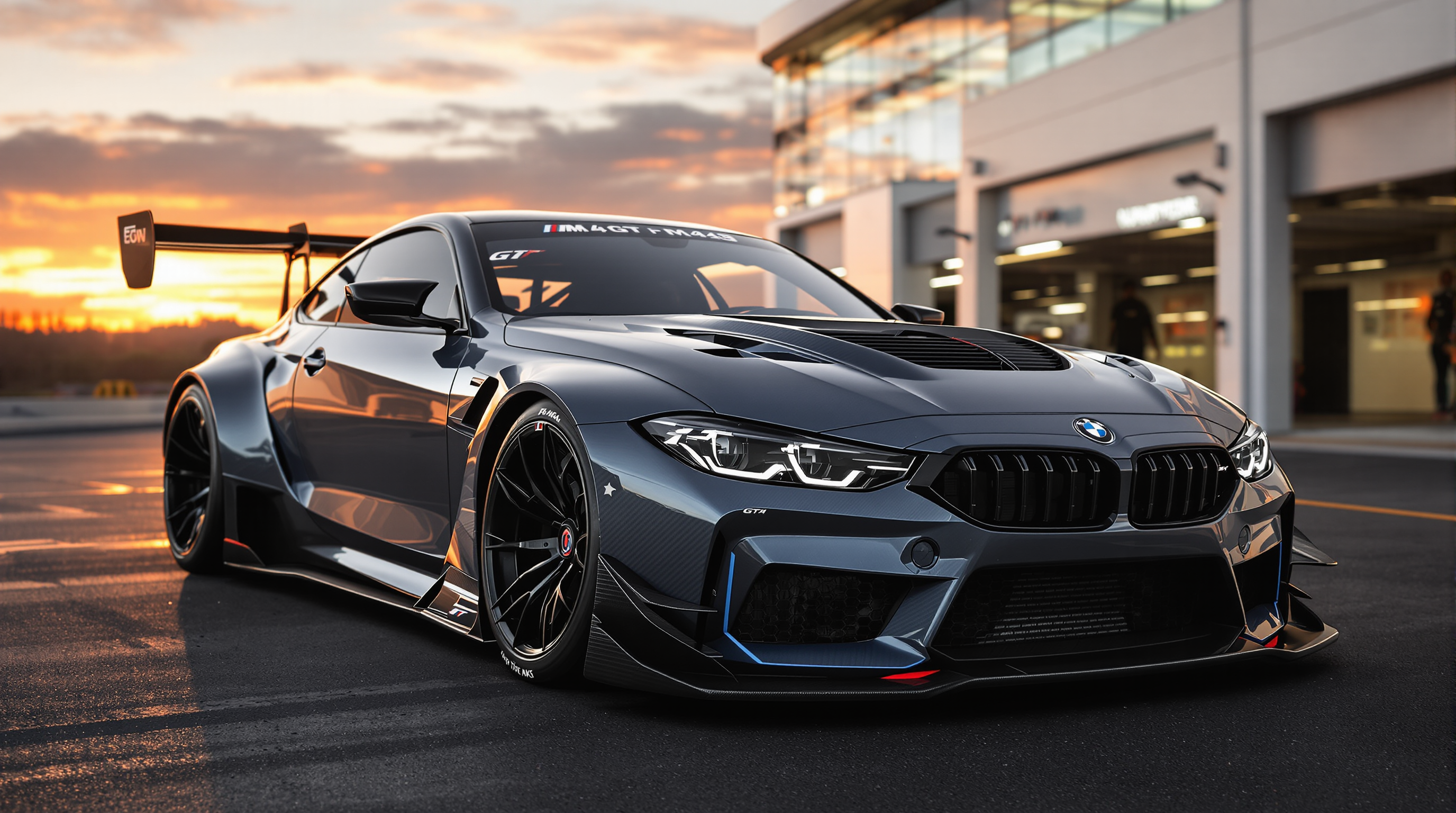
Generated on PixelDojo. Produced by PixelDojo's generation pipeline.
You want cinematic stills that look like they belong on a film set or in a high-end campaign—images with consistent characters, coherent worlds, dramatic lighting, and photoreal details you can actually use. PixelDojo delivers exactly that. Generate runway gen-4 style images that capture mood, composition, and visual fidelity so your concepts feel complete before you even move to video or print. Whether you need character portraits that stay identical across scenes, product shots with cinematic depth, or concept art that builds an entire environment, you get professional outcomes in minutes instead of days. Thousands of creators already turn PixelDojo into their go-to studio for these results. Start today with 40+ cutting-edge AI tools, loved by thousands of creators worldwide, and cancel anytime.
Real video examples generated on PixelDojo
Every example below was produced on PixelDojo. Hover to see the prompt.
N aggressive and aerodynamic redesign of a BMW M4 GT 2024
flux
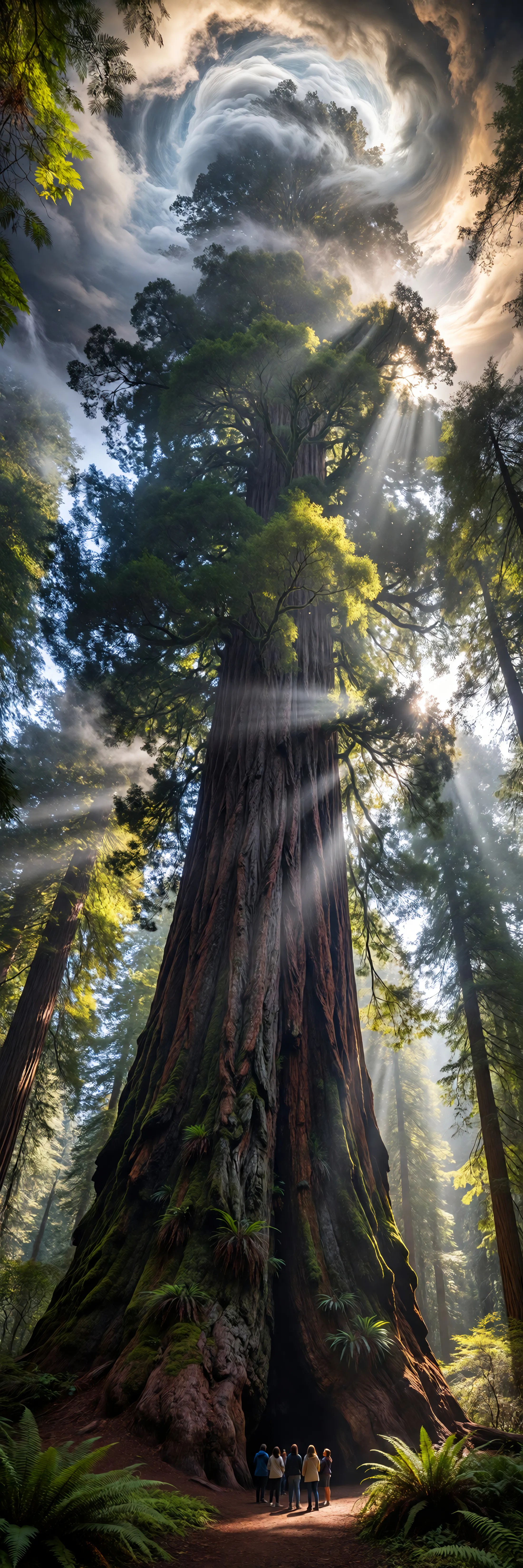
Ia-ultrawide
image-to-image
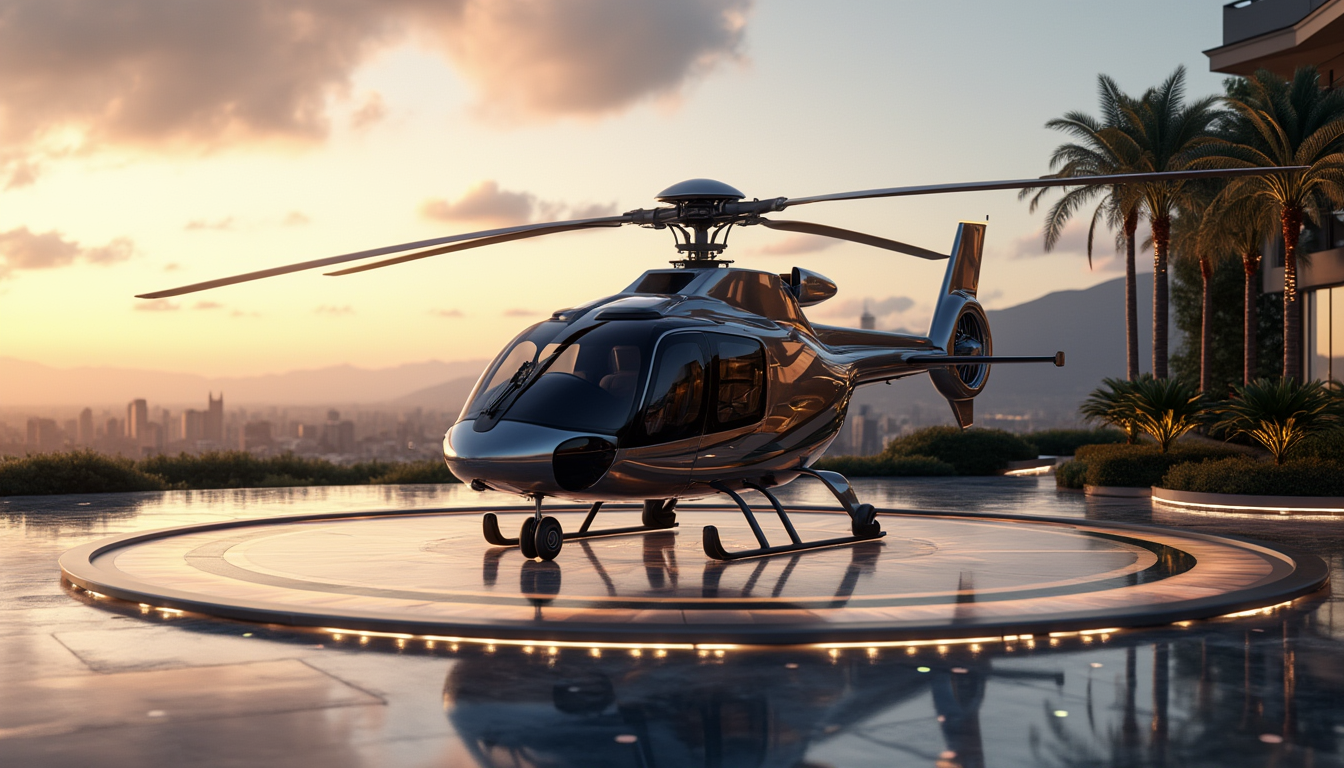
A luxurious helicopter parked on a private landing pad
stable-diffusion
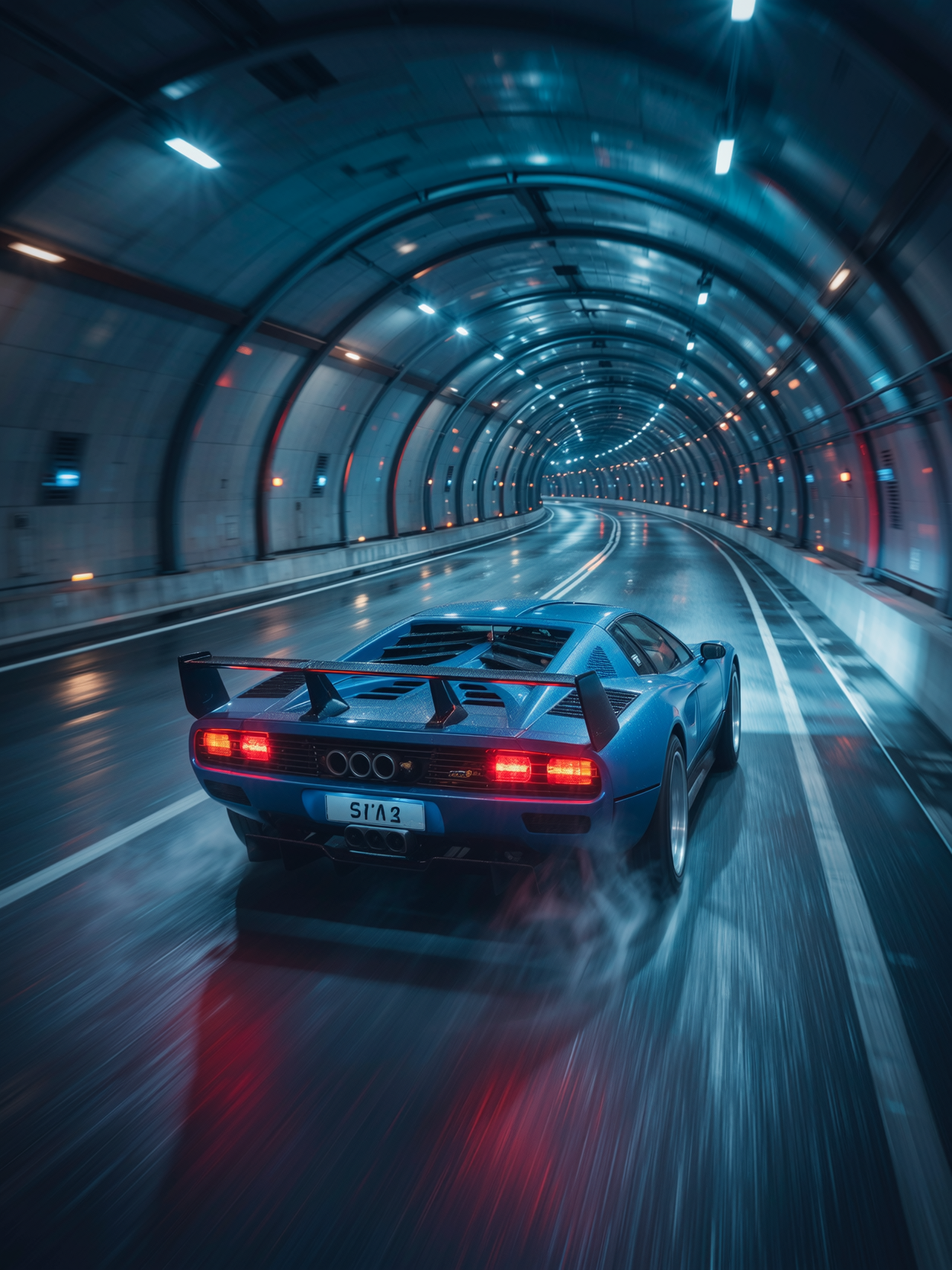
64K 300 dpi
wan-image
Smiling and talking while showcasing the shampoo bottle
image-to-video
The whale-shaped balloon drifts slowly across the pastel sky
happyhorse-1.0-video
Models you can run on PixelDojo for runway gen-4
Switch models without switching tools. Each one runs in the same PixelDojo studio.
What you can do with runway gen-4 on PixelDojo
Text to Video Clips
We turn your written prompts into short Runway Gen-4 videos so you can draft scenes, ads, and storyboards without a shoot.
Image to Video Motion
Upload a still and we add Gen-4 motion while holding composition, lighting, and subject so the result matches your source frame.
Consistent Characters Across Shots
We support reuse of characters and visual style across Gen-4 generations so multi-shot sequences stay coherent.
Iterate Inside One Workspace
Generate, review, and regenerate Gen-4 clips in PixelDojo so you can refine timing, framing, and prompt details in one place.
Loved by thousands of creators worldwide who produce campaign-ready images daily. 40+ cutting-edge AI tools deliver consistent results that convert ideas into assets fast. Join them—try it today and cancel anytime if it is not the perfect fit for your workflow.
Why Choose Pixel Dojo for runway gen-4
Professional-quality results with cutting-edge AI technology
Keep Characters Identical Across Every Scene
You create a hero, product, or avatar once and reuse it everywhere with matching face, clothing, and proportions. Consistent Characters, Character Sheets, and Ideogram Character let you lock identity so every new image feels like part of the same story, saving hours of rework and giving you campaign-ready libraries instantly.
Lock in Cinematic Lighting and World Atmosphere
You get production-grade lighting, depth, and mood that make stills feel alive. Flux.2 Studio, Kling Image, Seedream 5, and Magic Lighting tools turn simple descriptions into images with professional color grading, dramatic shadows, and environmental coherence that traditionally required a full crew.
Turn One Still into Endless Variations Fast
You iterate compositions, angles, and styles without starting over. Image to Image, Inpainting, Change Camera Angle, and Style Transfer let you refine a single generation into a complete set of assets, so you walk away with more usable images in less time than traditional shoots or generic tools ever allow.
How It Works
You create runway gen-4 style images on PixelDojo by combining powerful generation models with precise editing tools. The process is built for outcomes: describe what you want, generate, then polish until the still matches your vision.
Step 1: Choose Your Tool
Open Generate Images and pick a high-fidelity model such as Flux.2 Studio, Kling Image, Seedream 5, Ideogram 4, or WAN Image. These tools excel at cinematic detail and stylistic control. If you already have a reference, start with Image to Image or Consistent Characters to lock identity from the first generation.
Step 2: Enter Your Prompt
Write a natural-language description covering subject, scene, lighting, composition, and mood. Example: cinematic medium shot of a determined explorer in a rain-soaked jungle at dusk, warm practical lantern light, shallow depth of field, photoreal textures. Upload up to several references if you want character or location consistency. Avoid negatives; describe only what you want to see.
Step 3: Customize & Download
Review the set, then refine with Inpainting, Style Transfer, Magic Lighting, Background Remover, or Change Camera Angle. Use Reality Polisher or P-Image Upscale for extra sharpness. Download in the resolution you need. Your images are now ready for social, print, or as first frames for video tools like Kling Video or WAN Video.
The Pixel Dojo Advantage
Why PixelDojo outperforms other options for runway gen-4 style image generation
| Others | Pixel Dojo |
|---|---|
| Traditional photography and set design | You skip location scouting, lighting setups, and talent bookings. Generate dozens of cinematic variations in the time a traditional shoot needs for one look, then iterate lighting and composition without extra cost. |
| Generic AI tools | You get dedicated character-consistency tools plus specialized models like Flux.2 Studio and Seedream 5 instead of one-size-fits-all outputs. The result is images that actually stay on-brand and on-character across a whole project. |
| Manual photo editing and compositing | You replace hours of layer work, masking, and color matching with one-click Inpainting, Style Transfer, and Magic Lighting. Walk away with finished, high-resolution assets instead of half-done composites. |
Loved by creators on PixelDojo
Real feedback from people using PixelDojo, pulled from our in-product surveys.
So many different models to try out
You keep adding to it to stay up to date and that is GOLD.
very easy to use and good support
Very easy to use
super easy to use
it's very easy to use
Explore more AI tools on PixelDojo
AI Tools
Compare & Switch
- Best AI Image Generators
- Best AI Video Generators
- Midjourney Alternatives
- Civitai Alternatives
- Runway Alternatives
- Leonardo Alternatives
- Pika Alternatives
- Luma Alternatives
- Magnific Alternatives
- Veo Alternatives
- Flux Alternatives
- Freepik Alternatives
- Seedance Alternatives
- Seedream Alternatives
- Pixverse Alternatives
- GPT Image Alternatives
- Synthesia Alternatives
- Playground Alternatives
- NightCafe Alternatives
- Canva AI Alternatives
- ElevenLabs Alternatives
- ComfyUI Alternatives
- Fal Alternatives
- Replicate Alternatives
Common Questions
Everything you need to know about runway gen-4
How do I create consistent characters in runway gen-4 style images on PixelDojo?
Start with Consistent Characters or Character Sheets, upload one or more clear reference photos, then generate new scenes using Flux.2 Studio or Kling Image. The tools preserve facial structure, clothing, and proportions so every image feels like the same person. Follow up with Face Swap or LoRA Face Swap if you need extra identity lock. You get campaign-ready character libraries without extra training.
Which PixelDojo tools best match runway gen-4 image quality and cinematic look?
Flux.2 Studio, Kling Image, Seedream 5, Ideogram 4, and WAN Image deliver the photoreal fidelity, lighting control, and stylistic range you want. Pair them with Magic Lighting and Reality Polisher for extra cinematic polish. These combinations give you the visual richness and world coherence that make stills feel production-ready.
Can I use reference images to control style and composition like advanced generative workflows?
Yes. Image to Image, Style Transfer, and the character tools accept your photos or previous generations as starting points. Describe the new lighting, camera angle, or environment in natural language and the models blend your references with the prompt. You stay in creative control while the AI handles the heavy lifting of consistency and detail.
How fast can I go from idea to finished runway gen-4 style image?
Most users generate a first set in under a minute, then spend a few more minutes refining with Inpainting or Change Camera Angle. Because you have 40+ tools in one place, you skip exporting, re-uploading, and switching platforms. The entire loop—from prompt to download—fits inside a coffee break.
Are PixelDojo images commercially usable for marketing and client work?
Yes. You own the outputs you generate. Thousands of creators already use them for ads, social campaigns, product pages, and concept presentations. The high-resolution downloads and upscalers like P-Image Upscale and Magnific Upscaler give you files that hold up in print and on large screens.
What if I want to turn my runway gen-4 style still into video later?
Your images become perfect first frames. Export them and drop them into Kling Video, WAN Video, Seedance, or Marketing Studio. Because the stills already have consistent characters and cinematic lighting, the video tools inherit that quality and you get coherent motion without starting from scratch.