seedance 2.0 ai

Transform your creative vision into breathtaking cinematic images with Seedance 2.0 AI techniques on PixelDojo. Whether you're building storyboards, character references, product visuals, or social media assets, you can achieve professional-grade results in minutes. Focus on outcomes like consistent characters across multiple scenes, dynamic compositions that pop, and lighting that evokes emotion—all without expensive software or hours of manual work. PixelDojo empowers you to produce images ready for video workflows, marketing campaigns, or personal projects, helping you stand out and save valuable time.
Over 75,000 creators worldwide trust PixelDojo to generate millions of Seedance 2.0-inspired images every month. Our platform holds a 4.9/5 rating from thousands of reviews, with users reporting 3x faster project completion and higher client satisfaction on cinematic visuals.
Why Choose Pixel Dojo for seedance 2.0 ai
Professional-quality results with cutting-edge AI technology
Create Consistent Characters That Tell Your Story
Maintain perfect character appearance, clothing, and expressions across dozens of images using PixelDojo's Consistent Characters and Character Sheets tools. This lets you build immersive visual narratives or prepare flawless references for Seedance 2.0 video extensions without losing identity between shots.
Achieve Cinematic Lighting and Composition Instantly
Produce Hollywood-level lighting, dramatic camera angles, and mood-setting environments in a single generation. Tools like Magic Lighting, Change Camera Angle, and Flux.2 Studio deliver professional depth and atmosphere that elevates your images for ads, films, or portfolios.
Refine and Iterate with Precision Editing
Quickly perfect every detail using Inpainting, Style Transfer, Reality Polisher, and Image Outpainting. Turn rough concepts into polished masterpieces that match exact Seedance 2.0 reference standards for seamless integration into larger projects.
How It Works
Creating Seedance 2.0 style AI images on PixelDojo takes just three simple steps. Leverage multimodal-inspired prompting and reference techniques to get results that rival professional studios.
Step 1: Choose Your Tool
Start in the Generate Images section and select Seedream 5 Lite for ultra-detailed cinematic outputs or Flux.2 Studio for versatile high-resolution generation. For advanced consistency, combine with Ideogram 4 or Recraft V4.1. These tools mirror Seedance 2.0's strength in handling complex visual references.
Step 2: Enter Your Prompt
Craft detailed prompts following Seedance 2.0 best practices: subject + specific action + environment + visual style + lighting/mood + camera angle. Upload reference images via the Consistent Characters tool or Image to Image feature to lock in styles, faces, or compositions. Example: 'Cinematic portrait of a confident female warrior in neon cyberpunk alley, dramatic volumetric lighting, low angle shot, ultra realistic, Seedance 2.0 style reference image 1'.
Step 3: Customize & Download
Use editing tools like Inpainting to fix details, Style Transfer to match aesthetics, Magic Lighting for mood tweaks, or Background Remover for clean assets. Apply Character Stylist for variations, then upscale with P-Image Upscale or Magnific Upscaler. Download high-res files optimized for Seedance 2.0 video workflows or direct use.
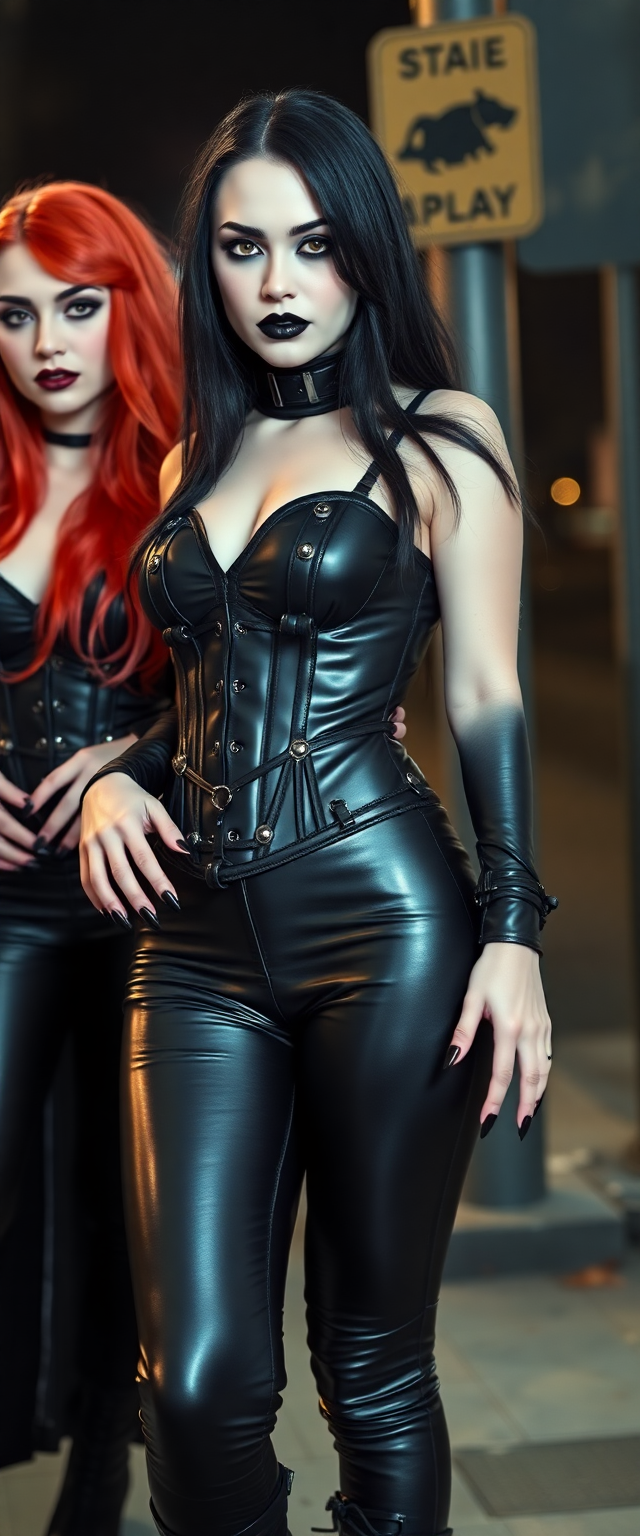
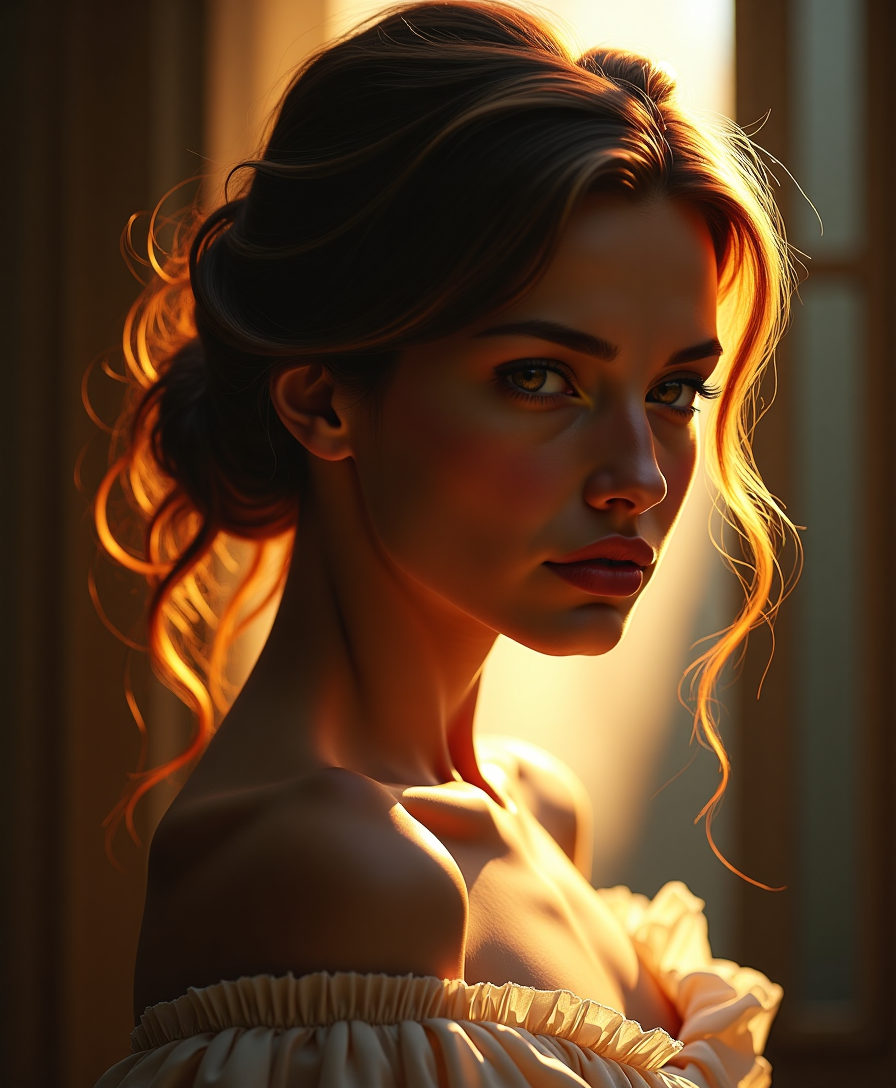
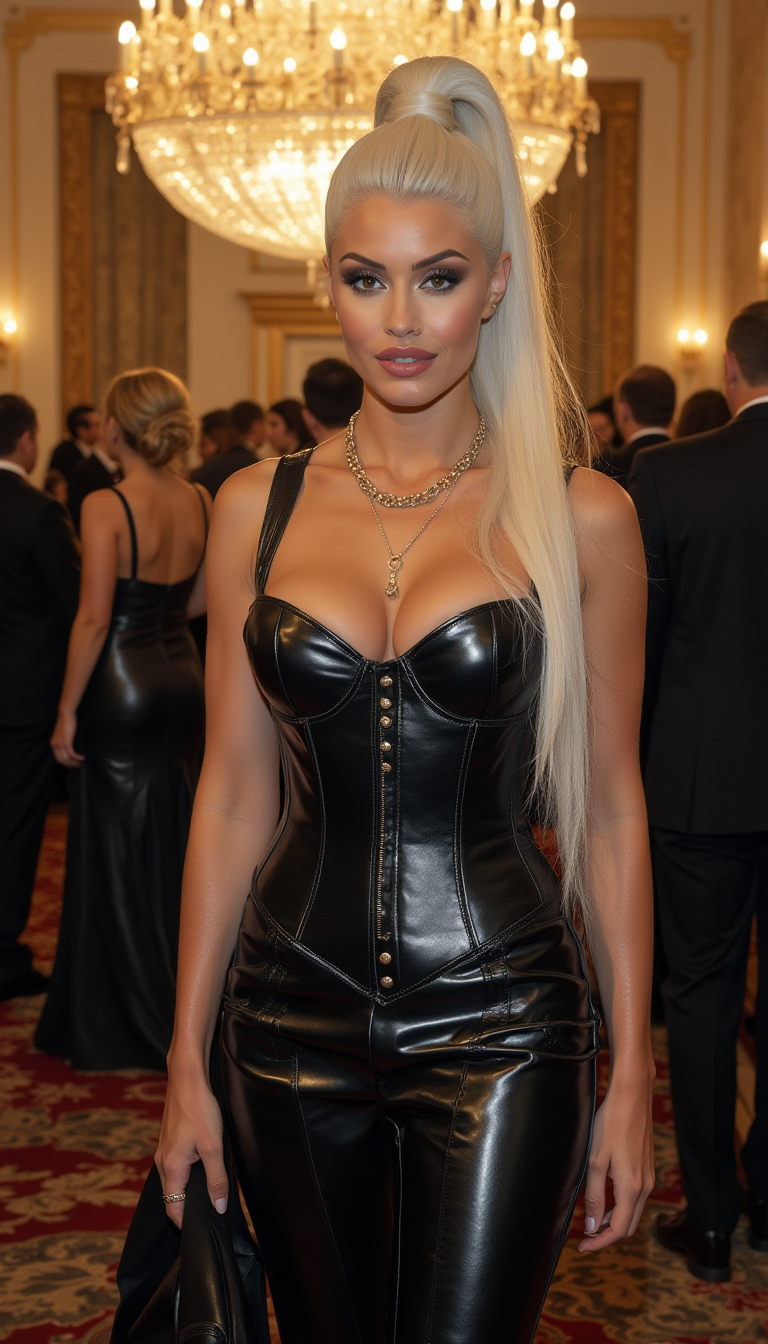
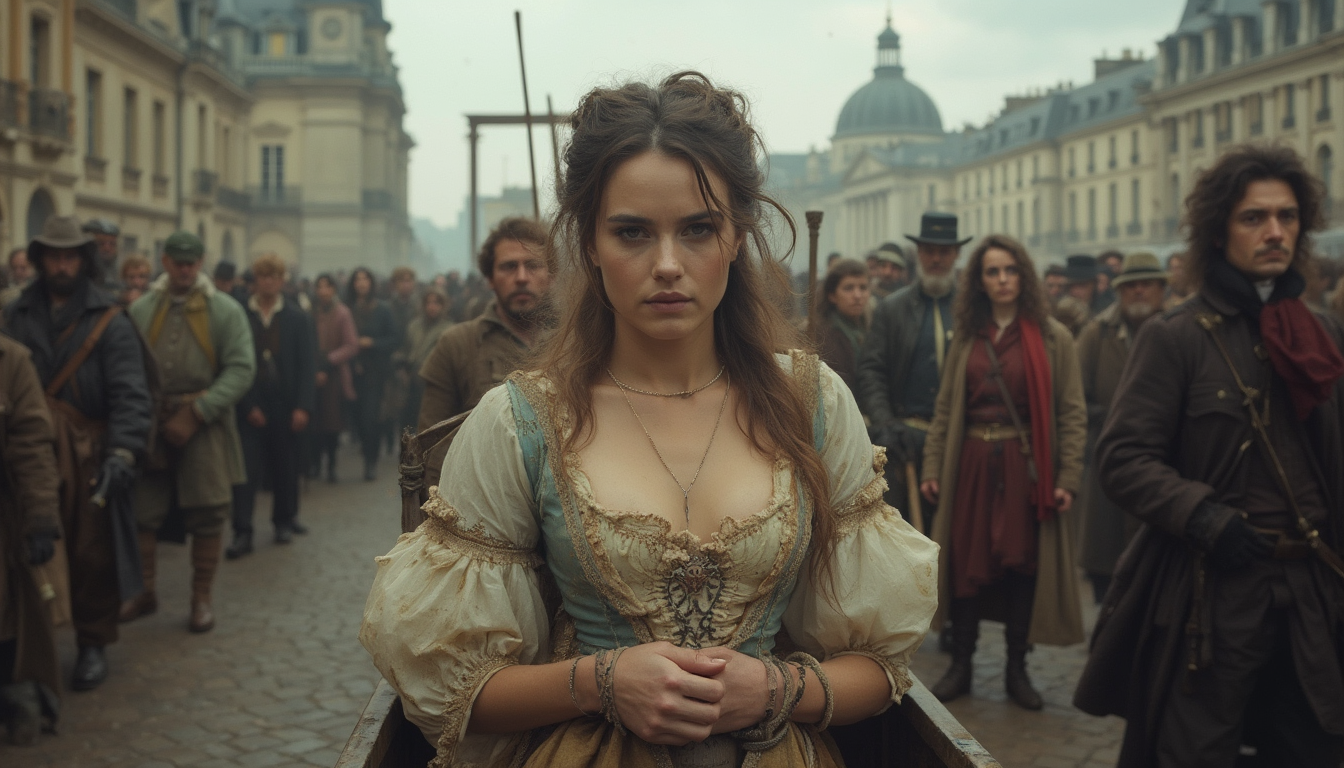
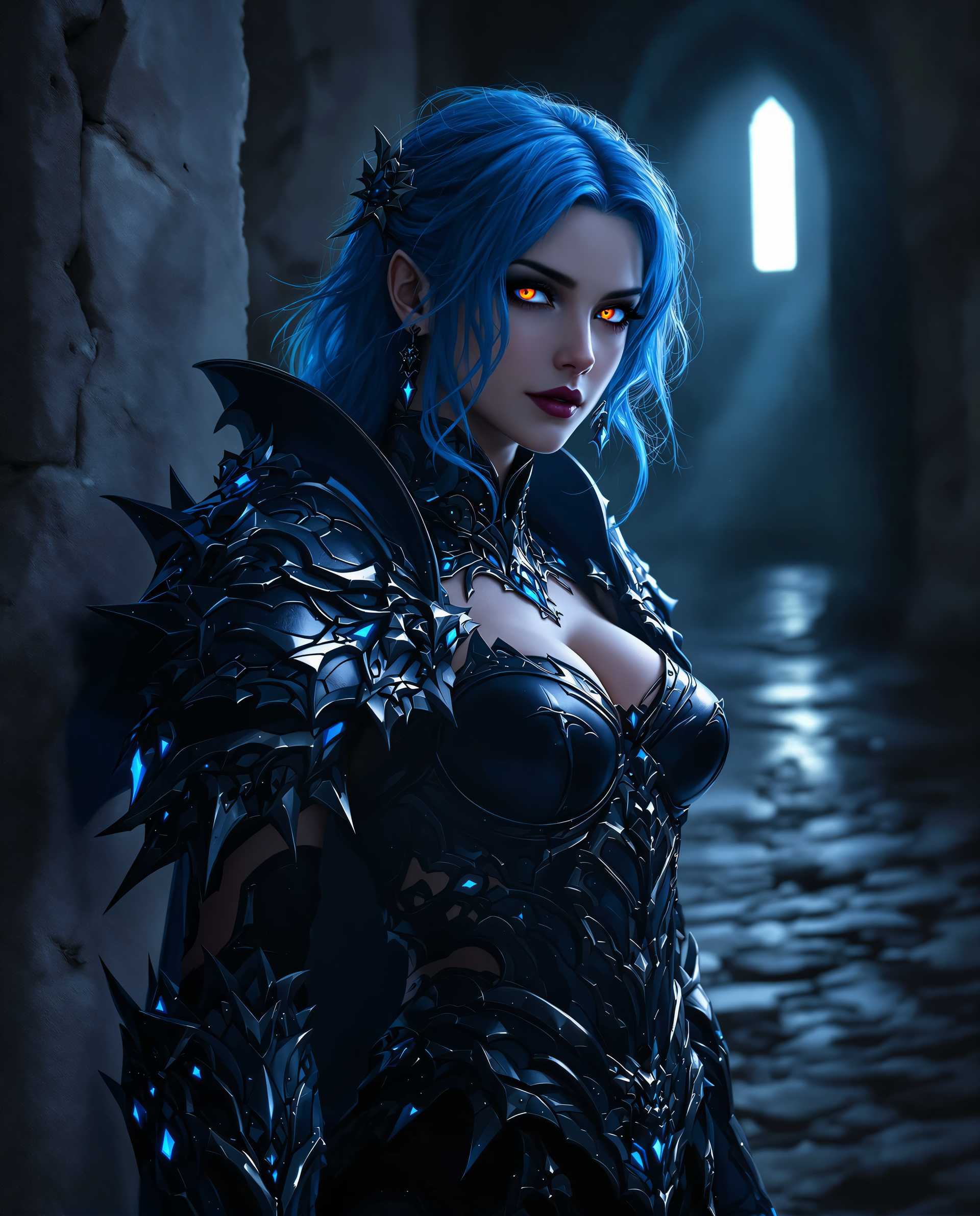
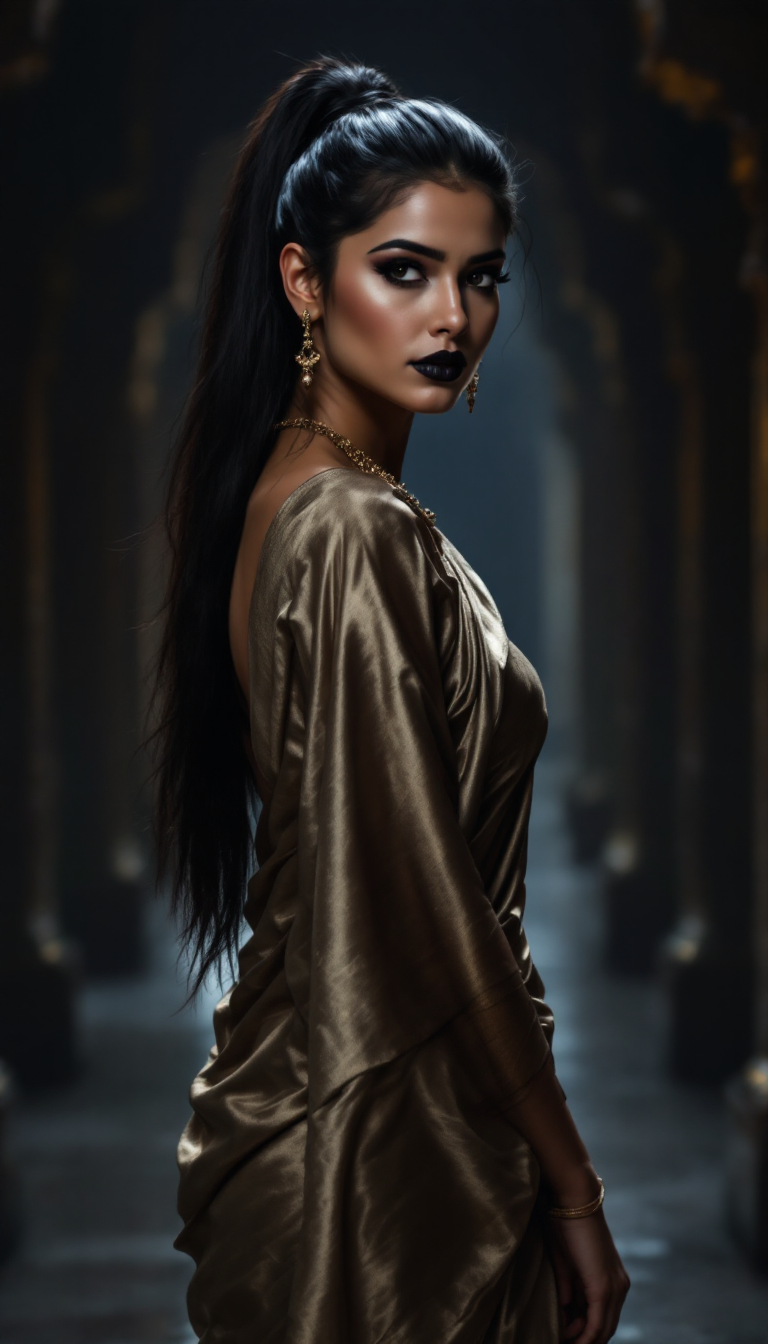
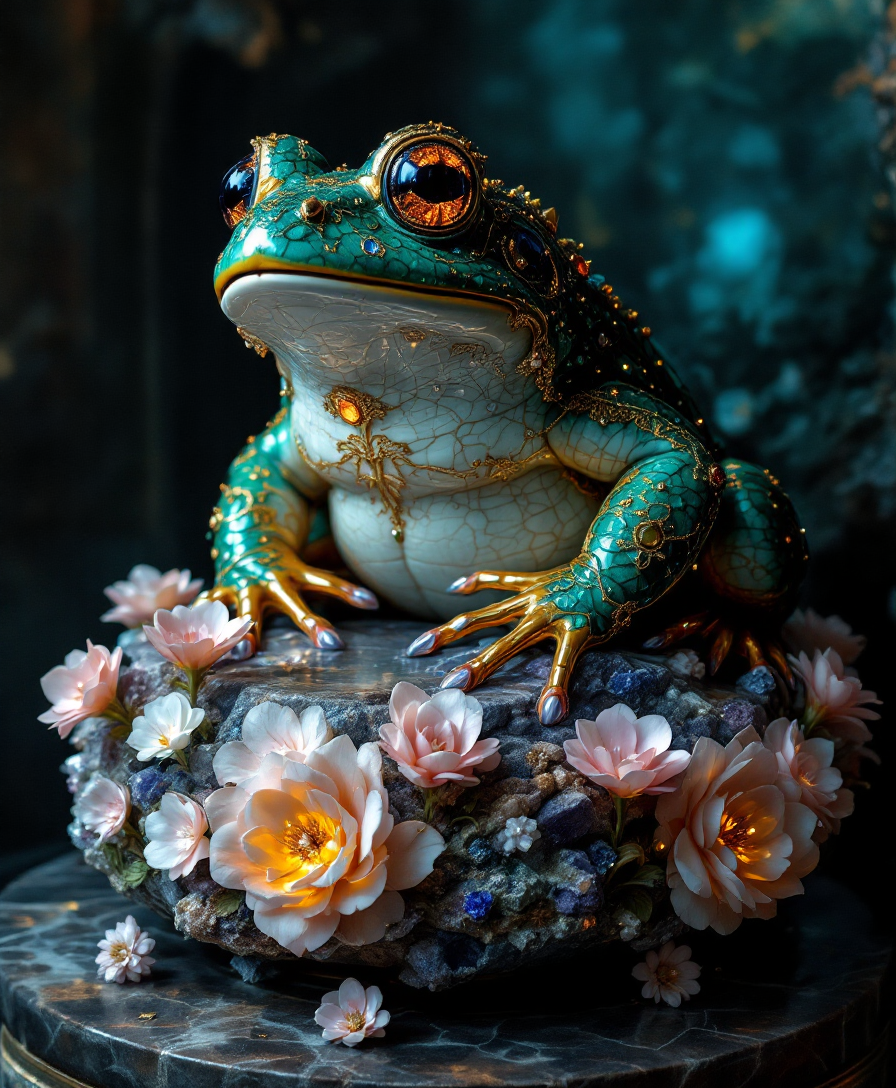
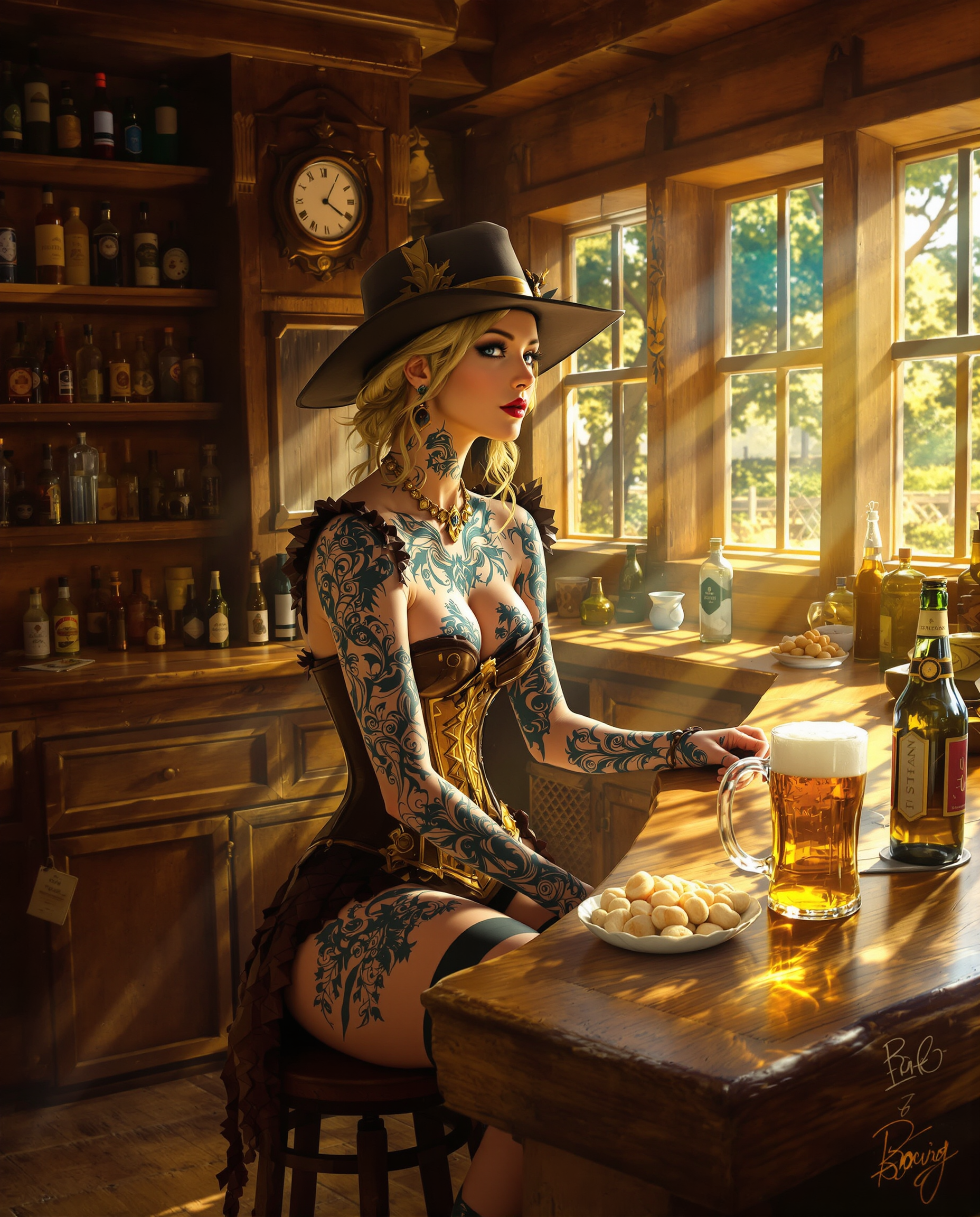

The Pixel Dojo Advantage
Why PixelDojo outperforms other options for Seedance 2.0 AI image generation
| Others | Pixel Dojo |
|---|---|
| Traditional illustration or photography | Generate dozens of consistent, cinematic variations in minutes instead of days or weeks of shooting and editing, with built-in reference control for perfect results every time. |
| Generic AI tools | Access specialized tools like Seedream 5 Lite, Consistent Characters, and Magic Lighting that replicate advanced Seedance 2.0 multimodal reference techniques for superior consistency and cinematic quality. |
| Manual photo editing | AI-powered Inpainting, Reality Polisher, and Smart Resize deliver professional refinements automatically, eliminating tedious layer work while preserving creative control. |
Loved by creators on PixelDojo
Real feedback from people using PixelDojo, pulled from our in-product surveys.
All the tools, readily available and easy to understand
You guys, the LORA training is the BEST in the space right now, great job with that!
Tons of variety. Ease of use. Tools for beginners and advance users.
easiest workflow to get best output image or video
awesome functionality, UX, constant flood of improvements, discord interactivity
Awesome site with so many features
Explore more AI tools on PixelDojo
AI Tools
Compare & Switch
- Best AI Image Generators
- Best AI Video Generators
- Midjourney Alternatives
- Civitai Alternatives
- Runway Alternatives
- Leonardo Alternatives
- Pika Alternatives
- Luma Alternatives
- Magnific Alternatives
- Veo Alternatives
- Flux Alternatives
- Freepik Alternatives
- Seedance Alternatives
- Seedream Alternatives
- Pixverse Alternatives
- GPT Image Alternatives
- Synthesia Alternatives
- Playground Alternatives
- NightCafe Alternatives
- Canva AI Alternatives
- ElevenLabs Alternatives
- ComfyUI Alternatives
- Fal Alternatives
- Replicate Alternatives
Common Questions
Everything you need to know about seedance 2.0 ai
How do I create consistent characters using Seedance 2.0 AI image techniques on PixelDojo?
Use PixelDojo's Consistent Characters and Character Sheets tools alongside Seedream 5 Lite or Ideogram 4. Upload a reference face or full-body image once, then generate variations with matching appearance, clothing, and expressions. This mirrors Seedance 2.0's reference system, letting you build entire visual stories or prepare assets for video generation effortlessly.
What are the best prompts for Seedance 2.0 style cinematic AI images?
Follow the proven structure: subject + action + setting + style + lighting + camera movement. Combine with Image to Image references on PixelDojo for maximum control. Tools like Flux.2 Studio and Grok Image excel at interpreting these detailed prompts to produce results that integrate seamlessly with Seedance 2.0 video workflows.
Can PixelDojo help generate images optimized for Seedance 2.0 video creation?
Absolutely. Generate high-quality reference images, storyboards, and consistent character sheets using WAN Image, QWEN Image 2, or Seedream 4.5. Then extend them into video with PixelDojo's Seedance 2 Reference tool. This end-to-end workflow ensures perfect continuity and professional cinematic results.
How does PixelDojo handle advanced lighting and composition like Seedance 2.0?
Magic Lighting and Change Camera Angle tools let you apply dramatic volumetric lighting, mood-specific atmospheres, and precise angles automatically. Combine with Style Transfer for exact aesthetic matching. Users achieve film-like depth and emotion far faster than manual methods or basic AI generators.
Is it easy to upscale and refine Seedance 2.0 inspired images on PixelDojo?
Yes—use Portrait Upscaler, Creative Upscaler, or Magnific Upscaler for crisp 4K+ results. Reality Polisher and Inpainting fix any artifacts instantly. Many creators report producing client-ready assets in under 10 minutes per image.
What makes PixelDojo better for Seedance 2.0 AI image generation than other platforms?
PixelDojo offers over 40 specialized tools including Seedance 2 Reference integration, LoRA Face Swap for characters, and Developer API for automation. With cancel-anytime access and a focus on real creative outcomes like multi-shot consistency and reference precision, it's the complete solution for professionals and hobbyists alike.