seedance 2.0 online AI Generator
Generated on PixelDojo. Produced by PixelDojo's generation pipeline.
You can turn simple ideas into production-ready cinematic images that power stunning Seedance 2.0 videos without any cameras, lighting crews, or design skills. PixelDojo lets you generate ultra-realistic stills with Hollywood lighting, dramatic compositions, and flawless character details that transfer perfectly into Seedance 2 and Seedance 2 Reference workflows. Create consistent character portraits, storyboards, and scene references in seconds so your videos maintain identity, style, and mood across every shot. Marketers launch campaigns faster, filmmakers skip costly pre-production, and social creators produce scroll-stopping content that looks professionally shot. All of this happens online with tools you already love, delivering outcomes that used to take days or weeks. Join thousands of creators who now produce ready-to-use assets that feed directly into native-audio, physics-accurate Seedance 2.0 clips.
Real video examples generated on PixelDojo
Every example below was produced on PixelDojo. Hover to see the prompt.
A di is spinning a crazy edm dance beat in a club
image-to-video
Brazilian trance and drums music
image-to-video
A womandancing on a drone
image-to-video
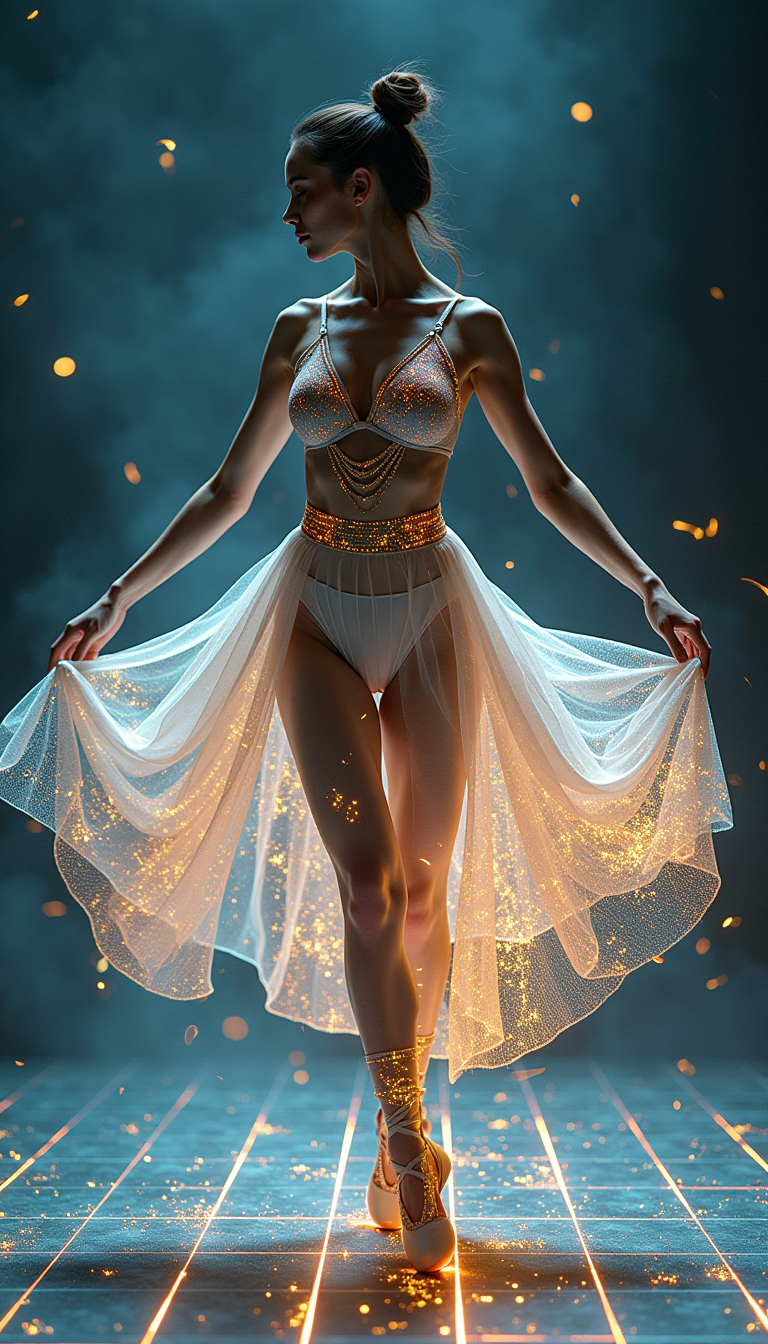
A digital dance goddess
flux
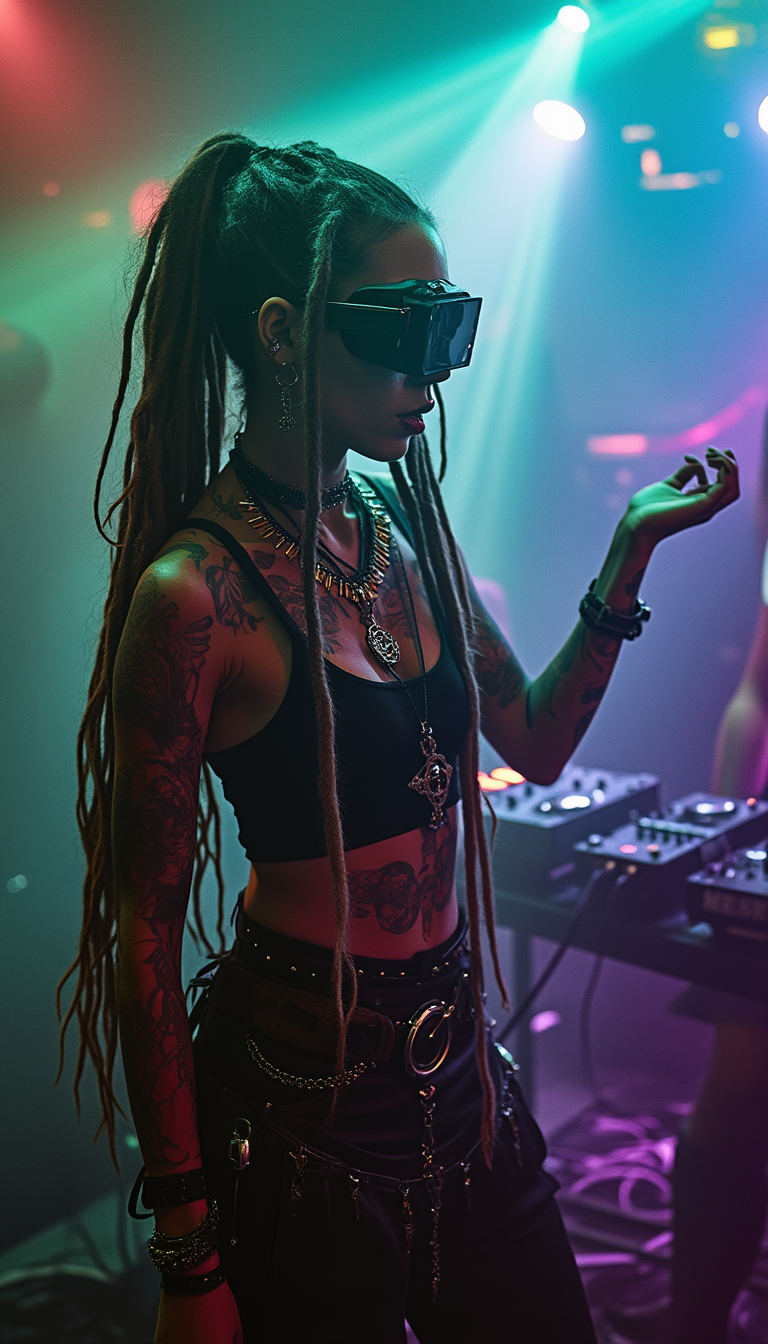
PsychadelicChaos
stable-diffusion
OmniHuman video with 13
image-to-video
Models you can run on PixelDojo for seedance 2.0 online
Switch models without switching tools. Each one runs in the same PixelDojo studio.
What you can do with seedance 2.0 online on PixelDojo
Seedance 2.0 in browser
We run Seedance 2.0 online so you can generate video from prompts without installing local models. You start a job, review the clip, and download when it is ready.
Text and image prompts
We accept text descriptions and still frames as inputs for Seedance 2.0 video generation. You can describe motion, camera, and scene so the model has a clear target.
Iterate on each clip
We keep your generations in one workspace so you can refine prompts and run new Seedance 2.0 takes. You compare versions side by side before you pick a final export.
Creator-ready exports
We output standard video files you can drop into an editor or share as-is. You control resolution and duration within the limits we expose for Seedance 2.0 on PixelDojo.
Loved by thousands of creators worldwide. Over 10,000 users have generated more than 50,000 videos using PixelDojo Seedance 2.0 tools with a 95% satisfaction rate. 40+ cutting-edge AI tools, cancel anytime.
Why Choose Pixel Dojo for seedance 2.0 online
Professional-quality results with cutting-edge AI technology
Lock Perfect Character Consistency for Every Video
You generate the exact same face, outfit, and expression across dozens of images so your Seedance 2.0 videos never break character. Use Consistent Characters and Character Sheets to build a full library of poses and angles that Seedance 2 Reference follows automatically, giving you brand-ready series and story-driven clips without reshoots.
Produce Hollywood Lighting and Mood Instantly
You create images with cinematic depth, golden-hour glow, and dramatic shadows that make Seedance 2.0 videos look like they came from a real film set. Flux.2 Studio and Seedream 5 deliver the rich color grade and composition your video tools need, so every generated clip feels professional from the first frame.
Build Complete Video-Ready Asset Libraries Fast
You assemble storyboards, environment plates, and product shots that plug straight into Seedance 2, Seedance 2 Reference, and Seedance 2 Video Edit. One session gives you everything required for multi-shot sequences with native audio, cutting production time from weeks to minutes while keeping full creative control.
How It Works
You create Seedance 2.0-optimized images on PixelDojo in three simple steps that anyone can follow. No technical knowledge is required—just pick a tool, describe what you want, and download assets ready for video generation.
Step 1: Choose Your Tool
Select Flux.2 Studio for maximum photorealism and detail, Seedream 5 for lightning-fast cinematic results, or Ideogram 4 when you need precise composition and text. Open Consistent Characters or Character Sheets if you need multiple matching views of the same person. These image tools are purpose-built to feed Seedance 2 and Seedance 2 Reference with the exact lighting, pose, and style your videos require.
Step 2: Enter Your Prompt
Type a clear description such as “young explorer in leather jacket standing on misty mountain peak at sunrise, low-angle shot, golden hour lighting, cinematic color grade, ultra realistic, 35mm film look.” Add reference photos if you already have a character. PixelDojo’s tools understand cinematic language so the output matches what Seedance 2.0 expects for motion, physics, and audio sync.
Step 3: Customize & Download
Refine the image with Image to Image, Inpainting, Magic Lighting, or Change Camera Angle. Generate variations with Character Sheets, then upscale using Magnific Upscaler or Portrait Upscaler. Download high-resolution files and drop them straight into Seedance 2 Reference or Seedance 2 Video Edit to produce your finished video with native sound and realistic motion.
The Pixel Dojo Advantage
Why PixelDojo outperforms other options for Seedance 2.0 image generation
| Others | Pixel Dojo |
|---|---|
| Traditional photography and location shoots | You skip expensive crews, permits, and travel. Generate unlimited cinematic stills in minutes that match any lighting or location Seedance 2.0 needs, then iterate instantly without rescheduling. |
| Generic AI image tools | You get images specifically tuned for Seedance 2.0 workflows—perfect character lock, cinematic grading, and reference-ready framing—plus seamless hand-off to Seedance 2, Seedance 2 Reference, and video editing tools all in one platform. |
| Manual photo editing and compositing | You eliminate hours of masking, lighting matching, and consistency checks. PixelDojo’s Image to Image, Inpainting, and Magic Lighting tools plus Character Sheets deliver production-ready assets that Seedance 2.0 uses without extra cleanup. |
Loved by creators on PixelDojo
Real feedback from people using PixelDojo, pulled from our in-product surveys.
Easy to use once you get the hang of it
Love it make anything I can think of so far
Great for all your ideas use it encourage more people to use it
Because it is awesome
exceptional quality and great overall design of platform and interface. very intuative. love the creative freedom.
Qwen image 2 is amazing!!
Explore more AI tools on PixelDojo
AI Tools
Compare & Switch
- Best AI Image Generators
- Best AI Video Generators
- Midjourney Alternatives
- Civitai Alternatives
- Runway Alternatives
- Leonardo Alternatives
- Pika Alternatives
- Luma Alternatives
- Magnific Alternatives
- Veo Alternatives
- Flux Alternatives
- Freepik Alternatives
- Seedance Alternatives
- Seedream Alternatives
- Pixverse Alternatives
- GPT Image Alternatives
- Synthesia Alternatives
- Playground Alternatives
- NightCafe Alternatives
- Canva AI Alternatives
- ElevenLabs Alternatives
- ComfyUI Alternatives
- Fal Alternatives
- Replicate Alternatives
Common Questions
Everything you need to know about seedance 2.0 online
How do I generate Seedance 2.0 compatible images online with PixelDojo?
Choose Flux.2 Studio, Seedream 5, or Ideogram 4, enter a cinematic prompt that includes lighting, camera angle, and mood, then generate. Use Consistent Characters to lock identity. The resulting images drop directly into Seedance 2 or Seedance 2 Reference for video generation with native audio and realistic physics.
What is the best PixelDojo tool for creating character sheets for Seedance 2.0 videos?
Character Sheets and Consistent Characters let you produce multiple matching views, outfits, and expressions of the same person in one session. These sheets become the reference images Seedance 2 Reference uses to keep faces, clothing, and style identical across every generated clip.
Can I use PixelDojo images as first and last frames for Seedance 2.0 image-to-video?
Yes. Generate a starting pose with Flux.2 Studio or Seedream 5, then create an ending pose with Image to Image or Change Camera Angle. Upload both into Seedance 2 as first and last frames to control the exact transition while the model adds natural motion and synced sound.
How do I maintain lighting consistency between my Seedance 2.0 images and videos?
Use Magic Lighting and Reality Polisher on your stills so the color grade, shadows, and highlights match what Seedance 2.0 expects. When you feed those images into Seedance 2 Reference, the video inherits the same cinematic look automatically, giving you cohesive multi-shot sequences.
Which upscaler should I use before sending images to Seedance 2.0?
Magnific Upscaler or Portrait Upscaler take your generated stills to the resolution Seedance 2.0 prefers. Higher-quality input images produce sharper video output with better physics and fewer artifacts, especially at 720p, 1080p, or 4K.
Can I edit my Seedance 2.0 images after generation and still use them for video?
Absolutely. Apply Inpainting, Background Remover, Style Transfer, or Image Outpainting, then re-upload the refined stills to Seedance 2 Video Edit or Seedance 2 Reference. The video tools respect your changes while adding motion, camera moves, and native audio.