seedance 2.0 reference to video
Generated on PixelDojo. Produced by PixelDojo's generation pipeline.
Imagine taking a handful of your own photos, a short motion clip and a voice track, then watching them become a polished cinematic video with perfect character consistency, realistic physics and synced sound. That is exactly what you achieve with Seedance 2.0 reference to video on PixelDojo. You stop describing everything in words and start showing the AI exactly what you want. The result is professional-looking footage you can use for ads, social content, product reveals or storytelling—without a film crew, studio or weeks of editing. PixelDojo puts Seedance 2, Seedance 2 Reference, WAN Reference to Video and Seedance 2 Video Edit at your fingertips so you can go from raw assets to finished video in minutes. Thousands of creators already rely on these tools every day because they deliver the outcomes that matter: on-brand characters that never drift, camera moves copied from real footage, and audio that matches the action perfectly. Cancel anytime and explore 40+ cutting-edge AI tools while you create.
Real video examples generated on PixelDojo
Every example below was produced on PixelDojo. Hover to see the prompt.
Integrated_multimodal_description: Shot 1 A young male dancer in streetwear executes sharp…
minimax-h3
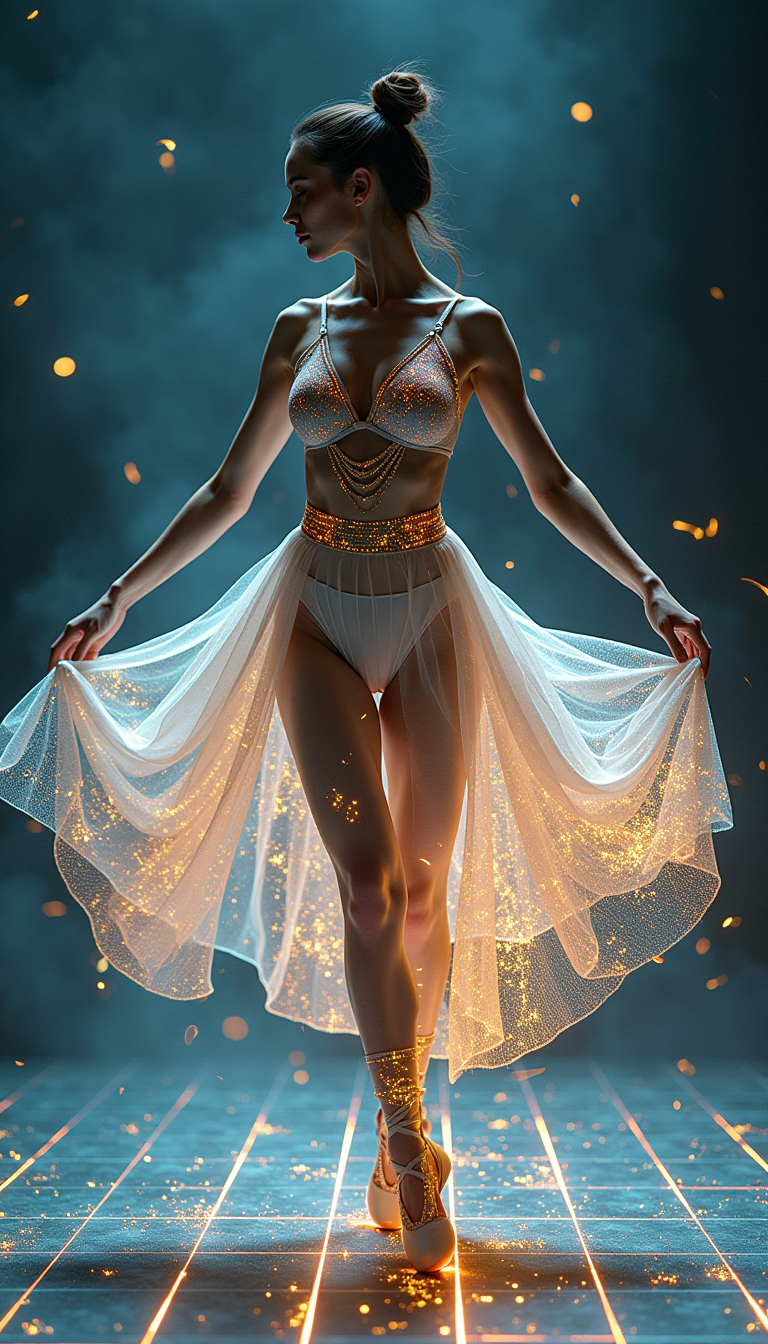
A digital dance goddess
flux
A grandmother teaches a child to fold dumplings at a flour-dusted kitchen table
wan-3-0-video
Camera zooms in on the monster as it collapses and disintegrates
image-to-video
seedance 2.0 reference to video on PixelDojo
image-to-video
One More Candle
film-studio
Models you can run on PixelDojo for seedance 2.0 reference to video
Switch models without switching tools. Each one runs in the same PixelDojo studio.
What you can do with seedance 2.0 reference to video on PixelDojo
Reference Still to Motion
Upload a still and we generate a Seedance 2.0 clip that follows its subject, look, and framing so you start from a picture instead of a blank prompt.
Hold Look Across Frames
We keep identity, wardrobe, and product details from your reference readable through the shot so the video stays on-model.
Prompt Plus Reference Control
Add a short text brief on top of the image to steer action, camera, and pacing while Seedance 2.0 stays tied to the reference.
Refine From the Same Source
We let you regenerate and tweak motion from the same reference so you can try new takes without rebuilding the visual from scratch.
Loved by thousands of creators worldwide. 40+ cutting-edge AI tools. High-quality results on first generation. Cancel anytime.
Why Choose Pixel Dojo for seedance 2.0 reference to video
Professional-quality results with cutting-edge AI technology
Keep Characters Perfectly Consistent Across Every Shot
Upload reference photos of your talent, product or mascot and watch Seedance 2 Reference lock their identity, clothing and style into every frame—even when they turn, move through lighting changes or appear in new scenes. You get series-ready footage without reshoots.
Copy Real Camera Moves and Motion Instantly
Feed a short video clip into WAN Reference to Video or Seedance 2 and the model reproduces the exact pan, dolly, choreography or physics. Your new scene inherits professional camera language while you keep full creative control over the rest of the story.
Generate Native Audio and Multi-Shot Stories in One Pass
Combine images, video and audio references so Seedance 2 produces lip-synced dialogue, matching sound effects and ambient layers together with the picture. Add simple shot directions and you receive a ready-to-use sequence instead of a single static clip.
How It Works
You create professional Seedance 2.0 reference-to-video content on PixelDojo in three straightforward steps. No technical expertise required—just your assets and a clear idea of the outcome you want.
Step 1: Choose Your Tool
Log in to PixelDojo and open Generate Videos. Select Seedance 2 Reference for full multimodal control or WAN Reference to Video when you want extra motion fidelity. Both tools sit alongside Seedance 2, Seedance 2.5 and Marketing Studio so you can pick the exact workflow that matches your project.
Step 2: Enter Your Prompt
Upload up to nine images, three short videos and three audio files. Write a natural prompt that tells the model how to use each asset—for example “the character from Image 1 performs the dance from Video 1 while speaking the line from Audio 1 in the environment of Image 2.” Seedance 2 Reference understands these instructions and weaves everything together.
Step 3: Customize & Download
Choose duration, aspect ratio and quality, then generate. Preview the result, refine with Seedance 2 Video Edit or Kling Video Edit if needed, upscale with FLUX Video Upscale and download. Your finished video is ready for social, ads or client delivery—often on the first try.
The Pixel Dojo Advantage
Why PixelDojo outperforms other options for Seedance 2.0 reference to video generation
| Others | Pixel Dojo |
|---|---|
| Traditional video production | You skip location scouting, talent booking and days of shooting. Seedance 2 Reference plus your existing photos and clips delivers cinematic results in minutes instead of weeks, at a fraction of the cost. |
| Generic AI tools | Most platforms accept only text or a single image. PixelDojo gives you Seedance 2, Seedance 2 Reference and WAN Reference to Video so you can combine nine images, three videos and three audio tracks with precise role assignment for unmatched control and consistency. |
| Manual photo and video editing | Rotoscoping, motion tracking and audio syncing eat hours. PixelDojo’s Seedance 2 Video Edit and native generation handle identity lock, physics and sound in one pass, freeing you to focus on the story rather than the technical grind. |
Loved by creators on PixelDojo
Real feedback from people using PixelDojo, pulled from our in-product surveys.
Very easy to use
super easy to use
it's very easy to use
Practically every Ai suite in one place? Who wouldn't?
versatile menu of tools
Best AI tool availble the suite is rad
Explore more AI tools on PixelDojo
AI Tools
Compare & Switch
- Best AI Image Generators
- Best AI Video Generators
- Midjourney Alternatives
- Civitai Alternatives
- Runway Alternatives
- Leonardo Alternatives
- Pika Alternatives
- Luma Alternatives
- Magnific Alternatives
- Veo Alternatives
- Flux Alternatives
- Freepik Alternatives
- Seedance Alternatives
- Seedream Alternatives
- Pixverse Alternatives
- GPT Image Alternatives
- Synthesia Alternatives
- Playground Alternatives
- NightCafe Alternatives
- Canva AI Alternatives
- ElevenLabs Alternatives
- ComfyUI Alternatives
- Fal Alternatives
- Replicate Alternatives
Common Questions
Everything you need to know about seedance 2.0 reference to video
What is Seedance 2.0 reference to video and how does it work on PixelDojo?
Seedance 2.0 reference to video lets you upload images, video clips and audio files then generate a new cinematic video that inherits identity, motion, style and sound from those assets. On PixelDojo you simply choose Seedance 2 Reference or WAN Reference to Video, add your files, write a short prompt describing how each reference should be used, and receive a finished clip with native audio and realistic physics.
How many reference images, videos and audio files can I use with Seedance 2 Reference?
You can combine up to nine images, three videos (total duration 15 seconds or less) and three audio tracks in a single generation, for a maximum of twelve materials. PixelDojo’s Seedance 2 Reference interface makes it easy to upload everything at once and tag each file so the model knows exactly what role it plays.
Can I keep the same character looking identical across multiple Seedance 2.0 videos?
Yes. Upload one or more clear photos of your character into Seedance 2 Reference and the model locks facial features, body proportions, clothing and overall style. You can then generate new scenes, camera angles and even different outfits while the core identity stays consistent—perfect for series, ads or branded content.
Does Seedance 2.0 reference to video generate audio as well as picture?
Absolutely. Seedance 2 produces native stereo audio—dialogue with lip-sync, sound effects that match physics, and ambient layers—in the same pass as the video. You can also supply your own audio reference so the generated clip follows the exact rhythm or voice you provided.
How do I transfer camera movement from an existing clip using PixelDojo?
Upload the source video to WAN Reference to Video or Seedance 2 Reference and write a prompt such as “replicate the camera movement from Video 1.” The model copies pans, dollies, tracking shots and timing while you replace the subject or environment with your own images. The result looks like it was filmed with the same professional rig.
Can I edit or extend a Seedance 2.0 video after generation?
Yes. After you generate with Seedance 2 Reference you can send the clip straight into Seedance 2 Video Edit, Kling Video Edit or Happy Horse Video Edit to change specific moments, swap characters, extend duration or reframe. PixelDojo keeps everything in one workspace so you never leave the platform.