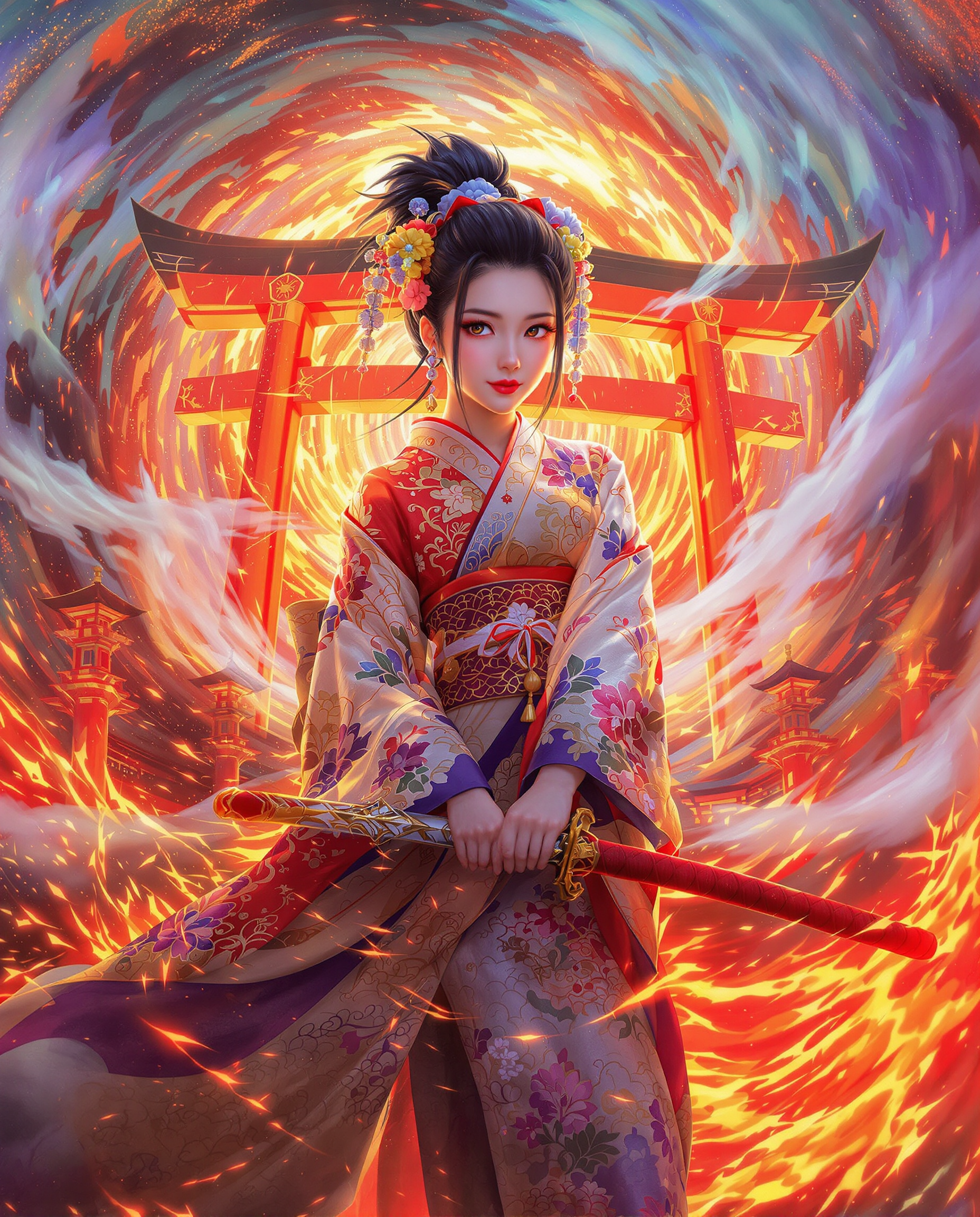
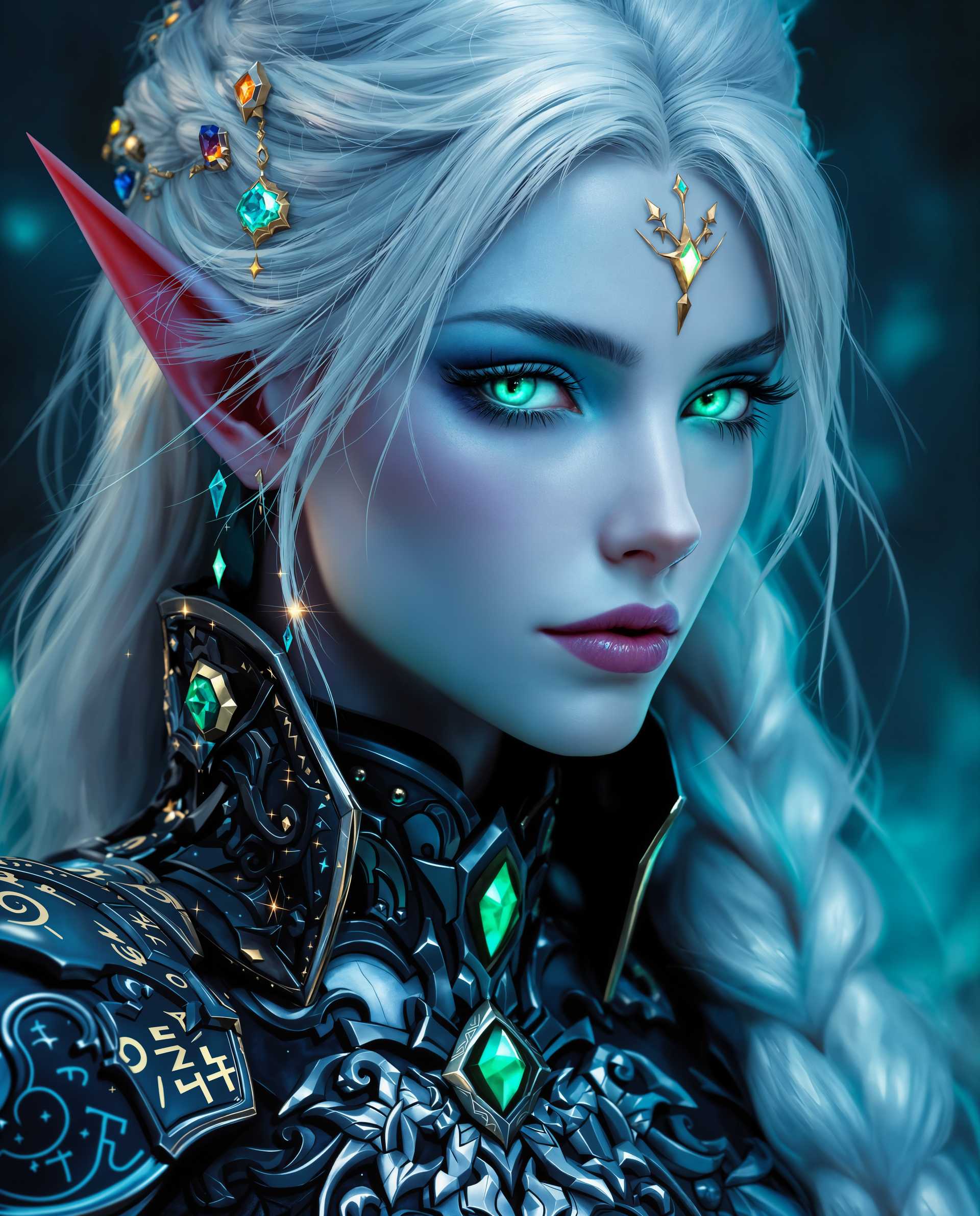
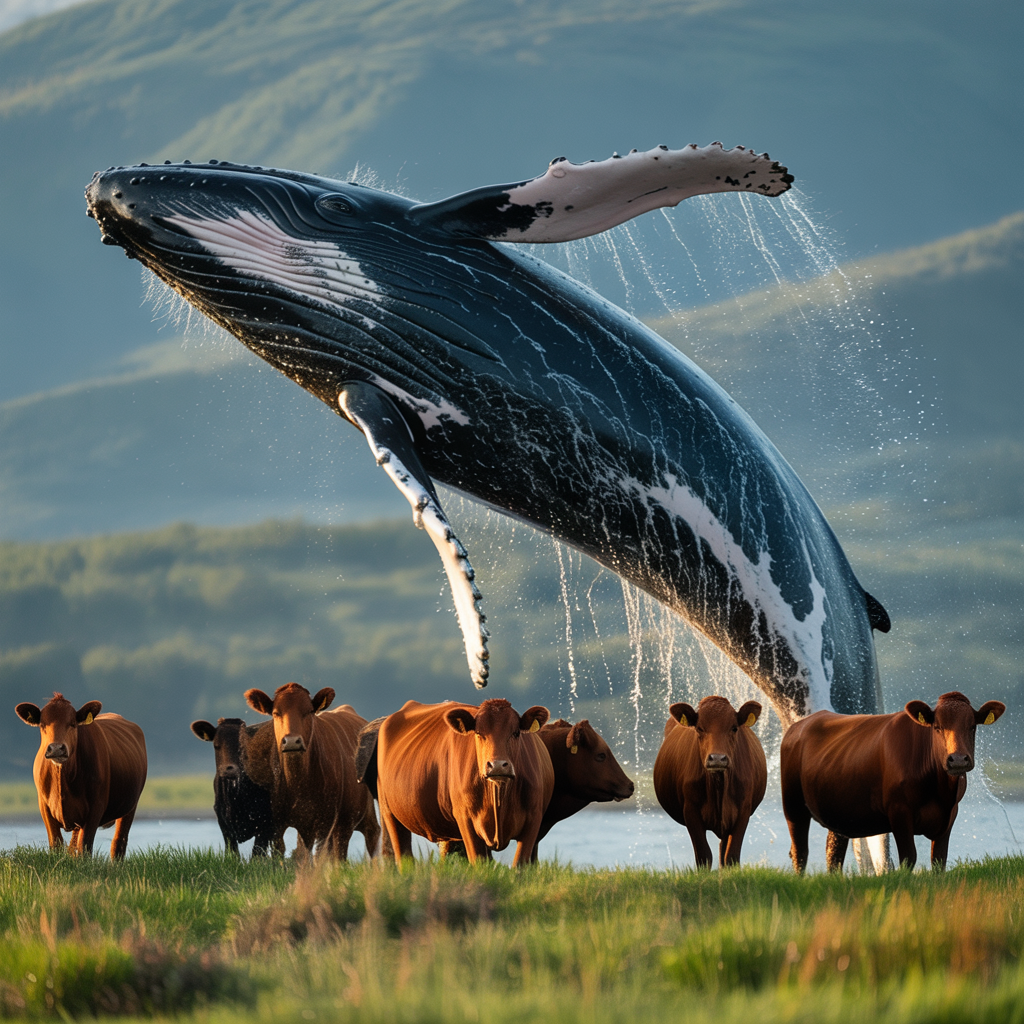
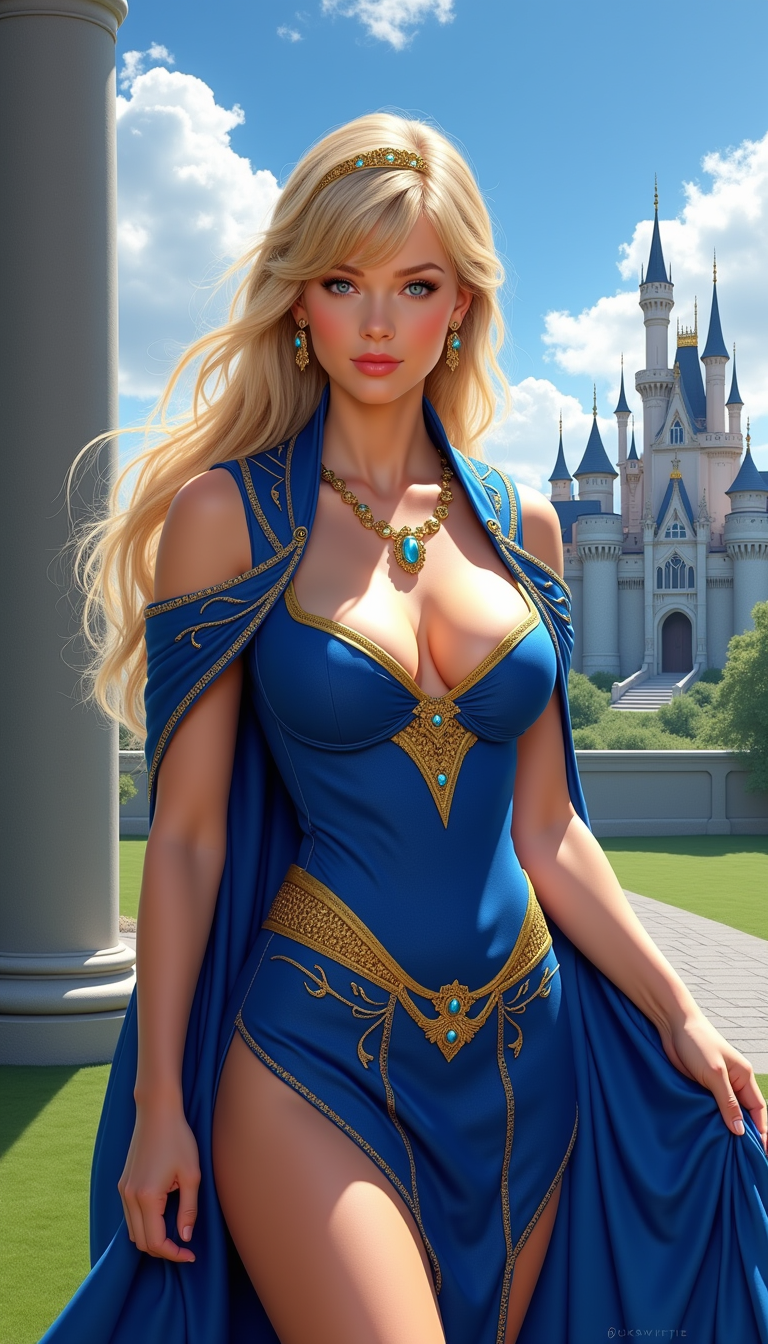
seedream 4 concept art
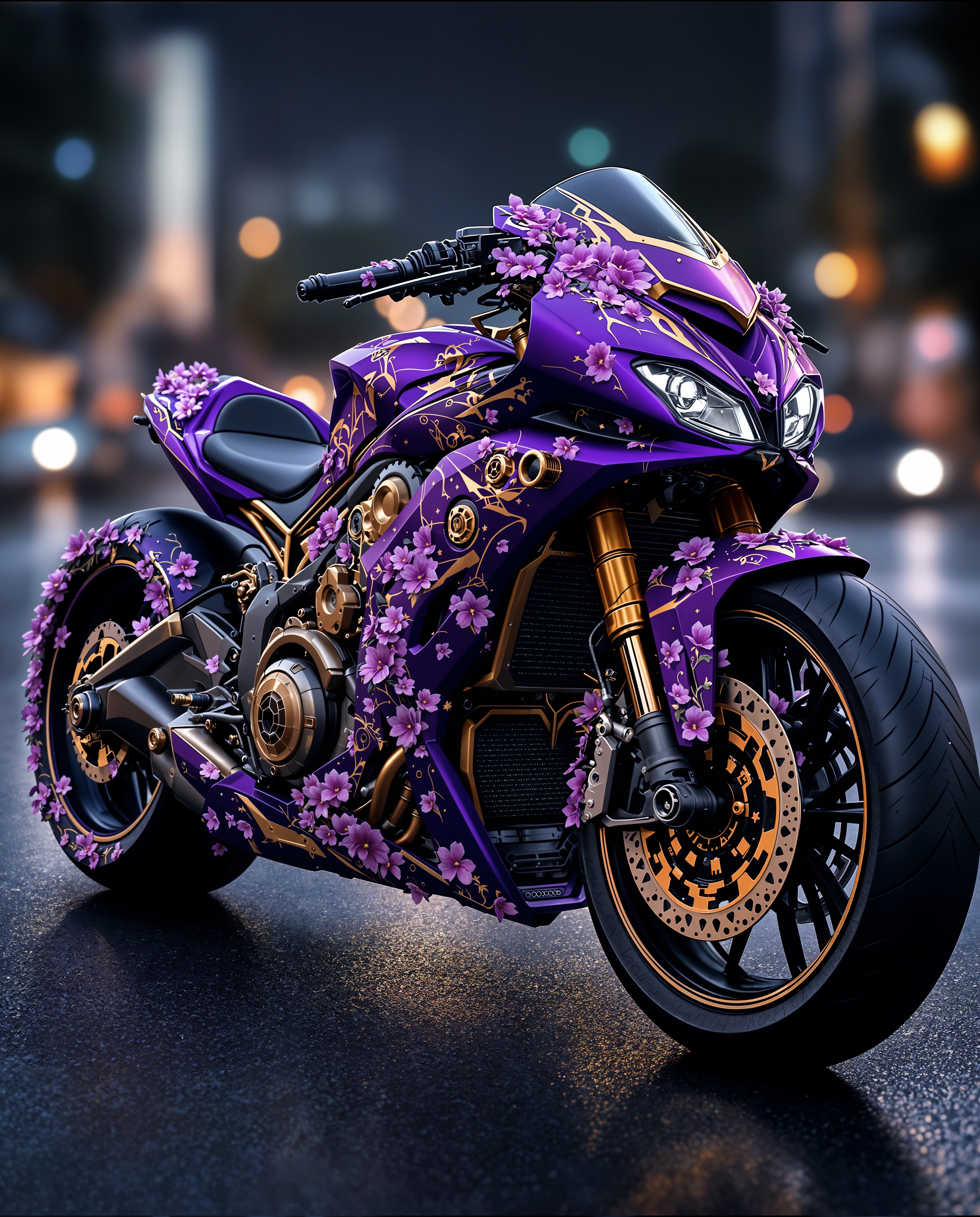
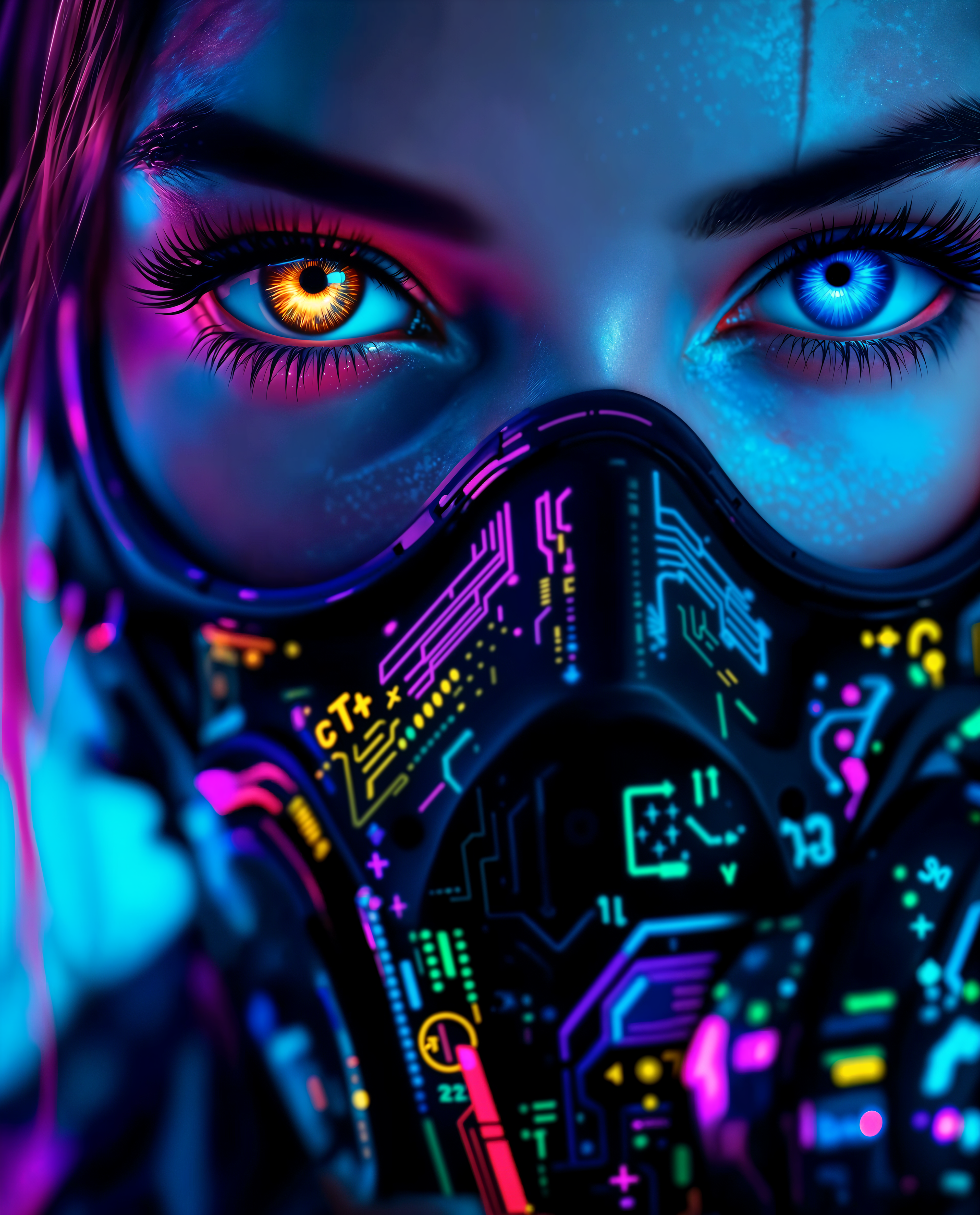
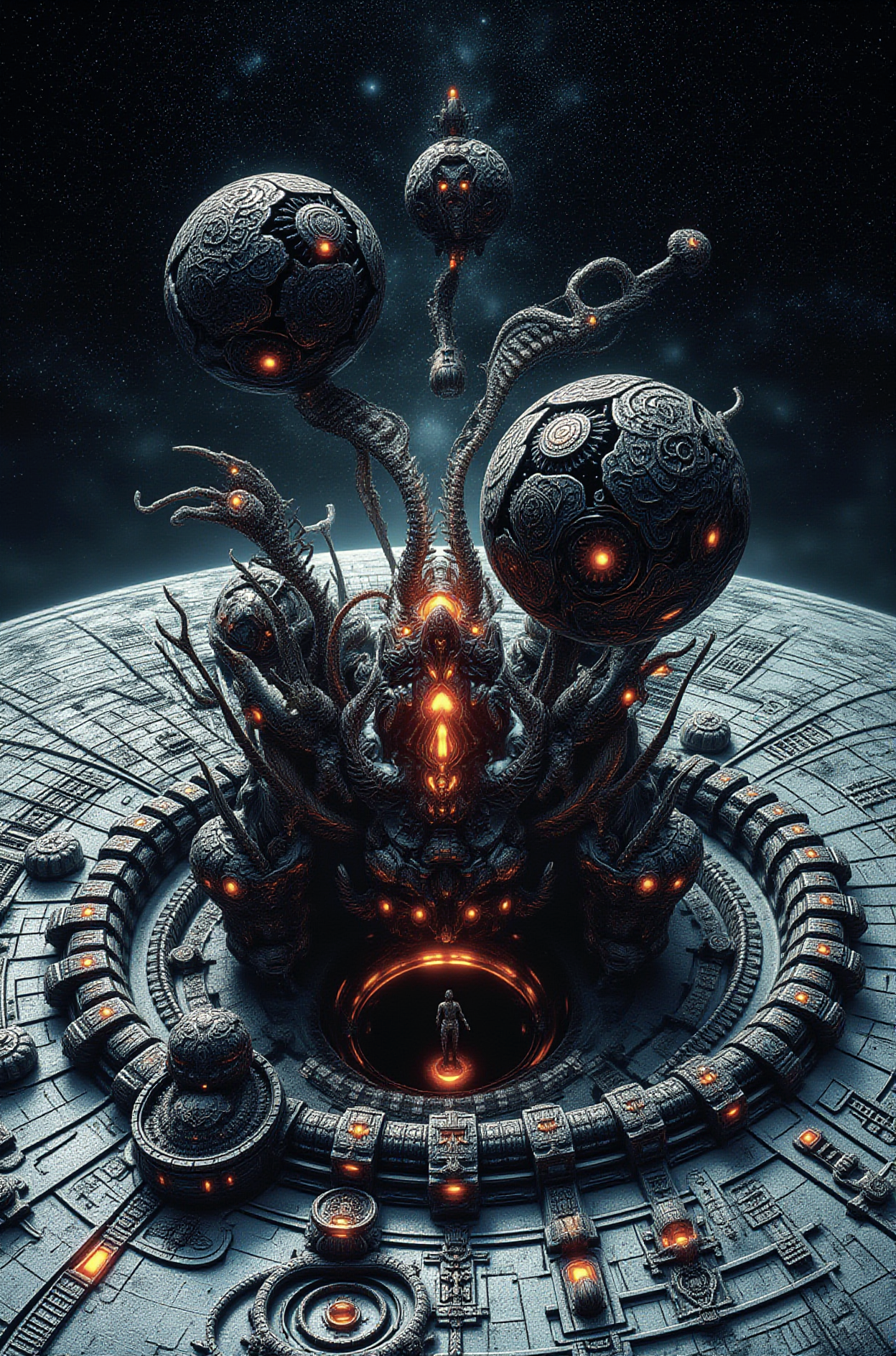
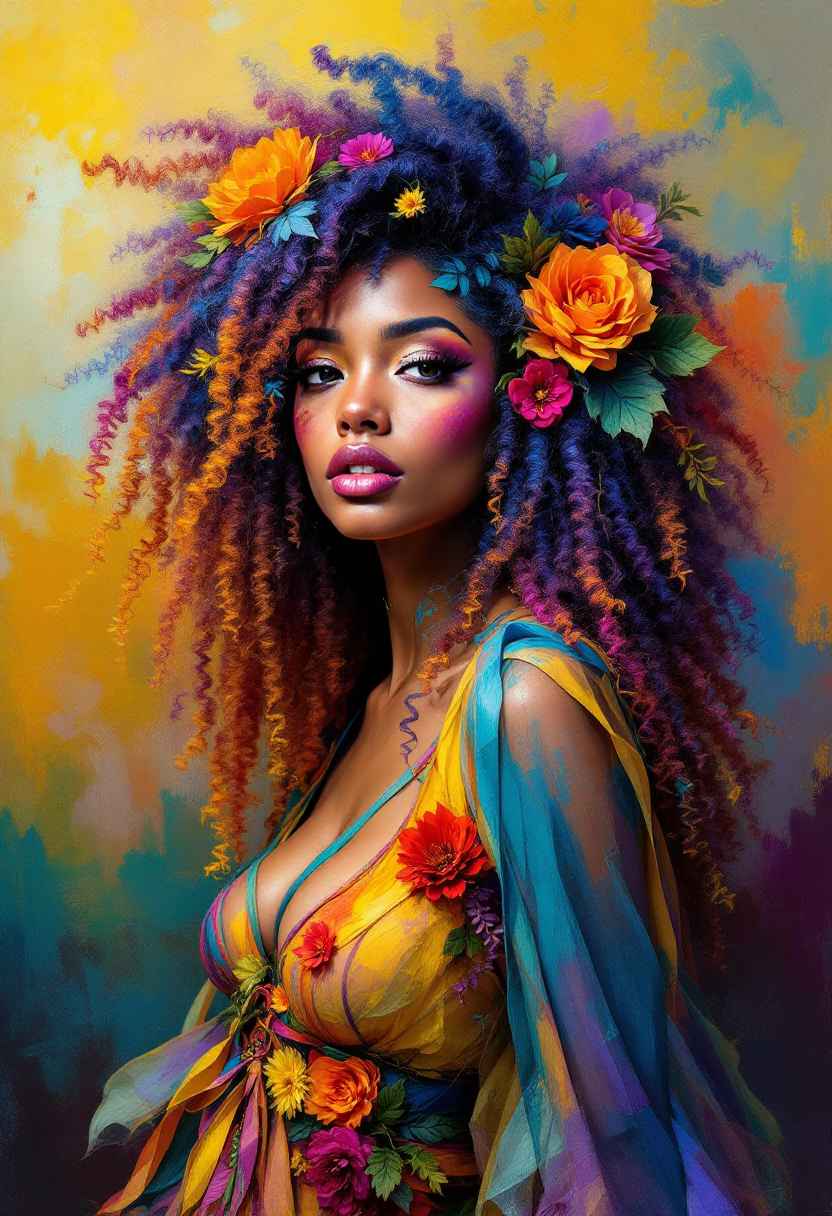
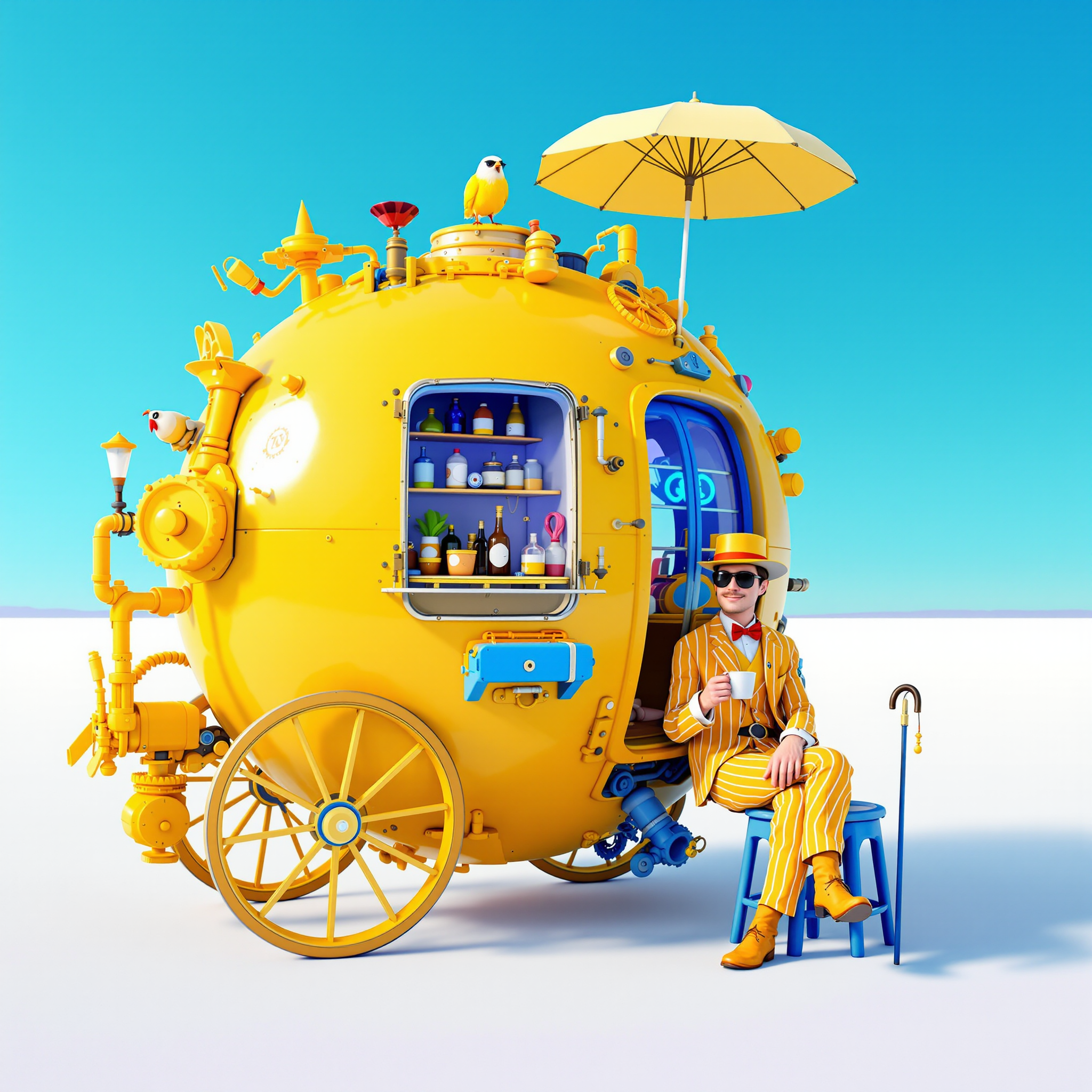
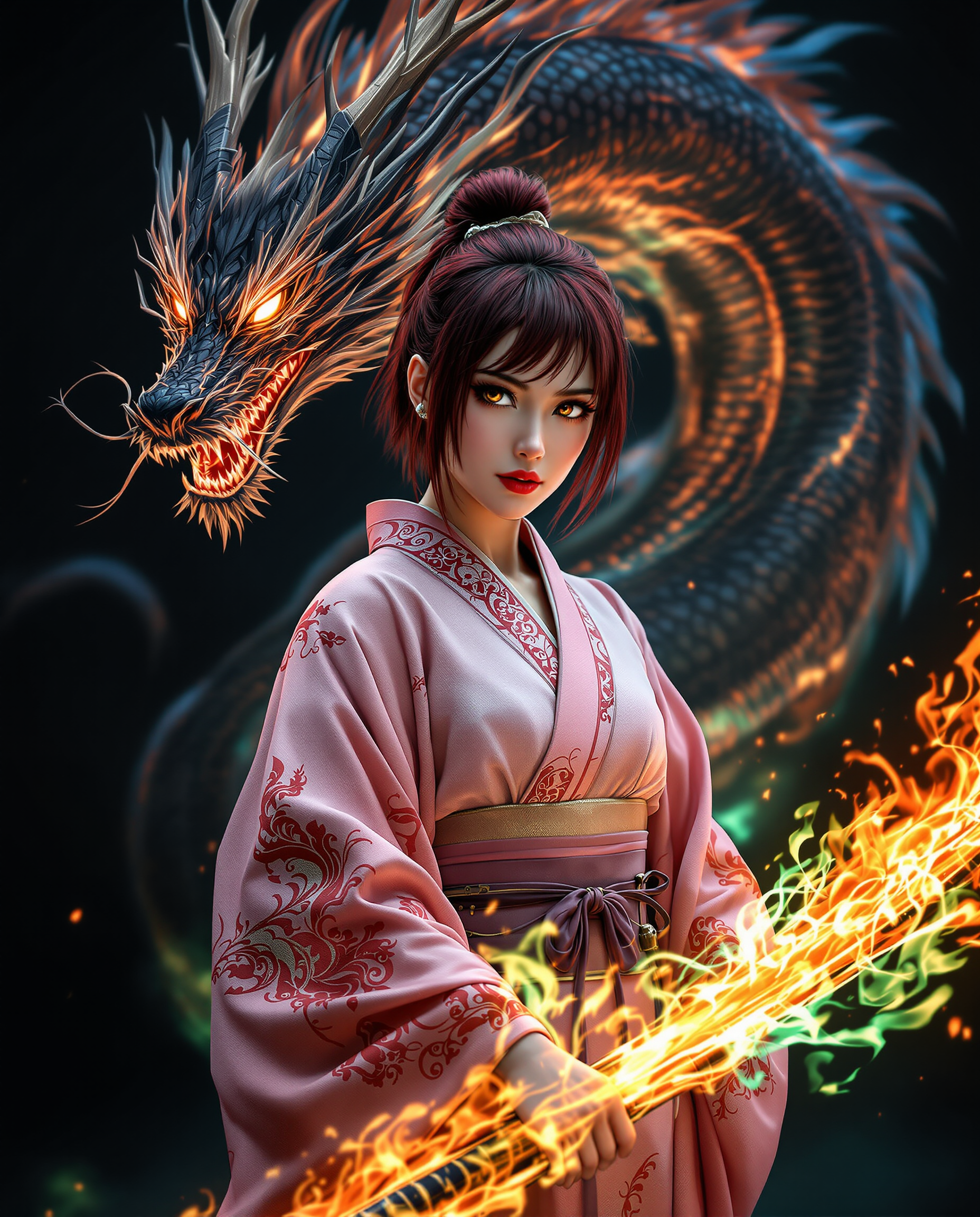
Imagine bringing your most ambitious creative visions to life with just a few clicks. With PixelDojo's Seedream 4, you can transform your ideas into stunning concept art effortlessly. Whether you're a game designer, illustrator, or creative enthusiast, Seedream 4 empowers you to produce high-quality visuals quickly and efficiently.
Join over 10,000 creators who have generated more than 500,000 images using PixelDojo's AI tools. Rated 4.8/5 by our satisfied users.
Why Choose Pixel Dojo for seedream 4 concept art
Professional-quality results with cutting-edge AI technology
Rapid Image Generation
Create high-resolution concept art in seconds, accelerating your creative workflow.
Versatile Artistic Styles
Apply various artistic styles to your images, from photorealistic to abstract, to match your project's needs.
User-Friendly Interface
No technical expertise required—generate professional-grade images with simple text prompts.
How It Works
Creating concept art with Seedream 4 is straightforward and intuitive. Follow these simple steps to bring your ideas to life:
Step 1: Choose Your Tool
Log in to your PixelDojo account and select 'Seedream 4' from the AI tools dashboard.
Step 2: Enter Your Prompt
Describe your desired image using natural language. For example, 'A futuristic cityscape at sunset with flying cars.'
Step 3: Generate and Download
Click 'Generate' and watch as Seedream 4 creates your image in seconds. Once satisfied, download your high-resolution concept art.








The Pixel Dojo Advantage
Why PixelDojo's Seedream 4 stands out for concept art creation:
| Others | Pixel Dojo |
|---|---|
| Traditional Concept Art Creation | Eliminate the need for manual sketching and lengthy revisions with instant AI-generated images. |
| Generic AI Tools | Seedream 4 offers specialized features tailored for concept art, ensuring more accurate and creative outputs. |
| Manual Photo Editing | Save hours of editing time by generating ready-to-use concept art directly from your descriptions. |
Loved by creators on PixelDojo
Real feedback from people using PixelDojo, pulled from our in-product surveys.
I love the training feature
the quality is the best
All the tools needed in one dashboard
Very fair and very broad in tools.
Accurate results
Great site and so much fun to use!
Explore more AI tools on PixelDojo
AI Tools
Compare & Switch
- Best AI Image Generators
- Best AI Video Generators
- Midjourney Alternatives
- Civitai Alternatives
- Runway Alternatives
- Leonardo Alternatives
- Pika Alternatives
- Luma Alternatives
- Magnific Alternatives
- Veo Alternatives
- Flux Alternatives
- Freepik Alternatives
- Seedance Alternatives
- Seedream Alternatives
- Pixverse Alternatives
- GPT Image Alternatives
- Synthesia Alternatives
- Playground Alternatives
- NightCafe Alternatives
- Canva AI Alternatives
- ElevenLabs Alternatives
- ComfyUI Alternatives
- Fal Alternatives
- Replicate Alternatives
Common Questions
Everything you need to know about seedream 4 concept art
What is Seedream 4 and how does it work?
Seedream 4 is an AI-powered image generation tool on PixelDojo that transforms text prompts into high-quality concept art. Simply describe your desired image, and the AI creates it for you in seconds.
Do I need any technical skills to use Seedream 4?
No technical skills are required. Seedream 4 is designed with a user-friendly interface that allows anyone to create professional-grade images using simple text descriptions.
Can I use Seedream 4 for commercial projects?
Yes, images generated with Seedream 4 can be used for commercial purposes, including marketing materials, product designs, and more.
Is there a limit to the number of images I can generate?
PixelDojo offers various subscription plans to suit your needs, each with different generation limits. Choose the plan that best fits your project requirements.
How does Seedream 4 ensure the quality of generated images?
Seedream 4 utilizes advanced AI algorithms trained on diverse datasets to produce high-resolution, detailed images that align closely with your prompts.
Can I customize the artistic style of the generated images?
Absolutely. Seedream 4 allows you to specify various artistic styles in your prompts, enabling you to achieve the desired aesthetic for your concept art.