seedream 4 multi image fusion

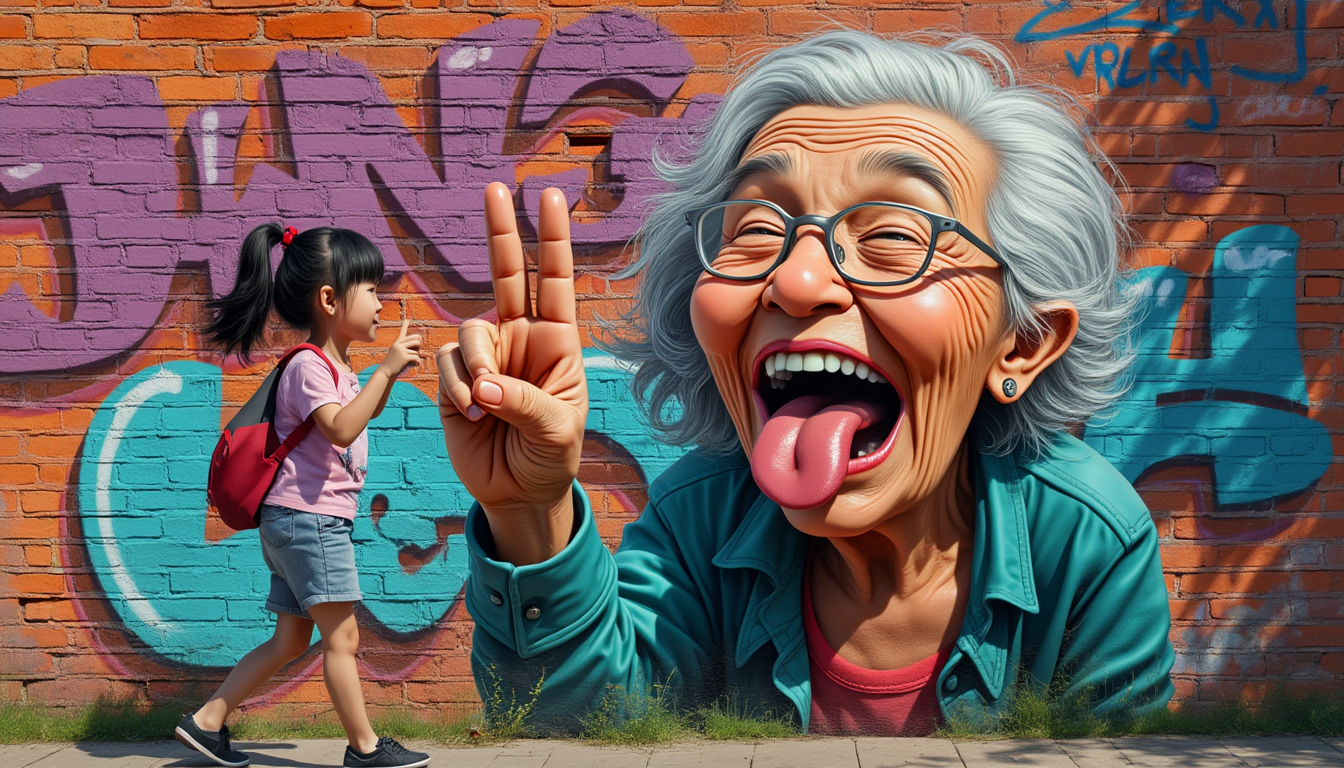
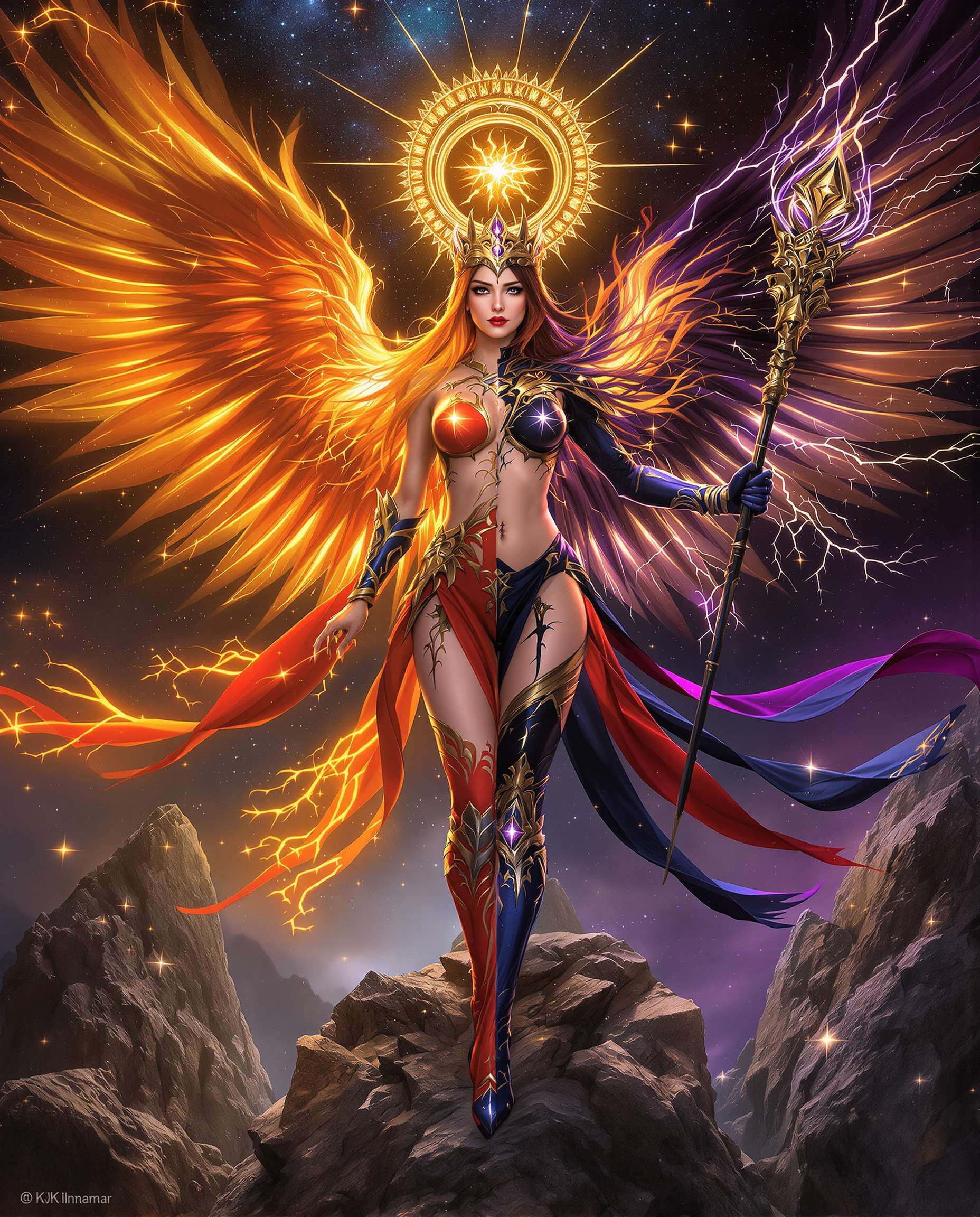
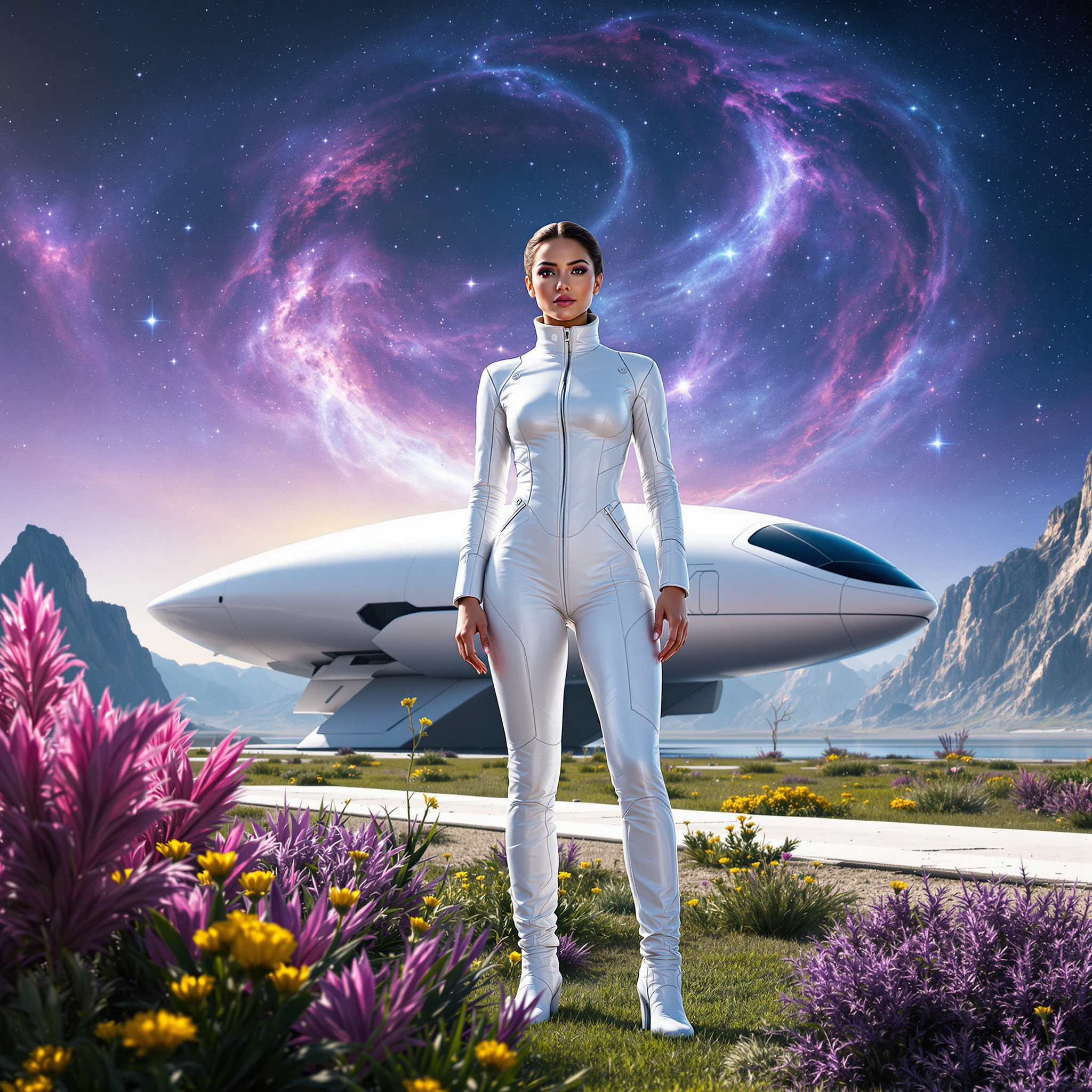
Unlock the power of Seedream 4's multi-image fusion to effortlessly blend multiple images into a single, harmonious masterpiece. Whether you're a designer, marketer, or content creator, Seedream 4 enables you to produce professional-grade visuals that captivate and engage your audience.
Join over 10,000 creators who have transformed their visual content with Seedream 4's cutting-edge AI technology.
Why Choose Pixel Dojo for seedream 4 multi image fusion
Professional-quality results with cutting-edge AI technology
Effortless Image Blending
Seamlessly combine multiple images into a cohesive composition without the need for complex editing skills.
Consistent Artistic Style
Maintain a unified artistic style across all fused images, ensuring visual harmony in your projects.
High-Resolution Outputs
Generate stunning 2K and 4K images that are ready for professional use in print and digital media.
How It Works
Creating multi-image fusions with Seedream 4 is a straightforward process that yields impressive results.
Step 1: Upload Your Images
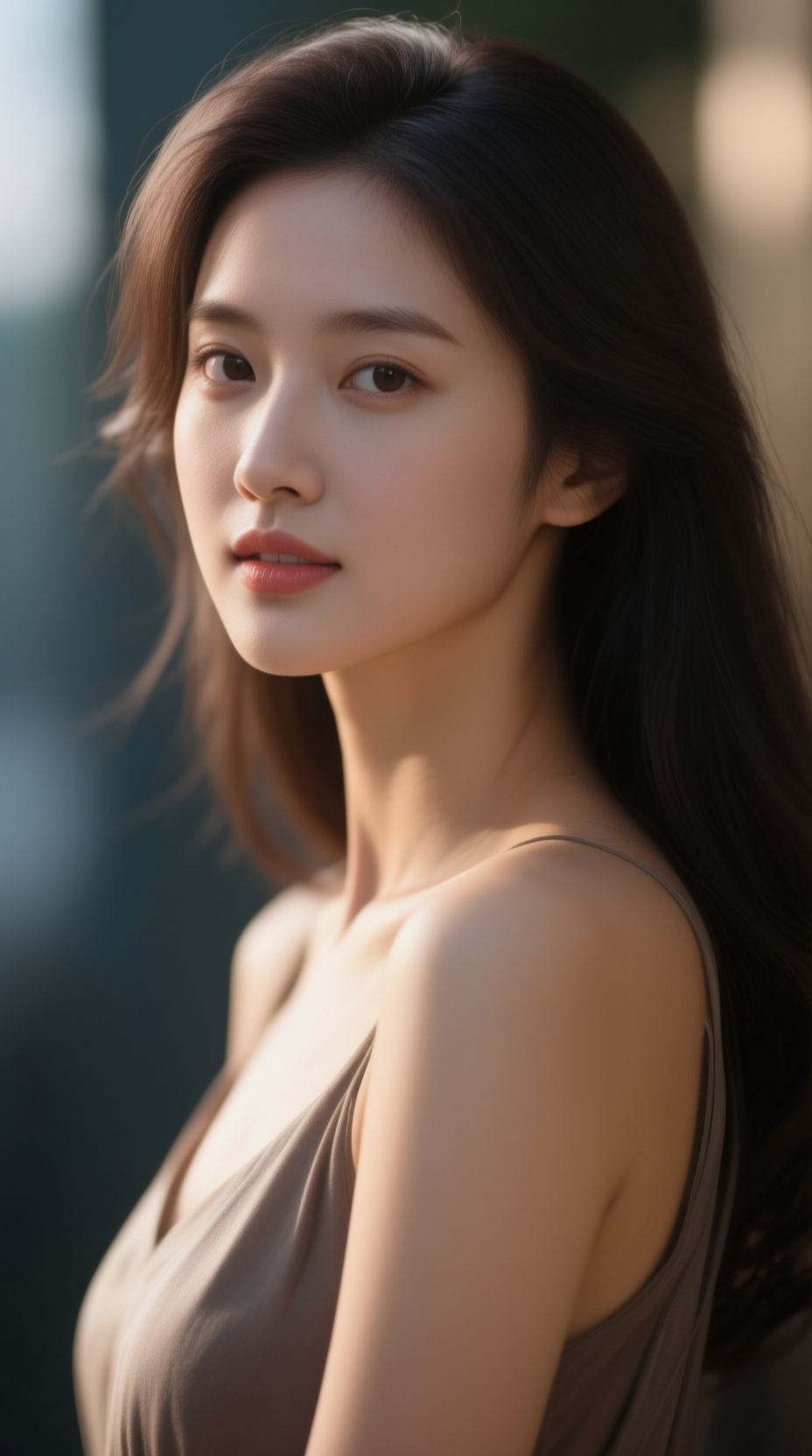
Select and upload the images you wish to blend. Seedream 4 supports up to 10 reference images for comprehensive fusion.
Step 2: Enter Your Prompt
Describe the desired outcome using natural language prompts. For example, 'Combine these images into a surreal landscape with a cohesive color palette.'
Step 3: Generate and Download
Click 'Generate' and let Seedream 4's AI process your inputs. Once complete, download your high-resolution fused image.








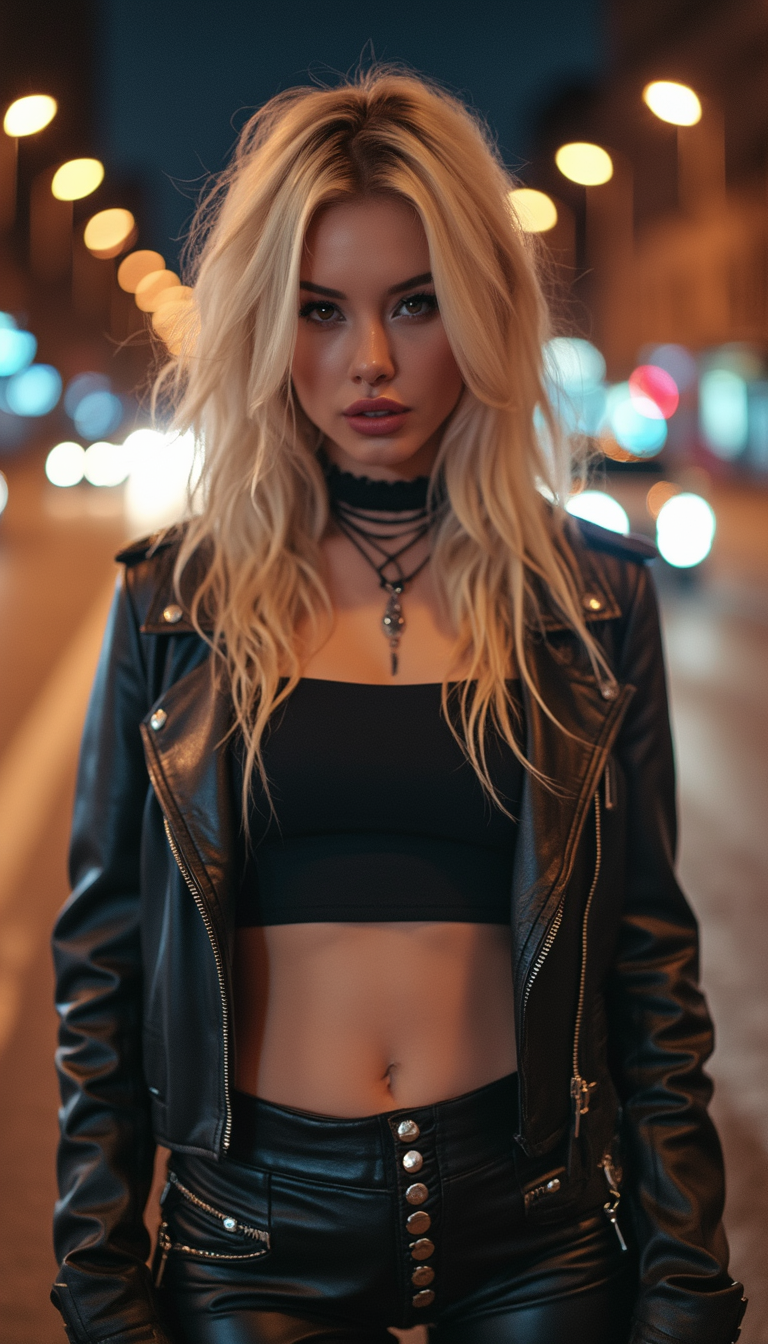
The Pixel Dojo Advantage
Why Seedream 4 is the superior choice for multi-image fusion compared to other methods.
| Others | Pixel Dojo |
|---|---|
| Traditional Manual Editing | Eliminates the need for extensive manual editing, saving time and effort while achieving superior results. |
| Generic AI Tools | Offers advanced multi-image fusion capabilities specifically designed for creating cohesive compositions, unlike generic AI tools. |
| Stock Image Compositing | Allows for personalized and unique image fusions, moving beyond the limitations of stock image combinations. |
Loved by creators on PixelDojo
Real feedback from people using PixelDojo, pulled from our in-product surveys.
Qwen image 2 is amazing!!
Creative freedom, range of tools and options.
I love the training feature
the quality is the best
All the tools needed in one dashboard
Very fair and very broad in tools.
Explore more AI tools on PixelDojo
AI Tools
Compare & Switch
- Best AI Image Generators
- Best AI Video Generators
- Midjourney Alternatives
- Civitai Alternatives
- Runway Alternatives
- Leonardo Alternatives
- Pika Alternatives
- Luma Alternatives
- Magnific Alternatives
- Veo Alternatives
- Flux Alternatives
- Freepik Alternatives
- Seedance Alternatives
- Seedream Alternatives
- Pixverse Alternatives
- GPT Image Alternatives
- Synthesia Alternatives
- Playground Alternatives
- NightCafe Alternatives
- Canva AI Alternatives
- ElevenLabs Alternatives
- ComfyUI Alternatives
- Fal Alternatives
- Replicate Alternatives
Common Questions
Everything you need to know about seedream 4 multi image fusion
How many images can I combine using Seedream 4's multi-image fusion?
Seedream 4 supports the fusion of up to 10 images simultaneously, allowing for complex and detailed compositions.
Do I need prior experience in image editing to use Seedream 4?
No, Seedream 4 is designed for users of all skill levels. Its intuitive interface and natural language processing make it accessible to everyone.
Can I control the artistic style of the fused image?
Yes, you can specify the desired artistic style in your prompt, and Seedream 4 will apply it to the fused image.
What output resolutions are available for fused images?
Seedream 4 offers high-resolution outputs, including 2K and 4K, suitable for both digital and print media.
Is there a limit to the file size of images I can upload?
Seedream 4 supports images up to 4MB in size, ensuring efficient processing without compromising quality.
Can I use the fused images for commercial purposes?
Yes, images generated with Seedream 4 are suitable for commercial use, including marketing materials and product designs.