seedream 5 generator
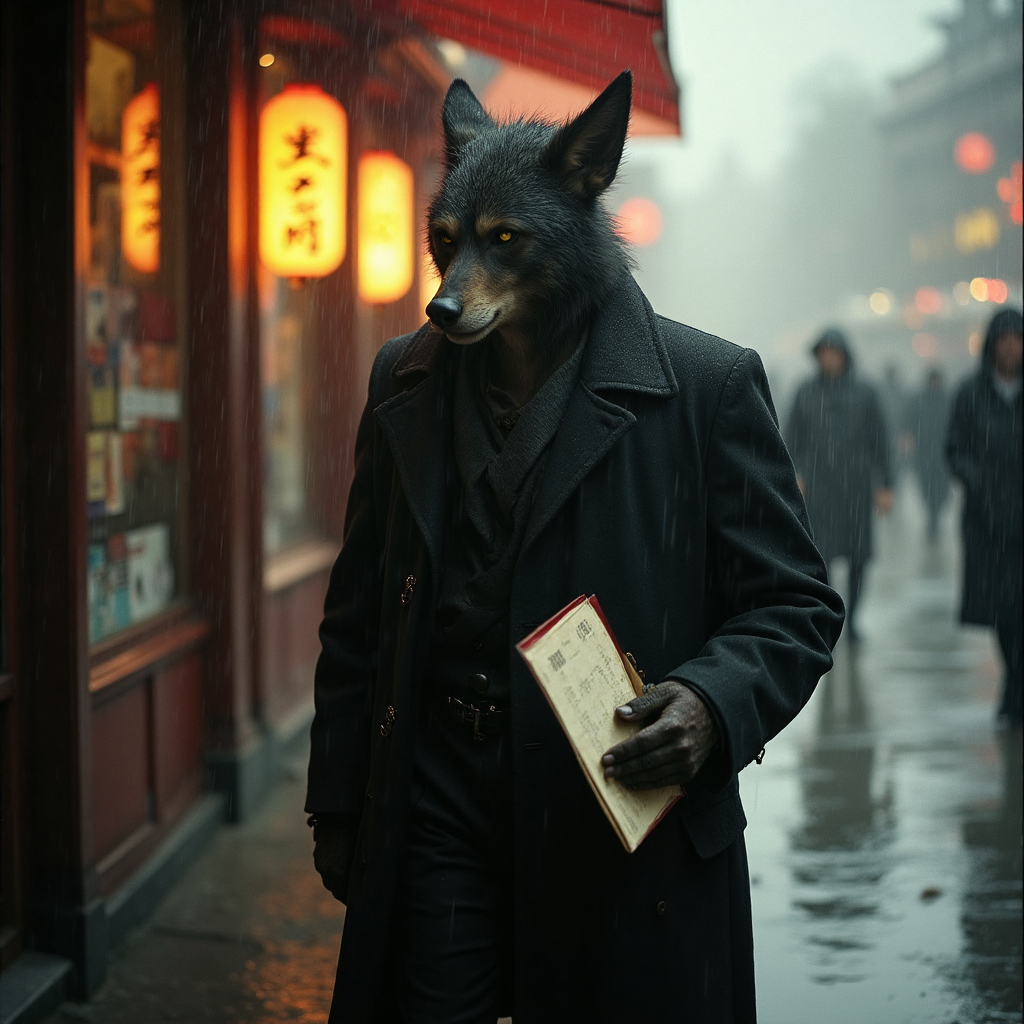
Generated on PixelDojo. Produced by PixelDojo's generation pipeline.
Imagine turning a simple idea into a photorealistic product hero shot, a dense infographic packed with accurate charts and multilingual text, or a cinematic portrait that looks like it came from a high-end photoshoot — all in seconds. That's the power of the Seedream 5 generator on PixelDojo. You skip expensive photoshoots, hours of layout work, and endless revisions. Instead, you describe what you need in natural language, add a few reference images if you want consistency, and watch Seedream 5 reason through composition, lighting, and details before delivering production-ready visuals. Whether you're launching a campaign, building e-commerce assets, creating educational posters, or designing UI mockups, Seedream 5 helps you achieve professional results that convert. Pair it with PixelDojo's full suite including Seedream 4.5 for drafts, Flux.2 Studio for variety, GPT Image 2 for extra polish, Image to Image and Inpainting for refinements, and P-Image Upscale for print-ready files. Thousands of creators already use these 40+ cutting-edge tools daily. Start now and cancel anytime if it's not the perfect fit for your workflow.
Real image examples generated on PixelDojo
Every example below was produced on PixelDojo. Hover to see the prompt.
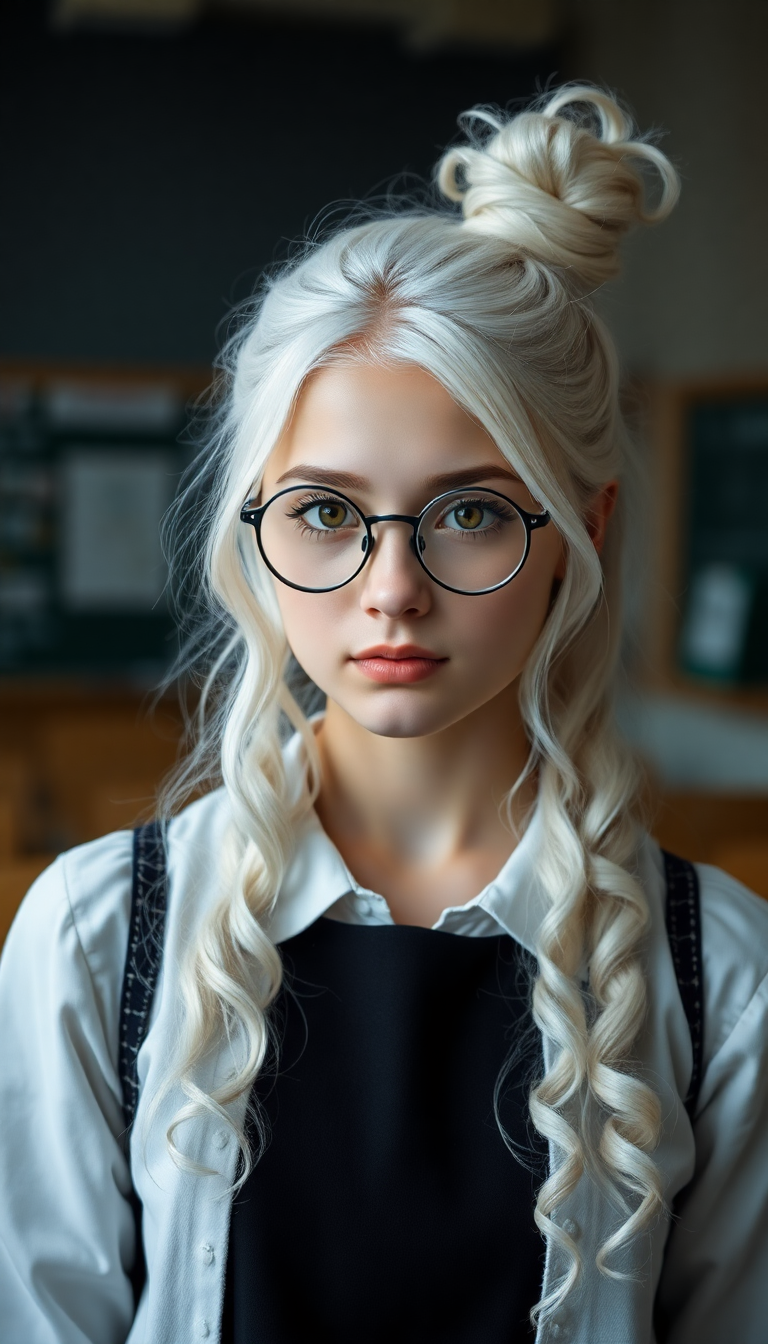
A striking 19-year-old with stark white hair cascading in delicate ringlets and curls from…
flux
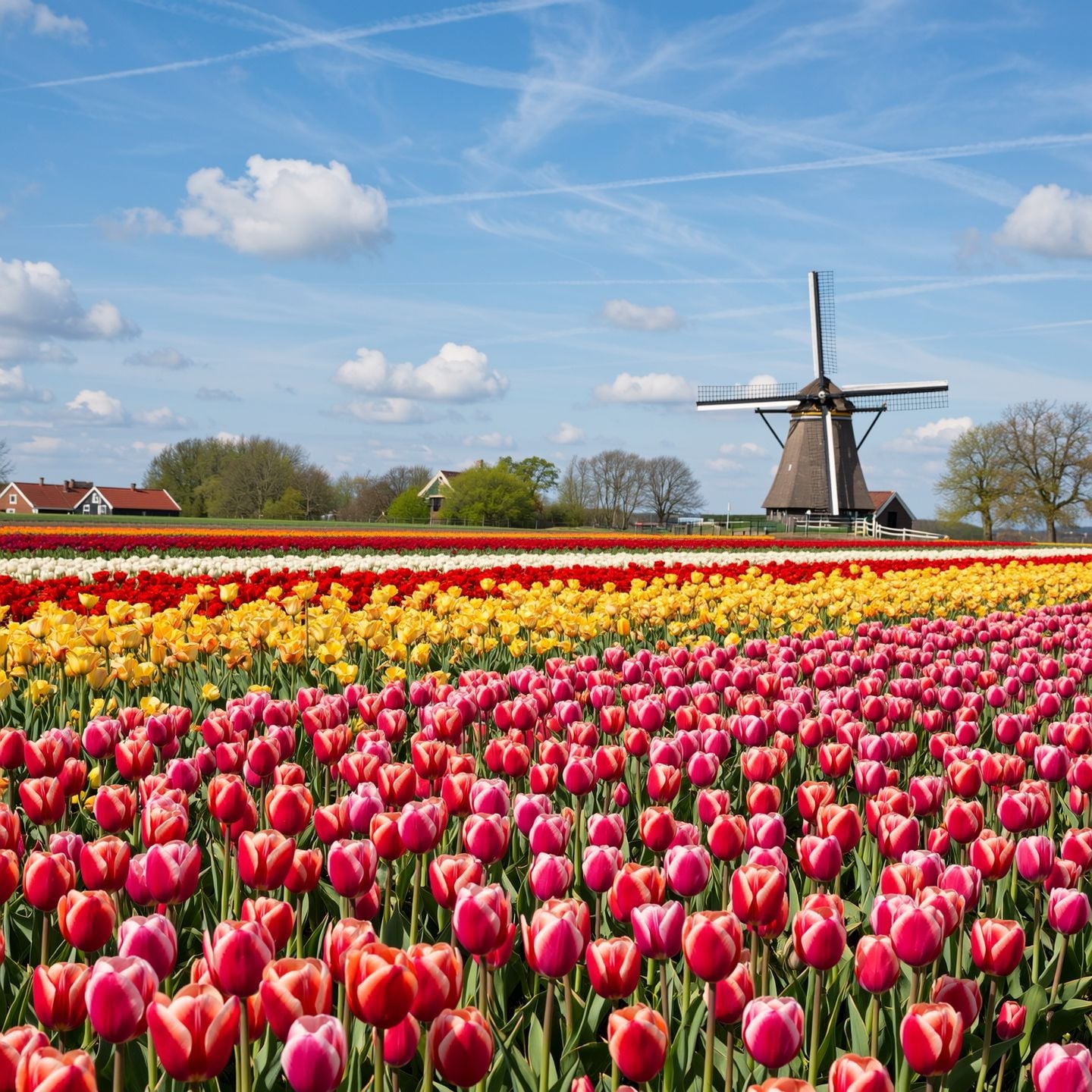
A field of vibrant tulips stretching to a windmill on the horizon
wan-image
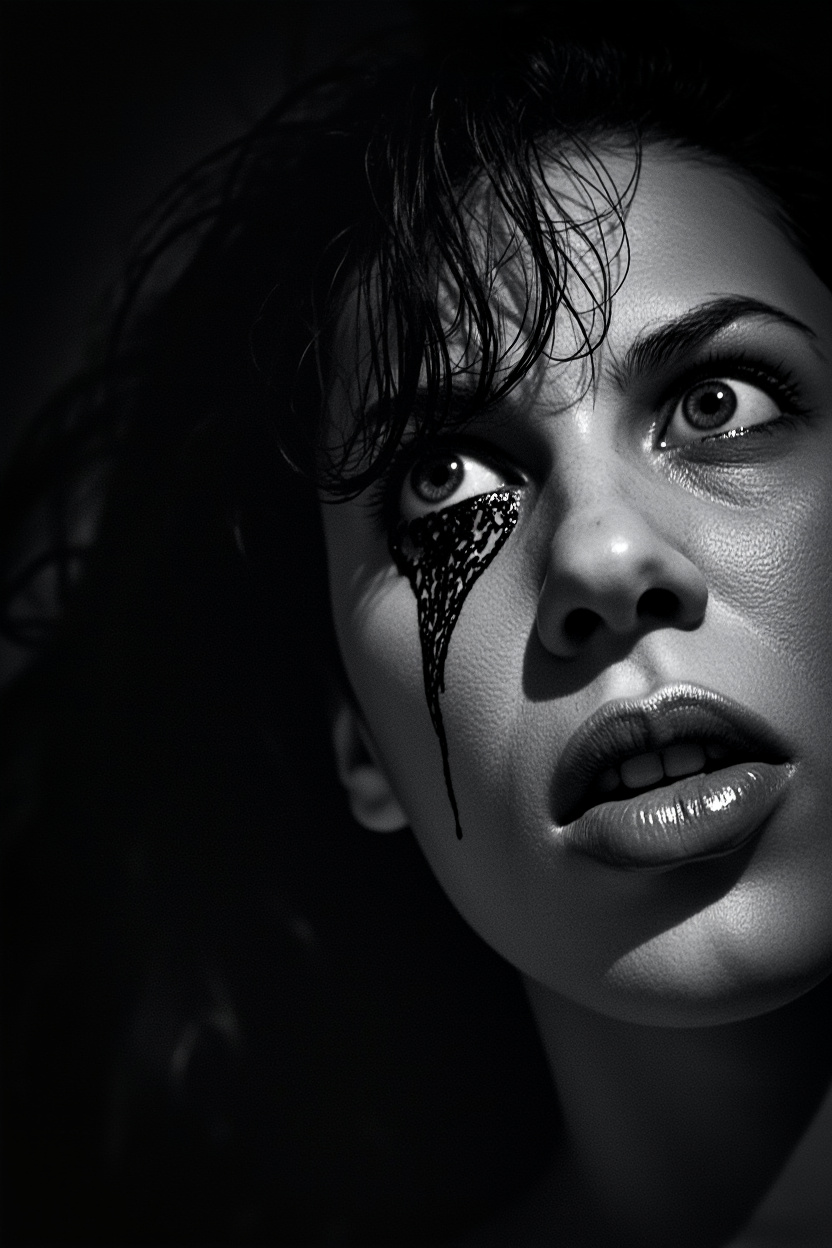
This image appears to be a black and white photograph with a gritty
minimax-image-01
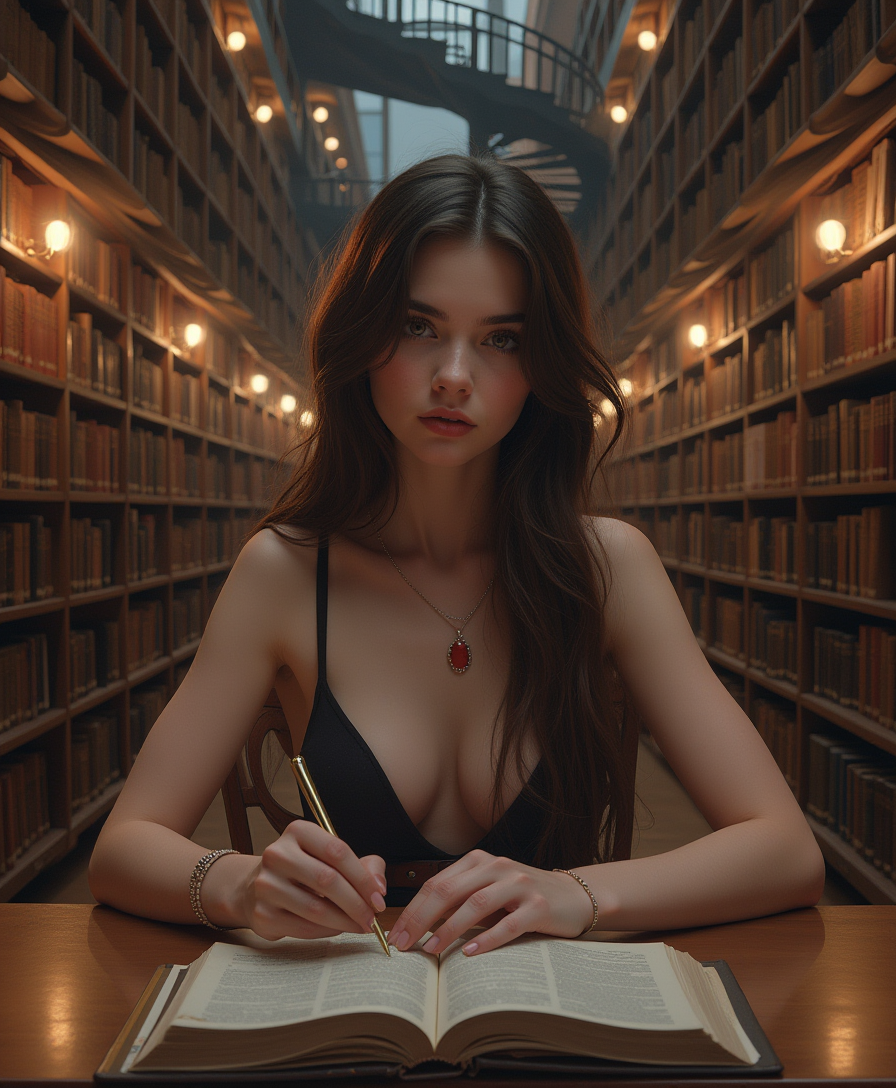
Pov hands
flux

A dramatic
flux
Paparazzi photo
flux-studio
Models you can run on PixelDojo for seedream 5 generator
Switch models without switching tools. Each one runs in the same PixelDojo studio.
What you can do with seedream 5 generator on PixelDojo
Seedream 5 image generation
We run Seedream 5 so you can turn text prompts into still images without leaving PixelDojo. You set the prompt and we return generated frames you can keep or retry.
Prompt and size controls
We let you adjust prompt wording, aspect ratio, and related generation settings before you submit a job. That keeps output closer to the layout you need for posts, mockups, or storyboards.
Variations and regenerations
We support generating multiple takes from the same idea so you can compare results. You pick a favorite and continue from there instead of starting from scratch.
Export for creator workflows
We provide downloads of the images you generate so you can edit, composite, or publish them in your usual tools. Files stay available in your PixelDojo session for follow-up work.
Loved by thousands of creators worldwide who generate millions of images monthly. Join them with 40+ cutting-edge AI tools including Seedream 5, Seedream 4.5, Flux.2 Studio, and more. Cancel anytime — no long-term commitment.
Why Choose Pixel Dojo for seedream 5 generator
Professional-quality results with cutting-edge AI technology
Photoreal Details That Sell Products Instantly
You get skin textures, fabric weaves, glass refraction, and honest materials that survive close inspection. Create advertising-quality product shots, fashion editorials, and cinematic scenes that look photographed, not generated — boosting click-through rates and conversions without a studio.
Infographics and Posters with Perfect Readable Text
You produce high-density layouts, charts, timelines, and multilingual posters in one pass. Seedream 5 natively renders exact text in 14+ languages so your headlines, labels, and CTAs stay crisp and culturally accurate — no more garbled fonts or extra design time.
Precise Edits and Consistent Characters Across Assets
You keep identity, lighting, and composition locked while swapping colors, materials, or elements. Upload up to 10 references, then refine with PixelDojo's Inpainting, Change Camera Angle, or Style Transfer. Build matching campaign sets, character sheets, or product variations faster than ever.
How It Works
Creating with the Seedream 5 generator on PixelDojo is straightforward. You describe your vision, let the model plan the scene, then refine and download. Combine it with other tools like Consistent Characters, Background Remover, or Marketing Studio for complete campaigns.
Step 1: Choose Your Tool
Log into PixelDojo and select Seedream 5 from the Generate Images section. Pick Seedream 5 Pro for flagship photorealism, dense infographics, and the cleanest text, or switch to Seedream 5 Lite for faster, cheaper drafts and sequences. Set your aspect ratio (1:1, 16:9, 9:16, or custom up to 2K) and resolution tier. You can also start from Seedream 4.5 if you want 4K exploration first.
Step 2: Enter Your Prompt
Write a natural-language prompt that names the subject, physical details, layout, lighting, and any exact text in quotes. For infographics, specify sections, charts, and hierarchy. Upload up to 10 reference images and tag them in the prompt for identity or style lock. Seedream 5 reasons through composition before generating, so complex multi-element scenes land correctly. Add 'the text must be exact' for posters and packaging.
Step 3: Customize & Download
Review your image in seconds. Use PixelDojo's Edit Images tools — Inpainting for local changes, Magic Lighting, Background Remover, or Image Outpainting — then enhance with P-Image Upscale or Magnific Upscaler. Download as PNG or JPEG, or send directly to Generate Videos like Seedance 2.5 or Kling Video. Iterate freely knowing you can cancel anytime.
The Pixel Dojo Advantage
Why PixelDojo outperforms other options for Seedream 5 image generation
| Others | Pixel Dojo |
|---|---|
| Traditional photography and design | You skip location scouting, models, lighting setups, and layout software. Generate photoreal product shots, infographics, and posters in seconds at a fraction of the cost, then refine instantly with PixelDojo's editing suite. |
| Generic AI tools | You access Seedream 5 Pro and Lite plus 40+ specialized models like Flux.2 Studio, GPT Image 2, Ideogram 4, and QWEN Image 2 in one place. Combined with native editing, upscaling, and video tools, you stay in flow instead of jumping between platforms. |
| Manual photo editing | You describe changes in plain English or mark regions instead of hours in complex software. Seedream 5 plus Inpainting, Style Transfer, and Reality Polisher deliver consistent, production-ready results while you keep full commercial rights. |
Loved by creators on PixelDojo
Real feedback from people using PixelDojo, pulled from our in-product surveys.
Accurate results
Great site and so much fun to use!
very useful set of tools for image creation, upscaling and enhancement
ease of use, variety of tools, high quality trainings, and a well-maintained discord channel
Ease of use, friendliness and support of the owner, continued innovation.
it is an amazing site to create a pics and vids for those who don't have the hardware themselves
Explore more AI tools on PixelDojo
AI Tools
Compare & Switch
- Best AI Image Generators
- Best AI Video Generators
- Midjourney Alternatives
- Civitai Alternatives
- Runway Alternatives
- Leonardo Alternatives
- Pika Alternatives
- Luma Alternatives
- Magnific Alternatives
- Veo Alternatives
- Flux Alternatives
- Freepik Alternatives
- Seedance Alternatives
- Seedream Alternatives
- Pixverse Alternatives
- GPT Image Alternatives
- Synthesia Alternatives
- Playground Alternatives
- NightCafe Alternatives
- Canva AI Alternatives
- ElevenLabs Alternatives
- ComfyUI Alternatives
- Fal Alternatives
- Replicate Alternatives
Common Questions
Everything you need to know about seedream 5 generator
What is the Seedream 5 generator and how does it work on PixelDojo?
The Seedream 5 generator is ByteDance's flagship image model available on PixelDojo. It plans composition, lighting, and layout before rendering photorealistic images, infographics, and posters with excellent text. You choose Pro for maximum quality or Lite for speed, enter a detailed prompt, optionally add references, and get results in seconds. PixelDojo makes it simple with no technical setup required.
How do I create infographics with the Seedream 5 generator?
Describe the title, layout hierarchy, chart types, data sections, and exact text in quotes. Seedream 5 reasons through the information density and produces a readable, professional infographic in one pass. Use PixelDojo's Seedream 5 Pro for the cleanest small text and then refine with Image Analyzer or Background Remover if needed. Thousands of marketers already use this workflow for reports and educational content.
Can I generate photorealistic product photography with Seedream 5?
Yes. Name the product, surface, lighting direction, and supporting props. Seedream 5 delivers advertising-quality shots with honest materials, refraction, and catchlights. Combine with PixelDojo's Flux Pro Virtual Try-On, Consistent Characters, or P-Image Upscale for complete e-commerce sets. You get studio results without the studio.
Does Seedream 5 support multilingual text in posters and packaging?
Absolutely. Seedream 5 natively renders accurate text in 14+ languages including Chinese, Japanese, Korean, Arabic, Spanish, and more. Quote the exact string, specify position and style, and add 'the text must be exact'. PixelDojo users create localized campaigns, menus, and packaging faster than ever while keeping cultural details intact.
How do I edit images created with the Seedream 5 generator?
After generation, use PixelDojo's Edit Images tools: Image to Image, Inpainting for region-specific changes, Change Camera Angle, Style Transfer, Magic Lighting, or Reality Polisher. Seedream 5 itself accepts up to 10 reference images for identity-preserving edits. You can also send the result to Generate Videos or Upscale & Enhance for the next step in your workflow.
Is there a free way to try the Seedream 5 generator on PixelDojo?
PixelDojo offers 40+ cutting-edge AI tools including Seedream 5 with a simple, cancel-anytime plan loved by thousands of creators. You can start generating immediately, explore Lite for inexpensive drafts, then upgrade keepers to Pro. No long-term contracts — try it today and see the photoreal quality for yourself.