seedream 5 lite online AI Generator
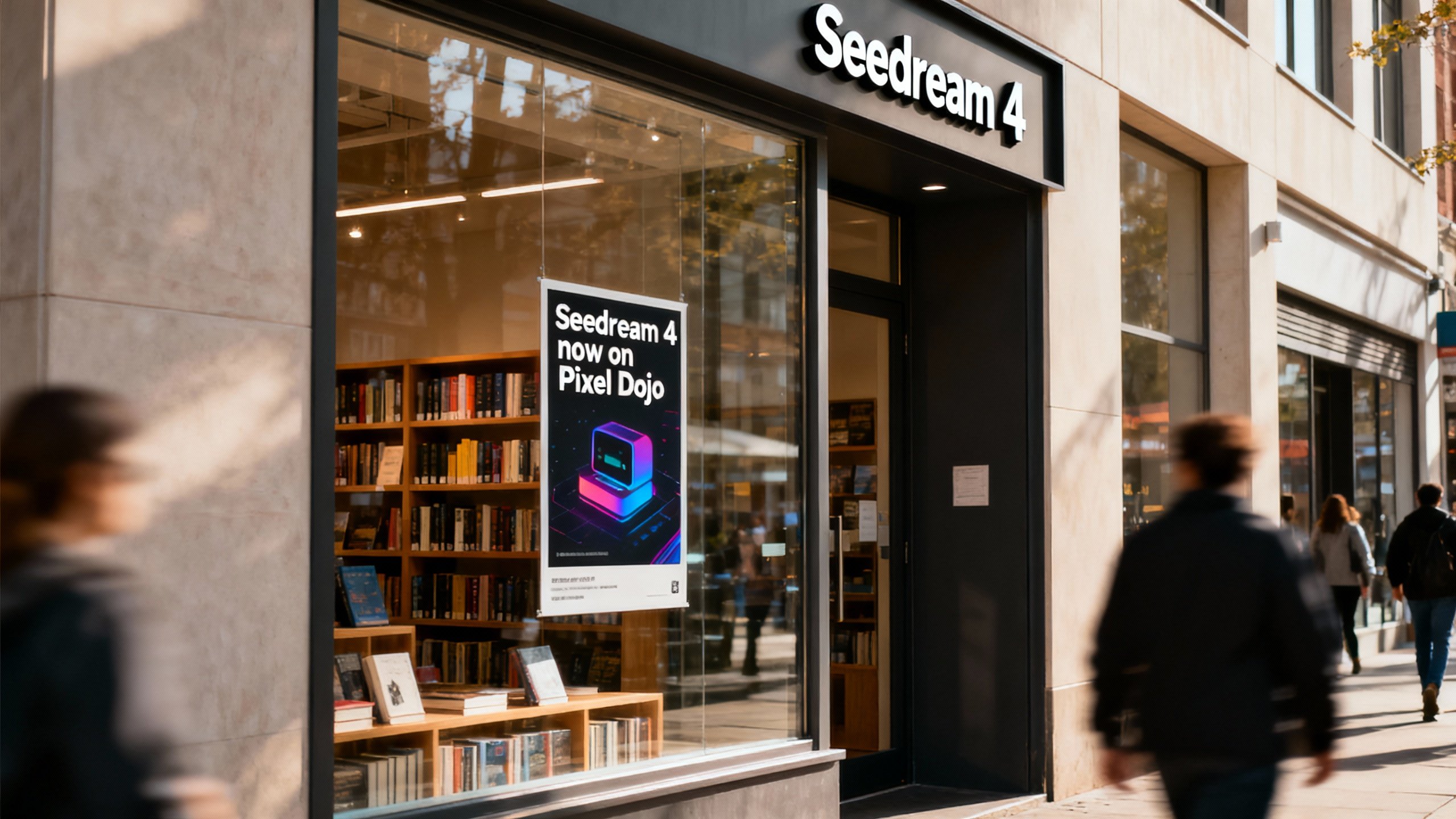
Generated on PixelDojo. Produced by PixelDojo's generation pipeline.
You can now create professional, publication-ready images that look like they came from a top design studio—without any design skills or expensive software. Seedream 5 Lite online on PixelDojo lets you generate posters with perfectly readable multi-language text, infographics filled with the latest real-world data, and complex multi-object scenes that follow real physics and logic. The model reasons through your entire prompt first, planning layouts, spatial relationships and current context before it draws a single pixel. Marketers produce timely campaign assets that convert. Content creators build consistent character stories and storyboards. Entrepreneurs design product mockups that sell. Combined with PixelDojo’s editing suite including Image to Image, Inpainting, Style Transfer and Magic Lighting, you iterate in seconds and walk away with high-resolution files ready for print, social or web. Thousands of creators already rely on our 40+ cutting-edge AI tools every day. You get the same power with zero commitment—cancel anytime. Start turning your ideas into visuals that actually work.
Real image examples generated on PixelDojo
Every example below was produced on PixelDojo. Hover to see the prompt.
A photo of a store front called "Seedream 4"
seedream-4
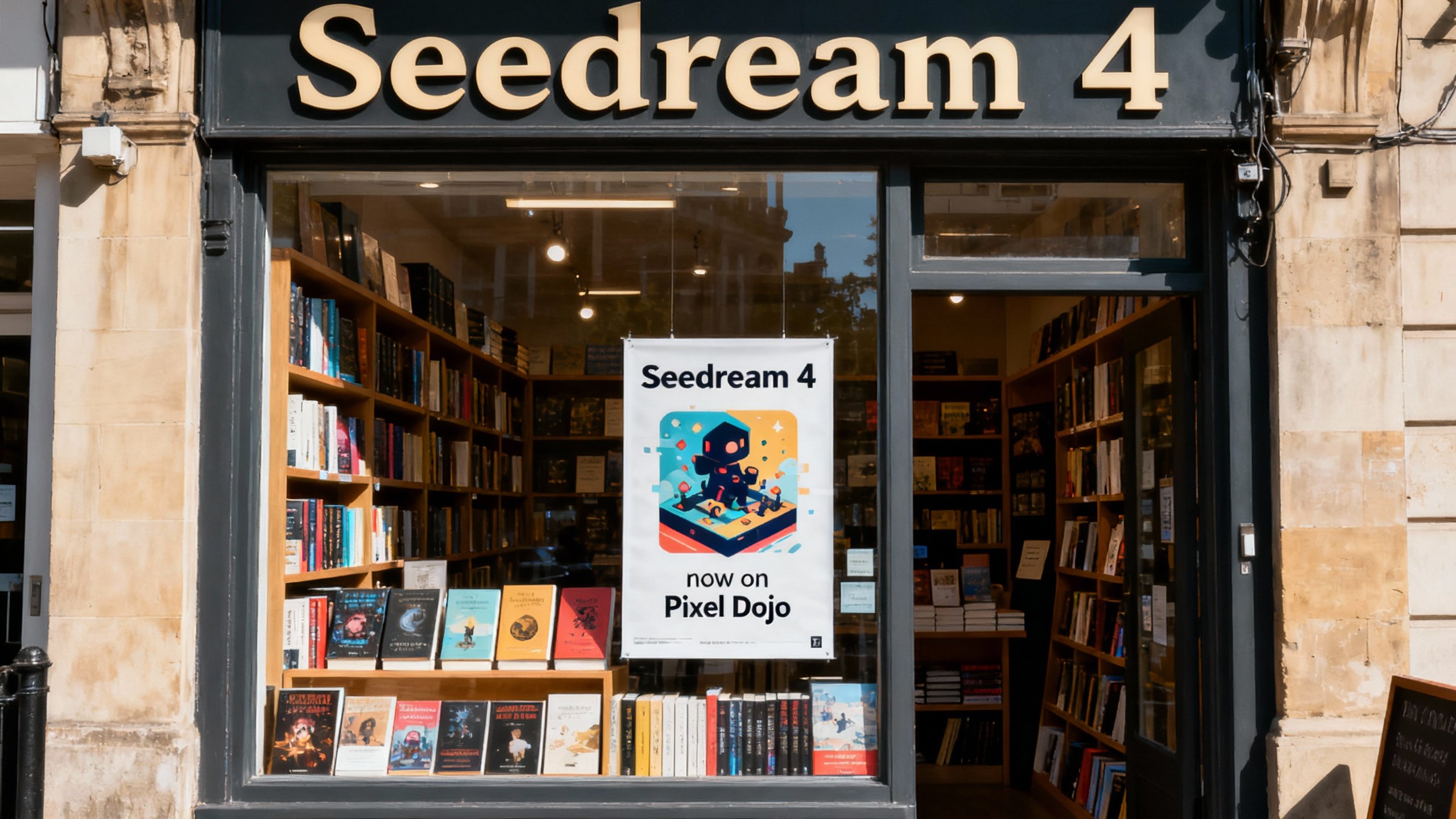
A photo of a store front called "Seedream 4"
seedream-4
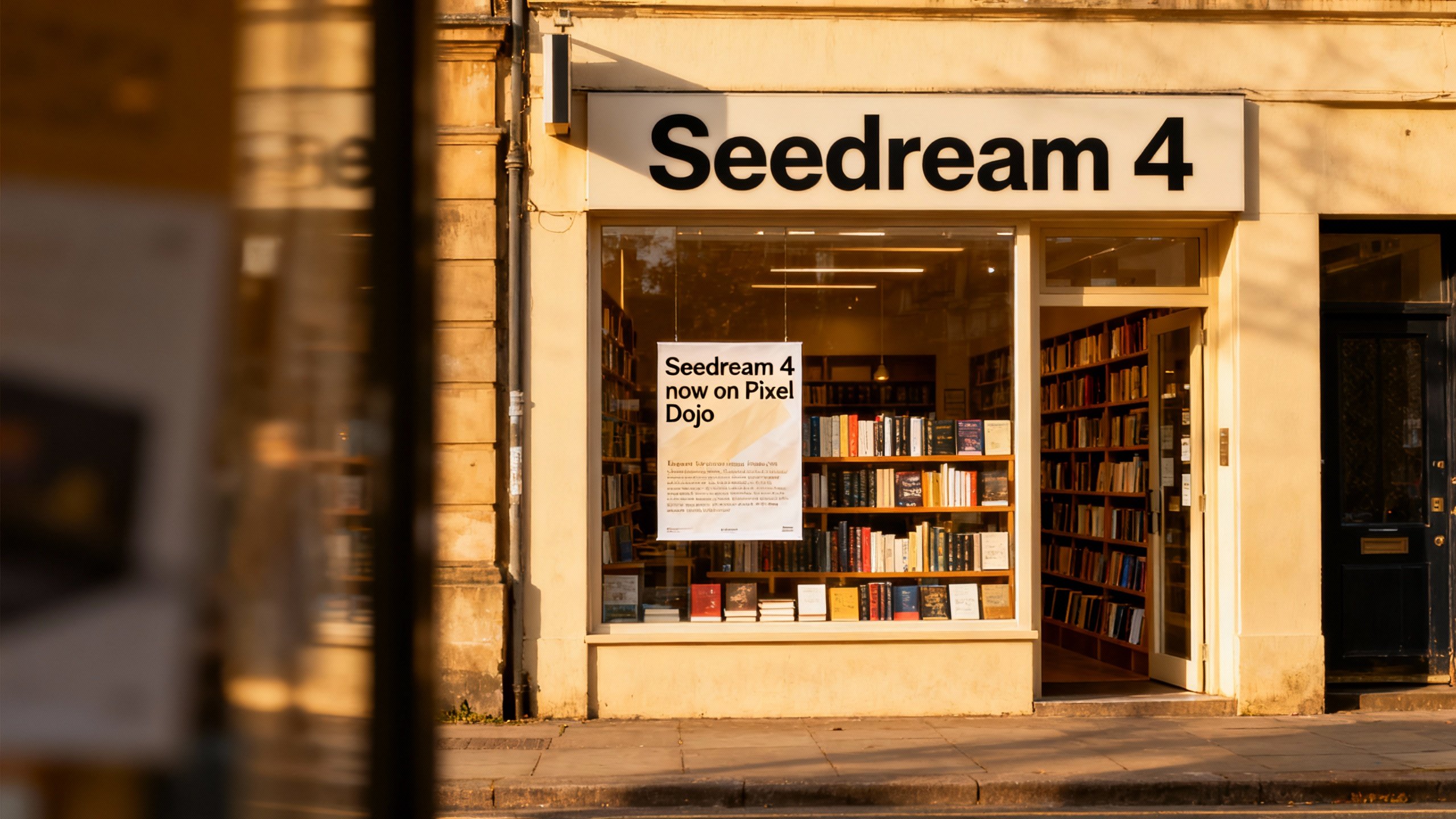
A photo of a store front called "Seedream 4"
seedream-4
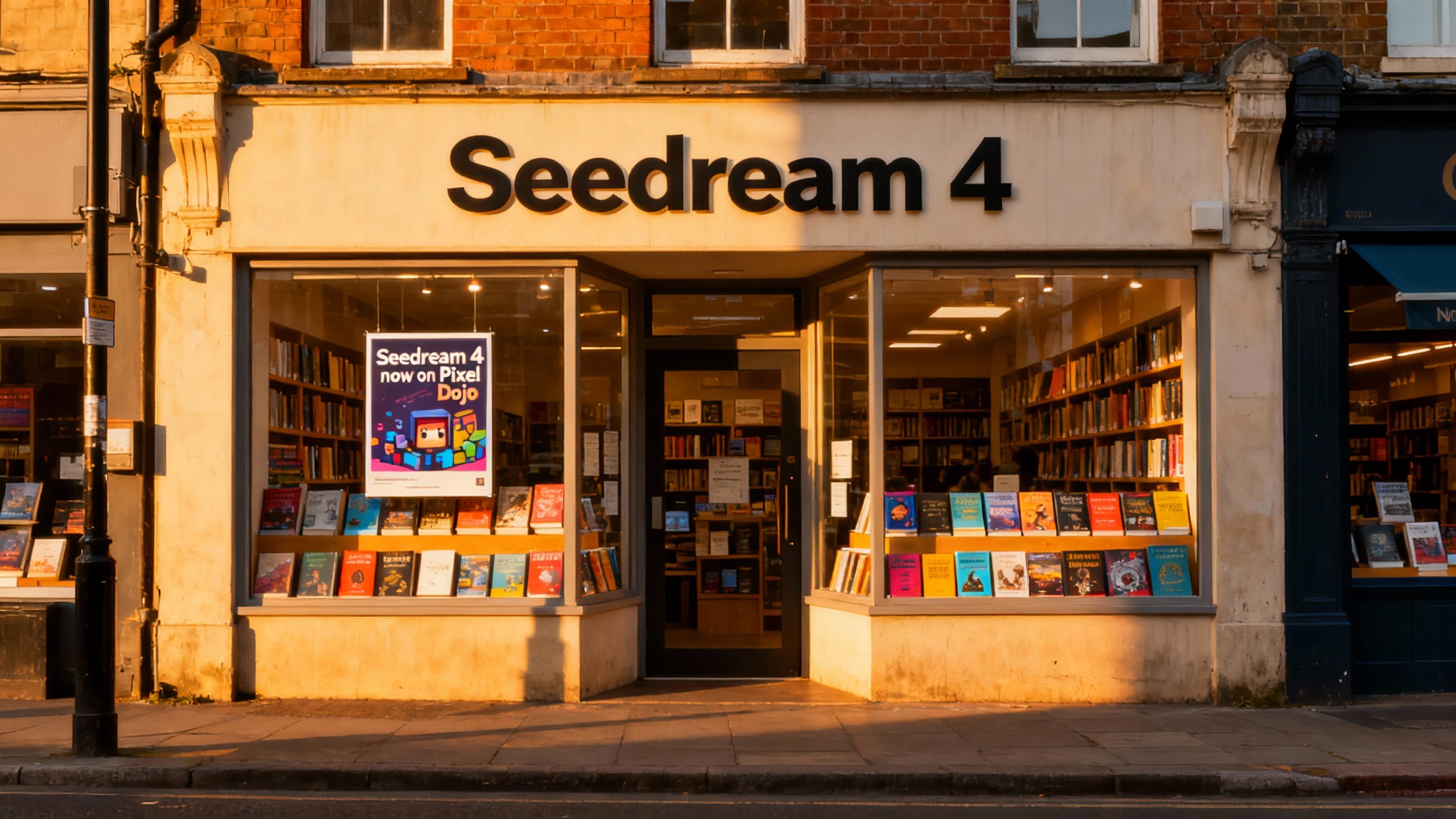
A photo of a store front called "Seedream 4"
seedream-4
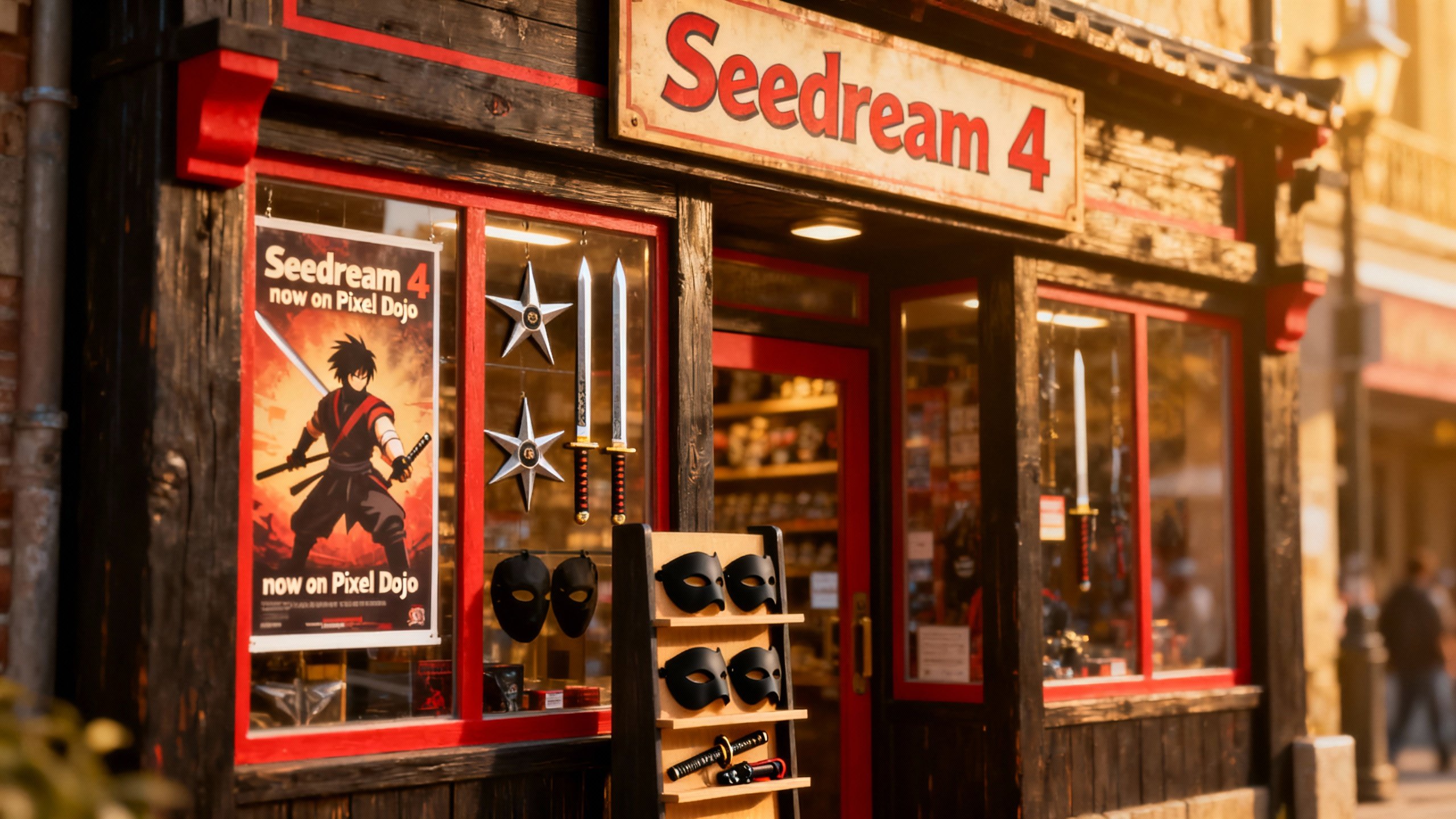
A photo of a store front called "Seedream 4"
seedream-4
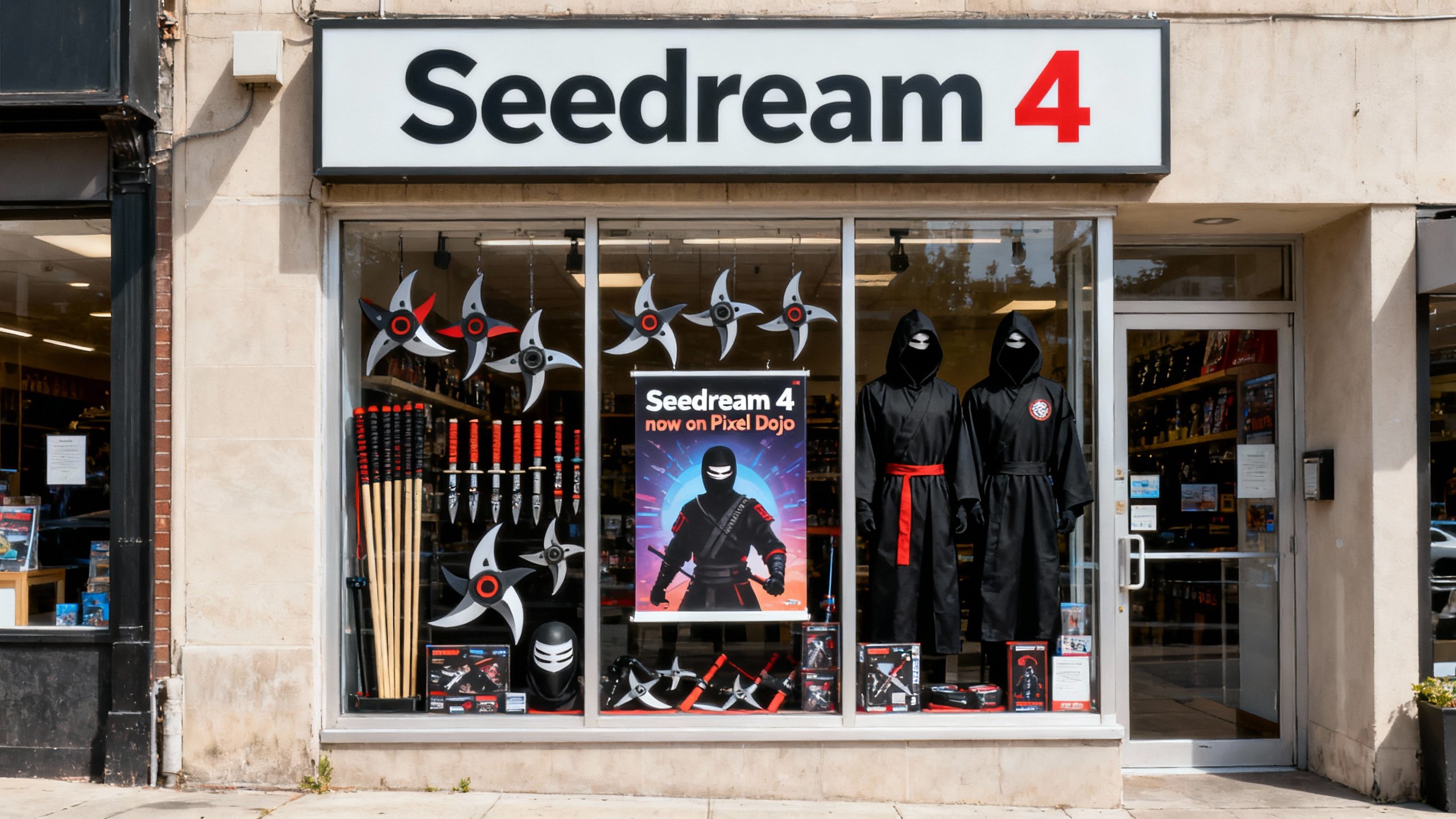
A photo of a store front called "Seedream 4"
seedream-4
Models you can run on PixelDojo for seedream 5 lite online
Switch models without switching tools. Each one runs in the same PixelDojo studio.
What you can do with seedream 5 lite online on PixelDojo
Seedream 5 Lite in Browser
We host Seedream 5 Lite so you can generate images from text prompts without installing local models. Open PixelDojo, write a prompt, and run jobs in the cloud.
Prompt to Image Workflow
We give you a focused prompt box, size options, and seed controls so you can iterate on compositions. Save outputs you like and refine the next pass from the same session.
Batch and Variation Runs
We let you queue multiple generations from one prompt or nearby variants. Compare results side by side and keep only the frames that fit your brief.
Download Ready Assets
We export generated stills in common image formats for use in mockups, storyboards, and social drafts. Files stay tied to your account so you can return and regenerate later.
Loved by thousands of creators worldwide who generate professional visuals daily. PixelDojo users produce over a million images each month with Seedream 5 and our full 40+ tool suite. 4.9/5 average rating from customers who praise the speed, accuracy and freedom to cancel anytime.
Why Choose Pixel Dojo for seedream 5 lite online
Professional-quality results with cutting-edge AI technology
Deliver Posters and Ads That Look Professionally Typeset
You produce eye-catching posters, social ads and print materials with flawless typography, precise layouts and readable text in English, Chinese and more. Headlines sit exactly where they should, body copy stays sharp, and your campaigns convert without hiring a designer or spending hours in layout software.
Keep Every Visual Fresh with Live Trends and Current Data
You generate infographics, news graphics and trend-based art that pull real-time information from the web. Mention a current event, latest fashion drop or today’s numbers and Seedream 5 Lite incorporates accurate, up-to-date context so your content feels relevant the moment you publish it.
Build Complex Scenes and Stories That Stay Consistent
You create multi-element compositions, character sheets and product placements where objects interact logically, follow physical laws and remain identical across dozens of images. Sequential generation plus up to 14 reference images gives you cohesive storyboards and catalogs that look like they belong together.
How It Works
You need zero design experience to create stunning Seedream 5 Lite images. PixelDojo makes the entire process simple, fast and powerful. Follow these three steps and walk away with professional results in minutes.
Step 1: Choose Your Tool
Log into PixelDojo and go to Generate Images. Select Seedream 5 from the model list alongside Flux.2 Studio, GPT Image 2, Grok Image and dozens more. Seedream 5 instantly unlocks reasoning, web search and superior text rendering. Pick your aspect ratio and starting resolution so every generation matches the format you actually need.
Step 2: Enter Your Prompt
Describe your vision in natural sentences. Put exact text in quotes, specify layout hierarchy, lighting, spatial relationships and any current events you want included. The model reasons through every detail before generating. Upload reference images via Image to Image for extra consistency on characters or products.
Step 3: Customize & Download
Generate and review your image in seconds. Refine instantly with PixelDojo editing tools: Inpainting for local changes, Change Camera Angle, Style Transfer, Magic Lighting or Background Remover. Upscale with P-Image Upscale or Magnific Upscaler if you need extra resolution. Download the high-quality file and use it immediately in your project.
The Pixel Dojo Advantage
PixelDojo with Seedream 5 Lite outperforms every other way of creating professional images, giving you better results in a fraction of the time.
| Others | Pixel Dojo |
|---|---|
| Traditional graphic design software | You skip months of learning curves and produce polished posters, infographics and product shots in seconds instead of days or weeks. |
| Generic AI image tools | You get true reasoning for complex layouts, accurate live-data visuals and readable text that generic generators routinely fail to deliver. |
| Manual photo editing and stock images | You generate original, fully consistent scenes from scratch rather than spending hours compositing stock photos that never quite match. |
Loved by creators on PixelDojo
Real feedback from people using PixelDojo, pulled from our in-product surveys.
the quality is the best
All the tools needed in one dashboard
Very fair and very broad in tools.
Accurate results
Great site and so much fun to use!
very useful set of tools for image creation, upscaling and enhancement
Explore more AI tools on PixelDojo
AI Tools
Compare & Switch
- Best AI Image Generators
- Best AI Video Generators
- Midjourney Alternatives
- Civitai Alternatives
- Runway Alternatives
- Leonardo Alternatives
- Pika Alternatives
- Luma Alternatives
- Magnific Alternatives
- Veo Alternatives
- Flux Alternatives
- Freepik Alternatives
- Seedance Alternatives
- Seedream Alternatives
- Pixverse Alternatives
- GPT Image Alternatives
- Synthesia Alternatives
- Playground Alternatives
- NightCafe Alternatives
- Canva AI Alternatives
- ElevenLabs Alternatives
- ComfyUI Alternatives
- Fal Alternatives
- Replicate Alternatives
Common Questions
Everything you need to know about seedream 5 lite online
How do I use Seedream 5 Lite online for free on PixelDojo?
You start immediately with no credit card. Sign up at PixelDojo, receive free credits, choose Seedream 5 in Generate Images, type your first prompt and generate. All 40+ tools including Image to Image, Inpainting and upscalers are available from day one. Thousands of creators begin this way and only upgrade when they need more volume, with the option to cancel anytime.
Can Seedream 5 Lite online create posters with perfect readable text?
Yes. You get some of the strongest typography available, including multi-line, multi-language layouts that stay sharp and correctly placed. Simply put your exact headline and body copy in quotes inside the prompt and Seedream 5 Lite renders it as if a professional typesetter did the work. Combine with PixelDojo’s Style Transfer and Magic Lighting for extra polish.
Does Seedream 5 Lite online pull current events and live data into images?
Absolutely. The model includes real-time web search so you can generate infographics, news visuals and trend pieces that reflect today’s information. Mention a recent event, latest product launch or current statistic and Seedream 5 Lite incorporates accurate, up-to-date context automatically.
What resolution can I generate with Seedream 5 Lite on PixelDojo?
You can output high-resolution images up to 4K depending on your settings, with flexible aspect ratios for social, print and web. After generation you can further enhance with P-Image Upscale, Magnific Upscaler or Clarity Pro to reach even higher quality for large-format use.
How do I keep characters and products consistent across multiple Seedream 5 Lite images?
You upload up to 14 reference images and use sequential generation. Seedream 5 Lite maintains identity, clothing, lighting and style across an entire series. Pair this with PixelDojo’s Consistent Characters, Character Sheets and Face Swap tools for even tighter control over long-form stories or product catalogs.
Can I edit Seedream 5 Lite images after they are generated on PixelDojo?
Yes. Every image you create can be refined with PixelDojo’s full Edit Images suite: Inpainting for precise local changes, Change Camera Angle, Style Transfer, Magic Lighting, Background Remover, Image Outpainting and Reality Polisher. You never have to start over—just iterate until the result is exactly what you need.