sketch to image ai

Generated on PixelDojo. Produced by PixelDojo's generation pipeline.
You hold a rough pencil sketch, a napkin doodle, or a simple line drawing and wish it looked like a professional photograph, cinematic concept, or polished product render. With PixelDojo sketch to image AI, that wish becomes reality in seconds. Upload your drawing and watch it transform into a photorealistic image complete with natural lighting, realistic textures, accurate materials, and perfect composition that stays true to your original lines. Designers use it to prototype products overnight. Architects turn floor-plan sketches into walkthrough-ready visuals. Artists explore character ideas without hours of rendering. Marketers create campaign-ready assets from quick concepts. You skip the expensive software, the steep learning curve, and the waiting. PixelDojo gives you studio-quality results from the sketches you already have, so you can focus on ideas instead of execution.
Real image examples generated on PixelDojo
Every example below was produced on PixelDojo. Hover to see the prompt.
Image of an ai painting a human and a human painting an ai
flux
A man talking
image-to-video
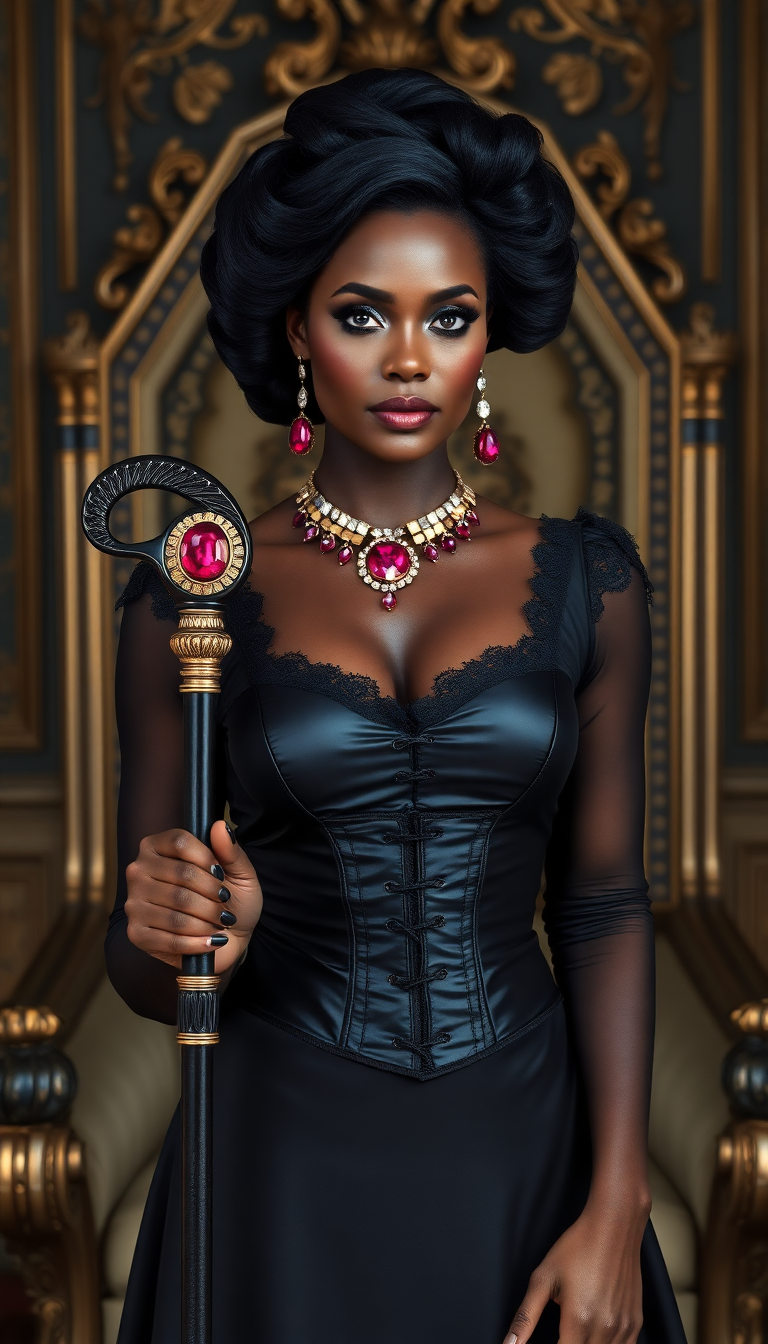
Dark skinned African American woman
flux
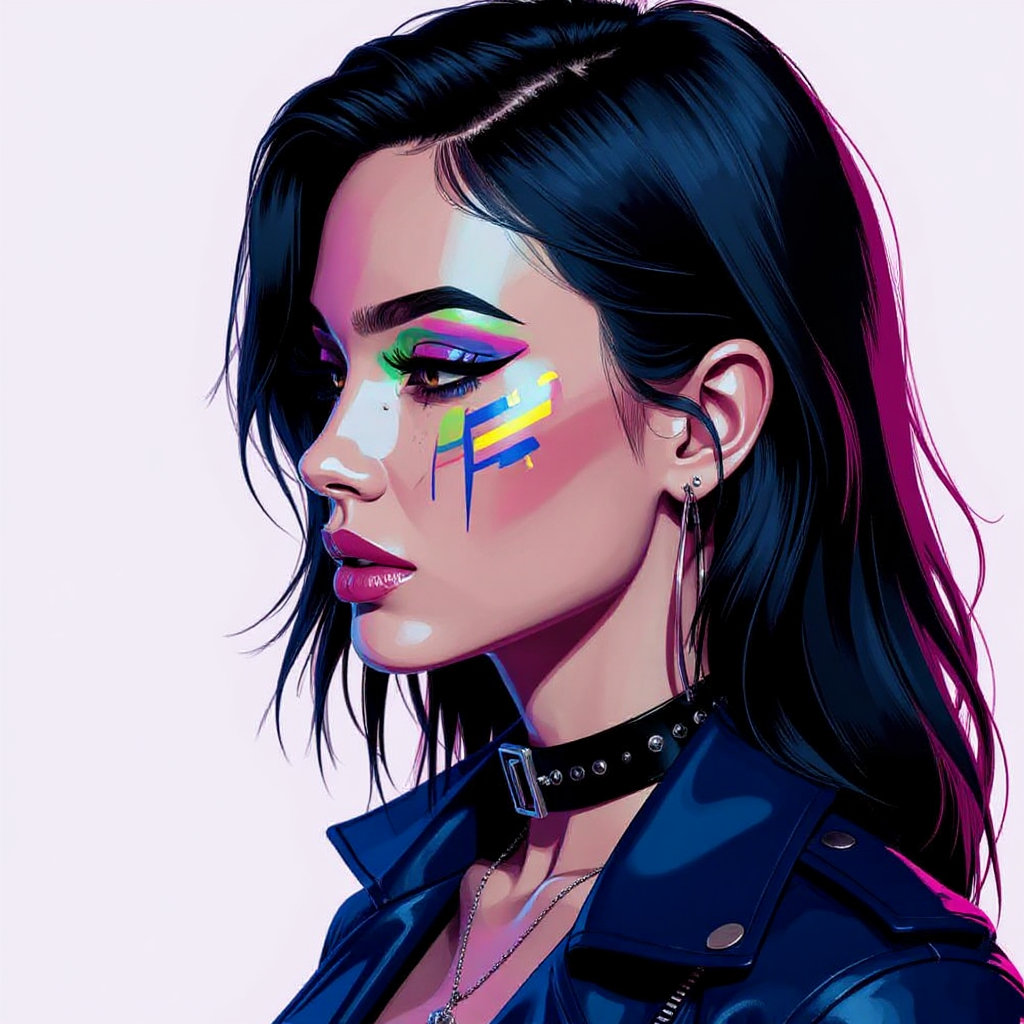
Portrait series with neutral background
consistent-characters
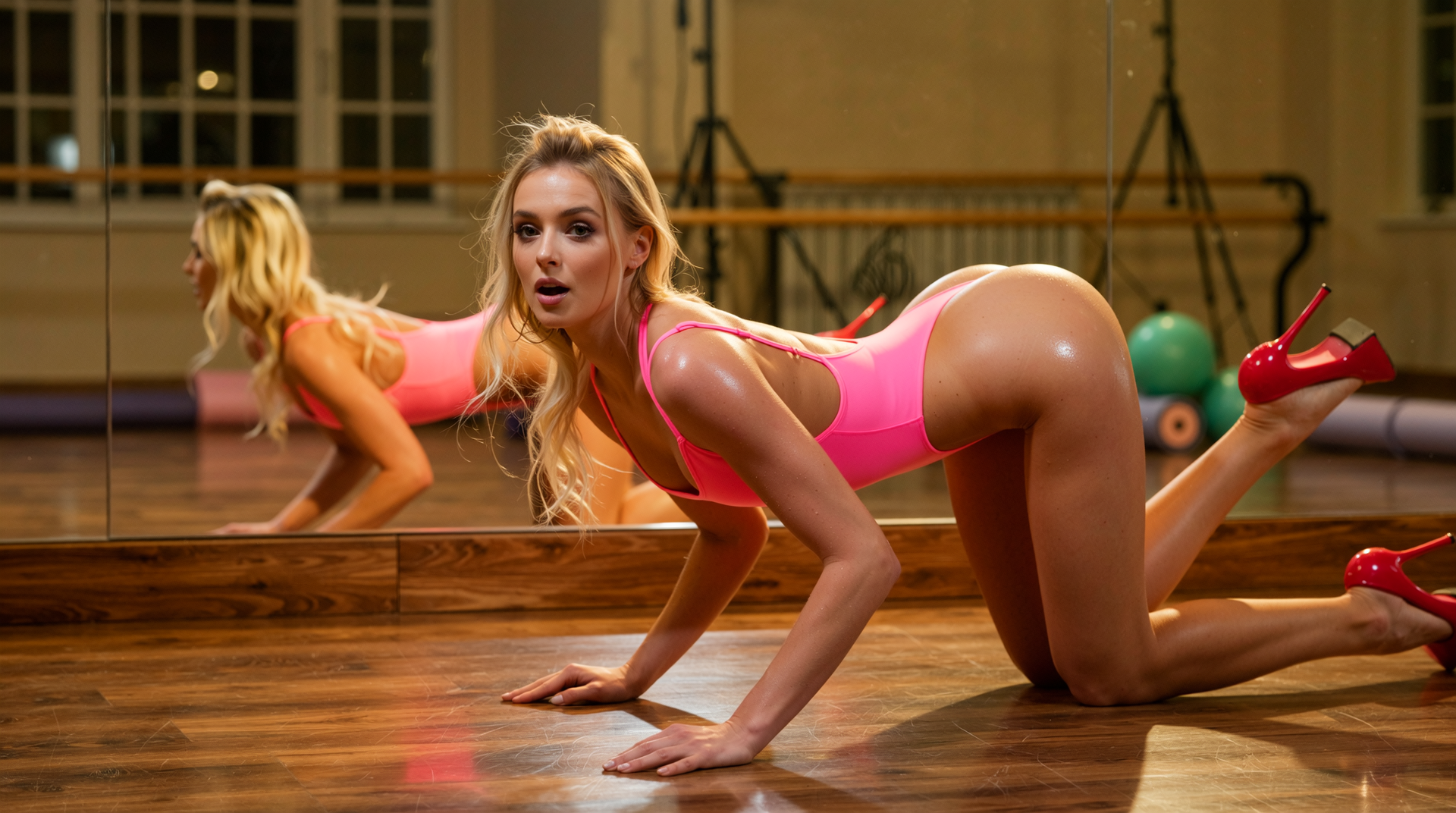
A woman on all fours
wan-image
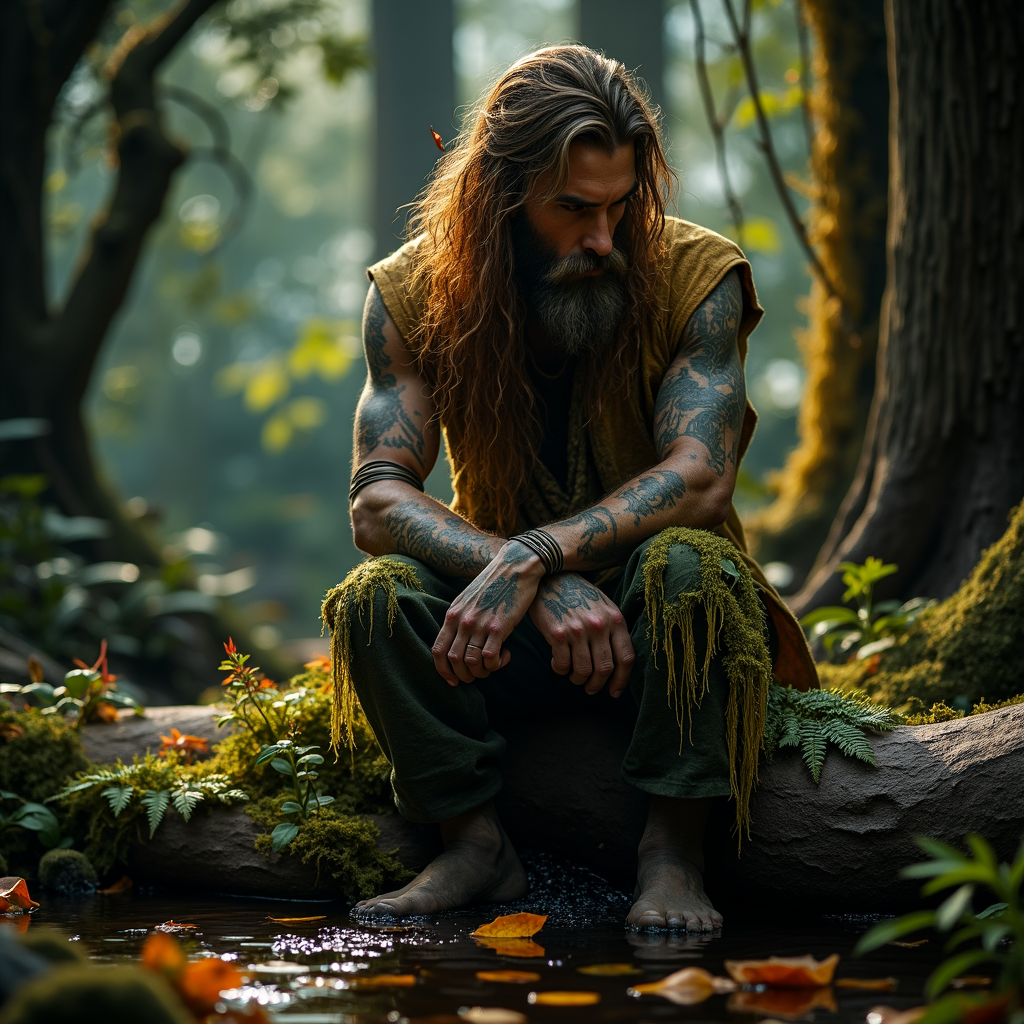
sketch to image ai on PixelDojo
stable-diffusion
Models you can run on PixelDojo for sketch to image ai
Switch models without switching tools. Each one runs in the same PixelDojo studio.
What you can do with sketch to image ai on PixelDojo
Sketch to Finished Image
Upload a line drawing and we generate a full image that follows your composition. Add a short prompt so subject, lighting, and mood stay aligned with the sketch.
Prompt Guided Control
We use the sketch for structure and your text for details such as materials, camera, and setting. Change the prompt and regenerate without redrawing the original lines.
Style and Detail Options
Pick looks such as photo, illustration, or concept art while we keep the sketch as a spatial guide. Tune color, texture, and finish so the output fits your project.
Iterate Compare and Export
We save versions from the same sketch so you can compare results side by side. Download files at production resolution for editing or delivery.
Loved by thousands of creators worldwide who generate millions of images every month. 40+ cutting-edge AI tools with cancel-anytime plans. Join designers, artists, and brands already turning sketches into finished work daily.
Why Choose Pixel Dojo for sketch to image ai
Professional-quality results with cutting-edge AI technology
Photorealistic Results from Even Rough Doodles
You turn the simplest pencil sketch or crayon drawing into a lifelike photograph, product shot, or cinematic scene. Natural lighting, skin texture, fabric folds, and environmental details appear automatically while your original composition stays intact. Perfect for portraits, architecture, fashion, and packaging mockups that look professionally shot.
Full Control Over Style, Lighting, and Details
You keep the exact proportions and layout of your sketch while choosing photorealistic, artistic, cinematic, or any custom look. Generate unlimited variations, adjust camera angles, and refine specific areas until the image matches the vision in your head. Iterate faster than traditional methods ever allowed.
Professional Output Without Skills or Extra Cost
You produce print-ready, commercially usable images without 3D software, rendering farms, or hiring specialists. Upscale to 4K, remove backgrounds, and export in seconds. Thousands of creators already replace weeks of work with a few clicks on PixelDojo.
How It Works
You create stunning images from sketches in three simple steps using PixelDojo’s Image to Image tool powered by Flux.2 Studio, Flux.1 Studio, SDXL, and Krea Image. No technical knowledge required.
Step 1: Upload Your Sketch and Select the Right Model
Open Edit Images and choose Image to Image, or go straight to Generate Images. Upload a photo of your hand-drawn sketch, digital line art, or even a napkin doodle. Select Flux.2 Studio for the highest photorealistic fidelity that respects every line, Flux.1 Studio for fast high-quality results, SDXL for versatile artistic control, or Krea Image for painterly interpretations. These models are built to understand sketch structure so your composition stays exactly as you drew it.
Step 2: Describe Your Vision and Fine-Tune Settings
Write a short prompt that tells the AI what the finished image should look like: materials, lighting, environment, camera angle, and mood. Example: “photorealistic architectural photograph of this building at golden hour, glass and concrete, cinematic lighting, 8k detail.” Lower the strength slider if you want the AI to stay closer to your original lines; raise it for more creative interpretation. Add a negative prompt to avoid unwanted elements. PixelDojo’s models interpret sketch intent better than ever, filling in realistic details while honoring your drawing.
Step 3: Generate, Refine, Enhance, and Download
Hit generate and receive your image in seconds. Use Inpainting to perfect any small area, Style Transfer or Magic Lighting for extra polish, then P-Image Upscale, Magnific Upscaler, or Clarity Pro to reach print-ready 4K. For faces or characters, apply Face Swap or Consistent Characters. Download high-resolution files ready for web, print, or client presentation. Repeat as many times as you want until every detail is perfect.
The Pixel Dojo Advantage
Why PixelDojo outperforms other options for sketch to image AI generation
| Others | Pixel Dojo |
|---|---|
| Traditional sketch-to-image creation | You receive photorealistic, client-ready images in seconds instead of spending days on 3D modeling, texturing, lighting, and rendering. Generate ten variations while traditional workflows produce one. |
| Generic AI tools | PixelDojo’s Image to Image workflow with Flux.2 Studio and Flux.1 Studio preserves your exact sketch lines, proportions, and composition far more accurately, giving you the professional control generic text-only generators cannot match. |
| Manual photo editing and rendering | You skip hours of masking, cloning, lighting setups, and render farms. PixelDojo automatically adds realistic materials, shadows, and atmosphere so you stay in creative flow instead of technical grind. |
Loved by creators on PixelDojo
Real feedback from people using PixelDojo, pulled from our in-product surveys.
Prompt updates, strong features, and a community that is always willing to help and hear/act on professional feedback. I've never had a better experience.
user friendly all in one thing
I really like the schedule of AI work performed!
The best tools for IA on the web !
The guy that operates the website is constantly updating it
I’ve been using PixelDojo for around 8 months now and it’s always worked wonderfully while constantly adding features.
Explore more AI tools on PixelDojo
AI Tools
Compare & Switch
- Best AI Image Generators
- Best AI Video Generators
- Midjourney Alternatives
- Civitai Alternatives
- Runway Alternatives
- Leonardo Alternatives
- Pika Alternatives
- Luma Alternatives
- Magnific Alternatives
- Veo Alternatives
- Flux Alternatives
- Freepik Alternatives
- Seedance Alternatives
- Seedream Alternatives
- Pixverse Alternatives
- GPT Image Alternatives
- Synthesia Alternatives
- Playground Alternatives
- NightCafe Alternatives
- Canva AI Alternatives
- ElevenLabs Alternatives
- ComfyUI Alternatives
- Fal Alternatives
- Replicate Alternatives
Common Questions
Everything you need to know about sketch to image ai
What is the best sketch to image AI for turning drawings into photorealistic photos?
PixelDojo’s Flux.2 Studio and Flux.1 Studio inside the Image to Image tool currently deliver the most accurate photorealistic results from sketches. They keep your original lines and composition while adding natural lighting, textures, and details that look like they were photographed. Thousands of product designers, architects, and artists already rely on these models for client work.
How do I convert a pencil sketch to a photorealistic image with PixelDojo?
Upload your sketch to Image to Image, choose Flux.2 Studio or Flux.1 Studio, write a prompt describing the desired lighting, materials, and environment, then generate. The AI follows your drawing’s structure and fills in realistic details automatically. Refine with Inpainting and upscale with Magnific Upscaler or P-Image Upscale for print quality.
Can AI turn a simple doodle or child’s drawing into a professional image?
Yes. Even rough, incomplete, or child-like sketches work. PixelDojo interprets the intent behind the lines and produces polished photorealistic or artistic versions. Parents, educators, and concept artists use this daily to turn quick ideas into finished visuals without extra drawing skill.
Which PixelDojo tools are best for sketch to image AI generation?
Start with Image to Image using Flux.2 Studio for maximum photorealism, Flux.1 Studio for speed, SDXL or Krea Image for artistic styles, and QWEN Image 2 for complex scenes. Follow up with Inpainting, Style Transfer, Magic Lighting, Background Remover, and upscalers like Clarity Pro or Portrait Upscaler. All 40+ tools work together in one place.
Is sketch to image AI on PixelDojo free to try and can I use the images commercially?
You can start creating immediately with PixelDojo’s plans. 40+ cutting-edge AI tools are included, loved by thousands of creators worldwide, and you can cancel anytime. Generated images are yours to use commercially according to your plan terms, making it ideal for client work, products, and marketing.
How can I get the highest quality results from my sketches?
Use high-contrast sketches on a clean background. Write specific prompts that mention lighting, camera lens, materials, and mood. Generate a few variations, then refine problem areas with Inpainting. Finish with P-Image Upscale, Magnific Upscaler, or Reality Polisher. For characters, add Consistent Characters or Face Swap. These steps consistently produce professional-grade images.