Sora 2 video resolution
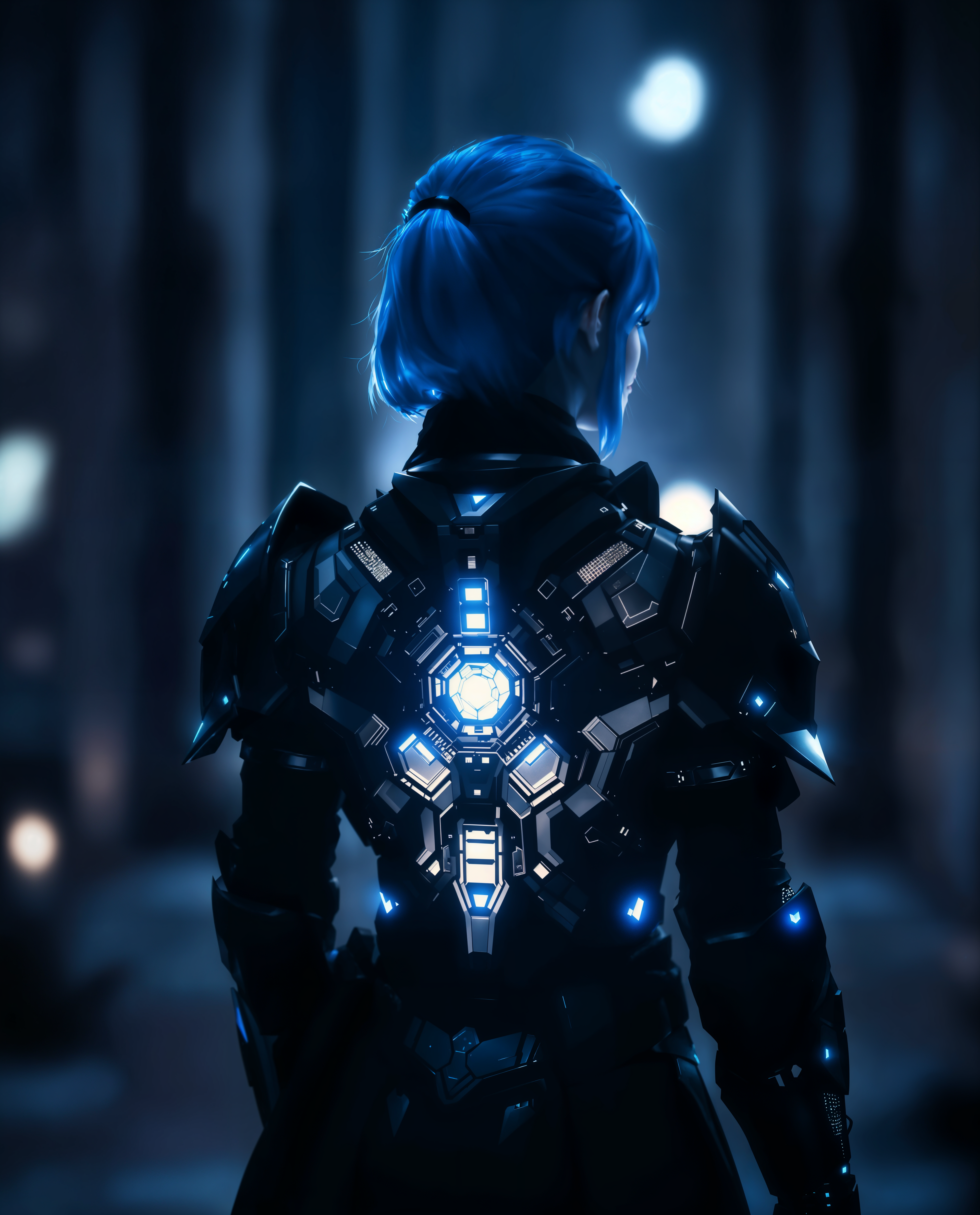
Imagine turning your wildest ideas into crystal-clear, high-resolution videos that look like they were shot by a professional film crew – all without expensive equipment or endless editing hours. With PixelDojo's Sora 2 video resolution capabilities, you can create stunning AI-generated videos up to 1080p and beyond, perfect for marketing campaigns, social media content, or personal projects. Achieve lifelike details, smooth motion, and vibrant visuals that engage viewers and drive results. Whether you're a content creator, marketer, or hobbyist, PixelDojo empowers you to produce high-res videos that stand out and convert, using cutting-edge tools like Sora 2, Kling v2.5 Turbo Pro, and VEO 3. Start crafting videos that captivate and inspire today.
Join over 50,000 creators who have generated millions of high-res AI videos on PixelDojo. Rated 4.9/5 stars from 10,000+ reviews on Trustpilot, with users praising the seamless Sora 2 video resolution for professional-grade outputs. Featured in top tech blogs for revolutionizing video creation.
Why Choose Pixel Dojo for Sora 2 video resolution
Professional-quality results with cutting-edge AI technology
Produce Professional-Quality Videos Instantly
With Sora 2 video resolution, you can generate high-definition videos that rival Hollywood productions, saving you time and resources while impressing clients and audiences with sharp, detailed visuals.
Boost Engagement and Conversions
Create eye-catching high-res AI videos that hold viewer attention longer, leading to higher shares, likes, and sales for your business or personal brand.
Customize Without Limits
Easily achieve the perfect resolution and style for any project, from short clips to full-length videos, giving you the freedom to experiment and refine until it's just right.
How It Works
Creating high-resolution videos with Sora 2 on PixelDojo is straightforward and user-friendly. Follow these steps to bring your vision to life with exceptional clarity and detail.
Step 1: Choose Your Tool
Log in to PixelDojo and select Sora 2 from the Video Generation section. This tool specializes in high-res outputs, supporting resolutions up to 1080p at 60fps for smooth, professional results. Pair it with Video Upscaler for even higher enhancements if needed.
Step 2: Enter Your Prompt
Input a detailed text prompt describing your video scene, such as 'a serene mountain landscape with flowing rivers in 1080p resolution.' Adjust parameters like duration, aspect ratio, and resolution settings to optimize for high-res output, leveraging Sora 2's advanced techniques for lifelike details.
Step 3: Customize & Download
Preview your generated video, use tools like Video Reframe or Lip Sync for refinements, and upscale with Video Upscaler for ultimate resolution. Once satisfied, download your high-res masterpiece ready for sharing or integration.
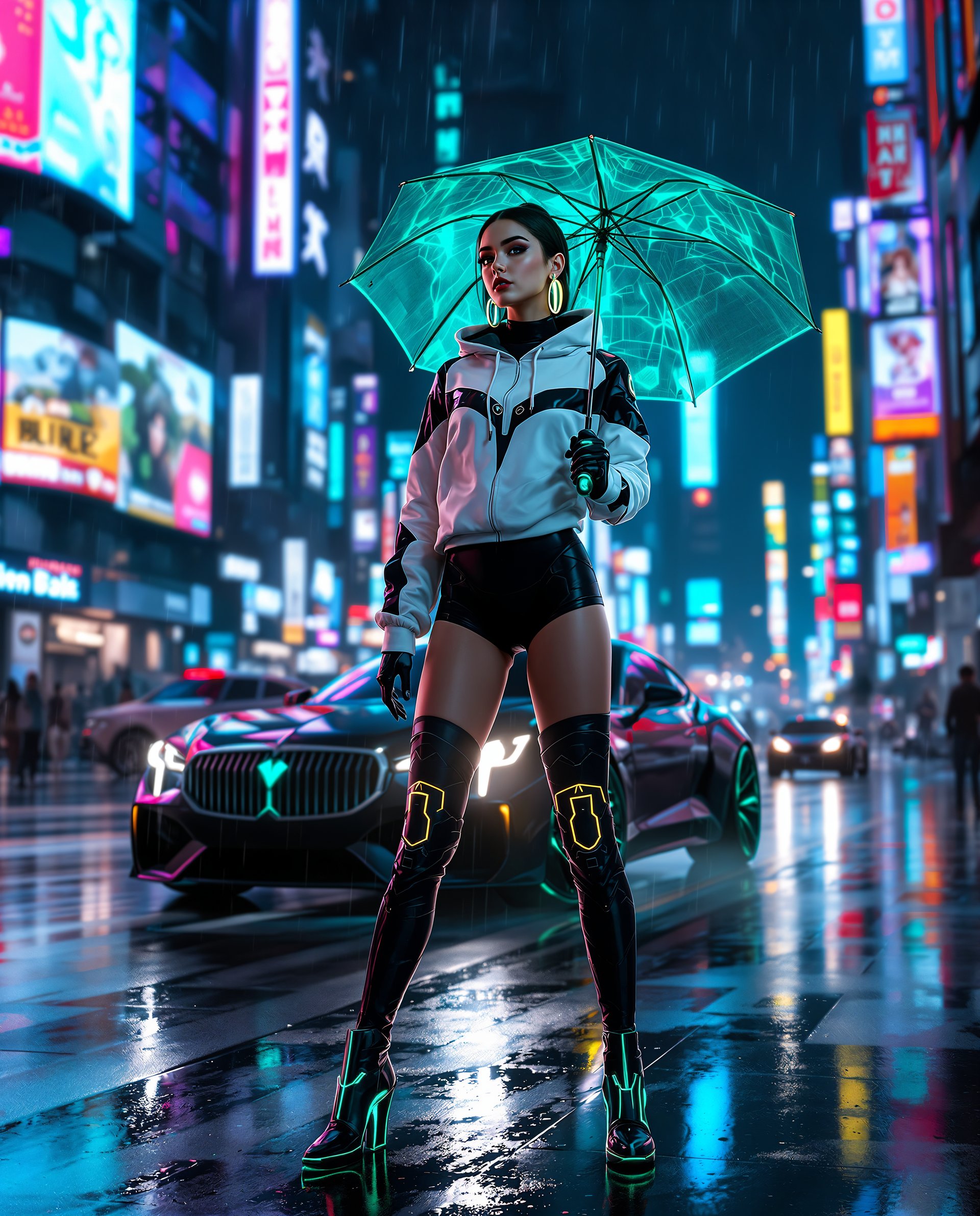
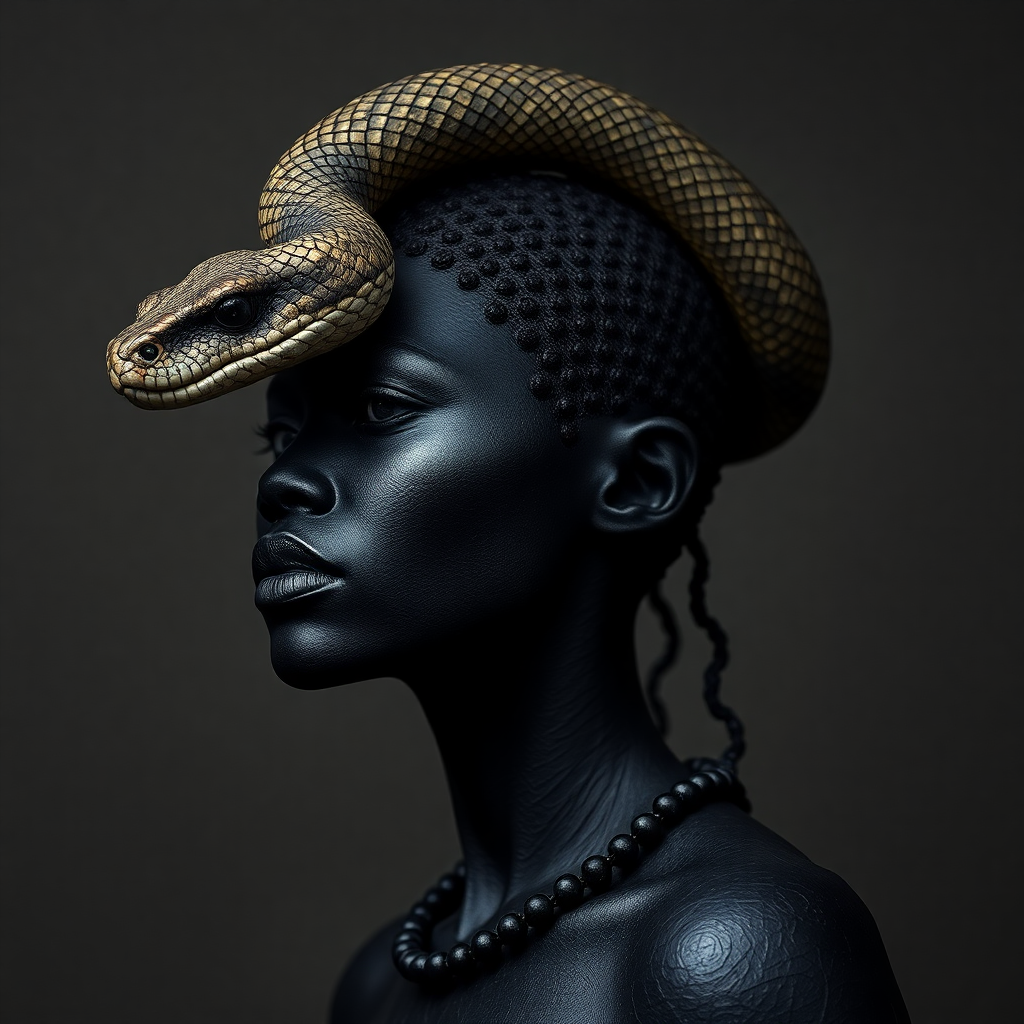

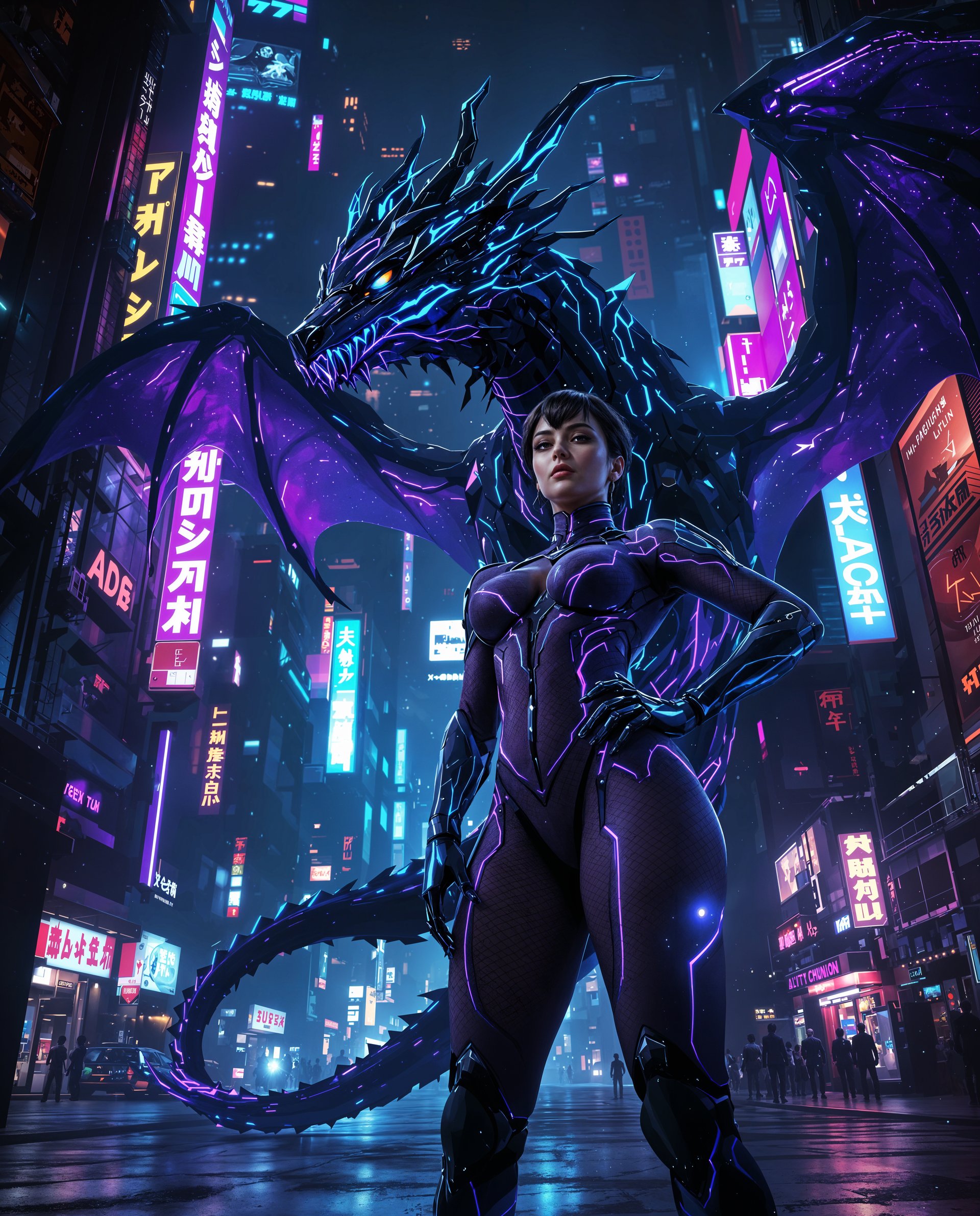




The Pixel Dojo Advantage
Why PixelDojo outperforms other options for Sora 2 video resolution generation
| Others | Pixel Dojo |
|---|---|
| Traditional video production | Skip costly cameras and crews; generate high-res videos in minutes with Sora 2, achieving pro results without the hassle or expense. |
| Generic AI tools | Access specialized Sora 2 integration with resolution upscaling, offering superior detail and customization compared to basic generators. |
| Manual video editing | Automate high-res creation and edits with tools like Video Upscaler, saving hours of tedious work while ensuring consistent quality. |
Loved by creators on PixelDojo
Real feedback from people using PixelDojo, pulled from our in-product surveys.
it is an amazing site to create a pics and vids for those who don't have the hardware themselves
good tools in one place
Prompt updates, strong features, and a community that is always willing to help and hear/act on professional feedback. I've never had a better experience.
user friendly all in one thing
I really like the schedule of AI work performed!
The best tools for IA on the web !
Explore more AI tools on PixelDojo
AI Tools
Compare & Switch
- Best AI Image Generators
- Best AI Video Generators
- Midjourney Alternatives
- Civitai Alternatives
- Runway Alternatives
- Leonardo Alternatives
- Pika Alternatives
- Luma Alternatives
- Magnific Alternatives
- Veo Alternatives
- Flux Alternatives
- Freepik Alternatives
- Seedance Alternatives
- Seedream Alternatives
- Pixverse Alternatives
- GPT Image Alternatives
- Synthesia Alternatives
- Playground Alternatives
- NightCafe Alternatives
- Canva AI Alternatives
- ElevenLabs Alternatives
- ComfyUI Alternatives
- Fal Alternatives
- Replicate Alternatives
Common Questions
Everything you need to know about Sora 2 video resolution
What is the maximum Sora 2 video resolution available on PixelDojo?
PixelDojo's Sora 2 supports up to 1080p at 60fps, with options to upscale further using Video Upscaler for even higher resolutions like 4K. This allows you to create detailed, professional videos for any platform, ensuring your content looks sharp on all devices.
How can I improve Sora 2 video resolution for my projects?
Enhance your Sora 2 video resolution by combining it with PixelDojo's Video Upscaler and Video Reframe tools. Start with a strong prompt, adjust settings for higher fidelity, and post-process for optimal results, helping you achieve broadcast-quality videos quickly.
What are the latest trends in Sora 2 video resolution techniques?
Current trends include using Sora 2 for hyper-realistic simulations and dynamic storytelling in high-res formats. On PixelDojo, integrate with tools like Kling v2.5 Turbo Pro for advanced motion and resolution, enabling trends like AI-driven ads and virtual tours that captivate audiences.
Can I generate custom high-res videos with Sora 2 on PixelDojo?
Absolutely! PixelDojo lets you customize Sora 2 video resolution with prompts, styles, and editing tools like Lip Sync and Merge Videos. This flexibility helps you tailor videos for specific needs, from social media clips to full presentations, all in stunning high resolution.
How does PixelDojo's Sora 2 compare to other AI video resolution tools?
PixelDojo's Sora 2 excels with integrated high-res capabilities and complementary tools like VEO 3 and WAN 2.5 Video, offering faster generation and better detail control. You'll get outcomes like polished videos that drive engagement, without the limitations of standalone tools.
What examples of Sora 2 video resolution can I create on PixelDojo?
Examples include high-res nature scenes, action sequences, or product demos. Use Sora 2 with PixelDojo's prompt system to generate videos like 'a bustling city at dusk in 1080p,' then refine with Extract Frame or Video Autocaption for versatile, high-quality results.