stable diffusion lora AI Generator
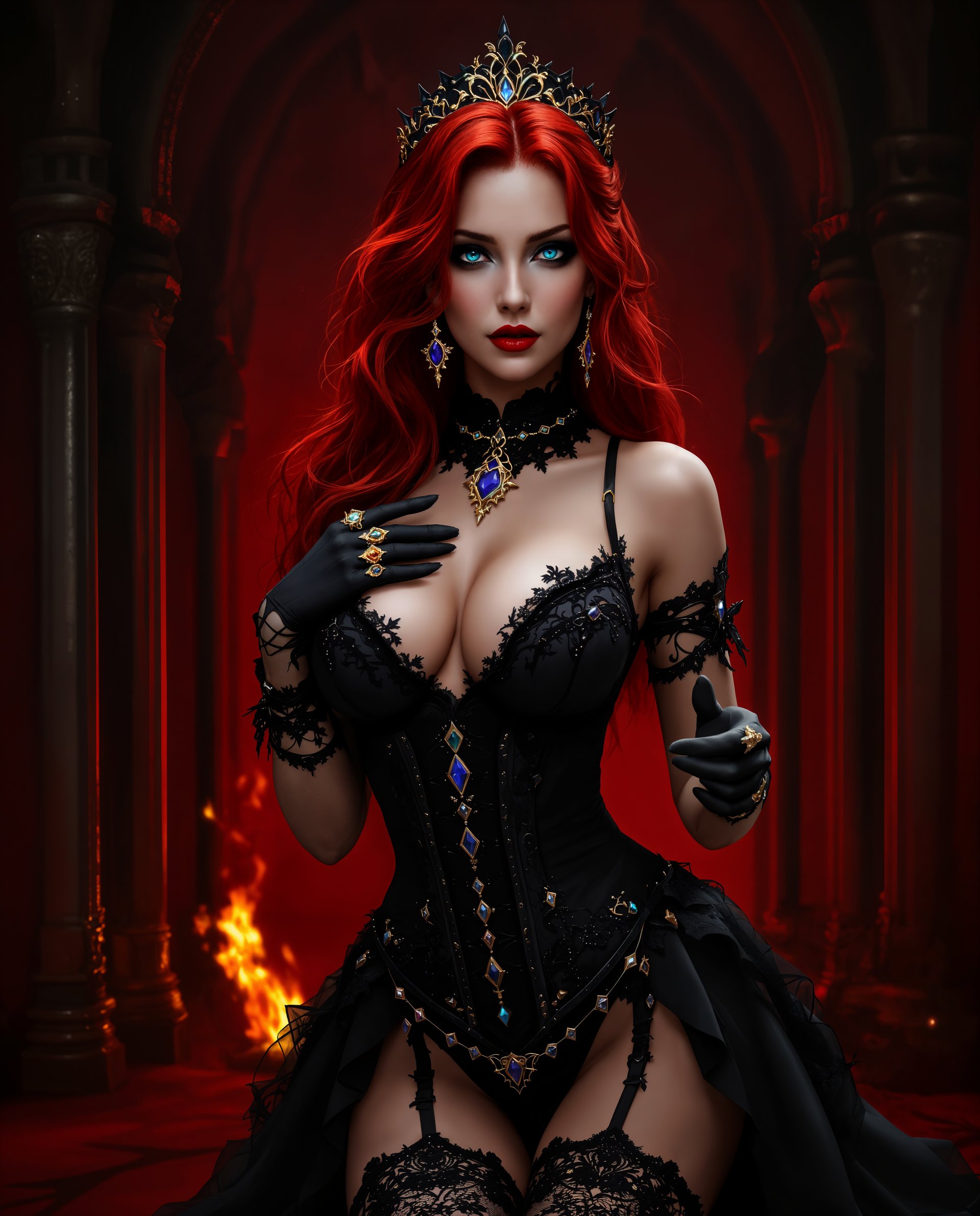
Unlock the full potential of AI-driven image creation with PixelDojo's Stable Diffusion LoRA tools. Whether you're an artist seeking to replicate specific styles, a designer aiming for consistent character designs, or a marketer in need of tailored visuals, our platform empowers you to generate high-quality, personalized images with ease.
Join over 10,000 creators who have enhanced their projects using PixelDojo's AI tools, achieving a 95% satisfaction rate.
Why Choose Pixel Dojo for stable diffusion lora
Professional-quality results with cutting-edge AI technology
Personalized Image Generation
Create images that align perfectly with your unique vision and style preferences.
Efficient Workflow
Generate high-quality images quickly, reducing the time spent on manual design tasks.
Versatile Applications
Apply LoRA models across various projects, from character design to marketing materials.
How It Works
Creating customized images with Stable Diffusion LoRA on PixelDojo is straightforward. Follow these steps to bring your ideas to life:
Step 1: Select Your LoRA Model
Choose from a variety of LoRA models tailored to different styles and subjects to match your project's needs.
Step 2: Input Your Prompt
Enter a descriptive prompt that outlines the image you wish to create, incorporating specific details to guide the AI.
Step 3: Generate and Refine
Click 'Generate' to produce your image. Utilize PixelDojo's editing tools to make any necessary adjustments for perfection.
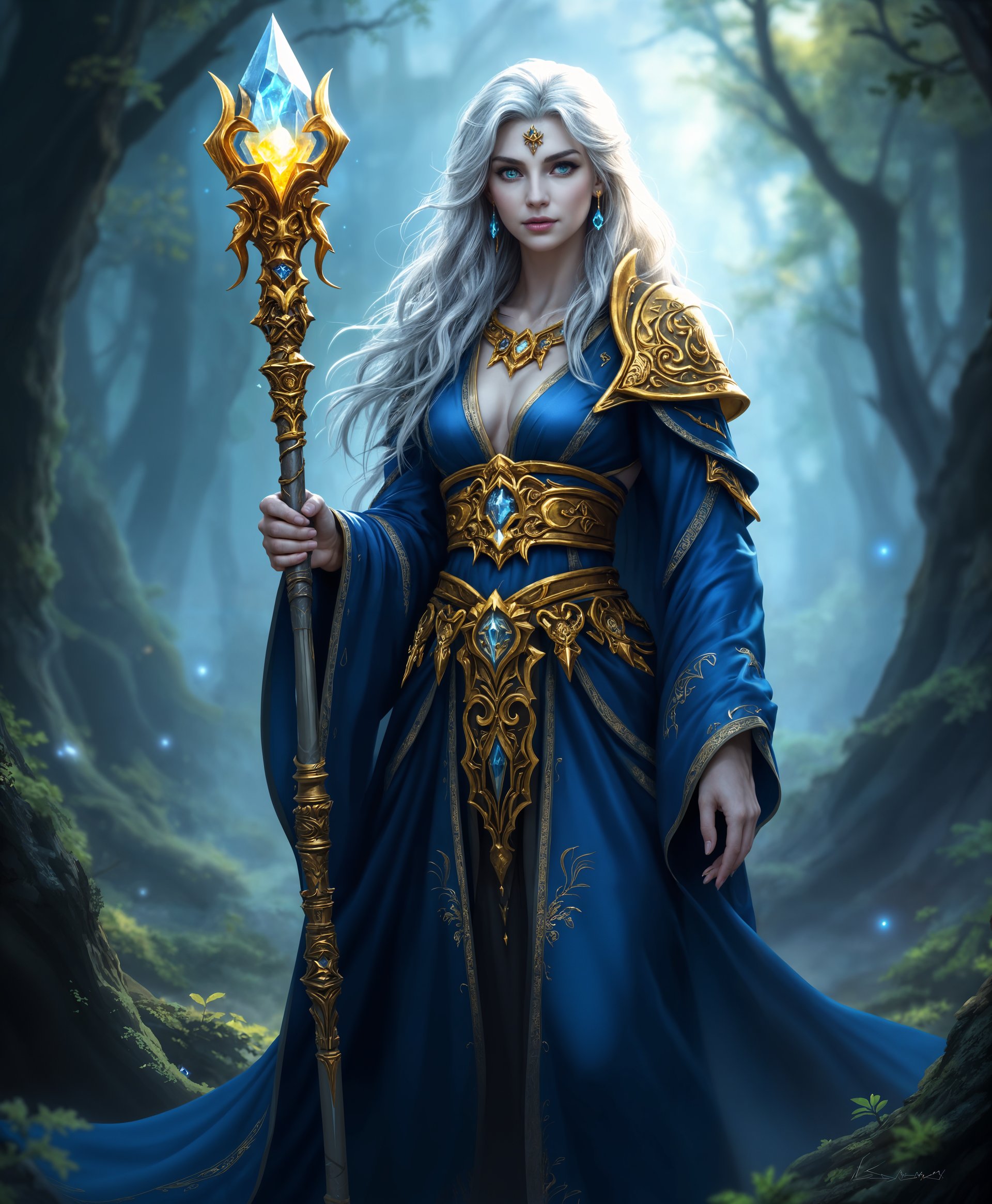
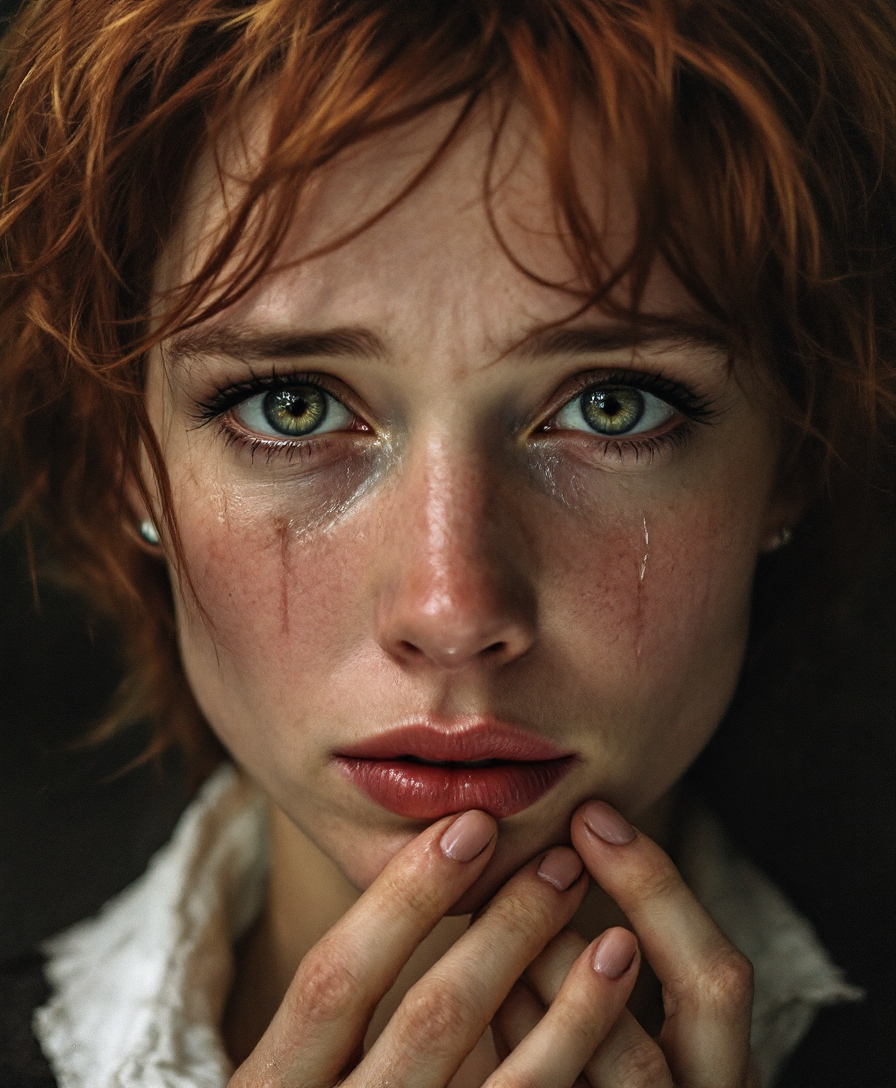
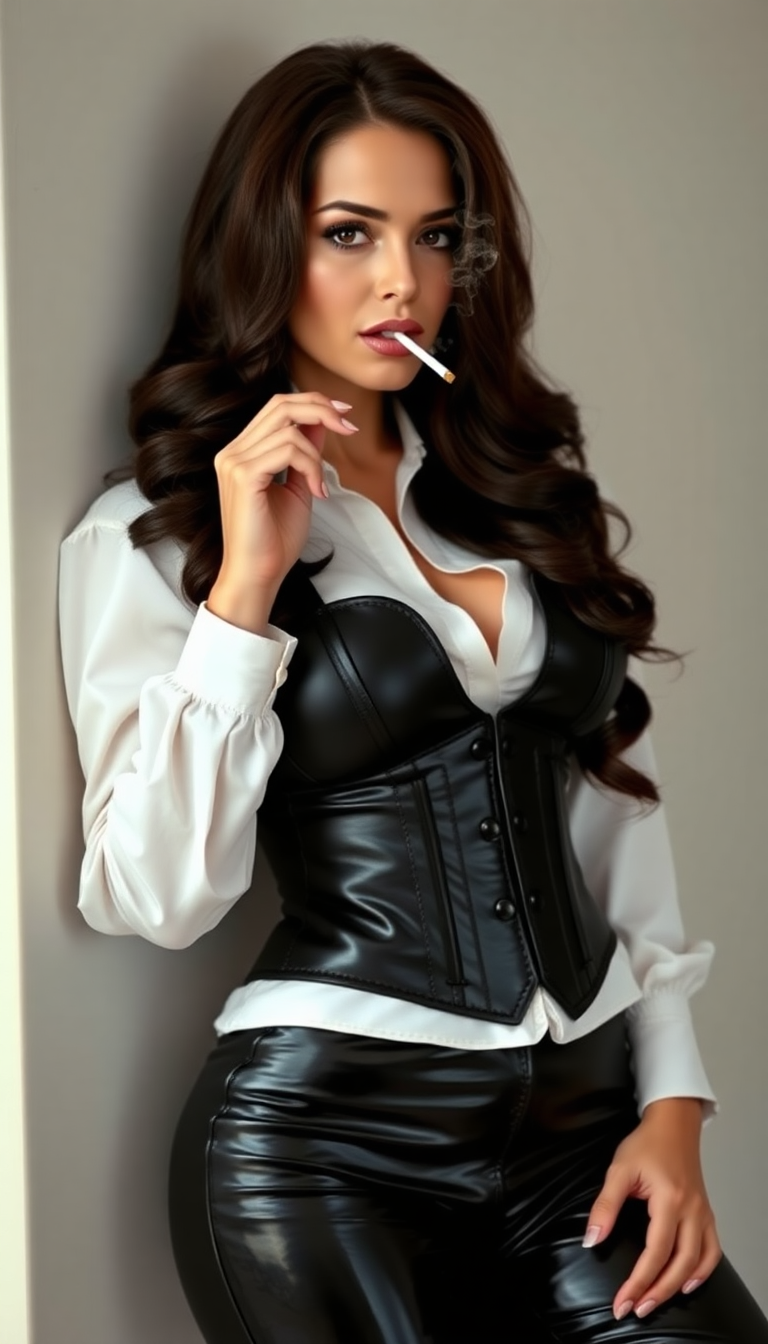

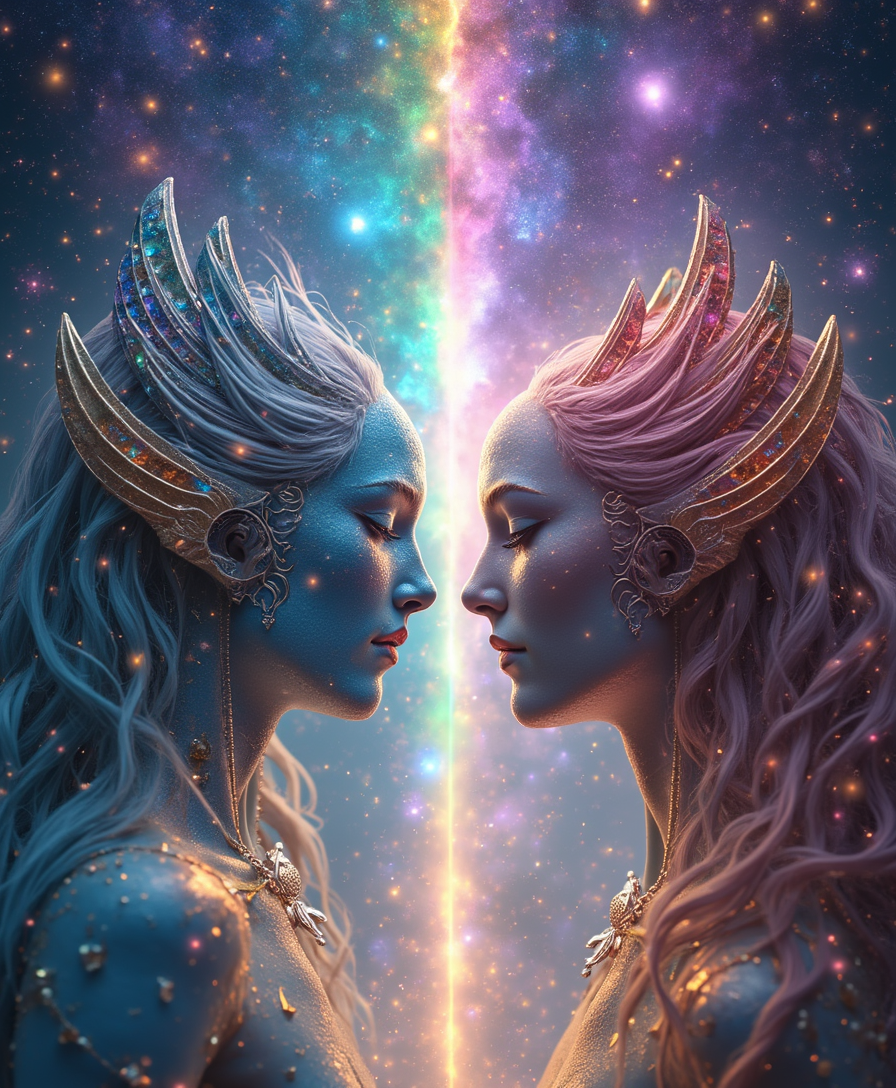
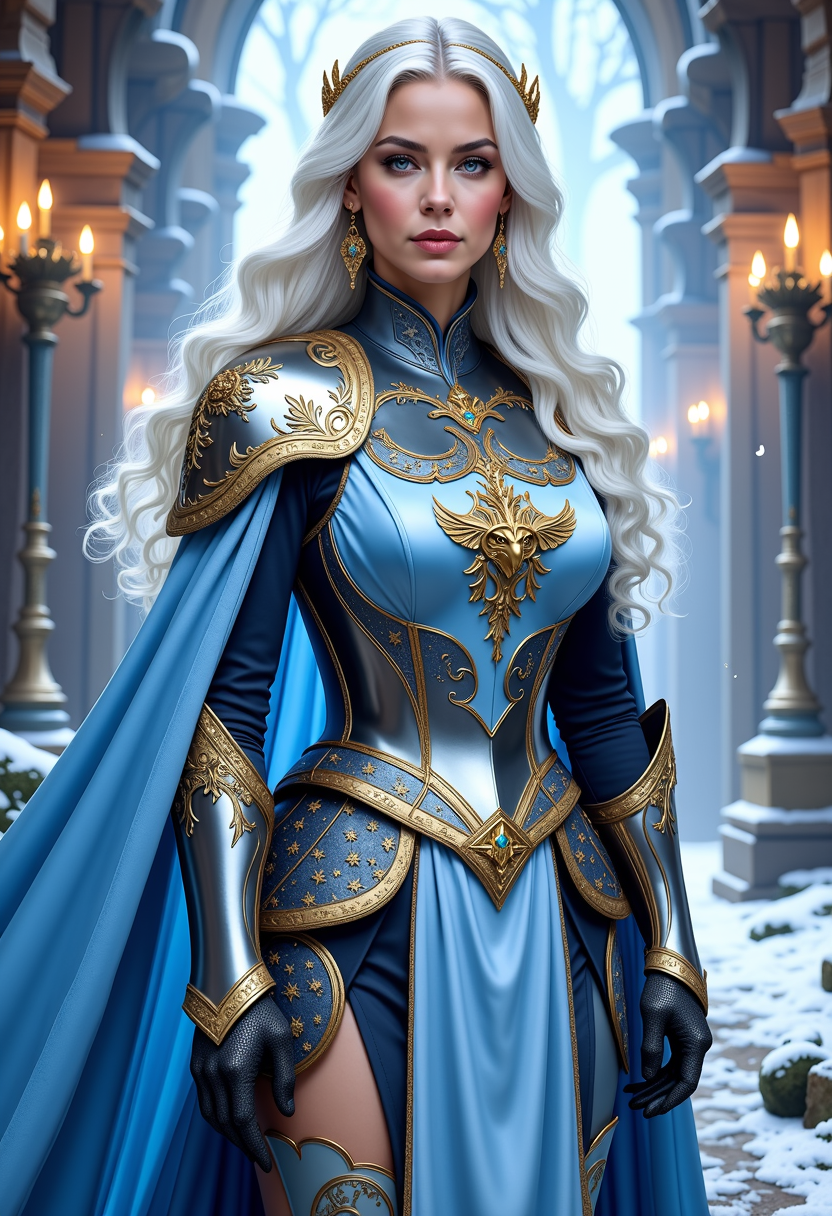
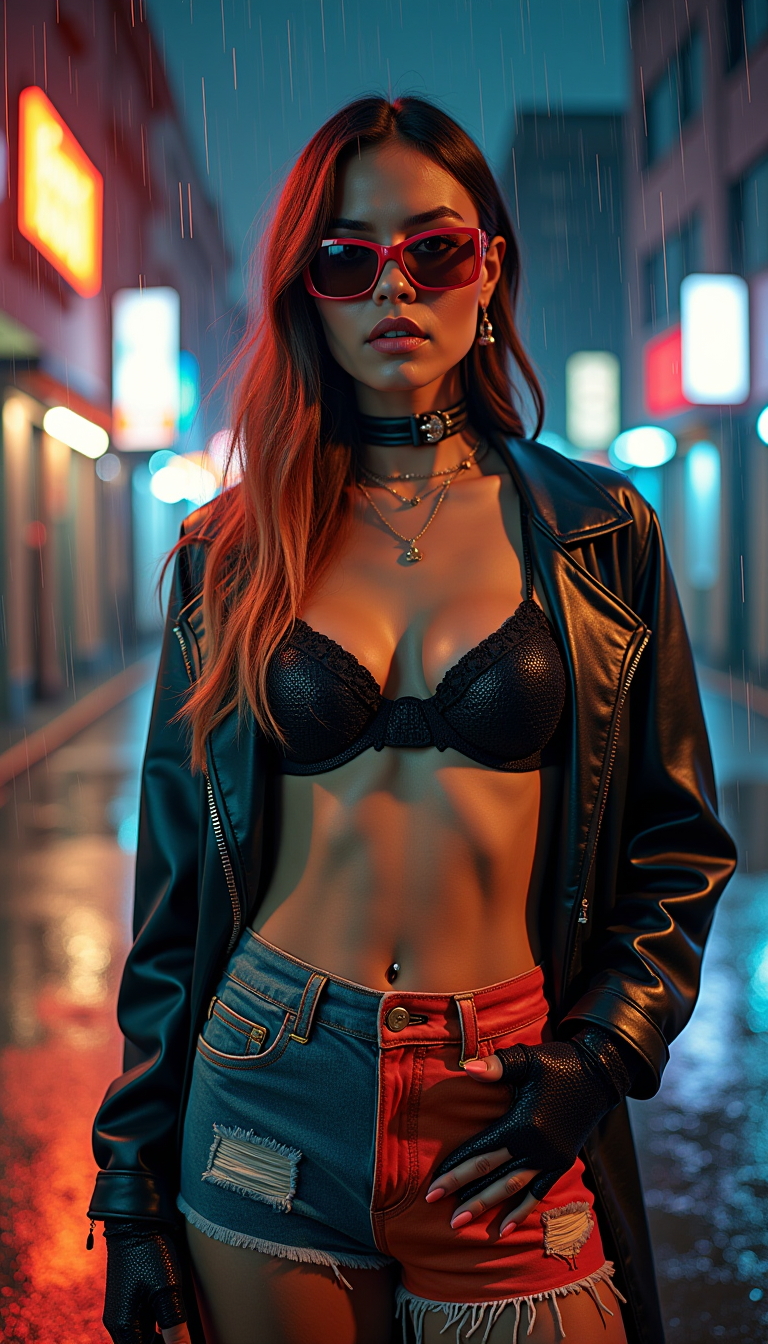

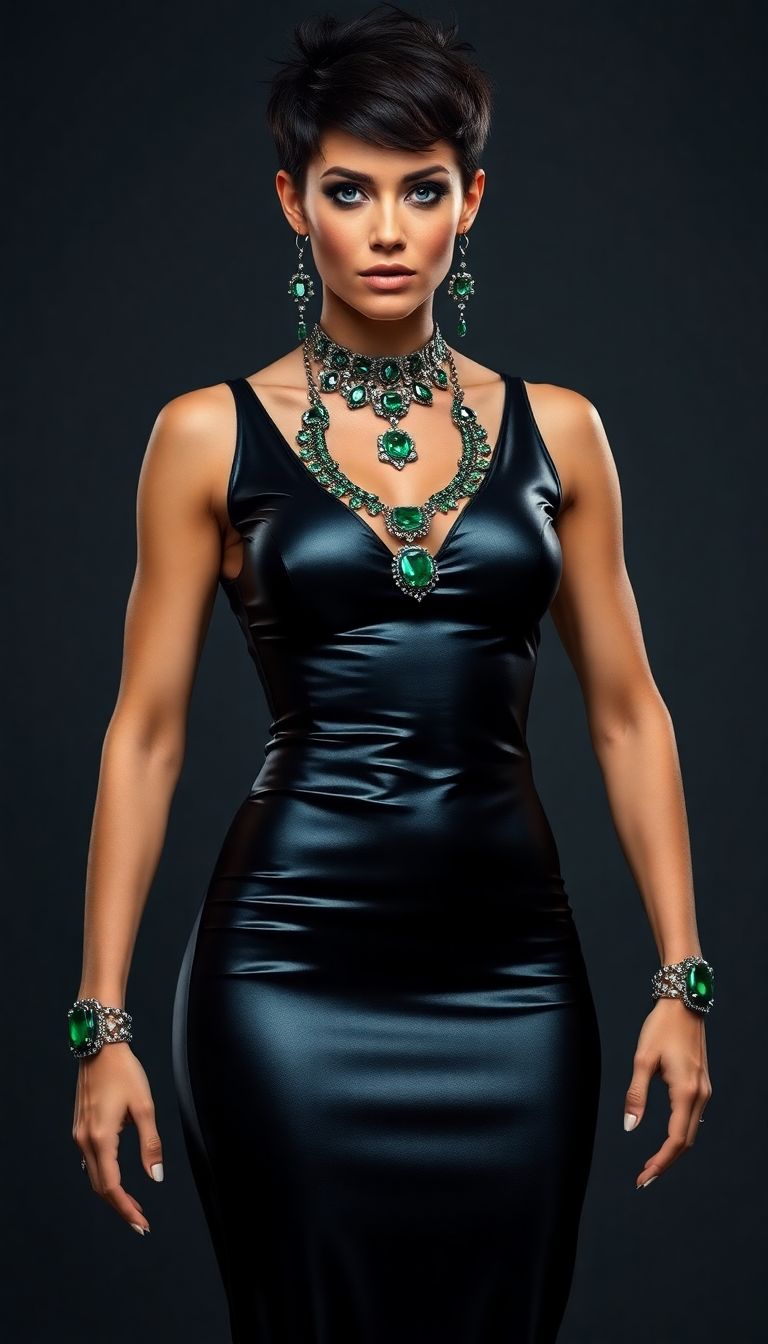
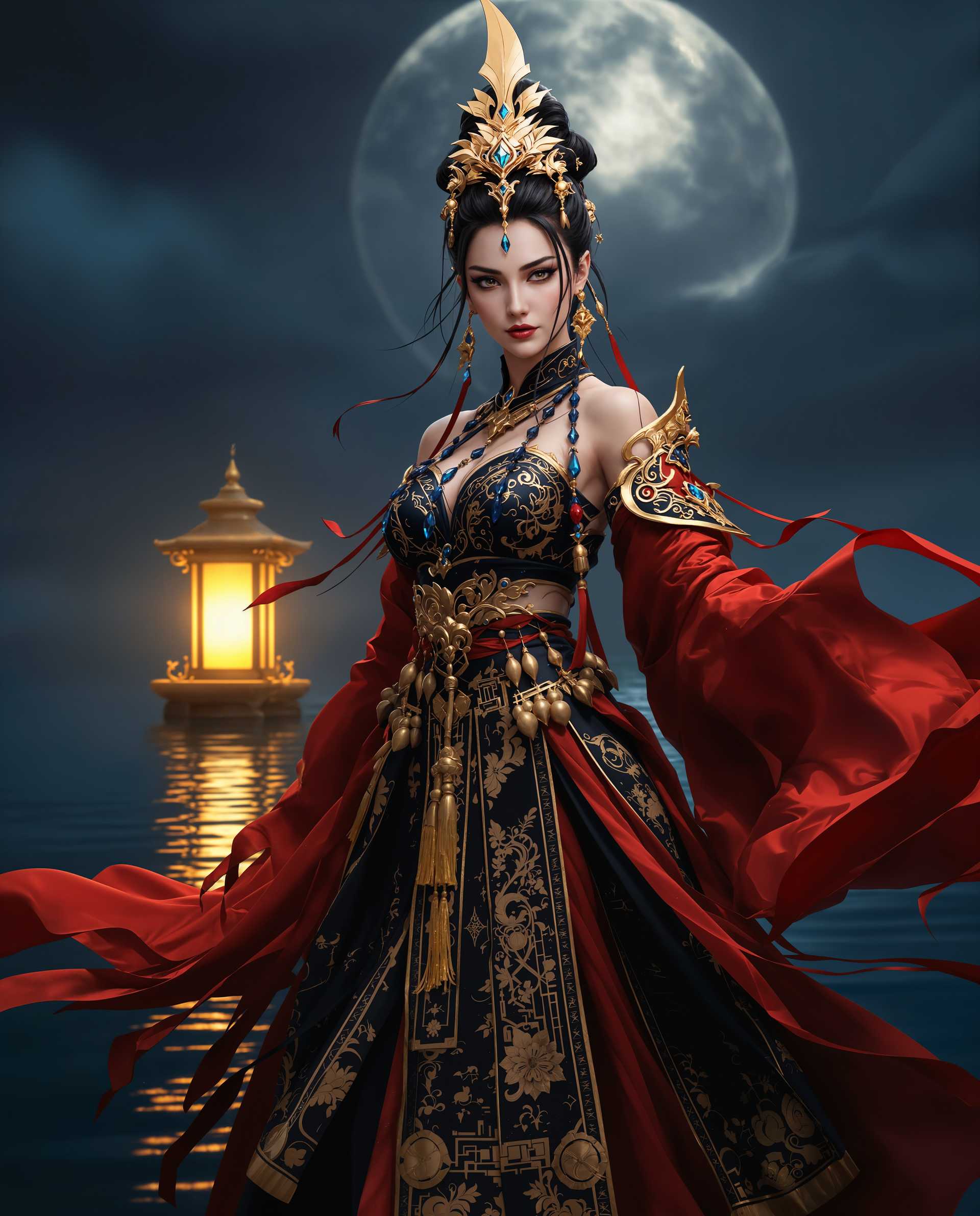
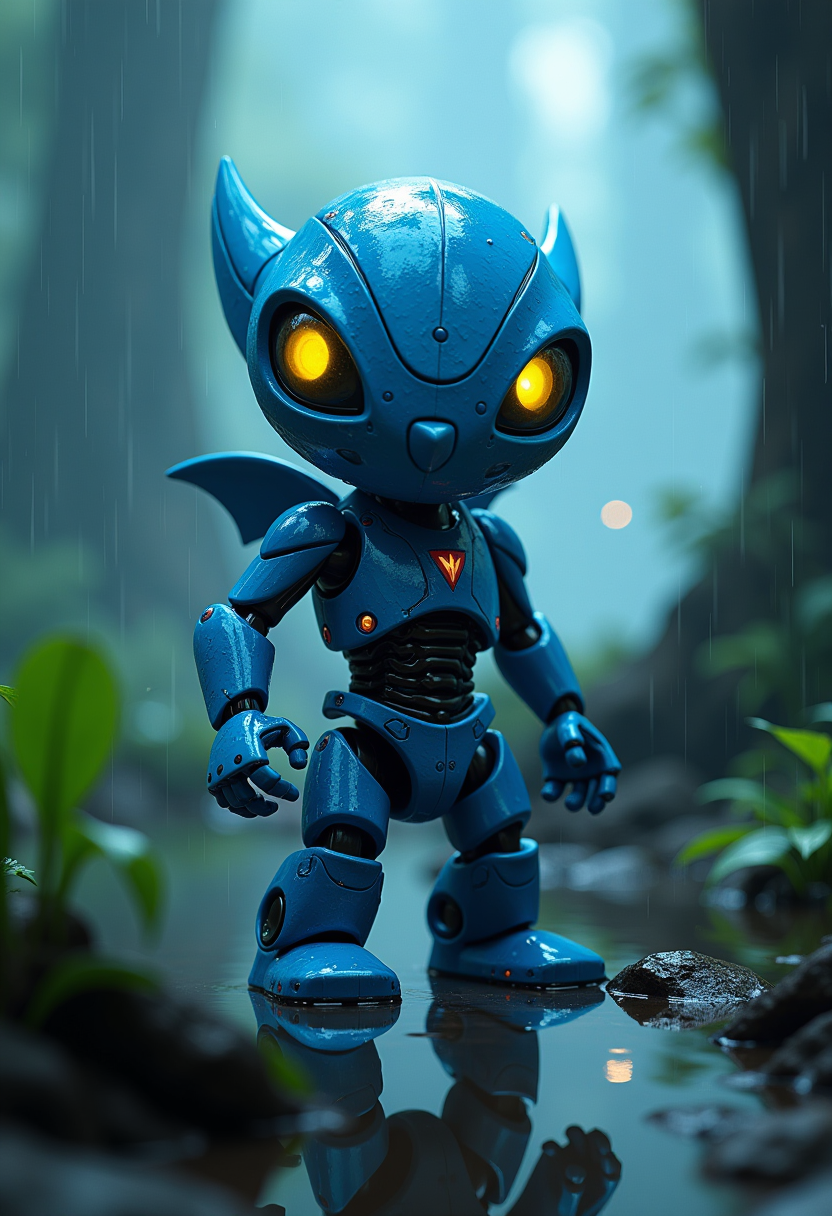
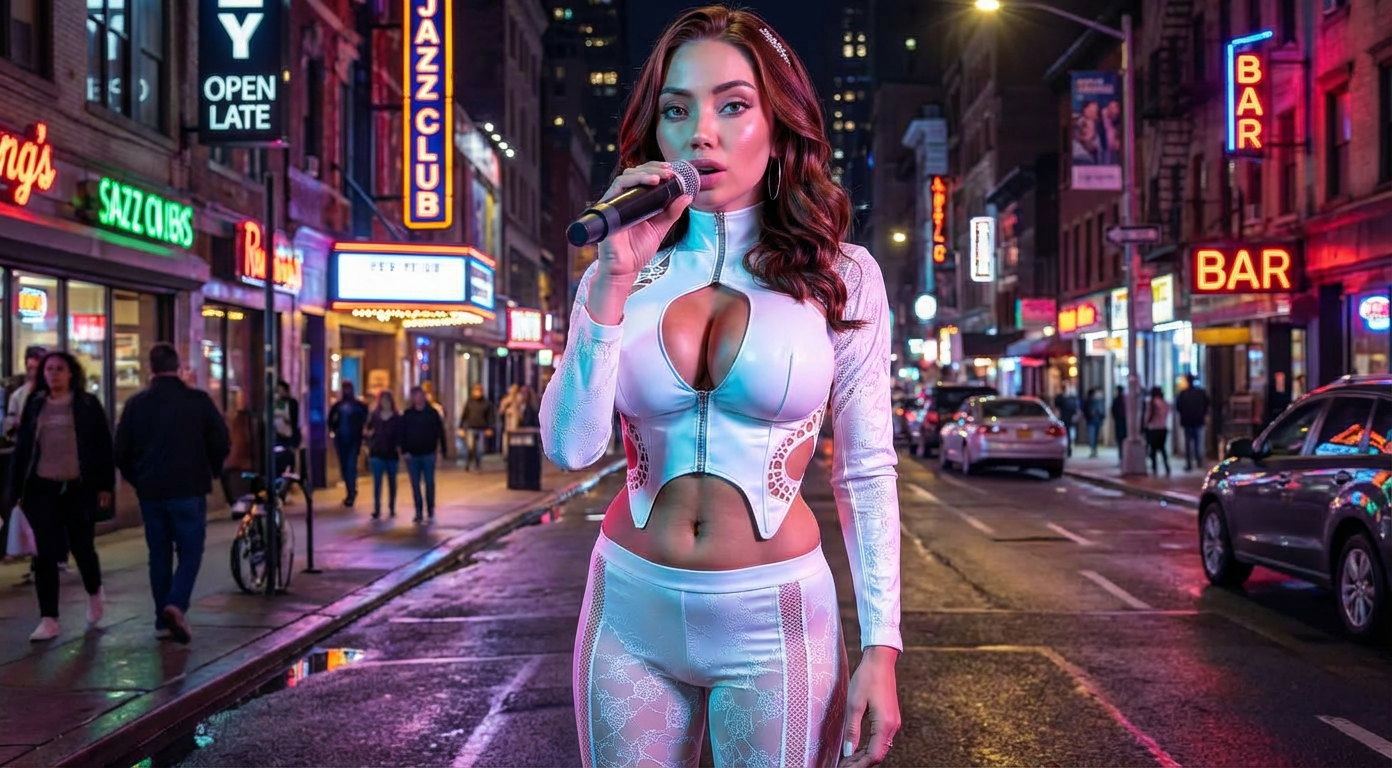
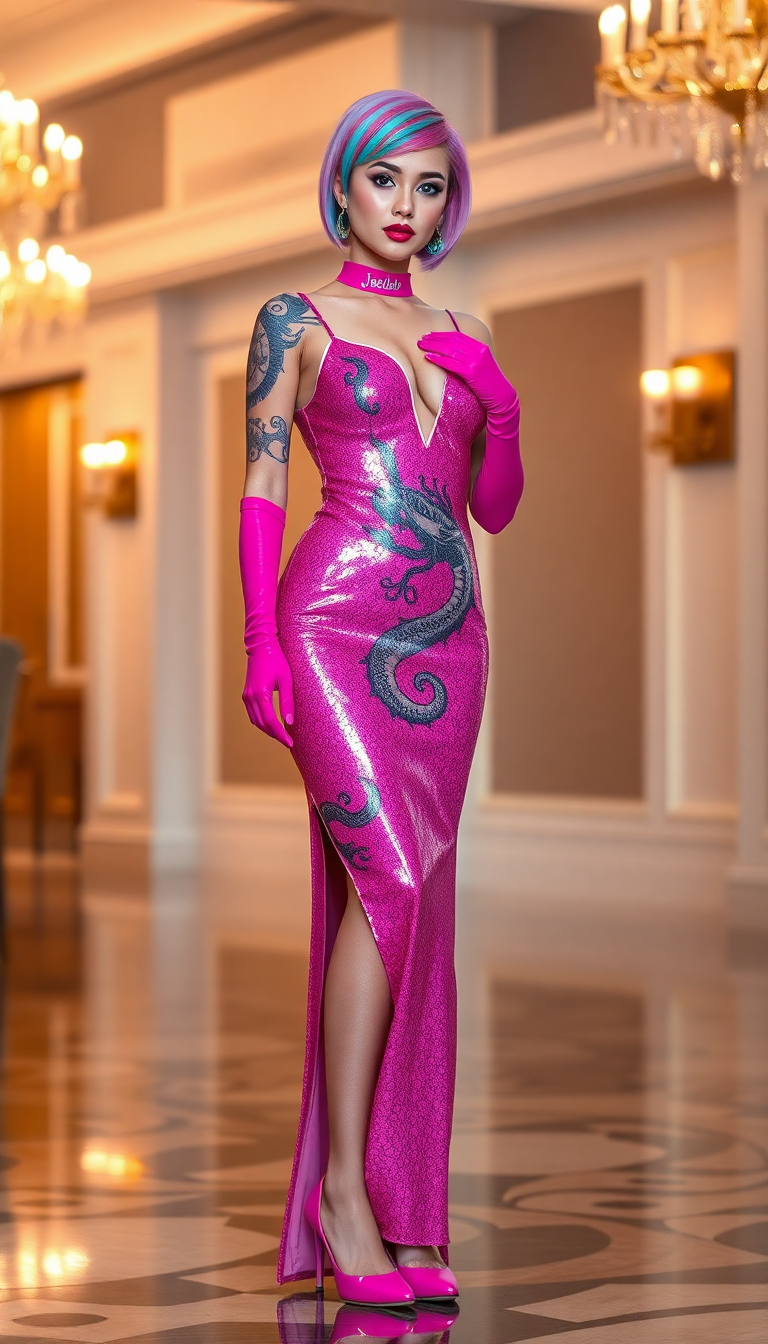
The Pixel Dojo Advantage
Discover why PixelDojo stands out in AI image generation with Stable Diffusion LoRA:
| Others | Pixel Dojo |
|---|---|
| Traditional Image Editing | Automates the design process, saving time and effort compared to manual editing. |
| Generic AI Tools | Offers specialized LoRA models for precise style and subject replication, unlike one-size-fits-all solutions. |
| Stock Images | Enables the creation of unique, tailored images that stock libraries can't provide. |
Loved by creators on PixelDojo
Real feedback from people using PixelDojo, pulled from our in-product surveys.
awesome functionality, UX, constant flood of improvements, discord interactivity
Awesome site with so many features
Love how I can almost create anything
The Flux Pro Ultra is just amazing!
Very easy to use, and they have fast wan 2.2 video generation with custom loras available.
The overall quality of the site and it's amazing variety of tools. The continued updates of the UI. The unbelievable level of tech support.
Explore more AI tools on PixelDojo
AI Tools
Compare & Switch
- Best AI Image Generators
- Best AI Video Generators
- Midjourney Alternatives
- Civitai Alternatives
- Runway Alternatives
- Leonardo Alternatives
- Pika Alternatives
- Luma Alternatives
- Magnific Alternatives
- Veo Alternatives
- Flux Alternatives
- Freepik Alternatives
- Seedance Alternatives
- Seedream Alternatives
- Pixverse Alternatives
- GPT Image Alternatives
- Synthesia Alternatives
- Playground Alternatives
- NightCafe Alternatives
- Canva AI Alternatives
- ElevenLabs Alternatives
- ComfyUI Alternatives
- Fal Alternatives
- Replicate Alternatives
Common Questions
Everything you need to know about stable diffusion lora
What is Stable Diffusion LoRA and how does it enhance image generation?
Stable Diffusion LoRA (Low-Rank Adaptation) is a technique that fine-tunes AI models to generate images with specific styles or subjects, allowing for personalized and high-quality outputs.
Can I use multiple LoRA models simultaneously on PixelDojo?
Yes, PixelDojo allows you to combine multiple LoRA models to create images that incorporate various styles and elements seamlessly.
Do I need prior experience with AI to use PixelDojo's LoRA tools?
No, PixelDojo is designed with a user-friendly interface that makes it accessible to both beginners and experienced users.
How does PixelDojo ensure the quality of generated images?
PixelDojo utilizes advanced AI algorithms and offers editing tools to refine images, ensuring high-quality results that meet your expectations.
Is there a limit to the number of images I can generate with PixelDojo?
PixelDojo offers various subscription plans to suit different needs, with options that include unlimited image generation.
Can I use the images created with PixelDojo for commercial purposes?
Yes, images generated with PixelDojo can be used for commercial projects, subject to the terms of service.