swap face online free AI Generator

Want to swap faces in your photos or videos—for free and with pro-level results? With PixelDojo, you can seamlessly replace a face in any image or clip using your own photos or templates. Whether for hilarious memes, creating viral content, costume effects, or just experimenting, you’ll get natural blends that match expression, skin tone, and light—all without fees or watermarks. Start creating face swaps online free today and unlock your creativity.
10,000+ face swaps created in the last week • 4.9/5 average rating from creators • Trusted by designers, influencers & marketers worldwide
Why Choose Pixel Dojo for swap face online free
Professional-quality results with cutting-edge AI technology
Instantly Realistic Results
Swap faces online free and get output that looks natural—matching lighting, angles & expressions—no awkward edges or mismatched skin tones.
No Cost or Watermark Trap
Create face swaps without paying anything, and download high-quality images/videos with no watermark when using our free plan.
Safe, Private & You in Control
Your photos are encrypted, never shared with third parties, and you stay in charge of what happens to your content.
How It Works
Here’s how you swap faces online free using PixelDojo tools—ready in just three steps.
Step 1: Choose Your Tool
Select from PixelDojo’s Create Image tools (like Flux, Seedream 4, WAN Image) or use video tools (WAN 2.5 Video, Runway Gen-4 Video) depending on whether your input is a photo or a clip. For live video, use WAN Sound-to-Video or OmniHuman 1.5.
Step 2: Enter Your Prompt & Upload Faces
Upload the face(s) you want to swap, set the target image or video, then write your prompt: e.g. “swap face of source photo onto target photo, match lighting & expression”. PixelDojo’s Face Analyze, Style Transfer & Inpainting help blend seamlessly.
Step 3: Customize & Download
Fine-tune results using tools like Background Remover, Magic Lighting, Creative Upscaler. When you’re happy, download in high resolution. If video, add lip sync or video reframe tweaks before export.


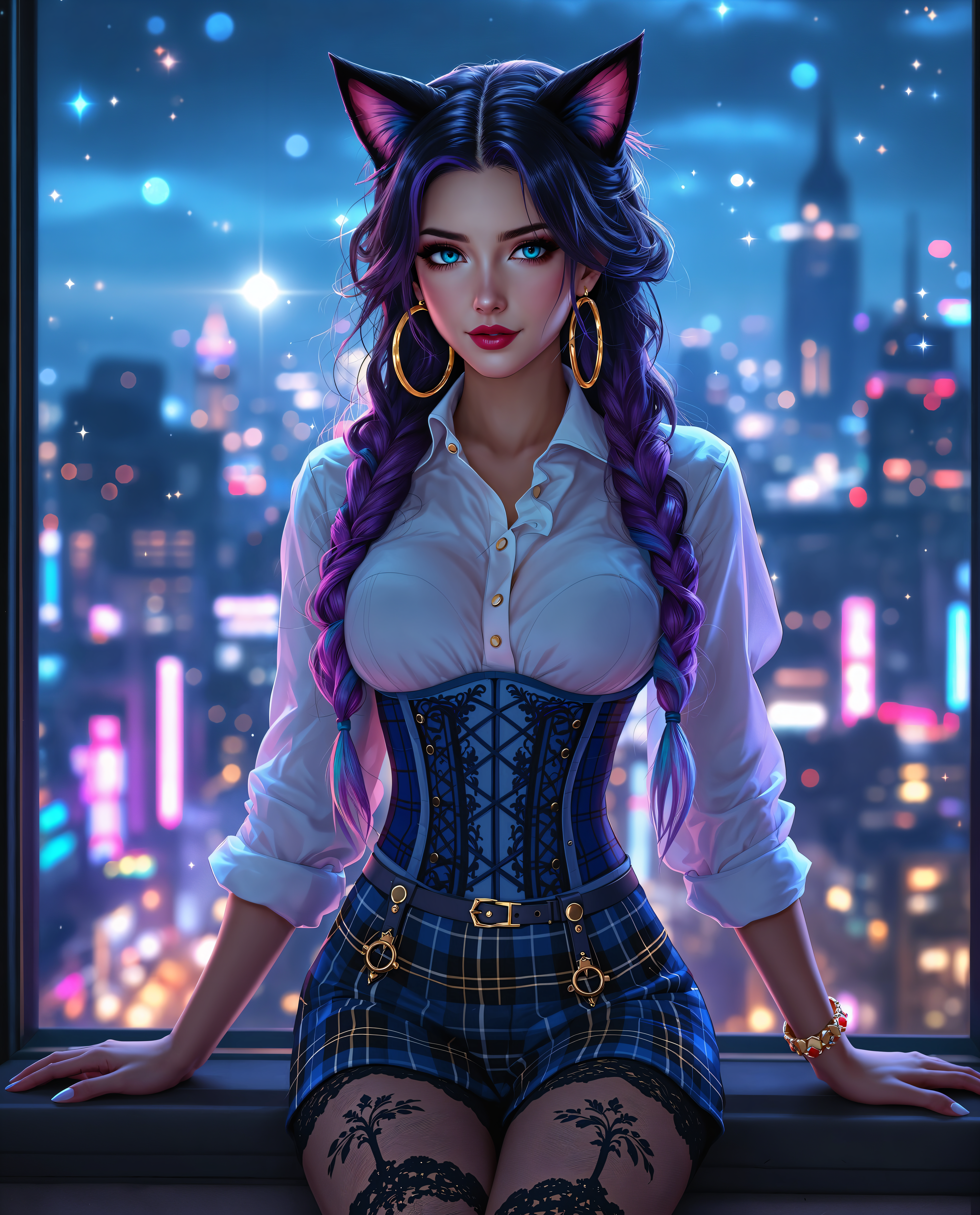
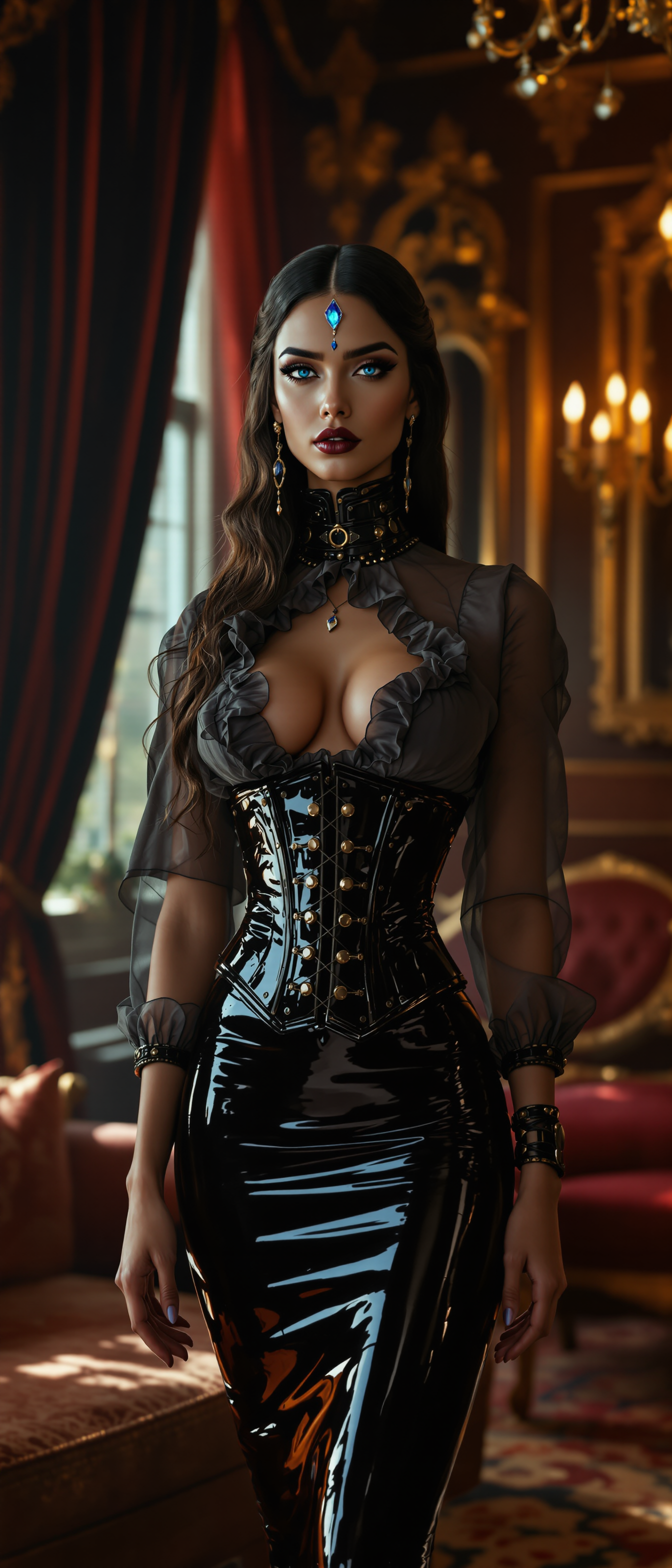

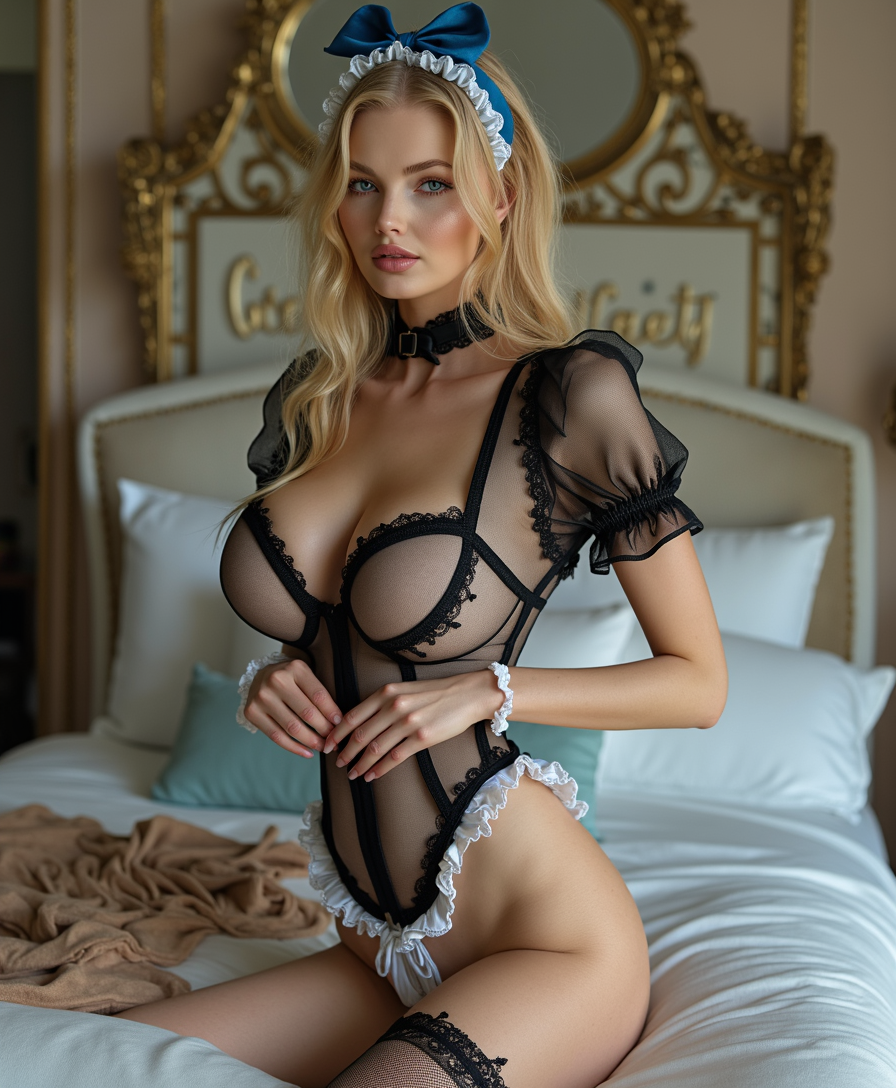
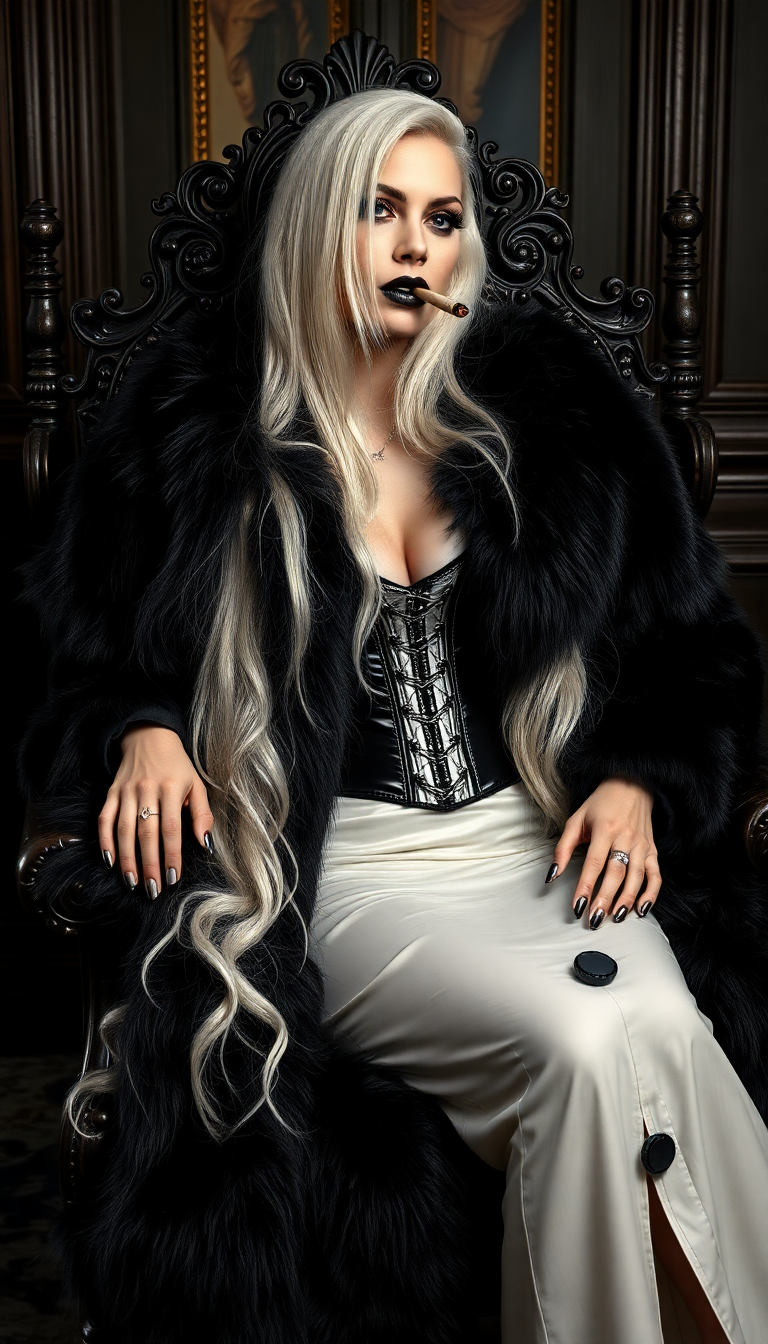
The Pixel Dojo Advantage
Why PixelDojo is the top choice for face swapping vs other options:
| Others | Pixel Dojo |
|---|---|
| Standard phone apps with basic templates | Get full control over lighting, angle, and skin tone blending—not just pre-set stickers. |
| Generic free face swap websites | No watermarks, full resolution, privacy‐first policies, and creative editing tools built in. |
| Manual photo editing in Photoshop or video editors | Achieve realistic swaps instantly with AI—no hours of masking, color matching or manual warping. |
Loved by creators on PixelDojo
Real feedback from people using PixelDojo, pulled from our in-product surveys.
All the tools, readily available and easy to understand
You guys, the LORA training is the BEST in the space right now, great job with that!
Tons of variety. Ease of use. Tools for beginners and advance users.
easiest workflow to get best output image or video
awesome functionality, UX, constant flood of improvements, discord interactivity
Awesome site with so many features
Explore more AI tools on PixelDojo
AI Tools
Compare & Switch
- Best AI Image Generators
- Best AI Video Generators
- Midjourney Alternatives
- Civitai Alternatives
- Runway Alternatives
- Leonardo Alternatives
- Pika Alternatives
- Luma Alternatives
- Magnific Alternatives
- Veo Alternatives
- Flux Alternatives
- Freepik Alternatives
- Seedance Alternatives
- Seedream Alternatives
- Pixverse Alternatives
- GPT Image Alternatives
- Synthesia Alternatives
- Playground Alternatives
- NightCafe Alternatives
- Canva AI Alternatives
- ElevenLabs Alternatives
- ComfyUI Alternatives
- Fal Alternatives
- Replicate Alternatives
Common Questions
Everything you need to know about swap face online free
What does “free face swap online” mean at PixelDojo?
“Free face swap online” at PixelDojo means you can upload your own photos or videos and swap faces completely free on our free-plan tier—with no watermark, up to moderate resolution. If you want higher resolution, longer videos, or faster exports, premium plans are available. All face swaps follow our secure privacy policy so your images stay yours.
How realistic are PixelDojo face swap results online free?
Very realistic: PixelDojo uses advanced Blend tools like Style Transfer, Magic Lighting and Inpainting to match facial expression, skin texture, lighting and angle. Whether in still photos or videos, the face swap blends so flawlessly it looks like a real photo or clip. Users regularly report results that passed for the real thing in casual viewing.
Is it safe to upload photos for face swapping online free?
Yes—PixelDojo encrypts your uploads, does not share them with third parties, and gives you full control of your content. You can delete images anytime. We do not use your photo to train external models unless you explicitly opt in.
Can I swap faces in videos for free online?
Yes—if your video duration is under the free plan’s limit (typically up to a few seconds or under a minute). Use tools like Runway Gen-4 Video, WAN 2.5 Video or OmniHuman 1.5. Longer or more complex videos may require a premium plan or advanced editing (like lip-sync or video reframe) that comes with upgrades.
Do I need technical skills to face swap online free with PixelDojo?
Not at all. We’ve designed the process to be intuitive. Just upload, enter a simple prompt, then use visual sliders for adjusting lighting or style. If you want more control, tools like Inpainting, Style Transfer, and Multidiffusion Upscaler are available—but everything works well without any editing experience.
What about ethical concerns and consent in face swapping online free?
PixelDojo takes ethics seriously. You should only use photos of people who consent. Public figure faces should be used according to rules & fair use. PixelDojo disallows uses that violate rights or create misleading content. Our terms reflect this, and we encourage you to be mindful of privacy and identity.