swap faces online AI Generator
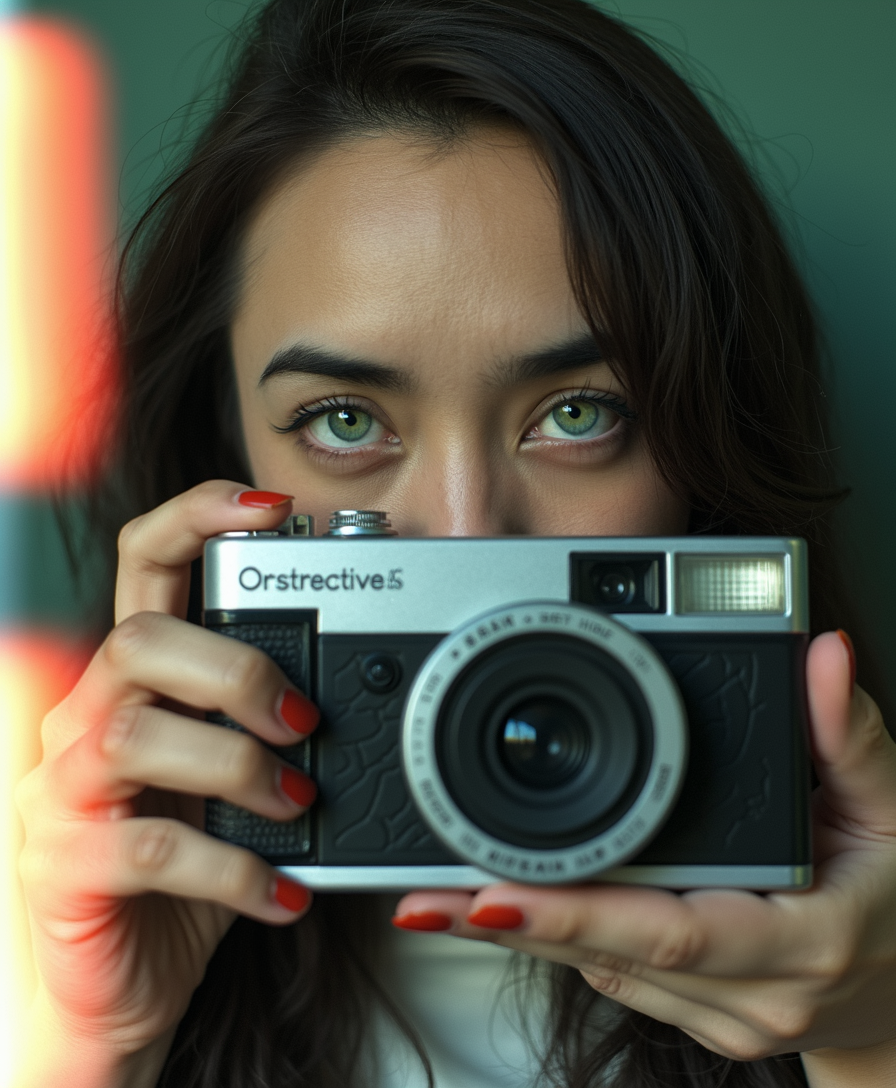
Imagine turning any photo into a hilarious meme or crafting professional headshots in seconds. With PixelDojo's AI-powered face swap tools, you achieve stunning, realistic results without any editing experience. Swap your face onto celebrities, friends, or custom scenes to create shareable content that stands out on social media. Whether you're making fun videos for TikTok or polishing marketing visuals, you get seamless blends that look completely natural every time.
Over 75,000 creators trust PixelDojo for face swaps. Rated 4.9/5 by thousands of users worldwide. 40+ cutting-edge AI tools, cancel anytime, loved for delivering pro results instantly.
Why Choose Pixel Dojo for swap faces online
Professional-quality results with cutting-edge AI technology
Create Viral Social Media Content in Seconds
Turn ordinary photos into shareable memes and trending videos that boost your engagement. Your audience will love the realistic swaps that spark laughs and shares across platforms.
Achieve Professional-Looking Edits Effortlessly
Generate polished headshots, brand personas, or marketing visuals with perfect face integration. You deliver client-ready results faster than traditional methods, saving hours of work.
Explore Creative Ideas Without Limits
Experiment with group swaps, video transformations, or virtual try-ons to bring wild concepts to life. Your imagination becomes reality with high-fidelity outputs that maintain natural expressions and lighting.
How It Works
Getting started with face swaps on PixelDojo is simple and intuitive. Follow these three steps to transform your images and videos today.
Step 1: Choose Your Tool
Select the dedicated Face Swap tool from the Characters & Faces section or explore advanced options like LoRA Face Swap for consistent character results. For videos, try WAN Video Character Swap or Kling Video Character Swap to handle motion seamlessly.
Step 2: Enter Your Prompt and Upload Images
Upload your source face photo and target image or video. Add a simple description like 'swap this face onto the person in the beach scene with natural lighting' to guide the AI for optimal blending.
Step 3: Customize & Download
Review the realistic output, adjust settings like lighting or pose if needed using tools such as Magic Lighting or Pose Control, then download your high-resolution result ready for sharing or further editing.














The Pixel Dojo Advantage
Why PixelDojo outperforms other options for online face swap image generation
| Others | Pixel Dojo |
|---|---|
| Traditional face swap creation | You achieve professional, realistic results in seconds instead of spending hours manually aligning features and fixing artifacts. |
| Generic AI tools | Access specialized face swap tools with video support and character consistency features that deliver superior natural blending tailored for this exact task. |
| Manual photo editing | Eliminate the need for expensive software or skills as our AI handles detection, matching, and seamless integration automatically for flawless outcomes. |
Loved by creators on PixelDojo
Real feedback from people using PixelDojo, pulled from our in-product surveys.
Lots of different tools. It's easy to purchase more credits.
Amazing performance!
Excellent website for creating all types of media
Very eay to use, works well to train SDXL loras.
The amazing tools
Top notch quality and strong prompt adherence.
Explore more AI tools on PixelDojo
AI Tools
Compare & Switch
- Best AI Image Generators
- Best AI Video Generators
- Midjourney Alternatives
- Civitai Alternatives
- Runway Alternatives
- Leonardo Alternatives
- Pika Alternatives
- Luma Alternatives
- Magnific Alternatives
- Veo Alternatives
- Flux Alternatives
- Freepik Alternatives
- Seedance Alternatives
- Seedream Alternatives
- Pixverse Alternatives
- GPT Image Alternatives
- Synthesia Alternatives
- Playground Alternatives
- NightCafe Alternatives
- Canva AI Alternatives
- ElevenLabs Alternatives
- ComfyUI Alternatives
- Fal Alternatives
- Replicate Alternatives
Common Questions
Everything you need to know about swap faces online
How to swap faces online free with AI tools?
At PixelDojo, simply choose the Face Swap tool, upload your source face and target image, and generate realistic results instantly. Our platform offers free trials with no sign-up required for basic swaps, and you can upgrade for unlimited video and advanced features like LoRA Face Swap.
What is the best way to swap faces in videos online?
Use PixelDojo's WAN Video Character Swap or Kling Video Character Swap tools. Upload your video and source face, and the AI handles motion tracking for natural-looking swaps. This is perfect for creating entertaining content or professional edits without any video editing expertise.
Can I do multiple face swaps in one photo online?
Yes! PixelDojo supports group photos and multiple face swaps through the Face Swap tool combined with Consistent Characters. Upload multiple source faces and the target image, and achieve seamless replacements across all subjects in a single generation.
Is swapping faces online safe and ethical to use?
PixelDojo emphasizes responsible use. Always obtain consent when swapping real people's faces and avoid creating misleading content. Our tools include ethical guidelines, and all generations are processed securely with options to delete uploads immediately after use.
How realistic are AI face swaps on PixelDojo compared to other methods?
Our AI delivers highly realistic results by analyzing facial features, expressions, and lighting. Tools like Face Swap and Virtual Try-On produce outputs that maintain natural skin tones and movements, often indistinguishable from real photos, thanks to advanced models optimized specifically for this purpose.
Can beginners swap faces online without any technical skills?
Absolutely. PixelDojo is designed for everyone. The intuitive interface guides you through uploads and prompts, with one-click generation. No prior experience needed – you get pro-level face swaps in under a minute using our dedicated Face Swap and related editing tools.