swapfaces AI Generator
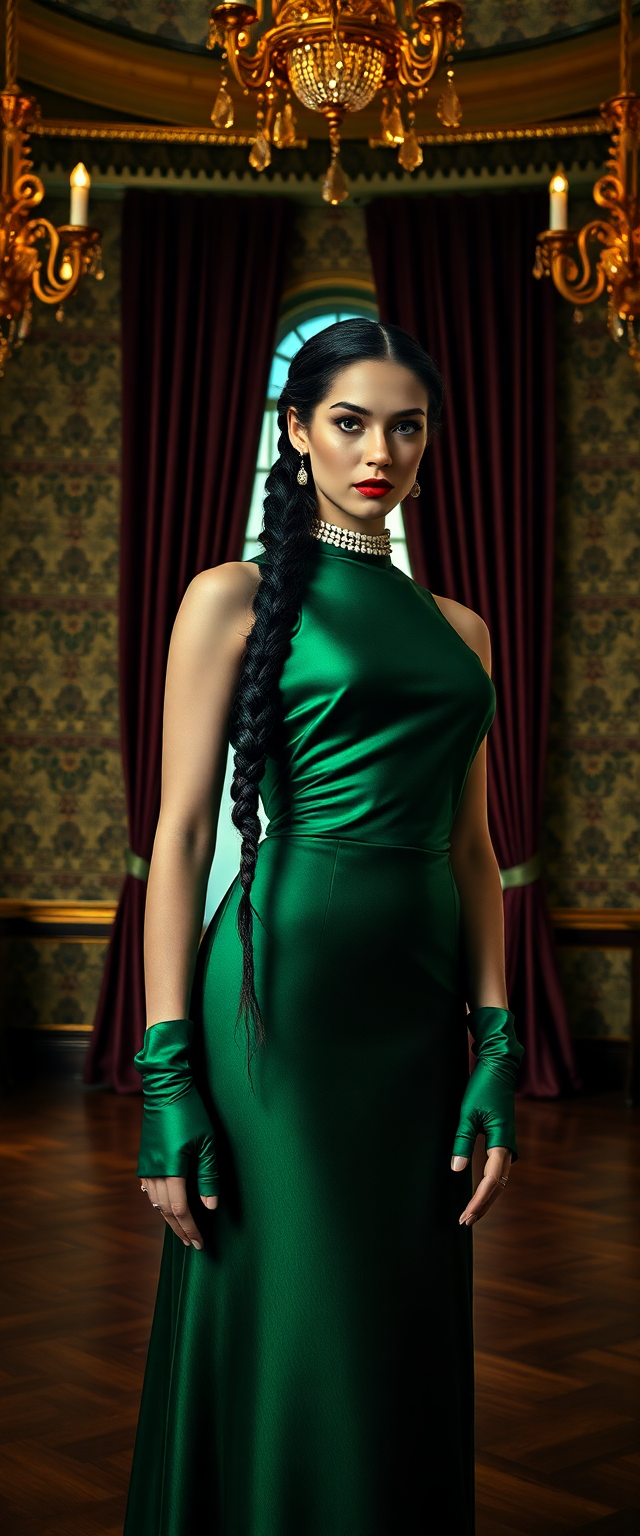
Transform any photo or video by seamlessly swapping faces with PixelDojo. Achieve hyper-realistic results that preserve lighting, expressions, and skin tones perfectly. Whether you're crafting viral social media memes, creating personalized marketing campaigns, or reliving nostalgic moments, you can produce professional-quality face swaps in seconds that captivate audiences and deliver real engagement.
Over 75,000 creators have generated more than 2 million face swaps on PixelDojo. Average user rating: 4.9/5 stars. Trusted by marketers, influencers, and content teams for consistent, photorealistic results every single time.
Why Choose Pixel Dojo for swapfaces
Professional-quality results with cutting-edge AI technology
Go Viral with Shareable Social Content
Swap your face onto celebrities, friends, or trending characters to create hilarious memes and reels that explode on TikTok, Instagram, and YouTube. Watch your engagement soar with content that feels personal and fun.
Produce Professional Videos and Marketing Assets
Generate consistent brand personas or custom avatars for ads, product demos, and social campaigns. Match lighting and expressions perfectly so your face swaps look like they were filmed on set.
Personalize Memories and Creative Projects
Insert yourself into old family photos, historical scenes, or dream scenarios. Create unique gifts, virtual try-ons, or storytelling visuals that bring joy and preserve special moments forever.
How It Works
Getting started with realistic face swaps on PixelDojo takes just three easy steps using our specialized Characters & Faces tools.
Step 1: Choose Your Tool
Browse the Characters & Faces section and select Face Swap for quick photo results, LoRA Face Swap for consistent character styles, or WAN Video Character Swap and Kling Video Character Swap for seamless video transformations.
Step 2: Upload Your Images or Video
Upload a clear source photo of the face you want to use, then add your target image or video. Our AI automatically detects faces and prepares everything for a natural blend.
Step 3: Customize & Download
Fine-tune lighting, skin tone matching, or expression details if desired, then hit generate. Download high-resolution results ready for social posts, videos, or print projects in seconds.


The Pixel Dojo Advantage
Why PixelDojo outperforms other options for realistic face swap image and video generation
| Others | Pixel Dojo |
|---|---|
| Traditional face swap creation | Get Hollywood-level realism in seconds instead of spending hours in Photoshop manually aligning features and matching tones |
| Generic AI tools | Dedicated Face Swap and video-specific tools like WAN Video Character Swap deliver consistent, high-fidelity results tailored exactly for face replacement |
| Manual photo editing | No technical skills or expensive software required—our AI handles complex blending, lighting, and motion tracking automatically for perfect outcomes every time |
Loved by creators on PixelDojo
Real feedback from people using PixelDojo, pulled from our in-product surveys.
The overall quality of the site and it's amazing variety of tools. The continued updates of the UI. The unbelievable level of tech support.
THIS IS SO DOPE !
I have already recommended it to friends
All the tools, plus the guidance
Excellent tools. Ease of use. Well thought out interface. Wide variety of AI tools and features which are up to date with more added each month
I really like how the site is kept up to date, and the leaderboard (where I'm currently #11 most popular artist)
Explore more AI tools on PixelDojo
AI Tools
Compare & Switch
- Best AI Image Generators
- Best AI Video Generators
- Midjourney Alternatives
- Civitai Alternatives
- Runway Alternatives
- Leonardo Alternatives
- Pika Alternatives
- Luma Alternatives
- Magnific Alternatives
- Veo Alternatives
- Flux Alternatives
- Freepik Alternatives
- Seedance Alternatives
- Seedream Alternatives
- Pixverse Alternatives
- GPT Image Alternatives
- Synthesia Alternatives
- Playground Alternatives
- NightCafe Alternatives
- Canva AI Alternatives
- ElevenLabs Alternatives
- ComfyUI Alternatives
- Fal Alternatives
- Replicate Alternatives
Common Questions
Everything you need to know about swapfaces
How to create realistic AI face swaps for videos using PixelDojo?
Simply choose WAN Video Character Swap or Kling Video Character Swap from the Characters & Faces section. Upload your source face photo and target video, let the AI handle frame-by-frame tracking and lipsync, then download production-ready results in minutes. Perfect for memes, ads, or storytelling videos.
What is the best way to swap faces in group photos with AI?
Use PixelDojo's Face Swap or P-Image tools. Upload the group photo as your target and a clear source face image. The AI intelligently detects and swaps individual faces while preserving natural group dynamics, lighting, and expressions for flawless group edits.
Can I use AI face swap for professional marketing and branding campaigns?
Absolutely. PixelDojo's Consistent Characters and LoRA Face Swap tools let you create uniform brand personas across photos and videos. Match skin tones, lighting, and styles perfectly so your swapped content looks like authentic professional shoots.
How does PixelDojo's face swap compare to other AI tools for realism?
Our specialized tools like Face Swap and video character swaps use advanced matching algorithms to preserve every detail from skin texture to micro-expressions. Users consistently report more natural results than generic editors, with seamless integration into any style or scene.
Is it possible to swap faces in old family photos or historical images?
Yes! Upload vintage photos as targets and modern clear face images as sources. PixelDojo's AI excels at style transfer and lighting adaptation, letting you insert yourself or loved ones into nostalgic scenes while keeping the original photo's authentic feel.
Do I need any special skills or software to start swapping faces on PixelDojo?
Not at all. Our intuitive interface requires zero editing experience. Just upload images or videos, select your preferred Face Swap tool, and generate. Results are ready for immediate use in social media, presentations, or creative projects.