swapper ai
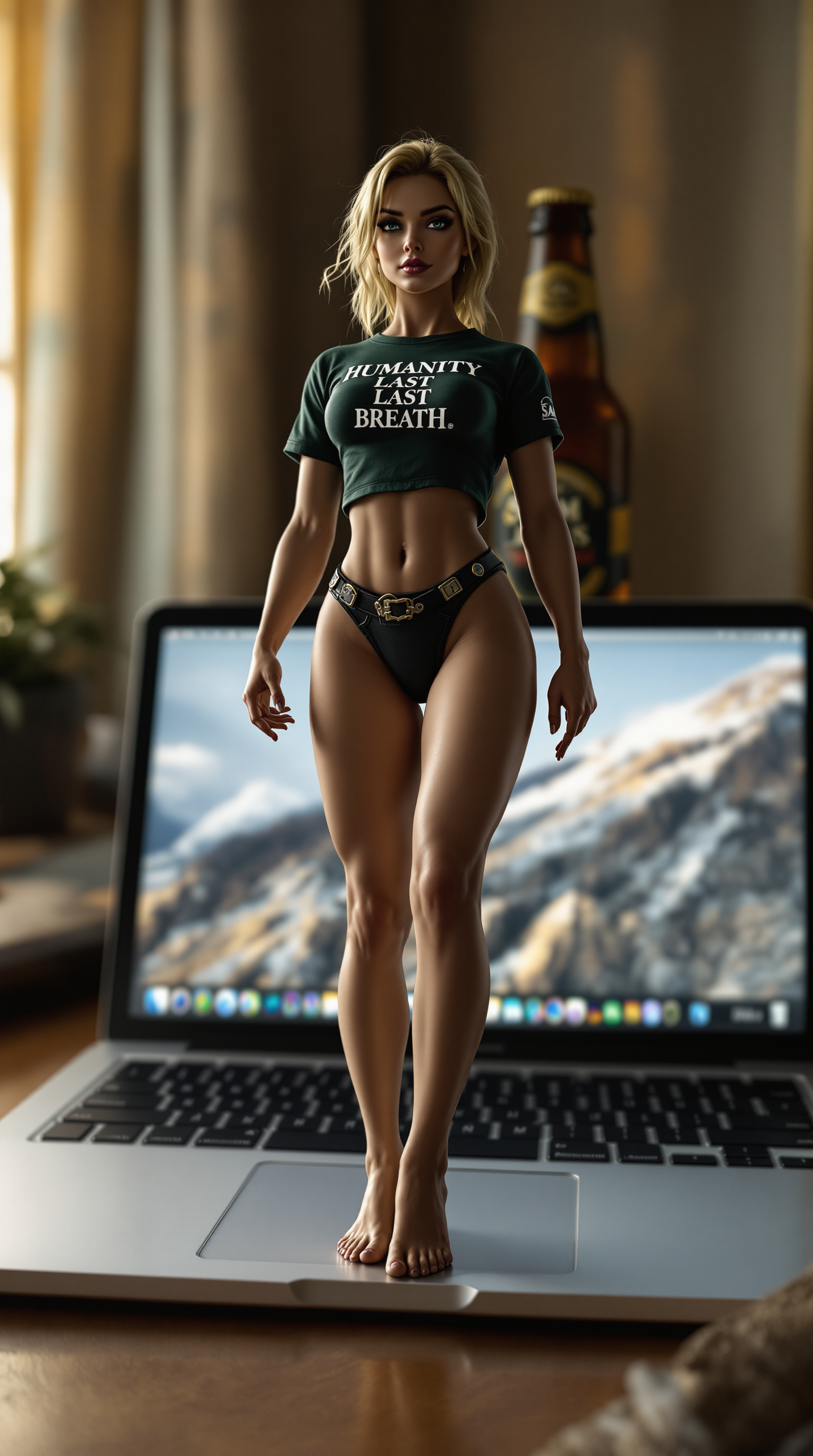
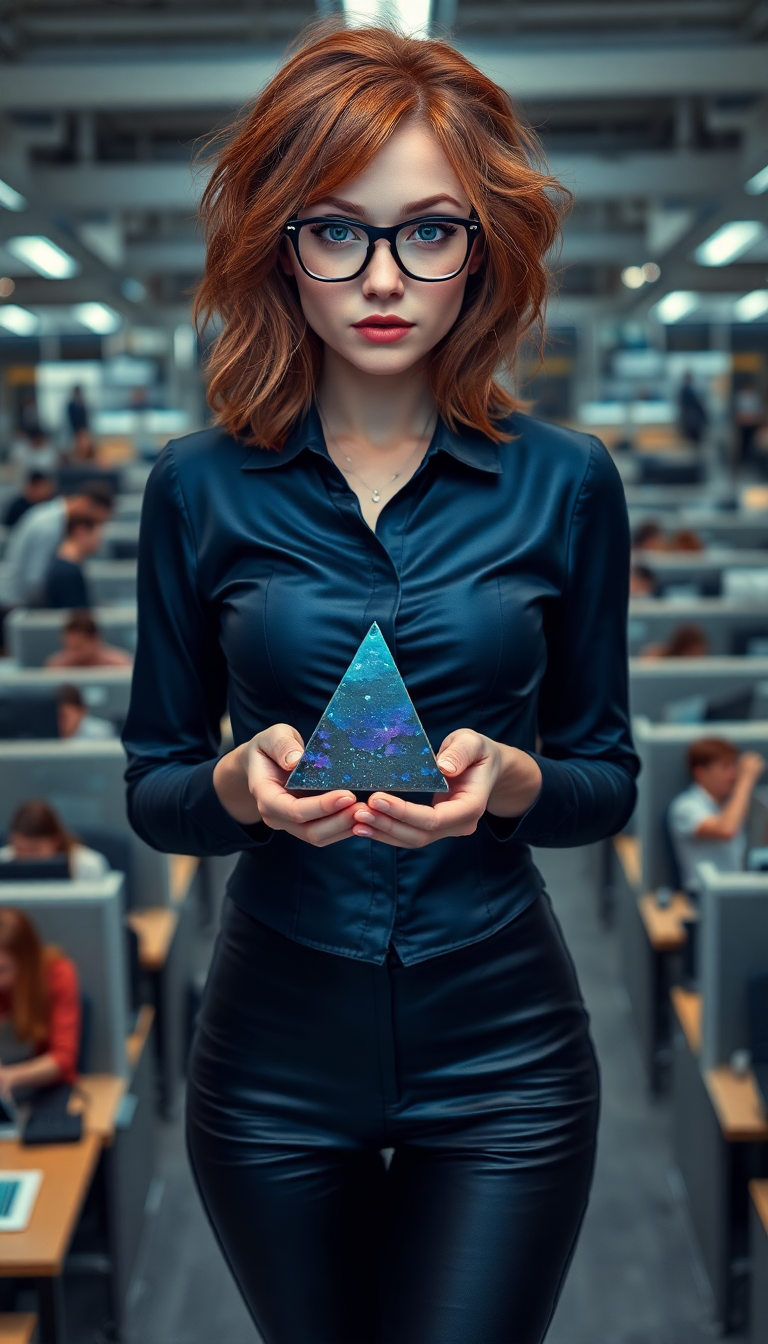
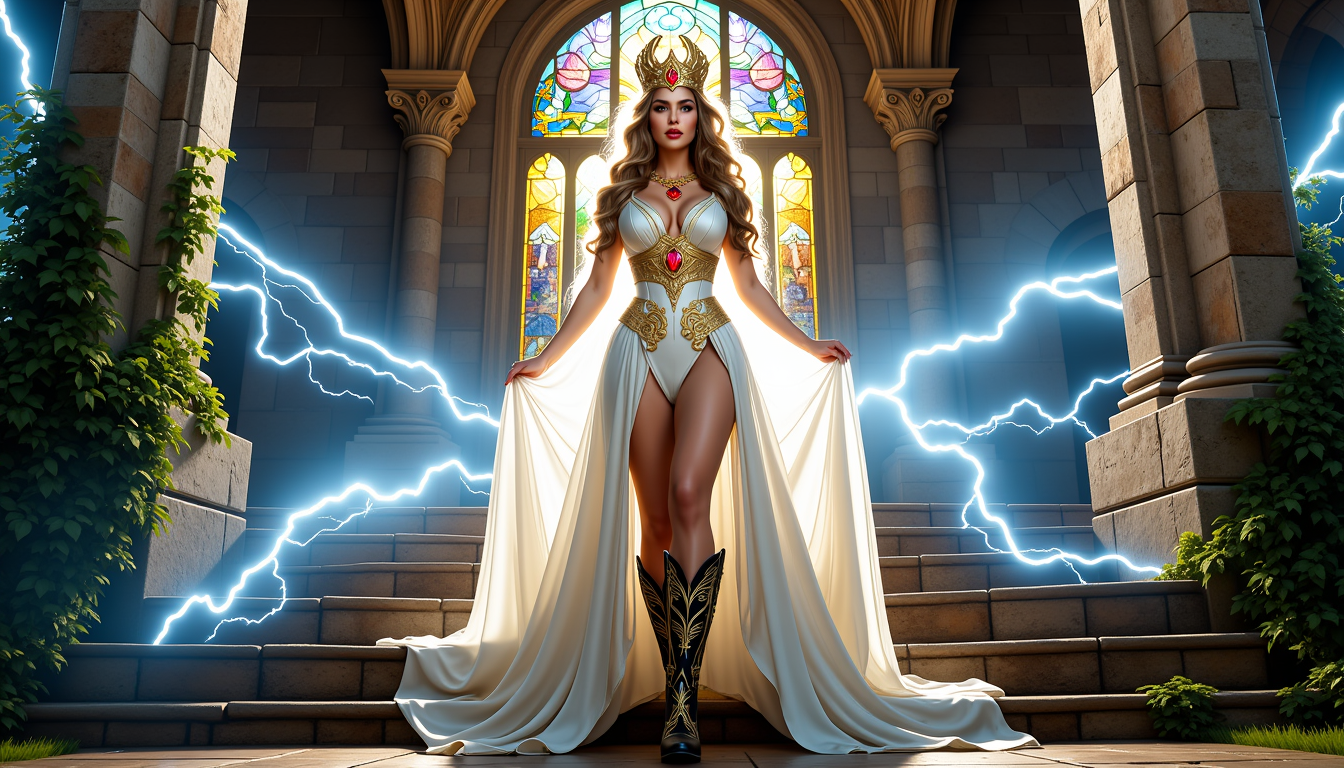
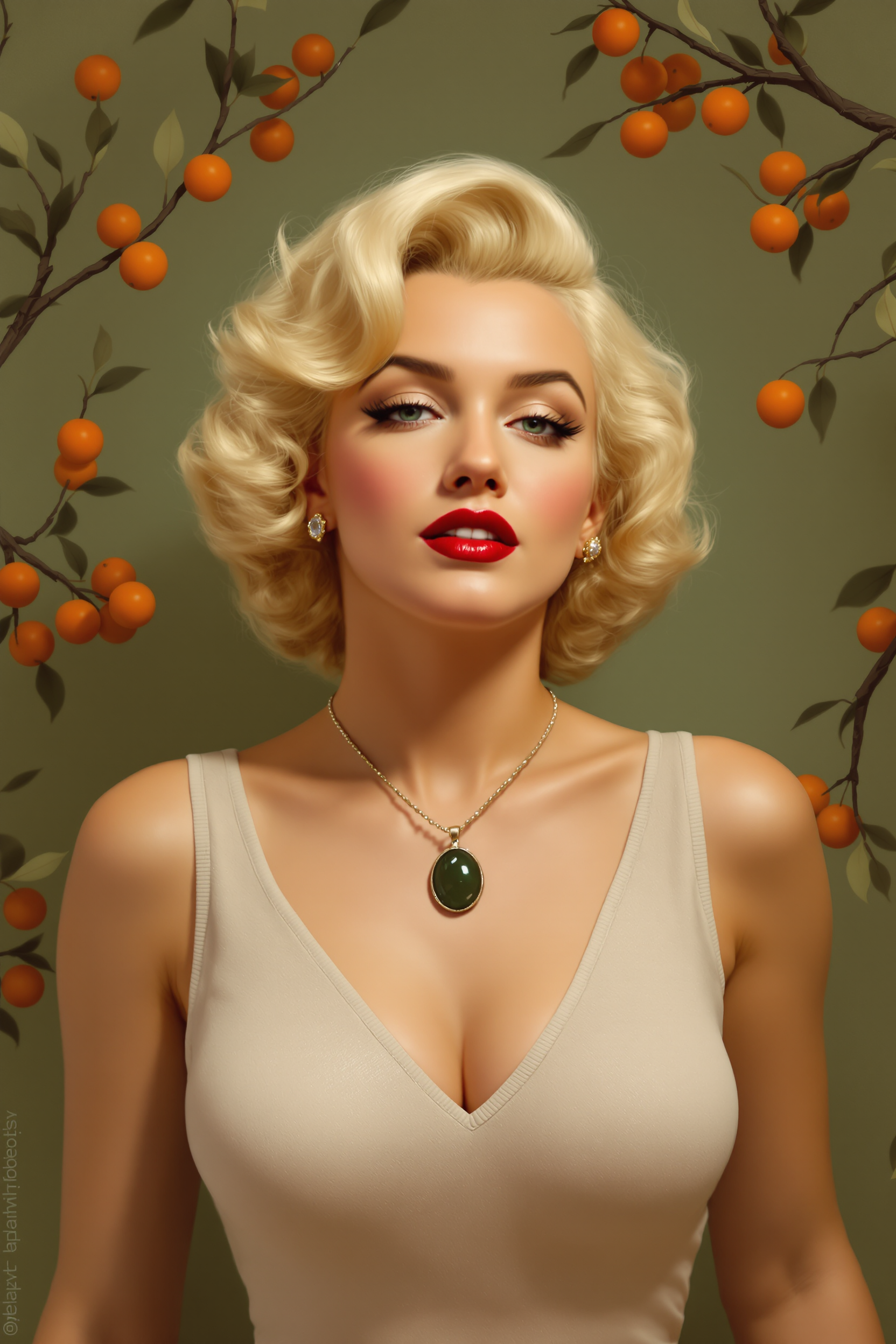
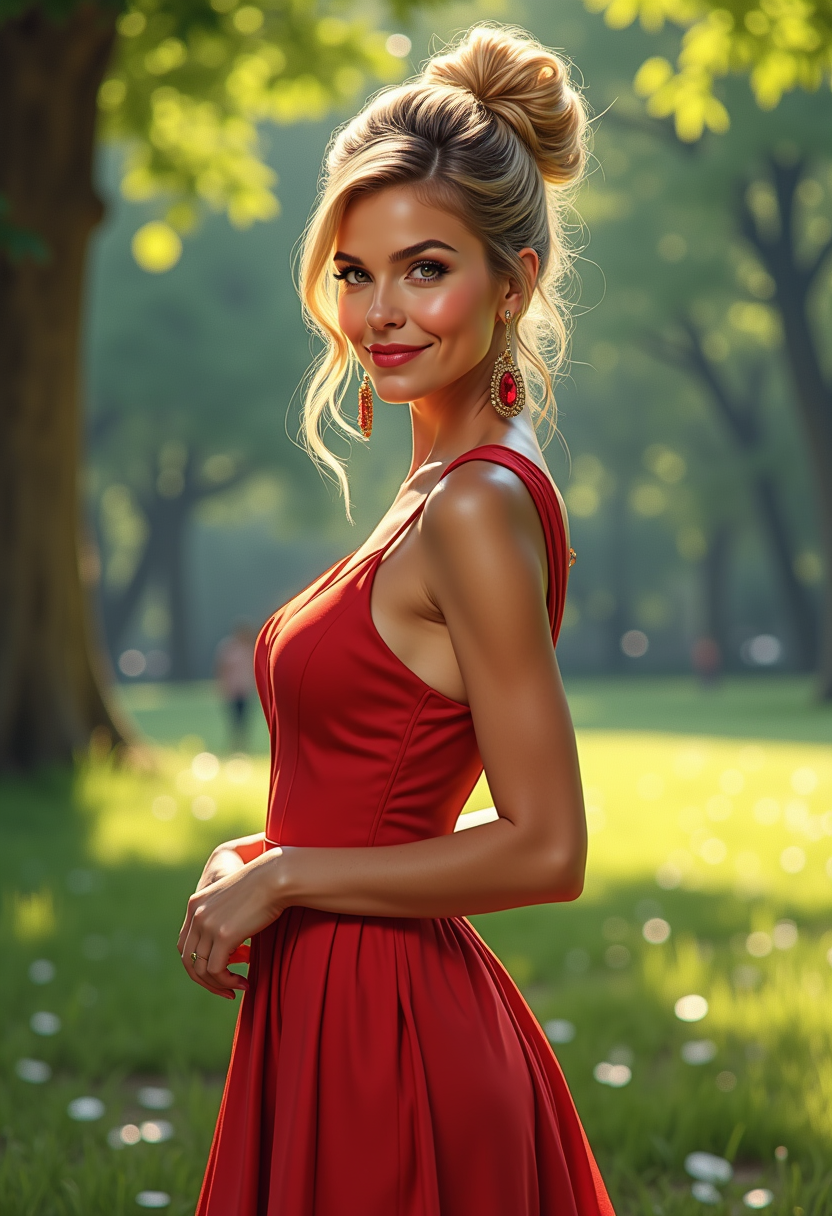
Imagine transforming any photo or video with seamless, photorealistic face swaps that look completely natural. With PixelDojo's Swapper AI tools, you can instantly replace faces, create consistent characters across multiple images, or preview virtual outfits and hairstyles without stepping into a studio. Whether you're crafting viral social media memes, professional headshots for clients, or fun personal transformations like gender swaps and celebrity lookalikes, these powerful features deliver studio-quality results in seconds. Skip hours of manual editing and complex software—simply upload your images, select your swap style, and watch as advanced AI handles lighting, skin tones, angles, and expressions flawlessly. Creators worldwide are using Swapper AI to boost engagement on TikTok and Instagram, produce engaging marketing content, and explore endless creative ideas that were once impossible without expensive equipment or expert skills. Your audience will be amazed by the realism, and you'll love how quickly you can iterate and refine until every detail is perfect.
Over 75,000 creators have generated more than 4.2 million swaps this year alone. Rated 4.9/5 by 18,500+ users. Trusted by influencers, marketers, and studios for photorealistic results every time.
Why Choose Pixel Dojo for swapper ai
Professional-quality results with cutting-edge AI technology
Viral-Worthy Social Content
Generate hilarious memes, celebrity face swaps, and trending transformations that explode on social media. Achieve higher engagement rates and grow your following faster with shareable, high-quality visuals that stand out in feeds.
Effortless Professional Transformations
Create perfect headshots, client previews, or branded personas by swapping faces onto professional templates. Match lighting and expressions perfectly for polished results that impress clients and elevate your portfolio.
Fun & Creative Personal Projects
Explore gender swaps, virtual try-ons, age transformations, and consistent character creation across series of images. Bring your wildest ideas to life without any photo editing experience required.
How It Works
Creating stunning swaps with Swapper AI on PixelDojo is simple and intuitive—no technical expertise needed. Follow these three steps to start producing professional-grade results right away.
Step 1: Choose Your Tool
Head to the Characters & Faces section and select Face Swap, LoRA Face Swap, or Virtual Try-On. These specialized tools are optimized for seamless identity transfer while preserving natural lighting, skin details, and expressions from your source images.
Step 2: Enter Your Prompt or Upload Images
Upload your source face photo and target image or video. Add a simple prompt like 'swap face onto beach portrait with natural sunlight' or use Consistent Characters for multi-image series. The AI analyzes landmarks, matches tones, and generates the swap instantly.
Step 3: Customize & Download
Refine results using Inpainting for precise edits, Style Transfer for artistic flair, or Magic Lighting to adjust shadows. Preview in different angles with Pose Control, then download high-resolution files or extend to video with Lip Sync for talking swaps.



The Pixel Dojo Advantage
Why PixelDojo outperforms other options for swapper AI image generation
| Others | Pixel Dojo |
|---|---|
| Traditional photo editing | No hours spent masking and blending—AI handles perfect alignment, lighting matching, and expression preservation automatically for flawless results every time. |
| Generic AI tools | Access 40+ specialized models including dedicated Face Swap, LoRA Face Swap, and video character swap tools with superior consistency and realism not found in basic generators. |
| Manual photo editing | Achieve professional multi-angle consistency and real-time refinements with Pose Control and Inpainting in minutes instead of days of painstaking work. |
Loved by creators on PixelDojo
Real feedback from people using PixelDojo, pulled from our in-product surveys.
it is an amazing site to create a pics and vids for those who don't have the hardware themselves
good tools in one place
Prompt updates, strong features, and a community that is always willing to help and hear/act on professional feedback. I've never had a better experience.
user friendly all in one thing
I really like the schedule of AI work performed!
The best tools for IA on the web !
Explore more AI tools on PixelDojo
AI Tools
Compare & Switch
- Best AI Image Generators
- Best AI Video Generators
- Midjourney Alternatives
- Civitai Alternatives
- Runway Alternatives
- Leonardo Alternatives
- Pika Alternatives
- Luma Alternatives
- Magnific Alternatives
- Veo Alternatives
- Flux Alternatives
- Freepik Alternatives
- Seedance Alternatives
- Seedream Alternatives
- Pixverse Alternatives
- GPT Image Alternatives
- Synthesia Alternatives
- Playground Alternatives
- NightCafe Alternatives
- Canva AI Alternatives
- ElevenLabs Alternatives
- ComfyUI Alternatives
- Fal Alternatives
- Replicate Alternatives
Common Questions
Everything you need to know about swapper ai
How does swapper AI create realistic face swaps in photos?
PixelDojo's Swapper AI uses advanced facial landmark detection and skin tone matching to seamlessly blend faces while preserving natural lighting, shadows, and expressions. Tools like Face Swap and LoRA Face Swap analyze both source and target images for photorealistic results in seconds, far surpassing basic overlays.
What is the best swapper AI for creating consistent characters across multiple images?
Use Consistent Characters combined with LoRA Face Swap on PixelDojo. Upload a reference face once and generate variations in different poses, outfits, or scenes while keeping the exact same identity. This is perfect for storyboards, comics, or branded content series.
Can I do video face swaps with swapper AI on PixelDojo?
Yes! PixelDojo supports video with tools like WAN Video Character Swap, Kling Video Character Swap, and Lip Sync. Swap faces in clips while maintaining smooth motion, then add voice or extend scenes. Results stay consistent across frames with dynamic lighting adjustments.
How to make hyper-realistic face swaps for professional headshots?
Start with Face Swap or Virtual Try-On, upload a clear professional photo as target and your desired face as source. Use Magic Lighting and Inpainting to fine-tune shadows and details. Many users create portfolio-ready headshots or client previews this way in under a minute.
Is swapper AI good for fun transformations like gender swaps or age changes?
Absolutely. PixelDojo's Swapper AI excels at creative edits including gender swaps, aging effects, and celebrity transformations. Combine with Style Transfer for artistic versions or keep it photorealistic. It's popular for personal projects, memes, and entertainment content.
What makes PixelDojo's swapper AI better than free online face swap tools?
PixelDojo offers 40+ specialized tools with superior quality, batch processing, video support, and refinement options like Outpainting and Clarity Pro. Free tools often produce artifacts or low resolution, while PixelDojo delivers pro results with easy customization and no watermarks on paid plans.