sync ai

Imagine transforming your static photos into dynamic, beat-synced music videos that captivate your audience. With PixelDojo's advanced AI tools, you can effortlessly create professional-quality music videos that synchronize visuals with audio beats, enhancing your storytelling and engagement.
Join over 10,000 creators who have elevated their content with PixelDojo's AI-powered video generation tools.
Why Choose Pixel Dojo for sync ai
Professional-quality results with cutting-edge AI technology
Effortless Video Creation
Generate professional-quality music videos without prior editing experience.
Seamless Audio-Visual Sync
Automatically align your visuals with audio beats for a cohesive experience.
Customizable Styles
Apply diverse visual styles to match your music's mood and genre.
How It Works
Creating AI-generated music videos with PixelDojo is simple and intuitive. Follow these steps to bring your photos to life:
Step 1: Upload Your Audio and Images
Select your desired audio track and upload the photos you want to include in your video.
Step 2: Choose Your AI Tool
Utilize PixelDojo's 'Text to Video' tool to generate dynamic visuals that sync with your audio.
Step 3: Customize and Generate
Apply your preferred visual styles, adjust settings, and let the AI generate your beat-synced music video.





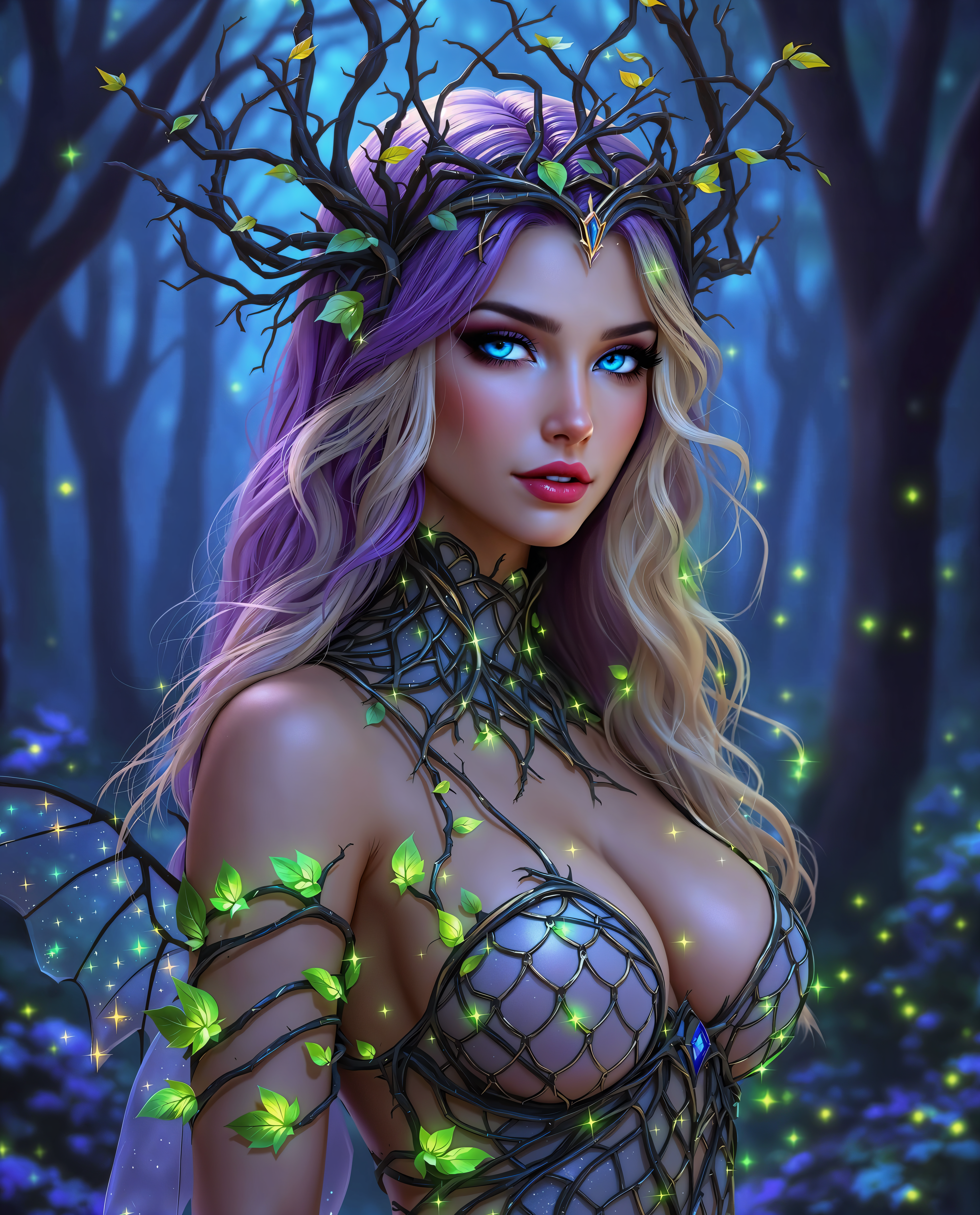



The Pixel Dojo Advantage
Why PixelDojo outperforms other options for AI-generated music video creation:
| Others | Pixel Dojo |
|---|---|
| Traditional Video Editing | Eliminates the need for complex software and manual syncing, saving time and effort. |
| Generic AI Tools | Offers specialized tools like 'Text to Video' designed specifically for music video creation. |
| Manual Photo Editing | Transforms static images into dynamic videos without extensive editing skills. |
Loved by creators on PixelDojo
Real feedback from people using PixelDojo, pulled from our in-product surveys.
Because it is awesome
exceptional quality and great overall design of platform and interface. very intuative. love the creative freedom.
Qwen image 2 is amazing!!
Creative freedom, range of tools and options.
I love the training feature
the quality is the best
Explore more AI tools on PixelDojo
AI Tools
Compare & Switch
- Best AI Image Generators
- Best AI Video Generators
- Midjourney Alternatives
- Civitai Alternatives
- Runway Alternatives
- Leonardo Alternatives
- Pika Alternatives
- Luma Alternatives
- Magnific Alternatives
- Veo Alternatives
- Flux Alternatives
- Freepik Alternatives
- Seedance Alternatives
- Seedream Alternatives
- Pixverse Alternatives
- GPT Image Alternatives
- Synthesia Alternatives
- Playground Alternatives
- NightCafe Alternatives
- Canva AI Alternatives
- ElevenLabs Alternatives
- ComfyUI Alternatives
- Fal Alternatives
- Replicate Alternatives
Common Questions
Everything you need to know about sync ai
How does PixelDojo's AI sync visuals with audio beats?
PixelDojo's 'Text to Video' tool analyzes your audio track to detect beats and rhythm, then generates visuals that align perfectly with the music, ensuring a cohesive and engaging video.
Can I customize the visual styles in my AI-generated music videos?
Absolutely! PixelDojo offers a range of visual styles that you can apply to your videos, allowing you to match the aesthetics to your music's mood and genre.
Do I need prior video editing experience to use PixelDojo?
No prior experience is necessary. PixelDojo's intuitive interface and AI-powered tools make it easy for anyone to create professional-quality music videos.
What formats are supported for audio and image uploads?
PixelDojo supports common audio formats like MP3 and WAV, and image formats such as JPEG and PNG, ensuring compatibility with your existing media files.
Is there a limit to the length of the music videos I can create?
While PixelDojo accommodates various video lengths, longer videos may require more processing time. It's recommended to check the platform's guidelines for optimal performance.
Can I use PixelDojo's AI-generated videos for commercial purposes?
Yes, videos created with PixelDojo can be used for commercial projects, provided you adhere to the platform's terms of service and any applicable licensing agreements.