tattoo ai generator
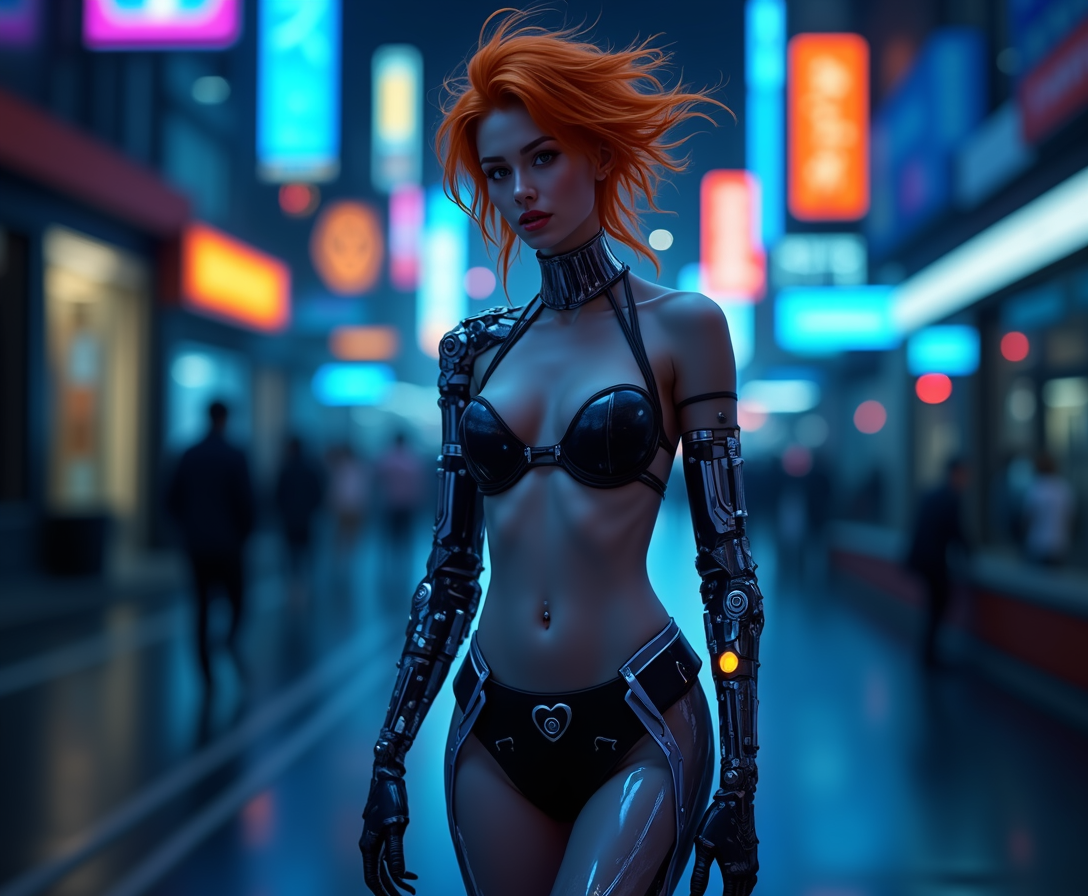
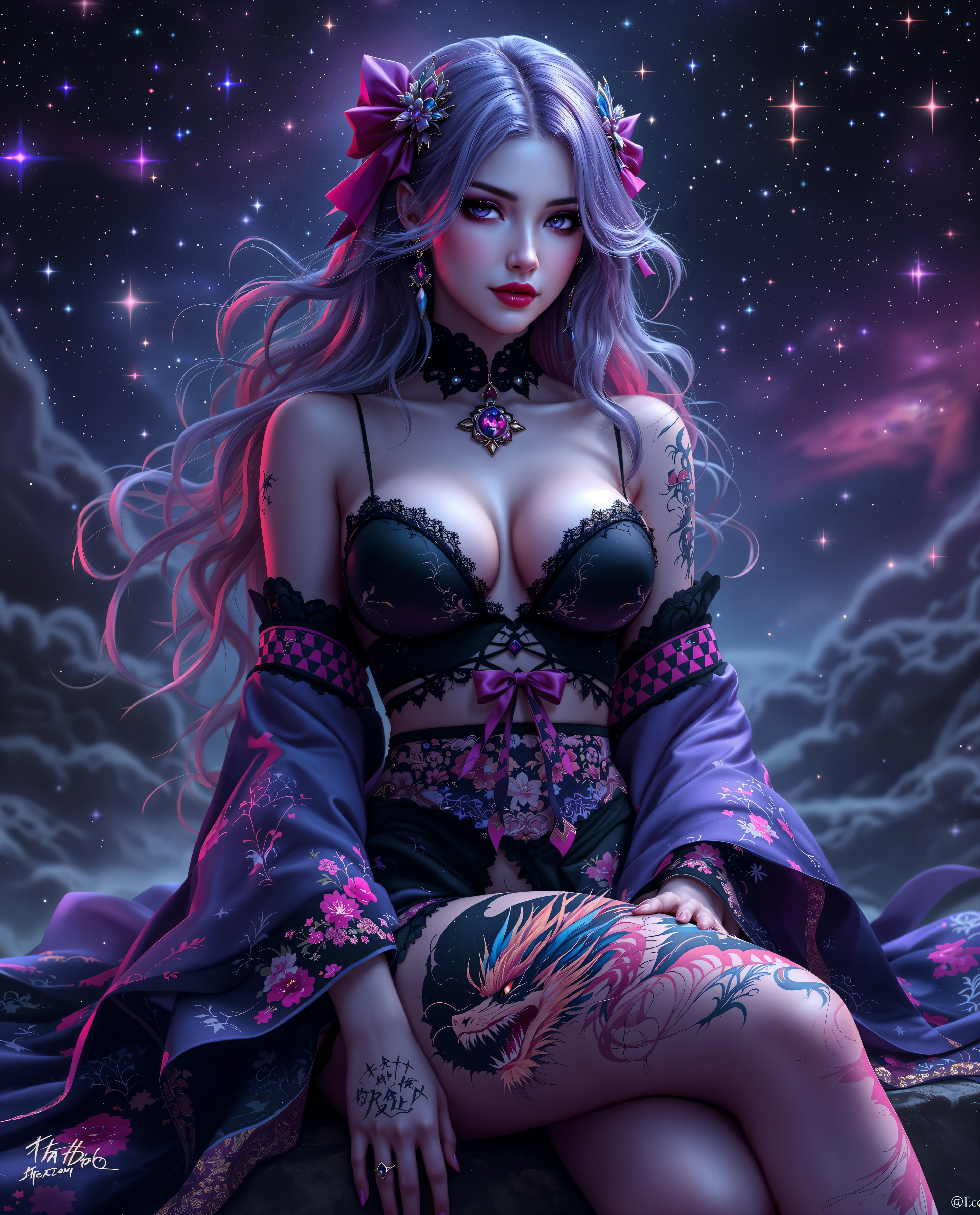
Imagine having the perfect tattoo design ready in minutes—no more endless scrolling through Pinterest or waiting weeks for an artist consultation. With PixelDojo's tattoo AI generator, you can transform your ideas into custom, high-quality designs that capture exactly what you envision. See how it looks on your body before committing, refine every detail, and walk into your appointment with confidence. Whether you're planning a small wrist piece or a full sleeve, achieve outcomes that feel personal, professional, and uniquely yours.
Over 75,000 creators have generated more than 250,000 tattoo designs with PixelDojo. Rated 4.9/5 from 18,000+ reviews. Trusted by tattoo enthusiasts and artists worldwide for unique, stencil-ready results.
Why Choose Pixel Dojo for tattoo ai generator
Professional-quality results with cutting-edge AI technology
Instant Personalized Tattoo Ideas
Generate dozens of unique designs tailored to your exact theme, style, and meaning in seconds. Skip the creative block and explore variations you never imagined, all customized to your vision.
Realistic Body Placement Previews
Visualize how your tattoo will look on your skin with virtual try-on tools. Adjust angles, sizes, and positions to ensure it fits perfectly before any ink hits the skin.
Artist-Ready, High-Quality Outputs
Produce clean line art, detailed shading, and stencil-perfect designs that professional tattoo artists can use directly. Save time and money with concepts that translate flawlessly from screen to skin.
How It Works
Creating your ideal tattoo design is simple and fast with PixelDojo's specialized tools. Follow these three steps to go from idea to downloadable masterpiece.
Step 1: Choose Your Tool
Select from powerful generators like Flux.2 Studio, Grok Image, or SDXL to start. These tools excel at creating detailed tattoo concepts with precise line work and style accuracy.
Step 2: Enter Your Prompt
Describe your vision in natural language: include subject, preferred style (neo-traditional, minimalist, Japanese irezumi, etc.), colors, placement, and mood. Add details like 'fine line, black ink only, forearm size' for best results.
Step 3: Customize & Download
Refine with Style Transfer for authentic tattoo aesthetics, Inpainting to adjust elements, Virtual Try-On to preview on skin, and Image Outpainting for larger compositions. Download high-resolution files ready for your artist.
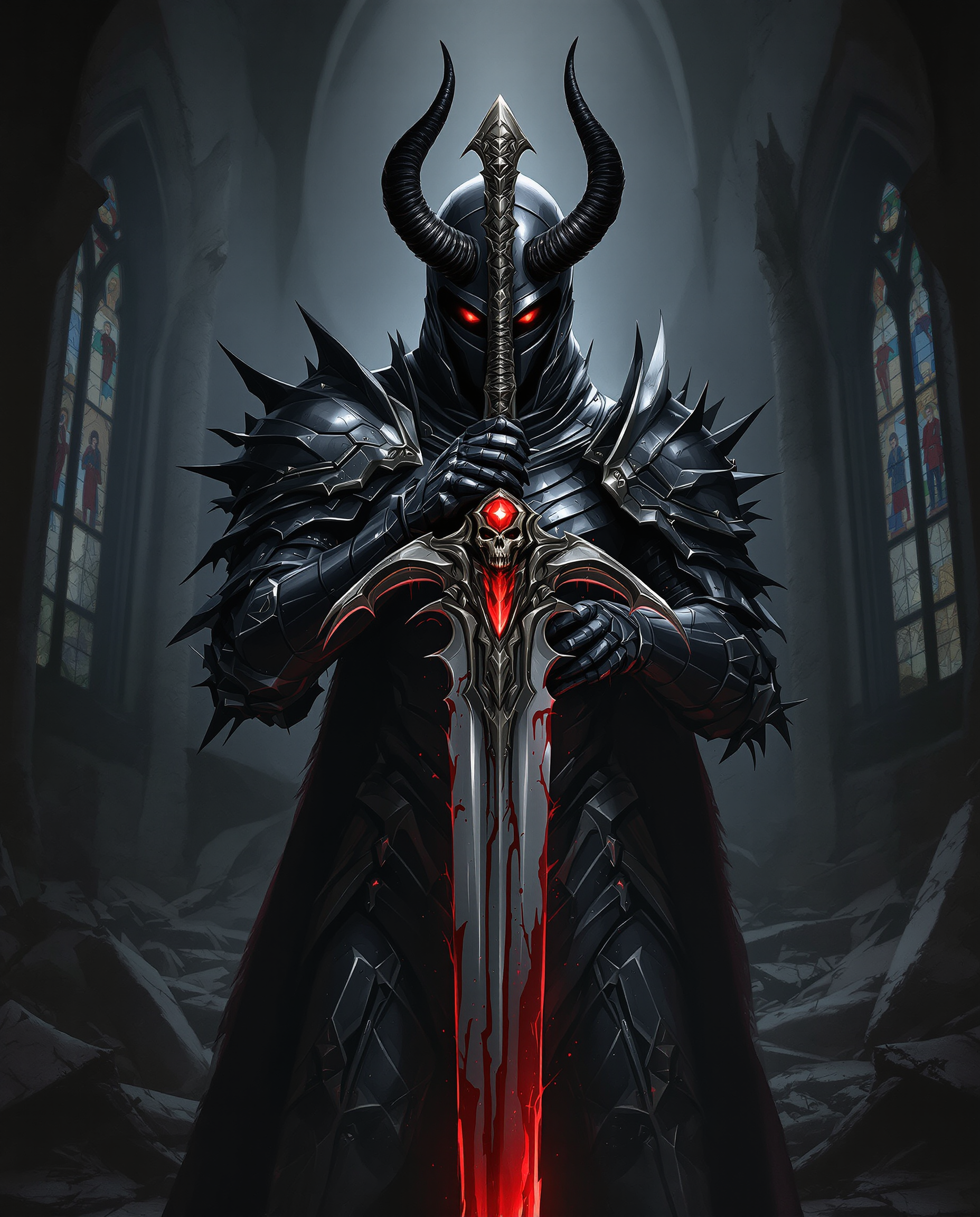
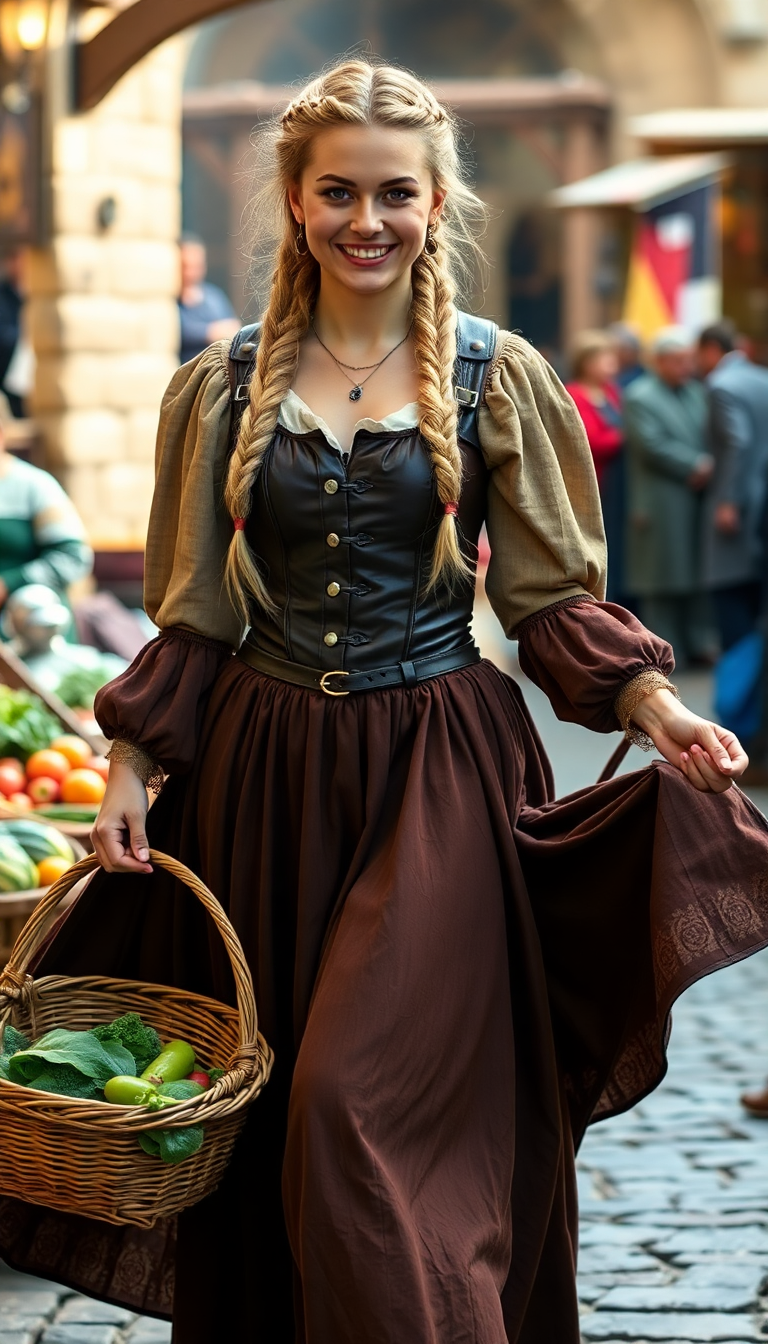



The Pixel Dojo Advantage
Why PixelDojo outperforms other options for tattoo image generation
| Others | Pixel Dojo |
|---|---|
| Traditional tattoo creation | Generate unlimited concepts in minutes instead of weeks, explore more styles, and arrive prepared with visuals that speed up artist collaboration. |
| Generic AI tools | Access tattoo-optimized editing like Style Transfer for authentic ink looks, Virtual Try-On for placement accuracy, and Inpainting for precise refinements not available elsewhere. |
| Manual photo editing | Achieve professional tattoo-specific results without hours of Photoshop work—AI handles line weights, shading consistency, and stencil conversion automatically. |
Loved by creators on PixelDojo
Real feedback from people using PixelDojo, pulled from our in-product surveys.
Lots of different tools. It's easy to purchase more credits.
Amazing performance!
Excellent website for creating all types of media
Very eay to use, works well to train SDXL loras.
The amazing tools
Top notch quality and strong prompt adherence.
Explore more AI tools on PixelDojo
AI Tools
Compare & Switch
- Best AI Image Generators
- Best AI Video Generators
- Midjourney Alternatives
- Civitai Alternatives
- Runway Alternatives
- Leonardo Alternatives
- Pika Alternatives
- Luma Alternatives
- Magnific Alternatives
- Veo Alternatives
- Flux Alternatives
- Freepik Alternatives
- Seedance Alternatives
- Seedream Alternatives
- Pixverse Alternatives
- GPT Image Alternatives
- Synthesia Alternatives
- Playground Alternatives
- NightCafe Alternatives
- Canva AI Alternatives
- ElevenLabs Alternatives
- ComfyUI Alternatives
- Fal Alternatives
- Replicate Alternatives
Common Questions
Everything you need to know about tattoo ai generator
How to create realistic AI tattoo designs with PixelDojo tattoo AI generator?
Start with Flux.2 Studio or Grok Image for base generation using detailed prompts that specify style, line weight, shading, and placement. Then apply Style Transfer to match popular tattoo aesthetics like fine line or neo-traditional. Use Inpainting to perfect details and Virtual Try-On to check realism on skin. Download in high resolution for stencil-ready results that look authentic when inked.
What are the best prompts for tattoo AI generator on PixelDojo?
Effective prompts follow: Subject + Style + Details + Placement + Mood. Example: 'Phoenix rising from flames in traditional Japanese irezumi style, bold lines, vibrant reds and blacks, full back piece concept, dramatic and powerful.' Include specifics like 'fine line, blackwork, small wrist size' for tailored outputs. Experiment with Grok Image or WAN Image for varied styles.
Can I preview how a tattoo will look on my body using PixelDojo?
Yes! Use the Virtual Try-On tool to upload a photo of your skin or body part and see the generated design placed realistically. Adjust size, angle, and position with Change Camera Angle or Pose Control. This helps avoid placement regrets and ensures the design complements your anatomy perfectly before your appointment.
Is PixelDojo's tattoo AI generator good for professional tattoo artists?
Absolutely. Artists love the Consistent Characters and LoRA Face Swap tools for client-specific designs, plus Image to Image for turning references into tattoo styles. Generate multiple variations quickly with Seedream or PonyXL, then refine with Magic Lighting and Background Remover for clean flash sheets that clients approve fast.
How does PixelDojo help with unique custom tattoo ideas?
Our diverse models including QWEN Image, Hunyuan Image, and Recraft V4.1 produce original concepts every time. Combine with Style Transfer and Inpainting to blend elements uniquely. Thousands of users report designs that feel deeply personal and one-of-a-kind, far beyond stock images.
What file formats and quality can I expect from PixelDojo tattoo designs?
Download high-resolution PNG and JPG files optimized for printing and stenciling. Tools like Creative Upscaler and Magnific Upscaler ensure crisp lines and details at any size. Outputs are clean enough for direct artist use, with options for black-and-grey, full color, or minimalist styles.