tattoo creator AI Generator
Imagine seeing your perfect tattoo idea come to life before you ever sit in the chair. With PixelDojo's AI tattoo creator, you can generate custom tattoo designs that match your vision exactly, explore endless styles, and visualize placements on your body in minutes. Whether you're planning your first ink or refining a sleeve concept, turn fleeting ideas into professional, stencil-ready artwork that sparks conversations and lasts a lifetime.
Over 75,000 creators have generated 2.3 million tattoo designs with PixelDojo. Rated 4.9/5 by tattoo enthusiasts and artists worldwide. Trusted for realistic results that translate perfectly to skin.
Why Choose Pixel Dojo for tattoo creator
Professional-quality results with cutting-edge AI technology
Visualize Your Ink Before You Commit
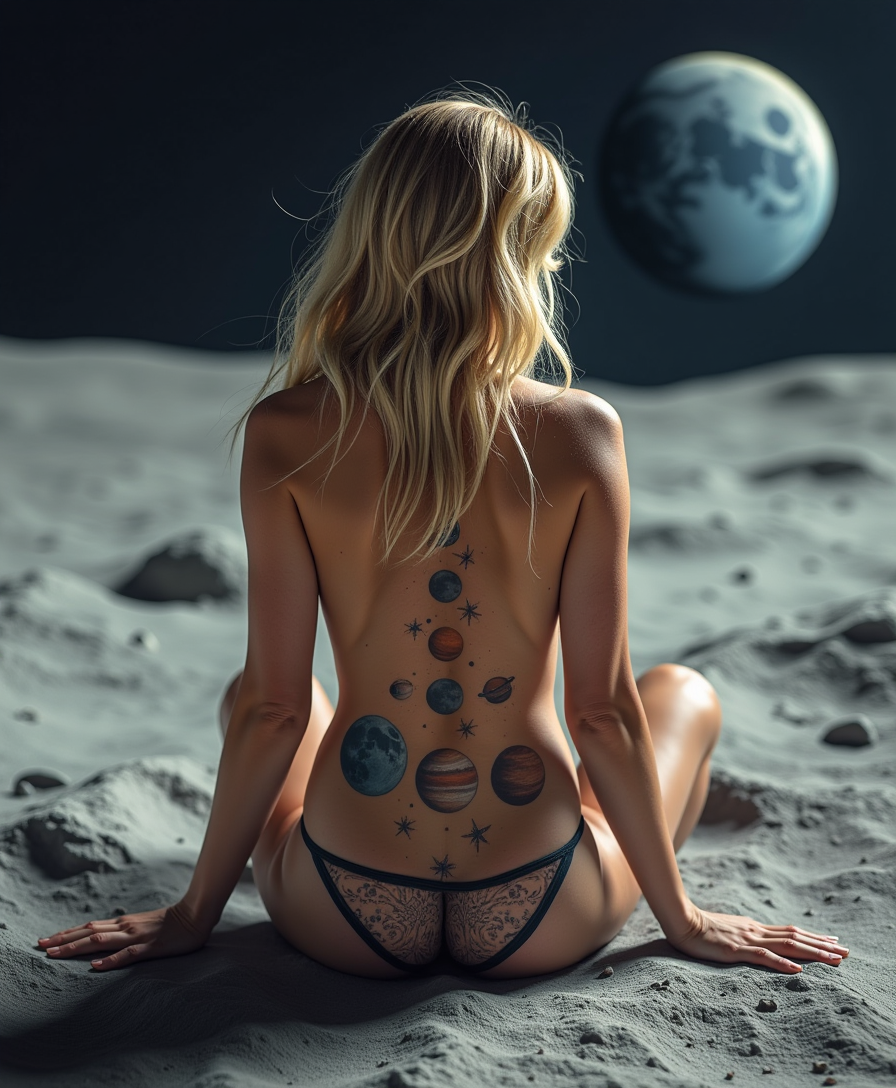
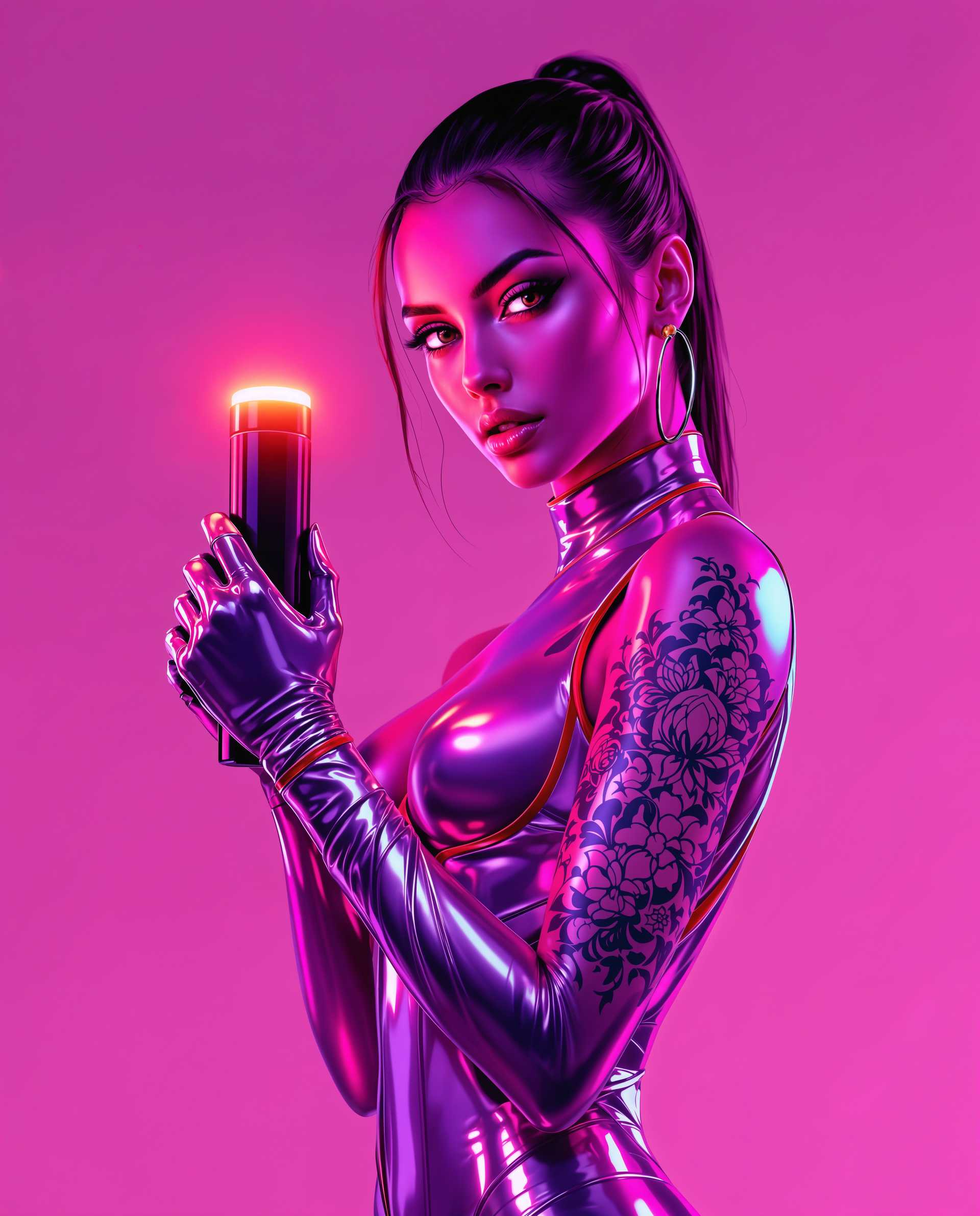
See exactly how your tattoo will look on your arm, chest, or leg with realistic body placement previews, eliminating guesswork and ensuring your design fits perfectly.
Explore Hundreds of Styles Instantly
Test geometric, fine line, watercolor, Japanese irezumi, black and gray, neo-traditional, and more without waiting for artist sketches, helping you discover your signature look fast.
Create Tattoo-Ready Art in Minutes
Generate clean, high-contrast designs optimized for stenciling with precise line work and shading that artists love, saving time and money on revisions.
How It Works
Creating custom tattoo designs with PixelDojo takes just three simple steps using our specialized image generation and editing tools.
Step 1: Choose Your Tool
Select from powerful image generators like Flux.2 Studio, Recraft V4.1, or PonyXL, all optimized for detailed tattoo aesthetics including crisp lines and shading.
Step 2: Enter Your Prompt
Describe your idea in natural language, such as 'fine line rose tattoo with delicate petals and subtle shading, black and gray style, high contrast for stencil', and generate multiple variations instantly.
Step 3: Customize & Download
Refine your design using Image to Image, Inpainting for precise edits, Style Transfer for new aesthetics, or Background Remover to isolate the tattoo art, then download high-resolution files ready for your artist.



The Pixel Dojo Advantage
Why PixelDojo outperforms other options for tattoo creator image generation
| Others | Pixel Dojo |
|---|---|
| Traditional tattoo creation | Generate dozens of concepts in minutes instead of days, letting you iterate freely and arrive at appointments with clear vision |
| Generic AI tools | Specialized tattoo-focused workflows with tools like Recraft V4.1 and Flux.2 Studio that produce clean, stencil-ready line work and shading every time |
| Manual photo editing | No drawing skills or expensive software required; our AI tattoo creator handles complex details automatically so you focus on creativity |
Loved by creators on PixelDojo
Real feedback from people using PixelDojo, pulled from our in-product surveys.
A well resourced sunscription with attention to updates.
Easy to use and there's lots of options.
super lora download
Great variety of tools to create and modify images and video.
Lots of Tools, and the one time I needed support I got help right away
Easy to use once you get the hang of it
Explore more AI tools on PixelDojo
AI Tools
Compare & Switch
- Best AI Image Generators
- Best AI Video Generators
- Midjourney Alternatives
- Civitai Alternatives
- Runway Alternatives
- Leonardo Alternatives
- Pika Alternatives
- Luma Alternatives
- Magnific Alternatives
- Veo Alternatives
- Flux Alternatives
- Freepik Alternatives
- Seedance Alternatives
- Seedream Alternatives
- Pixverse Alternatives
- GPT Image Alternatives
- Synthesia Alternatives
- Playground Alternatives
- NightCafe Alternatives
- Canva AI Alternatives
- ElevenLabs Alternatives
- ComfyUI Alternatives
- Fal Alternatives
- Replicate Alternatives
Common Questions
Everything you need to know about tattoo creator
How does PixelDojo's AI tattoo creator generate realistic designs?
PixelDojo's AI tattoo creator uses advanced models like Flux.2 Studio and Recraft V4.1 to produce high-contrast, clean line work and shading that translates perfectly to skin. Simply describe your idea and the system handles tattoo-specific details like line weight and negative space for stencil-ready results.
Can I preview tattoos on different body parts with the tattoo creator?
Yes, use our Image to Image and Pose Control tools to place designs on realistic body references. Upload a photo of your arm or leg, then apply the generated tattoo for accurate size, fit, and composition previews before your appointment.
What tattoo styles can I create with PixelDojo's tattoo creator?
Explore every popular style including geometric, watercolor, Japanese irezumi, black and gray, neo-traditional, fine line, dotwork, tribal, and realism. Tools like Style Transfer let you switch between aesthetics instantly while keeping your core design intact.
How do I make my AI tattoo designs stencil-ready for my artist?
After generating with Flux.2 Studio or PonyXL, use Inpainting and Clarity Pro to sharpen lines and remove background elements. Export high-resolution files optimized for printing and stenciling, giving your artist clean, professional artwork.
Is PixelDojo's tattoo creator suitable for first-time tattoo ideas?
Absolutely. The platform makes it easy for beginners to experiment with meaningful symbols, placement ideas, and size variations without commitment. Generate multiple options, visualize on skin, and refine until you find the perfect starting point.
Can I combine multiple elements in one tattoo design using the creator?
Yes, describe complex concepts like 'geometric wolf with floral accents in black and gray' and the AI tattoo creator will blend elements seamlessly. Follow up with Smart Resize or Merge tools if combining separate generated pieces.