tattoo generator

tattoo generator AI Image Example
AI Generated
Cancel anytimeCommercial-use license50+ AI models

Imagine seeing your dream tattoo exactly as it will look on your body before any ink touches skin. With PixelDojo's AI tattoo generator, you turn vague ideas into stunning, ready-to-use designs in seconds. Visualize perfect placement, experiment with trending styles like fine-line botanicals or cyber patterns, and create custom artwork that captures your personality. Whether you're planning a small wrist piece or a full sleeve, you'll achieve professional-quality results that help you communicate clearly with artists and avoid costly revisions. Thousands of creators are already designing tattoos that match their vision perfectly—now it's your turn.

Join over 50,000 creators who rate PixelDojo 4.9/5 for tattoo design. More than 2 million custom tattoo concepts generated last month alone. Trusted by aspiring tattoo enthusiasts and professional artists worldwide for realistic previews and endless inspiration.

Why Choose Pixel Dojo for tattoo generator

Professional-quality results with cutting-edge AI technology

See Your Tattoo on Your Skin Instantly

Preview any design on your actual body using realistic placement tools. Adjust size, angle, and position until it feels perfect—no more guessing or disappointing results after the fact.

Explore Every Trending Tattoo Style Effortlessly

Discover and generate designs in popular 2026 styles including AI-melded patterns, fine-line botanicals, cyber fine-line, watercolor, geometric, and Japanese irezumi. Iterate quickly to find your perfect match.

Save Time and Money on Tattoo Decisions

Create unlimited variations and refinements in minutes instead of weeks of artist consultations. Arrive at your appointment with clear, professional references that speed up the process and reduce changes.

How It Works

Creating professional tattoo designs with PixelDojo is simple and fast. Follow these three steps to go from idea to skin-ready preview.

1

Step 1: Choose Your Tool

Select from powerful image generators like Flux.2 Studio, Grok Image, or ImagineArt. These tools excel at producing high-detail tattoo artwork with clean lines and artistic depth perfect for ink.

2

Step 2: Enter Your Prompt

Describe your idea in natural language: include symbols, style (e.g., fine-line botanical sleeve), colors, size, and body placement. Add details like 'realistic shading suitable for tattoo ink' for best results.

3

Step 3: Customize & Download

Use Style Transfer or Image to Image to refine the look, then apply Virtual Try-On to preview on a photo of your body. Make final tweaks with Inpainting or Magic Lighting and download high-resolution files ready for your artist.
Community tattoo generator Gallery

Real examples created by our community

AI-generated image
AI-generated image
AI-generated image
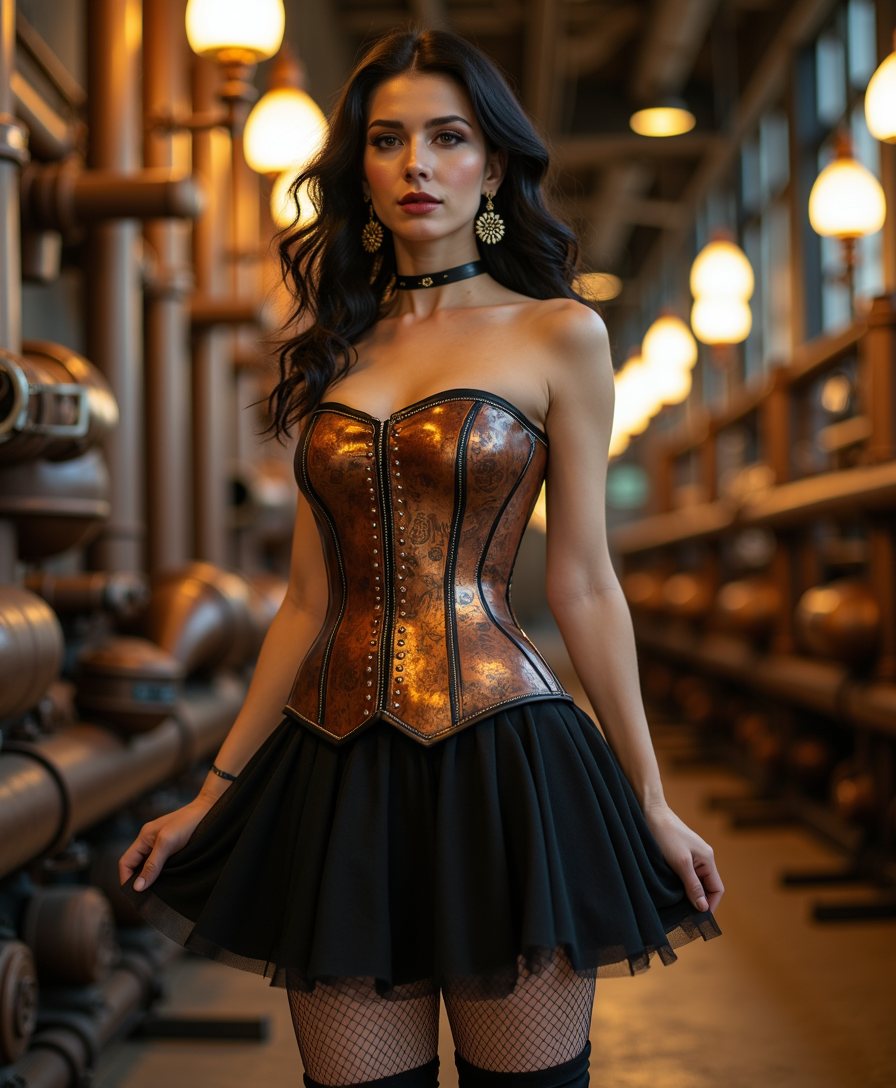
, Standing at a three-quarter angle under the warm glow of oxidized brass lamps, she strikes a confident pose with one hand resting on her hip and the other delicately lifting her flowing, pleated skirt to reveal intricately patterned fishnet stockings and polished, knee-high boots. Her strapless corset—crafted from burnished copper plates adorned with tiny mechanical cogs, engraved filigree, and riveted brass piping—cinches her waist in a taper of graceful curves, catching highlights from the flickering lights overhead. The corset’s panels display subtle scuffs and a faint patina here and there, lending a lovingly worn “imperfect perfection” to the ensemble. A slight ruffle of tulle peeks out from beneath the skirt, equally dusted with the hush of steam-engine residue that drifts in lazy swirls behind her. Dark, voluminous curls cascade over her shoulders, with a few rebellious strands framing a face defined by bold cat-eye liner, metallic bronze eyeshadow, and a soft smudge of plum lipstick. Her nails, lacquered in shimmering obsidian, match the black leather straps fastened across her ankles. Ornate gear-shaped earrings sway gently as she shifts her stance, the quiet chime of metal adding an otherworldly charm to the steampunk ambiance. All around, thick pipes coil along the walls of an industrial walkway, venting puffs of steam that catch the coppery light, creating a luminous halo around her figure and accentuating her poised, confident presence in this retro-futuristic realm.
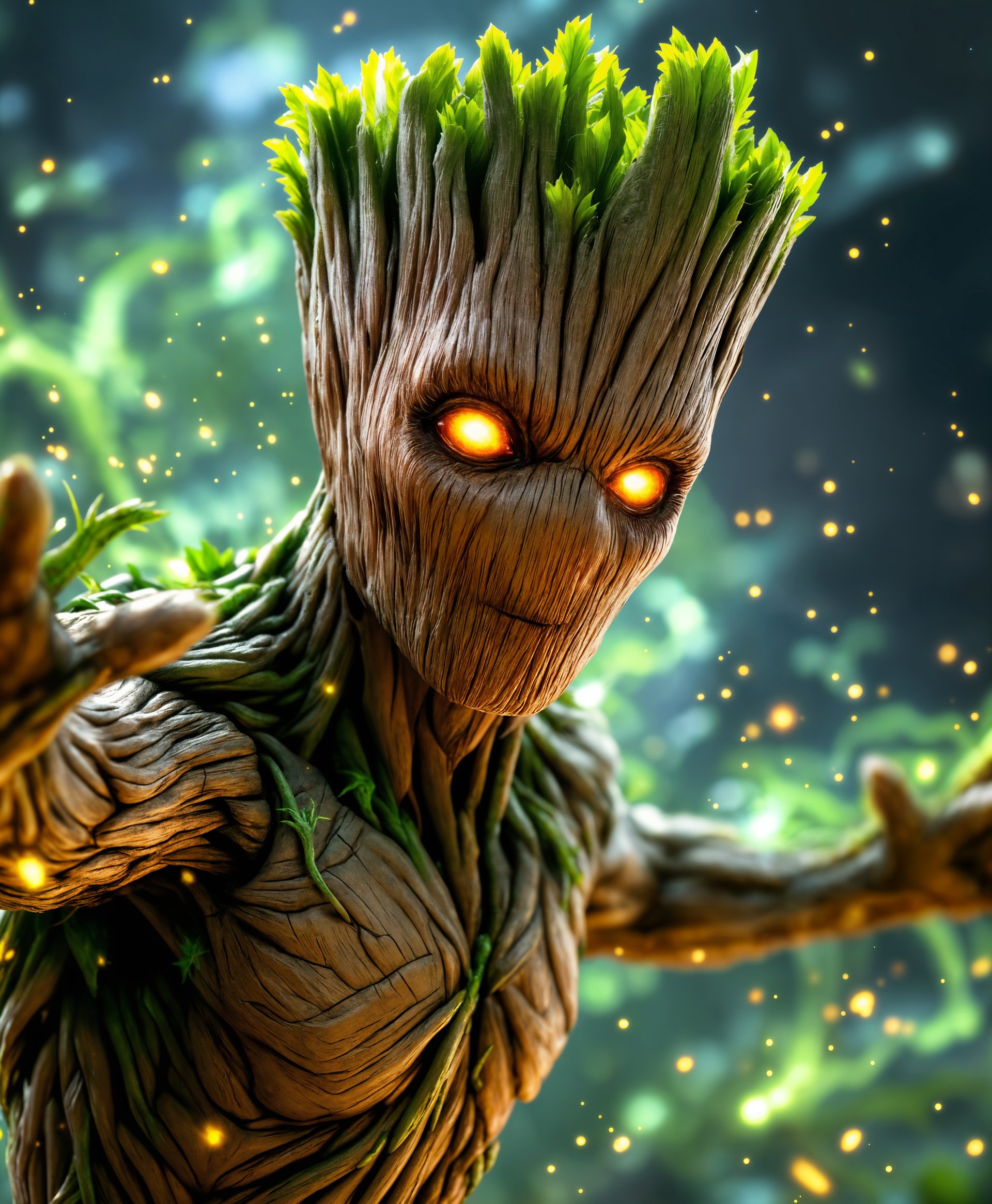
masterpiece, best quality, highres, sharp image, more detail, masterpiece, best quality, highres, sharp image, more detail, **Image Description**: A dynamic and detailed portrait of Groot from Marvel Rivals, showcasing him in full action mode, utilizing his super powers.

**Visual Details**: Groot's bark is textured and rough, with vibrant green leaves sprouting from his body, emphasizing his organic nature. His eyes are glowing with a supernatural, intense light, hinting at the power within. The surrounding air is filled with small, swirling particles of light, suggesting the activation of his abilities.

**Style**: The image is rendered in a hyper-realistic style, akin to high-quality video game character art, with a focus on depth and detail. It should have a cinematic feel, reminiscent of epic superhero movies, capturing the grandeur of his powers.

**Composition**: Groot is centered in the frame, his body slightly turned to the side, offering a three-quarter view. His arms are extended, releasing a burst of energy or vines, framing him in a dynamic pose. The camera angle is slightly low, looking up to enhance his imposing presence.

**Mood and Atmosphere**: The atmosphere is charged with energy, with a slight glow around Groot, as if the air itself is reacting to his powers. The background is dark, perhaps a forest or urban setting at twilight, with soft ambient lighting highlighting his silhouette against the shadows.

**Technical Aspects**: Use high dynamic range (HDR) techniques for the lighting effects, ensuring the glow around Groot and the particles are luminous without being overly bright. Employ depth of field to focus on Groot, with the background slightly blurred to emphasize his prominence.

**Cohesion**: The scene should feel like a moment captured from a larger battle or event, with Groot's powers being unleashed in a dramatic, awe-inspiring manner, creating a unified narrative within a single frame.
AI-generated image
AI-generated image
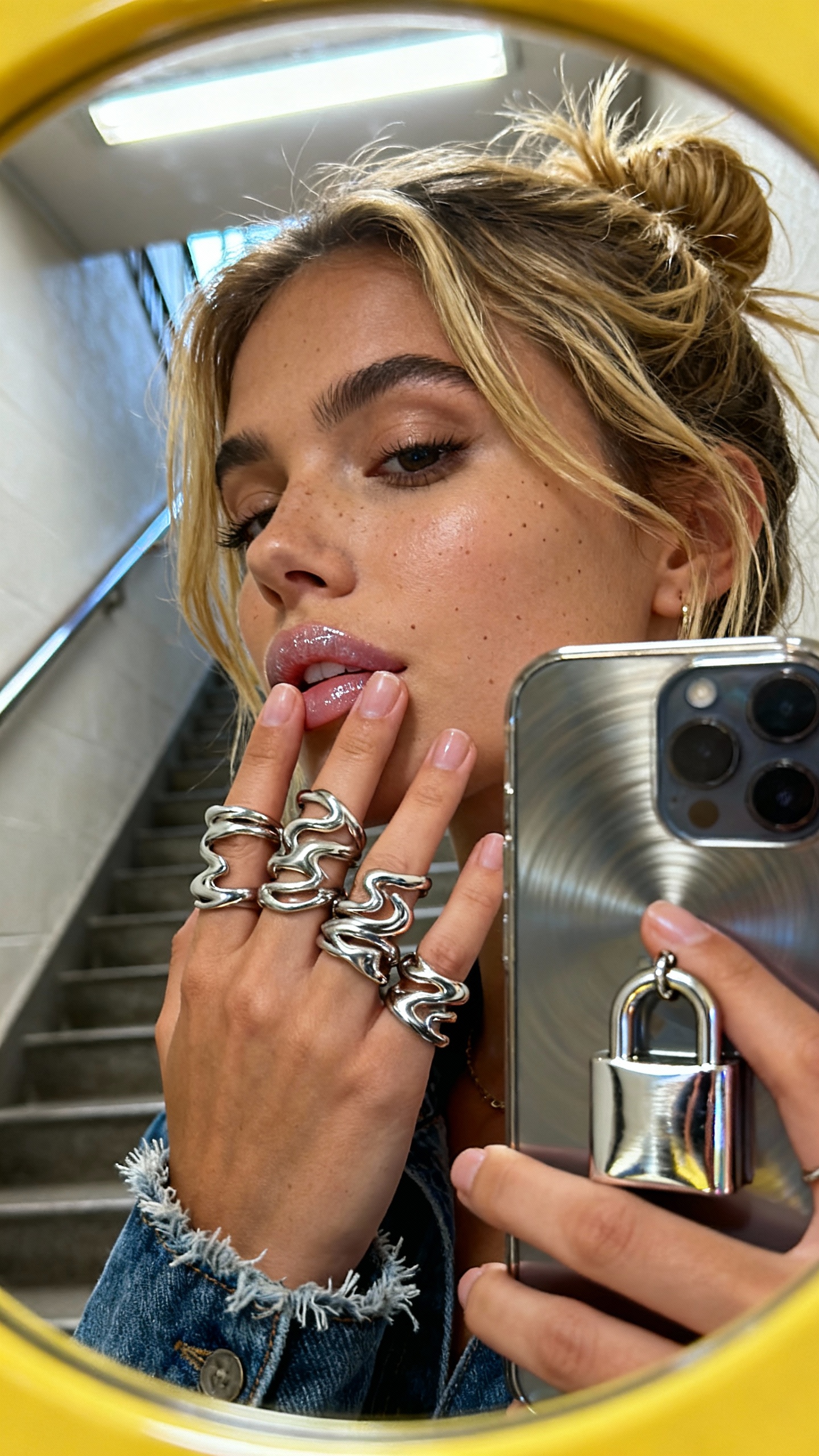
Golden strands rebelliously escape a messy bun as she presses her fingertips stacked with chunky molten silver rings near frosted lips, where subtle gloss barely catches the midday stairwell’s cold fluorescent glow. The yellow-tinted lenses curve around her face, reflecting an iPhone’s faint reflection in neat lock pendant’s shimmer. Tiny skin pores texture the sun-kissed cheek, contrasting with brushed metal ripples blurred softly behind her. Denim cuff fuzz peeks near the wrist, and the frame slants just enough to catch this unstudied moment, where molten silver forms dance in the ornate collage of a modern muse. up captured on Iphone, hand-face jewelry focus
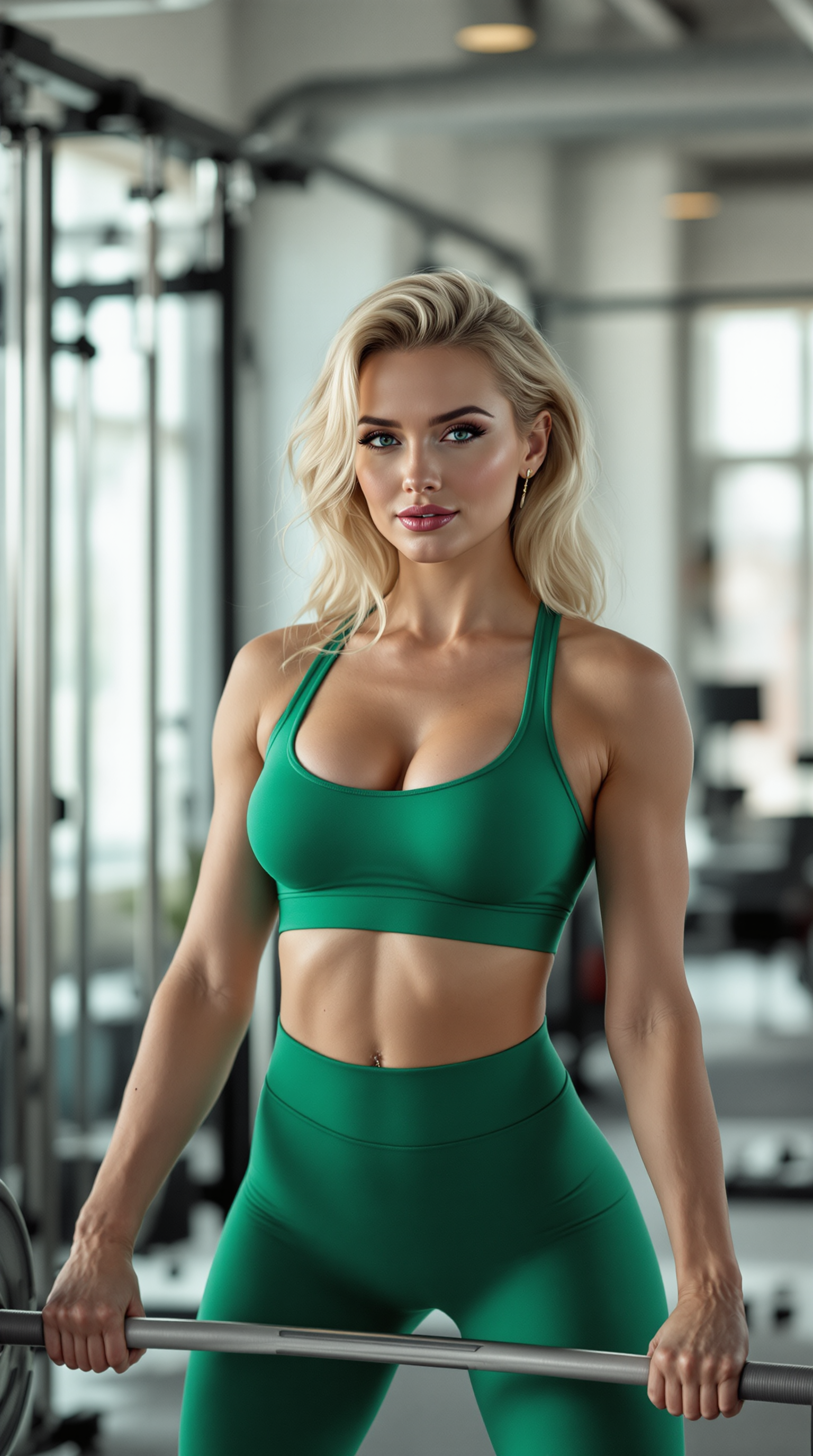
a photo of Marilyn Monroe,  **Subject**: A stunning Scandinavian woman with golden blonde hair, radiant skin, and a fit physique, lifting weights with poise and strength.

**Clothing**: She wears a vibrant jade green crop top that accentuates her athletic form, paired with matching high-waisted tights that showcase her muscular legs. The fabric has a subtle sheen, suggesting a moisture-wicking, high-performance material.

**Environment**: The setting is a modern gym with sleek, minimalist design elements. The background features clean lines, polished metal surfaces, and soft, natural light filtering through large windows, creating a serene yet energetic atmosphere.

**Lighting**: Natural daylight provides a soft, diffused light that highlights her features and the texture of her clothing, casting gentle shadows that define her muscle tone.

**Style**: Photographed in a **cinematic style**, with a shallow depth of field to focus on the subject, employing a **vignette** to gently darken the edges, emphasizing her central role in the composition.

**Composition**: 
- **Framing**: She is framed in the center, with her lifting action captured at the peak of exertion, showcasing her strength and focus.
- **Camera Angle**: A low angle shot to convey her power and dominance, with the weights slightly blurred in the foreground to draw attention to her face and form.
- **Lens**: Use of a **50mm prime lens** for a natural perspective, ensuring realistic proportions and depth.

**Mood and Atmosphere**: The scene exudes confidence, determination, and a touch of elegance. The time of day is late morning, with the gym quiet, allowing for a sense of focus and personal space.

**Technical Aspects**: 
- **Color Grading**: A slight cool tone in the shadows to complement the green attire, with warmer highlights on her skin to create contrast and depth.
- **Focus**: Sharp focus on her face and upper body, with the gym equipment and background slightly out of focus to maintain visual hierarchy.
- **Resolution**: High resolution with fine detail in textures like the weave of the gym mats, the texture of her hair, and the slight sweat on her brow, indicating realism and effort.
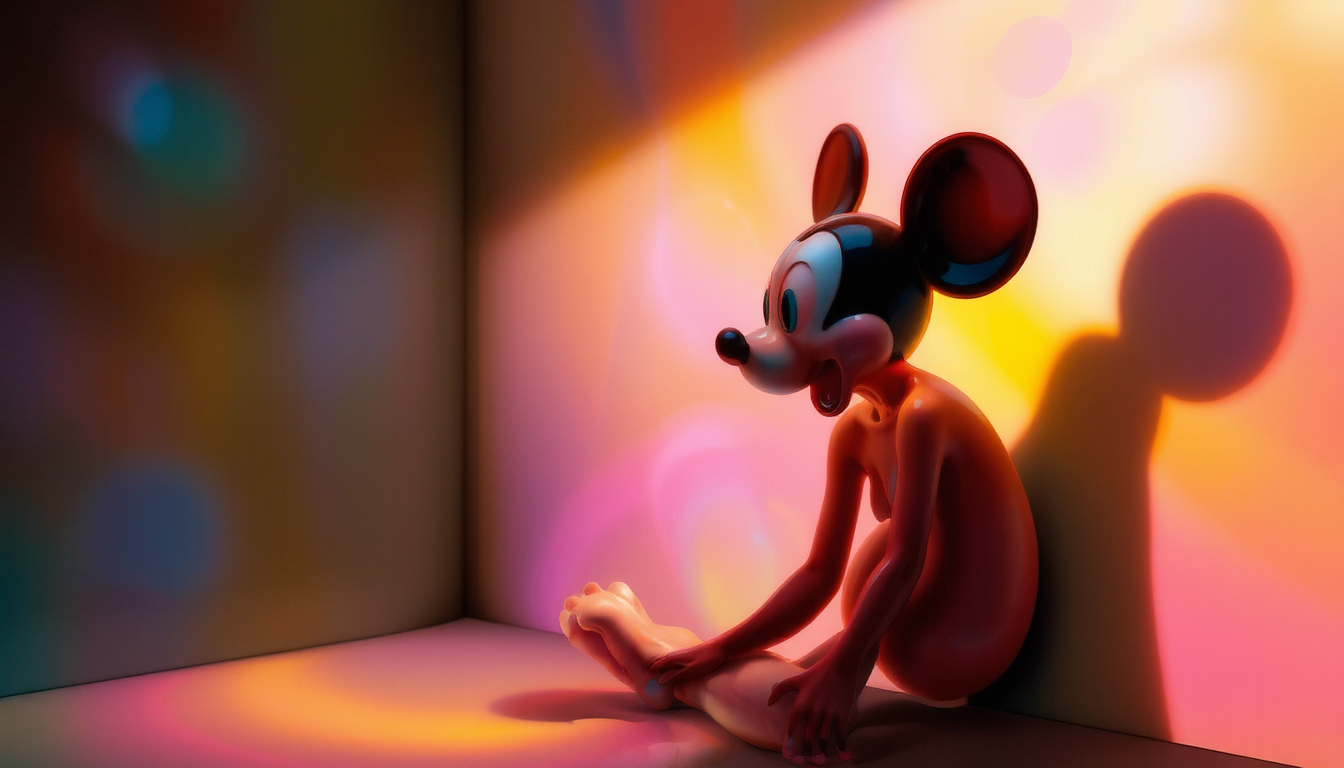
BioPunk style. Colored light, colored shadows, Mickey Mouse on acid
masterpiece, best quality, highres, sharp image, more detail, masterpiece, best quality, highres, sharp image, more detail, ```plaintext
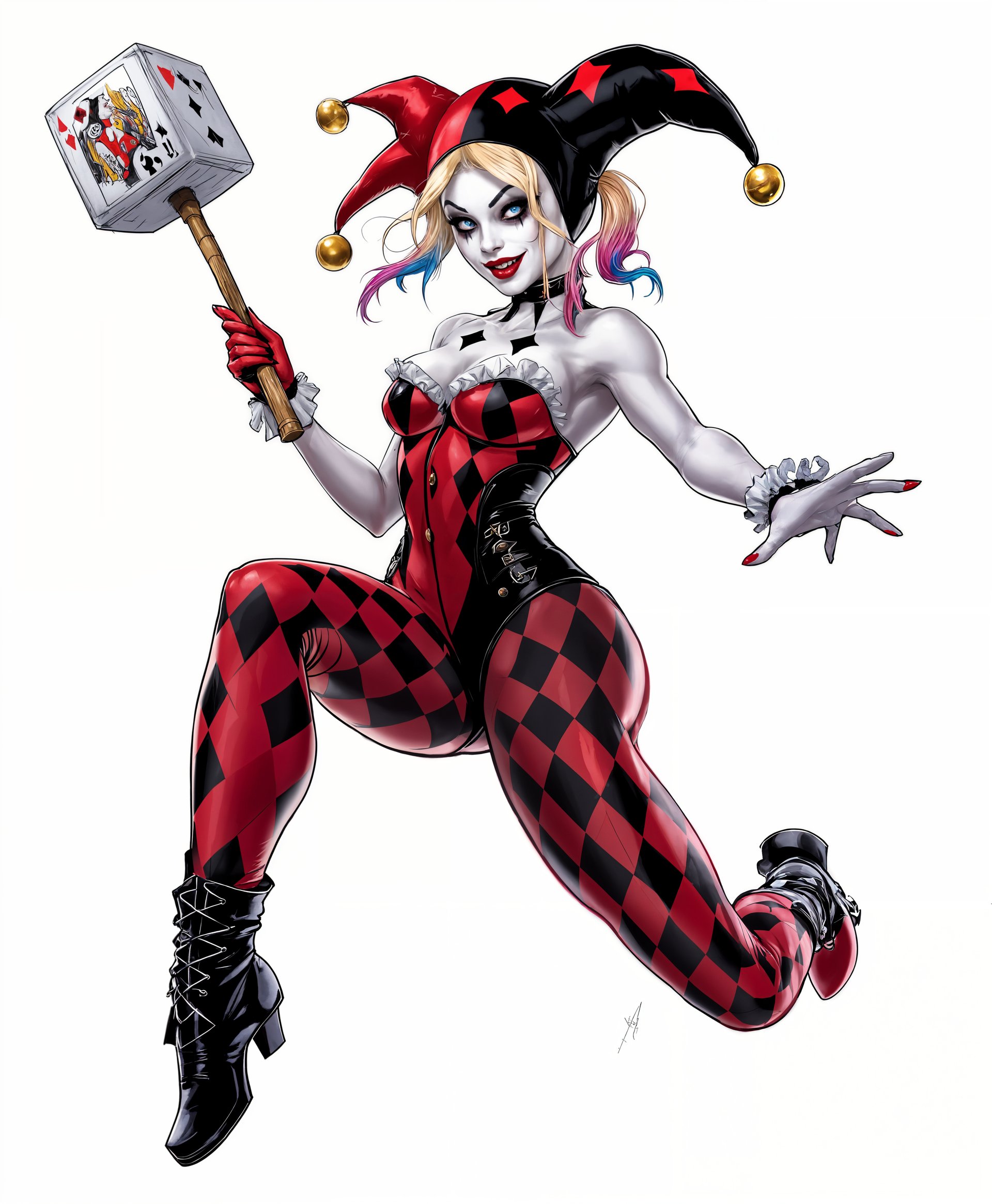
A dynamic portrait of **Harley Quinn** from the DC comics, capturing her in mid-action, showcasing her acrobatic prowess and mischievous charm. 

**Visual Details:**
- **Costume:** She wears her iconic jester outfit with a tight, red and black diamond-patterned corset, ruffled neckline, and matching leggings. Her boots are black and white, extending up to her knees. 
- **Accessories:** Her jester hat is cocked to one side, with bells jangling as she moves. She carries her signature mallet, poised for action, decorated with playing card symbols.
- **Makeup:** Bold, theatrical makeup with white face paint, exaggerated red lips, and black diamond patterns around her eyes. Her hair is dyed half blonde and half pink or blue, styled in pigtails.

**Style:**
- **Artistic Influence:** The style is reminiscent of comic book art, with bold outlines and vibrant, saturated colors, but with a touch of realism to highlight her facial expressions and the texture of her outfit.
- **Photography Technique:** A shallow depth of field focuses on Harley, with her surroundings slightly blurred to emphasize her as the central figure.

**Composition:**
- **Subject Positioning:** Harley is posed in a dynamic, theatrical stance, one foot up, ready to leap or strike, her body slightly turned to show her silhouette.
- **Camera Angle:** A low angle shot to make her appear larger than life, enhancing her dominance in the scene.
- **Framing:** She is framed against a backdrop of Gotham's skyline at dusk, with the city lights casting a glow on her, creating a stark contrast between her vibrant colors and the dark, moody city.

**Mood and Atmosphere:**
- **Feeling:** The image conveys a sense of excitement, chaos, and unpredictability, encapsulating Harley's essence.
- **Time of Day:** Dusk, with the city's lights just beginning to twinkle, adding a touch of mystery and allure.
- **Ambiance:** The atmosphere is electric with a hint of danger, as if anything could happen at any moment.

**Technical Aspects:**
- **Lighting:** Side lighting to highlight the texture of her costume, with rim lighting to separate her from the background, emphasizing her silhouette against the city.
- **Focus:** Selective focus with a fast shutter speed to capture her movement sharply while maintaining the background blur.

**Cohesion:** The entire scene is designed to reflect Harley Quinn's chaotic energy and her playful yet dangerous nature, with every
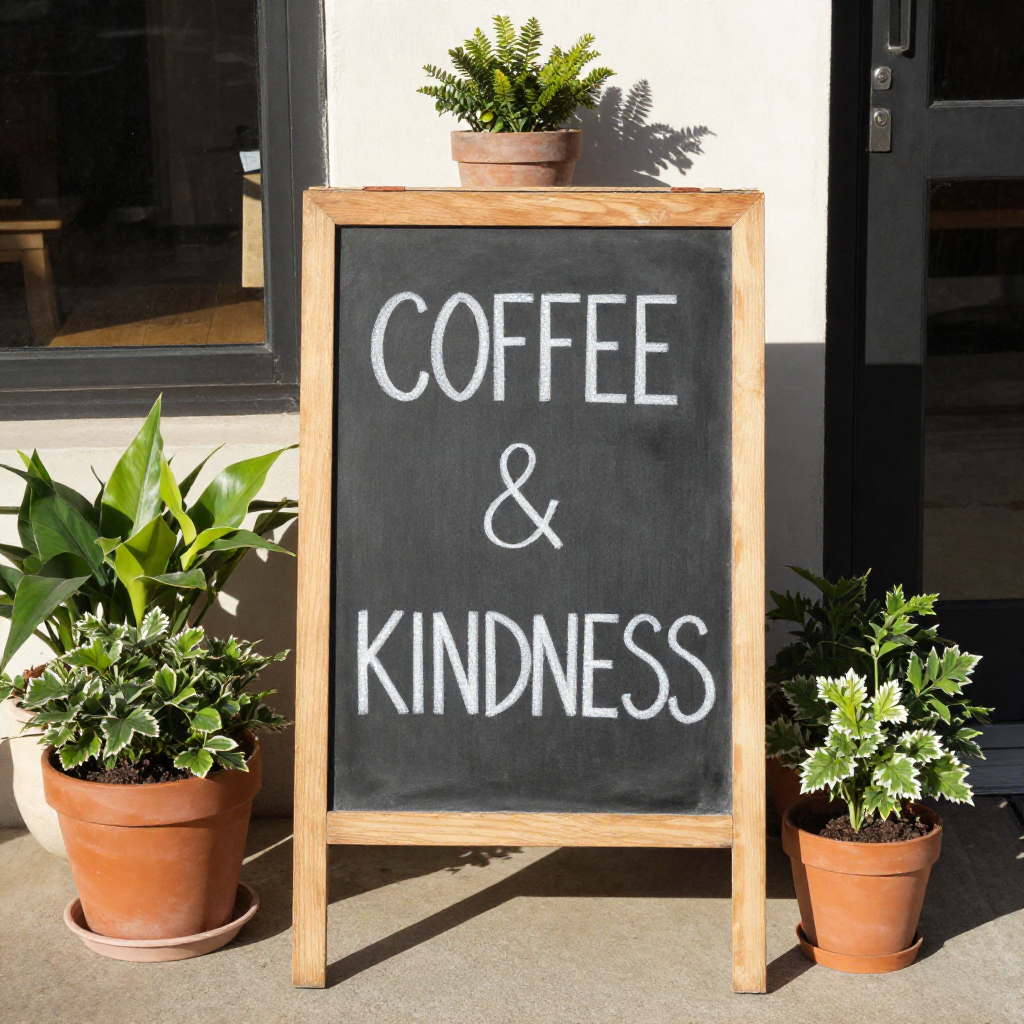
A storefront chalkboard sign that reads "COFFEE & KINDNESS", surrounded by potted plants, warm morning light

Start Creating Custom Tattoo Images Today

40+ cutting edge AI tools, loved by thousands of creators worldwide, cancel anytime, try it today

The Pixel Dojo Advantage

Why PixelDojo outperforms other options for tattoo image generation

OthersPixel Dojo
Traditional tattoo creationGenerate dozens of unique concepts and perfect placements in minutes instead of waiting days or weeks for hand-drawn sketches
Generic AI toolsTattoo-optimized workflows with built-in style transfer, realistic skin preview via Virtual Try-On, and line-weight aware refinements that generic tools simply don't offer
Manual photo editingAI-powered Smart Resize, Inpainting, and automatic placement adjustments deliver professional results in clicks rather than hours of tedious manual work

Loved by creators on PixelDojo

Real feedback from people using PixelDojo, pulled from our in-product surveys.

It is a lot of fun to uae and easy too.
Verified PixelDojo creator
So many different models to try out
Verified PixelDojo creator
You keep adding to it to stay up to date and that is GOLD.
Verified PixelDojo creator
very easy to use and good support
Verified PixelDojo creator
Very easy to use
Verified PixelDojo creator
super easy to use
Verified PixelDojo creator

Common Questions

Everything you need to know about tattoo generator

How to create realistic AI tattoo designs with PixelDojo that look good on skin?

Start with detailed prompts in tools like Flux.2 Studio or Grok Image, specifying 'tattoo-appropriate line weight, realistic shading, and ink-friendly contrast.' Then use Style Transfer and Virtual Try-On to preview on actual skin photos. Add refinements with Inpainting for perfect results that translate beautifully to real ink.

What are the best prompts for generating trending 2026 tattoo styles like fine-line botanicals?

Use specific, outcome-focused prompts such as 'delicate fine-line botanical sleeve with ferns, flowers, and subtle shading on inner forearm, black and grey realistic tattoo style.' Combine with PixelDojo's Style Transfer tool to adapt any reference into authentic tattoo aesthetics quickly.

Can I visualize how a tattoo will look on my specific body placement with AI?

Yes! PixelDojo's Virtual Try-On lets you upload a photo of your arm, leg, or torso and instantly apply generated designs with realistic skin texture, lighting, and curvature. Adjust size and angle until it feels perfect before committing.

How does PixelDojo help avoid common AI tattoo design mistakes like poor line weight?

Our specialized editing tools including Inpainting, Magic Lighting, and Reality Polisher automatically optimize for tattoo realities. Generate base designs then refine line consistency, shading depth, and skin integration so your final files are artist-ready and ink-friendly.

Is PixelDojo suitable for both beginners and professional tattoo artists?

Absolutely. Beginners love the simple prompt-to-preview workflow for personal designs, while pros use Consistent Characters, Image to Image, and high-resolution exports from Flux.2 Studio to create client references faster than ever. Everyone achieves professional outcomes.

How many tattoo design variations can I generate and refine for free?

With PixelDojo you get unlimited generations across 40+ tools including WAN Image, Seedream models, and full editing suites. Experiment with countless styles, placements, and refinements—cancel anytime with no risk.

Ready to create amazing tattoo images?

Ready to Create Amazing tattoo generator Images?

Join thousands of creators using AI to bring their ideas to life