text to image generator

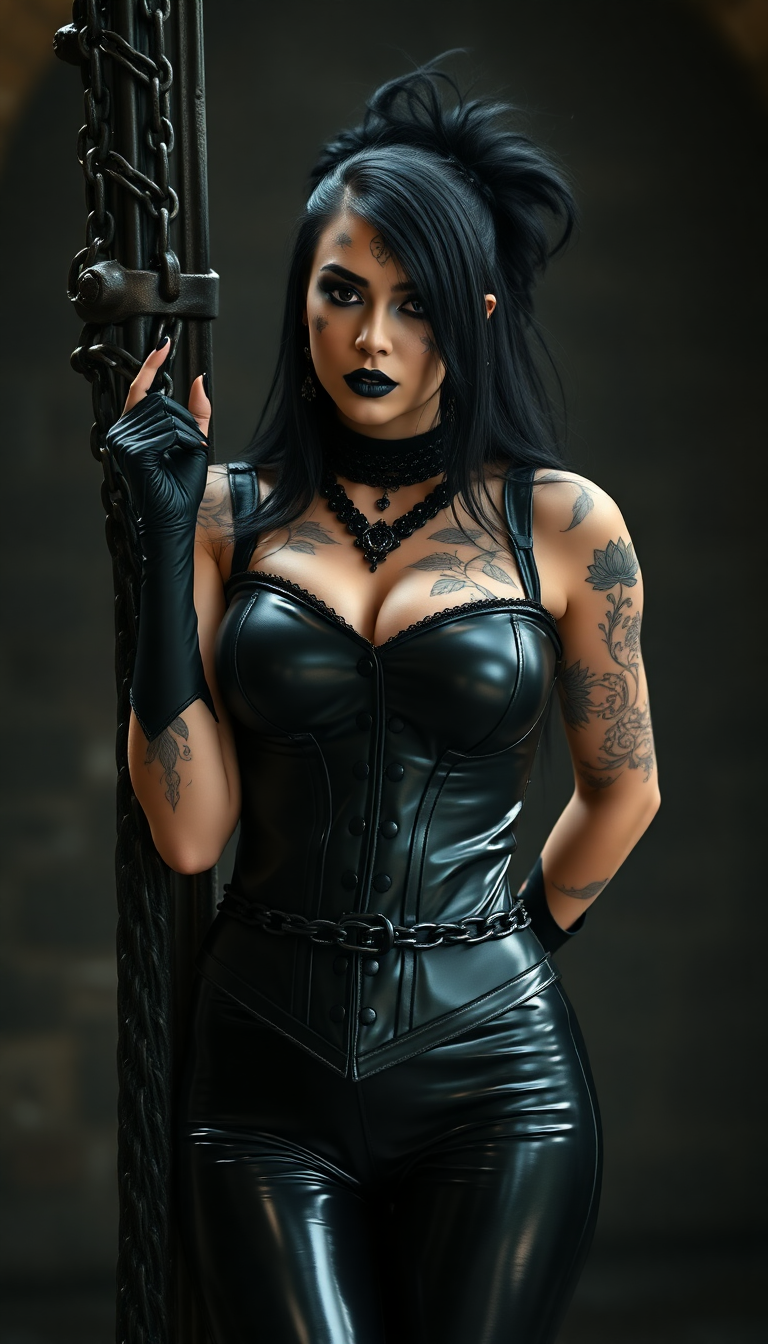
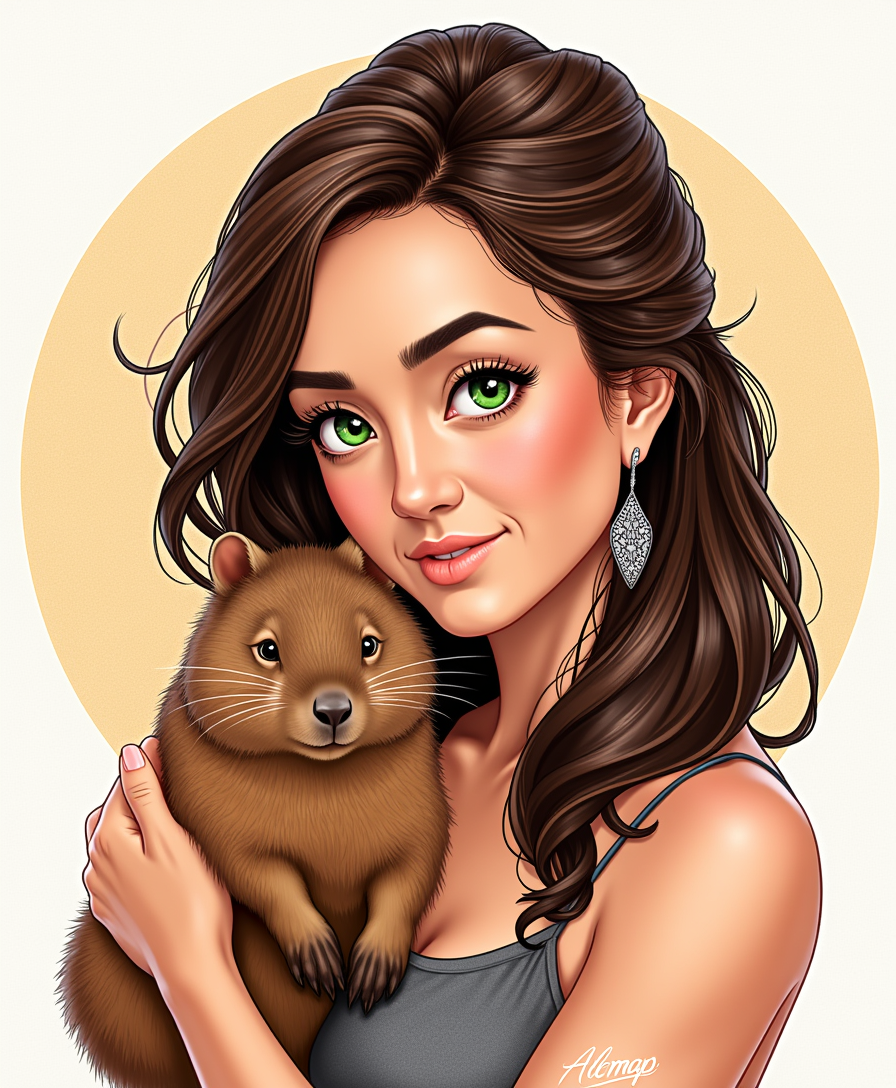
Imagine describing your perfect image in a few sentences and having it appear in seconds, exactly as you envisioned. PixelDojo's text to image generator makes this possible, empowering you to produce professional visuals for marketing campaigns, social media, product designs, and personal projects without hiring expensive artists or spending hours in design software. Whether you need photorealistic product shots, whimsical illustrations, or branded graphics with crisp text, our platform delivers high-quality results that match your creative goals and help you stand out.
Over 150,000 creators trust PixelDojo to generate 25+ million images monthly. 4.9/5 average rating from 45,000+ verified reviews. Featured in top creative workflows for brands and freelancers worldwide. Cancel anytime with our risk-free plans.
Why Choose Pixel Dojo for text to image generator
Professional-quality results with cutting-edge AI technology
Create Professional Visuals in Minutes
Transform simple text descriptions into polished, ready-to-use images for ads, websites, and presentations—eliminating the need for costly design agencies or lengthy production timelines.
Explore Endless Creative Possibilities
Iterate on ideas rapidly with variations and refinements, helping you discover unique concepts and perfect your vision before committing to final assets.
Maintain Brand Consistency Effortlessly
Generate cohesive image sets that align with your style guidelines, ensuring every visual reinforces your brand identity across all channels.
How It Works
Getting started with PixelDojo's text to image generator takes just three simple steps, giving you access to the latest AI advancements for outstanding results.
Step 1: Choose Your Tool
Browse our Generate Images section and select a specialized text-to-image model such as Flux.2 Studio for cinematic realism, Ideogram 4 for exceptional text rendering, Nano Banana 2 for intelligent prompt understanding, or Grok Image for creative flair. Each tool is optimized for different outcomes so you pick the best fit for your project.
Step 2: Enter Your Prompt
Type a detailed description of the image you want to create. For example, 'A serene mountain lake at sunset with a wooden cabin, photorealistic style, golden hour lighting.' The more specific your prompt, the better the AI understands your vision. Advanced models handle complex scenes, emotions, and even embedded text with precision.
Step 3: Customize & Download
Review the generated images, adjust parameters like aspect ratio or style strength if needed, then use built-in editing tools such as Style Transfer or Magic Lighting for fine-tuning. Download high-resolution files instantly or upscale with P-Image Upscale for print-ready quality.
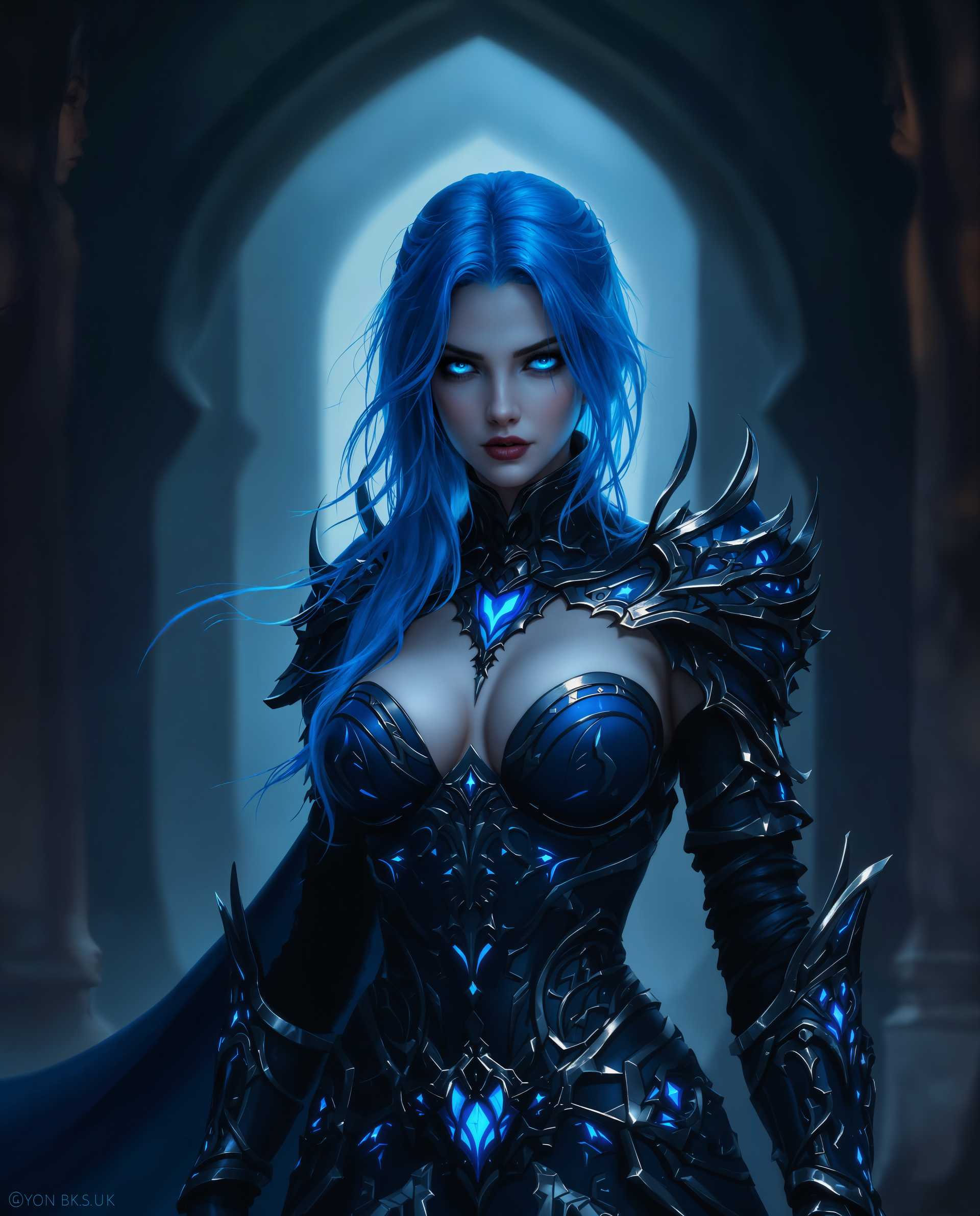
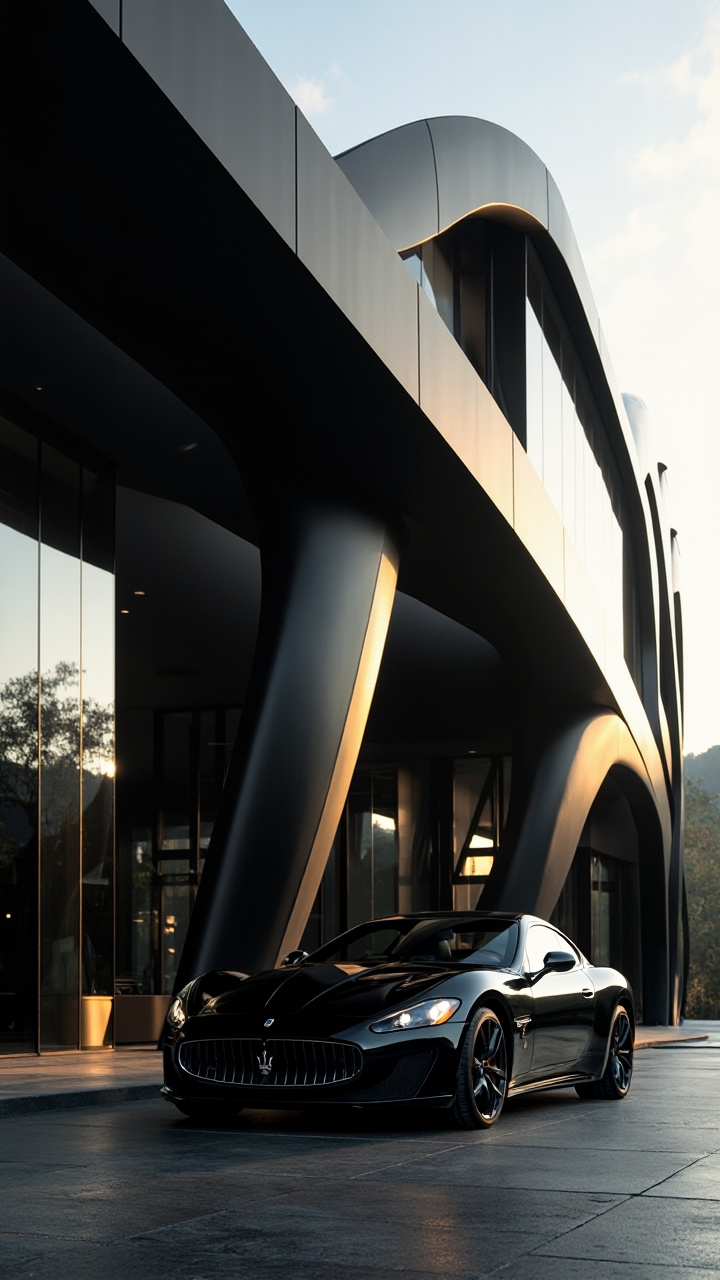
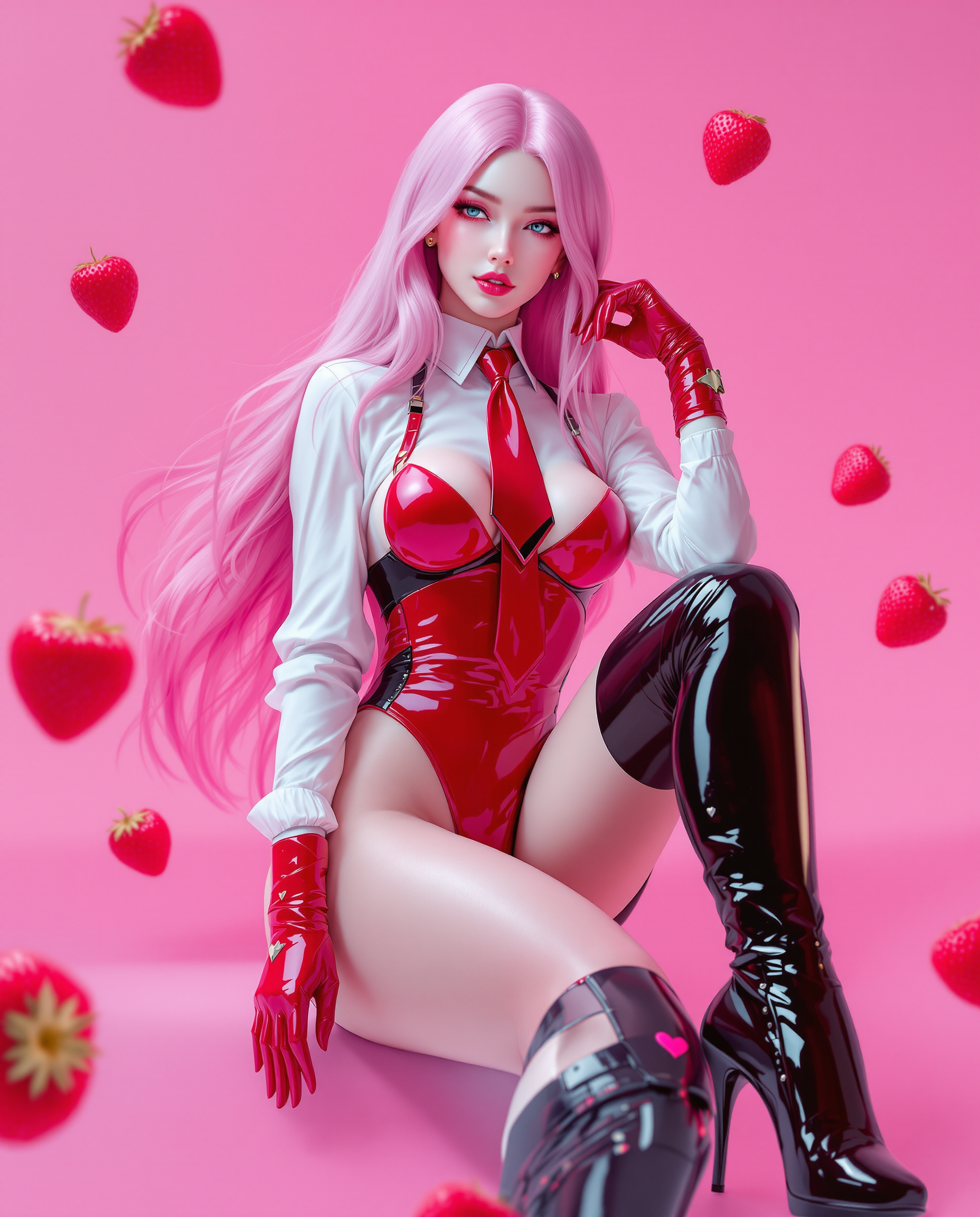

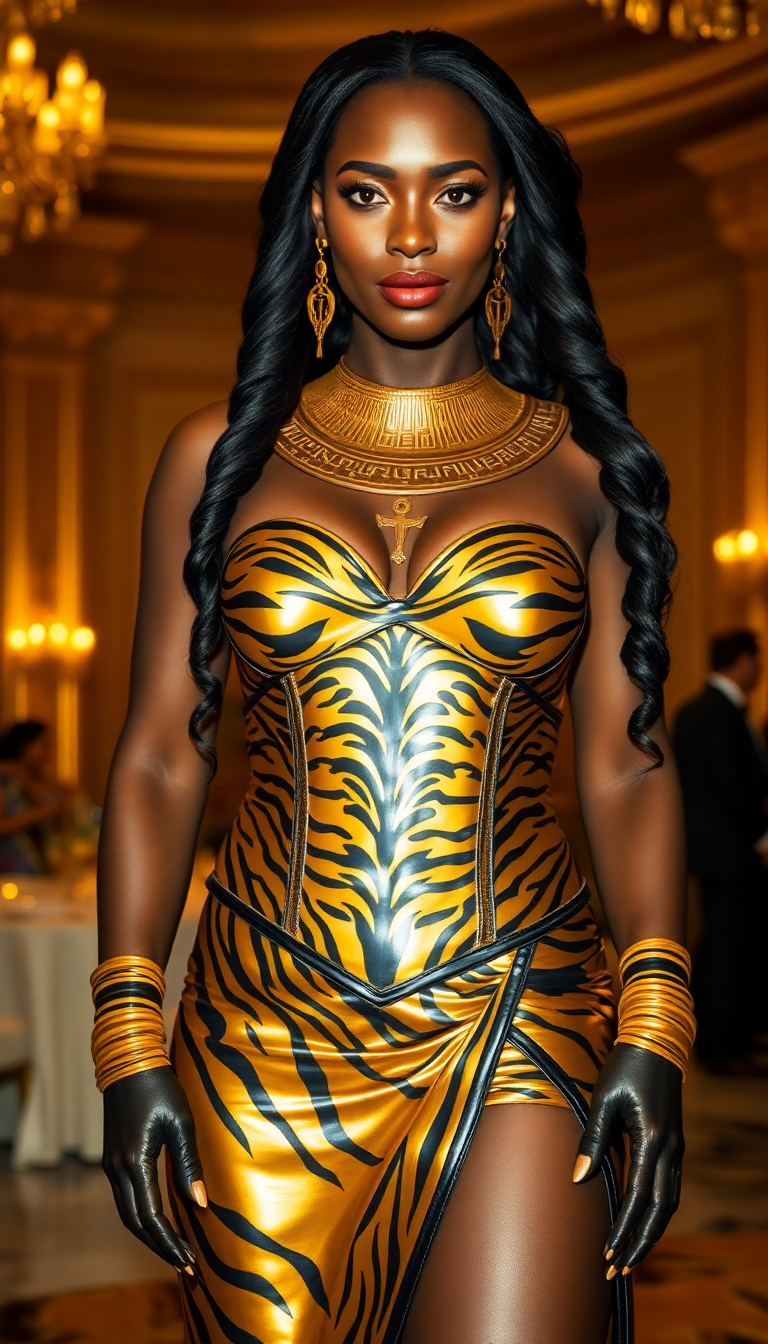

The Pixel Dojo Advantage
Why PixelDojo outperforms other options for text to image generator workflows
| Others | Pixel Dojo |
|---|---|
| Traditional illustration or photography | Produce custom images on demand in seconds instead of waiting days or weeks and paying thousands for commissions or shoots. |
| Generic AI tools | Access a curated suite of 40+ specialized models plus seamless editing, upscaling, and video tools all in one workspace with consistent character features. |
| Manual photo editing | Start from text descriptions rather than sourcing and heavily editing stock photos, saving hours while achieving more original and tailored results. |
Loved by creators on PixelDojo
Real feedback from people using PixelDojo, pulled from our in-product surveys.
I love this app
It has all the tools I can think of...
deployment rate of splendid features is incredible. Legend
large selection of tools on one platform
the amount you can do on this site
all in one place
Explore more AI tools on PixelDojo
AI Tools
Compare & Switch
- Best AI Image Generators
- Best AI Video Generators
- Midjourney Alternatives
- Civitai Alternatives
- Runway Alternatives
- Leonardo Alternatives
- Pika Alternatives
- Luma Alternatives
- Magnific Alternatives
- Veo Alternatives
- Flux Alternatives
- Freepik Alternatives
- Seedance Alternatives
- Seedream Alternatives
- Pixverse Alternatives
- GPT Image Alternatives
- Synthesia Alternatives
- Playground Alternatives
- NightCafe Alternatives
- Canva AI Alternatives
- ElevenLabs Alternatives
- ComfyUI Alternatives
- Fal Alternatives
- Replicate Alternatives
Common Questions
Everything you need to know about text to image generator
How does a text to image generator work with PixelDojo?
PixelDojo's text to image generator uses advanced AI models like Flux.2 Studio and Ideogram 4 to interpret your written prompts and synthesize unique images. Simply describe your scene, style, lighting, and details—the AI handles composition, rendering, and realism to deliver multiple high-quality options you can refine further with our editing suite.
What are the best prompts for a text to image AI generator in 2026?
Effective prompts include specific subjects, artistic styles, lighting conditions, camera angles, and mood descriptors. For example, 'cyberpunk city street at night, neon reflections, cinematic lighting, ultra detailed, 8k.' PixelDojo's models excel at understanding these nuances, and you can iterate quickly to perfect results.
Can I create images with readable text using PixelDojo's text to image generator?
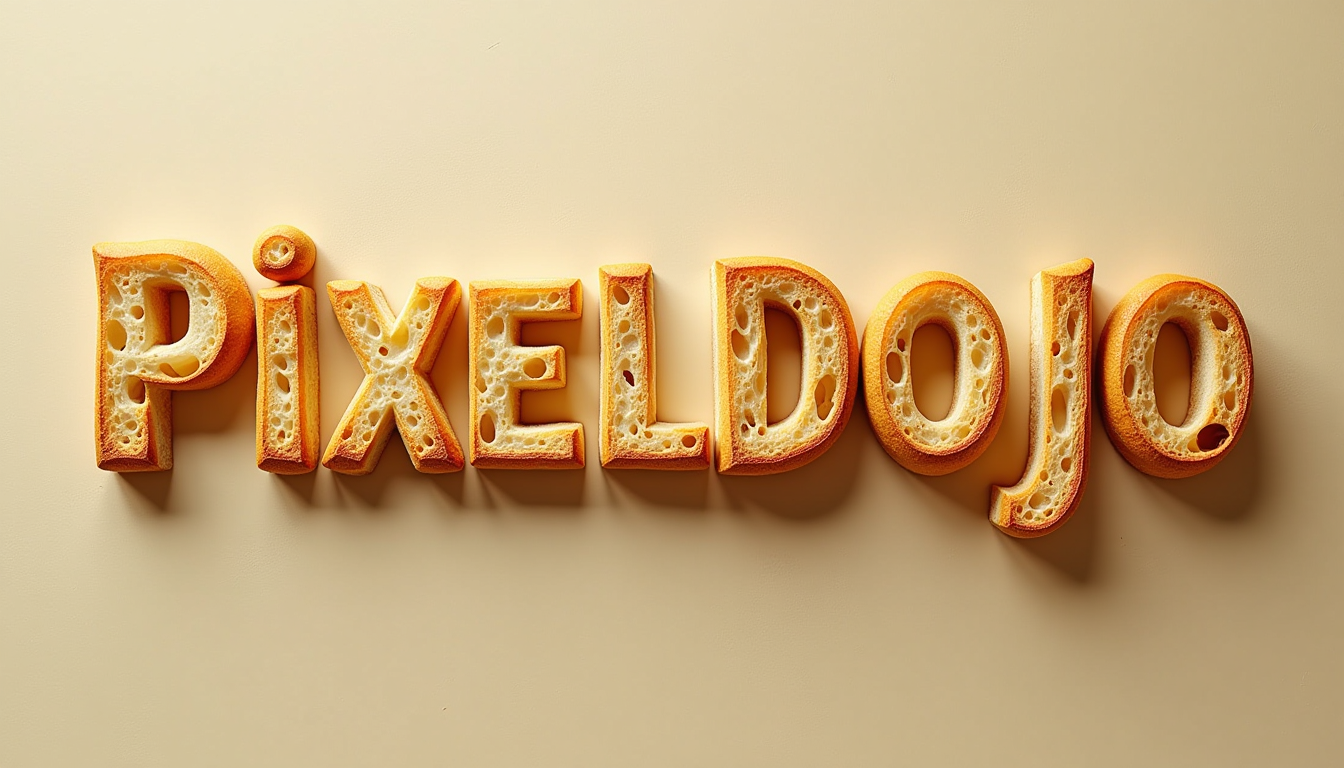
Yes! Tools like Ideogram 4 in PixelDojo specialize in accurate text rendering, making it ideal for posters, social graphics, product labels, and infographics. You can include brand names, headlines, or instructions directly in your prompt for crisp, legible results without post-editing.
Is PixelDojo's text to image generator suitable for professional marketing?
Absolutely. Thousands of marketers use it to generate campaign visuals, ad creatives, and social content that looks premium. With consistent character tools and upscalers, you can produce cohesive asset sets that match your brand guidelines and perform well across platforms.
How much does it cost to use the text to image generator at PixelDojo?
Start with a free trial to generate images immediately. Paid plans offer unlimited access to 40+ models, priority generation, and advanced features starting at affordable monthly rates. Cancel anytime with no long-term commitment required.
What makes PixelDojo different from other text to image generators?
PixelDojo combines the latest models (Flux.2 Studio, Nano Banana 2, WAN Image, and more) with an integrated workflow including editing, upscaling, and character consistency tools. This all-in-one approach helps you move from idea to polished asset faster than fragmented free tools.