text to speech ai

Imagine captivating your audience with content that speaks directly to them. With PixelDojo's AI Text-to-Speech tools, you can effortlessly transform written text into natural, human-like speech, enhancing engagement and accessibility across all your platforms.
Join over 10,000 creators who have enhanced their content with PixelDojo's AI Text-to-Speech tools, achieving a 95% satisfaction rate.
Why Choose Pixel Dojo for text to speech ai
Professional-quality results with cutting-edge AI technology
Enhance Accessibility
Make your content accessible to a wider audience, including those with visual impairments or reading difficulties, by providing audio versions of your text.
Boost Engagement
Increase user engagement by offering audio content that complements your written material, catering to different learning and consumption preferences.
Save Time and Resources
Eliminate the need for professional voice actors and lengthy recording sessions by generating high-quality speech in seconds.
How It Works
Creating natural-sounding speech from text is simple with PixelDojo's AI tools. Follow these steps to get started:
Step 1: Select the Text-to-Speech Tool
Navigate to PixelDojo's 'Text to Speech' tool to begin your audio creation process.
Step 2: Input Your Text
Enter the text you wish to convert into speech. You can paste existing content or type directly into the input field.
Step 3: Customize Voice Settings
Choose from a variety of voices, languages, and adjust parameters like speed and pitch to match your desired output.





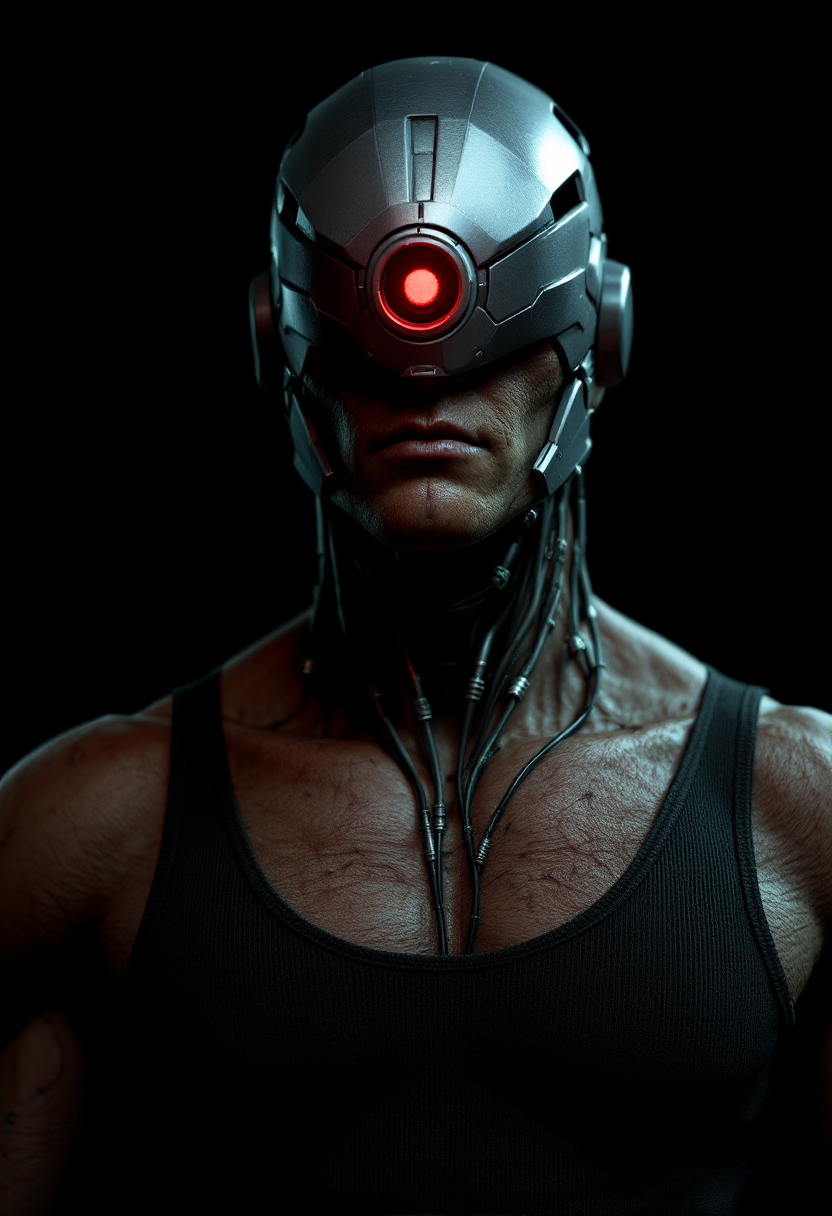










The Pixel Dojo Advantage
Why PixelDojo's AI Text-to-Speech stands out:
| Others | Pixel Dojo |
|---|---|
| Traditional Voice Recording | Save time and costs associated with hiring voice actors and studio sessions by generating speech instantly. |
| Generic Text-to-Speech Tools | Experience superior voice quality with natural intonations and emotional expressions, setting your content apart. |
| Manual Audio Editing | Streamline your workflow with automated speech generation, reducing the need for extensive post-production editing. |
Loved by creators on PixelDojo
Real feedback from people using PixelDojo, pulled from our in-product surveys.
The site is easy to navigate and use.
All the tools, readily available and easy to understand
You guys, the LORA training is the BEST in the space right now, great job with that!
Tons of variety. Ease of use. Tools for beginners and advance users.
easiest workflow to get best output image or video
awesome functionality, UX, constant flood of improvements, discord interactivity
Explore more AI tools on PixelDojo
AI Tools
Compare & Switch
- Best AI Image Generators
- Best AI Video Generators
- Midjourney Alternatives
- Civitai Alternatives
- Runway Alternatives
- Leonardo Alternatives
- Pika Alternatives
- Luma Alternatives
- Magnific Alternatives
- Veo Alternatives
- Flux Alternatives
- Freepik Alternatives
- Seedance Alternatives
- Seedream Alternatives
- Pixverse Alternatives
- GPT Image Alternatives
- Synthesia Alternatives
- Playground Alternatives
- NightCafe Alternatives
- Canva AI Alternatives
- ElevenLabs Alternatives
- ComfyUI Alternatives
- Fal Alternatives
- Replicate Alternatives
Common Questions
Everything you need to know about text to speech ai
How does PixelDojo's AI Text-to-Speech improve content accessibility?
By converting text into speech, PixelDojo enables individuals with visual impairments or reading difficulties to access and engage with your content more effectively.
Can I customize the voice and language in PixelDojo's Text-to-Speech tool?
Yes, PixelDojo offers a variety of voices and supports multiple languages, allowing you to tailor the audio output to your audience's preferences.
Is there a limit to the length of text I can convert to speech?
PixelDojo supports text-to-speech conversion for both short and long-form content, accommodating various project needs.
How natural do the generated voices sound?
PixelDojo's AI generates voices with natural intonations and emotional expressions, closely mimicking human speech for a lifelike listening experience.
Can I use the generated audio for commercial purposes?
Yes, the audio files generated by PixelDojo can be used for commercial projects, including marketing materials, e-learning courses, and more.
Do I need any special software to use PixelDojo's Text-to-Speech tool?
No, PixelDojo's tools are web-based and accessible through your browser, requiring no additional software installations.