Text to video using Kling AI
Imagine transforming your written ideas into dynamic, engaging videos within minutes. With Kling AI's text-to-video technology, you can effortlessly create high-quality videos that captivate your audience, whether for marketing, storytelling, or personal projects.
Join thousands of creators who have generated over 1 million videos using Kling AI, achieving a 95% satisfaction rate.
Why Choose Pixel Dojo for Text to video using Kling AI
Professional-quality results with cutting-edge AI technology
Effortless Video Creation
Generate professional-quality videos from simple text prompts without any prior video editing experience.
Time-Saving Automation
Produce engaging videos in minutes, significantly reducing the time and effort compared to traditional video production methods.
Versatile Applications
Create videos for various purposes, including marketing campaigns, educational content, social media posts, and more.
How It Works
Creating videos with Kling AI is a straightforward process that involves just a few simple steps.
Step 1: Access Kling AI's Text-to-Video Tool
Navigate to the 'AI Video' section on the Kling AI platform and select the 'Text-to-Video' option.
Step 2: Enter Your Text Prompt
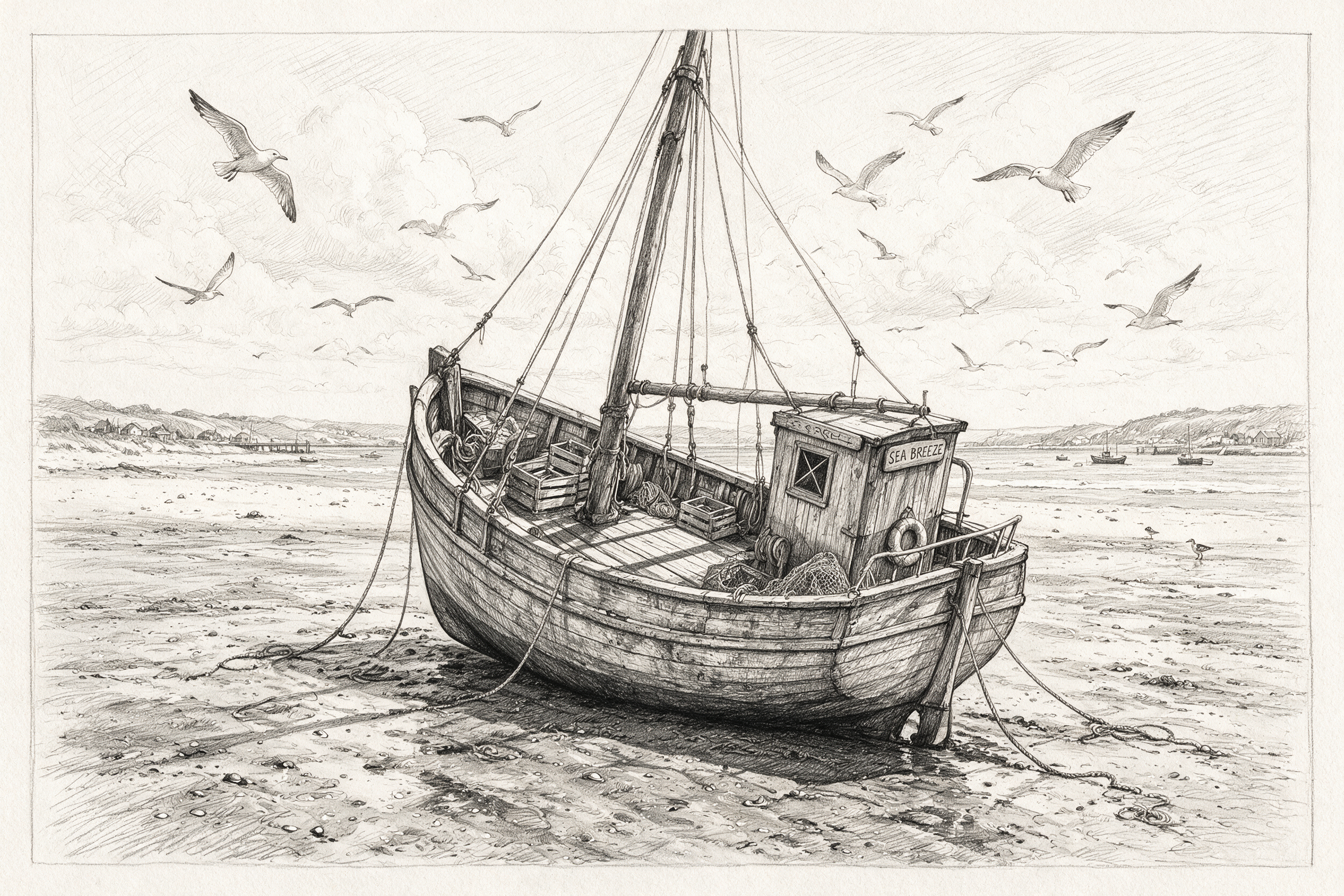
Input a detailed description of the scene you want to create. For example, 'A serene beach at sunset with waves gently crashing.'
Step 3: Customize Settings and Generate
Adjust settings such as aspect ratio, camera movement, and creativity level to tailor the video to your needs. Then, click 'Generate' to create your video.

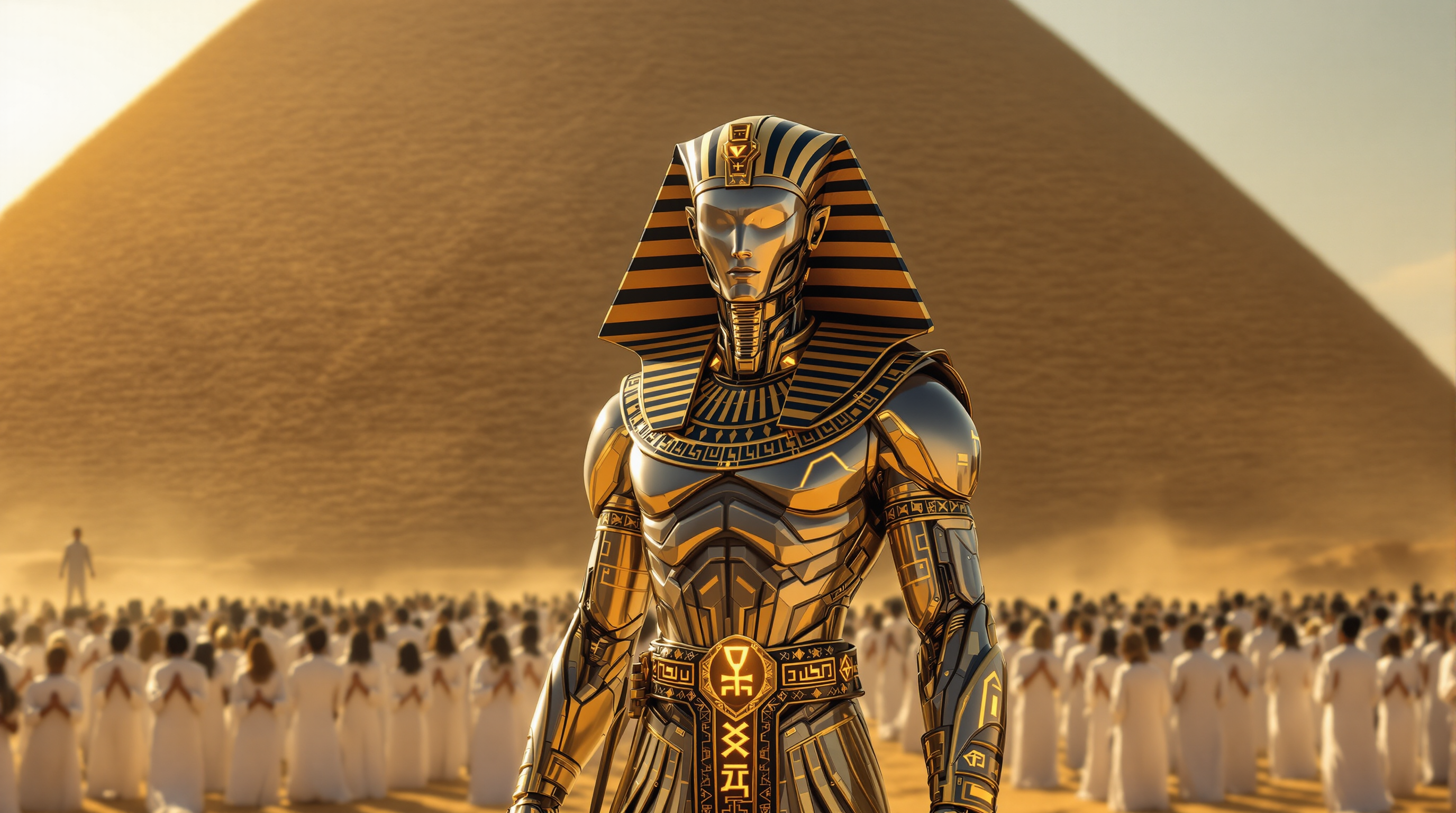
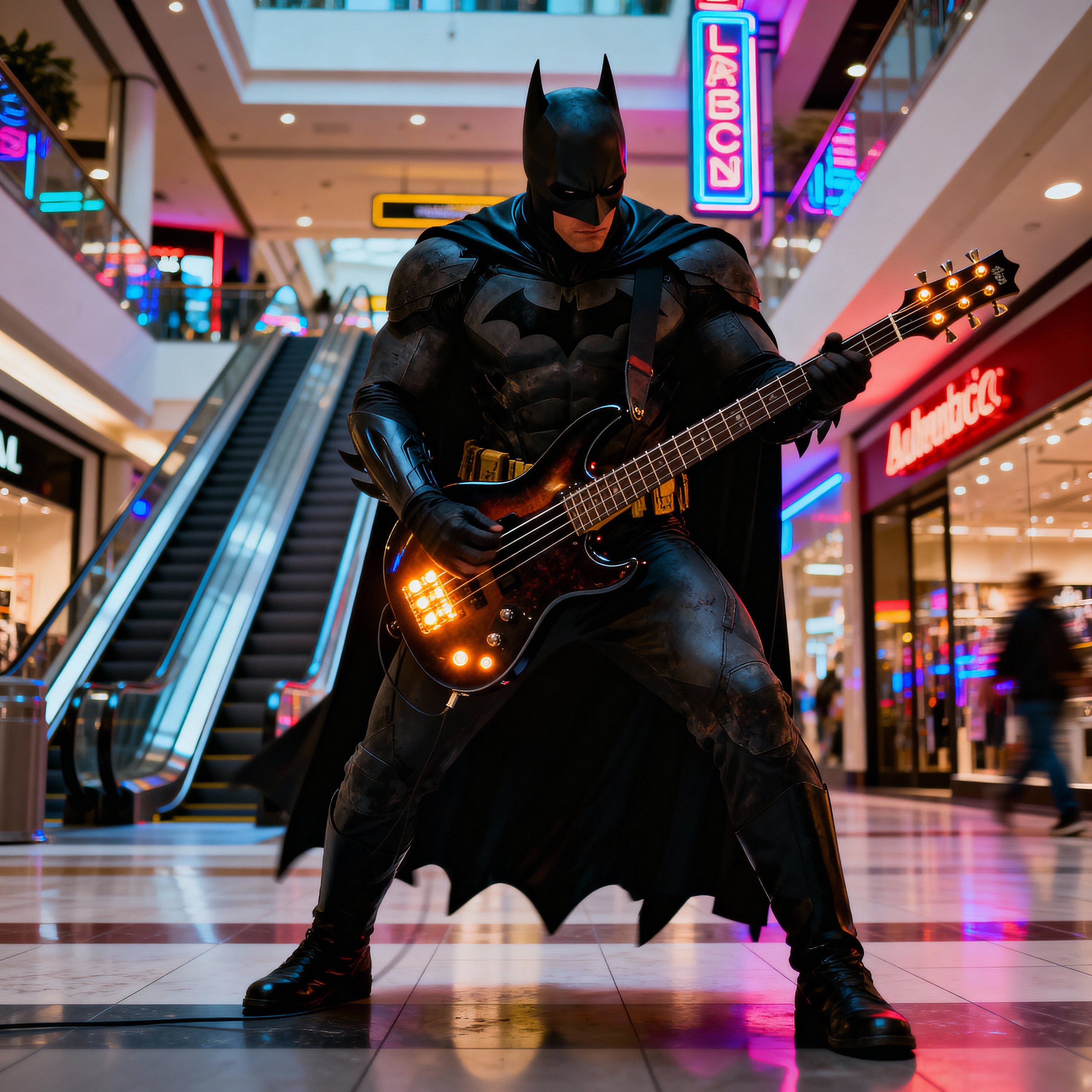

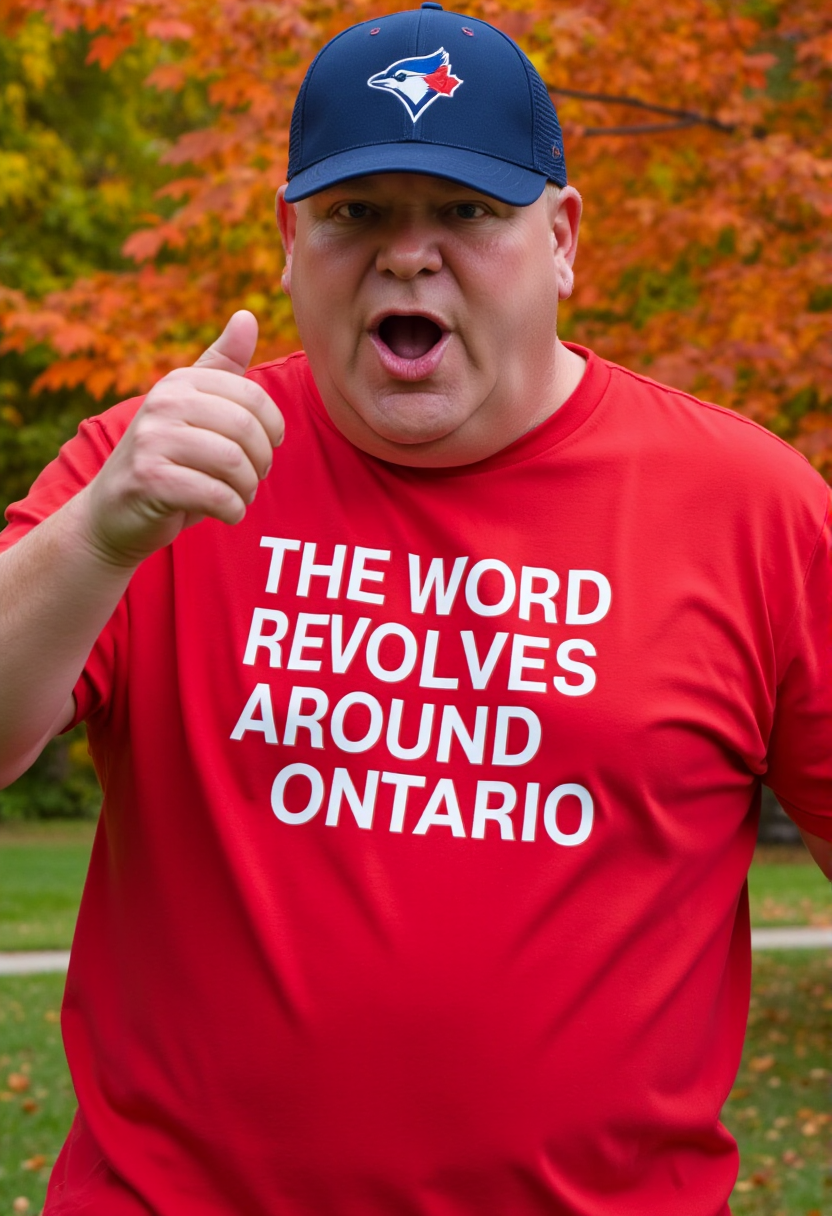
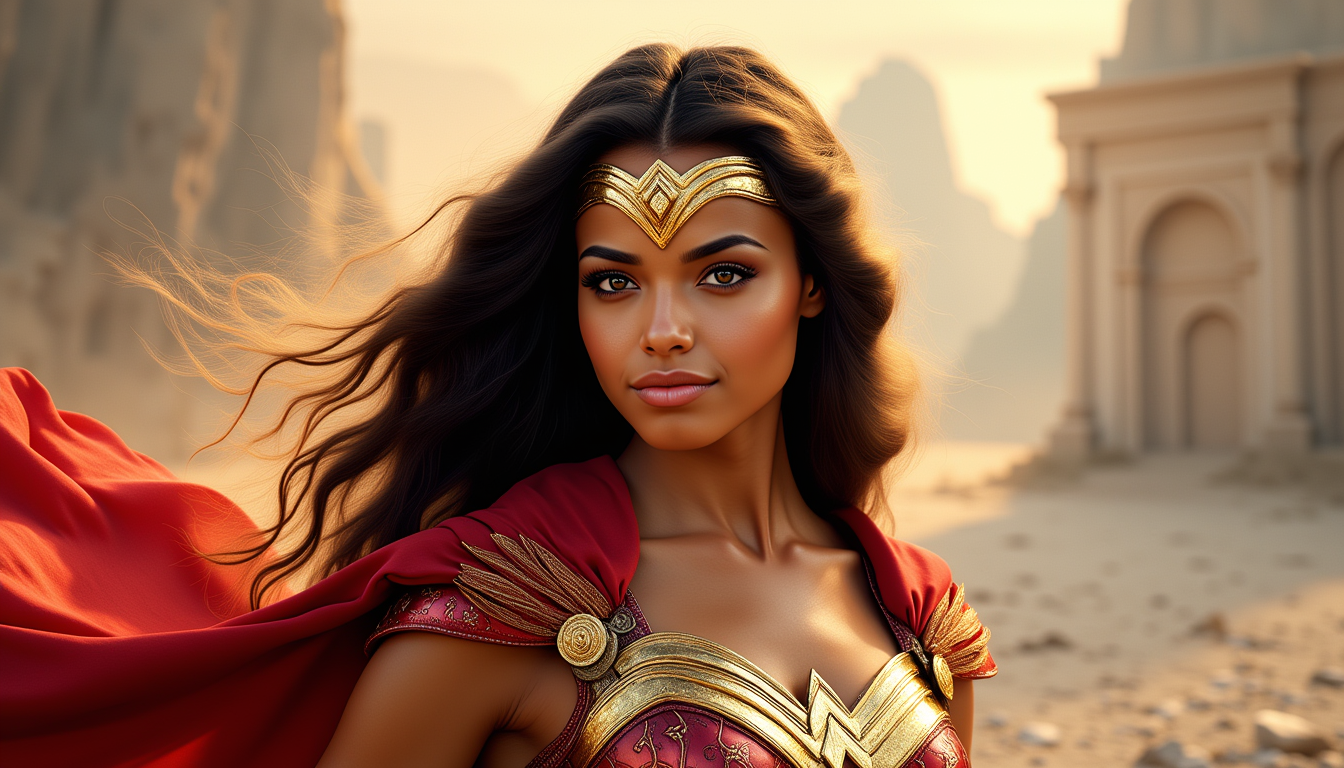

The Pixel Dojo Advantage
Why Kling AI is the superior choice for text-to-video generation.
| Others | Pixel Dojo |
|---|---|
| Traditional Video Production | Eliminates the need for expensive equipment and extensive editing, saving time and resources. |
| Generic AI Tools | Offers advanced customization options like camera movements and aspect ratios for more tailored videos. |
| Manual Animation | Automates the animation process, allowing for quick iterations and experimentation without technical skills. |
Loved by creators on PixelDojo
Real feedback from people using PixelDojo, pulled from our in-product surveys.
the quality is the best
All the tools needed in one dashboard
Very fair and very broad in tools.
Accurate results
Great site and so much fun to use!
very useful set of tools for image creation, upscaling and enhancement
Explore more AI tools on PixelDojo
AI Tools
Compare & Switch
- Best AI Image Generators
- Best AI Video Generators
- Midjourney Alternatives
- Civitai Alternatives
- Runway Alternatives
- Leonardo Alternatives
- Pika Alternatives
- Luma Alternatives
- Magnific Alternatives
- Veo Alternatives
- Flux Alternatives
- Freepik Alternatives
- Seedance Alternatives
- Seedream Alternatives
- Pixverse Alternatives
- GPT Image Alternatives
- Synthesia Alternatives
- Playground Alternatives
- NightCafe Alternatives
- Canva AI Alternatives
- ElevenLabs Alternatives
- ComfyUI Alternatives
- Fal Alternatives
- Replicate Alternatives
Common Questions
Everything you need to know about Text to video using Kling AI
How does Kling AI's text-to-video feature work?
Kling AI uses advanced AI algorithms to interpret your text prompts and generate corresponding video content, allowing you to create videos without any prior editing experience.
Can I customize the videos generated by Kling AI?
Yes, Kling AI offers various customization options, including aspect ratios, camera movements, and creativity levels, enabling you to tailor the videos to your specific needs.
What types of videos can I create with Kling AI?
You can create a wide range of videos, including marketing materials, educational content, social media posts, and storytelling videos, all generated from your text descriptions.
Is Kling AI suitable for beginners?
Absolutely. Kling AI is designed with a user-friendly interface that makes video creation accessible to users of all skill levels, eliminating the need for prior video editing experience.
How long does it take to generate a video with Kling AI?
The generation time varies depending on the complexity of the prompt and the length of the video, but most videos are produced within a few minutes.
Are there any limitations on the length of videos I can create?
Currently, Kling AI supports video lengths up to two minutes, allowing for the creation of concise and impactful content.