tilt zoom ai video
Generated on PixelDojo. Produced by PixelDojo's generation pipeline.
You can now produce videos that feel like they were shot by a Hollywood cinematographer, complete with smooth camera tilts that reveal towering subjects and precise zooms that pull viewers into every detail. PixelDojo's tilt zoom AI video tools let you generate these dynamic shots from a simple description or still image, delivering the kind of engagement that keeps audiences watching longer and converting more often. Whether you need a product reveal that starts on a tiny texture and tilts upward while zooming in, a miniature tilt-shift cityscape that looks like a living toy world, or dramatic character introductions, you achieve professional results in minutes instead of days. Thousands of creators already use these capabilities to craft marketing clips, social reels, and storytelling sequences that stand out without expensive equipment, locations, or editing teams. Start with a high-quality still from our image generators, animate it with cinematic motion, and walk away with footage that looks directed, not generated.
Real video examples generated on PixelDojo
Every example below was produced on PixelDojo. Hover to see the prompt.
Create stunning AI videos from a single photo
p-video-avatar
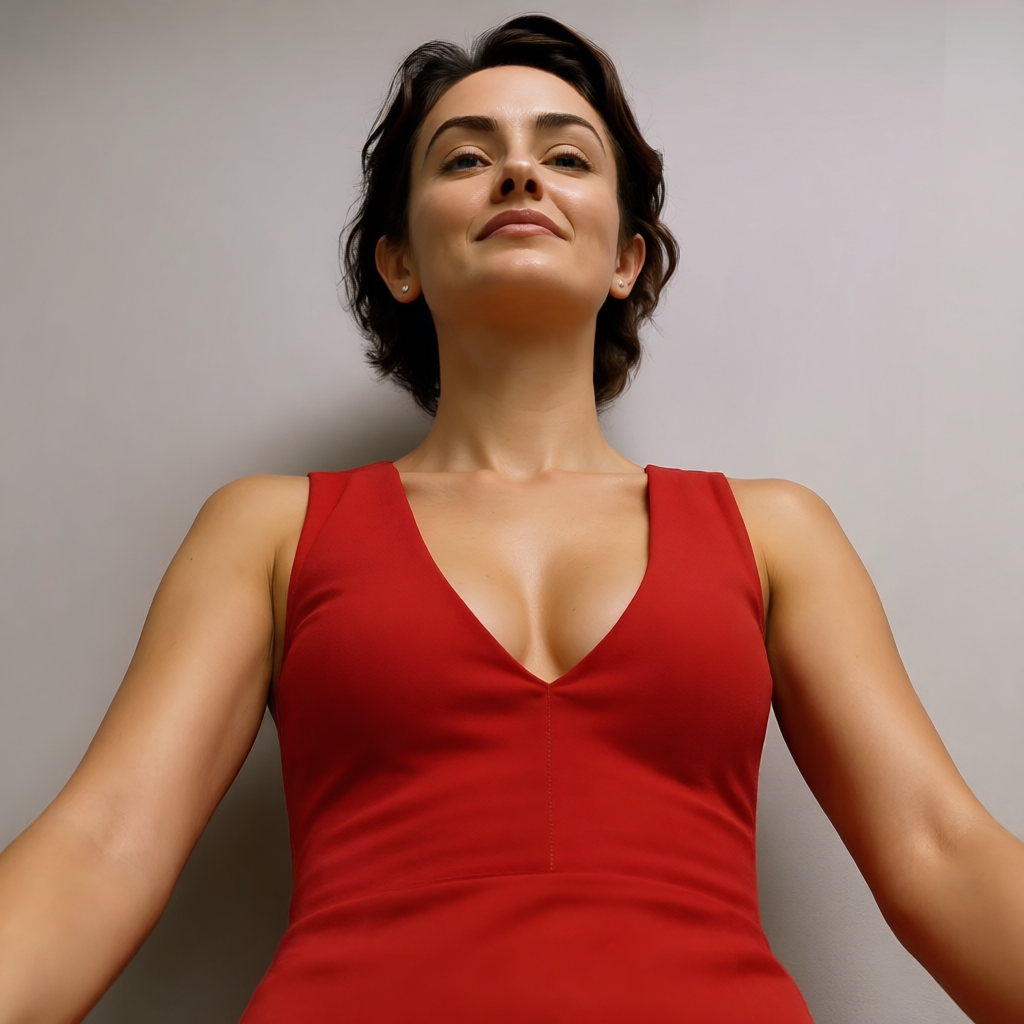
Camera angle: H5° V15° Zoom4
change-camera-angle
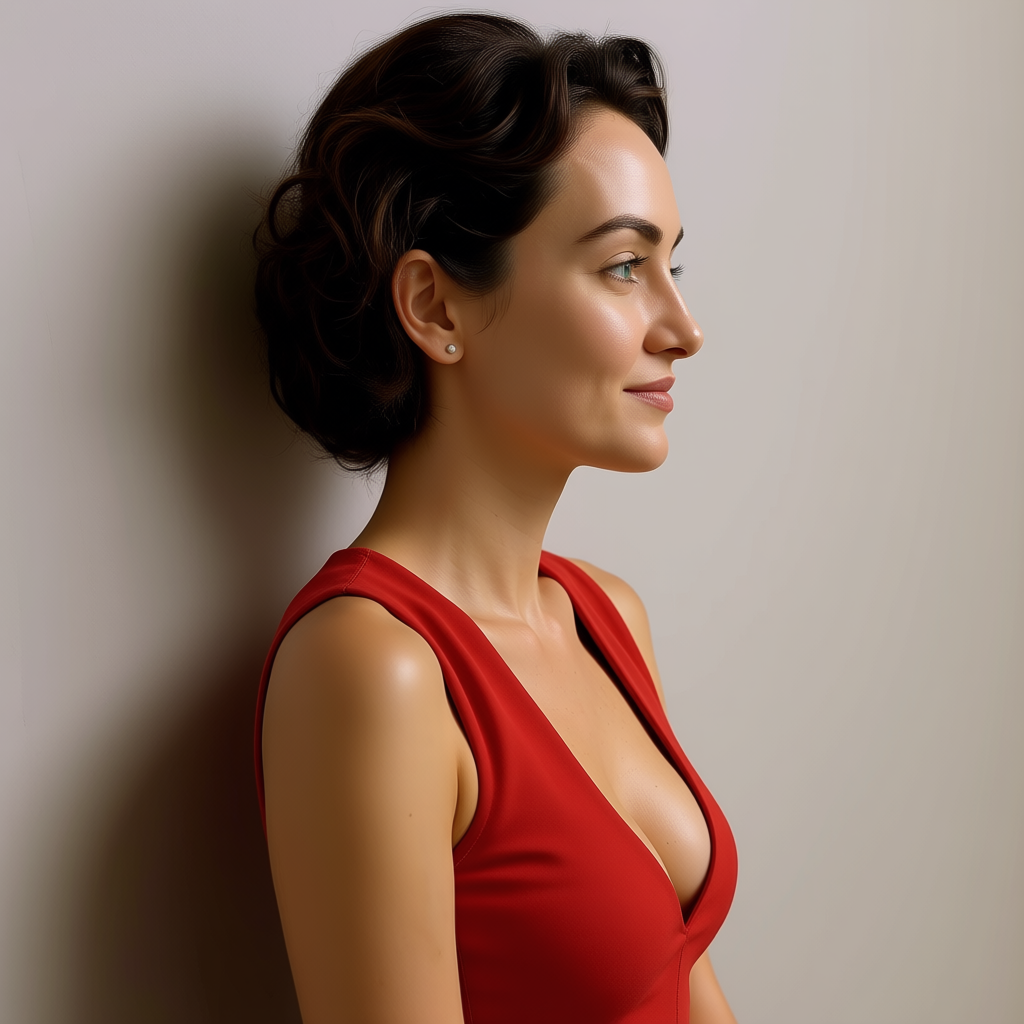
Camera angle: H5° V15° Zoom4
change-camera-angle
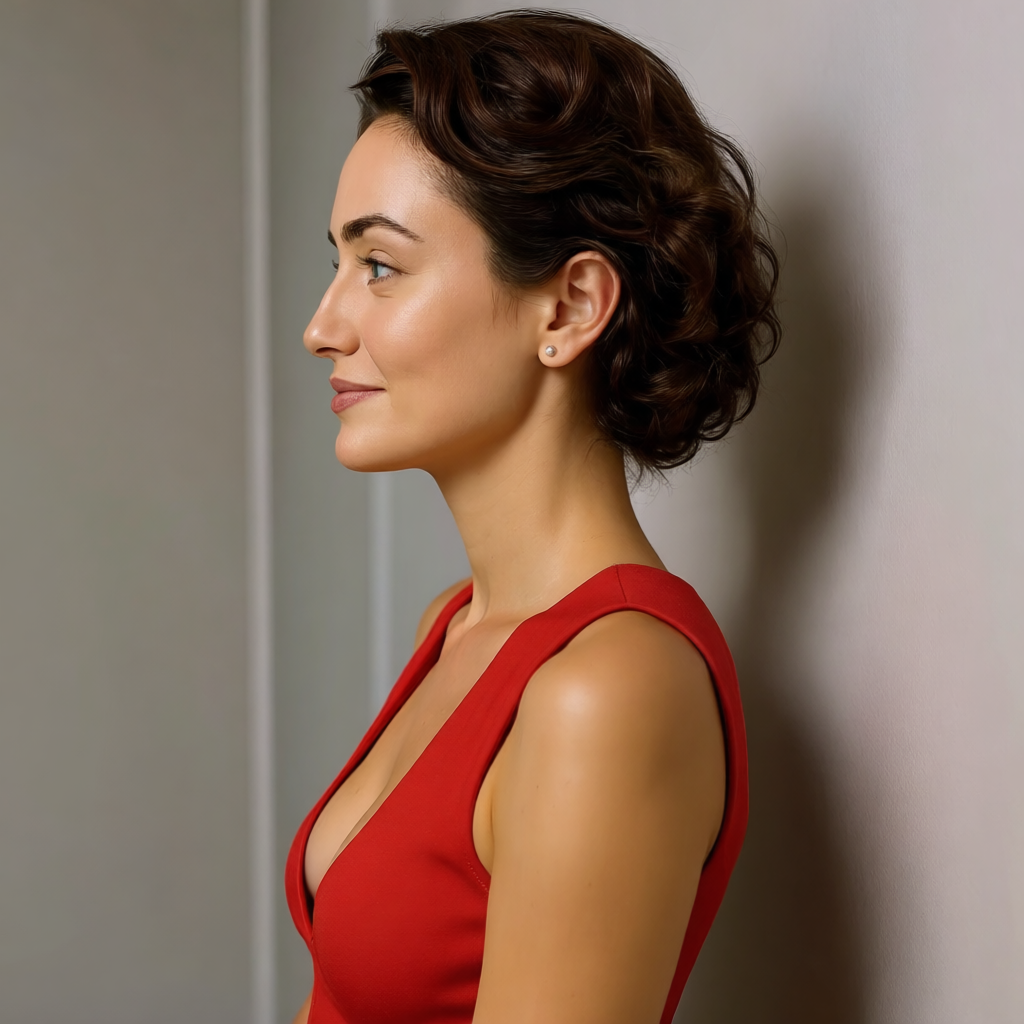
Camera angle: H5° V15° Zoom4
change-camera-angle
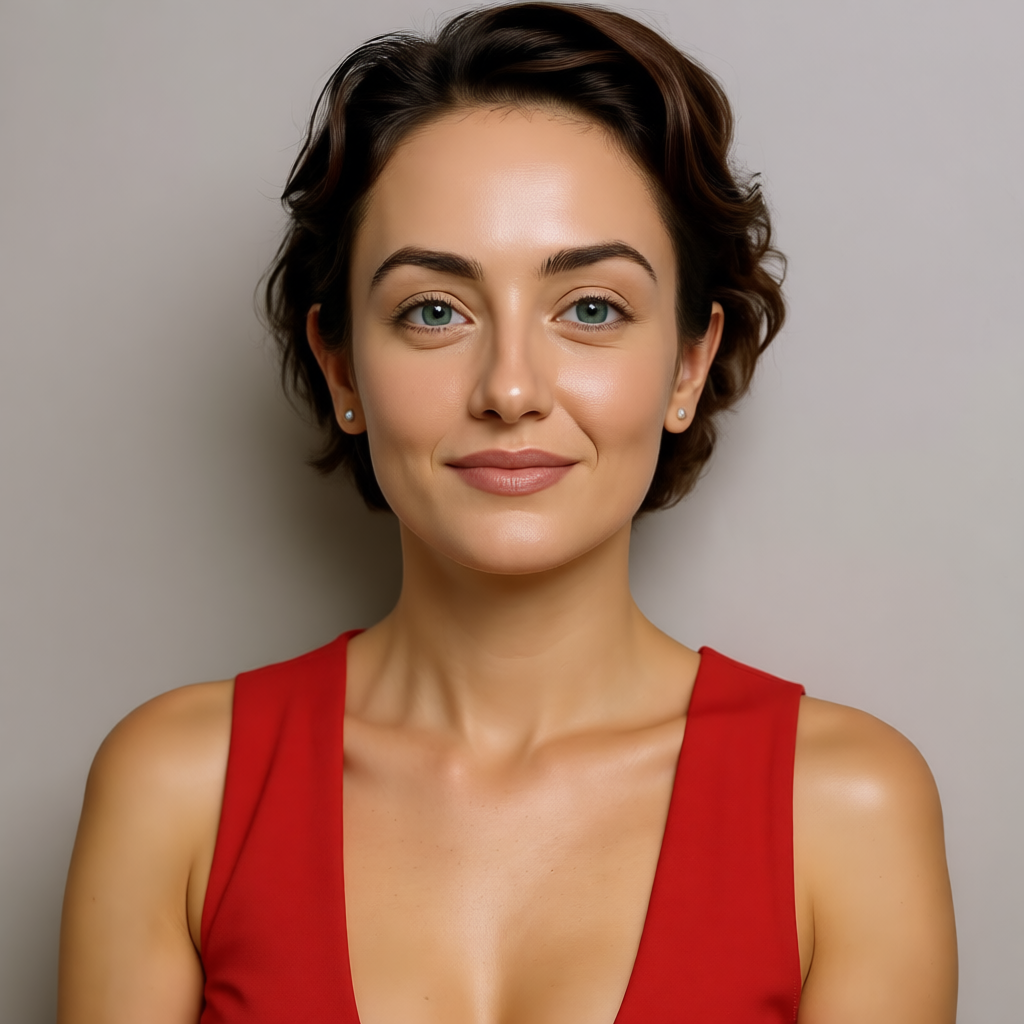
Camera angle: H5° V15° Zoom4
change-camera-angle
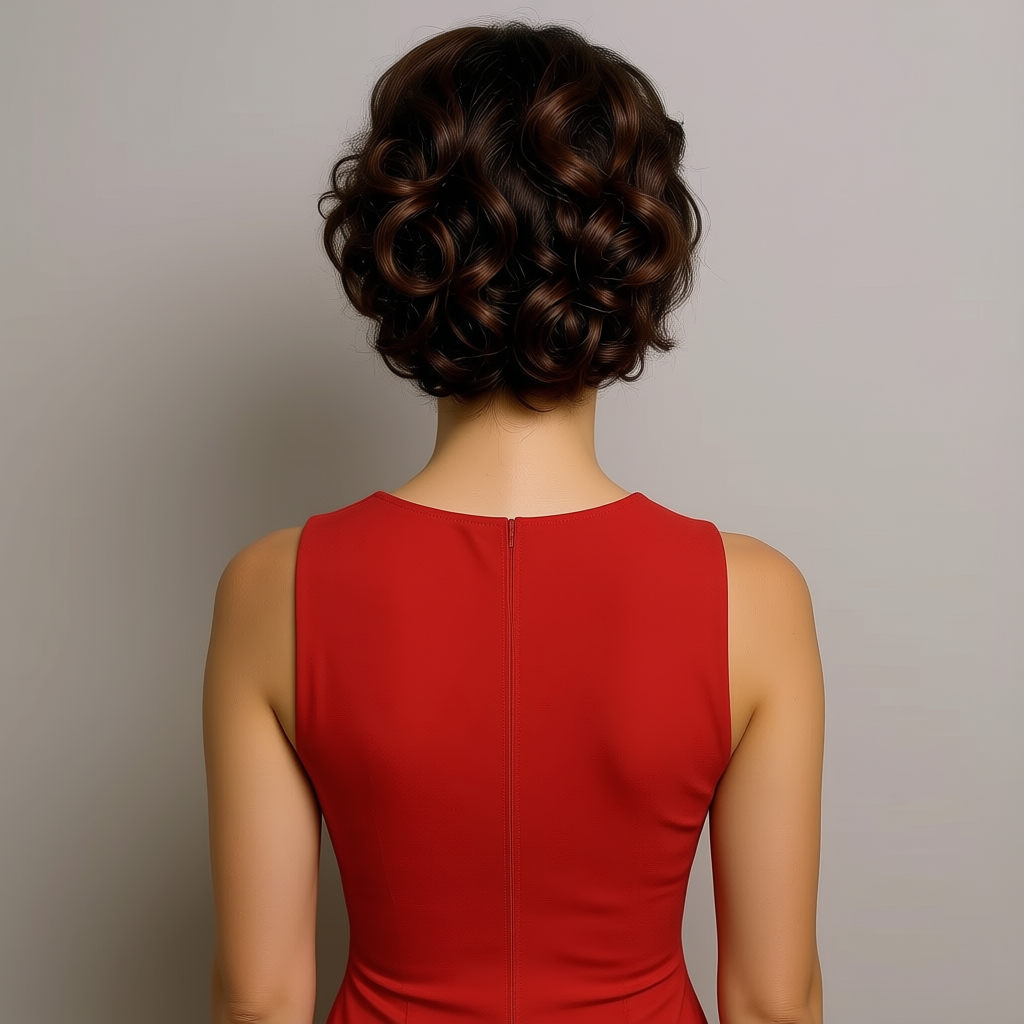
Camera angle: H5° V15° Zoom4
change-camera-angle
Models you can run on PixelDojo for tilt zoom ai video
Switch models without switching tools. Each one runs in the same PixelDojo studio.
What you can do with tilt zoom ai video on PixelDojo
Tilt-shift miniature look
We generate videos with shallow focus and a compressed scale so city streets, landscapes, and crowds read like tabletop models. You set the subject and we apply the tilt-zoom optical effect in the clip.
Controlled zoom and rack focus
We add slow push-ins, pull-backs, and focus racks that match a tilt-zoom lens. Motion stays tied to your prompt so the miniature effect holds as the camera moves.
Prompted scenes and subjects
Describe location, time of day, and action. We turn that into short tilt-zoom videos without needing a physical tilt-shift lens or a motion-control rig.
Clip length and export options
We output short social-ready clips you can iterate on with new prompts. Download in common formats so you can cut the result into larger edits.
Loved by thousands of creators worldwide who generate professional tilt-zoom videos daily. Access 40+ cutting-edge AI tools with results that convert. Cancel anytime—try it risk-free today.
Why Choose Pixel Dojo for tilt zoom ai video
Professional-quality results with cutting-edge AI technology
Deliver Heroic Product Reveals That Convert
You create videos where the camera slowly tilts up from a product texture while zooming in to show the full item in stunning detail, making viewers feel the quality and boosting sales without a physical shoot.
Build Viral Miniature Worlds Instantly
You turn ordinary scenes into captivating tilt-shift miniature videos with selective focus, heightened saturation, and combined zoom motion that make real streets look like toy dioramas, driving massive social shares.
Iterate Cinematic Shots Faster Than Traditional Production
You test multiple tilt and zoom combinations in minutes, refine with editing tools, and produce consistent, high-engagement clips for ads or stories that would take crews hours or days to capture.
How It Works
You create tilt zoom AI videos by starting with a strong still, adding precise camera language in your prompt, and polishing the result—all inside PixelDojo so you stay in control of every reveal and focus shift.
Step 1: Choose Your Tool
Select Kling Video or VEO 3.1 for photorealistic cinematic motion with excellent camera control, or start in Generate Images with Flux.2 Studio or Nano Banana 2 to create a sharp reference still. For marketing-focused clips use Marketing Studio. These tools give you the foundation for stable tilt and zoom movements that stay consistent from first frame to last.
Step 2: Enter Your Prompt
Describe exactly what you want: 'slow cinematic tilt up from the base of a skyscraper combined with subtle zoom in, tilt-shift miniature effect, shallow depth of field, golden hour lighting, photorealistic 4K'. Keep one primary movement per clip for best results, mention speed like 'slow' or 'gentle', and add 'stable camera' to lock geometry. Upload your still if using image-to-video for even stronger identity preservation.
Step 3: Customize & Download
Refine the clip using Kling Video Edit or WAN 2.7 Video Edit to adjust timing or add elements, apply Video Autocaption for social-ready text, then enhance resolution with FLUX Video Upscale or Clarity Pro. Merge multiple short clips if needed and download in your preferred format. Your finished tilt-zoom video is ready to post or use in campaigns.
The Pixel Dojo Advantage
Why PixelDojo outperforms other options for tilt zoom AI video generation
| Others | Pixel Dojo |
|---|---|
| Traditional tilt-zoom video production | You skip the cost of tilt-shift lenses, dollies, crews, and location permits while still getting cinematic camera control and miniature effects in minutes instead of days. |
| Generic AI tools | You access specialized models like Kling Video, VEO 3.1, and Hailuo 2.3 plus dedicated editing and upscaling tools that deliver more stable geometry and precise tilt-zoom combinations than one-size-fits-all generators. |
| Manual photo editing and animation | You generate complete moving shots with natural parallax, selective focus, and combined camera moves automatically rather than spending hours keyframing zooms and applying fake tilt-shift blurs by hand. |
Loved by creators on PixelDojo
Real feedback from people using PixelDojo, pulled from our in-product surveys.
Lots of different tools. It's easy to purchase more credits.
Amazing performance!
Excellent website for creating all types of media
Very eay to use, works well to train SDXL loras.
The amazing tools
Top notch quality and strong prompt adherence.
Explore more AI tools on PixelDojo
AI Tools
Compare & Switch
- Best AI Image Generators
- Best AI Video Generators
- Midjourney Alternatives
- Civitai Alternatives
- Runway Alternatives
- Leonardo Alternatives
- Pika Alternatives
- Luma Alternatives
- Magnific Alternatives
- Veo Alternatives
- Flux Alternatives
- Freepik Alternatives
- Seedance Alternatives
- Seedream Alternatives
- Pixverse Alternatives
- GPT Image Alternatives
- Synthesia Alternatives
- Playground Alternatives
- NightCafe Alternatives
- Canva AI Alternatives
- ElevenLabs Alternatives
- ComfyUI Alternatives
- Fal Alternatives
- Replicate Alternatives
Common Questions
Everything you need to know about tilt zoom ai video
How do I create a tilt zoom AI video with PixelDojo tools?
You begin by generating or uploading a high-quality still using Flux.2 Studio or Nano Banana 2, then switch to Kling Video or VEO 3.1. Enter a prompt that specifies 'slow tilt up combined with subtle zoom in' plus any tilt-shift miniature details. Generate a 4-8 second clip, refine with Kling Video Edit, upscale if needed, and download. This workflow gives you professional camera movement without physical equipment.
What is the best way to achieve a miniature tilt-shift effect in AI video?
You prompt for 'tilt-shift miniature photography, selective focus band, high saturation, toy-like scale, shallow depth of field' while adding a slow zoom or gentle tilt. Start from a detailed image created in Ideogram 4 or Seedream 5, then animate with Seedance 2.5 or WAN 3.0. The combination of selective blur, color pop, and camera motion makes real scenes look like living models that perform exceptionally well on social platforms.
Can I combine tilt and zoom movements in a single AI-generated clip?
Yes. PixelDojo's latest video models handle combined moves when you keep language clear and limited: 'slow cinematic tilt up with simultaneous subtle zoom in, stable geometry'. Tools like Kling Video and Hailuo 2.3 excel at this because they maintain subject identity better than older generators. For complex sequences you generate short clips and merge them using Merge Videos.
Which PixelDojo tool is best for professional cinematic camera tilts and zooms?
Kling Video and VEO 3.1 currently deliver the most reliable photorealistic camera control for tilt and zoom shots. For marketing-specific product reveals use Marketing Studio. Pair any of them with a strong reference image from Flux.2 Studio and you get consistent lighting, texture, and motion that looks directed rather than random.
How can I keep characters consistent across tilt zoom AI videos?
You use Consistent Characters or Ideogram Character to lock a face or figure, then feed that reference into Kling Video or WAN Reference to Video. The models preserve identity even as the camera tilts and zooms. For talking-head or avatar versions add Kling Avatar or P Video Avatar so your talent stays recognizable throughout the movement.
Is it possible to create long-form tilt zoom sequences without quality loss?
You generate multiple 5-8 second clips with matching lighting and camera language, then stitch them using Merge Videos or extend with Grok Imagine Video Extend. Upscale the final sequence with FLUX Video Upscale or Magnific Upscaler. This approach keeps geometry stable and avoids the drift that appears in single long generations, giving you professional-length videos ready for ads or YouTube.