topaz alternative ai

Generated on PixelDojo. Produced by PixelDojo's generation pipeline.
You no longer need expensive desktop software or a high-end computer to turn ordinary photos and AI generations into stunning, high-resolution images ready for print, e-commerce, or professional portfolios. PixelDojo stands as the complete topaz alternative ai, delivering professional-grade upscaling, detail recovery, and enhancement entirely in your browser. Upload a low-resolution snapshot, an old family photo, or an AI-created visual and watch Magnific Upscaler, Clarity Pro, P-Image Upscale, and Portrait Upscaler reconstruct natural textures, sharpen edges, and boost resolution up to 16x while preserving identity and authenticity. You achieve print-ready 8K results in seconds instead of hours, then continue creating with 40+ cutting-edge generation and editing tools—all under one flexible subscription you can cancel anytime. Thousands of photographers, marketers, and creators already rely on PixelDojo to skip hardware requirements and subscription lock-in, focusing instead on the outcomes that matter: images that look professionally captured and convert better.
Real image examples generated on PixelDojo
Every example below was produced on PixelDojo. Hover to see the prompt.
Image of an ai painting a human and a human painting an ai
flux
A ninja turtle holding a sign that reads "pixeldojo
hidream
A vibrant and professional abstract composition for a LinkedIn article
flux
A wildlife photo of a bizarre giant turtle with blue paint on its shell that reads "PIXELD…
imagen
A turtle that is wearing a shirt that says pixeldojo
imagen
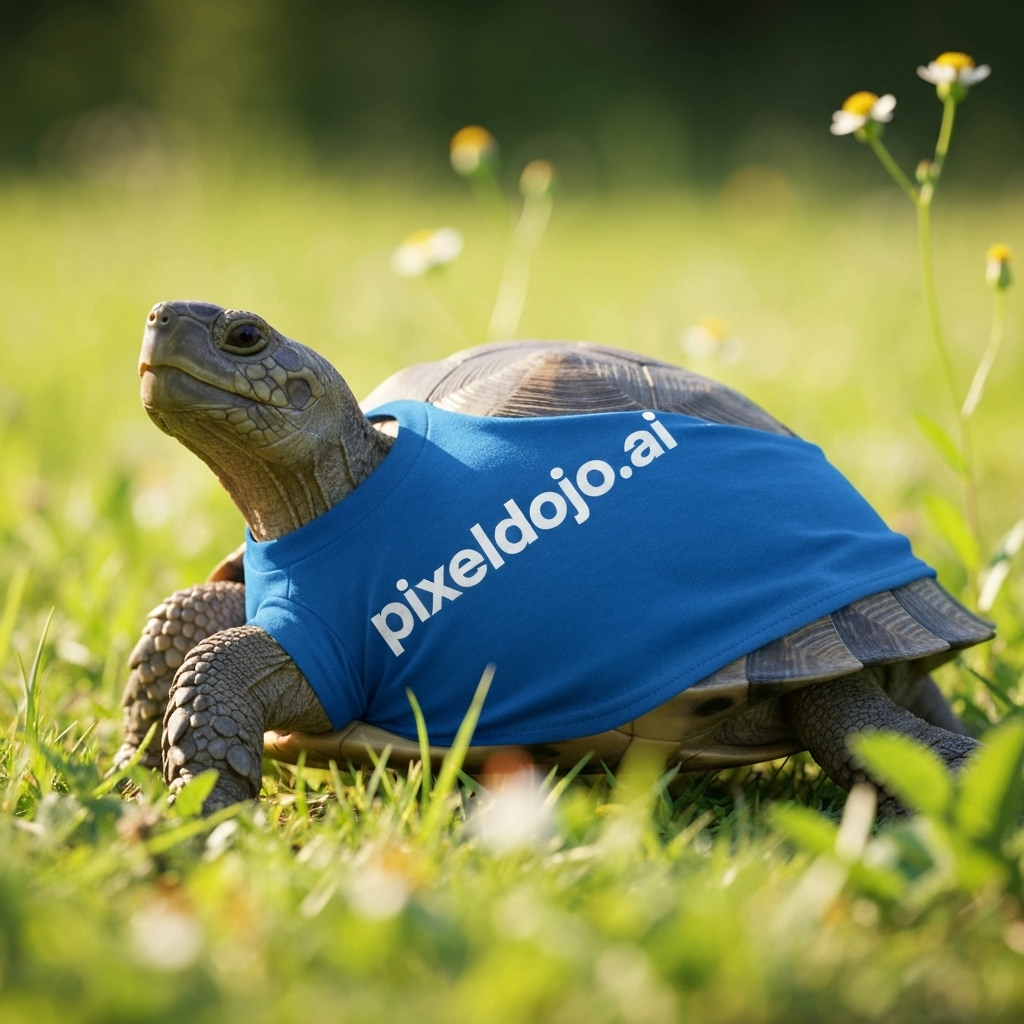
A turtle that is wearing a shirt that says pixeldojo
imagen
Models you can run on PixelDojo for topaz alternative ai
Switch models without switching tools. Each one runs in the same PixelDojo studio.
What you can do with topaz alternative ai on PixelDojo
Studio-grade image generation
We give you prompt-driven image generation so you can create original stills, concepts, and product shots without starting from a photograph.
Detail recovery and upscaling
We upscale and restore fine texture so generated or existing images hold up at larger sizes for print, web, and client review.
Iterate with variations
We let you remix seeds, styles, and prompts so you can explore multiple looks from one idea and keep the versions that work.
Edit without starting over
We support inpainting and region edits so you can fix backgrounds, products, or faces while keeping the rest of the frame intact.
Loved by thousands of creators worldwide with professional results that rival dedicated desktop enhancers. 40+ cutting-edge AI tools, commercial-use ready, cancel anytime.
Why Choose Pixel Dojo for topaz alternative ai
Professional-quality results with cutting-edge AI technology
Print-Ready 8K Quality Without Any Hardware
You get photorealistic enlargements up to 16x and 64 megapixels using Clarity Pro and Magnific Upscaler. Everyday photos and AI art become gallery-worthy prints and high-converting product shots instantly, no GPU or installation required.
Creative Detail or Faithful Recovery on Demand
You choose Creative Upscaler to invent rich textures and micro-details or precision modes in Magnific Upscaler and P-Image Upscale for accurate restoration. The result is hyper-realistic skin, fabric, and landscapes that look naturally captured rather than processed.
Full Creative Pipeline in One Browser Tab
You generate fresh images with Flux.2 Studio, GPT Image 2 or Seedream 5, then immediately enhance them with Portrait Upscaler, Reality Polisher or Magic Lighting. One platform replaces multiple expensive programs so you move from idea to finished asset faster.
How It Works
You create professional enhanced images as a topaz alternative ai in three straightforward steps using PixelDojo’s dedicated Upscale & Enhance tools. No technical knowledge needed—just upload, adjust, and download.
Step 1: Choose Your Perfect Enhancement Tool
Head to the Upscale & Enhance section and pick the right engine for your goal. Select Magnific Upscaler when you want creative texture reconstruction with adjustable creativity and resemblance sliders. Choose Clarity Pro for photorealistic 16x enlargements that preserve identity. Use P-Image Upscale for fast, affordable general boosts or Portrait Upscaler when faces and skin need special attention. Each tool is optimized so you get the exact outcome you need without extra software.
Step 2: Upload, Set Scale and Add Optional Guidance
Drop in your image—whether a smartphone snap, vintage scan, or AI generation from Flux.2 Studio. Choose your scale factor from 2x to 16x, then fine-tune creativity, HDR, or resemblance if using Magnific Upscaler. For extra control you can add a short prompt describing desired texture or lighting. The AI analyzes the photo in seconds and begins reconstructing missing details while you watch a live preview, giving you confidence before committing.
Step 3: Polish, Preview and Download Your Masterpiece
Review the enhanced result, then optionally apply complementary edits such as Reality Polisher for extra realism, Magic Lighting for better illumination, or Background Remover if needed. Once satisfied, download in high-quality PNG or JPG, fully licensed for commercial use. Your finished image is print-ready, web-optimized, and indistinguishable from a professionally shot high-resolution original—ready to use immediately.
The Pixel Dojo Advantage
Why PixelDojo outperforms other options for topaz alternative ai image enhancement and generation
| Others | Pixel Dojo |
|---|---|
| Traditional desktop AI enhancement software | You work entirely in the browser with no installation, no powerful computer, and no separate licenses. Magnific Upscaler plus Clarity Pro and 40+ generation tools live in one affordable subscription you can cancel anytime. |
| Generic AI tools | You access specialized engines like Portrait Upscaler for faces, Creative Upscaler for artistic detail, and P-Image Upscale for speed instead of a one-size-fits-all model. Results stay natural and targeted to your exact use case. |
| Manual photo editing | You skip hours of cloning, sharpening and noise reduction. PixelDojo reconstructs missing details, recovers faces, and upscales in seconds so you spend time on creative decisions rather than technical labor. |
Loved by creators on PixelDojo
Real feedback from people using PixelDojo, pulled from our in-product surveys.
Prompt updates, strong features, and a community that is always willing to help and hear/act on professional feedback. I've never had a better experience.
user friendly all in one thing
I really like the schedule of AI work performed!
The best tools for IA on the web !
The guy that operates the website is constantly updating it
I’ve been using PixelDojo for around 8 months now and it’s always worked wonderfully while constantly adding features.
Explore more AI tools on PixelDojo
AI Tools
Compare & Switch
- Best AI Image Generators
- Best AI Video Generators
- Midjourney Alternatives
- Civitai Alternatives
- Runway Alternatives
- Leonardo Alternatives
- Pika Alternatives
- Luma Alternatives
- Magnific Alternatives
- Veo Alternatives
- Flux Alternatives
- Freepik Alternatives
- Seedance Alternatives
- Seedream Alternatives
- Pixverse Alternatives
- GPT Image Alternatives
- Synthesia Alternatives
- Playground Alternatives
- NightCafe Alternatives
- Canva AI Alternatives
- ElevenLabs Alternatives
- ComfyUI Alternatives
- Fal Alternatives
- Replicate Alternatives
Common Questions
Everything you need to know about topaz alternative ai
What is the best topaz alternative ai for photographers who need print-quality results?
PixelDojo with Clarity Pro and Magnific Upscaler is the strongest topaz alternative ai for photographers. You upscale real photos up to 16x while preserving natural skin, fabric and landscape textures. Combined with Reality Polisher and Portrait Upscaler you restore old scans, fix noisy low-light shots, and produce 8K files ready for large prints or client delivery—all without leaving your browser or buying extra hardware.
How does PixelDojo work as a topaz photo ai alternative for both fidelity and creative upscaling?
You get the best of both worlds in one platform. Magnific Upscaler offers Precision mode that stays faithful to the original pixels and Creative mode that adds rich invented detail—exactly the flexibility photographers and digital artists want. Pair it with P-Image Upscale for quick jobs and Clarity Pro for maximum photorealism. Because everything sits alongside generation tools like Flux.2 Studio and Seedream 5, you can create then enhance in a single workflow.
Can I use this topaz alternative ai to improve AI-generated images that look soft or artifacted?
Absolutely. Creative Upscaler and Magnific Upscaler excel at taking outputs from GPT Image 2, Flux.2 Studio or Kling Image and adding the missing micro-detail, texture and sharpness that make them look professionally photographed. You simply upload the generated file, choose a higher scale and optional creativity setting, and download a print-ready version that no longer shows typical AI softness.
Is PixelDojo a free or low-cost topaz alternative ai compared with desktop licenses?
PixelDojo gives you access to Magnific Upscaler, Clarity Pro, Portrait Upscaler and dozens more tools under one simple subscription that you can cancel anytime. There is no large one-time license fee, no GPU requirement, and no extra purchases for video or generation features. You start creating immediately and only pay for the usage you actually need, making it far more accessible than traditional desktop packages.
Which PixelDojo tools should I use as a topaz alternative ai for portraits versus product photos?
For portraits and people, start with Portrait Upscaler followed by Reality Polisher to keep skin natural and eyes sharp. For product and e-commerce shots use Clarity Pro or P-Image Upscale to recover texture and edges without plastic-looking over-sharpening. Magnific Upscaler’s resemblance slider lets you dial how closely the result should match the original, giving you complete control for any subject.
How do I restore old or damaged photos using PixelDojo as my topaz alternative ai?
Upload the scan or faded print to Magnific Upscaler or Clarity Pro. The AI reconstructs missing details, reduces noise and scratches, and can even improve color. Follow up with Image Outpainting if you need to extend edges, Background Remover for clean isolation, or Magic Lighting to balance exposure. You end up with a high-resolution, restored version ready for framing or sharing, all completed in minutes instead of a lengthy restoration process.