try wan 3.0 AI Generator
Generated on PixelDojo. Produced by PixelDojo's generation pipeline.
Imagine turning a simple idea, a product photo or even a full presentation deck into a polished 30-second video complete with natural motion, realistic physics and perfectly synced audio—all in a single generation. That is exactly what you achieve when you try WAN 3.0 on PixelDojo. You skip the cameras, crews, editing suites and weeks of production. Instead you describe the story once and receive a ready-to-use cinematic clip that holds character identity, product details and scene layout from the first frame to the last. Whether you need scroll-stopping social ads, engaging explainer videos from your latest report, or consistent character-driven stories for a series, WAN 3.0 delivers professional outcomes that used to require entire teams. Pair it with PixelDojo’s image tools like Flux.2 Studio or Seedream 5 to craft perfect first frames, then let WAN 3.0 bring them to life with native sound and adaptive framing. Thousands of creators already rely on PixelDojo’s 40+ cutting-edge AI tools to move from concept to published video in minutes, and you can cancel anytime. Your next campaign, tutorial or brand story is only a prompt away.
Real video examples generated on PixelDojo
Every example below was produced on PixelDojo. Hover to see the prompt.
Pv-character
image-to-video
W-cinematic
image-to-video
W-vertical
image-to-video

Wan-cinematic
image-to-image

Wan-food
image-to-image
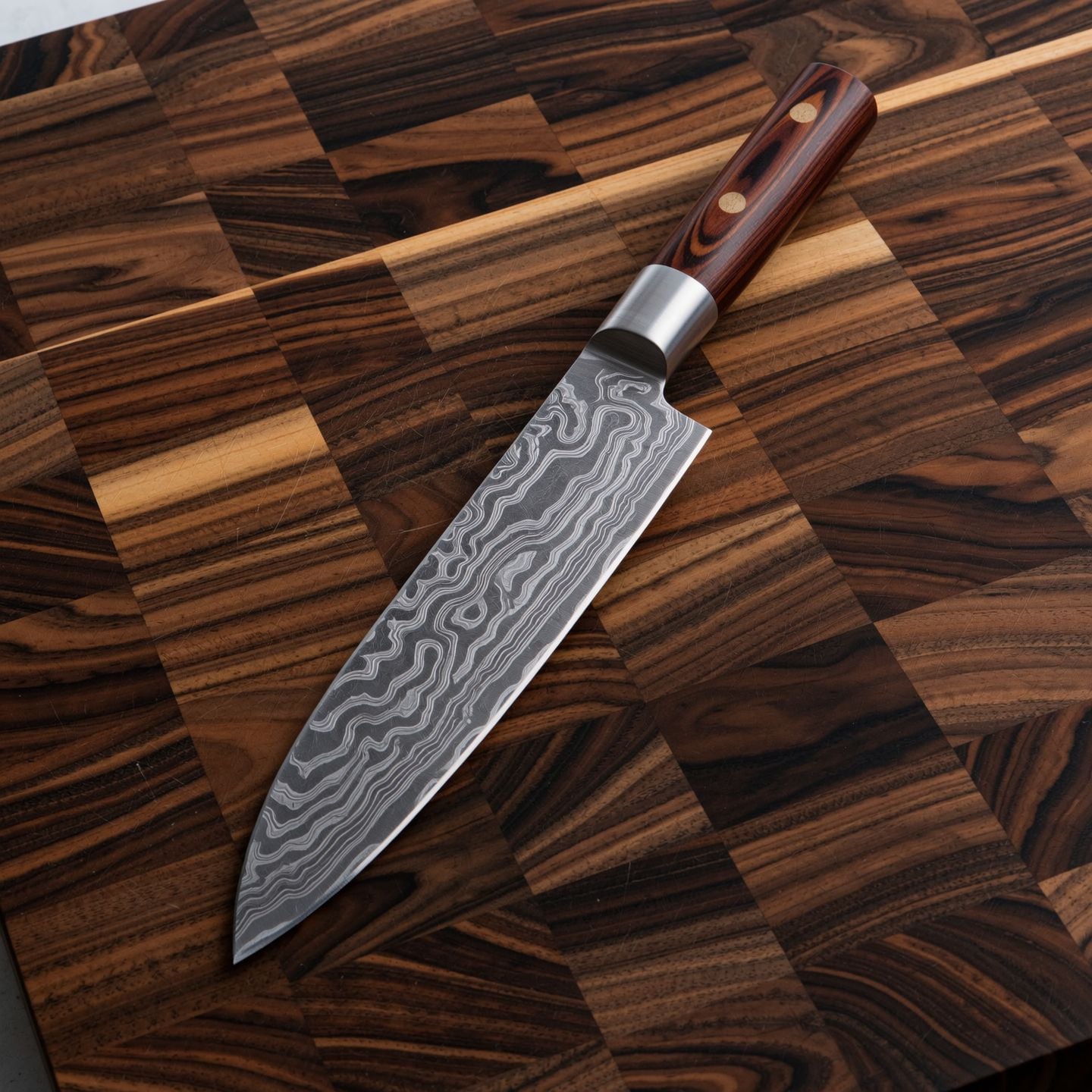
Wi-product
image-to-image
Models you can run on PixelDojo for try wan 3.0
Switch models without switching tools. Each one runs in the same PixelDojo studio.
What you can do with try wan 3.0 on PixelDojo
Generate video from text
We run Wan 3.0 so you can turn a prompt into a short clip without leaving PixelDojo. You get the model’s current motion and scene handling in one place.
Start from a still image
Upload a frame and we animate it with Wan 3.0. You keep the look of the source while adding camera and subject movement.
Iterate clips in one workspace
We keep generations, prompts, and source images together so you can refine a shot without hopping tools. Export when the take is ready.
Control length and framing
Set duration and composition guidance before you run Wan 3.0. We apply those settings so each try stays closer to the shot you planned.
Loved by thousands of creators worldwide who produce commercial-ready videos daily. PixelDojo’s 40+ cutting-edge AI tools, including WAN 3.0, deliver consistent professional results with the freedom to cancel anytime.
Why Choose Pixel Dojo for try wan 3.0
Professional-quality results with cutting-edge AI technology
Tell Complete Stories in One Unbroken Take
You generate a full 30-second narrative with continuous camera movement, evolving action and native audio instead of stitching short clips. Launch ads, reveals and scenes that feel cinematic and finished the moment they render.
Turn Any Document Into Watchable Video
Upload a PDF, PowerPoint, spreadsheet or webpage and watch WAN 3.0 transform static slides and data into a paced, professional explainer. Your quarterly report or product spec becomes content people actually watch.
Keep Characters and Brands Perfectly Consistent
Feed reference images, clips or even documents and lock facial features, clothing, logos and spatial relationships across the entire 30 seconds and future shots. Build series and campaigns that look like they came from one production.
How It Works
You create stunning WAN 3.0 videos on PixelDojo in three simple steps that combine the latest prompting techniques with our full suite of complementary tools.
Step 1: Choose Your Tool and Prepare Assets
Open Generate Videos and select WAN 3.0. For even stronger results first create hero images or character sheets with Flux.2 Studio, Seedream 5 or Consistent Characters, then bring those assets into WAN 3.0 as first-frame or omni-references. Marketing Studio can also supply on-brand starting points.
Step 2: Enter Your Structured Prompt or Upload Source
Write using the proven formula: subject plus action plus scene plus visual style plus camera plus audio. For 30-second clips split into stages with clear end states so every beat lands. Upload a document, images or video references and label what each one controls. The model reads everything and generates picture plus soundtrack together.
Step 3: Generate, Enhance and Download
Hit generate, preview the 1080p result with native audio, then polish with Video Upscaler or Clarity Pro. Fine-tune any section using WAN 2.7 Video Edit or Kling Video Edit, add captions with Video Autocaption, and export ready for social, ads or presentations. All files are yours for commercial use.
The Pixel Dojo Advantage
Why PixelDojo outperforms other options for WAN 3.0 video generation
| Others | Pixel Dojo |
|---|---|
| Traditional video production | You replace weeks of filming, crews and post-production with a single generation that already includes motion, lighting, audio and consistency, slashing cost and time while keeping full creative control. |
| Generic AI video tools | You get native 30-second single-pass clips with document-to-video support, built-in soundtrack and superior identity lock instead of short silent fragments that need heavy stitching and extra tools. |
| Manual photo and video editing | You skip hours of keyframing, sound design and color grading; WAN 3.0 plus PixelDojo’s one-click editors and upscalers deliver a finished, commercial-ready file you can publish immediately. |
Loved by creators on PixelDojo
Real feedback from people using PixelDojo, pulled from our in-product surveys.
Lots of different tools. It's easy to purchase more credits.
Amazing performance!
Excellent website for creating all types of media
Very eay to use, works well to train SDXL loras.
The amazing tools
Top notch quality and strong prompt adherence.
Explore more AI tools on PixelDojo
AI Tools
Compare & Switch
- Best AI Image Generators
- Best AI Video Generators
- Midjourney Alternatives
- Civitai Alternatives
- Runway Alternatives
- Leonardo Alternatives
- Pika Alternatives
- Luma Alternatives
- Magnific Alternatives
- Veo Alternatives
- Flux Alternatives
- Freepik Alternatives
- Seedance Alternatives
- Seedream Alternatives
- Pixverse Alternatives
- GPT Image Alternatives
- Synthesia Alternatives
- Playground Alternatives
- NightCafe Alternatives
- Canva AI Alternatives
- ElevenLabs Alternatives
- ComfyUI Alternatives
- Fal Alternatives
- Replicate Alternatives
Common Questions
Everything you need to know about try wan 3.0
How do I try WAN 3.0 video generation for free on PixelDojo?
Simply create your PixelDojo account and head to the Generate Videos section. Select WAN 3.0, enter a short test prompt or upload one image, and generate your first clip. New users receive credits to explore the full 30-second capability, native audio and document input without any commitment. You can cancel anytime and still keep everything you create.
What are the latest WAN 3.0 prompting techniques for high-quality 30-second videos?
The most effective approach uses stages with explicit end states so the model hits every story beat. Combine that with the SPACE structure—subject, performance, ambience, camera, extra audio cues—and name reference roles clearly. For long takes write one continuous camera move and place the reveal late. These techniques, refined through live testing, give you obedient, cinematic results instead of random coverage.
Can WAN 3.0 generate videos directly from a PDF or PowerPoint on PixelDojo?
Yes. WAN 3.0’s omni-reference system reads documents, spreadsheets, slides and even web pages and turns the content into a paced video. Upload your file, add a short prompt that highlights the key sections you want featured, and receive a professional explainer or product demo complete with audio. PixelDojo makes the upload and generation seamless so your reports become watchable assets in minutes.
How well does WAN 3.0 keep characters consistent across a full 30-second clip?
Extremely well. Feed one or more reference images created with PixelDojo’s Consistent Characters or Ideogram Character tools and WAN 3.0 locks facial features, clothing, physique and even micro-expressions for the entire duration. You can then reuse the same references in future generations or extend the story with WAN 2.7 Video Edit, giving you series-level continuity without extra work.
Which other PixelDojo tools should I combine with WAN 3.0 for the best results?
Start with Flux.2 Studio, Seedream 5 or QWEN Image 2 to design perfect first frames and product shots. Use Consistent Characters and Character Sheets for reusable talent. After generation enhance resolution with Video Upscaler or FLUX Video Upscale, refine specific moments with WAN 2.7 Video Edit or Kling Video Edit, and package everything inside Marketing Studio. The full 40+ tool ecosystem turns a single WAN 3.0 clip into a complete campaign.
Are videos I create with WAN 3.0 on PixelDojo ready for commercial use?
Absolutely. Every image and video you generate on PixelDojo, including those made with WAN 3.0, comes with full commercial rights. You can use them in ads, social content, client work or products without additional licensing. Combined with cancel-anytime flexibility and thousands of happy creators already publishing daily, you have zero risk and unlimited upside.