unlucid AI Generator
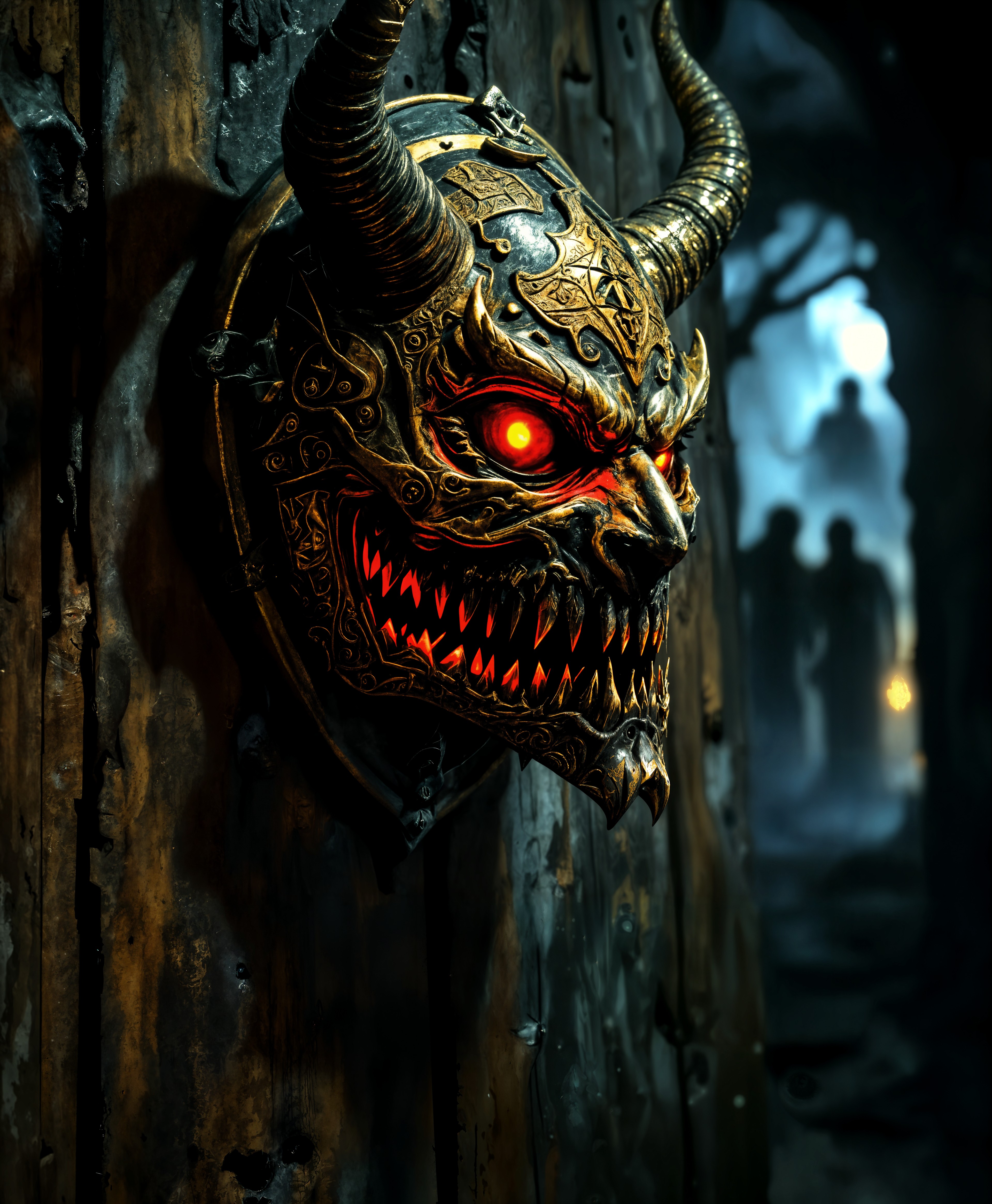
Imagine turning every wild idea, surreal dream, and uncensored vision into breathtaking images instantly. With PixelDojo's unlucid image generation, you unlock complete creative freedom to produce dreamy, imaginative, and boundary-pushing visuals that captivate and inspire. Whether you're crafting fantasy worlds, surreal portraits, or bold conceptual art, our platform empowers you to bring your innermost thoughts to life without limitations, delivering professional-quality results that stand out.
Loved by over 50,000 creators worldwide. 4.9/5 average rating from thousands of unlucid-style projects. Trusted for unrestricted AI art that goes where others won't.
Why Choose Pixel Dojo for unlucid
Professional-quality results with cutting-edge AI technology
Complete Creative Freedom
Generate any concept without restrictions – from surreal dreamscapes and fantasy scenes to bold, imaginative compositions that reflect your unique vision.
Stunning Visual Quality
Produce photorealistic, highly detailed, or stylized unlucid images with rich colors, intricate details, and professional polish every time.
Fast Iteration & Refinement
Quickly refine your unlucid creations with powerful editing tools to perfect lighting, composition, and details until your vision is exactly right.
How It Works
Creating unlucid images on PixelDojo is simple and intuitive – start with your imagination and watch it come alive.
Step 1: Choose Your Tool
Select from powerful generators like Grok Image, Flux.2 Studio, or Ideogram 4 to begin your unlucid creation with full creative control.
Step 2: Enter Your Prompt
Describe your unlucid vision in detail – include subjects, styles like realistic or anime, mood, lighting, and any reference images for consistency.
Step 3: Customize & Download
Refine with tools like Style Transfer, Magic Lighting, or Consistent Characters, then upscale and download your perfect unlucid image.
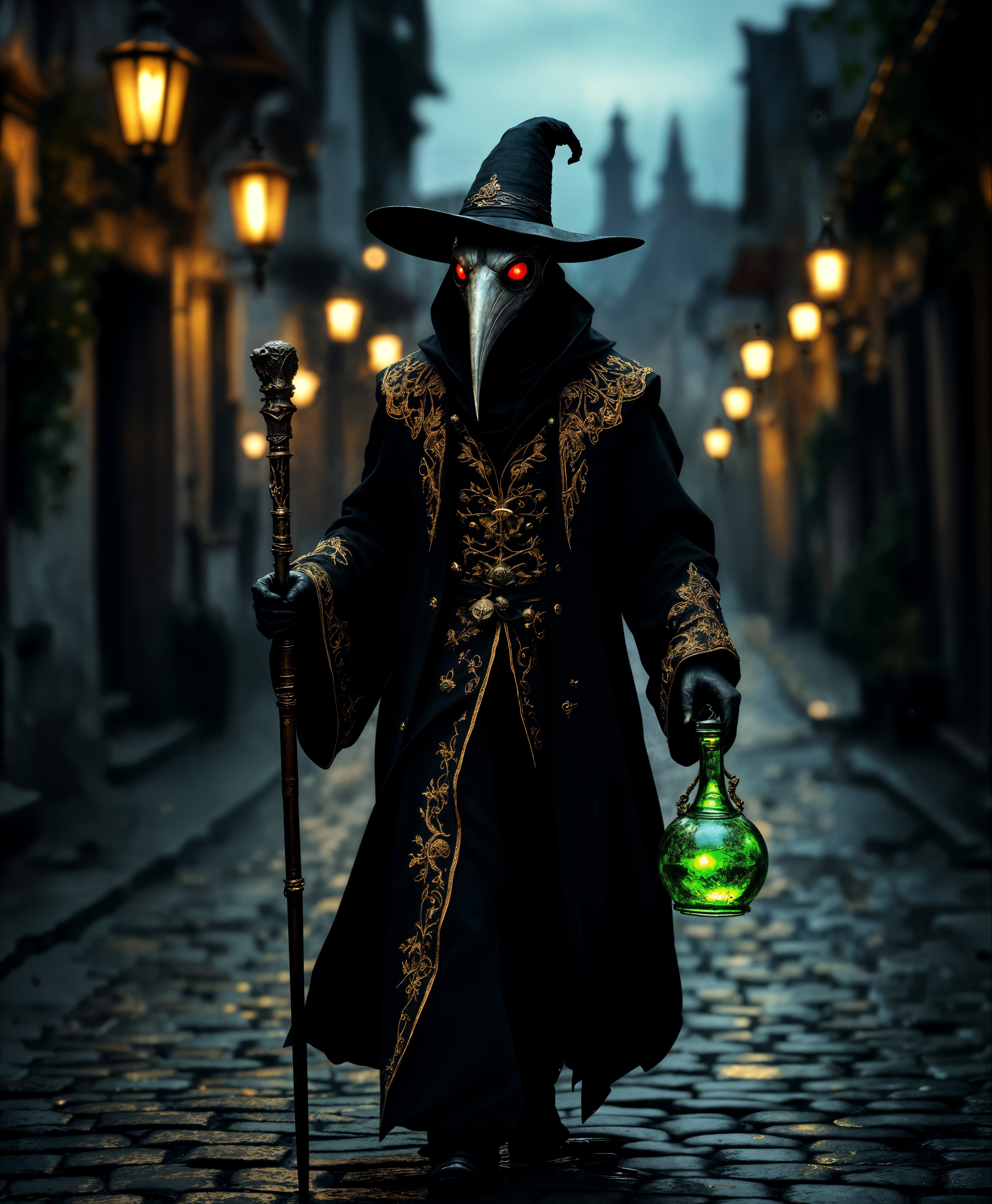
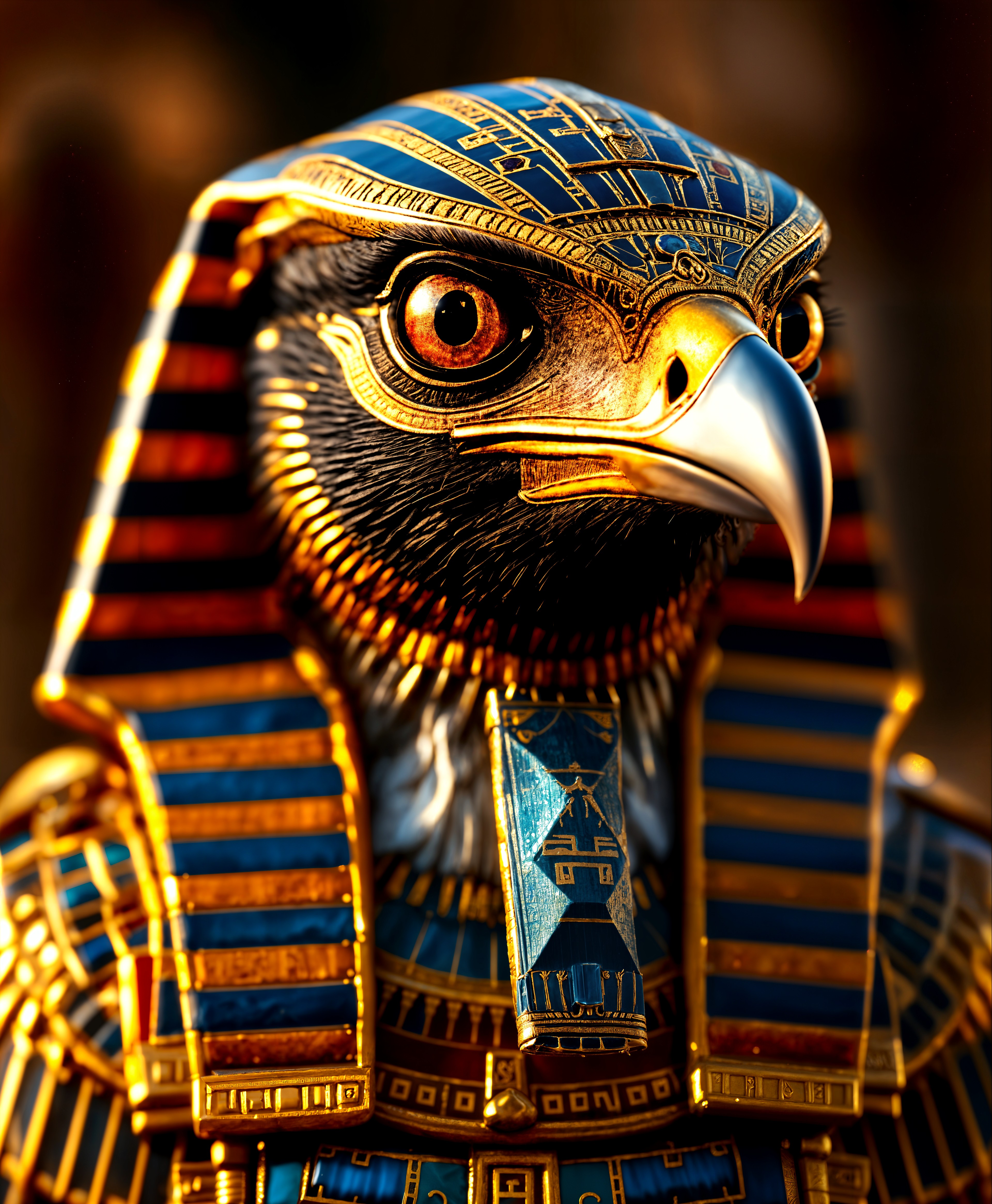
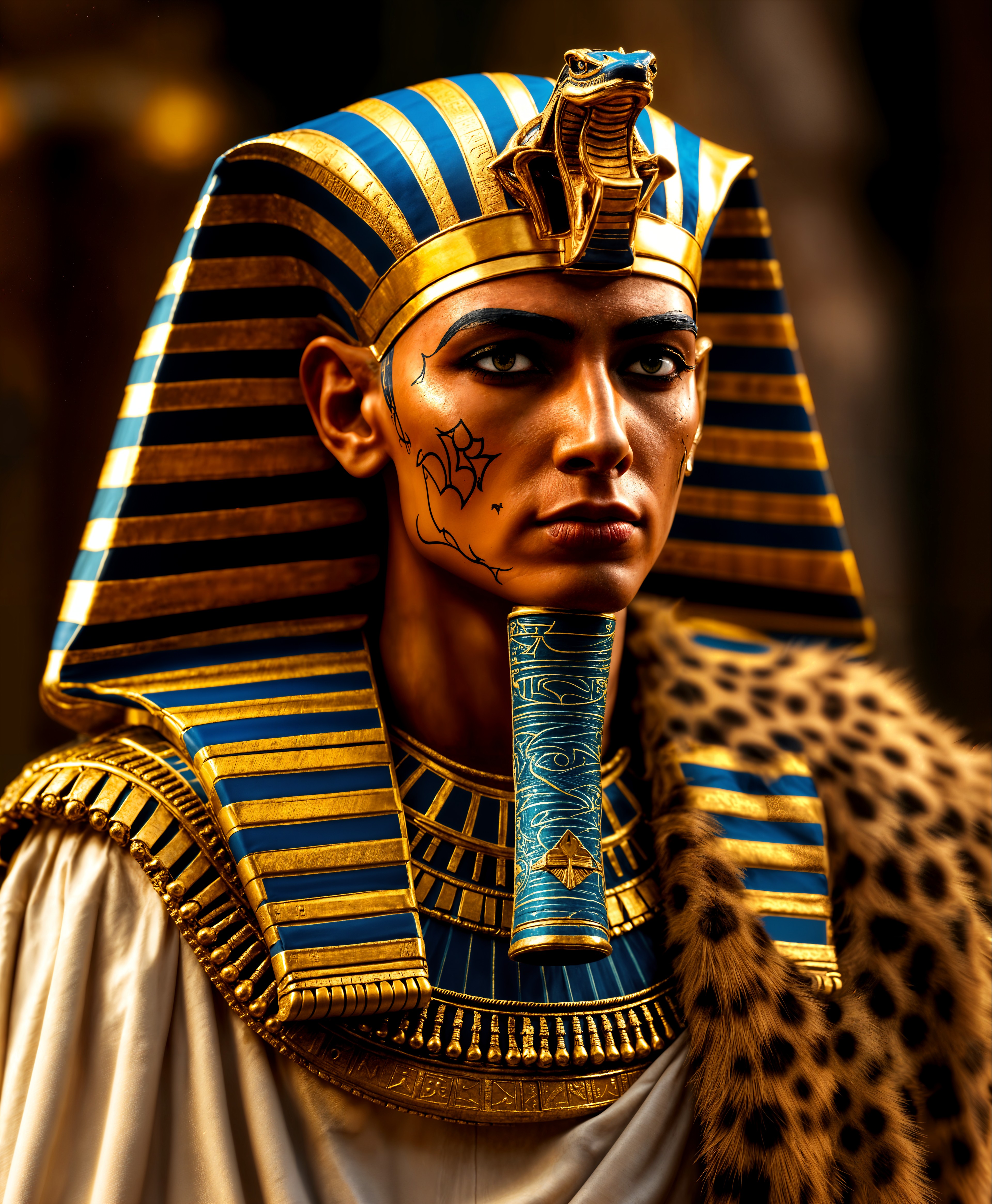
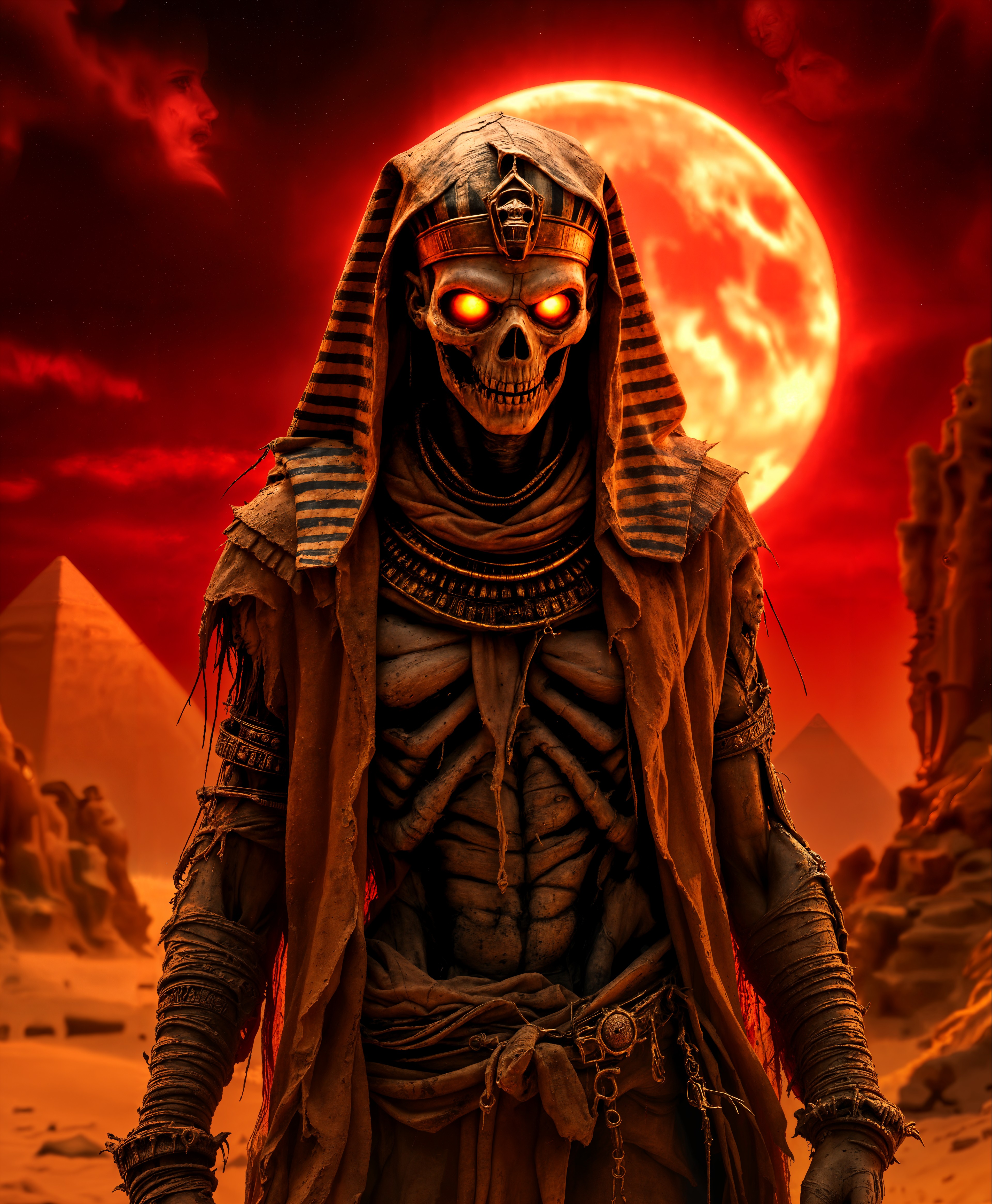
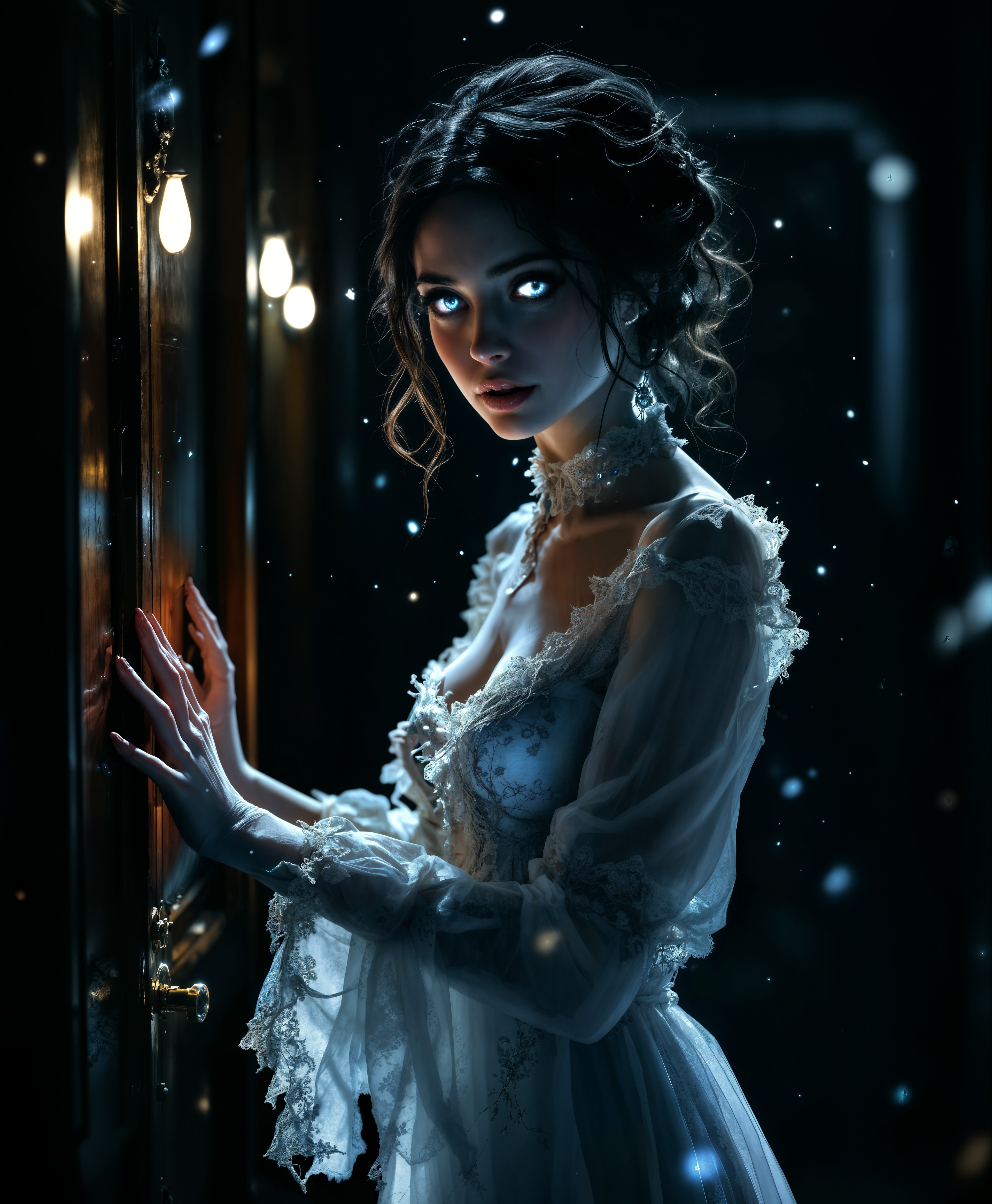
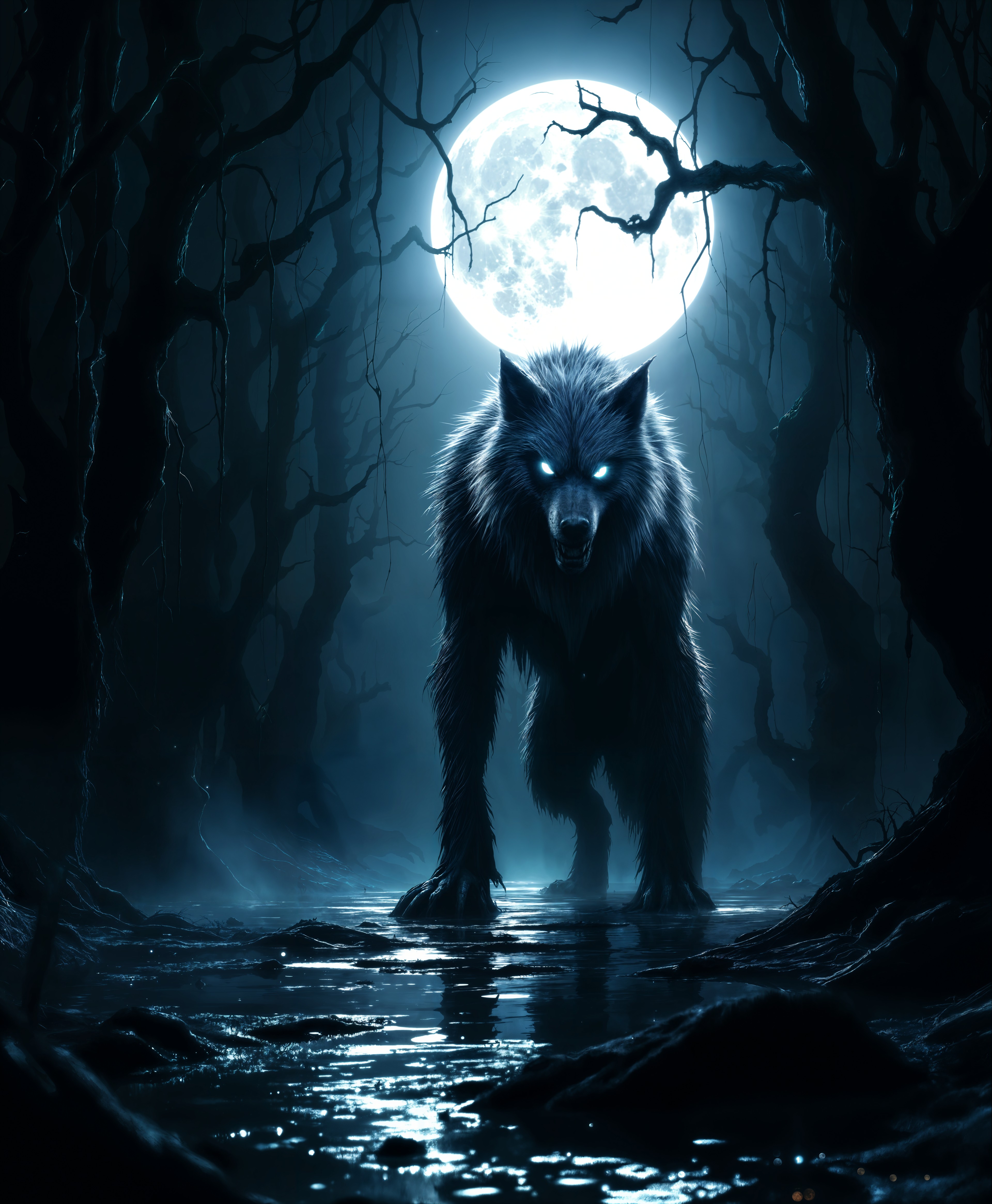
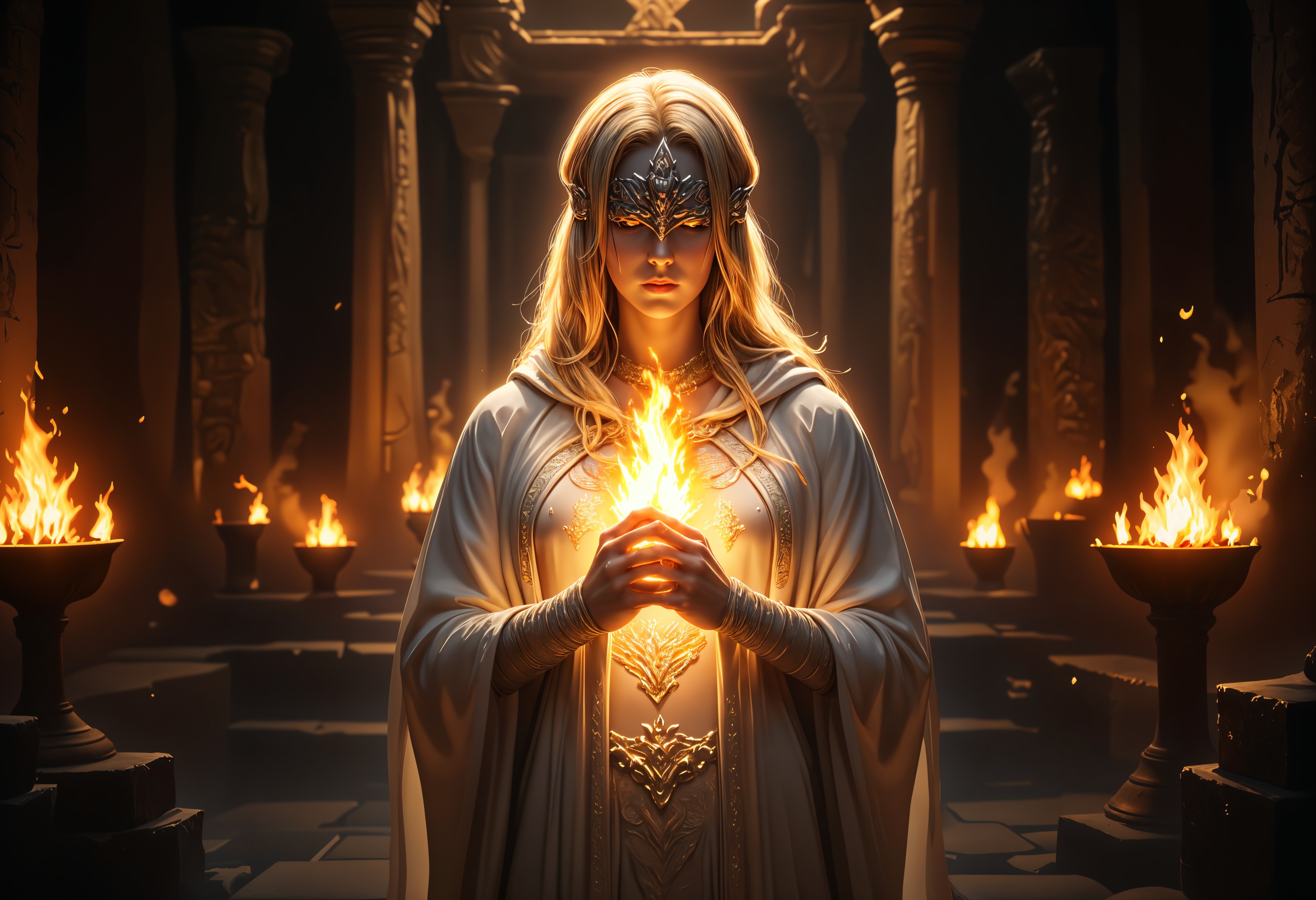
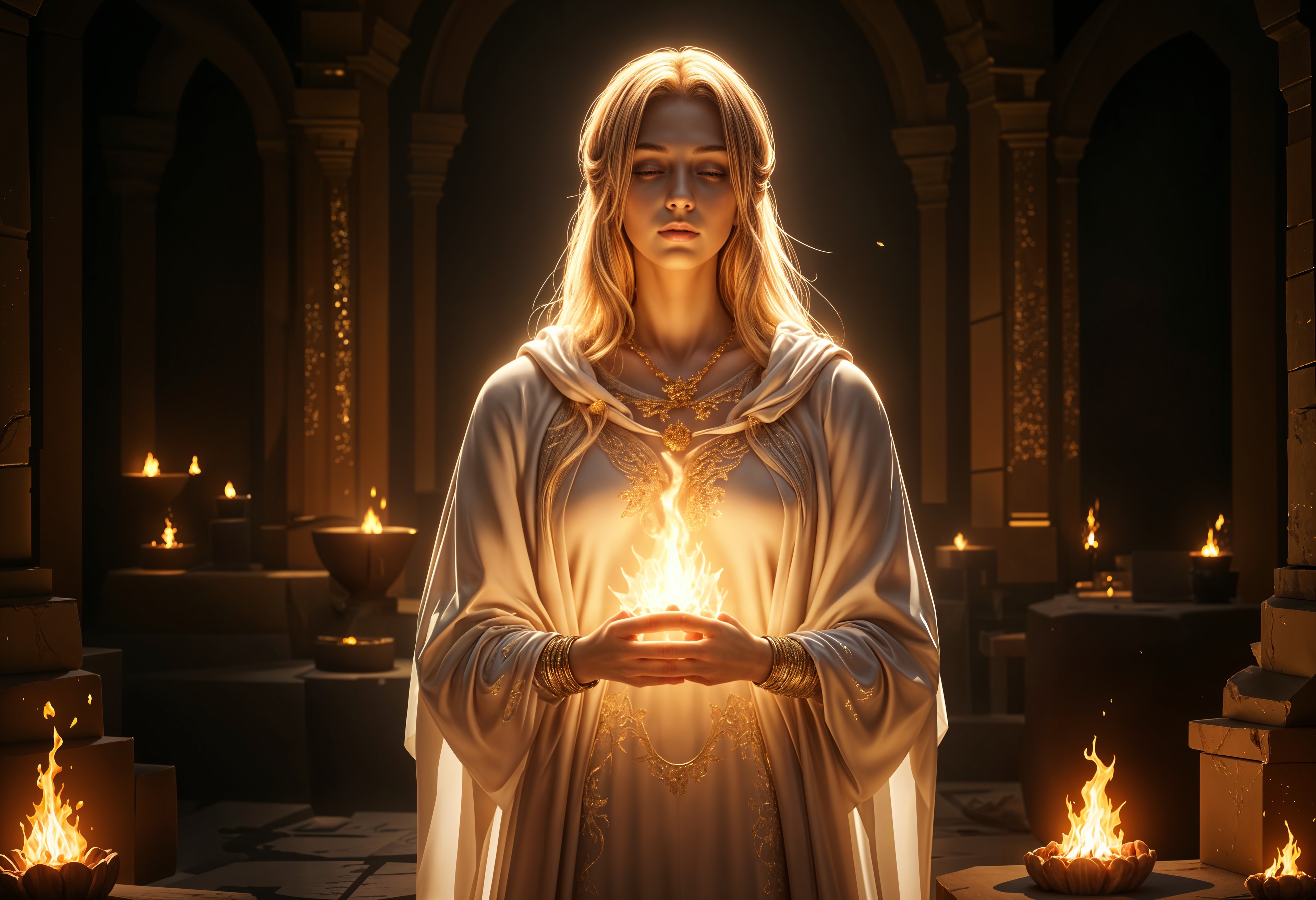
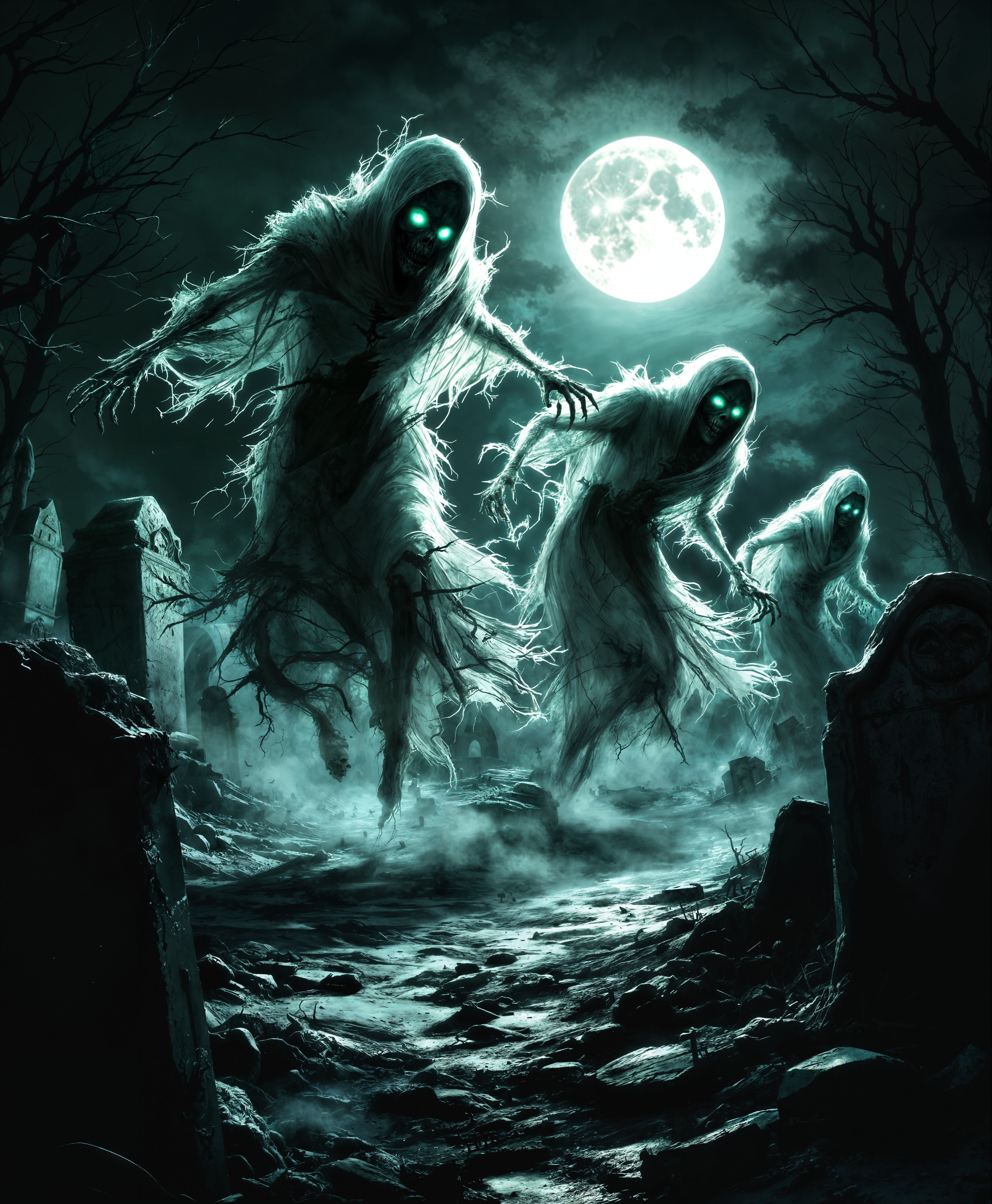
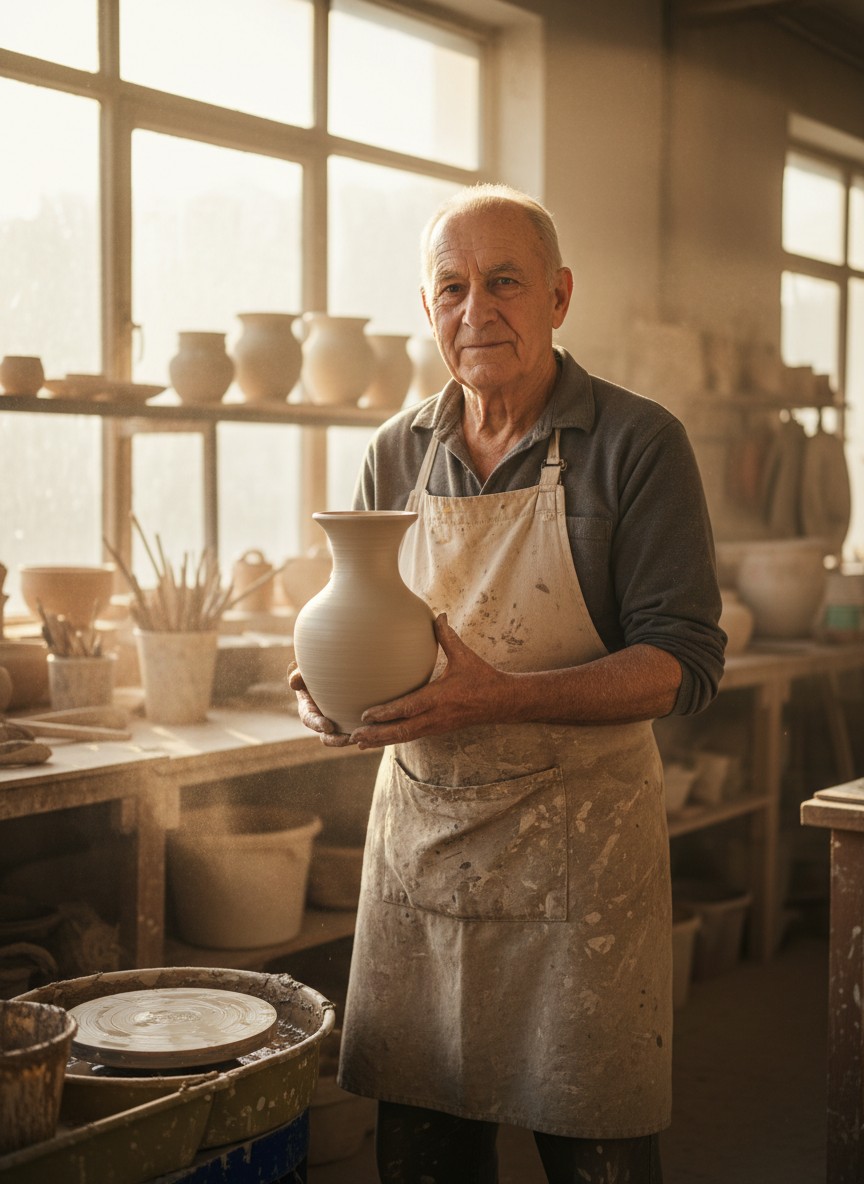
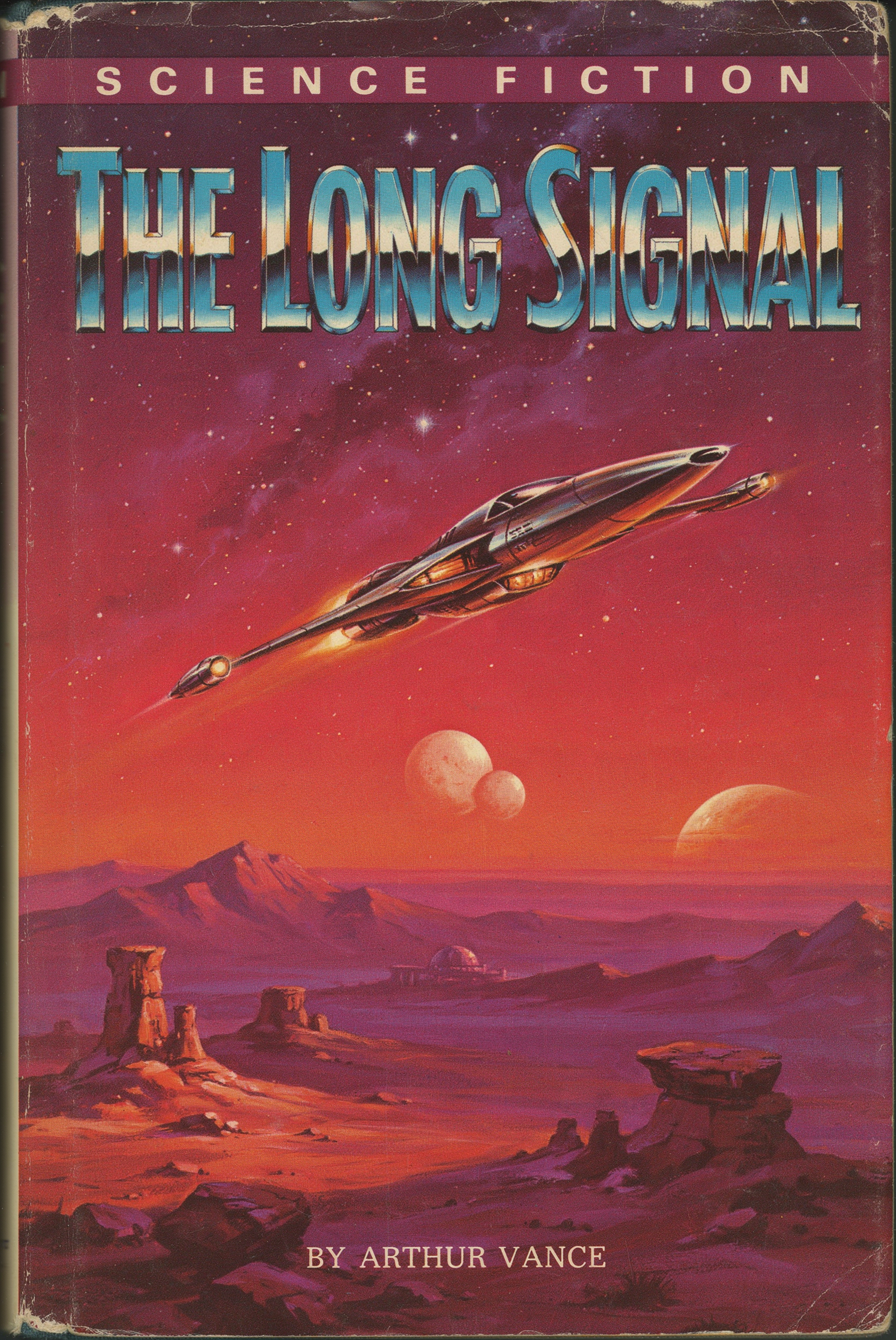
The Pixel Dojo Advantage
Why PixelDojo outperforms other options for unlucid image generation
| Others | Pixel Dojo |
|---|---|
| Traditional unlucid creation | No artistic skills or hours of manual work needed – generate professional unlucid art in seconds with AI precision |
| Generic AI tools | Access truly uncensored generation with specialized tools like Grok Image and Flux.2 Studio designed for imaginative, unrestricted results |
| Manual photo editing | Instant AI-powered edits like Inpainting, Background Remover, and Style Transfer deliver flawless unlucid refinements without complex software |
Loved by creators on PixelDojo
Real feedback from people using PixelDojo, pulled from our in-product surveys.
Lots of different tools. It's easy to purchase more credits.
Amazing performance!
Excellent website for creating all types of media
Very eay to use, works well to train SDXL loras.
The amazing tools
Top notch quality and strong prompt adherence.
Explore more AI tools on PixelDojo
AI Tools
Compare & Switch
- Best AI Image Generators
- Best AI Video Generators
- Midjourney Alternatives
- Civitai Alternatives
- Runway Alternatives
- Leonardo Alternatives
- Pika Alternatives
- Luma Alternatives
- Magnific Alternatives
- Veo Alternatives
- Flux Alternatives
- Freepik Alternatives
- Seedance Alternatives
- Seedream Alternatives
- Pixverse Alternatives
- GPT Image Alternatives
- Synthesia Alternatives
- Playground Alternatives
- NightCafe Alternatives
- Canva AI Alternatives
- ElevenLabs Alternatives
- ComfyUI Alternatives
- Fal Alternatives
- Replicate Alternatives
Common Questions
Everything you need to know about unlucid
What is unlucid image generation and how does it differ from standard AI art?
Unlucid image generation focuses on uncensored, highly imaginative, and dreamy visuals that capture surreal, fantasy, or boundary-pushing concepts. PixelDojo enables this with tools like Grok Image and Flux.2 Studio that support unrestricted prompts, allowing you to create without the limitations found elsewhere.
Can I create NSFW or highly creative unlucid images with PixelDojo?
Yes, PixelDojo's unlucid tools provide the creative freedom you need for uncensored and imaginative content. Use Grok Image or WAN Image for bold concepts, then refine with Image to Image or Magic Lighting to perfect every detail.
Which PixelDojo tools are best for unlucid style images?
Start with Grok Image or Flux.2 Studio for core generation, Krea V2 or Luma UNI 1 for unique artistic effects, and Ideogram 4 for detailed compositions. Enhance further with Consistent Characters for recurring elements or Reality Polisher for final polish.
How do I make my unlucid images look more professional and detailed?
Use detailed prompts describing lighting, mood, and composition, then apply tools like Magic Lighting, Style Transfer, or Creative Upscaler. Many creators add reference images in Flux.2 Studio or PonyXL for added depth and consistency.
Is unlucid image generation suitable for beginners on PixelDojo?
Absolutely. PixelDojo's intuitive interface and pre-built tools like GPT Image 2 and Seedream 5 Lite make it easy to generate stunning unlucid images from simple prompts. Step-by-step guidance helps you iterate quickly toward pro results.
How does PixelDojo ensure high-quality unlucid outputs every time?
Our platform combines top models including Recraft V4.1, Bria 3.2, and HiDream O1 with built-in enhancers like Clarity Pro and Portrait Upscaler. This ensures every unlucid image delivers sharp details, vibrant colors, and artistic excellence.