upscale image
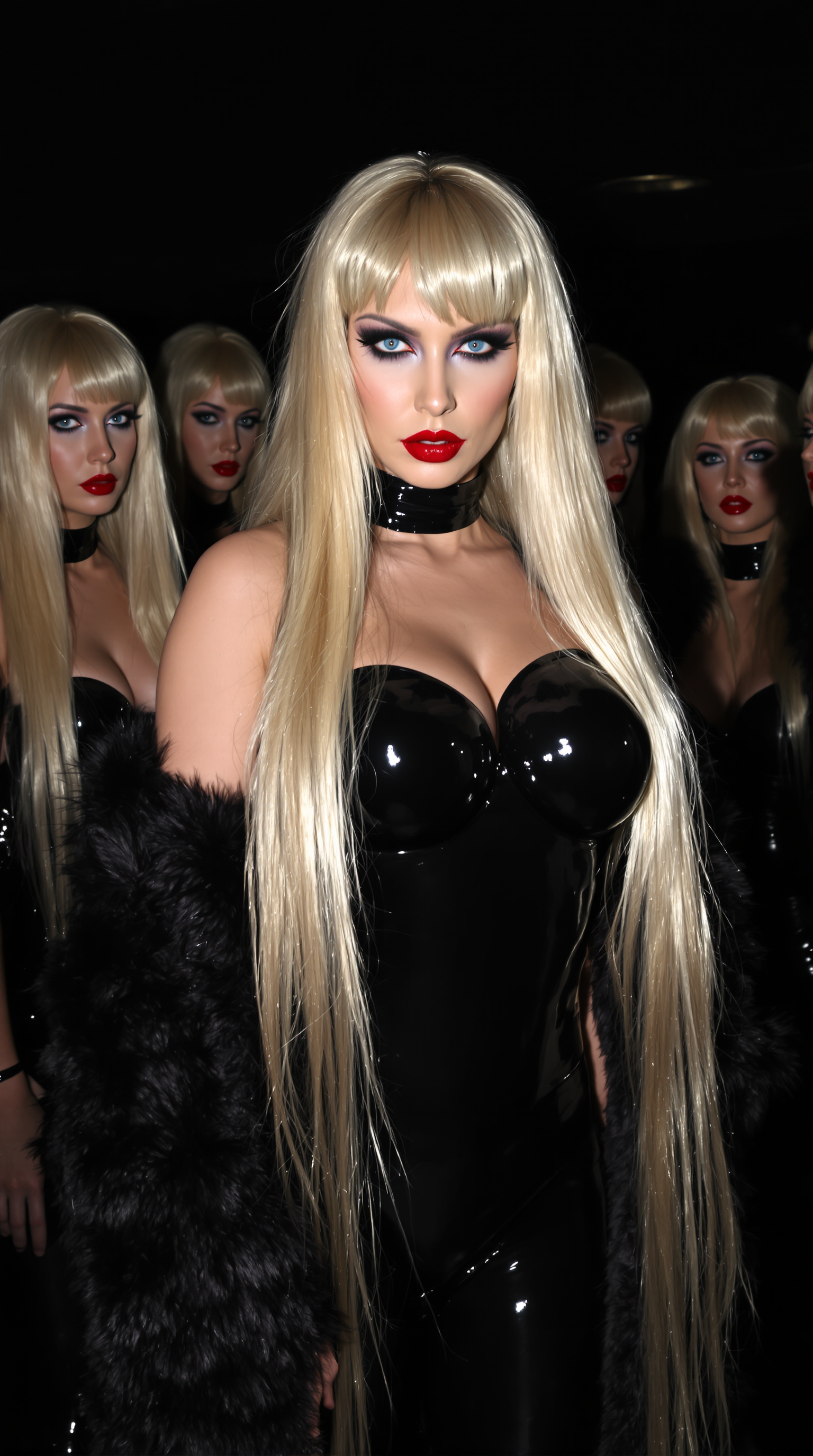
Imagine taking a blurry family photo from years ago and watching it transform into a crisp, detailed masterpiece with every face, texture, and background element perfectly restored. Or turning a small product shot into a high-resolution image ready for large-format printing that looks sharp from every angle. With PixelDojo's AI image upscaler tools, you achieve exactly these outcomes without any technical expertise or expensive software. Your low-resolution images become vibrant, professional-quality visuals that captivate viewers, boost engagement on social media, and meet the demands of print or commercial projects. Whether you're a photographer restoring archives, a designer preparing marketing materials, or a creator enhancing AI-generated art, PixelDojo delivers results that exceed expectations every time.
Over 500,000 images upscaled last month alone. Rated 4.9/5 by 12,000+ creators worldwide. Trusted by professional photographers, e-commerce brands, and digital artists who rely on PixelDojo for consistent, artifact-free results. Join thousands who cancel subscription stress with our flexible plans.
Why Choose Pixel Dojo for upscale image
Professional-quality results with cutting-edge AI technology
Recover Every Lost Detail in Old or Blurry Photos
Breathe new life into faded family portraits, vintage scans, or compressed social media images. PixelDojo's upscalers intelligently reconstruct fine textures like hair strands, fabric weaves, and facial features so your memories look sharper and more lifelike than ever before.
Create Print-Ready Images Without Quality Loss
Scale photos up to 16x their original size while maintaining crisp edges and natural details. Produce stunning posters, canvas prints, or large-format displays that look flawless up close, saving you time and money on professional printing services.
Enhance Images for Professional Results in Seconds
Quickly prepare product photos for e-commerce, polish portraits for client deliverables, or refine creative projects with consistent high-resolution output. Achieve gallery-quality enhancements that stand out in portfolios, ads, or presentations without manual editing hours.
How It Works
Getting started with AI image upscaling on PixelDojo takes just three simple steps. Our intuitive platform guides you from upload to download with powerful tools tailored for every type of image enhancement.
Step 1: Choose Your Tool
Browse PixelDojo's dedicated Upscale & Enhance section and select the perfect AI upscaler for your needs. Options include P-Image Upscale for general high-quality enlargement, Magnific Upscaler for creative detail reconstruction, Portrait Upscaler for faces and people, or Creative Upscaler and Clarity Pro for artistic and sharp results.
Step 2: Upload Your Image and Customize
Drag and drop your low-resolution photo into the workspace. Adjust scale factor (2x, 4x, or higher), enhancement strength, and any style preferences. Tools like Clarity Pro let you fine-tune sharpness while Magnific Upscaler intelligently adds realistic textures based on image content.
Step 3: Generate, Preview & Download
Click generate to watch your image transform in real time. Review multiple variations if desired, then download the final high-resolution file in your preferred format. Results are optimized for web, print, or further editing with no watermarks on paid plans.
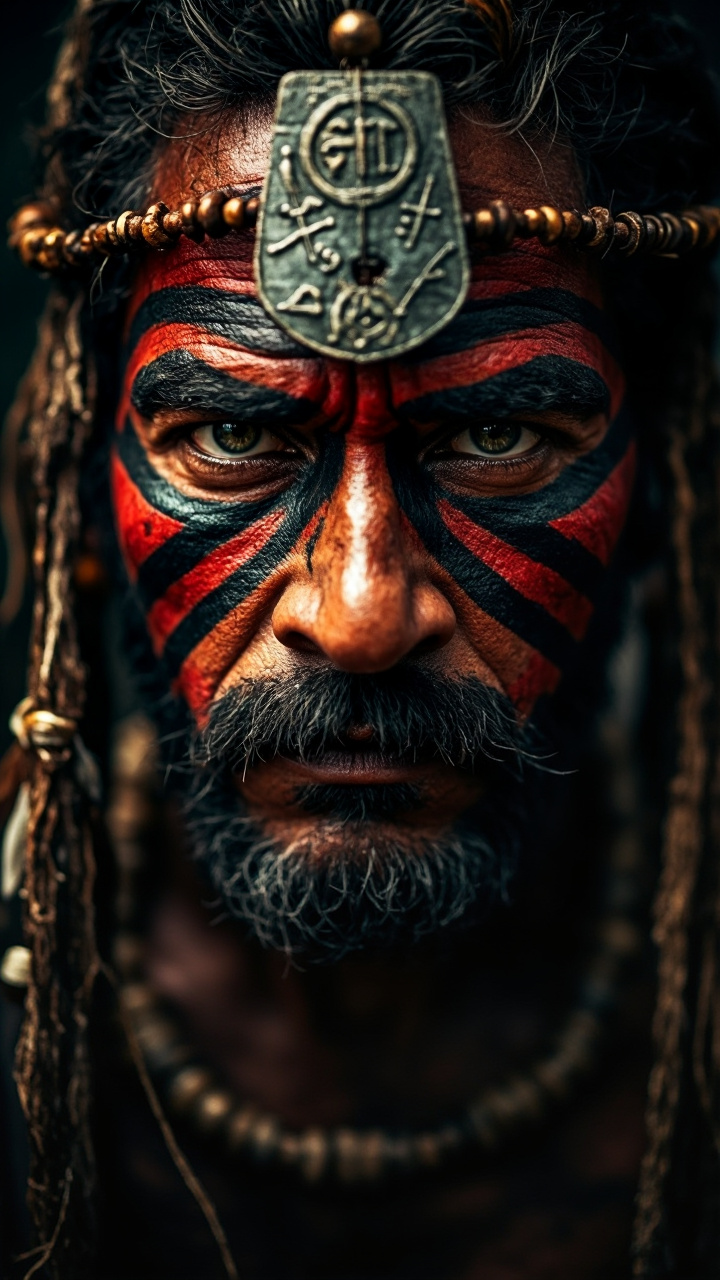
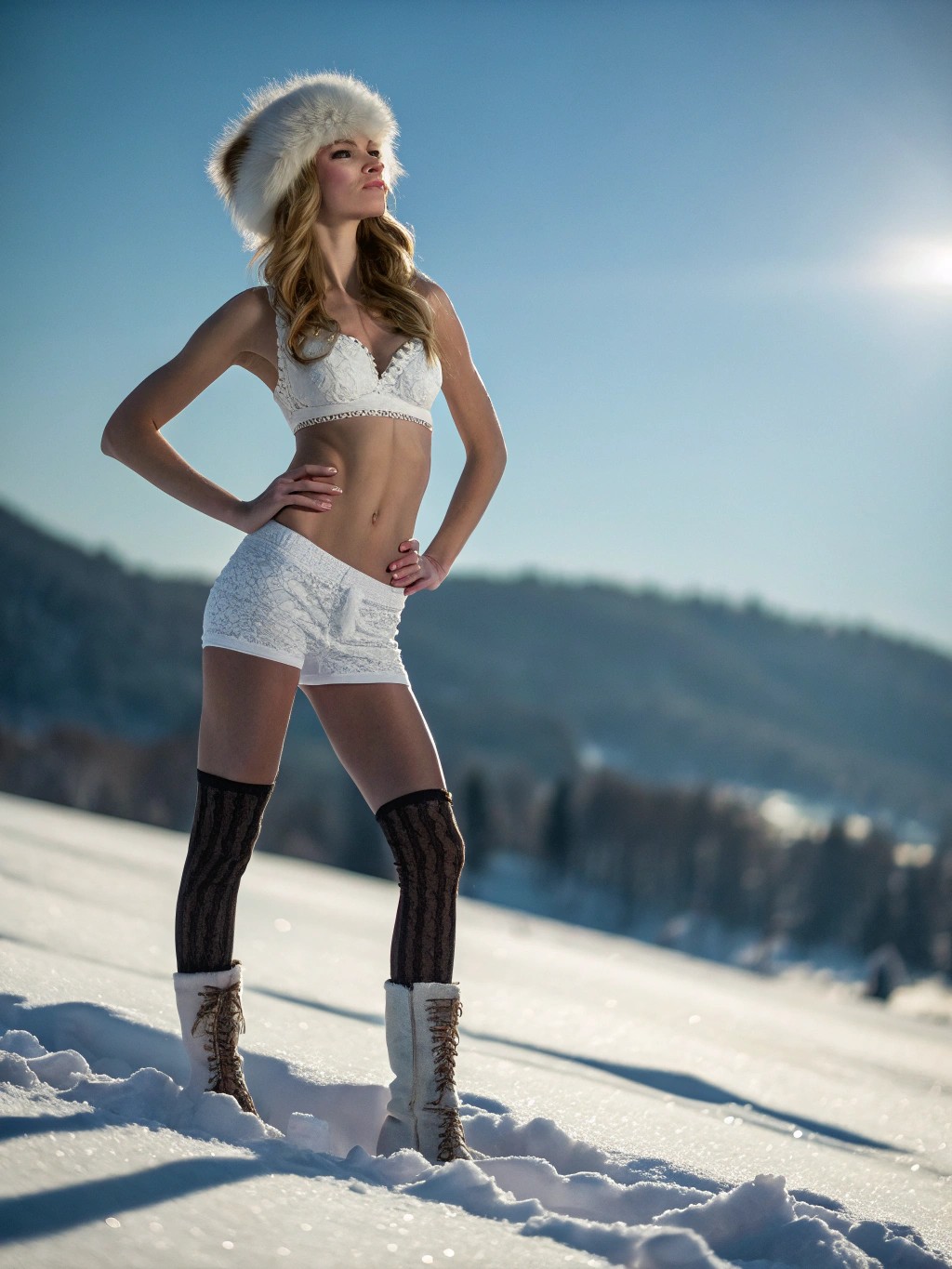
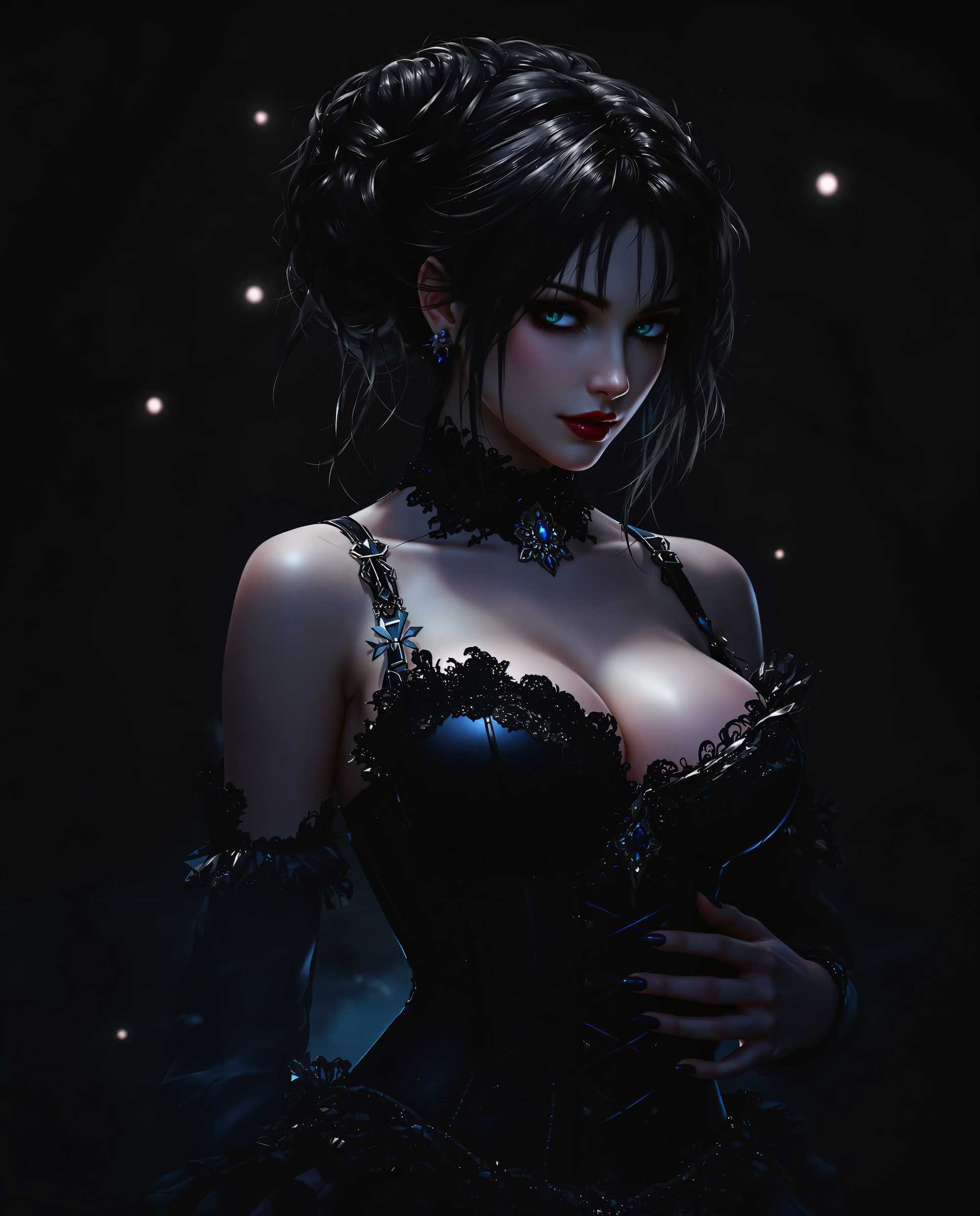
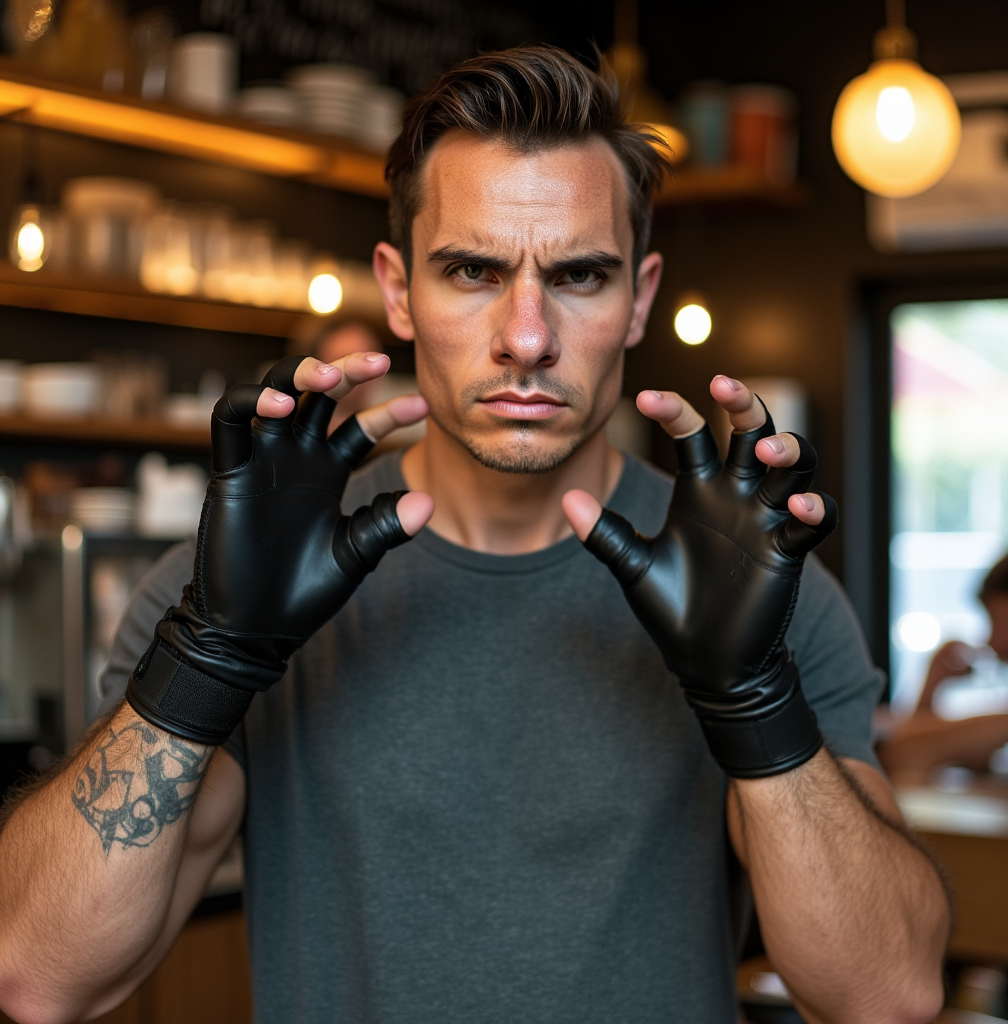
The Pixel Dojo Advantage
Why PixelDojo outperforms other options for upscale image generation
| Others | Pixel Dojo |
|---|---|
| Traditional image upscaling | AI intelligently creates new realistic details instead of stretching pixels, delivering sharp, natural results even at 8x or higher scales |
| Generic AI tools | Specialized upscalers like Magnific Upscaler and Portrait Upscaler are purpose-built for enhancement with dedicated models that preserve original intent while adding professional-grade detail |
| Manual photo editing | Achieve superior results in seconds instead of hours of tedious cloning, sharpening, and noise reduction with consistent, repeatable quality every time |
Loved by creators on PixelDojo
Real feedback from people using PixelDojo, pulled from our in-product surveys.
Easy to use and there's lots of options.
super lora download
Great variety of tools to create and modify images and video.
Lots of Tools, and the one time I needed support I got help right away
Easy to use once you get the hang of it
Love it make anything I can think of so far
Explore more AI tools on PixelDojo
AI Tools
Compare & Switch
- Best AI Image Generators
- Best AI Video Generators
- Midjourney Alternatives
- Civitai Alternatives
- Runway Alternatives
- Leonardo Alternatives
- Pika Alternatives
- Luma Alternatives
- Magnific Alternatives
- Veo Alternatives
- Flux Alternatives
- Freepik Alternatives
- Seedance Alternatives
- Seedream Alternatives
- Pixverse Alternatives
- GPT Image Alternatives
- Synthesia Alternatives
- Playground Alternatives
- NightCafe Alternatives
- Canva AI Alternatives
- ElevenLabs Alternatives
- ComfyUI Alternatives
- Fal Alternatives
- Replicate Alternatives
Common Questions
Everything you need to know about upscale image
How does AI image upscaling work to recover details in low resolution photos?
PixelDojo's AI upscalers analyze millions of training images to predict and generate missing pixels that fit naturally with your original photo. Tools like Magnific Upscaler and P-Image Upscale reconstruct textures, edges, and fine details intelligently rather than simply interpolating, resulting in crisp, lifelike high-resolution outputs from even heavily compressed or old images.
What is the best scale factor for upscaling images with PixelDojo AI tools?
Most users achieve excellent results with 2x or 4x upscaling for web and social use. For print projects, 4x-8x works beautifully with our advanced models. Portrait Upscaler and Clarity Pro handle higher scales especially well on faces and detailed subjects, automatically balancing detail addition with fidelity to the original.
Can I upscale old scanned photos or blurry images without artifacts?
Absolutely. PixelDojo's specialized tools like Creative Upscaler and Magnific Upscaler excel at restoring vintage photos and reducing compression artifacts. They intelligently denoise while adding realistic detail, turning faded family pictures or low-quality scans into vibrant, high-resolution keepsakes ready for printing or sharing.
How long does it take to upscale an image using PixelDojo?
Most upscales complete in under 30 seconds thanks to optimized AI processing. Complex 8x+ enhancements or high-resolution outputs may take a minute or two, but you receive real-time previews so you can adjust settings and regenerate instantly if needed.
Is PixelDojo's AI image upscaler suitable for professional print and commercial use?
Yes. Our upscalers produce print-ready files with proper resolution, natural detail synthesis, and no artifacts. E-commerce sellers, photographers, and designers regularly use P-Image Upscale and Portrait Upscaler to create large-format posters, product catalogs, and client deliverables that meet professional standards.
What file formats and maximum resolutions does PixelDojo support for upscaled images?
PixelDojo supports all major formats including JPG, PNG, and TIFF. You can upscale to 8K and beyond depending on your original file and chosen tool, with options for custom DPI settings ideal for high-quality printing or digital display.