Veo 3 vs Kling
Generated on PixelDojo. Produced by PixelDojo's generation pipeline.
Veo 3.1 Standard is the better pick for cinematic fireworks realism, while Kling 2.6 Pro is the faster pick at less than half the wait. PixelDojo ran both models on the same scene, "fireworks bursting over a city skyline at night, reflections on water," and recorded real generation times: Veo 3.1 Standard finished in 155.5 seconds, while Kling 2.6 Pro finished in 72.6 seconds. The result is a direct speed and output comparison for creators choosing between detail, mood, and turnaround time.
Real video examples generated on PixelDojo
Every example below was produced on PixelDojo. Hover to see the prompt.
A hyper-speed superhero
image-to-video
A hyper-speed superhero
image-to-video
A hyper-speed superhero
image-to-video
Kungfu Club
image-to-video
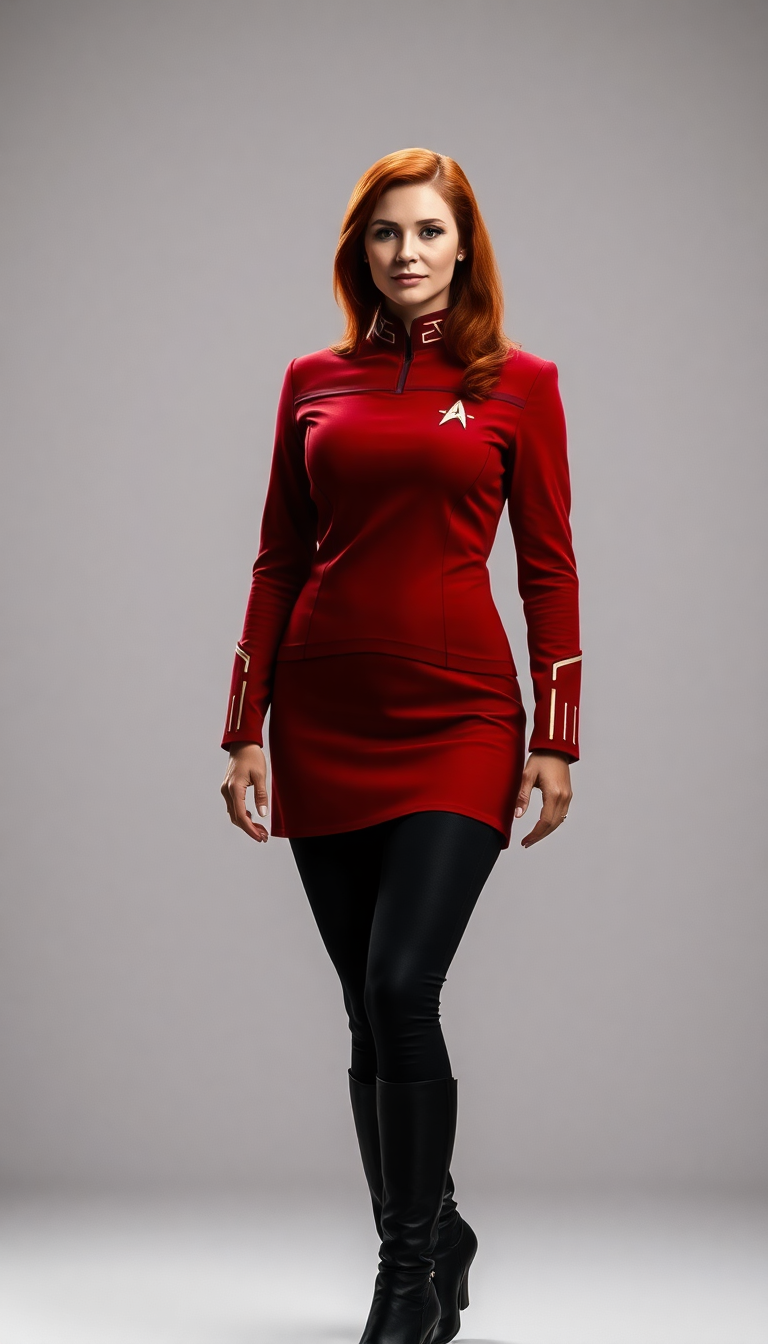
Red Star fleet uniform
flux

Red Star fleet uniform
flux
Models you can run on PixelDojo for Veo 3 vs Kling
Switch models without switching tools. Each one runs in the same PixelDojo studio.
What you can do with Veo 3 vs Kling on PixelDojo
Side by Side Model Comparison
We run the same prompt on Veo 3 and Kling. You review both outputs together in one view.
Single Account for Multiple Models
Creators access Veo 3 and Kling through one dashboard. No separate logins or billing required.
Consistent Prompt Application
We adapt your input to each model's parameters. Generate comparable videos without manual changes.
Quick Model Switching
Switch between Veo 3 and Kling during a project. Continue iterations without leaving the platform.
Why Choose Pixel Dojo for Veo 3 vs Kling
Professional-quality results with cutting-edge AI technology
Same prompt, cleaner comparison
Both models received the same city skyline fireworks scene, which keeps the comparison focused on model behavior rather than prompt differences.
Real timing data
PixelDojo recorded actual generation times, making the speed gap clear: 155.5 seconds for Veo 3.1 Standard and 72.6 seconds for Kling 2.6 Pro.
Clear model fit
Veo 3.1 Standard suits polished cinematic shots, while Kling 2.6 Pro suits faster concept passes, previews, and iteration.
How It Works
Run the shared scene
Start with the same prompt used in this comparison: fireworks bursting over a city skyline at night with reflections on water.
Compare output priorities
Review realism, motion, lighting, reflections, skyline detail, and overall mood to see which model matches the intended use.
Factor in generation time
Use the recorded times to decide whether the project needs maximum visual polish or faster turnaround.
Loved by creators on PixelDojo
Real feedback from people using PixelDojo, pulled from our in-product surveys.
Trained my Lora super fast. Still working out how to creat content wit it, but I love it so far.
I love this app
It has all the tools I can think of...
deployment rate of splendid features is incredible. Legend
large selection of tools on one platform
the amount you can do on this site
Explore more AI tools on PixelDojo
AI Tools
Compare & Switch
- Best AI Image Generators
- Best AI Video Generators
- Midjourney Alternatives
- Civitai Alternatives
- Runway Alternatives
- Leonardo Alternatives
- Pika Alternatives
- Luma Alternatives
- Magnific Alternatives
- Veo Alternatives
- Flux Alternatives
- Freepik Alternatives
- Seedance Alternatives
- Seedream Alternatives
- Pixverse Alternatives
- GPT Image Alternatives
- Synthesia Alternatives
- Playground Alternatives
- NightCafe Alternatives
- Canva AI Alternatives
- ElevenLabs Alternatives
- ComfyUI Alternatives
- Fal Alternatives
- Replicate Alternatives
Common Questions
Everything you need to know about Veo 3 vs Kling
Which model won the head-to-head test?
Veo 3.1 Standard is the stronger choice for cinematic realism and polished night-scene atmosphere. Kling 2.6 Pro is the better choice when speed matters most.
Which model was faster?
Kling 2.6 Pro was faster. It generated the shared fireworks skyline scene in 72.6 seconds, compared with 155.5 seconds for Veo 3.1 Standard.
What prompt did PixelDojo use?
PixelDojo used the same prompt for both models: "fireworks bursting over a city skyline at night, reflections on water."
Is Veo 3.1 Standard worth the longer generation time?
For creators who need cinematic lighting, richer mood, and a more premium final look, the longer 155.5 second wait can be worthwhile.
When should creators choose Kling 2.6 Pro?
Choose Kling 2.6 Pro for faster drafts, prompt exploration, social video concepts, and workflows where quick iteration is more important than final-frame polish.