veo 3.1 8s AI Generator
Generated on PixelDojo. Produced by PixelDojo's generation pipeline.
You can now produce Hollywood-caliber 8-second videos complete with perfectly synced native audio, realistic motion, and unbreakable character consistency—all in minutes instead of weeks. PixelDojo’s Veo 3.1 lets you start from a simple text prompt, a still image, or up to three reference photos and instantly deliver photorealistic clips ready for Reels, Shorts, ads, or storytelling. Marketers launch campaigns faster, filmmakers prototype scenes without crews, and social creators post daily cinematic content that actually converts. No cameras, no locations, no editing timelines. Just your vision transformed into captivating 8-second masterpieces that look and sound professionally produced.
Real video examples generated on PixelDojo
Every example below was produced on PixelDojo. Hover to see the prompt.
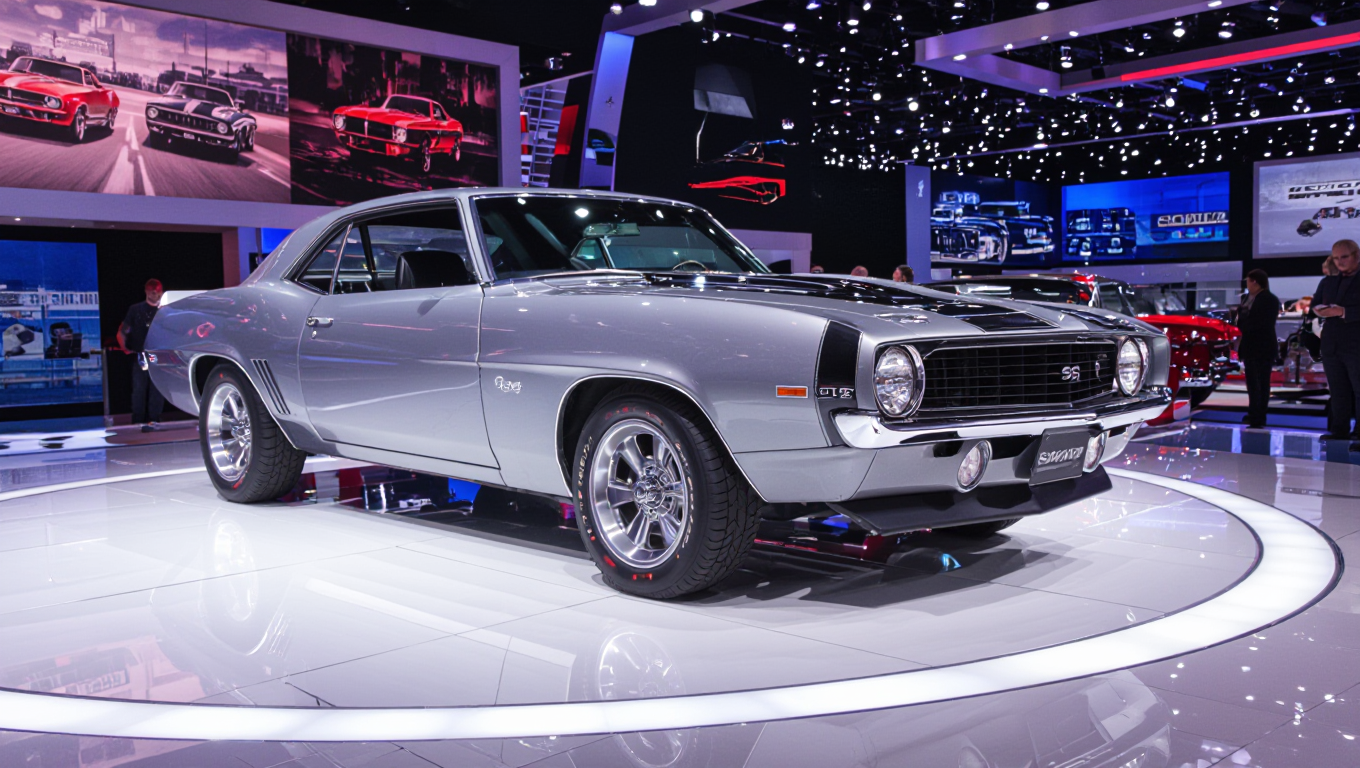
A muscle car
hidream

A muscle car
flux
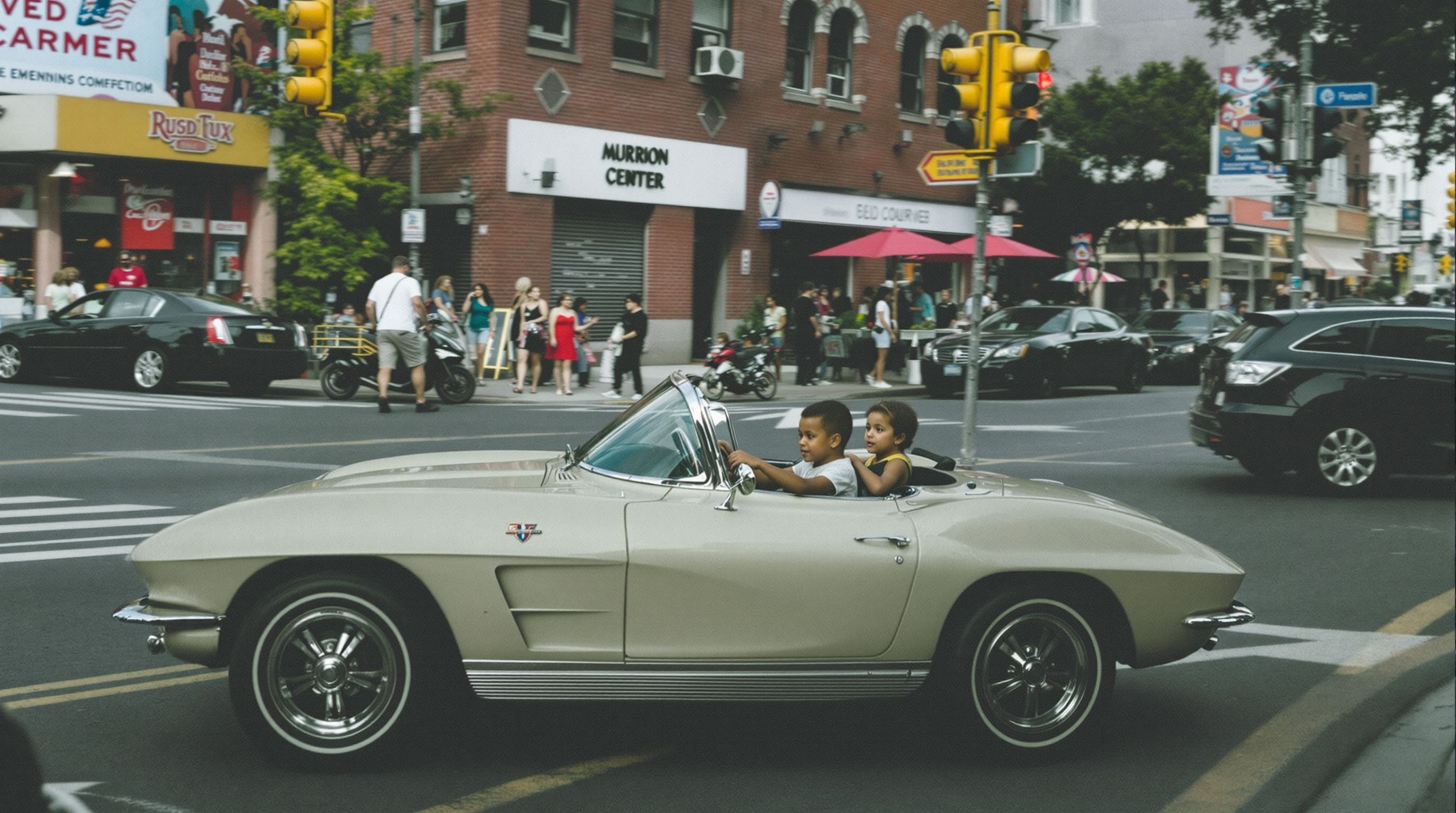
A 2 year old drives a mini 1963 corvette converible in a city street
flux
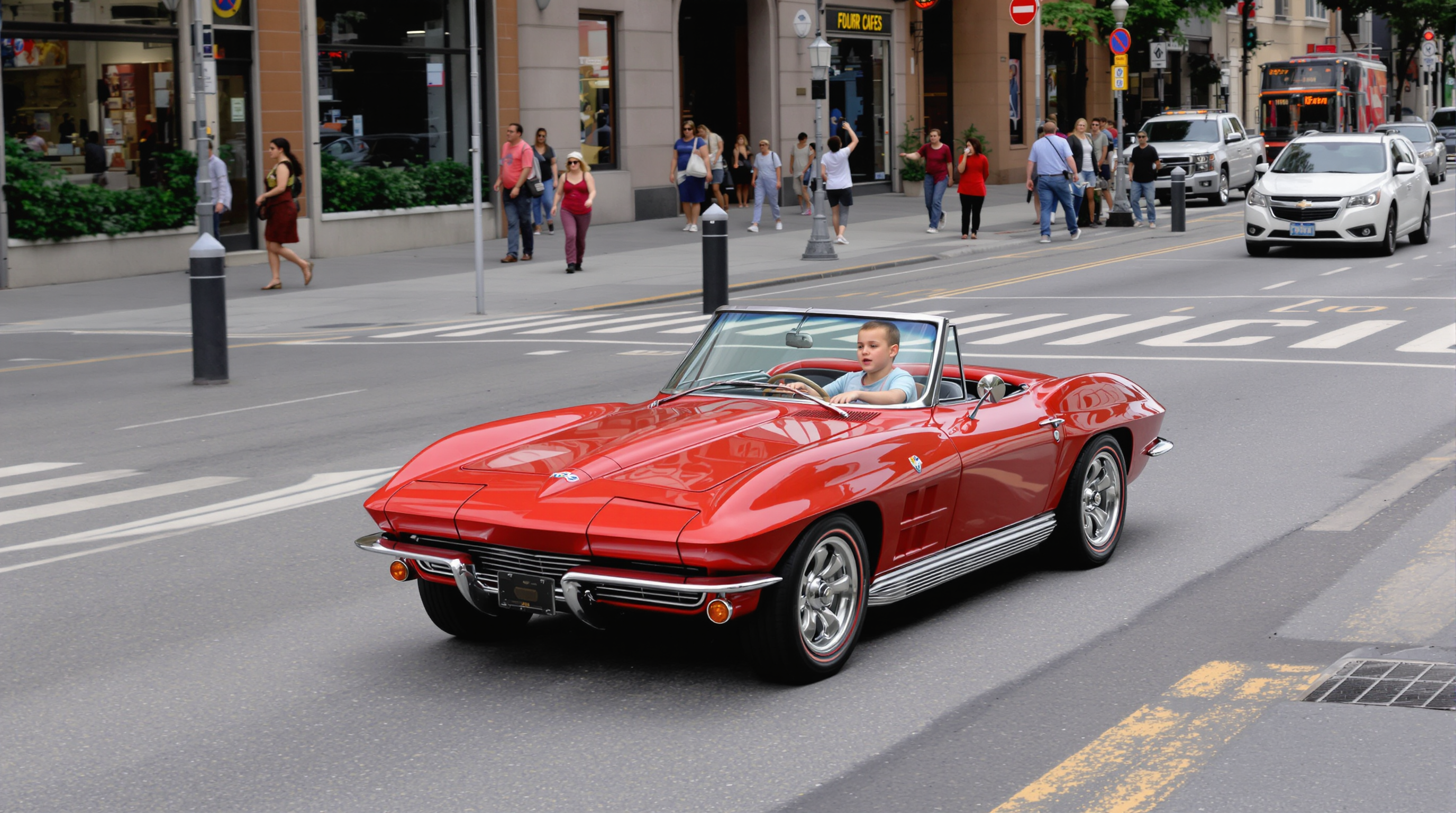
A 2 year old drives a mini 1963 corvette converible in a city street
flux
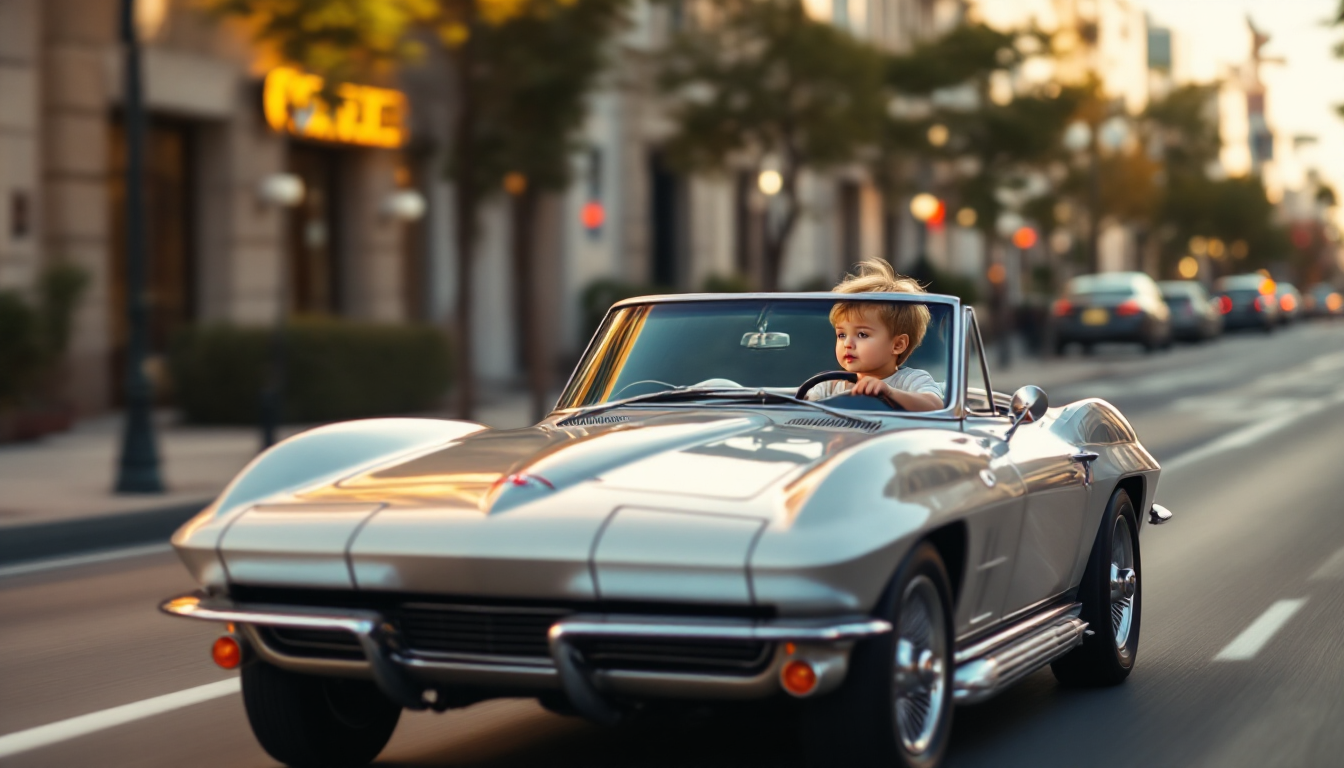
A 2 year old drives a mini 1963 corvette converible in a city street
flux
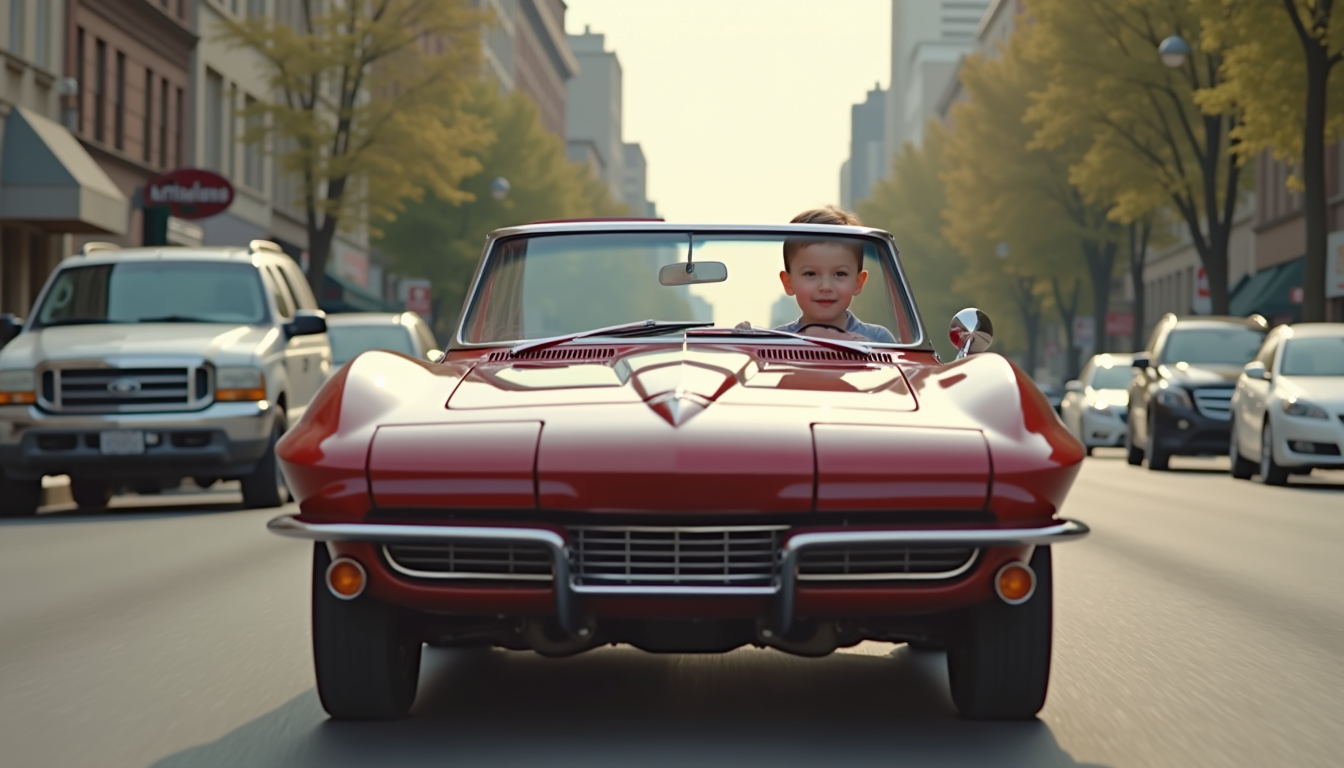
A 2 year old drives a mini 1963 corvette converible in a city street
flux
Models you can run on PixelDojo for veo 3.1 8s
Switch models without switching tools. Each one runs in the same PixelDojo studio.
What you can do with veo 3.1 8s on PixelDojo
8 Second Veo Clips
We generate Veo 3.1 videos at an 8 second length from your prompts so you can draft shots, ads, and story beats without a long render wait.
Prompt Driven Motion
We take a written scene, camera move, and style and produce a short Veo 3.1 clip you can review, iterate, and export from PixelDojo.
Picture Plus Sound
When the model returns audio with the picture, we keep that soundtrack with the 8 second file so your draft already has dialogue, ambience, or effects.
Refine In One Place
We store prompts, outputs, and reruns together so you can adjust an 8 second Veo 3.1 take and keep working without leaving the studio.
Loved by thousands of creators worldwide who generate professional videos daily. 40+ cutting-edge AI tools with proven results, cancel anytime.
Why Choose Pixel Dojo for veo 3.1 8s
Professional-quality results with cutting-edge AI technology
Cinematic 8-Second Stories Ready in Minutes
You walk away with broadcast-quality 8-second videos featuring native dialogue, sound effects, and physics-accurate motion that you can post or pitch immediately, eliminating production delays and costs.
Unbreakable Character Consistency Across Every Clip
You keep the exact same faces, outfits, and products looking identical in every 8-second scene, letting you build series, branded campaigns, or multi-shot stories that feel like they came from one professional shoot.
Still Images Become Living, Breathing Videos Instantly
You transform any photo or generated still into a dynamic 8-second clip with natural camera moves and audio, turning static assets into high-engagement content without animation skills or extra software.
How It Works
Creating professional 8-second Veo 3.1 videos on PixelDojo takes just three focused steps. Combine VEO 3.1 with image tools like Nano Banana 2 and Flux.2 Studio plus character tools for complete control.
Step 1: Choose Your Tool and Prepare Assets
Open Generate Videos and select VEO 3.1. Create or refine starting frames and references using Nano Banana 2, GPT Image 2, Flux.2 Studio, or Seedream 5. Lock identities with Consistent Characters, Character Sheets, or Ideogram Character so your 8-second clips stay perfectly on-brand.
Step 2: Enter Your Prompt and Settings
Write a structured prompt covering cinematography, subject, action, context, and style plus audio cues. Set duration to 8 seconds, choose 16:9 or 9:16, and 1080p or 4K. Upload your image for image-to-video or add up to three references. Include first and last frames when you need precise narrative control.
Step 3: Customize, Enhance & Download
Generate your 8-second video with native audio. Extract frames, upscale with FLUX Video Upscale or Magnific Upscaler, add captions via Video Autocaption, reframe, or merge multiple clips. Download the finished MP4 ready for any platform. Iterate instantly with VEO 3.1 Fast when exploring ideas.
The Pixel Dojo Advantage
Why PixelDojo outperforms other options for Veo 3.1 8-second video generation
| Others | Pixel Dojo |
|---|---|
| Traditional video production | You skip expensive crews, locations, permits, and weeks of post-production. Generate cinematic 8-second clips with native audio using VEO 3.1, Kling Video, and Seedance models in minutes instead of days. |
| Generic AI tools | You get dedicated VEO 3.1 with reference images, first/last-frame interpolation, native 4K 8-second output, plus 40+ complementary tools including Marketing Studio, WAN 3.0, and Consistent Characters—all in one seamless workspace. |
| Manual photo editing and animation | You convert stills into living 8-second videos instantly via image-to-video, then polish with Inpainting, Style Transfer, Reality Polisher, and Video Reframe. No keyframing or timeline work required. |
Loved by creators on PixelDojo
Real feedback from people using PixelDojo, pulled from our in-product surveys.
I love this app
It has all the tools I can think of...
deployment rate of splendid features is incredible. Legend
large selection of tools on one platform
the amount you can do on this site
all in one place
Explore more AI tools on PixelDojo
AI Tools
Compare & Switch
- Best AI Image Generators
- Best AI Video Generators
- Midjourney Alternatives
- Civitai Alternatives
- Runway Alternatives
- Leonardo Alternatives
- Pika Alternatives
- Luma Alternatives
- Magnific Alternatives
- Veo Alternatives
- Flux Alternatives
- Freepik Alternatives
- Seedance Alternatives
- Seedream Alternatives
- Pixverse Alternatives
- GPT Image Alternatives
- Synthesia Alternatives
- Playground Alternatives
- NightCafe Alternatives
- Canva AI Alternatives
- ElevenLabs Alternatives
- ComfyUI Alternatives
- Fal Alternatives
- Replicate Alternatives
Common Questions
Everything you need to know about veo 3.1 8s
How do I generate high-quality 8-second videos with Veo 3.1 on PixelDojo?
Choose VEO 3.1 in Generate Videos, craft a prompt using cinematography plus subject plus action plus context plus style, set duration to 8 seconds, and add reference images created with Nano Banana 2 or Consistent Characters. Generate and you receive photorealistic video with perfectly synced native audio ready to download.
What are the best prompting techniques for Veo 3.1 8s clips?
Lead with camera language such as dolly-in or tracking shot, then describe the subject, exact action, environment, lighting, and mood. Add quoted dialogue and SFX notes. PixelDojo’s VEO 3.1 combined with Grok Video or Kling Video lets you test prompt variations rapidly until the 8-second result matches your vision.
Can I create 8-second videos from images using Veo 3.1?
Yes. Upload any still generated with Flux.2 Studio, Seedream 5, or GPT Image 2 into VEO 3.1, describe the desired motion and audio, select 8 seconds, and watch it come alive with natural physics. Enhance the source image first with Image to Image or Change Camera Angle for even stronger results.
How does PixelDojo keep characters consistent in Veo 3.1 8-second videos?
Prepare up to three reference images using Consistent Characters, Character Sheets, or Ideogram Character, then feed them into VEO 3.1. The model locks identity, clothing, and products across every 8-second clip. Follow up with WAN Video Character Swap or Face Swap if you need additional variations.
What resolutions and aspect ratios work for Veo 3.1 8s videos?
You can generate 8-second clips in 720p, 1080p, or 4K at 16:9 landscape or 9:16 portrait—ideal for every social platform. After generation, push quality even higher with P-Image Upscale, Clarity Pro, Portrait Upscaler, or FLUX Video Upscale, all available inside the same PixelDojo workspace.
How easy is it to extend or edit my 8-second Veo 3.1 videos?
Extract the last frame and generate the next 8-second continuation using first/last-frame mode. Edit existing clips with Kling Video Edit, Seedance 2.5 Video Edit, or WAN 2.7 Video Edit. Add captions, reframe, merge sequences, or upscale—everything stays inside PixelDojo so you never leave the platform.