veo 3.1 vs hailuo
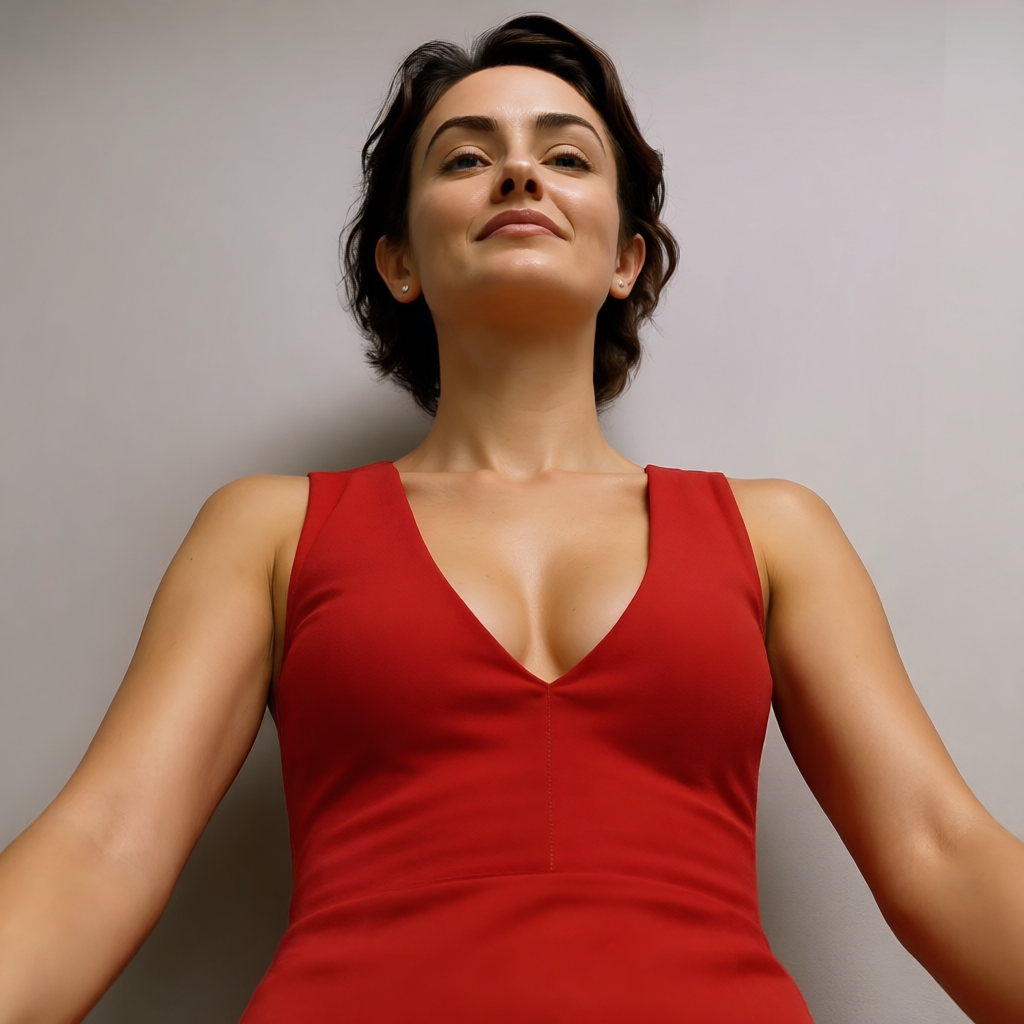
Generated on PixelDojo. Produced by PixelDojo's generation pipeline.
You no longer have to pick just one AI video model. On PixelDojo you get both Veo 3.1 and Hailuo 2.3 plus 40+ other cutting-edge tools so you can create exactly the videos your audience wants. Use VEO 3.1 when you need cinematic photorealism, precise camera control, and native audio with dialogue, sound effects, and music generated in one pass. Switch to Hailuo 2.3 (and MiniMax H3) when you want fast, affordable generations with outstanding physics, natural character motion, and high-volume output for social feeds and product loops. The result? Professional videos that look expensive, load faster, and convert better—without juggling subscriptions or waiting weeks for traditional production. Start with stills from Flux.2 Studio, Seedream 5, or QWEN Image 2, then animate them. Edit with WAN 2.7 Video Edit or Grok Video Edit, upscale with FLUX Video Upscale, and keep characters consistent using Consistent Characters or Kling Avatar. Thousands of creators already rely on PixelDojo to stay ahead of AI video trends. You get everything in one dashboard, cancel anytime, and walk away with content that performs.
Real video examples generated on PixelDojo
Every example below was produced on PixelDojo. Hover to see the prompt.
Camera angle: H5° V15° Zoom4
change-camera-angle
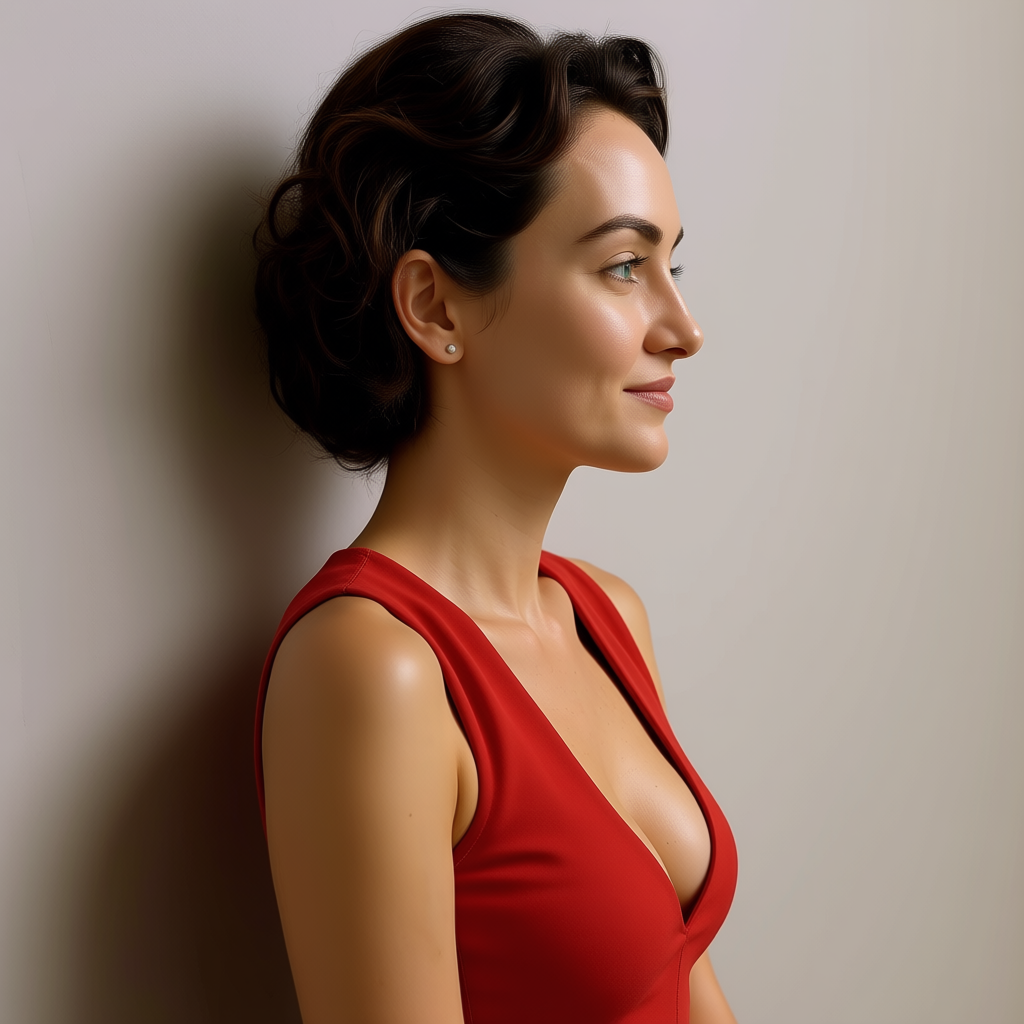
Camera angle: H5° V15° Zoom4
change-camera-angle
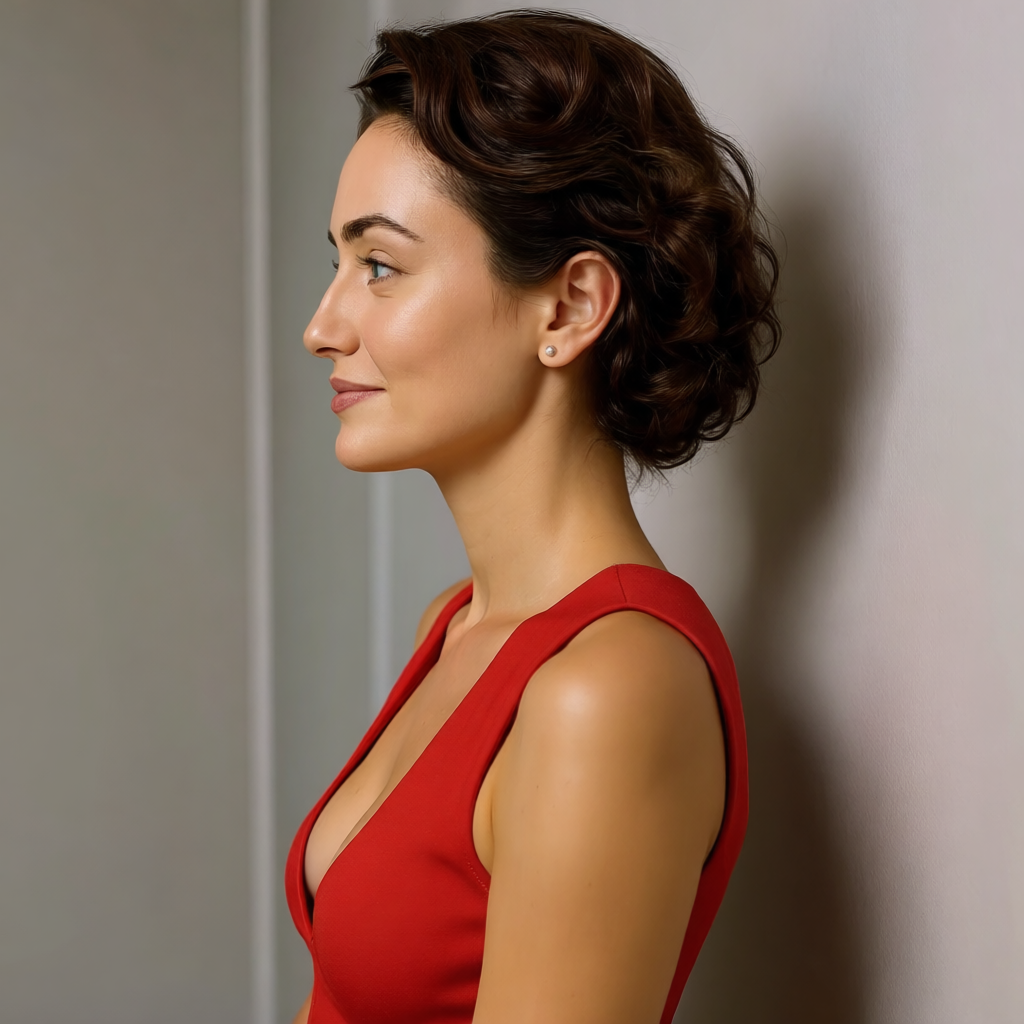
Camera angle: H5° V15° Zoom4
change-camera-angle
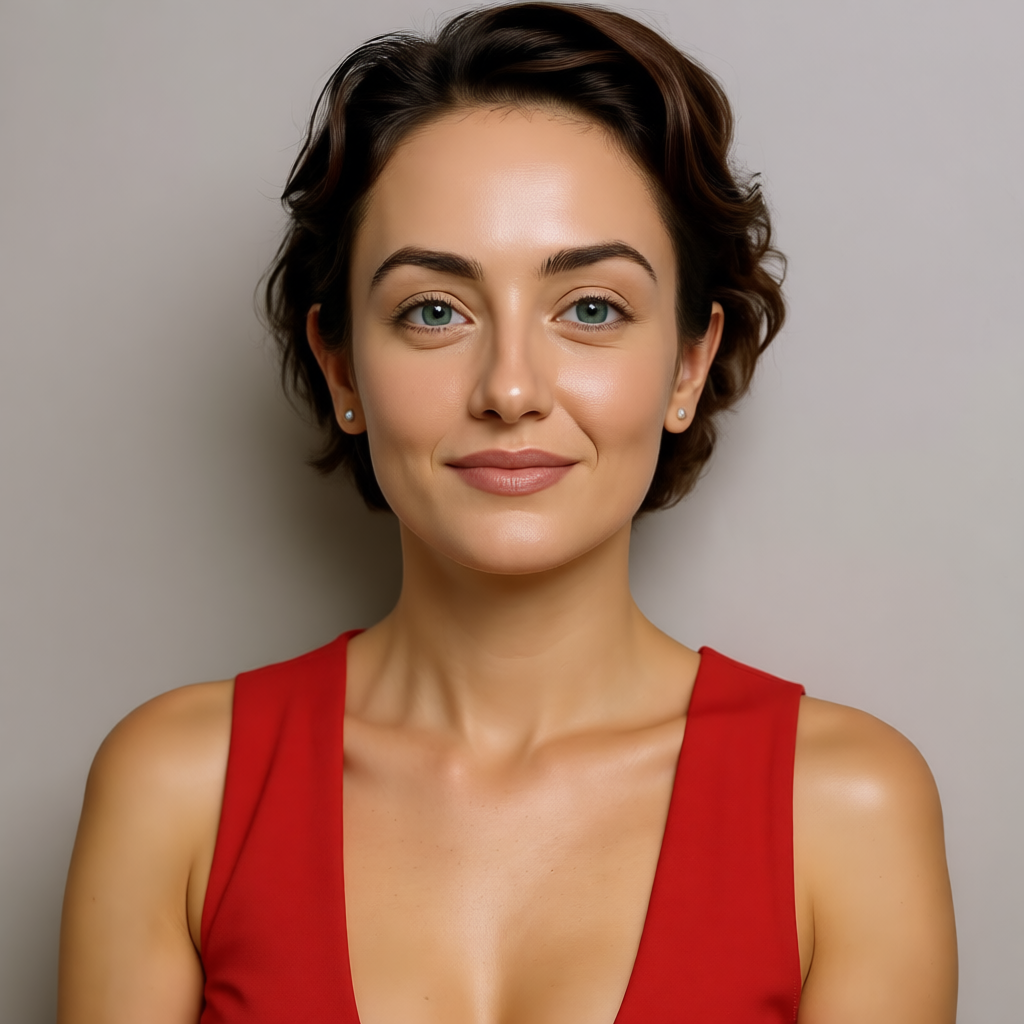
Camera angle: H5° V15° Zoom4
change-camera-angle
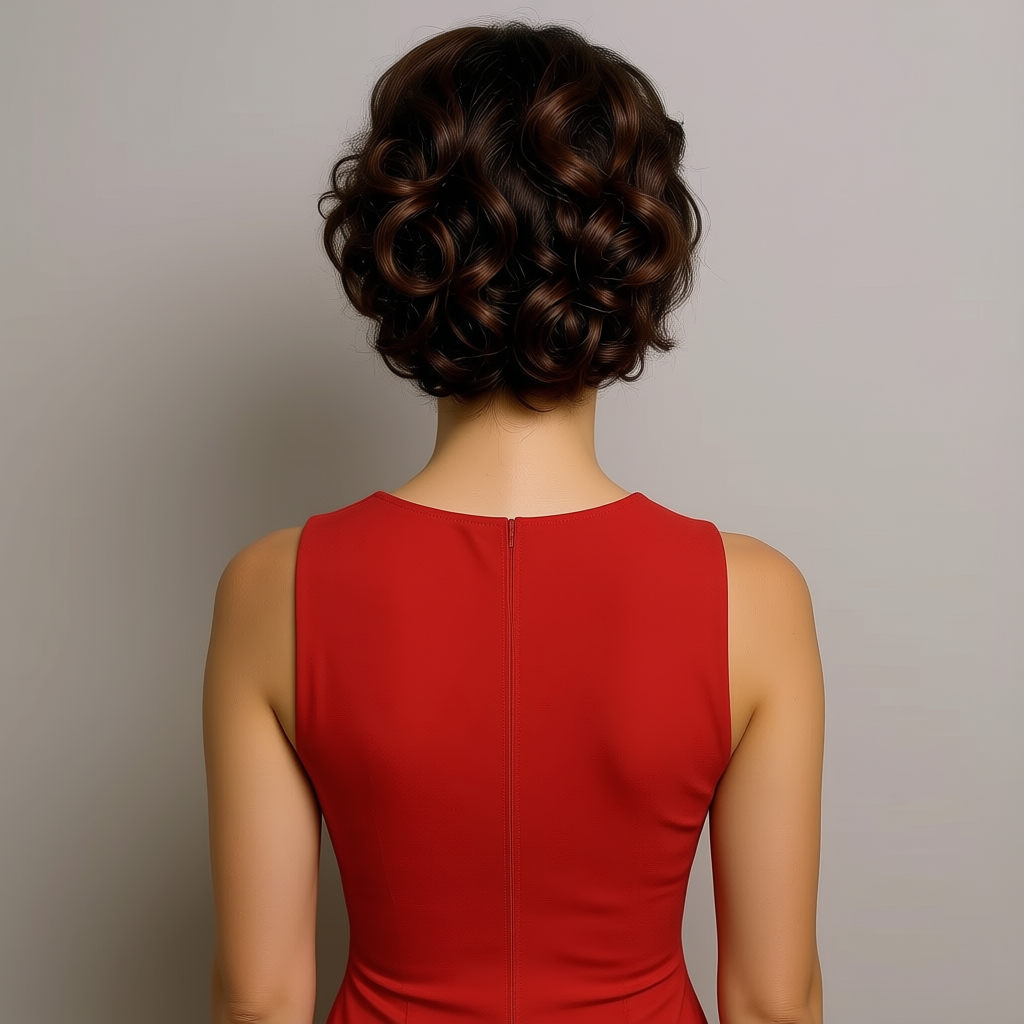
Camera angle: H5° V15° Zoom4
change-camera-angle
A gentle ocean breeze moves her hair
wan-2.7-video
Models you can run on PixelDojo for veo 3.1 vs hailuo
Switch models without switching tools. Each one runs in the same PixelDojo studio.
What you can do with veo 3.1 vs hailuo on PixelDojo
Compare Veo and Hailuo
We let you run the same prompt on Veo 3.1 and Hailuo so you can judge motion, audio, and prompt follow-through in one place.
Pick the Right Model
We surface both generators in the same video workspace so you can choose the output that fits your shot instead of switching tools.
Iterate Without Starting Over
We keep your prompt, aspect ratio, and reference settings so you can refine a clip on either model without rebuilding the job.
Export Ready Video Takes
We deliver downloadable takes from each model so you can drop the stronger clip into your edit and keep the rest for backup.
Loved by thousands of creators worldwide. PixelDojo’s 40+ cutting-edge AI tools deliver reliable quality every time. Join them today—cancel anytime.
Why Choose Pixel Dojo for veo 3.1 vs hailuo
Professional-quality results with cutting-edge AI technology
Deliver Cinematic Videos Complete with Native Audio
VEO 3.1 on PixelDojo lets you generate 8-second clips at up to 4K with perfectly synced dialogue, ambient sound, and music. You skip separate audio post-production and get Hollywood-level lighting, camera moves, and prompt adherence for ads, brand films, and storytelling. Pair it with Marketing Studio and Character Sheets for campaign-ready assets that keep viewers watching longer.
Scale Social and Product Content Affordably
Hailuo 2.3 and MiniMax H3 give you realistic physics, fluid motion, and fast batch generation at a lower cost per clip. You produce dozens of product demos, UGC-style loops, and short-form videos that look natural and convert. Combine with Kling Video, Seedance 2.5, or WAN 2.6 Video for even more variety while staying inside one credit system.
Test, Combine, and Polish Everything in One Place
Switch between Veo 3.1 and Hailuo 2.3 instantly, then enhance with Image to Image, Inpainting, Video Autocaption, Merge Videos, or Portrait Upscaler. Keep faces consistent with Face Swap or LoRA Face Swap and extend clips using Grok Imagine Video Extend. You save hours, reduce retries, and ship higher-performing content without leaving PixelDojo.
How It Works
Creating Veo 3.1 versus Hailuo videos takes just three simple steps on PixelDojo. You choose the model that matches your goal, describe the scene, and walk away with polished, downloadable results you can use immediately.
Step 1: Choose Your Tool
Open Generate Videos and pick VEO 3.1 for premium cinematic quality with native audio or Hailuo 2.3 / MiniMax H3 for fast physics-rich motion. You can also select Kling Video, Seedance 2.5, WAN 3.0, or PixVerse V6. For stills first, generate images with Flux.2 Studio, Seedream 5, or Ideogram 4, then bring them in as references.
Step 2: Enter Your Prompt
Write a detailed description including camera movement, lighting, action, and (for Veo 3.1) audio cues like dialogue or rain. Upload up to three reference images for character and scene consistency. Use Image Analyzer or Reality Polisher on your stills, then generate. PixelDojo’s prompt helpers make it easy to get the exact look you want on the first try.
Step 3: Customize & Download
Review the clip, then refine with Video Reframe, Extract Frame, or Kling Video Edit. Upscale using FLUX Video Upscale or Magnific Upscaler, add captions with Video Autocaption, and swap faces if needed. Download in high resolution or extend the sequence. Your video is ready for ads, social, or client delivery in minutes.
The Pixel Dojo Advantage
Why PixelDojo outperforms other options for Veo 3.1 vs Hailuo video generation
| Others | Pixel Dojo |
|---|---|
| Traditional video production | You skip crews, locations, and weeks of shooting. Generate cinematic clips with VEO 3.1’s native audio or Hailuo 2.3’s realistic motion in minutes, then polish with our full edit and upscale suite. |
| Generic AI tools | You access both Veo 3.1 and Hailuo 2.3 plus Kling Video, Seedance, WAN models, and 40+ others in one dashboard with unified credits. No multiple accounts or fragmented workflows. |
| Manual photo editing and animation | Turn images from Nano Banana 2, Recraft V4.1, or Hunyuan Image 3 into motion instantly. Use Inpainting, Style Transfer, and Background Remover, then animate—saving hours of keyframing and compositing. |
Loved by creators on PixelDojo
Real feedback from people using PixelDojo, pulled from our in-product surveys.
good tools in one place
Prompt updates, strong features, and a community that is always willing to help and hear/act on professional feedback. I've never had a better experience.
user friendly all in one thing
I really like the schedule of AI work performed!
The best tools for IA on the web !
The guy that operates the website is constantly updating it
Explore more AI tools on PixelDojo
AI Tools
Compare & Switch
- Best AI Image Generators
- Best AI Video Generators
- Midjourney Alternatives
- Civitai Alternatives
- Runway Alternatives
- Leonardo Alternatives
- Pika Alternatives
- Luma Alternatives
- Magnific Alternatives
- Veo Alternatives
- Flux Alternatives
- Freepik Alternatives
- Seedance Alternatives
- Seedream Alternatives
- Pixverse Alternatives
- GPT Image Alternatives
- Synthesia Alternatives
- Playground Alternatives
- NightCafe Alternatives
- Canva AI Alternatives
- ElevenLabs Alternatives
- ComfyUI Alternatives
- Fal Alternatives
- Replicate Alternatives
Common Questions
Everything you need to know about veo 3.1 vs hailuo
What is the difference between Veo 3.1 and Hailuo 2.3 for AI video generation on PixelDojo?
VEO 3.1 delivers higher cinematic polish, stronger prompt adherence, native audio with dialogue and effects, and up to 4K output—ideal for narrative ads and brand films. Hailuo 2.3 (and MiniMax H3) wins on cost, speed, and realistic physics/motion, making it perfect for high-volume social clips and product videos. On PixelDojo you can generate with both models side-by-side, then edit and upscale using the same tools so you always pick the best result for each shot.
Can I use Veo 3.1 and Hailuo 2.3 together in one workflow on PixelDojo?
Yes. Generate a hero cinematic shot with VEO 3.1’s native audio, then create supporting product loops or variations with Hailuo 2.3. Merge them using Merge Videos, keep characters consistent with Consistent Characters or Face Swap, and upscale everything with FLUX Video Upscale. One platform, one credit system, zero friction.
How do I get the best results from Veo 3.1 vs Hailuo image-to-video on PixelDojo?
Start with high-quality stills from Flux.2 Studio, Seedream 5, or Qwen 3 Pro. For Veo 3.1 add detailed camera and audio instructions plus up to three reference images. For Hailuo 2.3 focus on motion and physics descriptions. Use Image Analyzer to refine prompts, then generate. PixelDojo’s tools like Change Camera Angle and Magic Lighting help you iterate quickly until the clip is perfect.
Is Veo 3.1 or Hailuo 2.3 better for social media videos on PixelDojo?
Hailuo 2.3 is usually the faster, more affordable choice for high-volume vertical clips, UGC-style content, and product showcases thanks to its motion quality. Use VEO 3.1 when you need a standout cinematic piece with sound that stops the scroll. PixelDojo lets you test both, reframe with Video Reframe, add captions, and export in the exact aspect ratio your platform needs.
Do I need separate subscriptions to use Veo 3.1 and Hailuo 2.3?
No. PixelDojo gives you both models plus Kling Video, Seedance 2.5, WAN 2.7 Video, PixVerse V6, and dozens more under one account. You pay only for what you use, can cancel anytime, and never juggle multiple logins or credit systems. Thousands of creators already enjoy this simplicity.
How can I enhance Veo 3.1 or Hailuo videos after generation on PixelDojo?
Use Video Autocaption, Video Analyzer, and Video Reframe for polish. Upscale with FLUX Video Upscale, Magnific Upscaler, or Clarity Pro. Edit motion with Grok Video Edit or WAN 2.7 Video Edit, swap characters with Kling Video Character Swap, and extend clips with Grok Imagine Video Extend. Everything stays inside PixelDojo so your final video is ready to publish.