veo alternative
Tired of waiting lists, credit caps, and short clip limits holding back your video ideas? PixelDojo is the premier Veo alternative that puts professional-grade AI video generation in your hands right now. Create cinematic, high-fidelity videos with native audio, realistic physics, and seamless motion using VEO 3.1 alongside powerhouse options like Kling Video, WAN 2.7 Video, Seedance 2, Hailuo 2.3, PixVerse V6, and Luma UNI 1. Whether you're producing marketing spots, social reels, storytelling shorts, or product demos, you achieve polished, ready-to-publish results in minutes—not days. Focus on your vision while PixelDojo handles the heavy lifting with 40+ cutting-edge AI tools loved by thousands of creators worldwide. Cancel anytime and start creating today.
Trusted by thousands of creators and marketers worldwide who generate stunning AI videos daily. Join a community rating PixelDojo highly for speed, quality, and versatility—producing everything from viral social clips to professional campaigns with tools like VEO 3.1, Kling Video, and Marketing Studio.
Why Choose Pixel Dojo for veo alternative
Professional-quality results with cutting-edge AI technology
Access Multiple Top-Tier Models Instantly
Skip the frustration of single-platform restrictions. Switch between VEO 3.1 for unmatched realism and native audio, Kling Video for fluid longer takes and character motion, Seedance 2 for dynamic sequences, WAN 2.7 Video for spicy image-to-video, Hailuo 2.3, PixVerse V6, and more—all in one dashboard. You produce the exact style and quality your project demands without juggling accounts or subscriptions.
Produce Complete Videos Faster Than Ever
Go from idea to finished clip or multi-shot sequence in minutes. Leverage image-to-video with tools like WAN 2.7 Spicy Image-to-Video or Kling Reference to Video, extend clips with Grok Imagine Video Extend, add captions via Video Autocaption, and polish with Video Upscaler or Film Studio. You ship marketing videos, social content, and stories that captivate audiences while competitors are still rendering.
Maintain Consistency and Creative Control
Build reliable characters and scenes across shots using Consistent Characters, Character Sheets, Ideogram Character, WAN Video Character Swap, or Kling Video Character Swap. Apply edits with Runway Aleph, Kling Video Edit, or WAN 2.7 Video Edit, refine lighting and styles, then upscale for crisp 1080p+ output. You deliver professional, on-brand results every time without endless reshoots or manual fixes.
How It Works
Creating professional AI videos as a Veo alternative on PixelDojo is simple and intuitive. Follow these steps to turn your concepts into high-quality footage using the platform's powerful suite of generators and editors.
Step 1: Choose Your Tool
Log into PixelDojo and head to Generate Videos. Select VEO 3.1 for cinematic realism with native audio, Kling Video for expressive motion and longer clips, Seedance 2 or Seedance 2 Reference for narrative sequences, WAN 2.7 Video or PixVerse V6 for versatile styles, Hailuo 2.3, Luma, Grok Video, or Marketing Studio for campaign-ready content. Pick based on your needs—text-to-video, image-to-video, or reference-guided—for the best starting point.
Step 2: Enter Your Prompt
Describe your vision in detail: subject, action, setting, camera movements (pan, zoom, tracking), lighting, style, and audio cues like dialogue or effects. For stronger results, include cinematography terms and use reference images via Kling Reference to Video, WAN Reference to Video, or image-to-video tools. Upload starting frames or characters for consistency, then generate. Iterate quickly with negative guidance or refinements as needed.
Step 3: Customize & Download
Refine your output using Edit Videos tools like Kling Video Edit, WAN 2.7 Video Edit, Grok Video Edit, Video Reframe, Merge Videos, or Extract Frame. Enhance with Video Upscaler, Clarity Pro, or add audio via Text to Speech and Text to Music. Apply character swaps or style transfers, then download in high resolution ready for social, ads, or further editing. Upscale portraits or full videos for maximum impact.


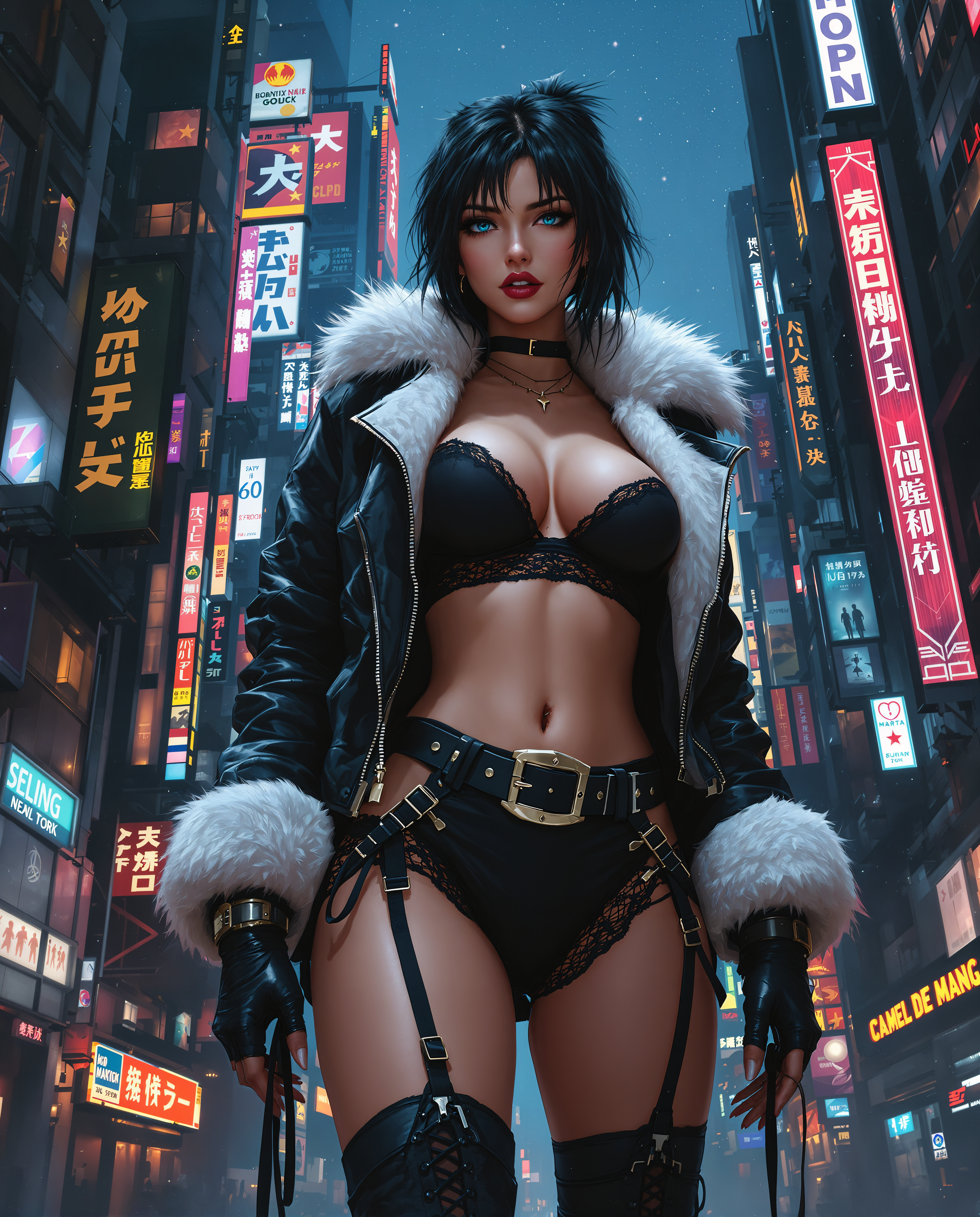

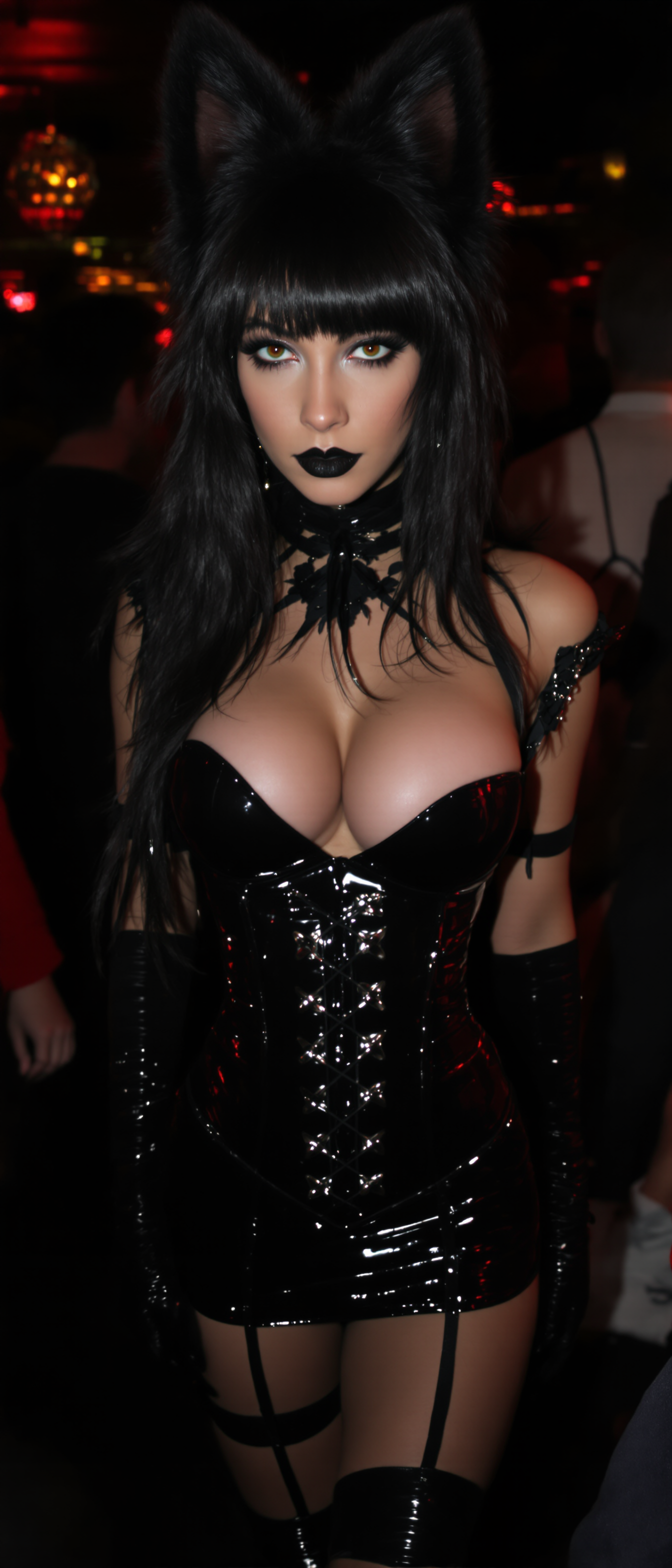
The Pixel Dojo Advantage
Why PixelDojo outperforms other options for Veo alternative AI video generation
| Others | Pixel Dojo |
|---|---|
| Traditional video production | Achieve cinematic results with realistic physics, native audio, and complex scenes in minutes instead of days or weeks of filming, crew, and post-production—saving massive time and budget while iterating freely. |
| Generic AI tools | Access specialized top models like VEO 3.1, Kling Video, Seedance 2, WAN series, Hailuo, and PixVerse plus dedicated editing, character consistency, upscaling, and marketing tools in one seamless platform rather than fragmented or limited free-tier experiences. |
| Manual photo or clip editing | Generate full motion videos from text or images with automatic audio sync, camera control, and extensions, then refine effortlessly—eliminating tedious frame-by-frame work while delivering higher quality and creative flexibility. |
Loved by creators on PixelDojo
Real feedback from people using PixelDojo, pulled from our in-product surveys.
Accurate results
Great site and so much fun to use!
very useful set of tools for image creation, upscaling and enhancement
ease of use, variety of tools, high quality trainings, and a well-maintained discord channel
Ease of use, friendliness and support of the owner, continued innovation.
it is an amazing site to create a pics and vids for those who don't have the hardware themselves
Explore more AI tools on PixelDojo
AI Tools
Compare & Switch
- Best AI Image Generators
- Best AI Video Generators
- Midjourney Alternatives
- Civitai Alternatives
- Runway Alternatives
- Leonardo Alternatives
- Pika Alternatives
- Luma Alternatives
- Magnific Alternatives
- Veo Alternatives
- Flux Alternatives
- Freepik Alternatives
- Seedance Alternatives
- Seedream Alternatives
- Pixverse Alternatives
- GPT Image Alternatives
- Synthesia Alternatives
- Playground Alternatives
- NightCafe Alternatives
- Canva AI Alternatives
- ElevenLabs Alternatives
- ComfyUI Alternatives
- Fal Alternatives
- Replicate Alternatives
Common Questions
Everything you need to know about veo alternative
What makes PixelDojo the best Veo alternative for AI video generation?
PixelDojo stands out by offering VEO 3.1 directly alongside complementary models like Kling Video for longer fluid motion, Seedance 2 for storytelling, WAN 2.7 Video and Spicy Image-to-Video variants, Hailuo 2.3, PixVerse V6, Luma, Grok Video, and more. You get multi-model flexibility, built-in editing with Runway Aleph and others, character consistency tools, upscaling, and Marketing Studio—all without separate subscriptions or severe clip limits. Thousands of creators choose it for reliable, high-quality output and the ability to cancel anytime.
How does PixelDojo's Veo alternative handle native audio and longer videos compared to basic generators?
With VEO 3.1 you generate rich synchronized dialogue, sound effects, and ambient audio natively. Pair it with Kling Video or Seedance for extended sequences, then use Video Autocaption, Merge Videos, Grok Imagine Video Extend, or Film Studio to build longer narratives. Text to Speech and Text to Music further enhance soundtracks. The result is complete, immersive videos ready for professional use far beyond short silent clips.
Can I create consistent characters across multiple shots with this Veo alternative?
Absolutely. PixelDojo provides Consistent Characters, Character Sheets, Ideogram Character, WAN Video Character Swap, Kling Video Character Swap, Heygen Avatar, Kling Avatar, and P Video Avatar. Generate a base character, then apply swaps or references in subsequent generations with Kling Reference to Video or WAN tools. This ensures your protagonists look identical shot-to-shot for cohesive stories, ads, or series without manual matching.
What image-to-video and editing options are available as a Veo 3.1 alternative?
Start with strong stills using image generators then animate via WAN 2.7 Spicy Image-to-Video, WAN 2.2 Spicy, Kling Reference to Video, P Video Animate, or Seedance 2 Reference. Edit extensively with Kling Video Edit, WAN 2.7 Video Edit, Happy Horse Video Edit, Seedance 2 Video Edit, Video Reframe, Extract Frame, and Reality Polisher-style enhancements. Upscale everything with Video Upscaler or Magnific for crisp final delivery.
Is PixelDojo suitable for marketing and commercial Veo alternative videos?
Yes—Marketing Studio is purpose-built for this. Combine VEO 3.1 or Kling for high-end visuals, add product try-ons or face swaps, generate captions, music, and voiceovers, then reframe for different platforms. Create ads, explainer videos, social campaigns, and branded content at scale. Commercial-ready outputs with the flexibility of 40+ tools make it ideal for agencies and solo marketers alike.
How do I get started with free or low-risk access to these Veo alternative tools?
Sign up on PixelDojo to explore the full suite including VEO 3.1, Kling Video, Seedance, WAN models, and editors. Benefit from 40+ cutting-edge AI tools loved by thousands of creators worldwide. There is no long-term lock-in—cancel anytime. Dive in, generate your first videos, test workflows, and scale only what works for your projects.