wai ani AI Generator

Generated on PixelDojo. Produced by PixelDojo's generation pipeline.
You can now produce professional-grade WAI ANI anime artwork that captures authentic Japanese animation aesthetics without any drawing experience. Imagine generating characters with perfectly proportioned features, large expressive eyes, vibrant cel-shaded colors, and dynamic poses that look like they came straight from a studio production. PixelDojo empowers you to create original manga scenes, chibi illustrations, shonen action sequences, or shojo romance visuals in seconds. Whether you are a manga creator, game designer, or fan artist, you achieve consistent, high-quality results that stand out. Our platform combines specialized models to deliver the exact WAI ANI look you want, from detailed environmental backgrounds to super-deformed styles. Start turning your ideas into stunning visuals today and join thousands of creators who rely on PixelDojo for their anime projects.
Real image examples generated on PixelDojo
Every example below was produced on PixelDojo. Hover to see the prompt.
Wi-landscape
image-to-image
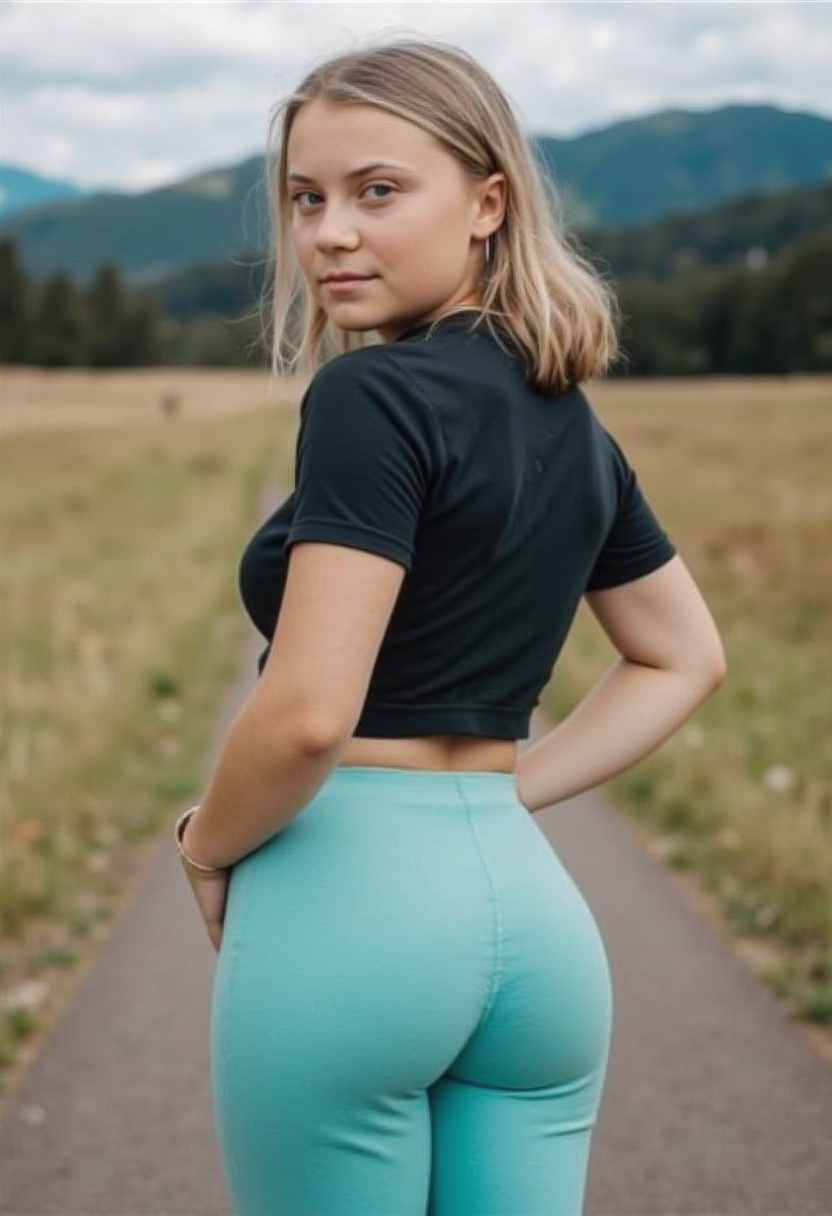
Young woman
flux

Wan-cinematic
image-to-image
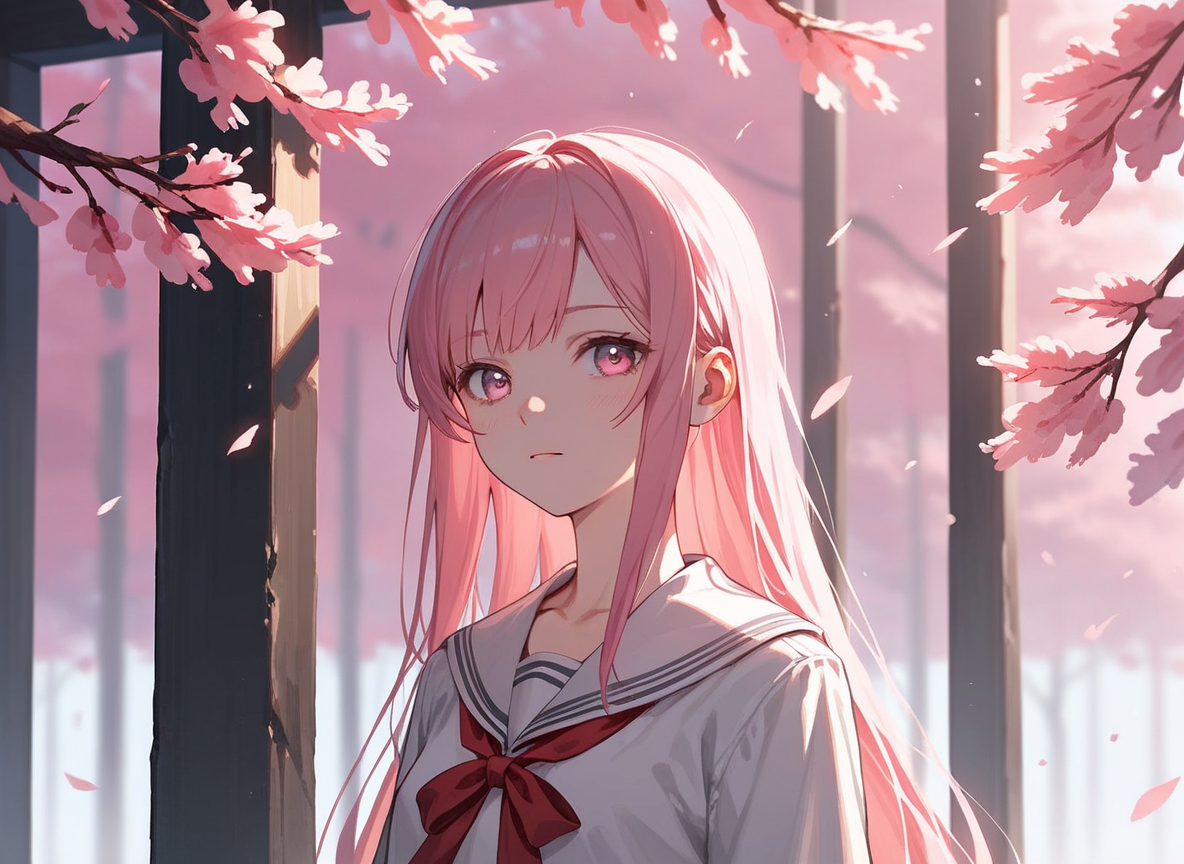
Px-anime
image-to-image
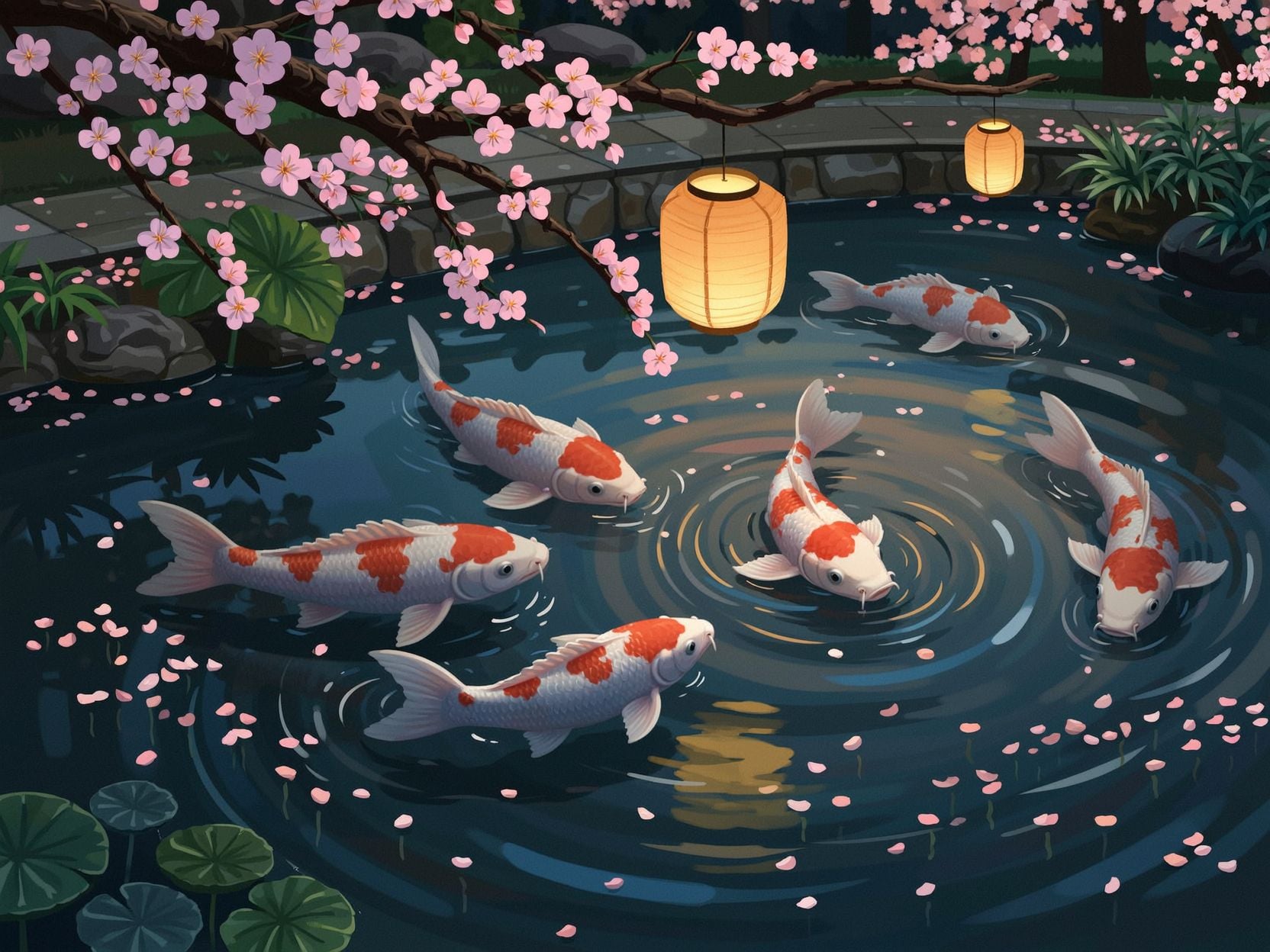
Wi-stylized
image-to-image
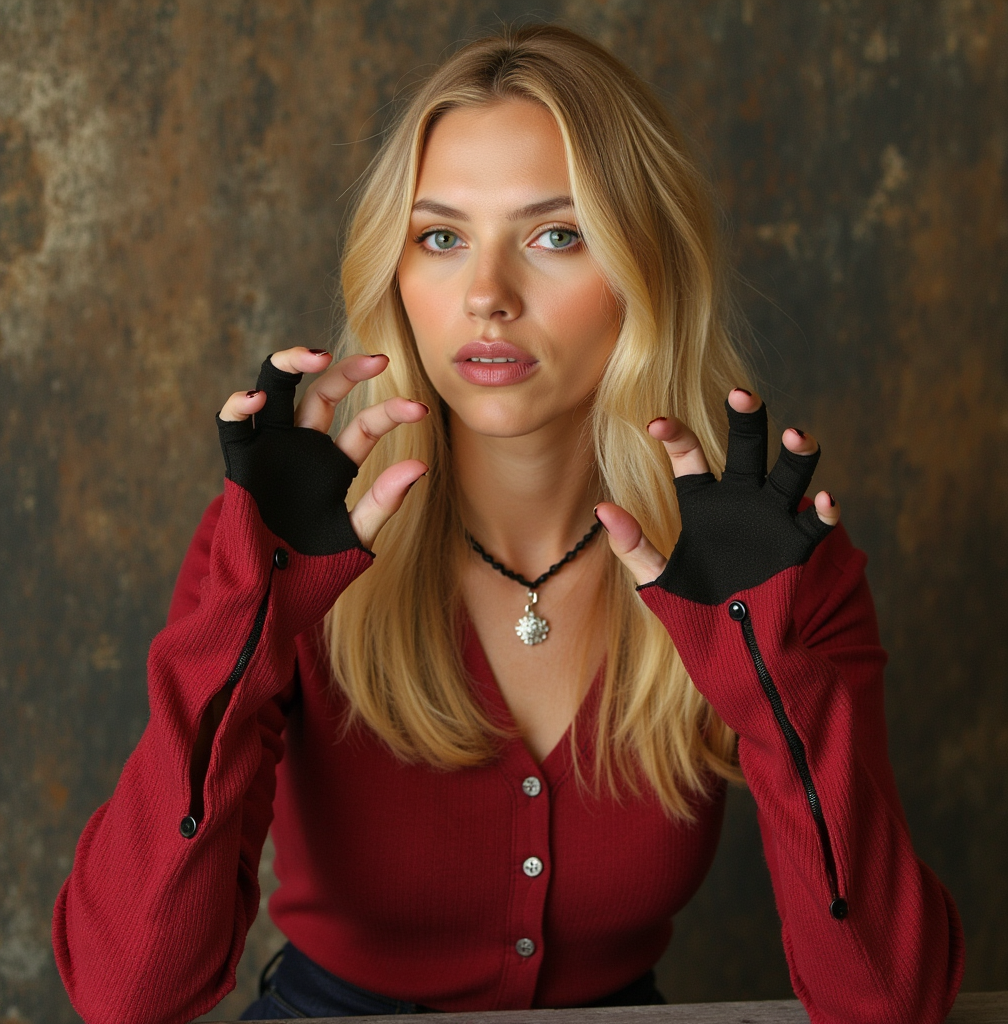
OHWX woman
flux-pose-control
Models you can run on PixelDojo for wai ani
Switch models without switching tools. Each one runs in the same PixelDojo studio.
What you can do with wai ani on PixelDojo
WAI ANI Image Gen
Generate anime-style stills from text prompts with the WAI ANI model. You set subject, outfit, setting, and mood; we return downloadable images.
Prompt Control For Scenes
Describe characters, camera angle, lighting, and composition in plain language. We map those details into WAI ANI outputs you can keep or discard.
Batch And Size Options
Run several variations in one go and pick common aspect ratios for posts, wallpapers, or print. We keep outputs ready for download without extra tooling.
Iterate Until It Fits
Reuse a strong result and adjust pose, colors, or background with follow-up prompts. We help you refine the same concept without starting from scratch.
Trusted by thousands of anime creators worldwide with a 4.8/5 average rating. Over 2 million WAI ANI images generated monthly. Join a community that loves PixelDojo's reliable results and easy workflow.
Why Choose Pixel Dojo for wai ani
Professional-quality results with cutting-edge AI technology
Craft Authentic Anime Characters in Seconds
You get characters with accurate proportions, characteristic hairstyles, and vibrant palettes that match professional WAI ANI standards. Tools like PonyXL and WAN Image let you bring original heroes and heroines to life instantly for your stories or designs.
Build Complete Manga Scenes Effortlessly
You produce full environmental compositions, dynamic action poses, and sub-styles like chibi or slice-of-life without hours of work. QWEN Image 2 and Flux.2 Studio deliver consistent WAI ANI quality across every generation so your projects stay cohesive.
Refine and Scale Your Artwork Rapidly
You iterate quickly with Inpainting, Style Transfer, and Magic Lighting to perfect every detail. Then upscale using P-Image Upscale or Magnific Upscaler and maintain character consistency with Consistent Characters and Face Swap for professional-ready files.
How It Works
You create WAI ANI images on PixelDojo in three straightforward steps that follow the latest anime generation techniques for authentic results every time.
Step 1: Choose Your Tool
Select PonyXL or WAN Image from the Generate Images section. These tools are optimized for WAI ANI aesthetics, delivering accurate character details and vibrant colors right from the start. You can also explore SDXL or QWEN Image for additional variety in your anime workflow.
Step 2: Enter Your Prompt
Begin with score_9, score_8_up, score_7_up, source_anime followed by Danbooru-style tags describing your subject, pose, clothing, and scene. This approach produces the high-quality, authentic WAI ANI look you want. Add details like lighting or background for even richer results.
Step 3: Customize & Download
Fine-tune with Edit Images tools such as Background Remover, Image Outpainting, or Reality Polisher. Use Characters & Faces features like Character Sheets for consistency, then upscale and download your finished WAI ANI artwork in high resolution.
The Pixel Dojo Advantage
Why PixelDojo outperforms other options for WAI ANI image generation
| Others | Pixel Dojo |
|---|---|
| Traditional WAI ANI creation | You skip weeks of manual drawing and still get studio-quality anime characters and scenes in seconds using PonyXL and WAN Image. |
| Generic AI tools | You receive true WAI ANI proportions, cel-shaded colors, and sub-style accuracy instead of approximate results, thanks to specialized models like PonyXL and QWEN Image 2. |
| Manual photo editing | You refine and enhance images instantly with Inpainting, Style Transfer, and Portrait Upscaler rather than spending hours on each adjustment. |
Loved by creators on PixelDojo
Real feedback from people using PixelDojo, pulled from our in-product surveys.
Lots of different tools. It's easy to purchase more credits.
Amazing performance!
Excellent website for creating all types of media
Very eay to use, works well to train SDXL loras.
The amazing tools
Top notch quality and strong prompt adherence.
Explore more AI tools on PixelDojo
AI Tools
Compare & Switch
- Best AI Image Generators
- Best AI Video Generators
- Midjourney Alternatives
- Civitai Alternatives
- Runway Alternatives
- Leonardo Alternatives
- Pika Alternatives
- Luma Alternatives
- Magnific Alternatives
- Veo Alternatives
- Flux Alternatives
- Freepik Alternatives
- Seedance Alternatives
- Seedream Alternatives
- Pixverse Alternatives
- GPT Image Alternatives
- Synthesia Alternatives
- Playground Alternatives
- NightCafe Alternatives
- Canva AI Alternatives
- ElevenLabs Alternatives
- ComfyUI Alternatives
- Fal Alternatives
- Replicate Alternatives
Common Questions
Everything you need to know about wai ani
What is WAI ANI image generation and how does PixelDojo help you create it?
WAI ANI image generation produces authentic Japanese anime and manga artwork featuring accurate character proportions, vibrant cel-shaded colors, and support for styles like chibi, shonen, and shojo. PixelDojo makes it simple with tools such as PonyXL, WAN Image, and SDXL so you generate professional results without technical expertise. You focus on your creative vision while the platform handles the rest, and you can cancel anytime.
How do you generate high-quality WAI ANI anime characters using PixelDojo tools?
You start with PonyXL or WAN Image, enter a prompt beginning with score_9, score_8_up, score_7_up, source_anime, then add tags for appearance, pose, and setting. This technique yields detailed, expressive characters. Follow up with Consistent Characters or Face Swap to keep your WAI ANI designs uniform across multiple images, then upscale for print-ready quality.
Which PixelDojo tools work best for WAI ANI style illustrations and scenes?
PonyXL and WAN Image excel at core WAI ANI generation, while QWEN Image 2 and Flux.2 Studio add variety. For editing you use Inpainting, Change Camera Angle, and Background Remover. Characters & Faces tools like Character Sheets and Kling Avatar help you develop full WAI ANI series, and you always have 40+ options available.
Can you maintain consistent WAI ANI characters across different images and videos?
Yes. PixelDojo's Consistent Characters, Character Sheets, Ideogram Character, and Face Swap tools lock in your WAI ANI character's look. You can even extend to video with WAN Video Character Swap or P Video Avatar, ensuring every scene matches perfectly so your stories feel cohesive.
What are the best prompting techniques for WAI ANI images on PixelDojo?
Lead with score_9, score_8_up, score_7_up, source_anime and use comma-separated Danbooru tags for subjects, clothing, poses, and environments. This method, combined with PonyXL or SDXL, produces authentic WAI ANI results. Negative prompts like worst quality and source_cartoon keep output clean, and you can refine further with Style Transfer.
Is it easy and risk-free to start generating WAI ANI images with PixelDojo?
Absolutely. You access 40+ cutting-edge AI tools including PonyXL, WAN Image, and upscalers with no long-term commitment. Thousands of creators already love the platform for WAI ANI work. Try it today, generate your first images immediately, and cancel anytime if it is not the right fit.