Wan 2.2 animation mode guide AI Generator
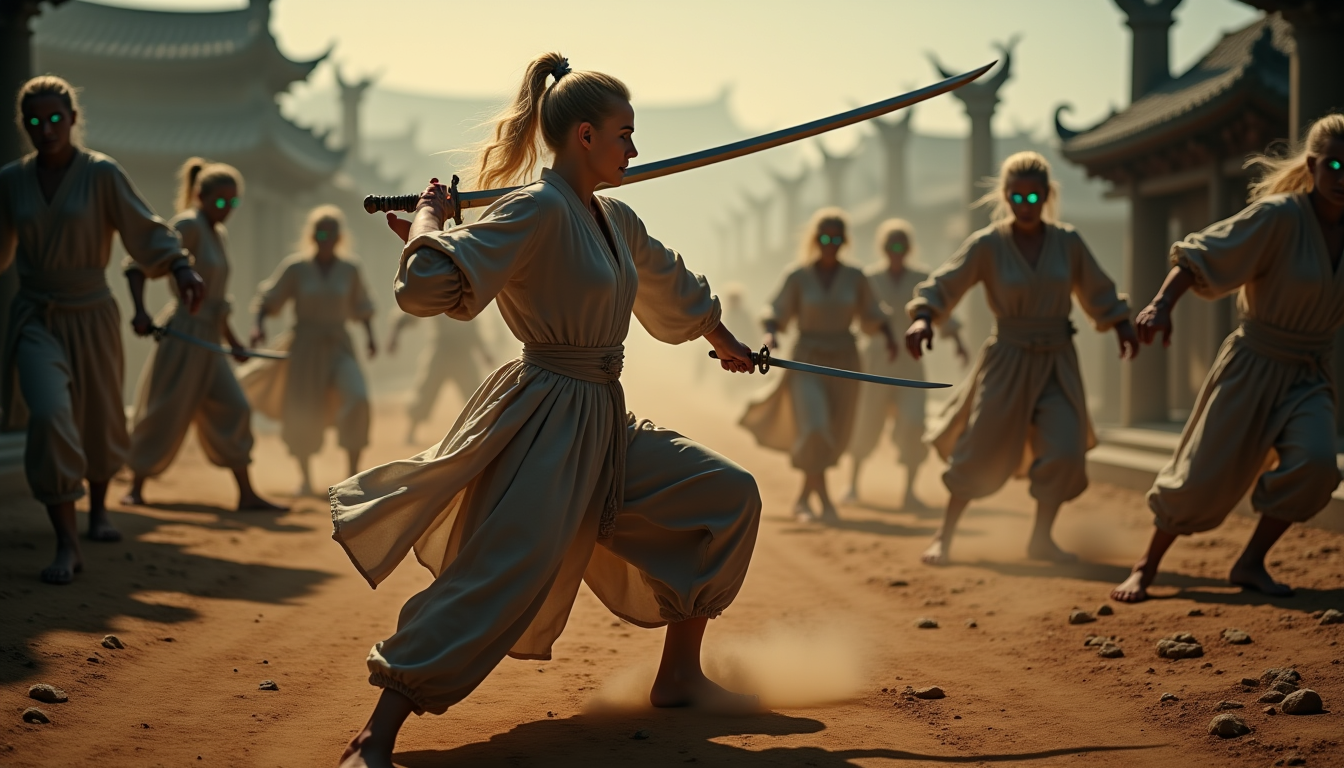
Transform your static images into dynamic, lifelike videos effortlessly with Wan 2.2 Animation Mode. Whether you're a content creator, marketer, or educator, this powerful tool enables you to produce professional-quality animations without the need for complex software or technical expertise.
Join over 200,000 active users who have created more than 400,000 videos using Wan 2.2 Animation Mode, achieving a 4.9/5 user rating.
Why Choose Pixel Dojo for Wan 2.2 animation mode guide
Professional-quality results with cutting-edge AI technology
Effortless Character Animation
Animate any character from a single image, bringing your static visuals to life with realistic movements and expressions.
Seamless Character Replacement
Replace characters in existing videos while preserving scene lighting, shadows, and color tones for natural integration.
High-Quality Output
Generate professional-quality videos at 720p resolution with smooth 24fps motion, suitable for various applications.
How It Works
Creating stunning animations with Wan 2.2 Animation Mode is a straightforward process. Follow these steps to bring your images to life:
Step 1: Upload Your Character Image
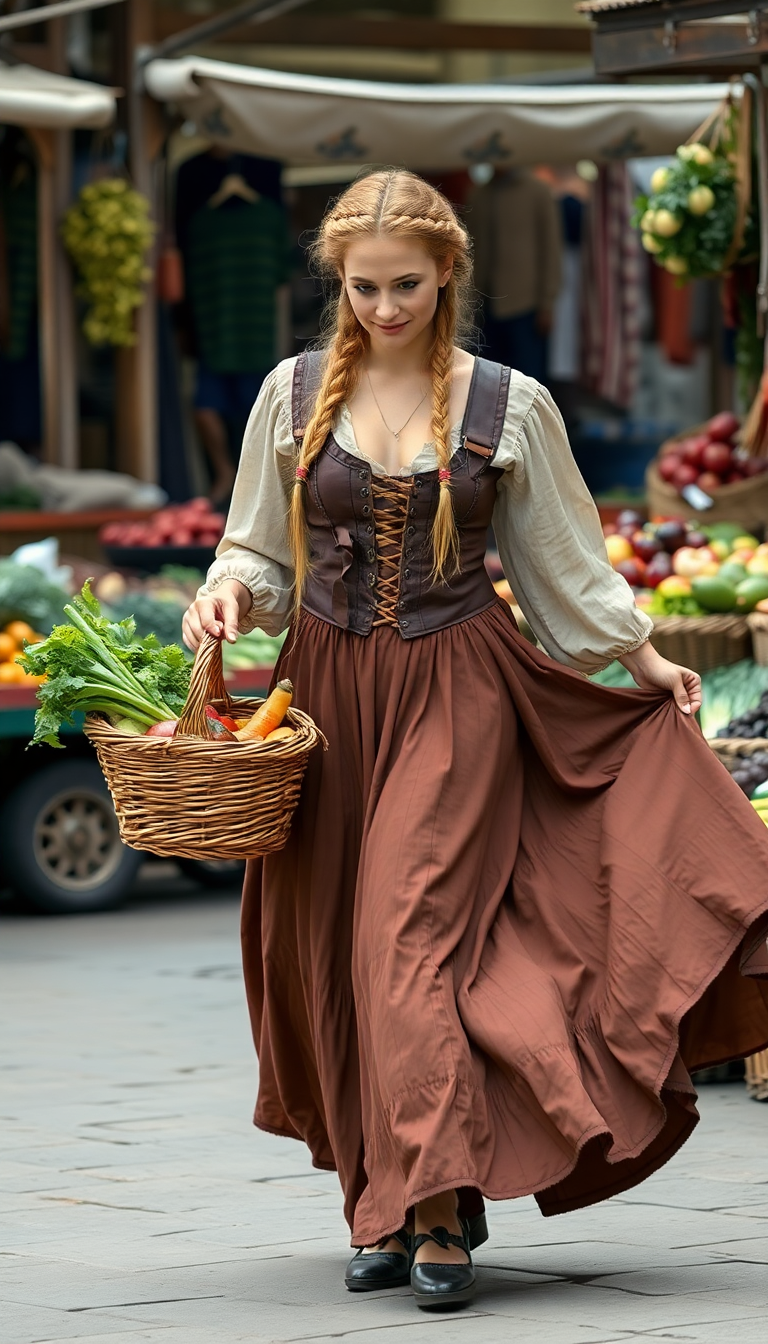
Select and upload a clear image of the character you wish to animate. Ensure the character is centered and unobstructed for optimal results.
Step 2: Provide a Reference Video
Choose a reference video that contains the desired movements and expressions. This video will guide the animation process.
Step 3: Generate and Download Your Animation
Initiate the animation process. Once completed, download your high-fidelity animated video, ready for use in your projects.
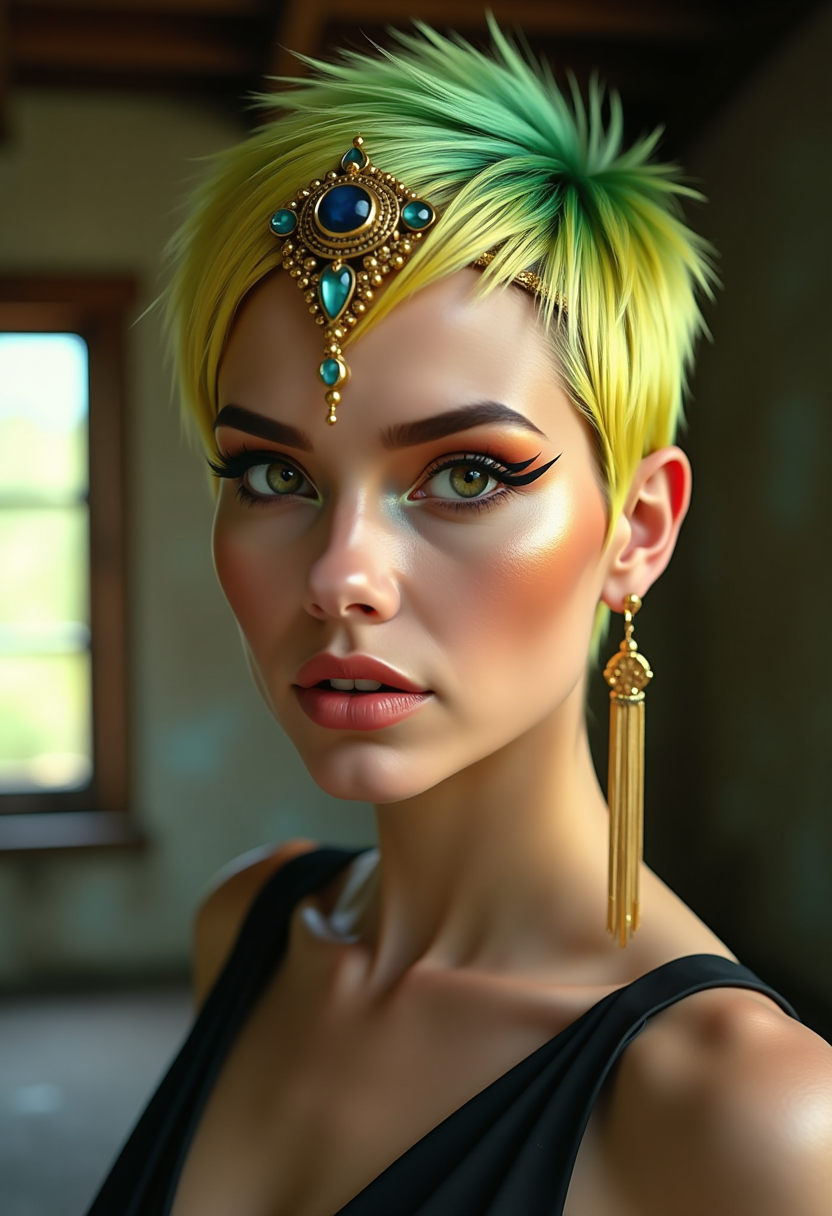

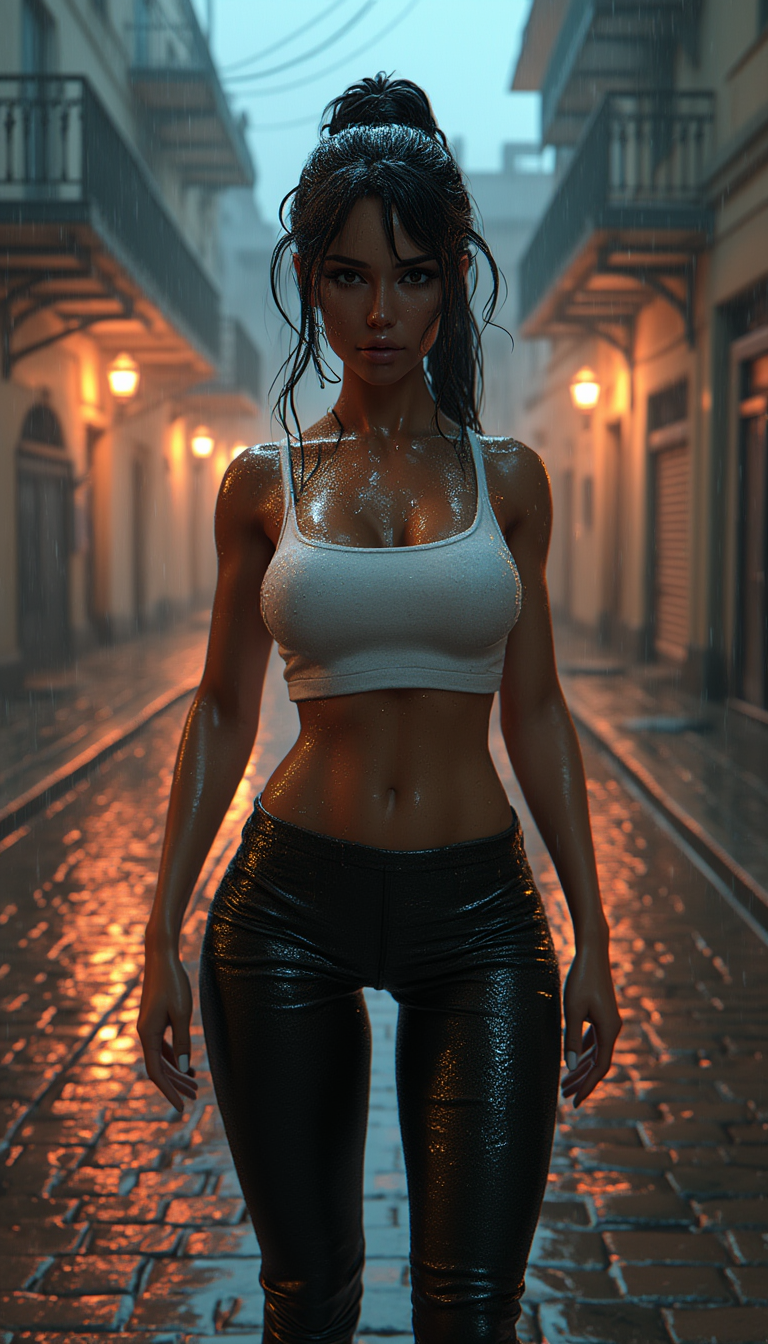
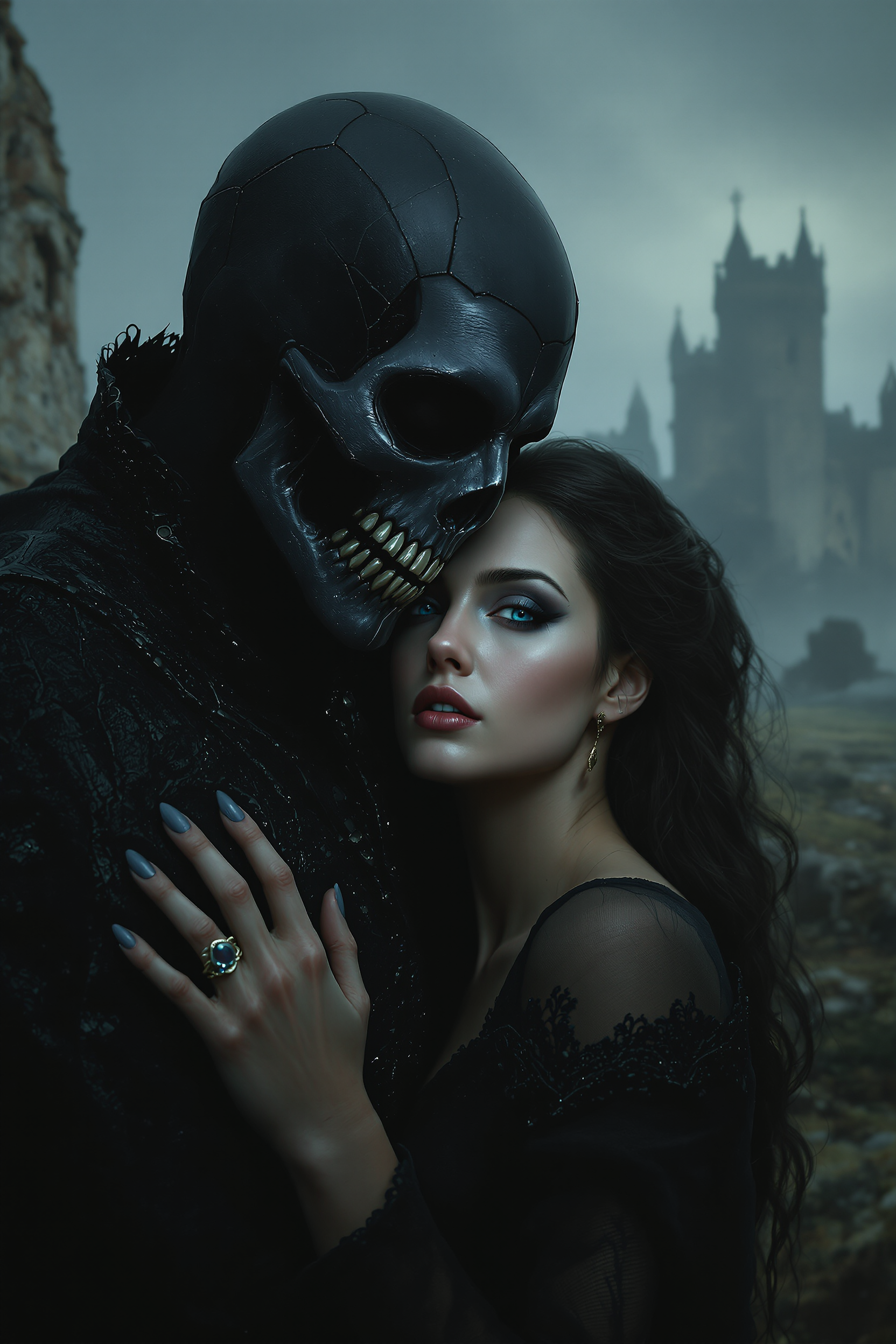
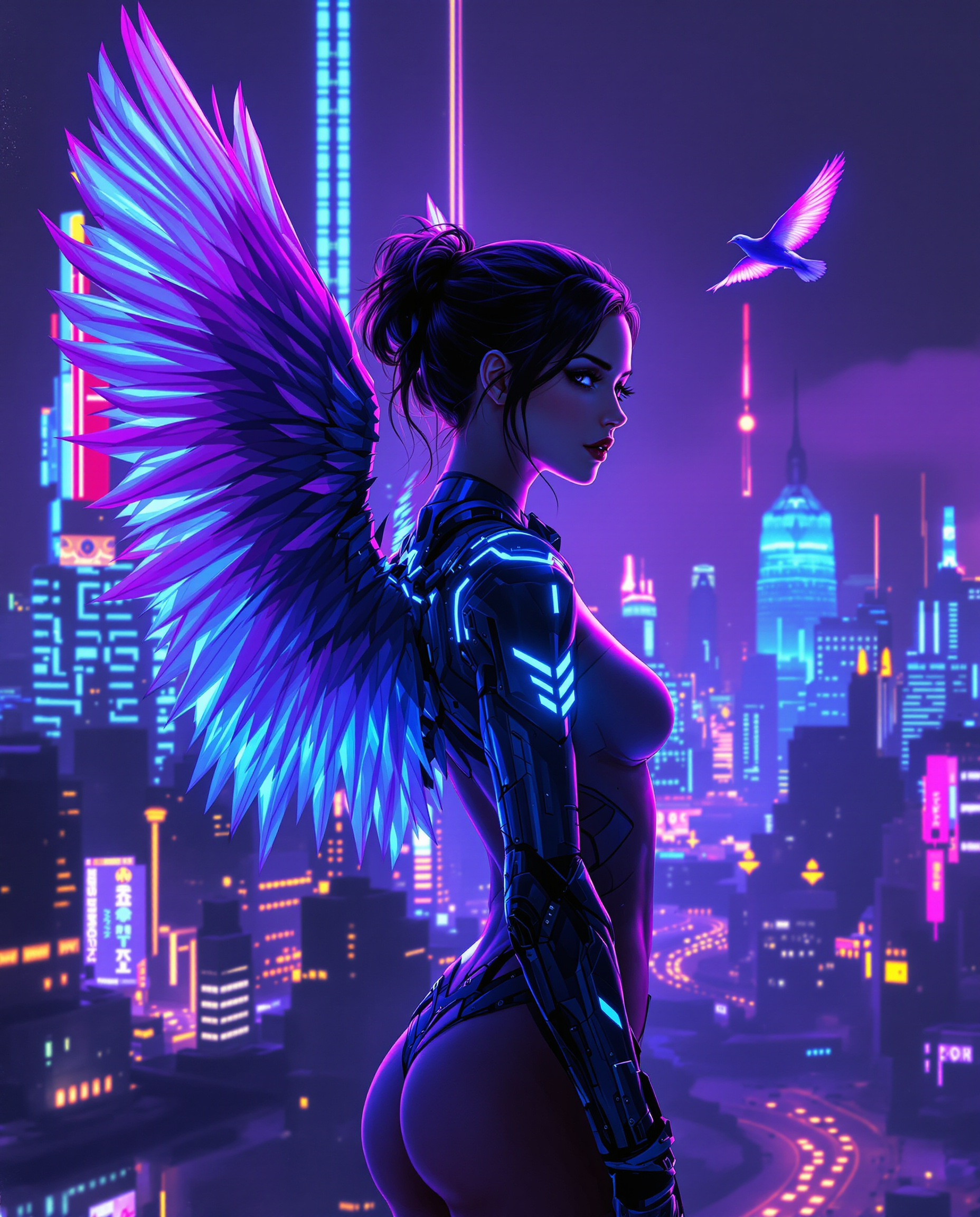
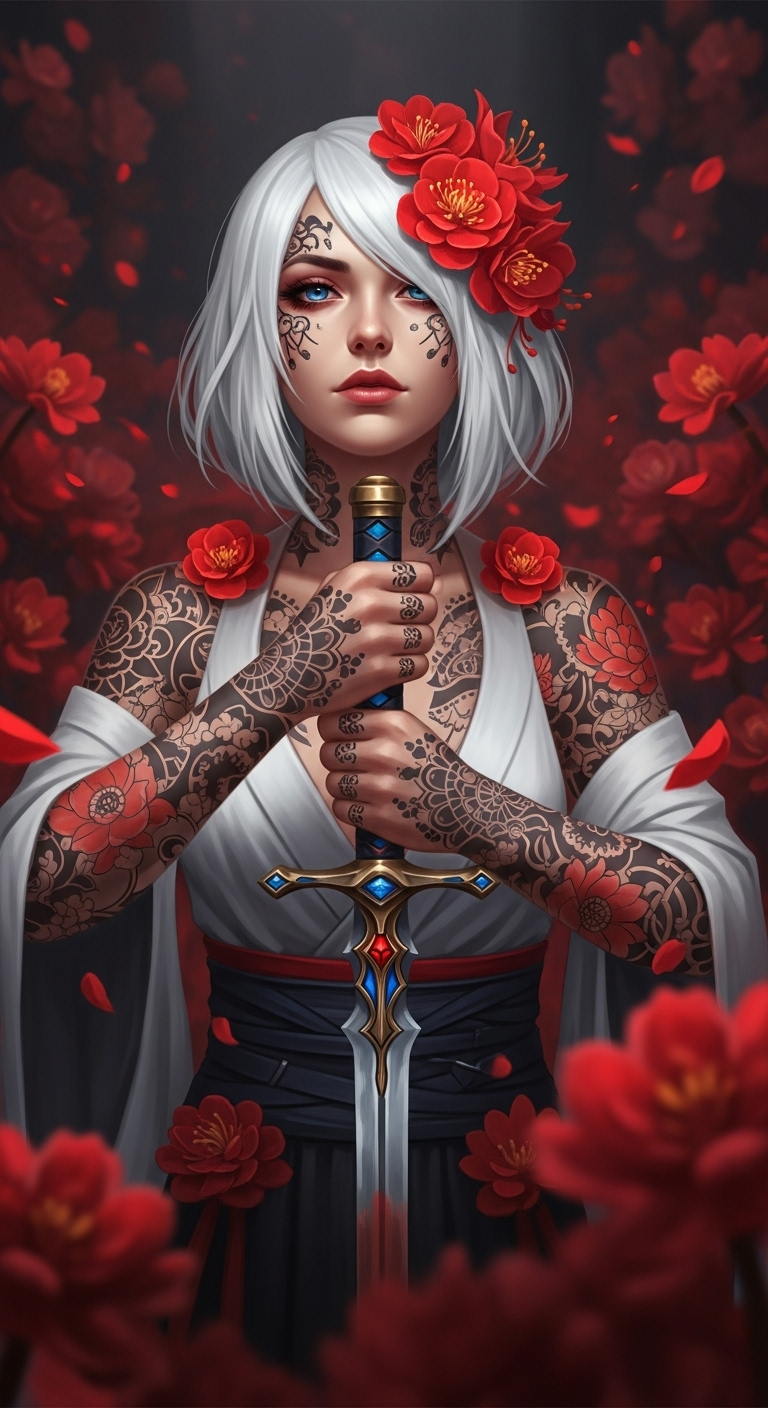
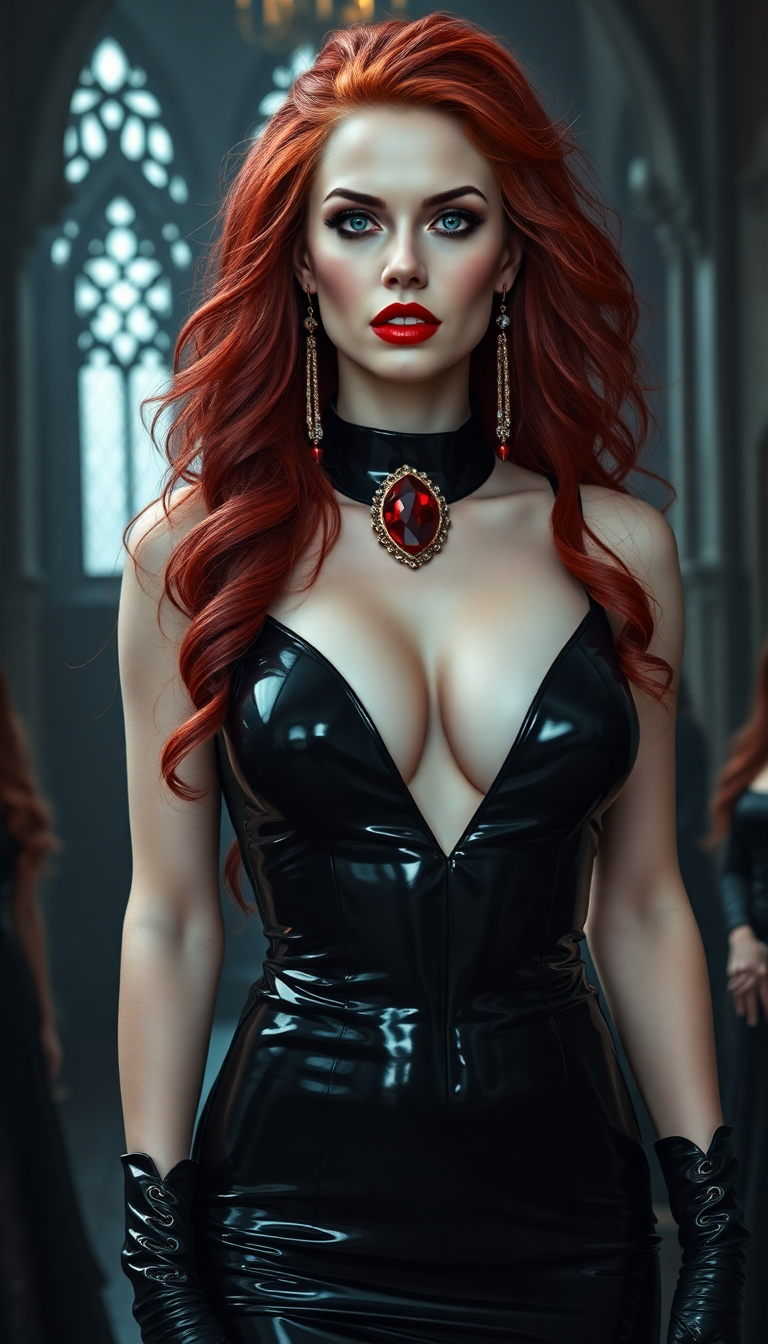
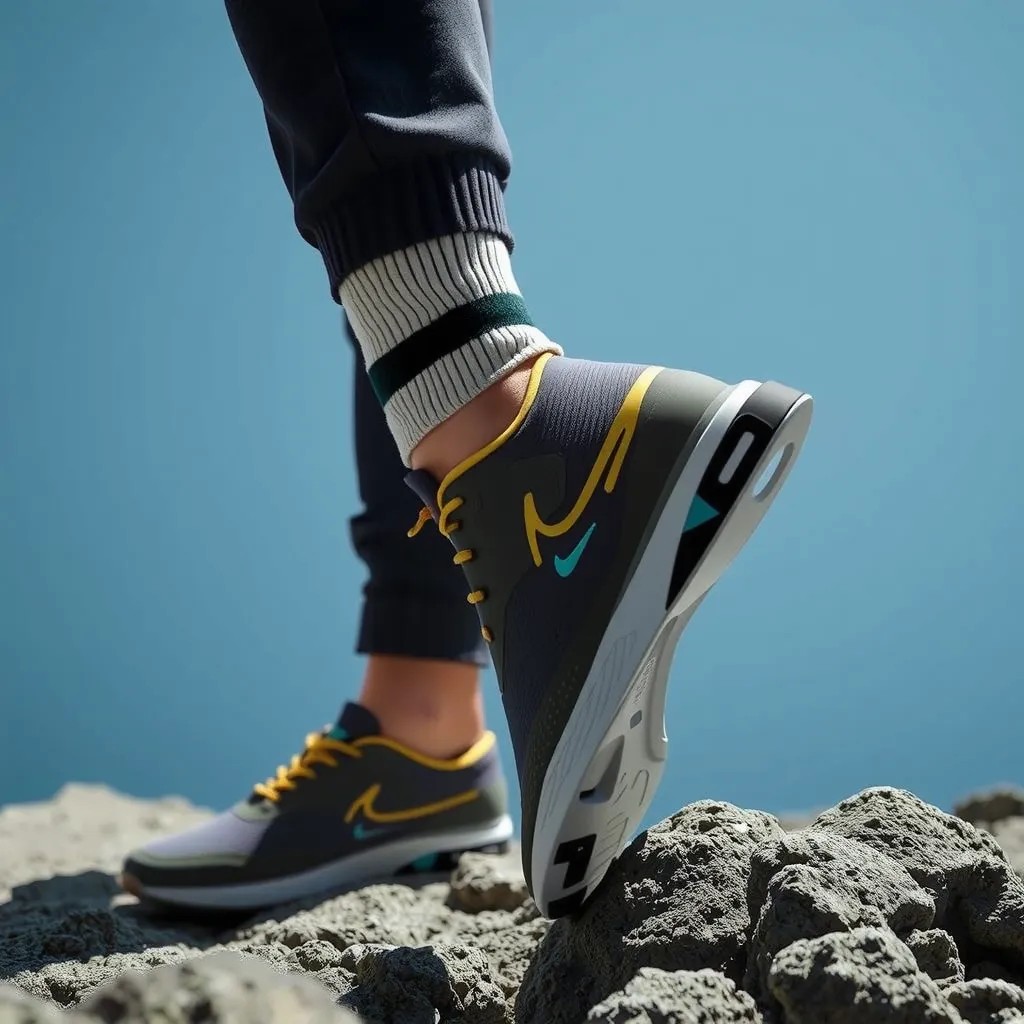
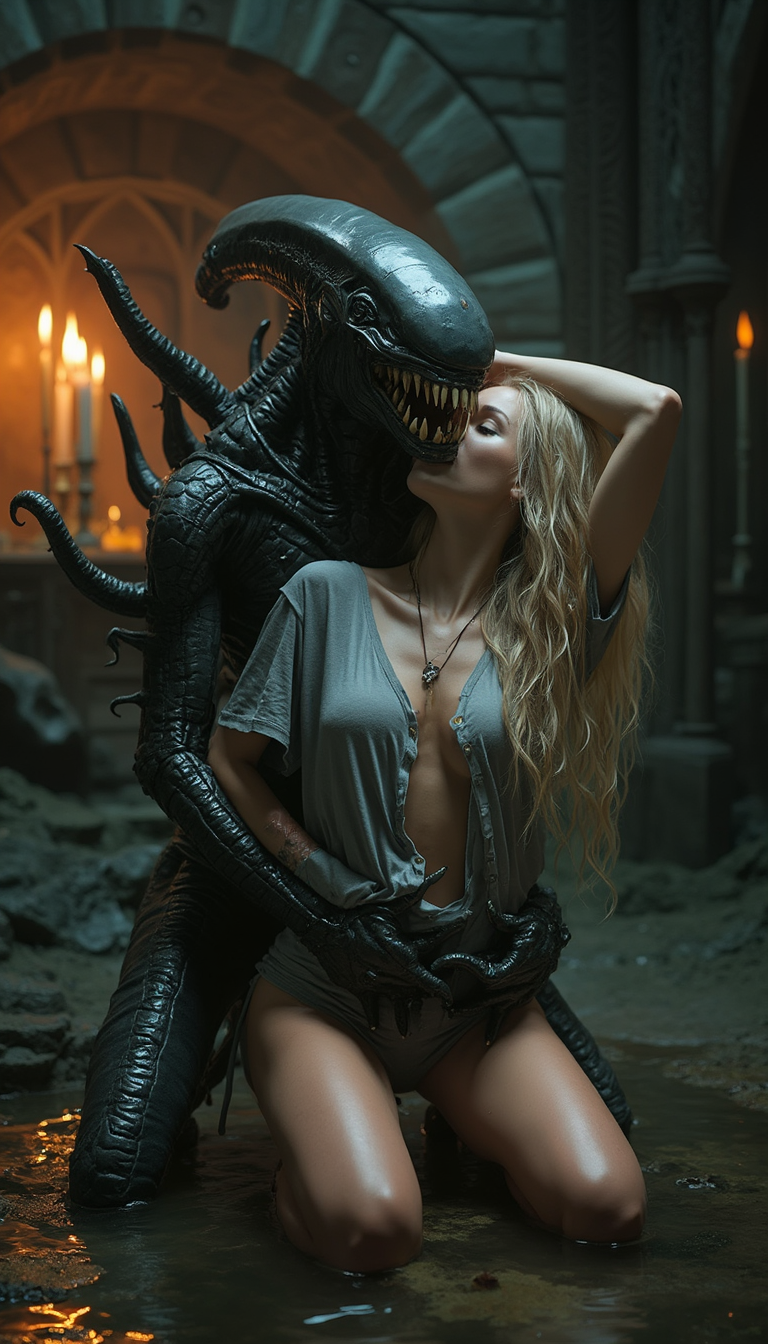
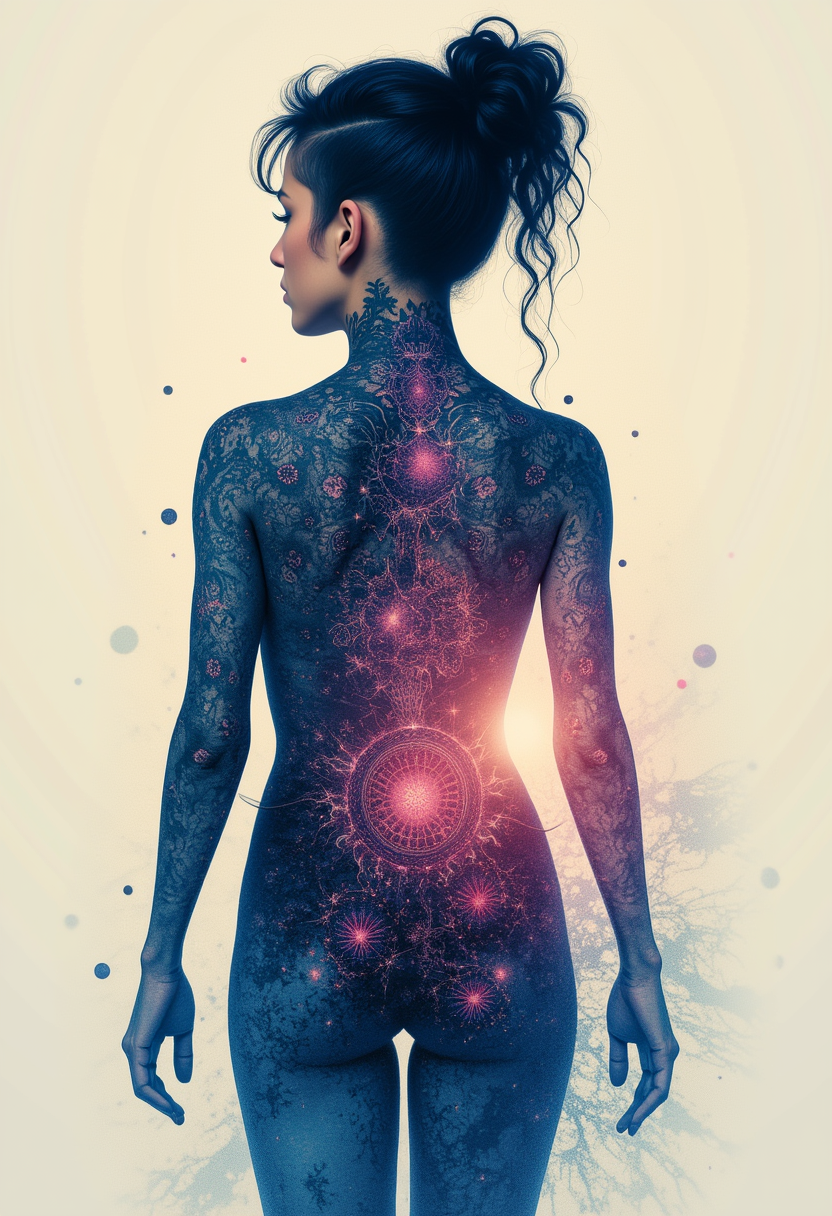
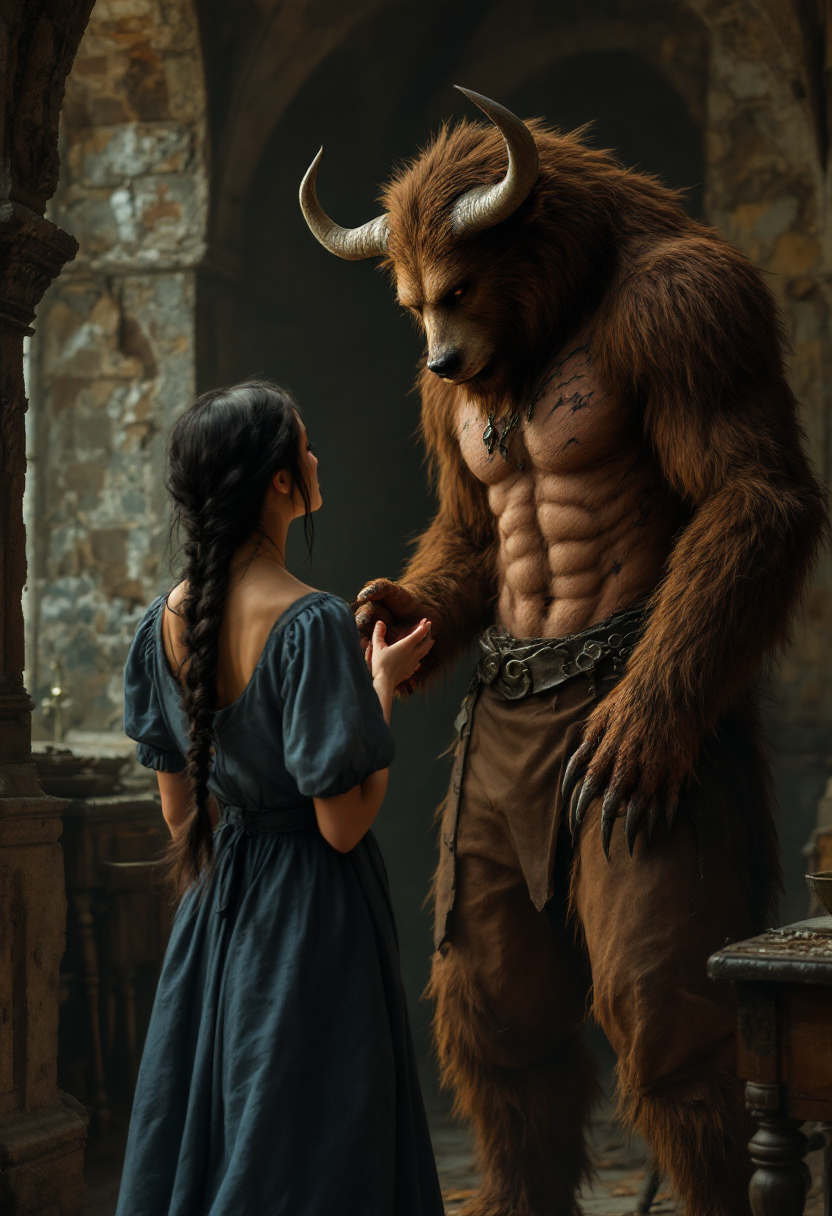
The Pixel Dojo Advantage
Why Wan 2.2 Animation Mode Outperforms Other Animation Methods
| Others | Pixel Dojo |
|---|---|
| Traditional Animation Software | Eliminates the need for complex software and technical skills, making animation accessible to everyone. |
| Manual Character Rigging | Bypasses time-consuming rigging processes, allowing for faster production of animations. |
| Generic AI Tools | Offers specialized features for character animation and replacement, ensuring higher quality and consistency. |
Loved by creators on PixelDojo
Real feedback from people using PixelDojo, pulled from our in-product surveys.
Great variety of tools to create and modify images and video.
Lots of Tools, and the one time I needed support I got help right away
Easy to use once you get the hang of it
Love it make anything I can think of so far
Great for all your ideas use it encourage more people to use it
Because it is awesome
Explore more AI tools on PixelDojo
AI Tools
Compare & Switch
- Best AI Image Generators
- Best AI Video Generators
- Midjourney Alternatives
- Civitai Alternatives
- Runway Alternatives
- Leonardo Alternatives
- Pika Alternatives
- Luma Alternatives
- Magnific Alternatives
- Veo Alternatives
- Flux Alternatives
- Freepik Alternatives
- Seedance Alternatives
- Seedream Alternatives
- Pixverse Alternatives
- GPT Image Alternatives
- Synthesia Alternatives
- Playground Alternatives
- NightCafe Alternatives
- Canva AI Alternatives
- ElevenLabs Alternatives
- ComfyUI Alternatives
- Fal Alternatives
- Replicate Alternatives
Common Questions
Everything you need to know about Wan 2.2 animation mode guide
How does Wan 2.2 Animation Mode create animations from static images?
Wan 2.2 Animation Mode uses advanced AI to analyze a static character image and a reference video, applying the video's movements and expressions to the character, resulting in a dynamic animation.
Can I use Wan 2.2 Animation Mode for commercial projects?
Yes, Wan 2.2 Animation Mode is suitable for commercial use, allowing you to create professional-quality animations for marketing, advertising, and other business applications.
What file formats are supported for input images and reference videos?
Wan 2.2 Animation Mode supports various image formats, including JPG, PNG, and BMP, and video formats such as MP4, AVI, and MOV.
Is there a limit to the length of the reference video I can use?
For optimal performance, it's recommended to use reference videos that are between 2 to 10 seconds long. Longer videos may increase processing time.
How long does it take to process an animation?
Processing time depends on the length and complexity of the reference video. Typically, a 5-second animation takes approximately 6-10 minutes to process.
Do I need any prior animation experience to use Wan 2.2 Animation Mode?
No, Wan 2.2 Animation Mode is designed to be user-friendly, allowing individuals without prior animation experience to create professional-quality animations easily.